Documents
Key figures in a document
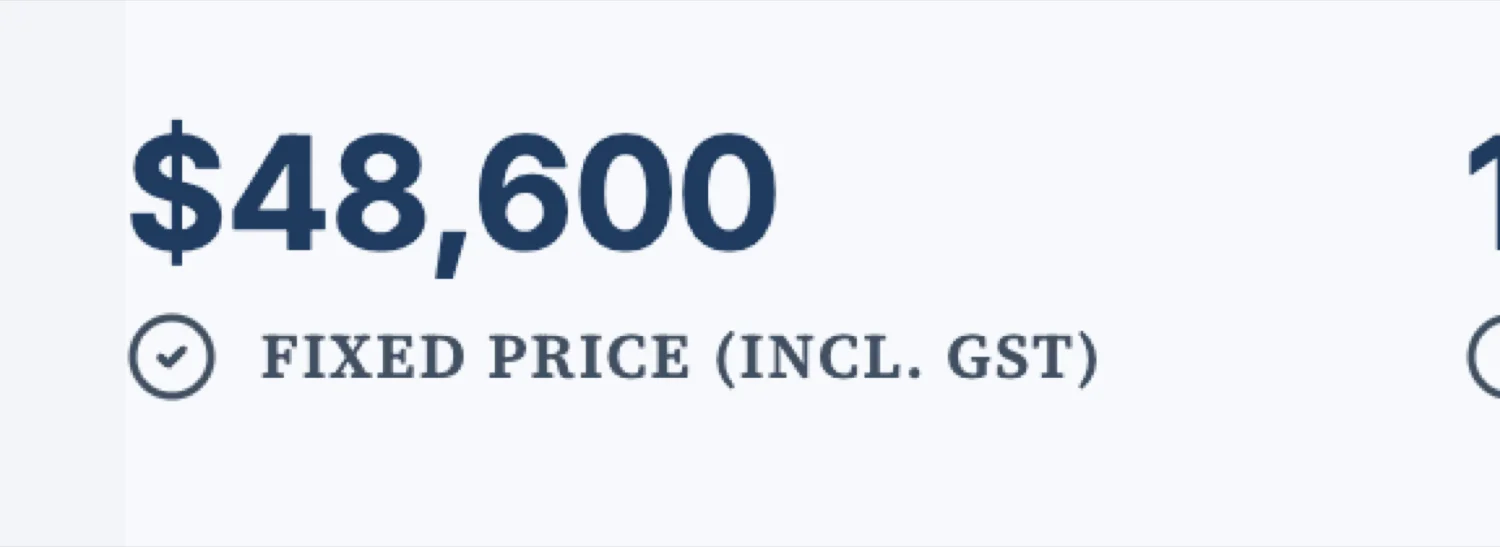
Some information is looked up rather than read: the price, the duration, the invoice number, who to contact. Burying those in a paragraph makes a reader hunt. A key values block puts them where the eye goes first.
Four layouts, four jobs
The stats layout sets two to four numbers across the page, big, and is what you want under a summary. Rows stack label and value pairs down the page, which suits contact details or document metadata. Card puts one set in a panel. Cards puts several panels in a grid. Choosing wrongly is the usual reason this block looks cluttered.
Three numbers, not seven
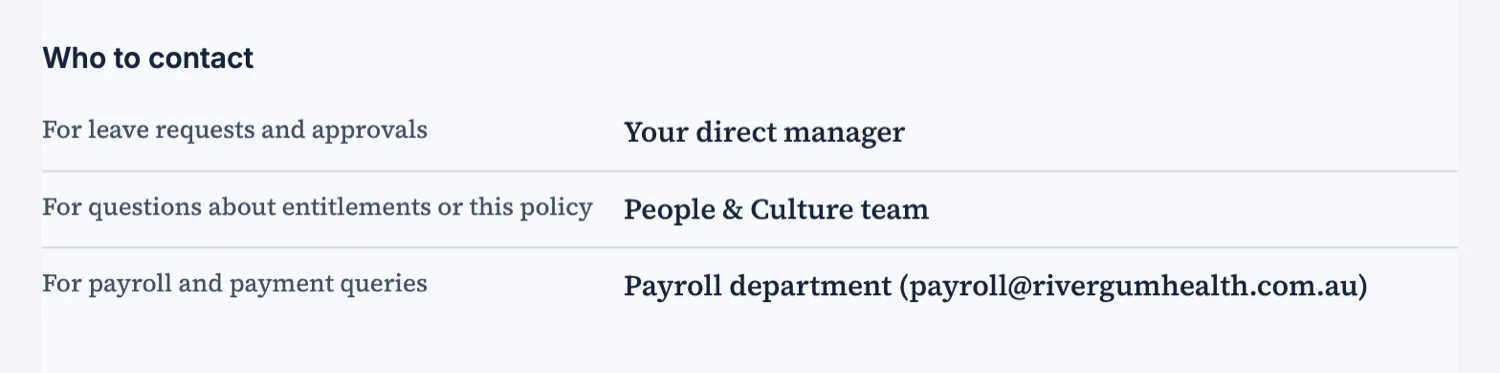
A figures strip works because a reader takes all of it in at once. Two or three is ideal, four is the limit. Seven numbers across a page is a table pretending to be a headline, and the reader reads none of them. If you have seven, pick the three that decide something and put the rest in a table.
The label is the sales copy
The number gets attention and the label does the work. "Fixed price" reassures where "Total" does not. "Valid until" tells somebody to act where "Expiry" is administrative. Write the labels last, when you know which three numbers you kept, and write them for the reader rather than for your own filing.
Rows for the things people look up
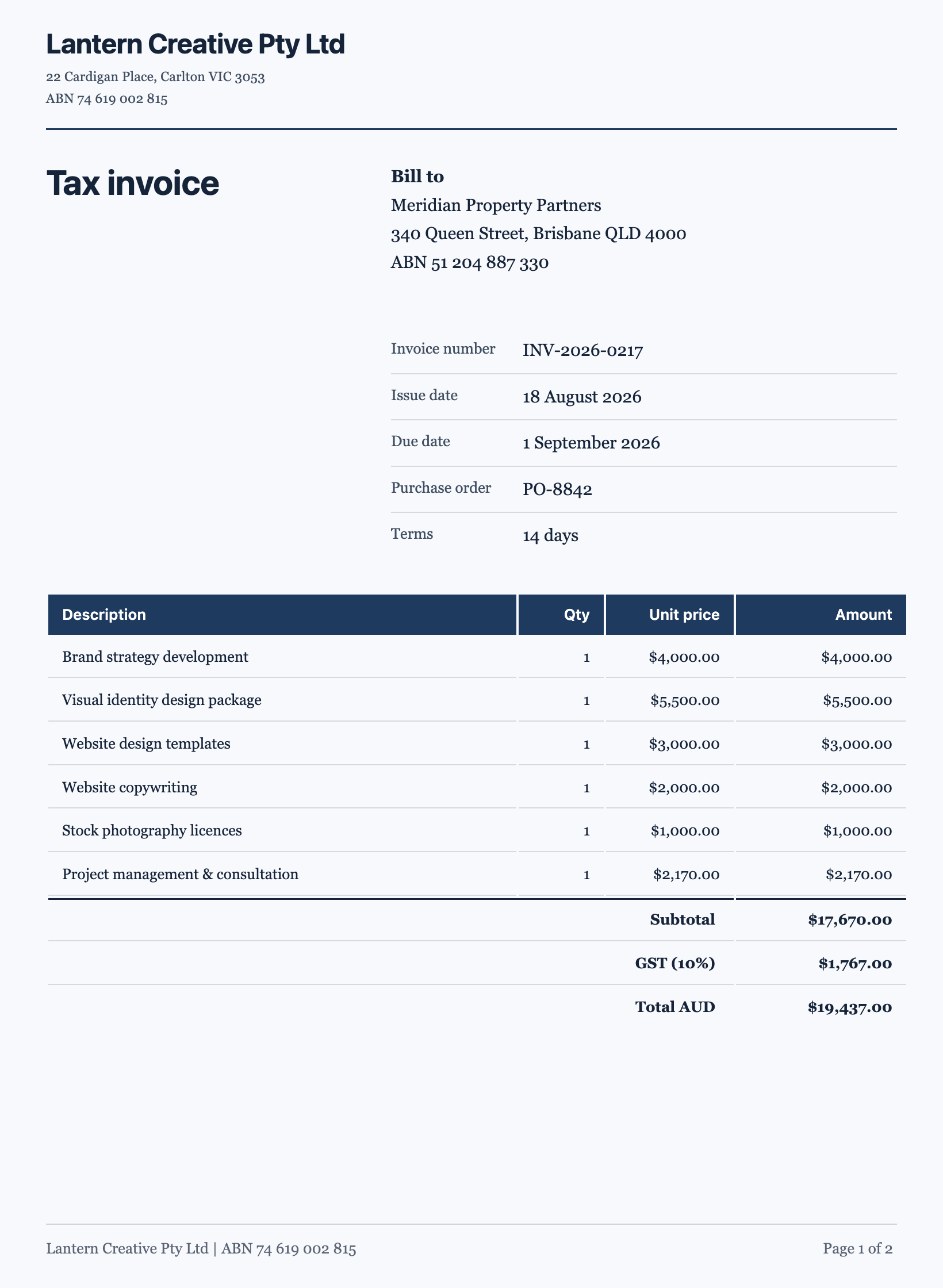
Invoice number, issue date, due date, purchase order, terms. Nobody reads those, they find them, and the rows layout is built for finding: a fixed order, the label quiet on the left, the value emphatic on the right. Putting the same information in a sentence is how invoices get paid late.
Put the strip near the top
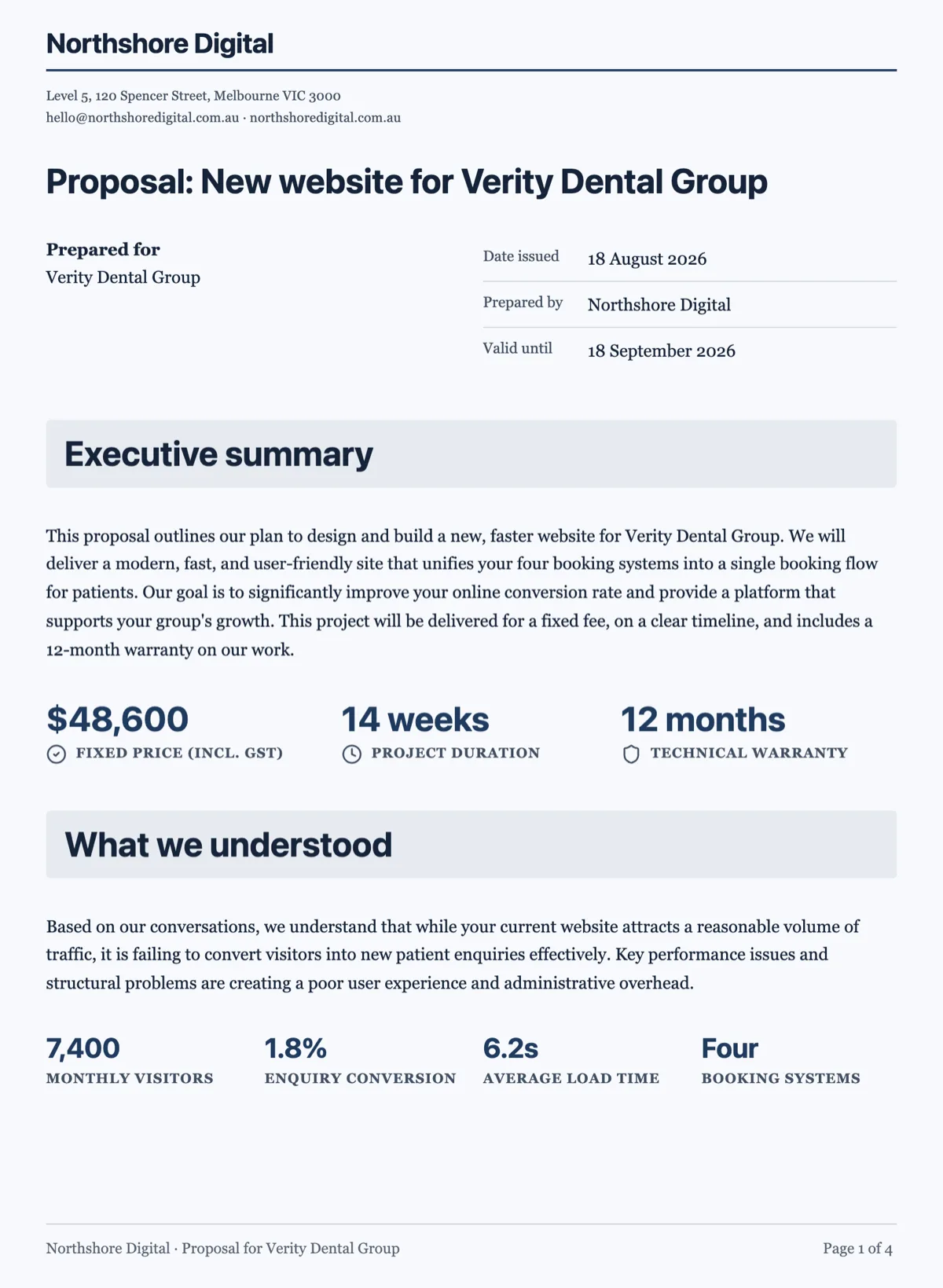
The value of a figures strip comes from being read before the prose, not after it. Under the summary on page one is where it works, because a reader deciding whether to keep reading gets the three facts that decide it. The same block at the end of a document is a summary nobody reaches, and a client who has to hunt for the price will assume you buried it deliberately.
How it works, in three steps
Step 1
Decide what is looked up rather than read
That set belongs in this block. Everything else stays in the prose.
Step 2
Pick the layout for the job
Stats for headline numbers, rows for metadata, cards when each item needs its own panel.
Step 3
Write the labels for the reader
Fixed price, not total. Valid until, not expiry.
The full walkthrough with screenshots is in the guide Every document component and when to use it.
Limits worth knowing
- Four layouts: stats, rows, card and cards.
- Values are text you write, not calculations.
- A figures strip past four items stops being scannable.
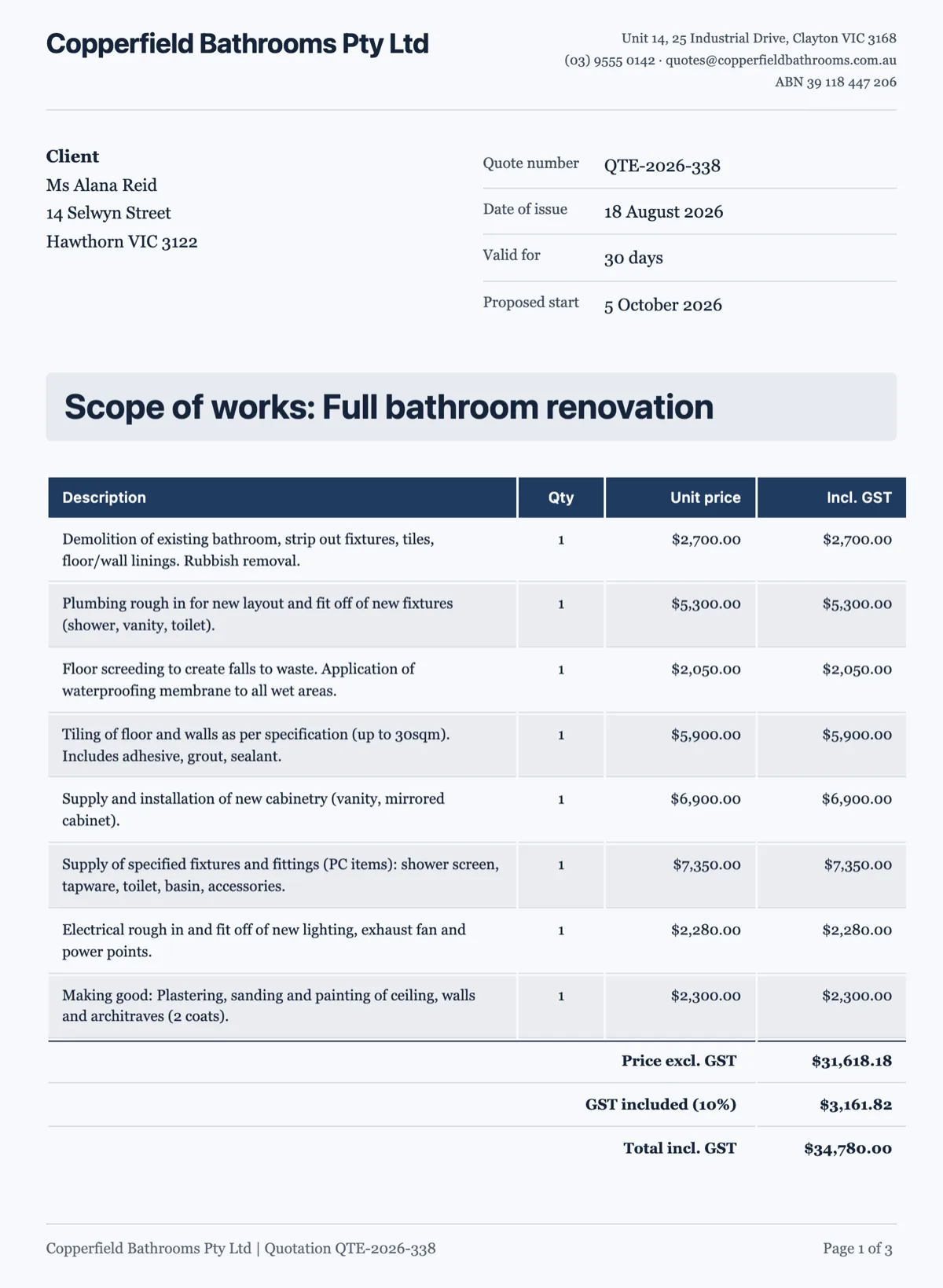
See it on a finished piece
Questions people ask
How many numbers should a figures strip carry?
Two or three, four at the outside. It works because the reader takes it in at a glance.
What is the difference between this and a table?
A table is for values a reader compares. This is for values a reader looks up or is meant to notice.
Can it calculate a total?
No. You write the values, the block presents them.
Make your own document
The button opens the generator with this use case already described. Change the wording to match yours, generate, then edit anything you like.
Create a document with OneCraftRelated pages
Timeline in a document
A schedule buried in a paragraph is a schedule nobody checks. A timeline block takes the phases and their dates and lays them out in order, which is the one thing a client looks for in a proposal.
Formal vs plain document tone
Register is not a style setting applied at the end. It is decided before a word is written, and it changes the structure, the blocks and the colours as much as the sentences.
Callout box in a document
A callout is the sentence a reader cannot afford to skim past, lifted out of the paragraph and marked. It works because it is rare, which is why the interesting question is when not to use one.
More finished work of this kind is on the document examples hub.
Written and checked by the OneCraft team. Last checked .