Documents
Document cover page
A cover is a separate designed sheet before the content, and it is added only to documents a reader would expect to open on one. There are seven layouts, and the choice says as much as the words on it.
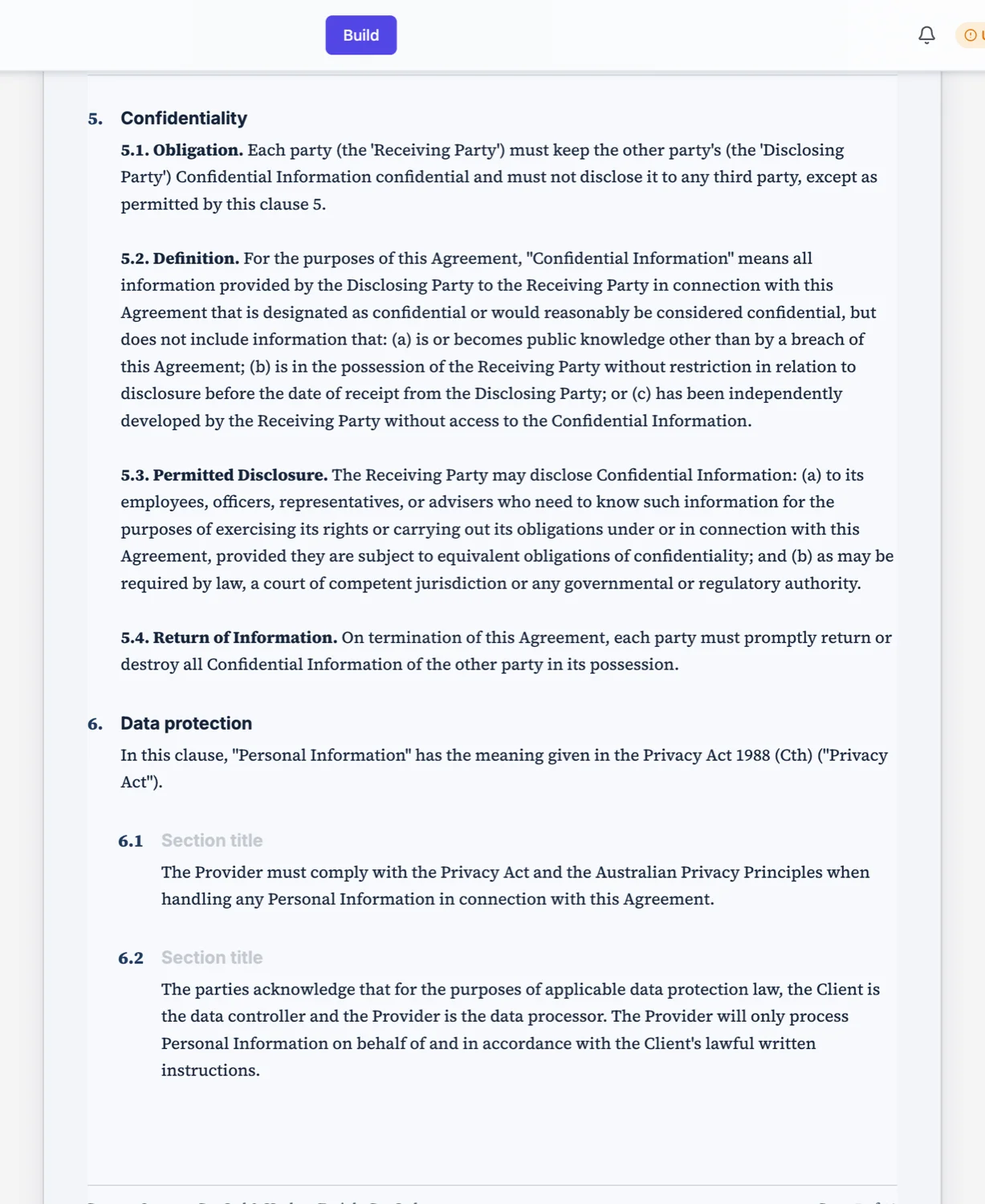
The seven layouts
Contract is centred and sober, with a rule above the title and the parties underneath. Document is the plain default. Executive is weighted for a report. Masthead runs the organisation across the top like a publication. Overlay puts the title over a full bleed image. Panel splits the sheet into a coloured block and a text block. Spine runs a band down one edge. Pick by what the document is, not by what looks nicest on its own.
The five pieces of text
An eyebrow naming the kind of document, the title, a subtitle saying what it covers or who issued it, a date line as it should print, and a prepared-by line. Every one of them is optional and omitting one is better than padding it. A cover with an invented author line is worse than a cover without one.
Which documents should not have one
An invoice, a receipt, a letter, a resume, a certificate and anything under about three pages open on their own content. A cover on a one page invoice doubles its length and delays the only thing the reader wants, which is the amount and the due date. Reports, white papers, proposals, manuals, handbooks and policies are the ones that earn a cover.
The first page does not repeat the title
When a cover is present the first content page opens straight into the first section or the contents list. It never carries a second title block, and it is never a page of front matter on its own. If your document does that, delete the duplicate heading rather than removing the cover.
Which register gets which cover
The classifier decides, and it has a written rule. A cover goes on a document a reader expects to open on one: a report, white paper, proposal, manual, handbook or policy. It never goes on an invoice, a receipt, a letter, a resume or a certificate, and never on any document under three pages, because those open on their own content and a cover would just be a page the reader has to turn. That is the answer to why a short proposal comes back without one.
The cover carries the title, so the first page does not
When there is a cover, the first content page opens straight on the first section, or on the contents list when the document is long enough to have one. There is never a second title page and never a page of front matter on its own. Without a cover the first page opens with the title block, a heading plus one line of subtitle or a strip of key facts, and then goes immediately into real content.
How it works, in three steps
Step 1
Decide whether it needs one
Three pages and up, and a document a reader would file rather than act on.
Step 2
Pick the layout for the document type
Contract for agreements, executive for reports, masthead for anything periodical, overlay when you have a real photograph.
Step 3
Fill only the lines you can fill honestly
Leave the prepared-by line empty rather than inventing an author.
The full walkthrough with screenshots is in the guide Add a cover page to your document.
Limits worth knowing
- Seven cover layouts, applied to the whole document rather than per section.
- The overlay layout needs an image to be worth using.
- A cover adds a page, which matters on anything short.
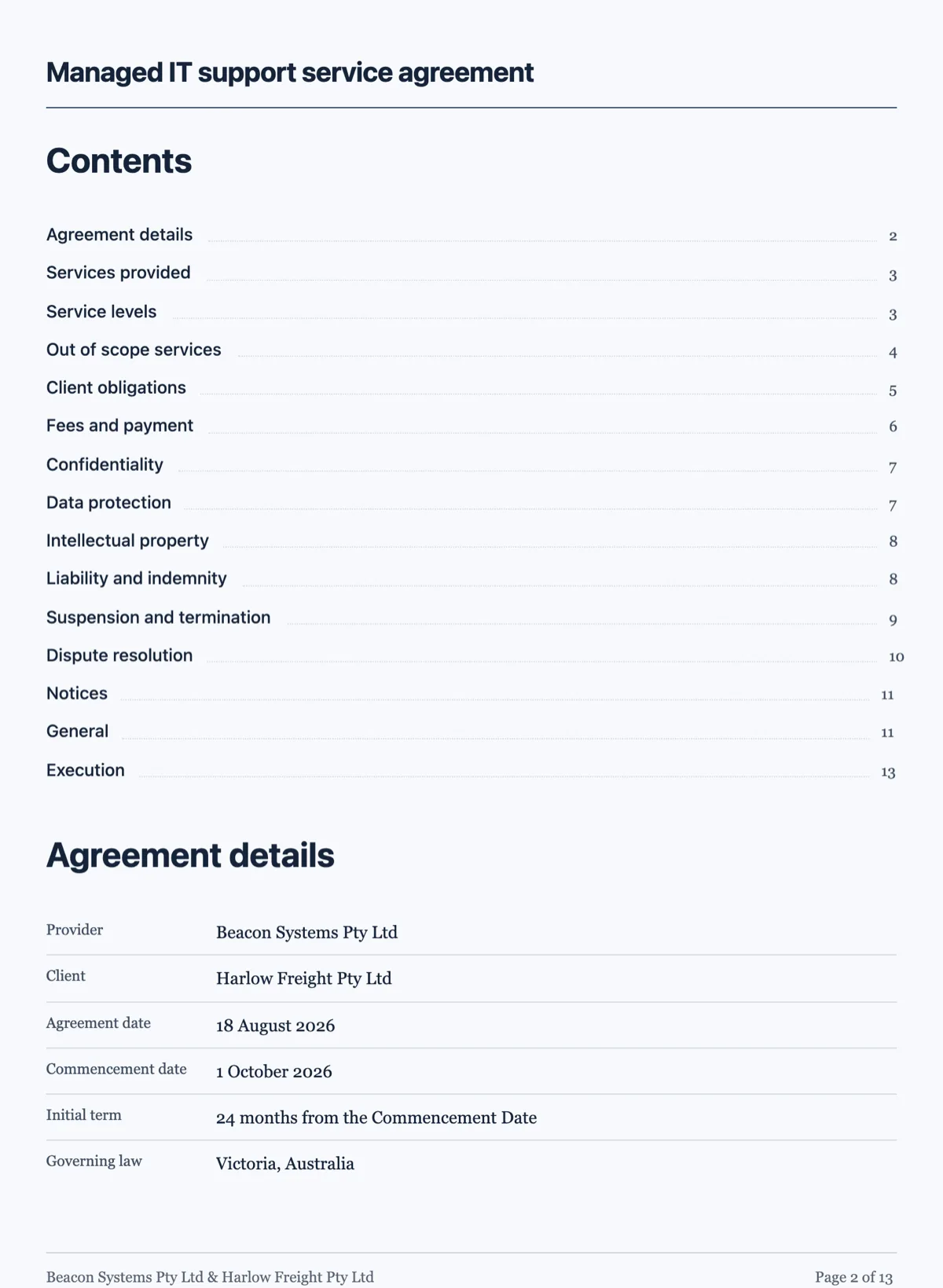
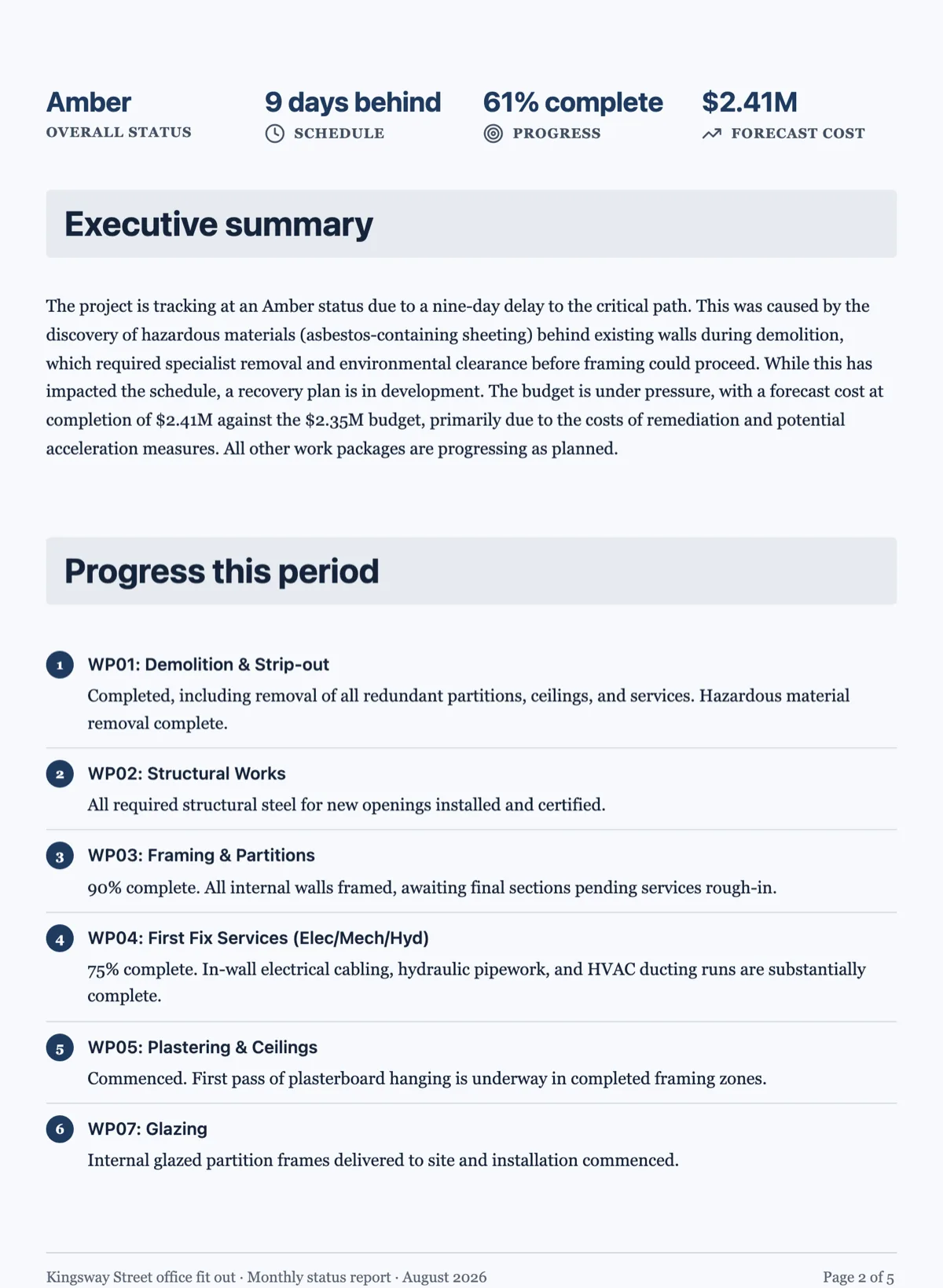
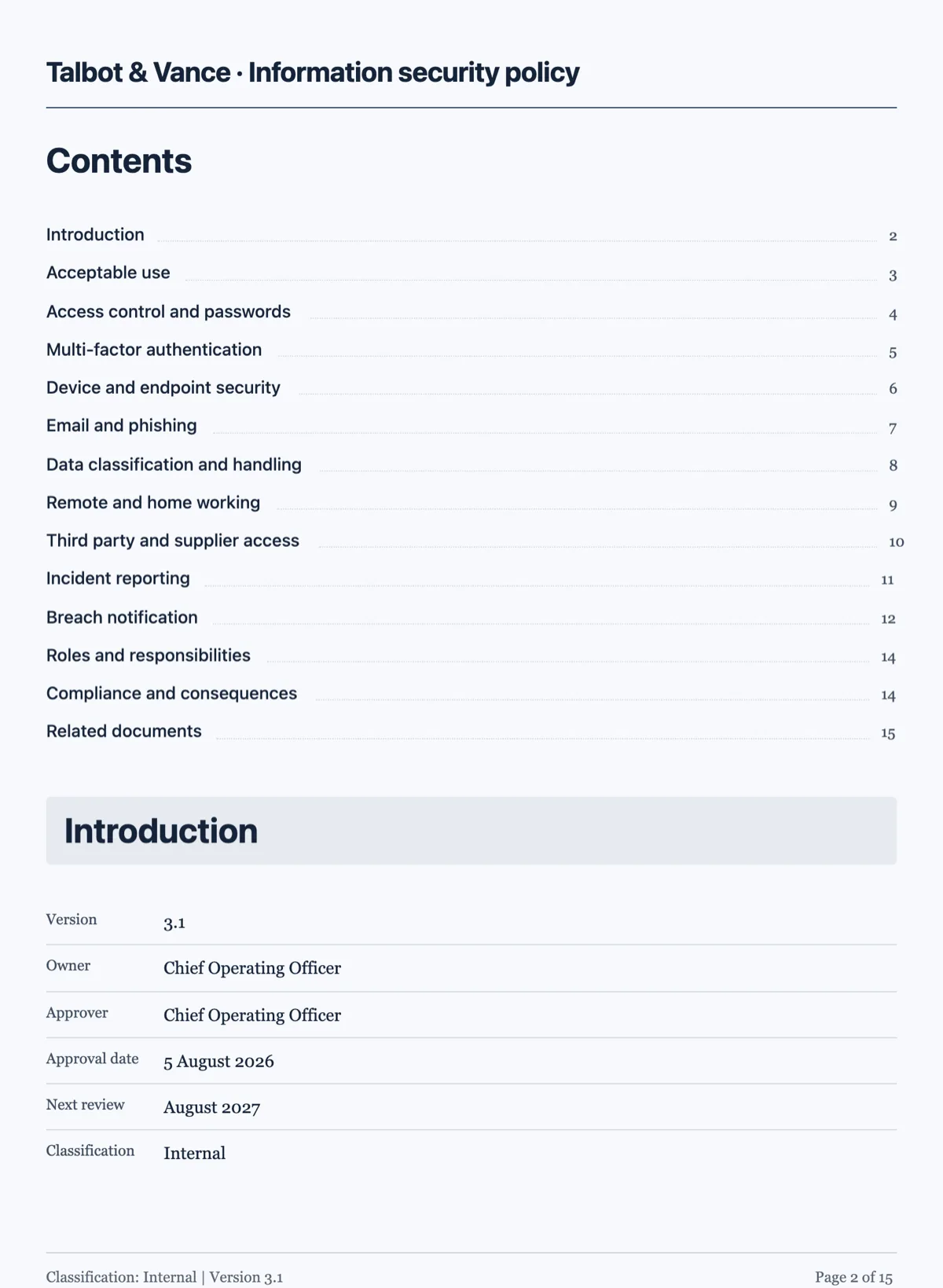
See it on a finished piece
Questions people ask
How many cover layouts are there?
Seven: contract, document, executive, masthead, overlay, panel and spine. They differ in where the title sits and how much of the page the theme colour takes, so the choice is about the register of the document rather than about taste. A contract cover is quiet and the masthead is loud, and the generator picks the one that matches what it classified the document as.
Should an invoice have a cover page?
No, and it will not get one. Invoices, receipts, letters, resumes and certificates open on their own content, because the reader came for a number or a decision and a cover only delays it. The rule is written into the classifier rather than left to the model, so an invoice never comes back with a title page in front of it.
Can I turn the cover off later?
Yes, it is a property of the document rather than a page you have to delete, and the content pages reflow without it. Turning it off moves the title block onto the first content page, so nothing is lost: the document opens with a heading and a line of subtitle instead of a full sheet.
Why did my two page proposal get no cover?
Because nothing under three pages gets one. A cover on a two page document spends a third of the document on a page that says nothing, and the rule is written into the classifier rather than left to taste. If you want the cover, the document has to be long enough to earn it: give the prompt more to say and it will be.
What text can the cover carry?
Five pieces, all optional except the title: an eyebrow naming the kind of document, the title, a subtitle saying what it covers or who issued it, a date line as it should print, and a prepared by line at the foot. The prepared by line is only filled when the sender is known, because inventing an issuing organisation is worse than leaving it out.
Make your own document
The button opens the generator with this use case already described. Change the wording to match yours, generate, then edit anything you like.
Create a document with OneCraftRelated pages
AI images in a document
Most documents need fewer pictures than people put in them, and the ones that earn their place are specific. Describing the figure you want beats searching for a photograph that nearly fits.
Charts in a document
A chart earns its place when the shape of the data is the point. Six types are available, they take the document theme colours, and the honest advice is that most documents need fewer charts than they contain.
Custom document theme
When none of the ten presets is your brand, you have two routes: describe the look in a sentence and let it generate one, or set the colour tokens yourself. Most people should start with the first.
More finished work of this kind is on the document examples hub.
Written and checked by the OneCraft team. Last checked .