Documents
One page documents
The failure mode of a one page document is a page that is two thirds full. It is treated as a composed page rather than a short document, which means the blocks are sized to use the height they have.
Composed, not short: blocks sized to the height
A document classified as a single page is laid out to fill the sheet rather than written until it runs out. Rows can carry a weight instead of a height, and weighted rows share out whatever vertical space is left in proportion to their weights. An empty weighted row is a spacer, so a title near the top, content in the middle and a footer at the very bottom is three blocks with weighted gaps between them, and equal weights above and below a block centre it. That is how a certificate ends up balanced on the page instead of clustered at the top with an empty third underneath.
No furniture
A composed page gets no cover, no running header and no contents list. Those exist to help a reader navigate, and there is nothing to navigate. The page carries its own title and its own content, and anything else is dilution.
What suits it
Certificates, invitations, title pages, single page capability statements, one page summaries and anything that will be printed and pinned up or handed over. If a document has more than about four real sections it is not a one pager, and forcing it into one produces small type nobody reads.
Write less, not smaller
When a one pager does not fit, the fix is cutting content rather than shrinking type. A certificate needs a name, an achievement, a date and an authority. A capability statement needs what you do, three proofs and how to reach you. Everything else is a second document.
The one open defect
A paragraph asked to centre itself is currently ignored by the renderer, which is why a one page certificate can come back with its text left aligned and an empty bottom third. Until that is fixed, write around it: put the words that have to sit in the middle of the page inside a block that centres properly, and use weighted spacers to place them rather than relying on the paragraph alignment.
How it works, in three steps
Step 1
Say it is one page
Name the kind of document, a certificate, an invitation, a one pager, and the classification follows.
Step 2
Give it four things at most
A one page document holds a handful of real elements. Decide which ones before you generate.
Step 3
Check the balance, not the word count
Look at the whole page. If the bottom third is empty, add a block rather than more words.
The full walkthrough with screenshots is in the guide Create a document with AI.
Limits worth knowing
- A composed page carries no cover, running header or contents list.
- If the content genuinely needs two pages it will use two pages.
- Print margins are set by the document, so leave room if it will be trimmed or framed.
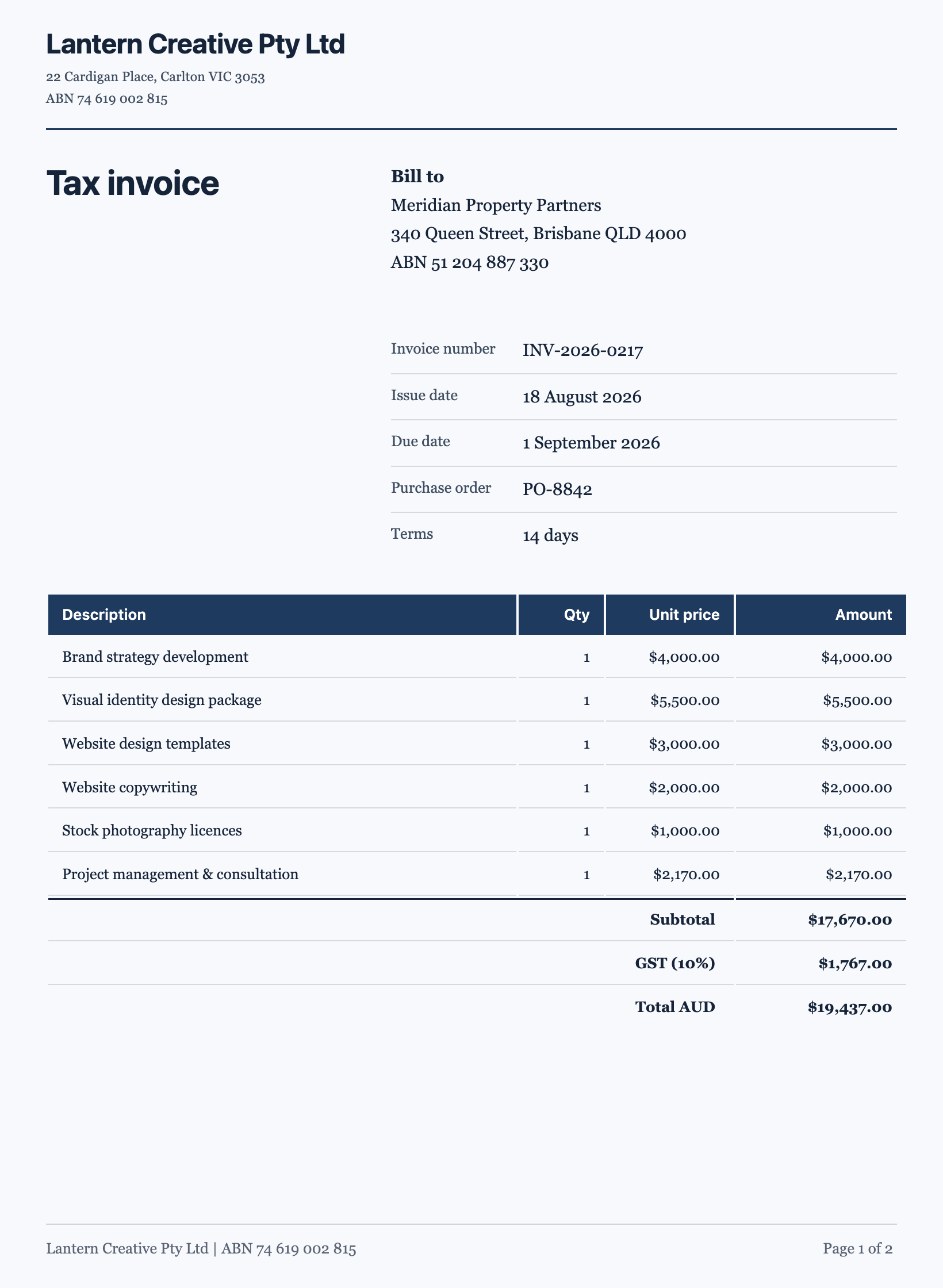
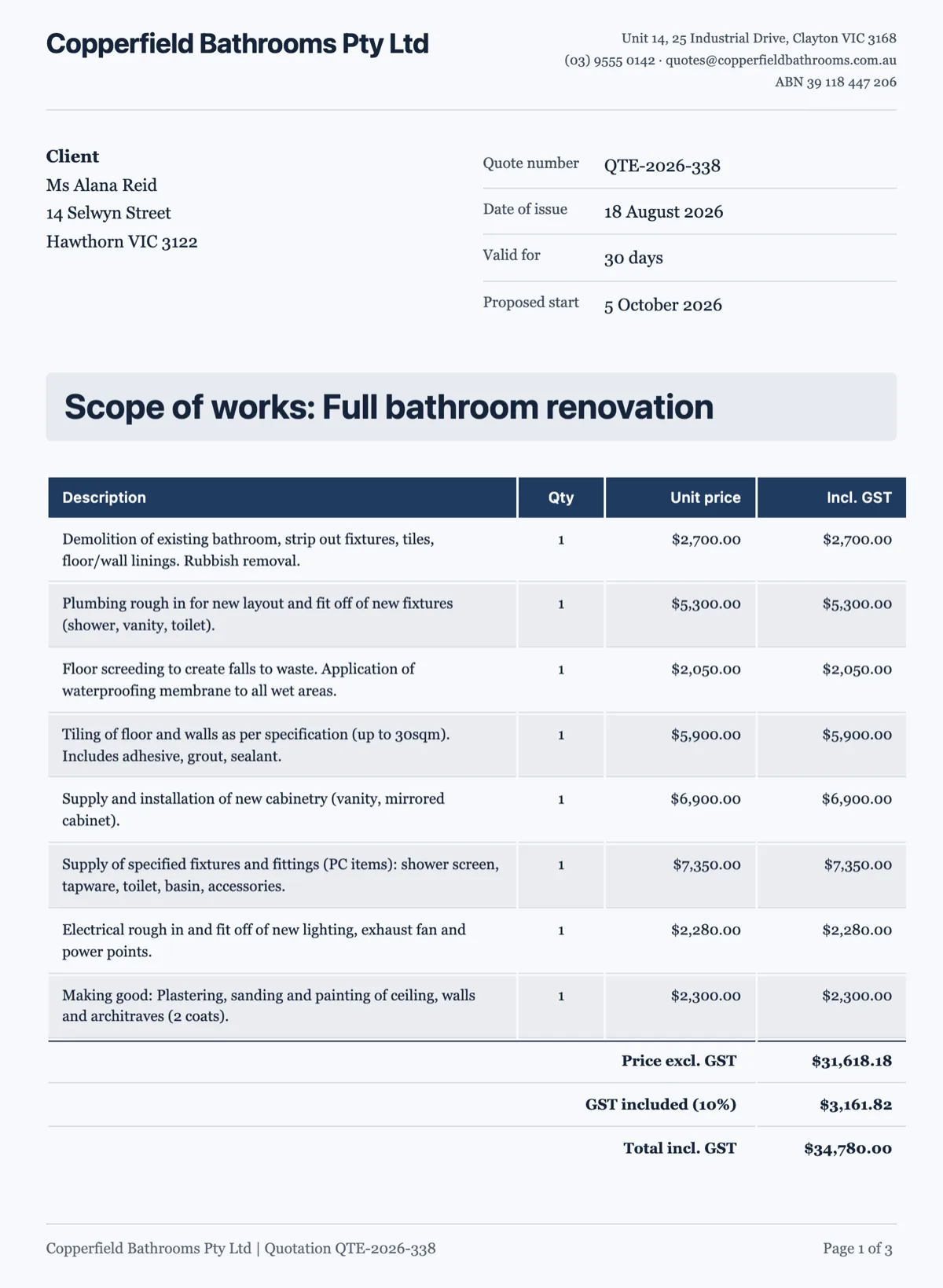
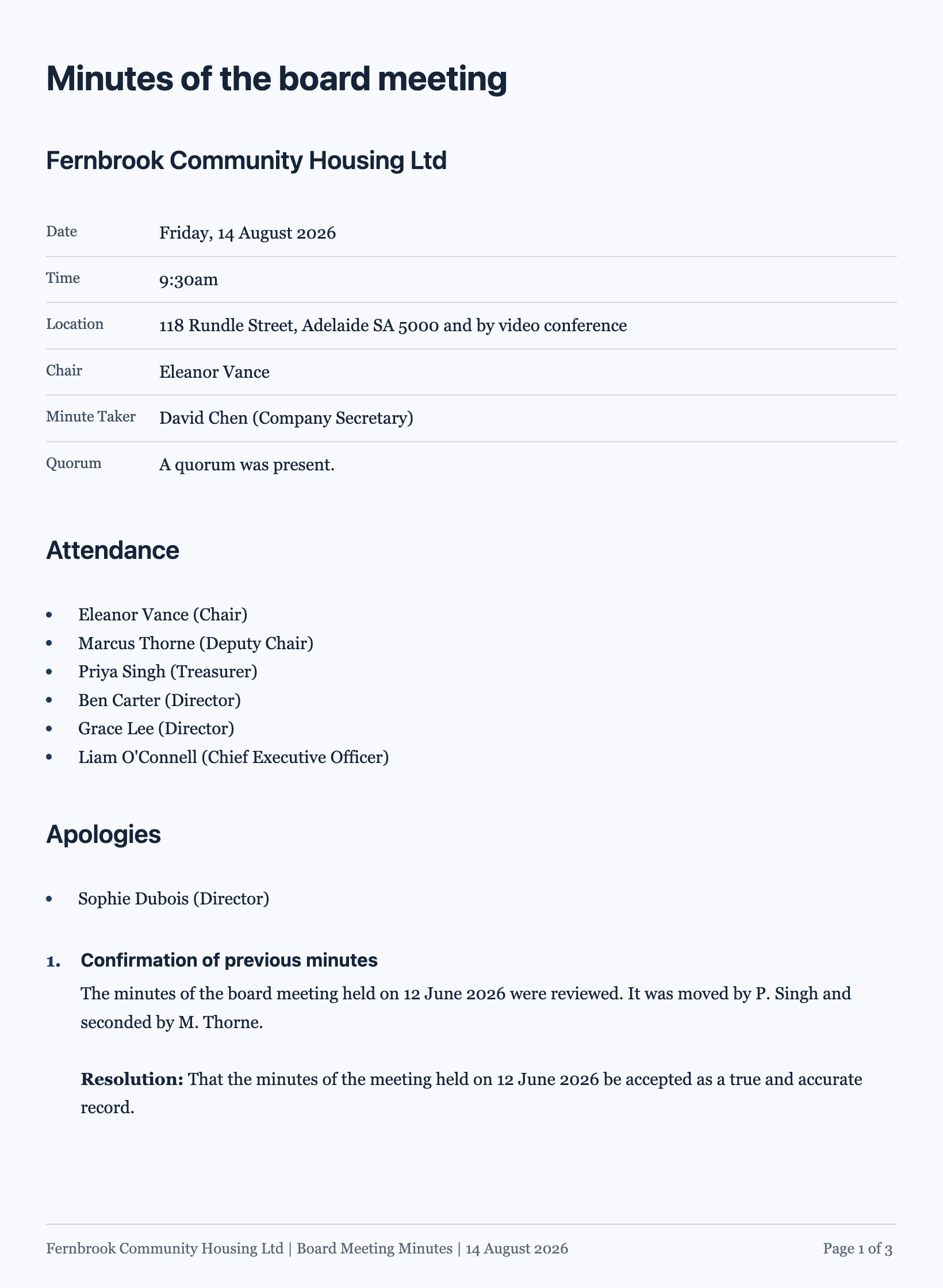
See it on a finished piece
Questions people ask
Why does my one page document have empty space at the bottom?
Usually one of two things. Either the content genuinely does not fill the page and no weighted spacer was used to distribute what is there, or you have hit the open defect where a centred paragraph is ignored, which leaves the text at the top and the bottom third empty. Weighted rows are the fix for the first and the workaround for the second.
Can I put a certificate border on it?
The page furniture available is the block set, so a border comes from a block that draws one rather than from a page setting. In practice a tinted panel holding the whole content does the job and keeps the text inside the safe area of the page, which a hairline border at the paper edge does not.
Will it print exactly as it looks?
Yes. The export is rendered by the same layout engine that draws it on screen, so a composed page lands in the PDF with its weighted rows resolved exactly as you see them. Check it at full size before you send it, because a composed page is the one place where a single long line changes the whole balance.
Can I lock it to one page?
Say it is a one page document in the prompt and the classifier will usually treat it as composed, but there is no switch that forces it. The reliable lever is how much you ask for: a page holds about four hundred words with room to breathe, and a brief that names six sections will not come back as one page however you phrase it.
Why is there no letterhead on my one pager?
A letterhead only prints when the document speaks for a sender: a letter, an invoice, a quote, a receipt or a statement. A certificate, an invitation or a title page has no sender in that sense, so the band is left off rather than filled with an invented address. If you need your details on it, put them in a block of their own.
Make your own document
The button opens the generator with this use case already described. Change the wording to match yours, generate, then edit anything you like.
Create a document with OneCraftRelated pages
Key figures in a document
Some information is looked up rather than read: the price, the duration, the invoice number, who to contact. Burying those in a paragraph makes a reader hunt. A key values block puts them where the eye goes first.
AI form builder
You type a sentence about the form you need. What comes back is not a wireframe or a list of suggestions, it is a finished form with its fields chosen, labelled, ordered and marked required or optional, ready to publish on a link.
Forms with a table for line items
Some answers repeat. Three work references, five line items, two vehicles. A table field asks for them in named columns instead of you copying the same field five times down the page.
More finished work of this kind is on the document examples hub.
Written and checked by the OneCraft team. Last checked .