Documents
Control page breaks in a document
Most page break problems fix themselves, because the engine already refuses to strand a heading or split something that would fit a page whole. The rest are fixed with one block, deliberately placed.
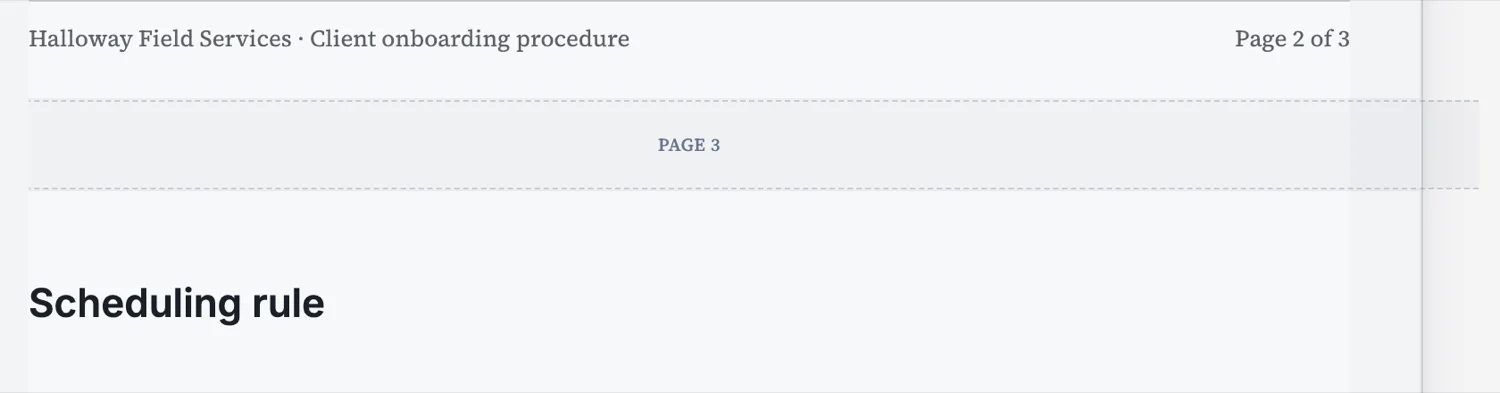
What happens without you
A component is split across a break only when it cannot fit a page whole, so a table or a paragraph that would fit moves down rather than being cut. A heading stays at the bottom of a page only if about three lines of the block underneath can come with it, and otherwise moves to the next page with its content. Leading dividers and spaces at the top of a page are stripped.
Short pages get filled
If a page ends up with more than about a fifth of it empty, the engine pulls the head of the next page’s first breakable block up to fill it. That is why a document generated here does not have the half empty pages you get from a tool that only ever pushes content down. It never pulls content across a break you placed yourself.
When to force one
Three cases. A section that should always start on a fresh page, such as each chapter of a handbook. A signature block that must sit with the clause it executes. And an appendix or schedule that has to be separable, because somebody will detach it. Everywhere else, forcing breaks fights the engine and produces gaps when the content changes.
Fix the cause, not the symptom
If a break lands badly, look at the block above it before adding anything. A heading with no content under it, a stray spacer, or a table that is one row too tall are the usual causes, and all three are better fixed at the source. A forced break papers over the problem and reappears as a gap the next time you edit.
How it works, in three steps
Step 1
Read the pages before you intervene
Most breaks are already right, because headings stay with their content and short pages are filled.
Step 2
Force a break only where it must be structural
A chapter start, a signature that must stay with its clause, a detachable schedule.
Step 3
Fix the block above first
A stranded heading or a stray spacer causes more bad breaks than pagination does.
The full walkthrough with screenshots is in the guide Lay out a document exactly how you want it.
Limits worth knowing
- A forced page break is a block in the flow, so it moves if you add content above it.
- The engine never pulls content across a break you placed.
- Anything genuinely taller than a page is split rather than scaled down.
See it on a finished piece
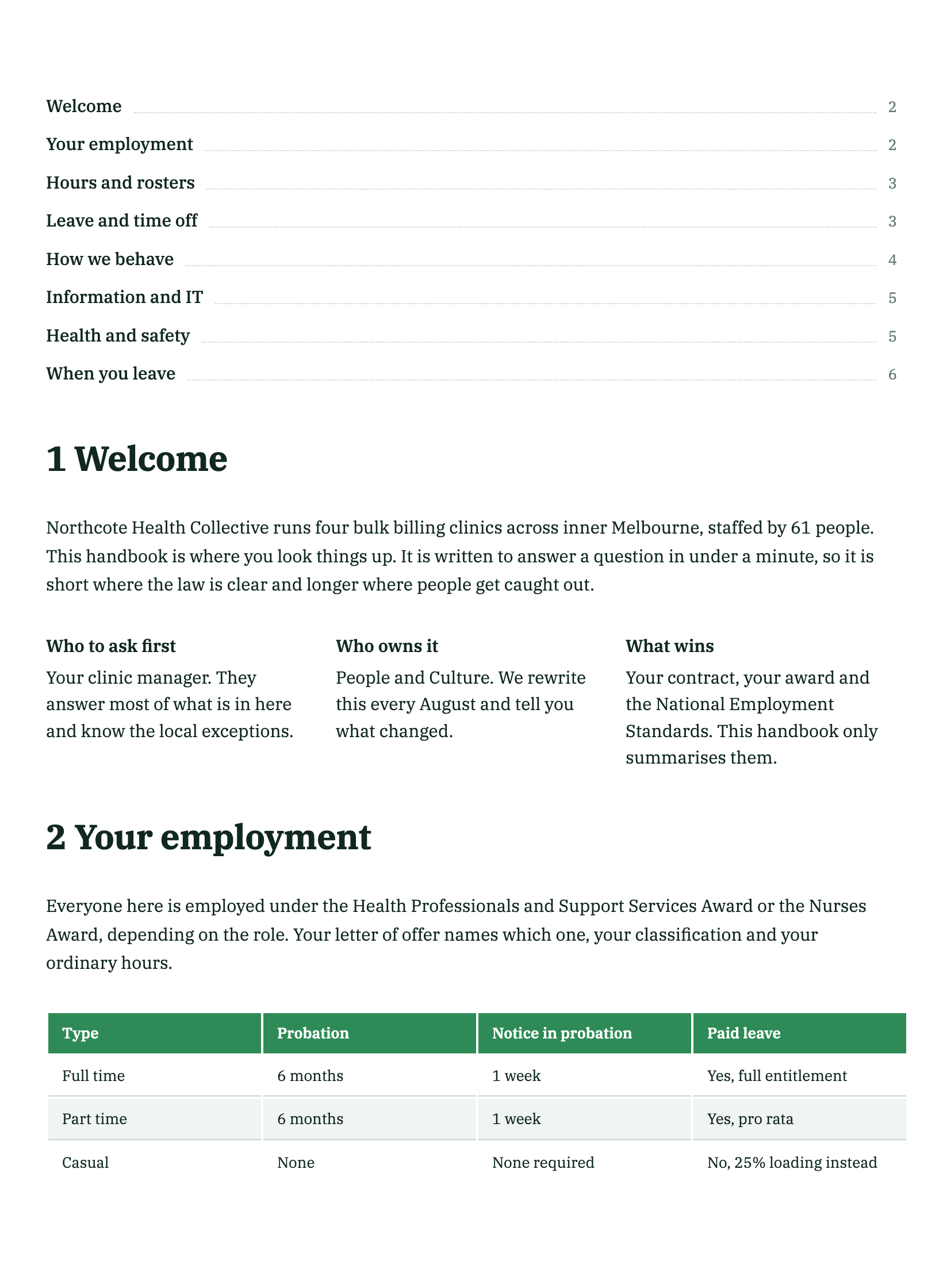
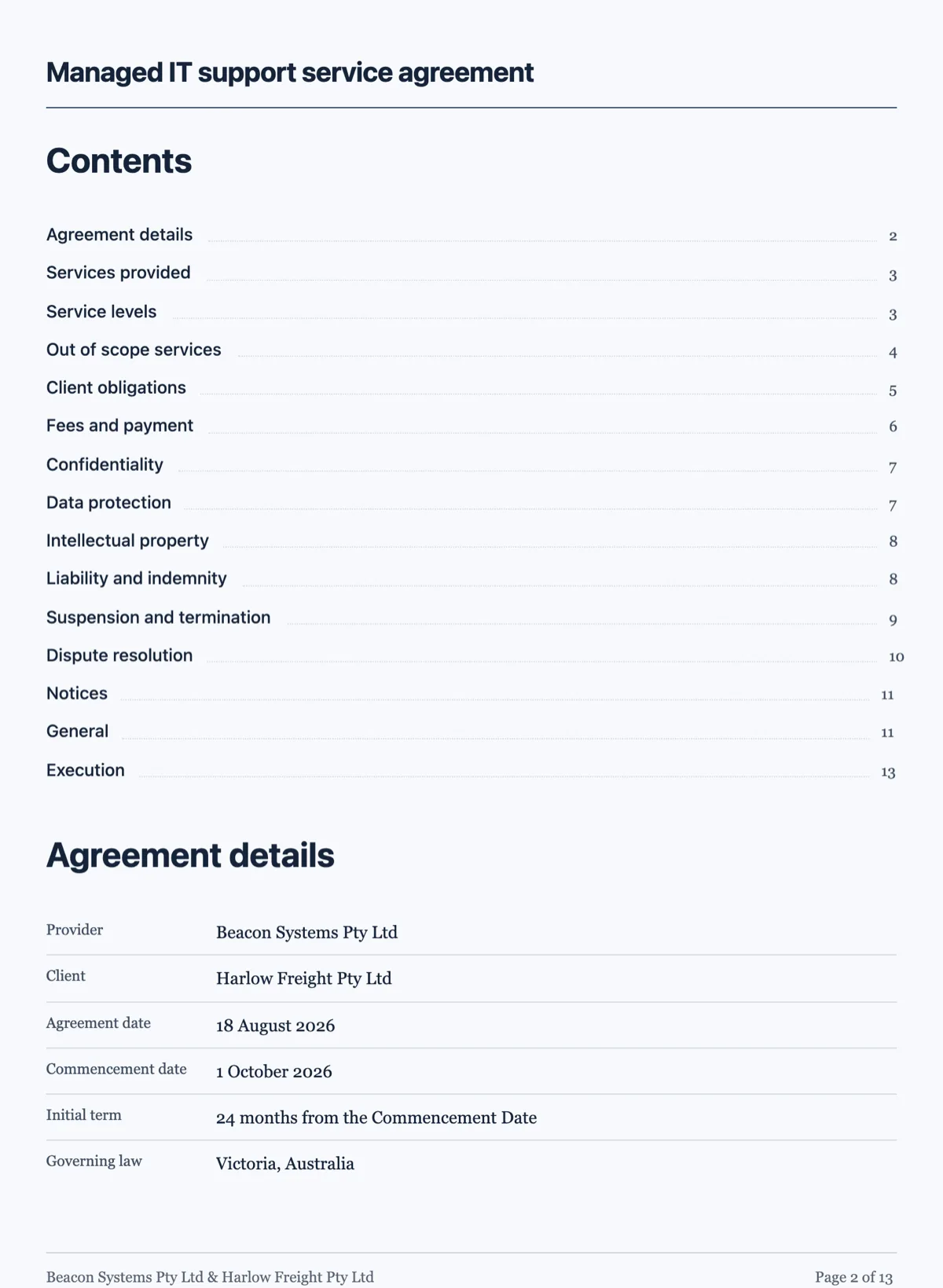
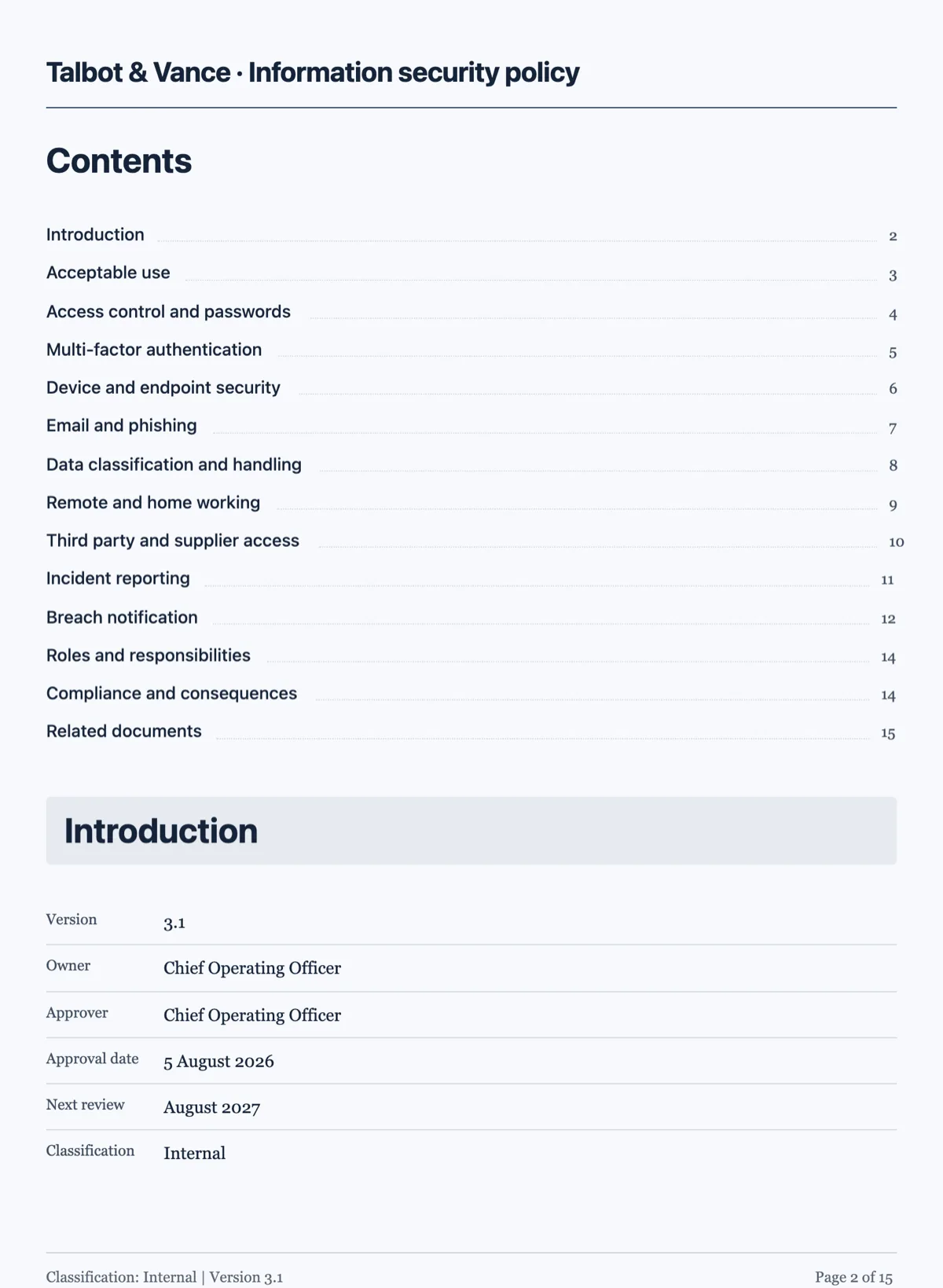
Questions people ask
Why did my table split across two pages?
Because it is taller than a page. Anything that could fit a page whole is moved down instead of split.
Why is there content from the next section at the bottom of this page?
A page with a lot of dead space pulls the head of the next block up to fill it. If you do not want that there, put a page break in.
Can I stop a heading sitting alone at the bottom of a page?
That already happens: a heading only stays at a page bottom if about three lines of its block can come with it.
Make your own document
The button opens the generator with this use case already described. Change the wording to match yours, generate, then edit anything you like.
Create a document with OneCraftRelated pages
Design the PDF version of a form
A form on screen and the same form on paper want different things. The PDF layout is a second arrangement of the same fields, with its own order, its own header and footer, and the ability to hide anything that only matters online.
Drag and drop document editor
The canvas is a page, not a text box. Blocks are dragged, resized and snapped to a grid, and the pagination is worked out from what is on the page rather than from where you pressed enter.
AI document generator
Most tools that write a document hand you a wall of text. This one decides what kind of document it is first, then writes it and lays it out on A4 pages with the tables, headings, clauses and page breaks a document of that kind actually needs.
More finished work of this kind is on the document examples hub.
Written and checked by the OneCraft team. Last checked .