Documents
Drag and drop document editor
The canvas is a page, not a text box. Blocks are dragged, resized and snapped to a grid, and the pagination is worked out from what is on the page rather than from where you pressed enter.
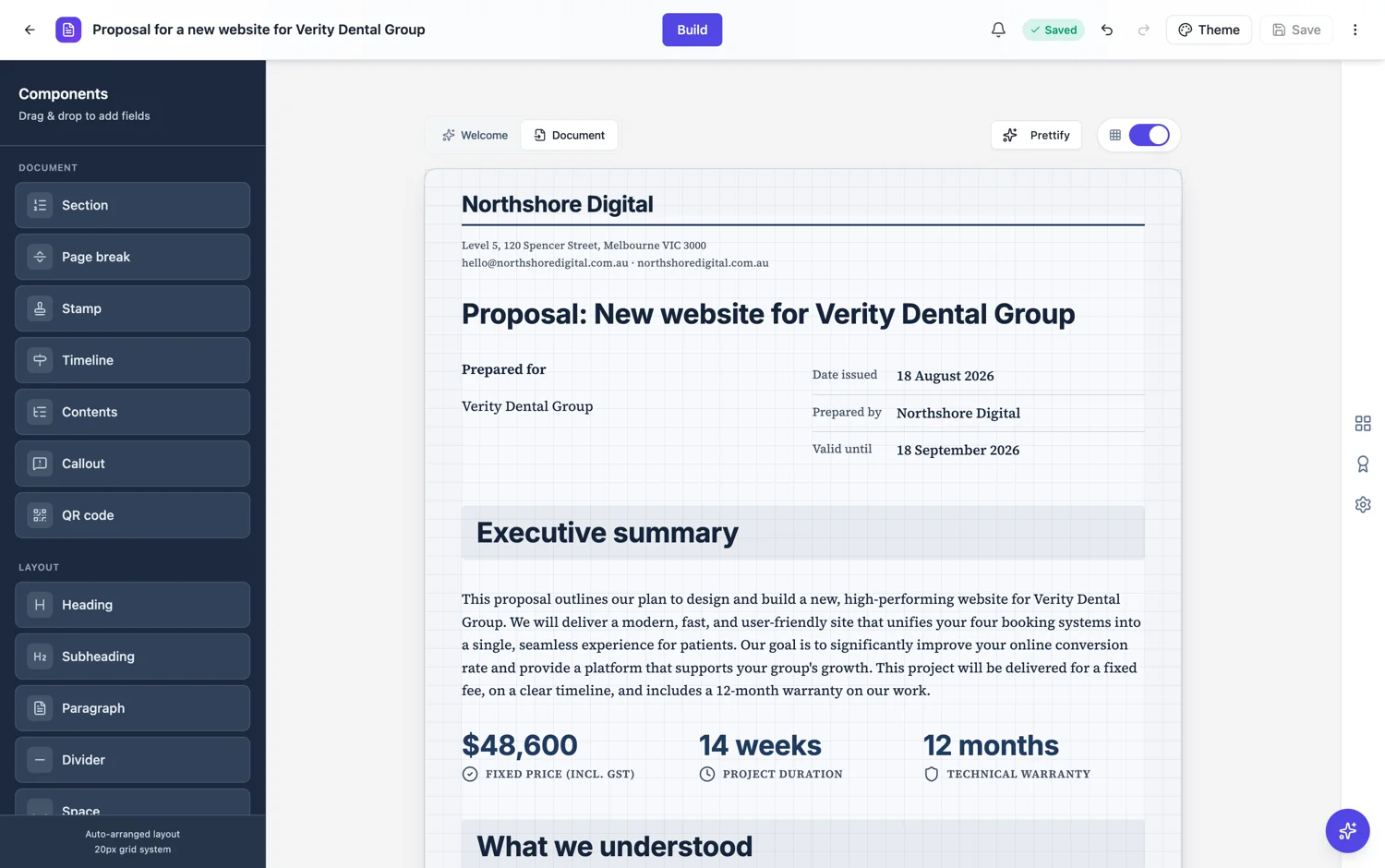
A grid, not free pixels
Everything snaps to a 20 pixel grid. That is why a document built by dragging still looks aligned: you cannot leave a block three pixels out, because there is no three pixels. It also means two blocks placed at the same height genuinely line up rather than nearly lining up.
Order and grouping, not pagination
Position encodes three things: the order blocks are read in, which blocks share a row, and any whitespace you deliberately left. It does not encode pages. Where a page ends is worked out from the heights when the document is laid out, which is why adding a paragraph on page one reflows everything after it correctly instead of leaving a hole.
Side by side is a row
Two blocks at the same height with no overlap are a row, and they stay a row through pagination: if the row has to split across a page, the parts stay in step rather than one half jumping ahead. That is what makes two column sections survive editing.
Prettify when it drifts
After a lot of hand editing the vertical spacing wanders. Prettify re-applies the spacing rules for each block type in one action, so a document that has been edited for an hour goes back to a consistent rhythm without you measuring anything.
Rows and containers
The page is a stack of rows, and a row is divided into cells that add up to twelve columns. Side by side content is one row with two six column cells, and each cell holds its own blocks. That is why the AI chat has an operation for editing a cell inside a container: cells are addressable things, not a visual effect. Two panels stay aligned because they are one row, and they can only break between rows, so paired panels suit short parallel content rather than two long arguments.
What the canvas is not
Dragging moves a block within the reading order and onto the grid, not to an arbitrary pixel or an arbitrary page. Order and grouping decide pagination: you say what comes after what and what sits beside what, and the engine decides where the pages break. That is what makes the export match the screen exactly, and it is also why the fix for an awkward page is usually to move a block rather than to nudge it.
How it works, in three steps
Step 1
Drag blocks into reading order
Order and rows are what position means. Pages are worked out for you.
Step 2
Put related blocks on the same row
Same height, no overlap, and they stay together through pagination.
Step 3
Run Prettify at the end
It re-applies the spacing rules and removes the drift from hand editing.
The full walkthrough with screenshots is in the guide Lay out a document exactly how you want it.
Limits worth knowing
- Positions snap to a 20 pixel grid.
- You cannot place a block on a specific page by dragging; use a page break block.
- The canvas is A4 sized, so a block cannot be wider than the page.
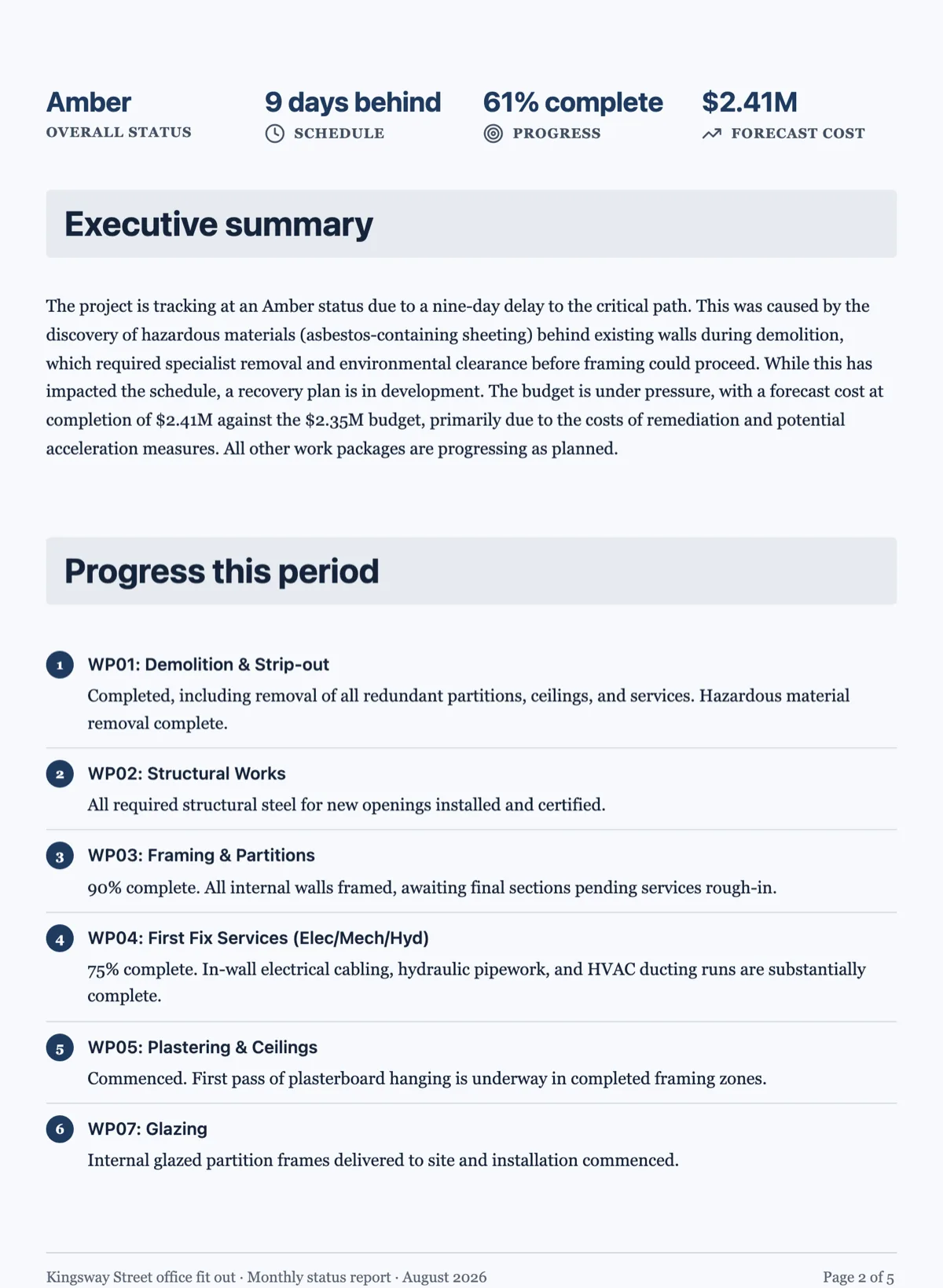
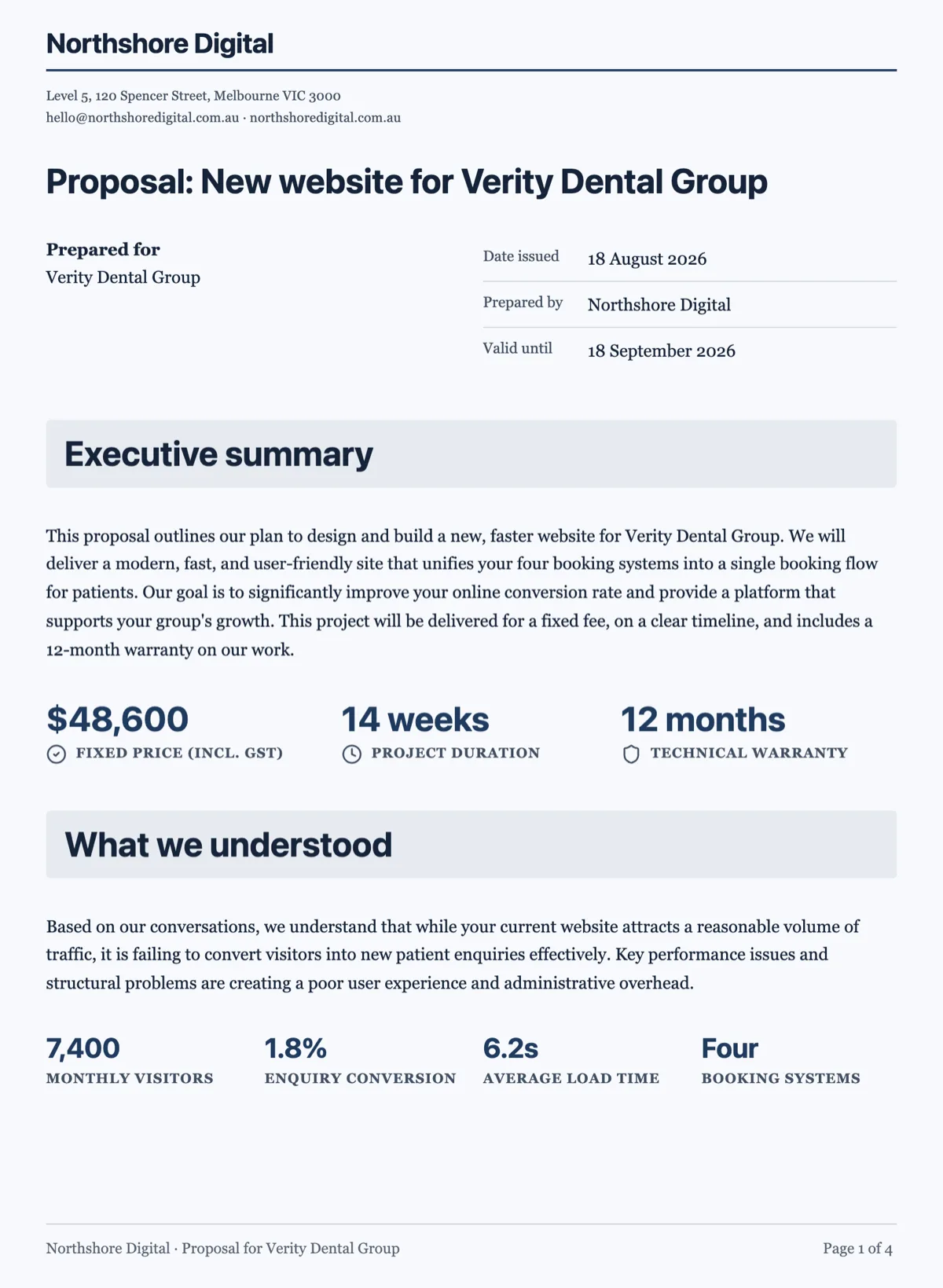
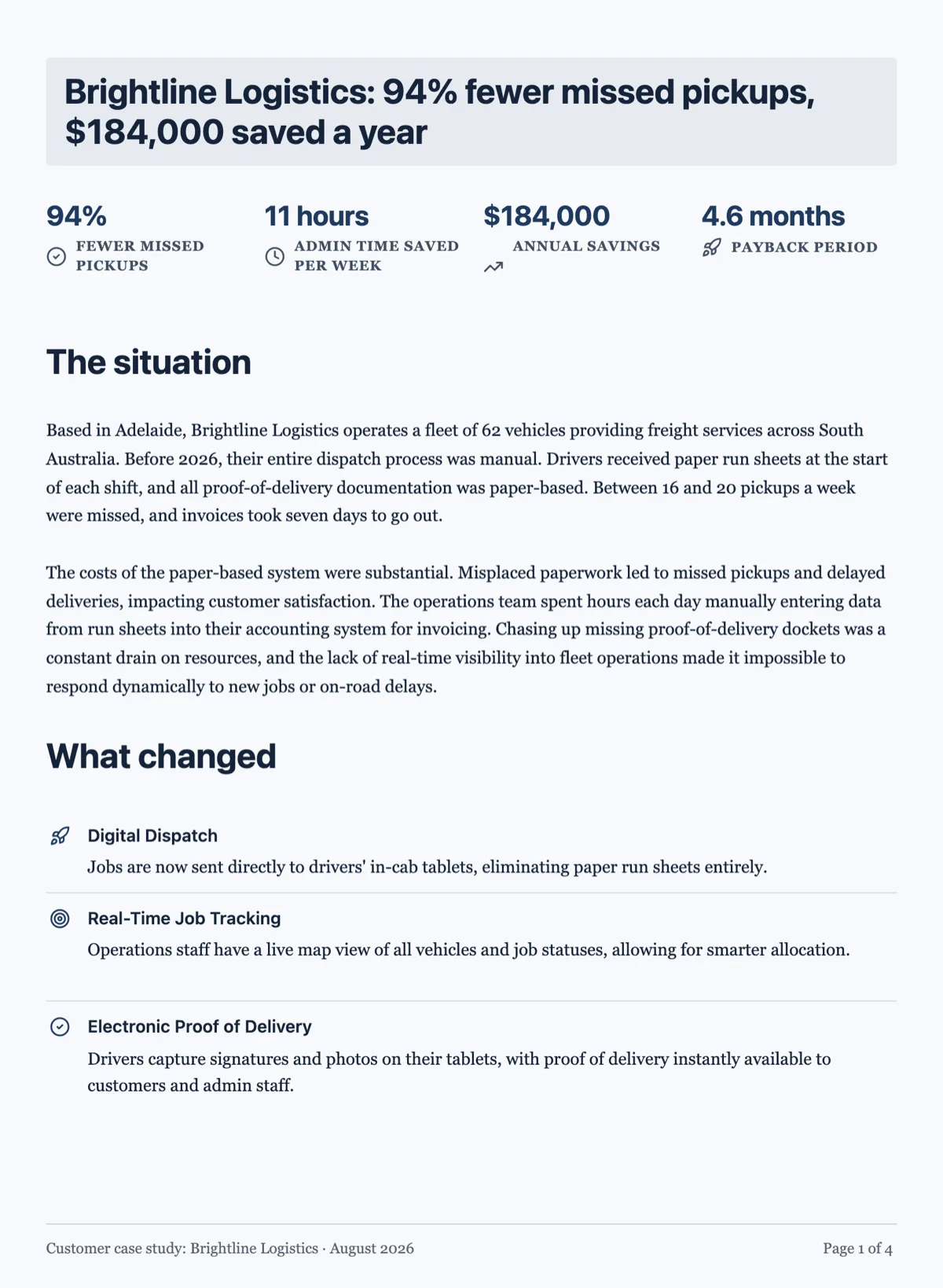
See it on a finished piece
Questions people ask
Can I put a block exactly where I want on a page?
You control the order, the rows and the spacing, and that is the whole vocabulary. Which page something lands on comes out of the layout, and a page break block is how you force the issue. There is no dragging to a pixel, which is exactly why the export matches the screen: one engine decides placement, in both places.
Why did my layout shift after I added a paragraph?
Because pagination is re-derived from scratch rather than pinned, so everything after your edit reflows into the space it now has. It looks disconcerting the first time and it is the behaviour you want: the alternative is a document that grows holes in the middle as you edit it, which is how most word processors end up.
How do I make two blocks sit side by side?
Put them in one row as two cells. They then stay together through pagination and stay aligned to the same grid. Keep the two halves short and parallel, since a row can only break between rows, so a pair of long columns will move the whole row to the next page rather than flowing down it.
Can I set exact margins?
Margins come from the theme rather than from a per document setting, which is what keeps every page in a document, and every document on a theme, aligned to the same grid. If a block needs more air around it, the spacing controls on the block are the lever, not the page margin.
How do I make a two column section?
Put both halves in one row as two six column cells. Keep the content short and parallel, because a row can only break between rows and not inside a cell, so two long columns will push the whole row onto the next page rather than flowing down it like newspaper columns.
Make your own document
The button opens the generator with this use case already described. Change the wording to match yours, generate, then edit anything you like.
Create a document with OneCraftRelated pages
Tidy a document layout
Hand editing drifts. Each block is placed relative to the one above it, small errors are inherited, and after twenty edits the top of the document is on a rhythm and the bottom is not.
Undo changes in a document
You can undo document changes up to fifty steps back while the document is open, with edits made within half a second grouped into one step, and redo them again. The header's save badge is the other half of the story: it tells you whether what is on screen has been written down. Documents have no version history, so both are worth understanding before you need them.
Control page breaks in a document
Most page break problems fix themselves, because the engine already refuses to strand a heading or split something that would fit a page whole. The rest are fixed with one block, deliberately placed.
More finished work of this kind is on the document examples hub.
Written and checked by the OneCraft team. Last checked .