Documents
Undo changes in a document
You can undo document changes up to fifty steps back while the document is open, with edits made within half a second grouped into one step, and redo them again. The header's save badge is the other half of the story: it tells you whether what is on screen has been written down. Documents have no version history, so both are worth understanding before you need them.
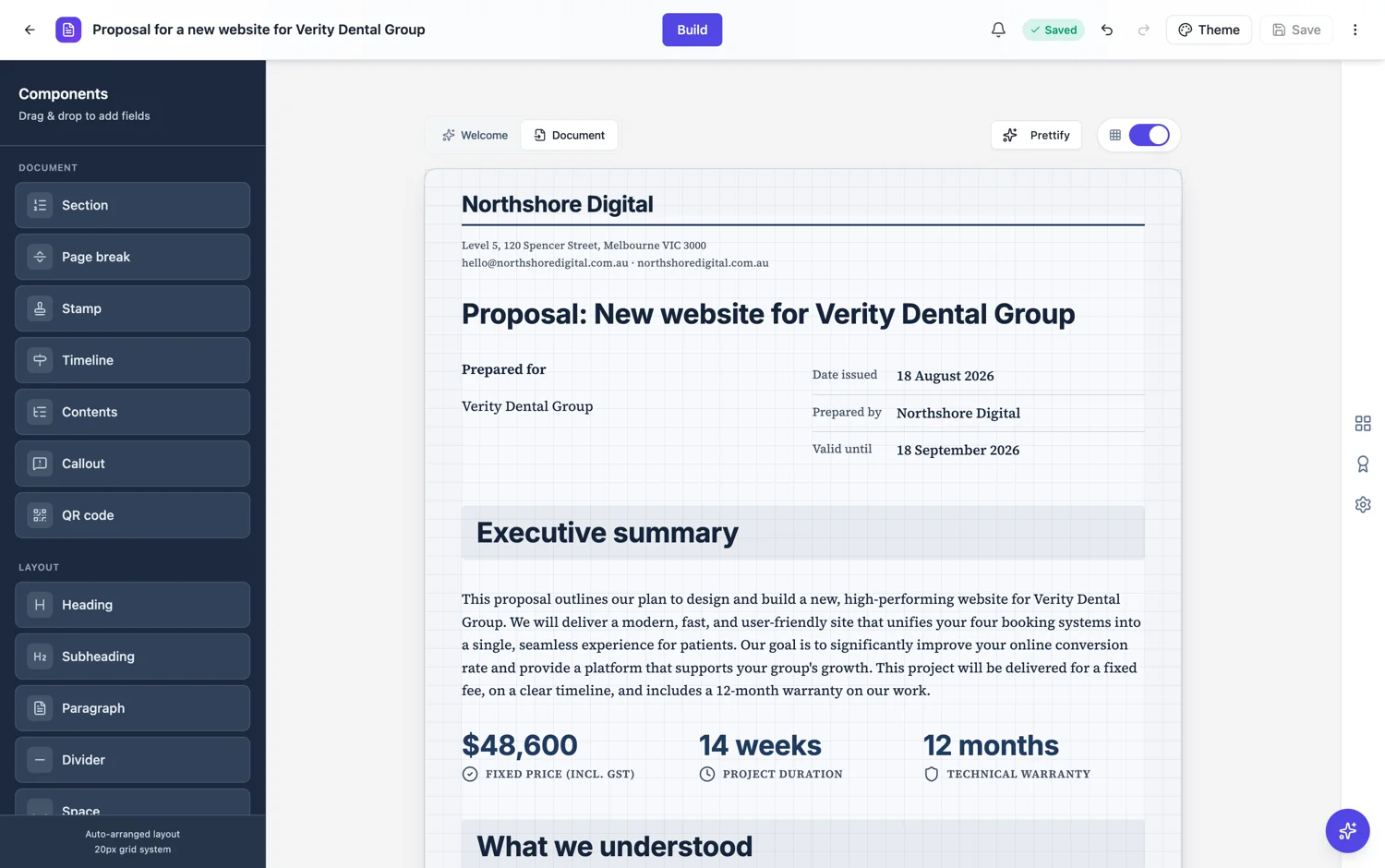
Fifty steps, and edits are grouped
The undo stack holds fifty entries. Changes that happen within half a second of each other are grouped into one entry, so dragging a block or a burst of edits is a single undo rather than forty. That is what makes undo useful: pressing it once takes back the thing you just did, not one fragment of it. Redo walks forward again along the same stack until you make a fresh change, which starts a new branch and discards the steps you had undone.
The shortcuts, and where they do not apply
Ctrl or Cmd with Z undoes, and Shift with it, or Ctrl or Cmd with Y, redoes. There are header buttons for both. One detail catches people out: while the cursor is inside a text box, those keys belong to the text box, which keeps its own native undo for the words you are typing. Click outside the text first when you want to undo a whole block change, such as a move, a resize or a deletion.
What the save badge means
The header shows Saved or Unsaved. Saved means the current state is written down. Unsaved means it is not yet, and closing the tab would lose it. It is the only signal that matters before you leave the page. Exporting a PDF with unsaved changes is safe: the export saves them first, and if that save fails the export does not start, so the file always matches what is on your screen.
Undo is per session, and there is no version history
The stack lives in the editor while the document is open. Reload the page or open the document tomorrow and it starts empty. Unlike a presentation, which keeps a drawer of saved versions you can preview and restore, a document keeps no list of earlier versions, and there is no duplicate action in the builder or the dashboard. What you have is undo while you work and the latest save.
Keeping the old wording before a big rewrite
Since nothing stores an earlier version for you, make your own record before anything sweeping. The simplest is a PDF export: it captures the document exactly as saved, costs about 1 credit per 10 pages once it renders, and gives you something to read side by side with the rewrite. It cannot be reopened for editing, so for a passage you might want back word for word, copy the text somewhere safe before you start, and paste it back if the new version is worse.
How it works, in three steps
Step 1
Work normally
Related changes are grouped, so undo takes back an action rather than a fragment of one.
Step 2
Watch the save badge
It is the only signal that tells you whether the current state is written down.
Step 3
Export a PDF before a big rewrite
Undo ends with the session and there is no version history, so a PDF is your record of the earlier wording.
The full walkthrough with screenshots is in the guide Create a document with AI.
Limits worth knowing
- Fifty undo steps, with changes within half a second grouped into one.
- The undo stack is per editing session and starts empty each time the document is opened.
- Inside a text box, the undo keys act on that box's own typing history, not on the document.
- Documents have no version history to preview or restore, and no duplicate action.
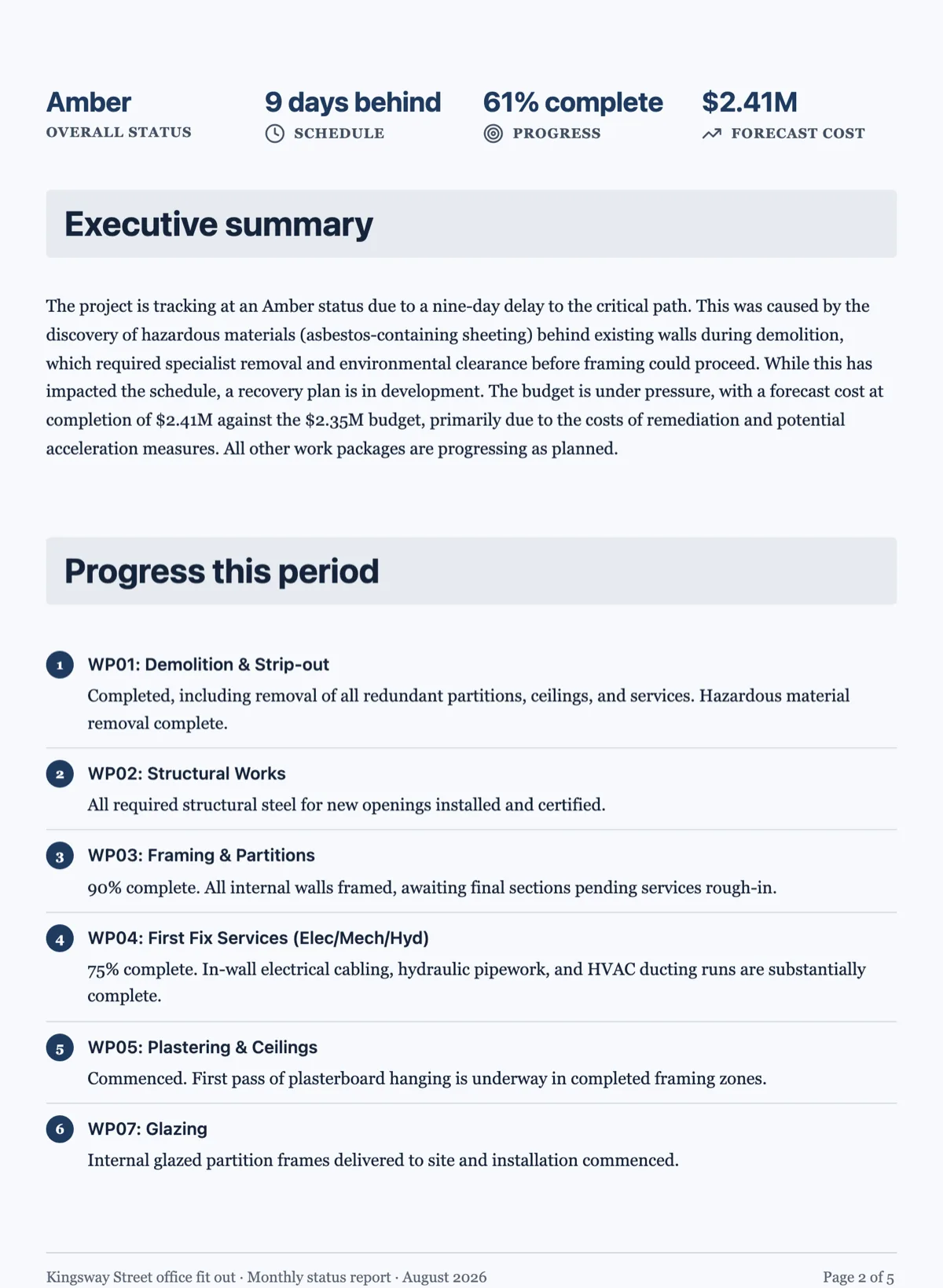
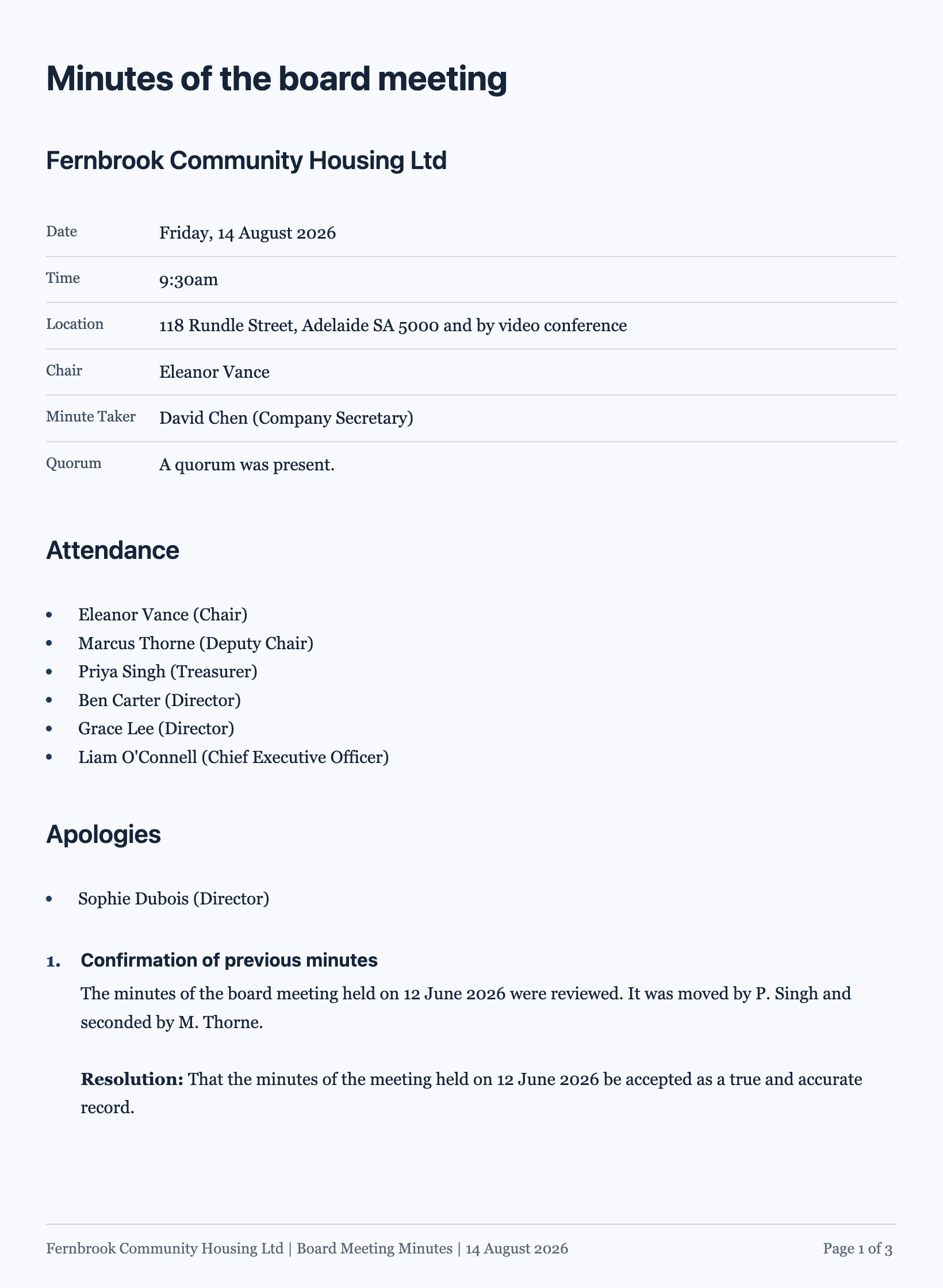
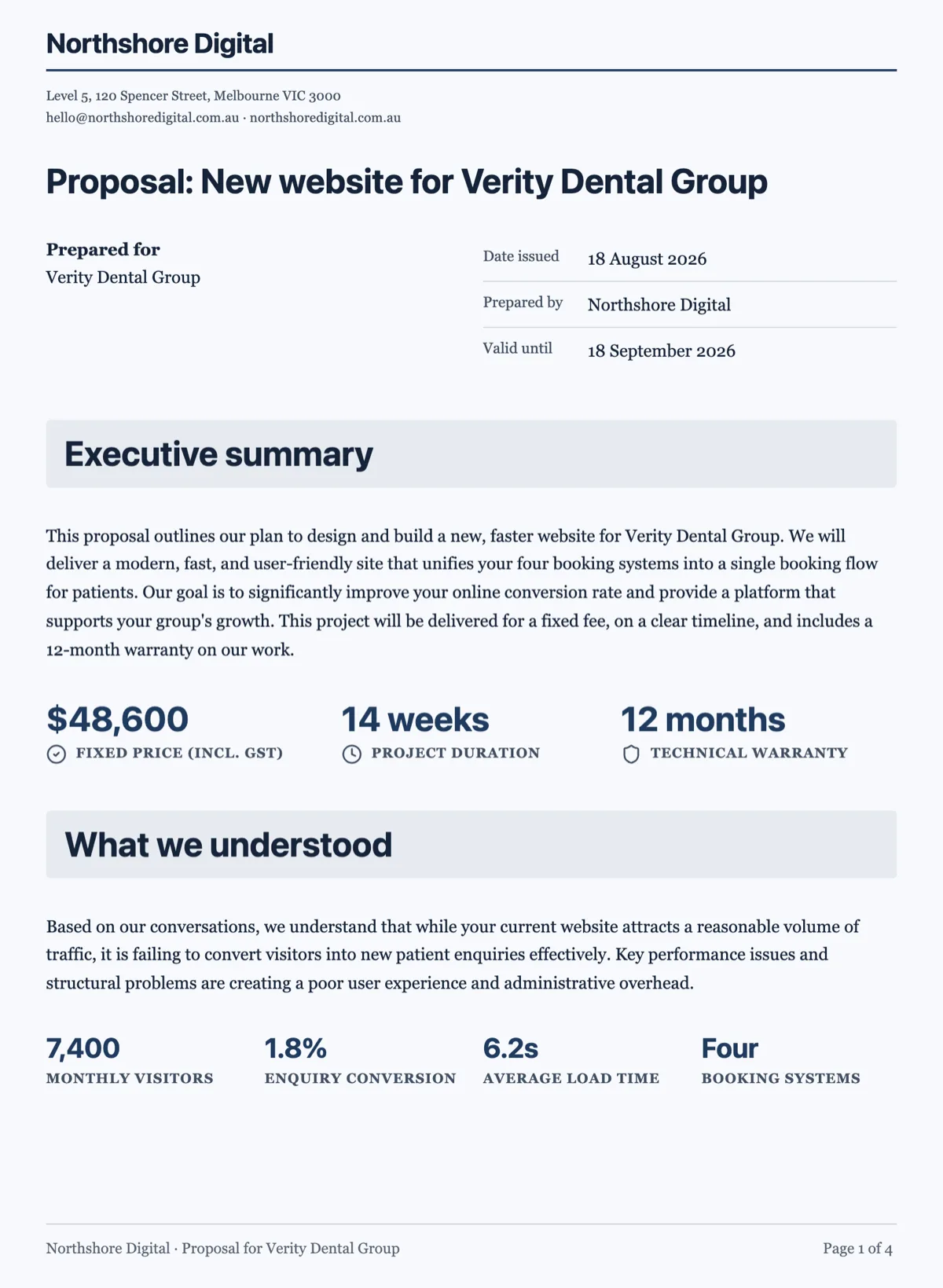
See it on a finished piece
Questions people ask
How many times can I undo in a document?
Fifty steps, with rapid changes grouped so one press does not walk back half an edit. In practice that covers far more than fifty individual changes. The stack lives with the open document, so it is a safety net for the session you are in rather than a record you can come back to tomorrow, and it starts empty when you reopen the document.
Can I restore yesterday's version of a document?
No. Documents keep no version history, so there is nothing to open and restore, and there is no duplicate button to keep a copy. Undo works while the document is open and goes when the tab does. Before a big rewrite, export a PDF of the current state, or copy the passages you care about, so the earlier wording exists somewhere.
Do I need to save before exporting a PDF?
No. If the header shows unsaved changes when you export, they are saved first and the render starts from that save, so the PDF matches what is on your screen. If the save fails, the export does not go ahead, and you are told rather than handed a file of an older state. Saving yourself first still does no harm.
Why did Ctrl Z only undo my typing?
Because the cursor was inside a text box. Text boxes keep their own native undo for the words you type, and the document's undo shortcut stands aside while one has focus. Click an empty part of the page, or use the undo button in the header, to step back through block changes such as moving, resizing or deleting a block.
How is this different from a presentation?
A deck keeps saved versions in a drawer you can preview and restore, and every save adds one. A document does not keep versions at all: it has the fifty step undo stack while you work and the latest save afterwards. So in a document, the export or a copied passage is the only way to hold on to an earlier state.
Make your own document
The button opens the generator with this use case already described. Change the wording to match yours, generate, then edit anything you like.
Create a document with OneCraftRelated pages
Numbered clauses in a document
A numbered clauses document is an agreement written as clause blocks, each with its own number, title and body, and sub-clauses such as 5.1 and 5.2 under each heading. Numbering is what makes an agreement usable. Without it nobody can point at anything, and every conversation about the contract becomes a conversation about which paragraph you both mean.
Document components
There are 45 block types. You will use about twelve of them regularly, and knowing which twelve is most of the difference between a document that reads as designed and one that reads as typed.
Code blocks and equations
Some content has to be reproduced exactly: a configuration snippet, a decision rule, a formula. Prose paraphrases it and gets it wrong. These two blocks print it as written.
More finished work of this kind is on the document examples hub.
Written and checked by the OneCraft team. Last checked .