Documents
Edit a document with AI
The chat panel is a rewriting tool. It can reach the text of every block on the page, including the ones nested inside a container, and it deliberately cannot touch anything structural.
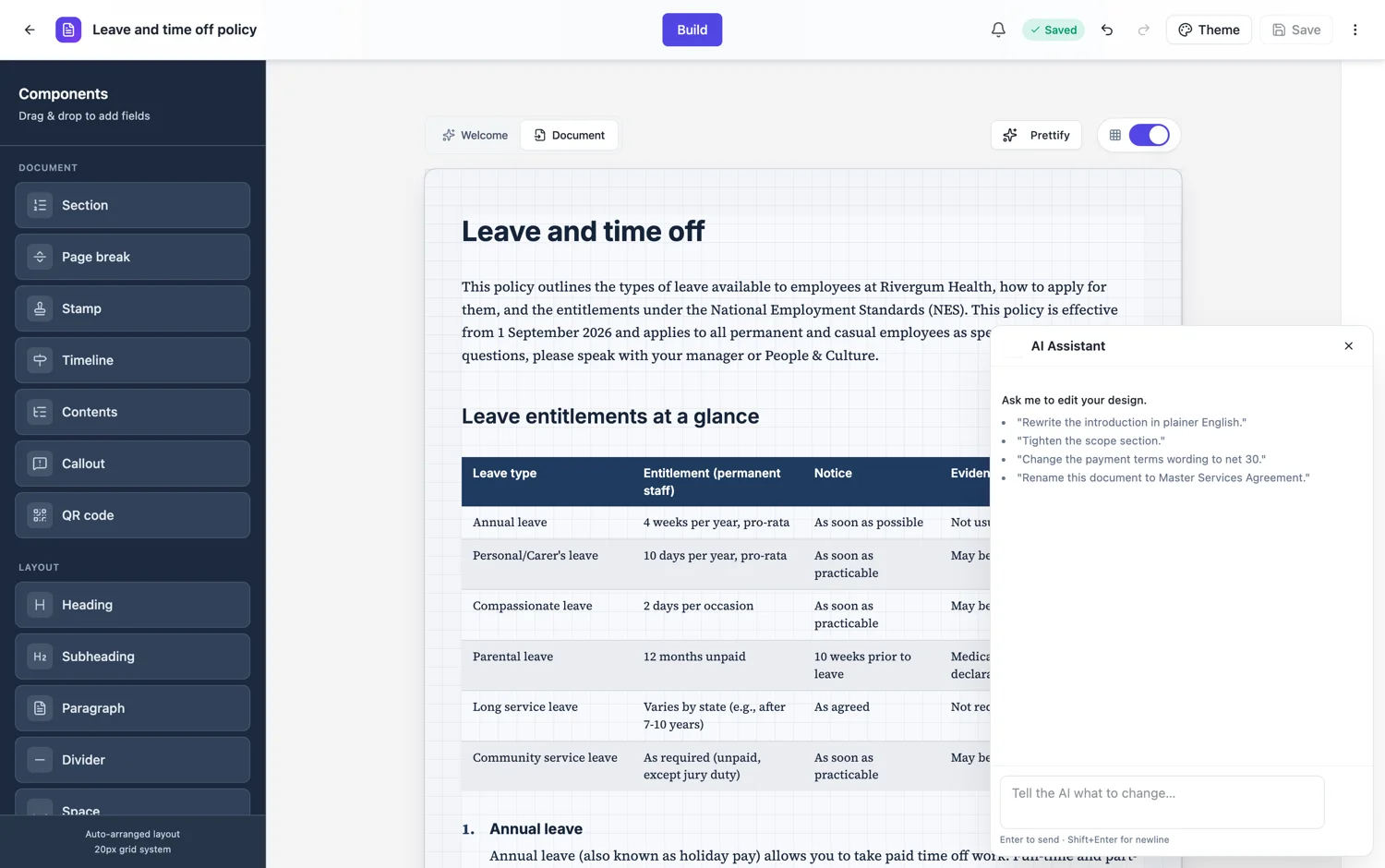
Text, everywhere text lives
Paragraphs, headings, clause bodies, table cells, list items, callout titles and bodies, and the text inside nested container cells. That last one matters, because a document laid out in two columns keeps its content inside containers, and a tool that could not reach into them would be useless on exactly the documents that are hardest to edit by hand.
What it will not do
It does not add or delete blocks, move anything, change a block type, alter the theme, force a page break or export. Every one of those is a click in the builder, and keeping them out of chat is what makes a chat request safe to accept without reading the whole document afterwards: the shape cannot change, only the words.
Where it saves the most time
Whole document rewrites. Changing the register from semi-legal to plain English across forty clauses. Shortening every paragraph in a report that ran long. Replacing a company name that appears thirty times after a rebrand. Those are the jobs that take an hour by hand and a minute here.
It edits what it can see
The chat works from a snapshot of the document’s text. A property that is not in that snapshot cannot be changed by asking, and requests to change non-text properties are rejected rather than half applied. If a request seems to have done nothing, it is usually because it asked for something structural.
The three operations
The chat has exactly three: rewrite a component, rewrite one cell inside a container, and set the document title. That is the whole surface. It is a text editor with a language interface, not a second generator, and knowing the shape saves you asking for things it will decline. Nothing structural is available to it: no adding a block, no deleting one, no moving anything and no page breaks.
How to ask for a whole document rewrite
Scope by section name. "Rewrite the Scope section in plainer English" works because the chat can see that section and edit its components. "Make the whole document shorter" gives it no anchor and usually produces one edit somewhere. If you want a different document, generate again; if you want this document to read differently, walk it section by section.
How it works, in three steps
Step 1
Name the scope
This clause, this section, or the whole document. Whole document requests are where it earns its keep.
Step 2
Read what changed
Text edits apply as one step, so one undo takes the whole turn back.
Step 3
Do structure by hand
Adding, moving and restyling are clicks in the builder, and deliberately not chat requests.
The full walkthrough with screenshots is in the guide Create a document with AI.
Limits worth knowing
- Text only. It cannot add, delete, move or retype a block.
- It cannot change the theme, the page breaks or the layout.
- It works from a snapshot of the document text, so anything not in that snapshot is out of reach.
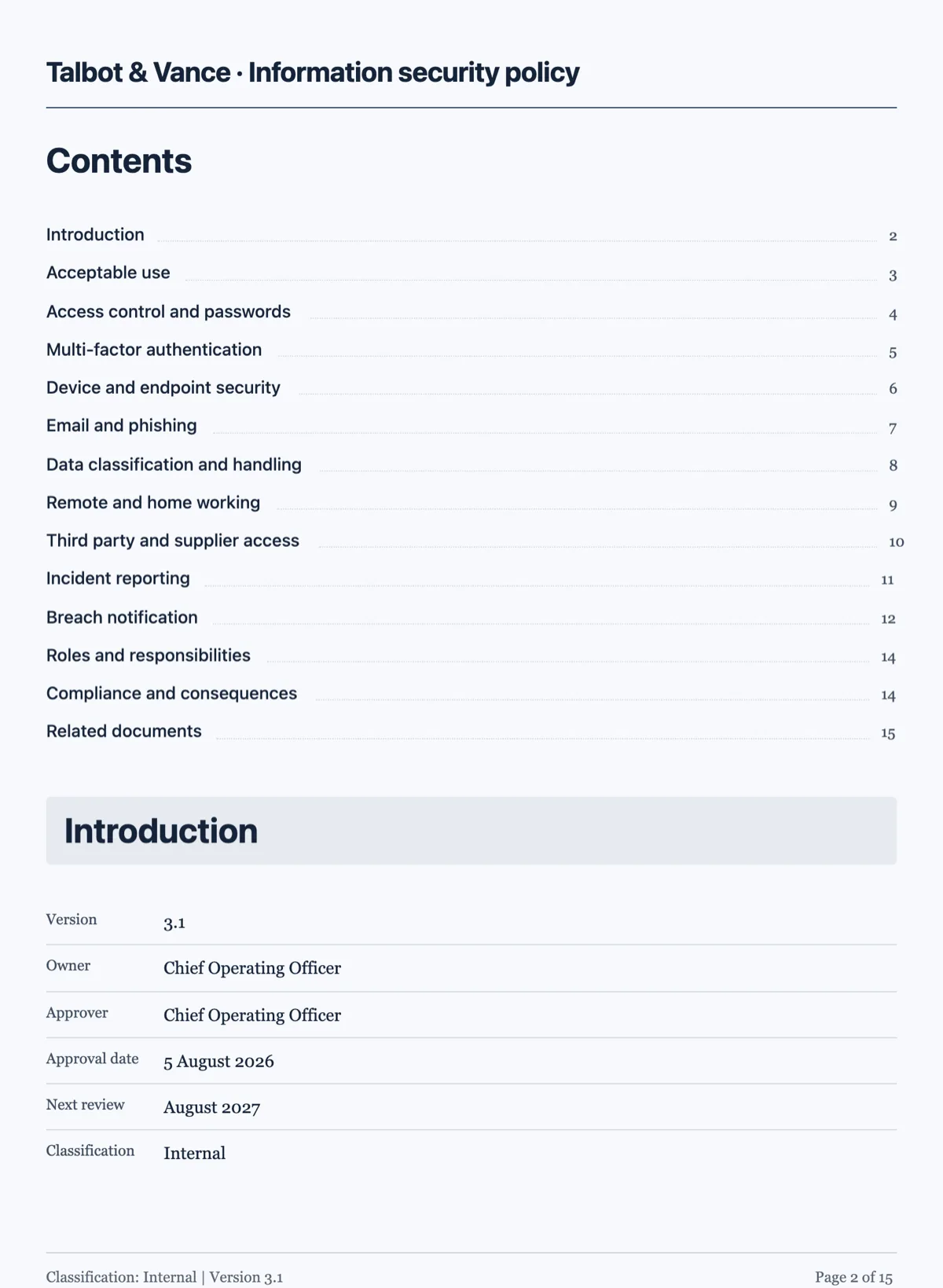
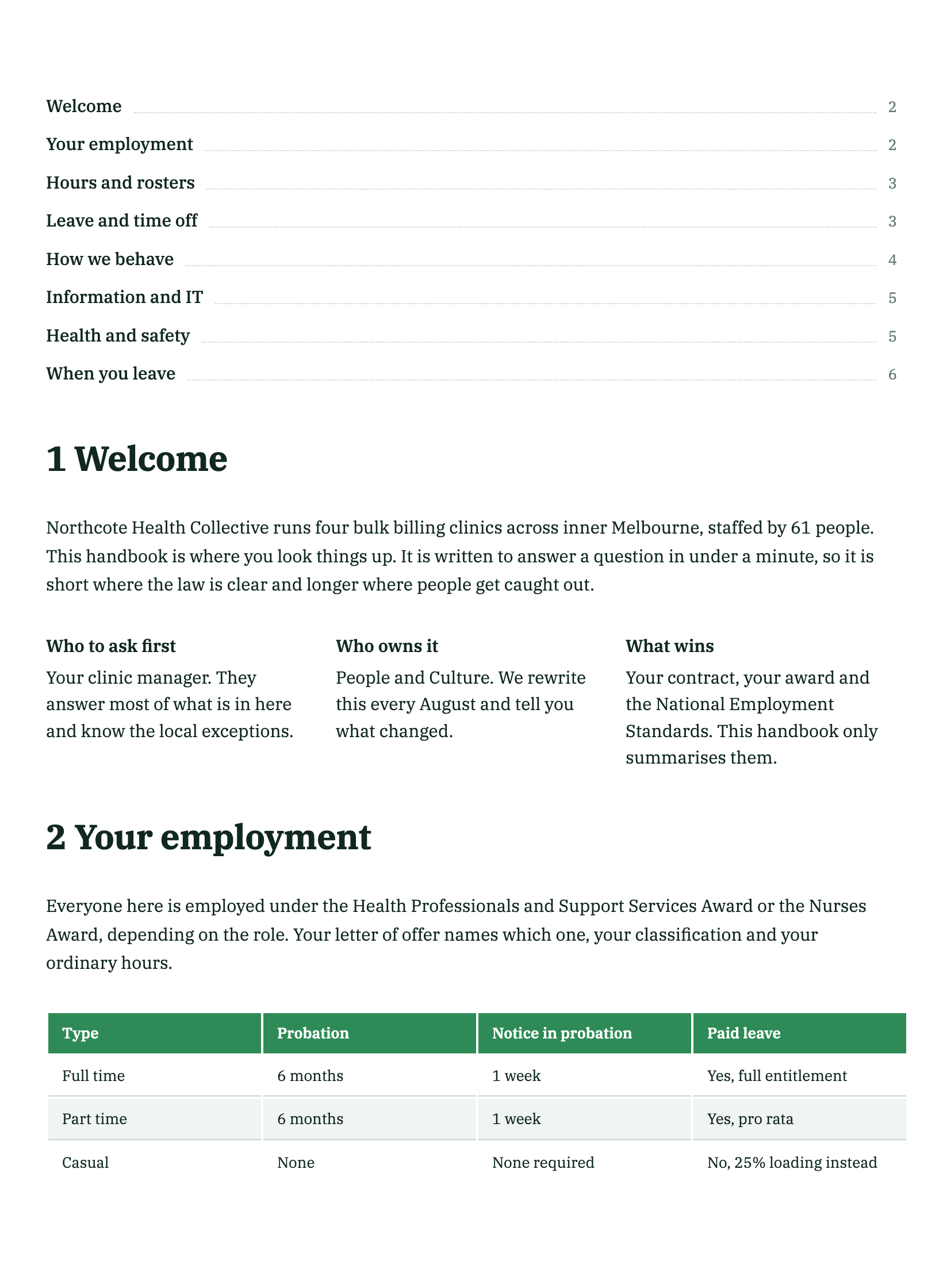
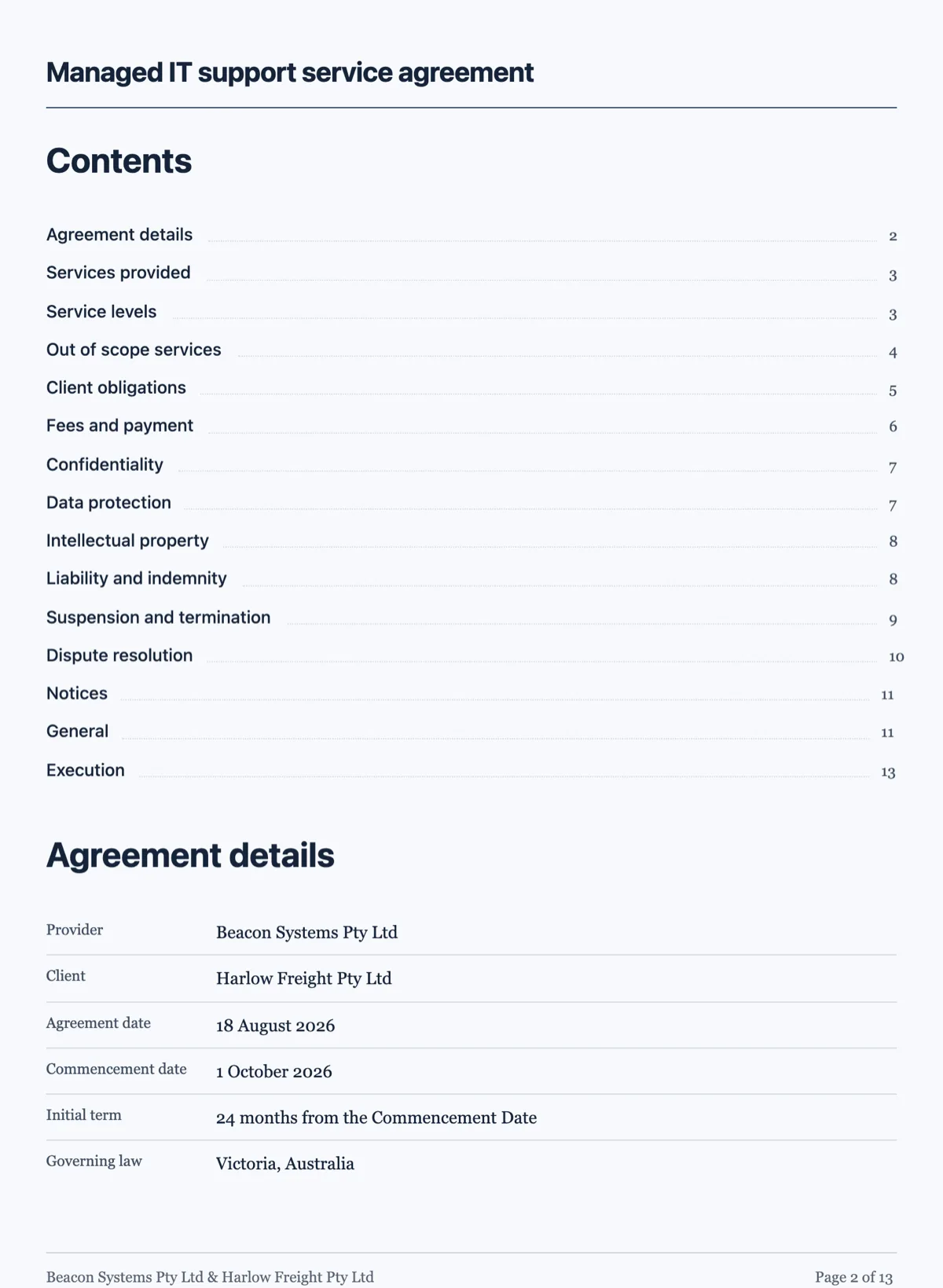
See it on a finished piece
Questions people ask
Can I ask it to add a section?
No. The chat rewrites text and nothing else, so adding a section is a click in the builder. That limit is deliberate: keeping structure out of the chat is what makes a chat edit safe to accept without reading the whole document again, because you know only words changed and the shape of the document is exactly where you left it.
Can it edit text inside a two column layout?
Yes. Text inside nested container cells is reachable, through the same operation that edits a cell directly. That matters more than it sounds, because side by side panels are the hardest blocks to edit by hand: clicking into the right cell in a dense row is fiddly, and naming it in a sentence is not.
Why did nothing change when I asked?
Almost always because the request was structural: moving a block, restyling something, changing the theme, adding a page break. Those are rejected outright rather than half applied, which is the right behaviour but does look like nothing happened. Reword the request as an edit to text that is already on the page.
Can it change the theme?
No. The theme is a document property, not a component, and none of the three operations reach it. Change the theme in the builder, where every callout, chart and heading recolours together. The chat is limited to the words on the page.
Does a chat edit save on its own?
The edit lands in the document you are editing, so it is subject to the same save as any other change you make in the builder. Treat it the way you would treat typing: make the edit, look at it, then save. If you are about to ask for something sweeping, export a PDF first so the earlier wording is on file, since there is no version drawer to roll back to and no duplicate action.
Make your own document
The button opens the generator with this use case already described. Change the wording to match yours, generate, then edit anything you like.
Create a document with OneCraftRelated pages
Edit a form with AI
The chat panel is a text editor you talk to. Ask it to soften a label, shorten the help text or rewrite every question in plainer English and it does that across the form. What it will not do is just as important as what it will.
Edit a presentation with AI
The assistant in the side panel does not touch your deck. It reads a snapshot, decides what would have to change, and hands back a list of proposed operations you approve or throw away. That separation is the whole design, and it is why asking it to restructure a deck is not frightening.
Formal vs plain document tone
Register is not a style setting applied at the end. It is decided before a word is written, and it changes the structure, the blocks and the colours as much as the sentences.
More finished work of this kind is on the document examples hub.
Written and checked by the OneCraft team. Last checked .