Flyers
Facebook cover maker
820 by 312 pixels is the smallest canvas in the set and by some distance the most abused by the platform that shows it. Desktop, mobile and the page card each crop it differently, so a cover is designed around the part that always survives rather than around the whole rectangle.
312 pixels is a strip, not a page
This is a quarter of the height of a Facebook post and a sixth of a story. What fits is a name, a short line about what you do and possibly a contact detail. Trying to place a headline, a subhead, three service bullets and a phone number on it produces four things all rendering at a size nobody can read on a laptop.
The profile picture sits over the lower left
On a desktop page the round profile photo overlaps the bottom left of the cover, and on mobile the cover is centre cropped narrower and the profile photo moves. Nothing in the builder draws that overlap for you, so the working rule is to keep the lower left quarter free of anything you need read, and to place your name and line toward the centre and right.
Assume the sides get trimmed
Mobile shows a narrower slice of the same image than desktop does. Whatever sits within about the middle two thirds of the width is what everybody sees; the outer edges are decoration for desktop visitors. Backgrounds, textures and gradients are safe out there. Words and logos are not.
The type ramp does the shrinking for you
Because the canvas is small, the wide cover layouts set their type from the theme's own scale rather than at poster sizes, and any text block that overruns its slot shrinks until it fits. So an over long business name does not break the design, it just quietly becomes small. If it looks small on the canvas at full zoom, it will be unreadable in a browser.
Export it as PNG
The export captures at twice the canvas, so a cover leaves as a 1640 by 624 pixel file. Choose PNG: Facebook re-encodes whatever you upload, and starting from a lossless file rather than a JPG that has already been through one lossy pass keeps the edges of type sharper through that second pass. Select the cover page before exporting, because image exports always take the page you are currently viewing.
How it works, in three steps
Step 1
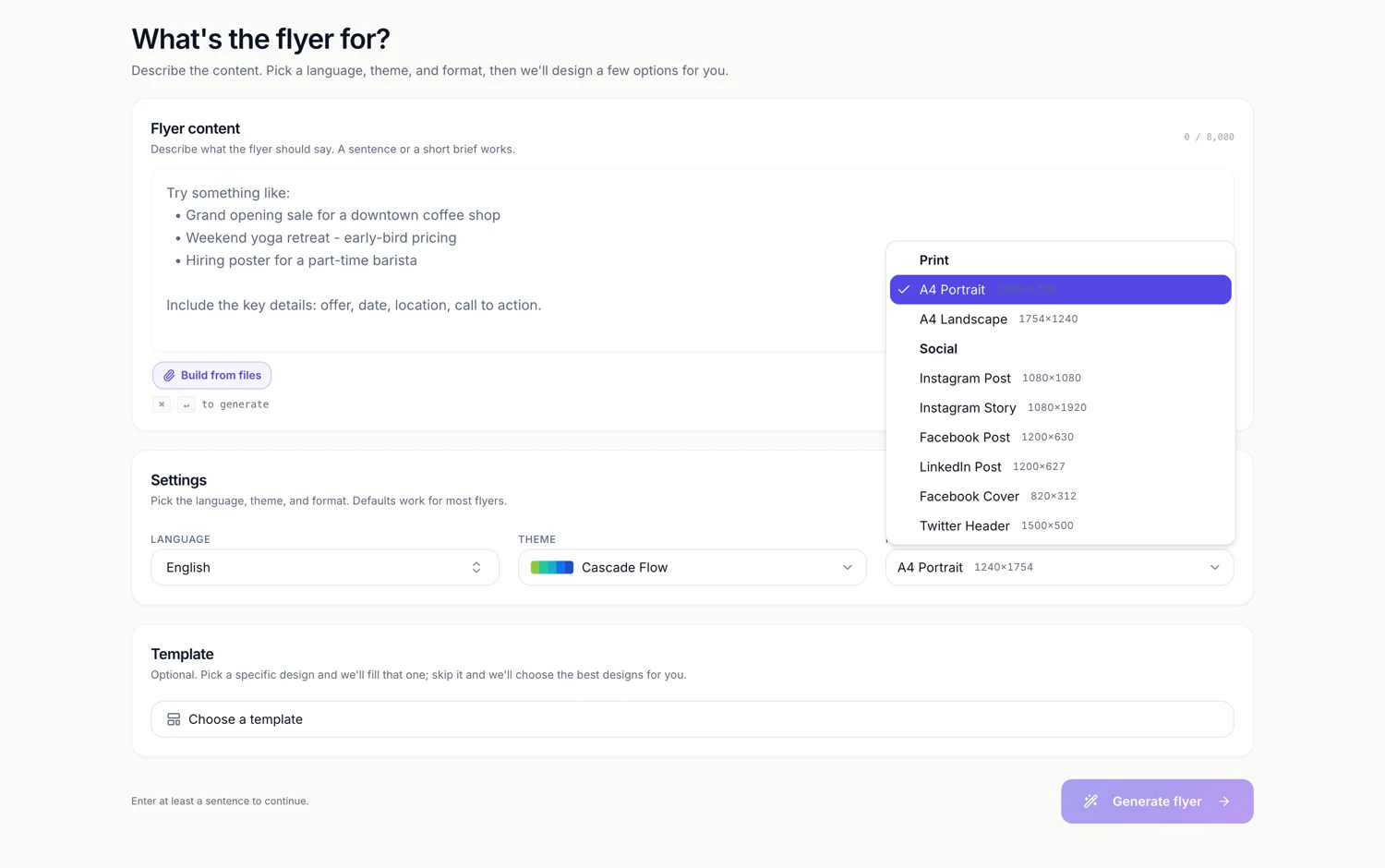
Set Format to Facebook Cover
Under Social, showing 820 by 312. The template picker then only lists designs drawn for that shape.
Step 2
Keep the lower left clear
Move your name and line toward the centre or right, and leave the corner the profile photo will cover.
Step 3
Export as PNG and upload
Then look at your page on a phone as well as a laptop, because the two crops differ.
The full walkthrough with screenshots is in the guide Resize one flyer for every social size.
Limits worth knowing
- The canvas is fixed at 820 by 312 and there is no larger variant to design in.
- There is no safe area or crop overlay in the builder for the profile photo or the mobile trim.
- Text shrinks to fit its slot, so an over long business name becomes small rather than wrapping.
- Image exports take the active page only.
See it on a finished piece
Questions people ask
How much of the cover is actually visible on a phone?
Roughly the middle two thirds of the width, and the framing shifts with the device. Designing so the message lives in the centre is the only reliable approach.
Should I leave the whole left side empty?
The lower left quarter, yes. The upper left is generally visible on desktop, but on mobile the crop and the profile photo position both change, so it is not a place for a phone number.
Can I use the same design for a Twitter header?
Switch the page to Twitter Header and the design's own 1500 by 500 layout is swapped in. It is a different shape and a different file, so expect the composition to change.
Why is the cover canvas so small?
820 by 312 is the cover size Facebook uses, and the canvas matches it rather than being scaled up. The export still doubles it to 1640 by 624, so the uploaded file has resolution to spare.
Make your own flyer
The button opens the generator with this use case already described. Change the wording to match yours, generate, then edit anything you like.
Create a flyer with OneCraftRelated pages
Resize a flyer for social media
Resizing here does not mean scaling. Change the canvas and the builder looks for that design's layout drawn natively for the new shape, swaps it in, and then works out which of your words belong in which of its slots. Understanding that matching step is what makes the result predictable.
Instagram story flyer maker
A story is nine by sixteen and it fills a phone. That shape gives you more vertical room than any other canvas here and almost no horizontal room, which changes what a design can do: things stack, they do not sit side by side.
Twitter header maker (X)
1500 by 500 is the widest canvas in the set at exactly three to one. Nothing about that shape behaves like a flyer. It is a banner, it is read in passing above a profile, and the designs drawn for it treat it that way: one statement, one mark, and a lot of considered empty space.
More finished work of this kind is on the flyer examples hub.
Written and checked by the OneCraft team. Last checked .