Flyers
Instagram story flyer maker
A story is nine by sixteen and it fills a phone. That shape gives you more vertical room than any other canvas here and almost no horizontal room, which changes what a design can do: things stack, they do not sit side by side.
1080 by 1920, and it is drawn that way
The story variant of a design is a separate template file, authored at nine by sixteen rather than produced by cropping the A4 version. That is the reason a story flyer looks composed rather than stretched: the columns were rebuilt as stacked bands, the hero image was given the full width, and the type was resized for a canvas held at arm's length.
The app takes the top and the bottom
Instagram draws its own profile row across the top of a story and its reply field and send controls across the bottom. Neither is something the builder knows about, so there is no safe area overlay on the canvas. Treat roughly the top eighth and the bottom sixth as borrowed, and keep the headline and the call to action out of both bands.
One message, read in two seconds
Stories are tapped through, not studied. The designs authored at this size lean on a single hero image, a short headline and one line of detail, which matches how the writing rules behave anyway: headline slots are told to be short, specific and benefit led. A story flyer carrying a full price list is a story flyer nobody finishes.
Vertical images, not cropped landscapes
Image generation snaps to the aspect of the slot it is filling, out of eight ratios, so a full bleed story hero is generated at nine by sixteen rather than made from a wide photo with the sides cut off. If you upload your own picture instead it is cropped to fill the slot, so a landscape photo will lose its edges. Upload a portrait shot for a portrait slot.
Export as PNG, one page at a time
PNG and JPG export the page you are currently viewing, so if the flyer has a story page and an A4 page you select the story page first and then export. PNG holds flat colour and type edges better than JPG at this size, which matters because a story is mostly type over a photograph.
How it works, in three steps
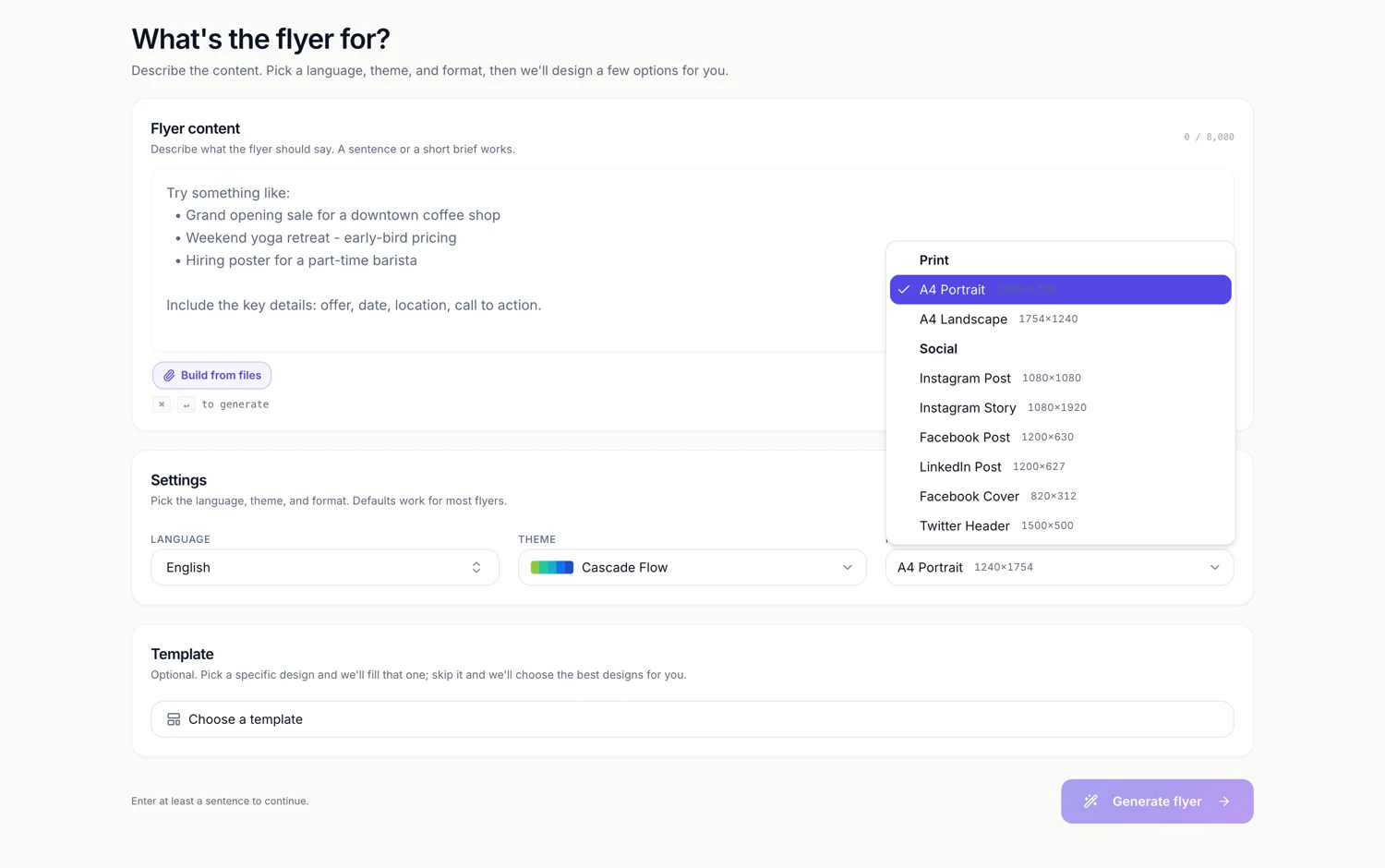
Step 1
Set Format to Instagram Story
It sits under the Social heading and shows 1080 by 1920 beside its name.
Step 2
Keep the top and bottom clear
Move the headline and the call to action toward the middle third, where nothing of the app's own interface sits over them.
Step 3
Export the story page as PNG
Select the page first. Image exports always take the active page, never the whole set.
The full walkthrough with screenshots is in the guide Resize one flyer for every social size.
Limits worth knowing
- There is no safe area guide or overlay on the canvas. Keeping clear of the app chrome is your call.
- PNG and JPG export only the active page. Use PDF if you want every page in one file.
- An uploaded photo is cropped to fill its slot rather than letterboxed, so a landscape shot loses its sides.
- Nothing is animated. A story flyer here is a still image, not a video or a boomerang.
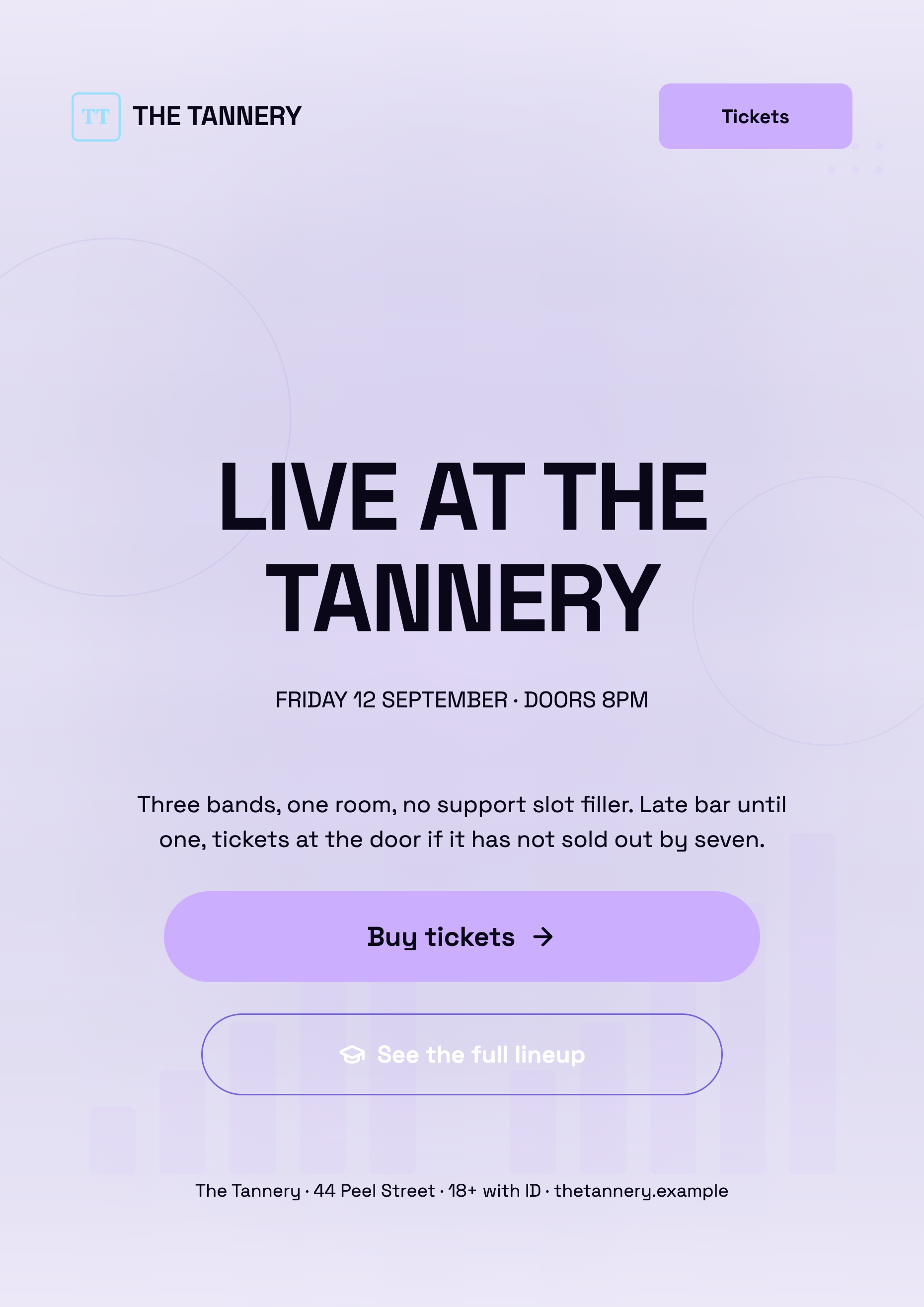
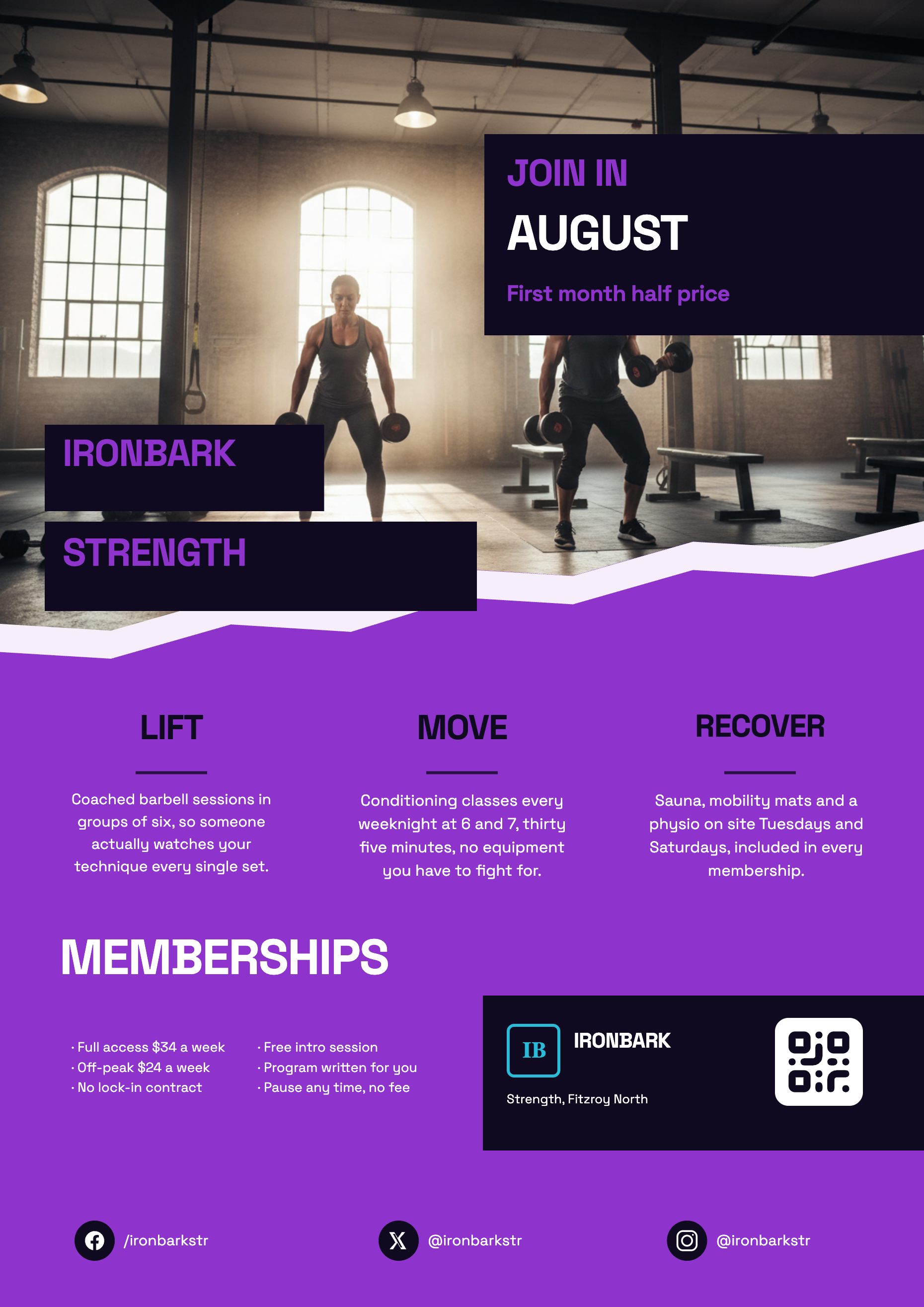
See it on a finished piece
Questions people ask
Is the story version just my A4 flyer squashed?
No. All 259 designs have a story layout authored natively at 1080 by 1920, with its own arrangement and its own artwork. Switching size swaps that file in and carries your words across.
How much of the canvas will Instagram cover?
Roughly the top eighth for the profile row and the bottom sixth for the reply controls, and it varies by device and by whether the story carries a link sticker. Leaving both bands clear is the safe habit.
Can I make a story and a feed post from one flyer?
Yes. Build one, then switch the page between Instagram Story and Instagram Post. Each is a native layout and your content carries over between them.
PNG or JPG for a story?
PNG. Stories are type heavy and PNG keeps the letter edges clean, where JPG at quality 95 can soften them against a busy photograph.
Make your own flyer
The button opens the generator with this use case already described. Change the wording to match yours, generate, then edit anything you like.
Create a flyer with OneCraftRelated pages
Instagram post maker
Square is the shape that punishes a stretched poster the most. A one to one canvas has neither the height of a story nor the width of a banner, so a design has to be recomposed for it rather than resized into it, and that is what makes a square post look intentional.
Resize a flyer for social media
Resizing here does not mean scaling. Change the canvas and the builder looks for that design's layout drawn natively for the new shape, swaps it in, and then works out which of your words belong in which of its slots. Understanding that matching step is what makes the result predictable.
Facebook post design
1200 by 630 is a landscape band roughly one and nine tenths as wide as it is tall. That shape is the reason a Facebook graphic never behaves like a poster: there is width to spare and only 630 pixels of height, so the design is a headline with support rather than a page of content.
More finished work of this kind is on the flyer examples hub.
Written and checked by the OneCraft team. Last checked .