Flyers
Resize a flyer for social media
Resizing here does not mean scaling. Change the canvas and the builder looks for that design's layout drawn natively for the new shape, swaps it in, and then works out which of your words belong in which of its slots. Understanding that matching step is what makes the result predictable.
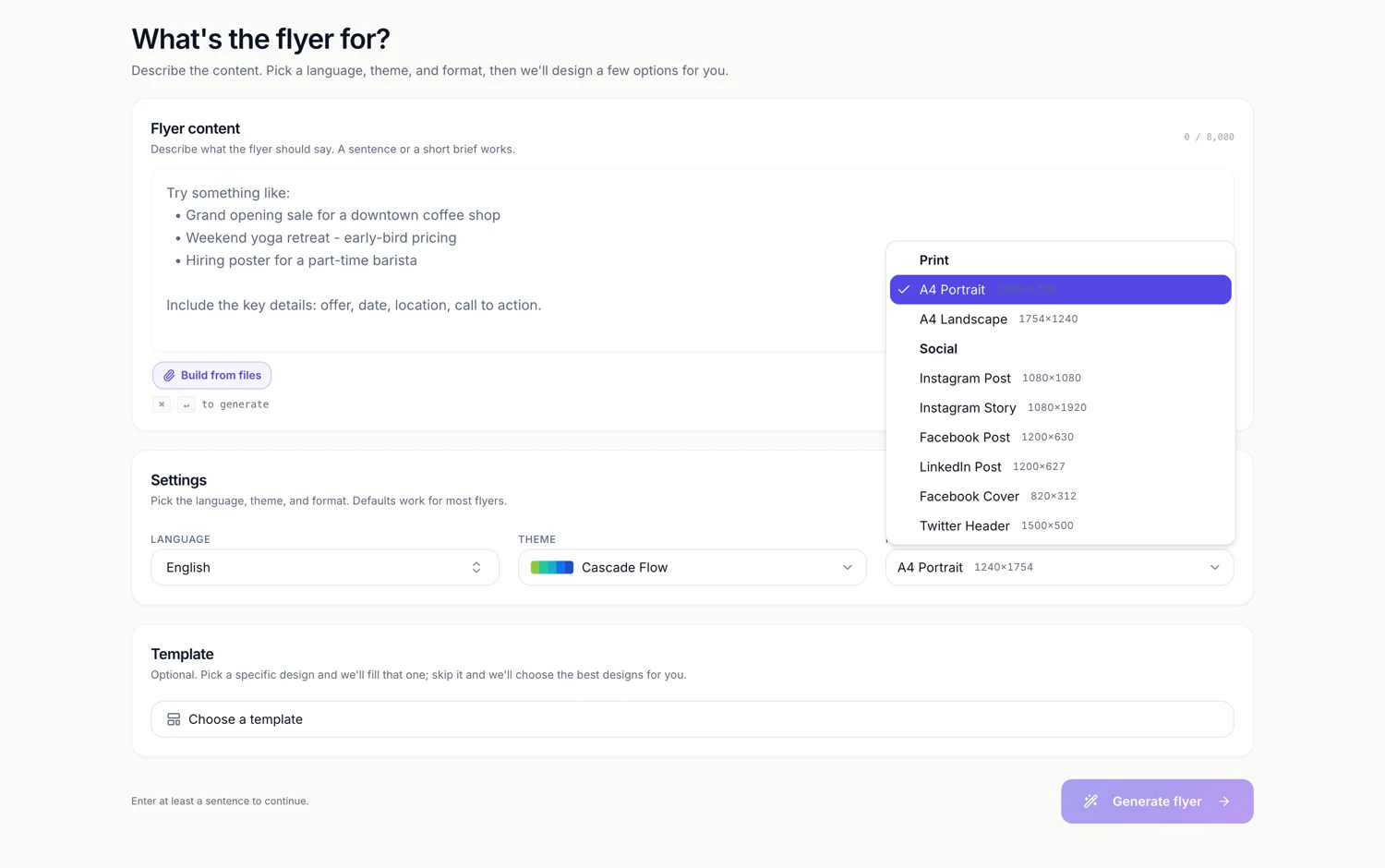
A native layout is swapped in, not scaled
All 259 designs are authored for all eight canvases. When you change size the builder loads that design's file for the new shape and replaces the page's template with it. Only when no native file exists does it fall back to scaling the current geometry, which a library design no longer needs.
Content is matched by id, then by resemblance
Anything whose slot id exists in the new layout moves straight across. What is left over is paired up by a score: the same id family counts, an identical authored prompt hint counts more, matching the same type class adds a point, and similar character budgets add another. So a slot called step one label finds step one heading in the new design instead of falling back to sample copy.
Nothing you wrote is thrown away
Each page keeps a running bag of everything it has held, so if the story layout has no room for the fine print line, that line is not deleted. Switch back to A4 and it reappears in its slot. Round trips between sizes are safe, which is the whole reason the bag exists.
Styling is remembered per size
Style overrides, the per element colour, weight, alignment and frame settings, are stored against the canvas size they were made on. Recolouring a headline on the square version therefore does not follow you to A4. That is usually what you want and occasionally a surprise, so check a size you have already tuned after making changes elsewhere.
One page at a time
The canvas picker changes the active page only. A three page flyer needs the change made three times, and if you forget one you will have a set that mixes shapes. The page thumbnails down the side show each page at its own proportions, which is the quickest way to spot it.
Every flyer size in one place
This page covers one part of the picture. The sizes page lists all eight canvases with their pixel dimensions and says which designs are native at each.
How it works, in three steps
Step 1
Open the canvas size picker
It sits with the page list and shows the eight sizes grouped into Print and Social with their pixel dimensions.
Step 2
Pick the new shape
The design's layout for that canvas loads and your content is matched into it.
Step 3
Fix the two or three slots that moved
A native re-layout changes emphasis. Read the page once, shorten anything that shrank, and save.
The full walkthrough with screenshots is in the guide Resize one flyer for every social size.
Limits worth knowing
- Only the active page changes size. Repeat it for every page of a multi page flyer.
- Style overrides are kept per canvas size, so per element restyling does not travel between sizes.
- Content that the new layout has no slot for is held aside rather than shown; it returns if you switch back.
- There are eight sizes and no custom dimensions.
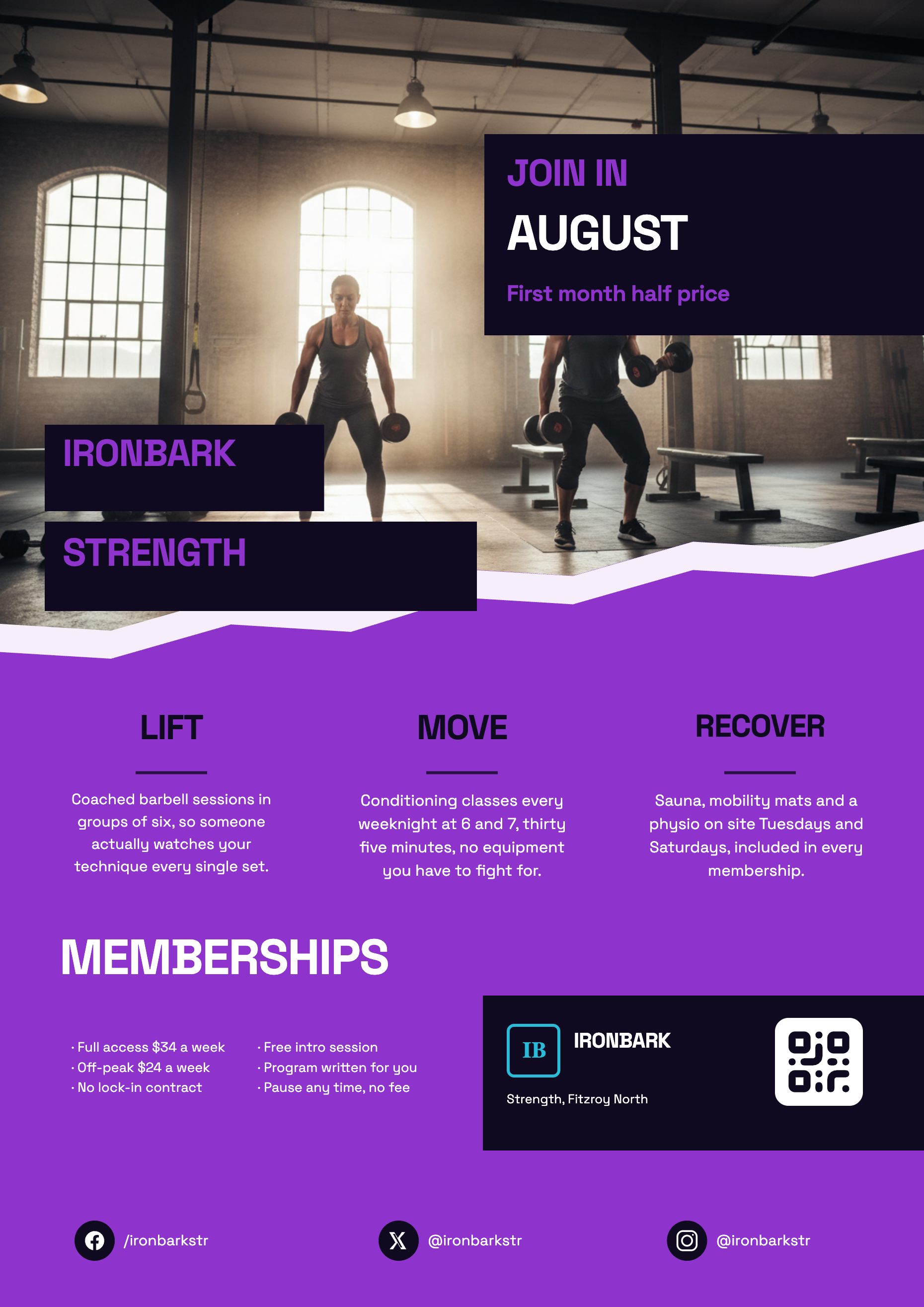
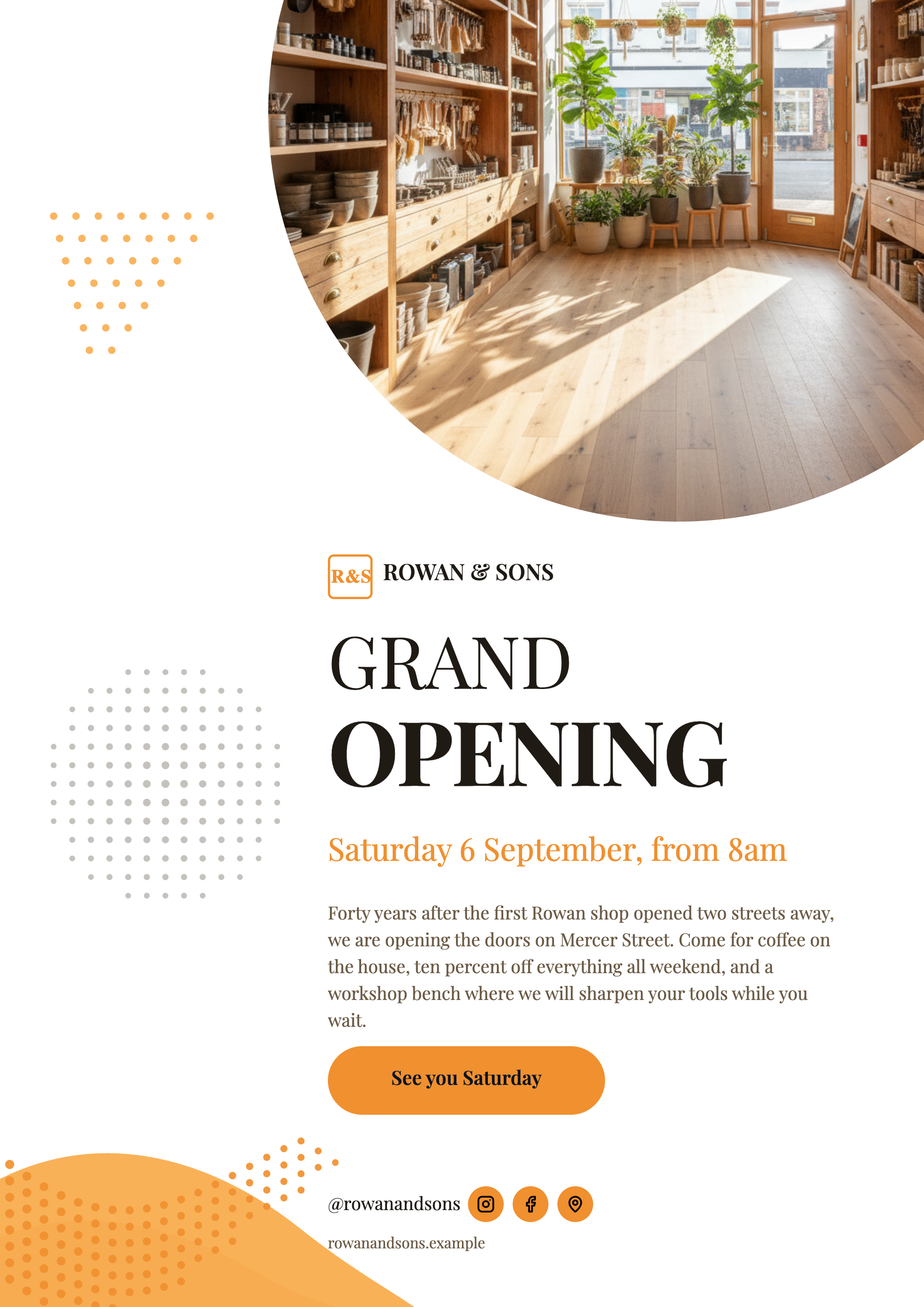
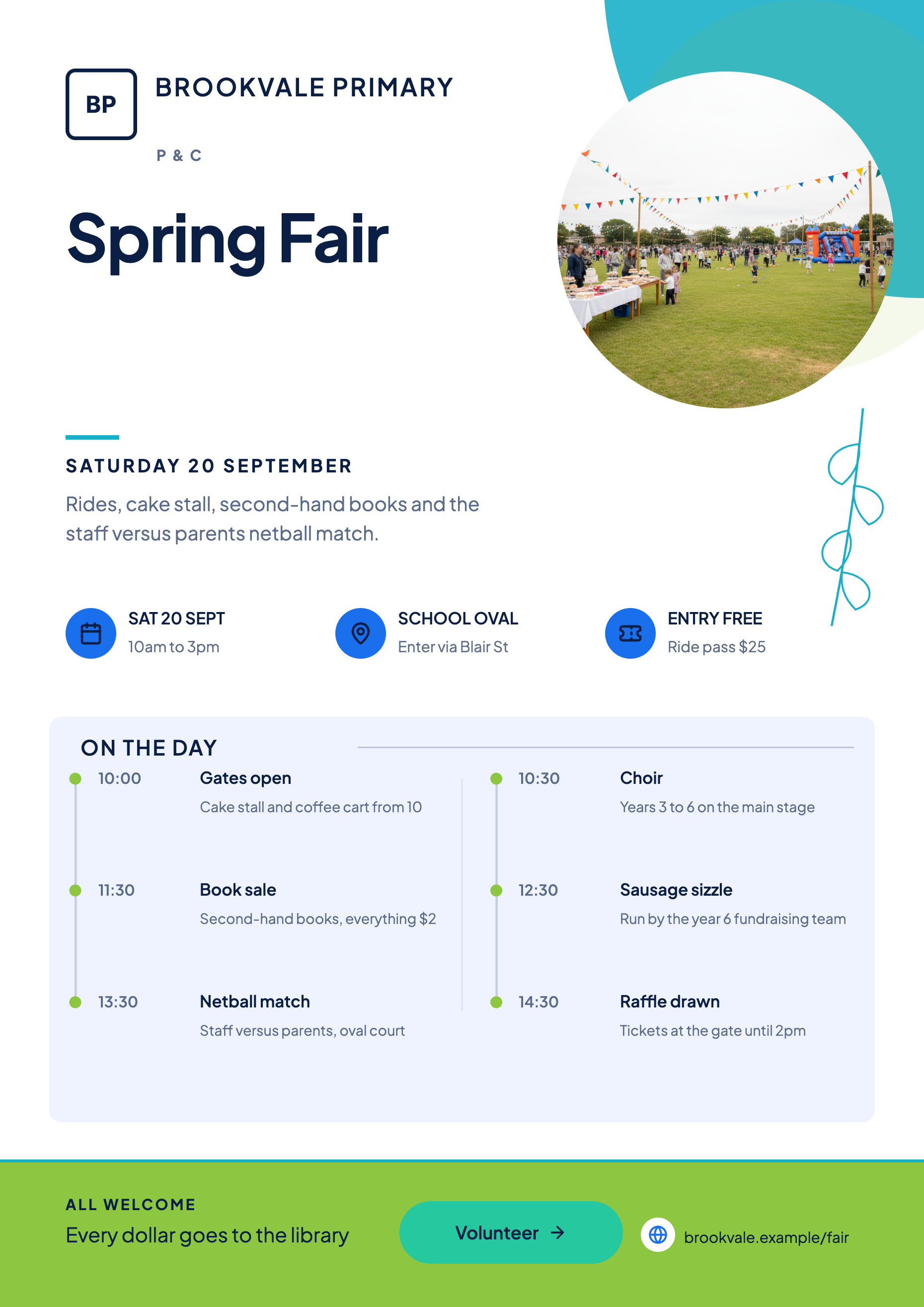
See it on a finished piece
Questions people ask
Will my flyer be stretched or letterboxed?
Neither. Each size has its own layout drawn for that shape, so the design is rebuilt rather than transformed. Circles keep their diameter and re-centre rather than becoming ellipses, and decorative vector artwork is rescaled path by path.
Why did some text disappear when I went to a smaller canvas?
The smaller layout has fewer or shorter slots, so the surplus is held in the page's content bag rather than shown. Switch back to the larger size and it is there again.
Do I have to regenerate for each platform?
No, and you should not. Generation costs credits; switching size does not. Build once and switch.
Can I export every size at once?
No. PNG and JPG export the page you are looking at, so you switch the page to a size, export, switch again and export again. PDF writes every page in the flyer into one file at whatever size each page currently is.
Make your own flyer
The button opens the generator with this use case already described. Change the wording to match yours, generate, then edit anything you like.
Create a flyer with OneCraftRelated pages
Instagram post maker
Square is the shape that punishes a stretched poster the most. A one to one canvas has neither the height of a story nor the width of a banner, so a design has to be recomposed for it rather than resized into it, and that is what makes a square post look intentional.
Facebook post design
1200 by 630 is a landscape band roughly one and nine tenths as wide as it is tall. That shape is the reason a Facebook graphic never behaves like a poster: there is width to spare and only 630 pixels of height, so the design is a headline with support rather than a page of content.
Instagram story flyer maker
A story is nine by sixteen and it fills a phone. That shape gives you more vertical room than any other canvas here and almost no horizontal room, which changes what a design can do: things stack, they do not sit side by side.
More finished work of this kind is on the flyer examples hub.
Written and checked by the OneCraft team. Last checked .