Websites
Nonprofit website maker: show the mission, prove the impact, ask for help
A nonprofit website has to earn trust from people who will never visit in person: donors, volunteers, partners and the people it serves. It does that with a plain statement of the mission, numbers that show the work, one real story and a clear way to help.
Sections that carry impact
Stats with context sets each number beside a sentence explaining it, such as 600 families a week, every week since 2019, which reads as evidence rather than boasting. The report style layout lists results beside the heading like an annual report. A single story told large beside a photo of the person, with their permission, does more than a wall of figures.
Three nonprofit templates
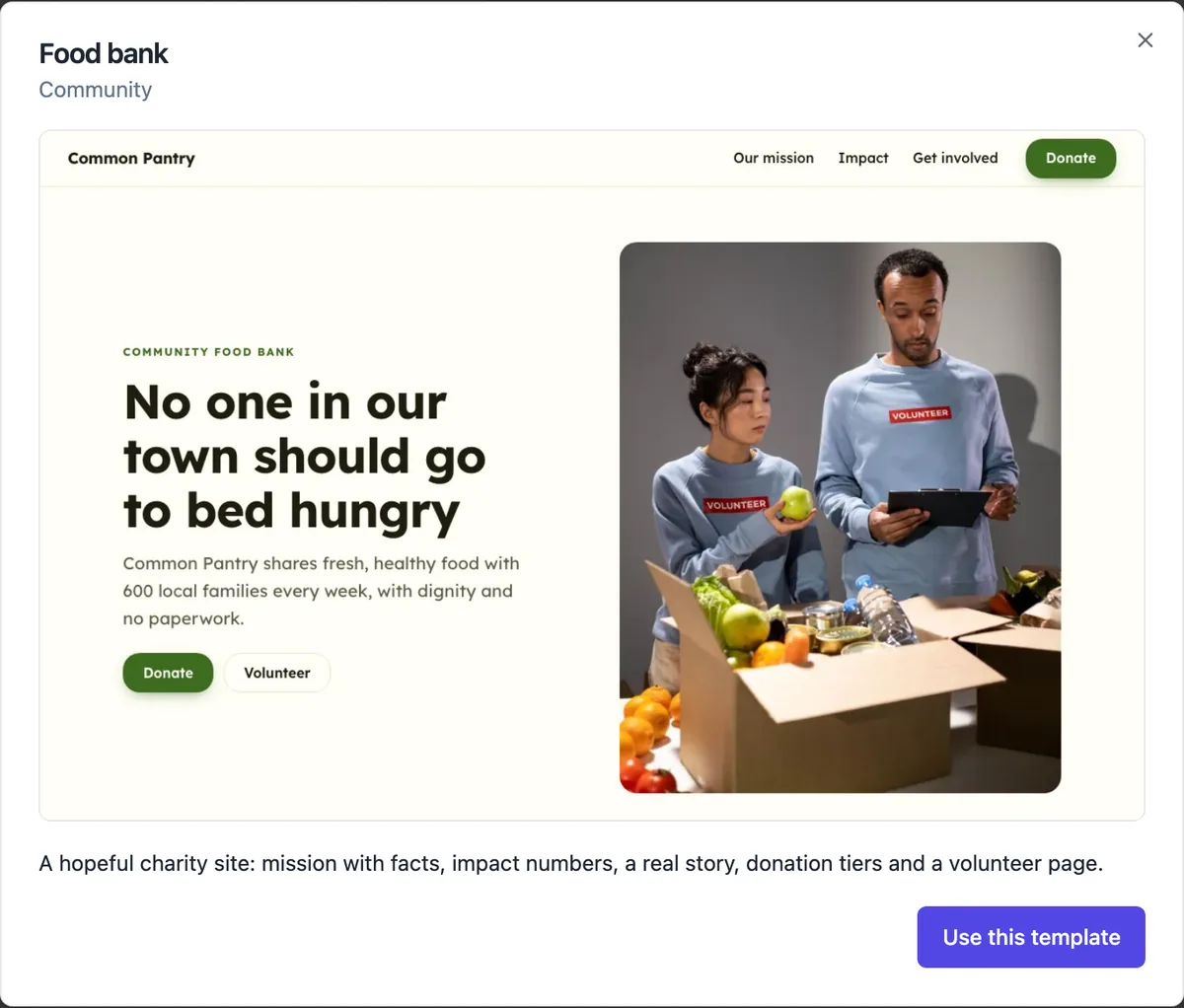
A food bank with mission facts, impact numbers, a story, donation tiers and a get involved page; a literacy charity with a stat hero, report style numbers, voices from schools, sponsorship and news; and an animal rescue with a photo hero, an impact band, animals looking for homes, happy endings and a donate call. The generator writes nonprofit sites from a description too.
Donations: where the button goes
The donation tiers in the templates are a pricing section whose buttons link wherever you choose, usually your existing donation platform or bank details page. There is no recurring giving, tax receipt or gift aid feature in the builder. A paid plan store can sell fixed amount items through Stripe, but a donation platform handles receipts and regular gifts properly.
Recruiting volunteers
A get involved page with the roles you need, as a tidy list with a line each, and a contact form underneath brings sign-ups into the messages inbox, where you can mark each one handled and export them to CSV for your roster. For a longer volunteer application with availability and checks, embed a OneCraft form on the page.
Low cost to run
The free plan includes one site at its onecraft.live address with a small badge in the footer, which is often enough for a community group. Paid plans add a custom domain, more sites and badge removal. Published sites are static files on a CDN, so there is no server to keep updated and nothing to patch when the volunteer who built it moves on.
How it works, in three steps
Step 1
Choose Nonprofit
Pick Nonprofit as the kind and describe the mission, who you help and how people can support you.
Step 2
Add proof and ways to help
Fill the impact numbers, add a real story with permission, and point the donate buttons at your giving page.
Step 3
Publish
Publish and link the site from your social pages, newsletters and grant applications.
Limits worth knowing
- There is no built in donation processing, recurring giving or tax receipting.
- Free plan sites carry the Made with OneCraft badge; removing it needs a paid plan.
- A Report link stays in every site footer so visitors can report abuse.
- Volunteer sign-ups arrive as messages; there is no rostering or volunteer database.
Questions people ask
Can we take donations on the site?
Not as donations with receipts. The donate buttons link to whatever giving page you already use. On a paid plan the store could sell a fixed amount item through Stripe, but it would be treated as a sale, without a tax deductible receipt or recurring option, so most charities link out instead.
Is the site accessible for people with disabilities?
The section layouts are built with headings, labels, a skip link and colour pairs held to WCAG AA contrast in every palette, which covers much of the basics. Accessibility still depends on your content: write alt text for photos, use plain language and keep link labels meaningful.
Who should own the account the site is built on?
The organisation, not one volunteer. Create the account with a shared organisation email the committee controls and keep the password in a shared password manager. When the volunteer who built the site moves on, the next one signs in with the same details and nothing has to be rebuilt or transferred.
Do we need a privacy policy?
If the site collects names, emails or phone numbers through a form, yes. The generator adds a privacy policy and terms page as starting text. Edit them to describe how your organisation actually uses and stores personal information, and check the privacy rules that apply to charities in your country.
Can we show upcoming events and news?
Yes. The events section shows upcoming events as cards or a dated programme, and the news section shows the latest updates as photo cards or a dated reading list. Both are edited in the builder and go live with your next publish.
How do we write impact numbers people trust?
Use numbers you can stand behind and give each one its unit and time frame: 600 families a week, 31,000 meals in 2025, 140 regular volunteers. Round honestly and avoid totals since founding unless the date is shown. A number with a sentence of context, which the stats layout provides, reads as reporting rather than marketing.
Make your own website
The button opens the generator with this use case already described. Change the wording to match yours, generate, then edit anything you like.
Create a website with OneCraftRelated pages
Website contact form: every enquiry in one inbox
A website contact form turns a visitor question into a message you can answer, without publishing your email address for spammers to collect. What matters is that every message reaches you, bots do not, and you can see at a glance which ones still need a reply.
Push notifications for new website orders and messages
A push notification for a new order or enquiry means you see it within seconds, not when you next check email. For a pickup menu or a busy service business that is the difference between a customer waiting and a customer served.
Restaurant menu website maker: the menu first, then everything around it
A restaurant menu website exists to answer four questions fast: what do you serve, how much is it, when are you open and where are you. Everything else, the story, the gallery, the ordering, is useful only once those four are one tap away on a phone.
More finished work of this kind is on the website examples hub.
Sources
Written and checked by the OneCraft team. Last checked .