Presentations
How many slides your presentation gets
Plan on roughly one slide per minute you will be talking, so a ten minute slot wants about ten slides and a five minute update about five. In the generator that number is set with the length slider, which runs from 3 to 20, starts at 8, and stops at 6 on the free plan; Auto hands the count to the planner instead. The count you set is a target the writer is told to hit exactly, so choosing it badly produces a deck that is padded or crushed rather than one that is simply longer or shorter.
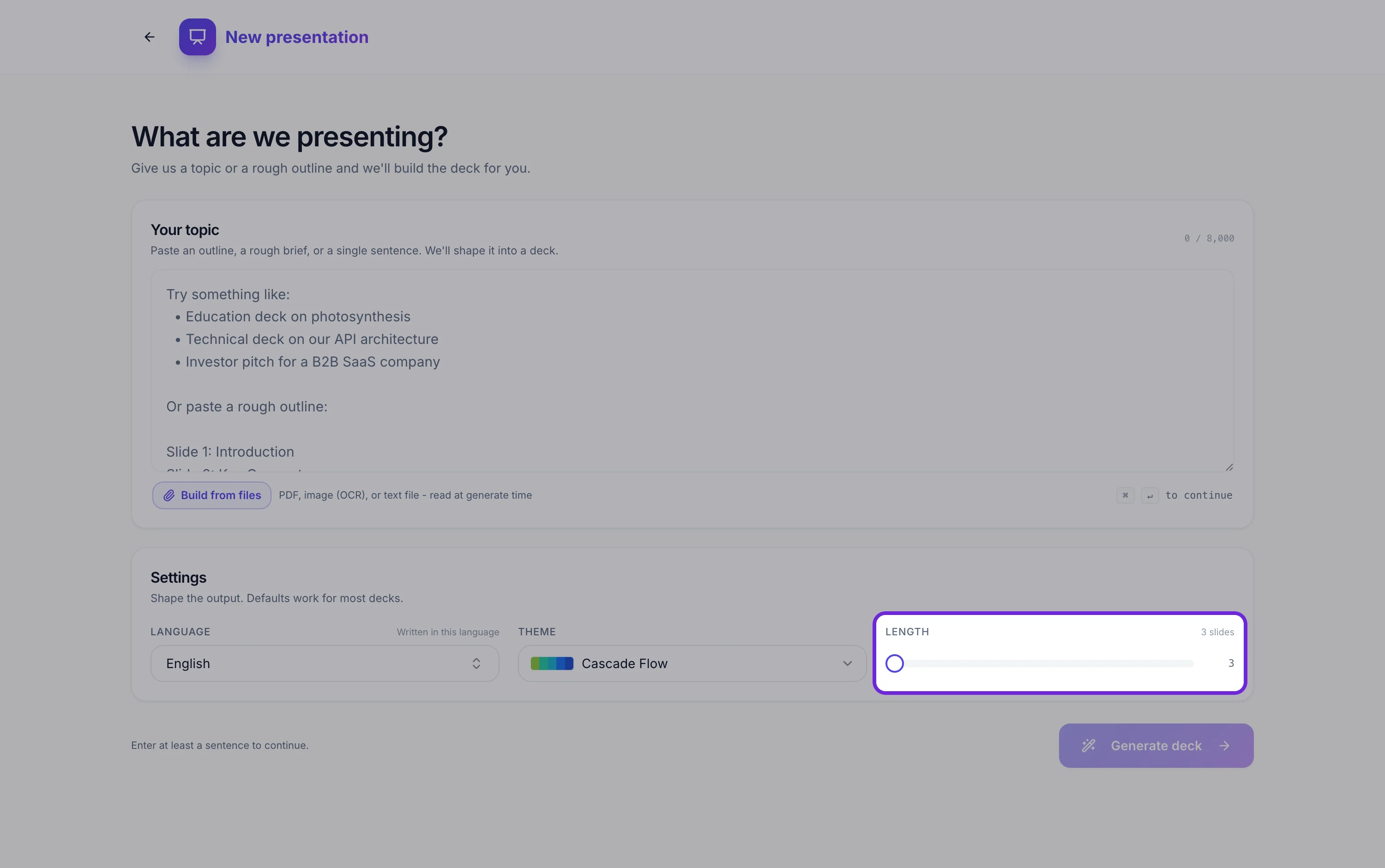
Three to twenty, or Auto
The slider sits under the prompt box between Language and Theme. Its floor is three and its ceiling is twenty, and it opens on eight, or on six for a free account. An Auto button beside it hands the length to the planner, which picks a count from the topic up to the plan cap. Set it before you generate. The number you leave it on is passed to the planner as a target slide count with an instruction to hit it exactly and flex by one only if the narrative strictly demands it.
The free plan stops at six
A free account can set the slider as far as six. The track still shows the full range to twenty, with the part past the cap greyed out and a small padlock at the cap mark, so you can see what the paid plans allow rather than wondering why the handle stopped. A paid plan unlocks the full twenty. The limit is enforced on the server too: a free request for more than six slides is refused, so it is not a cosmetic cap.
What six slides gives you
A cover, three or four substantive slides and a close. There is no room for an agenda, a divider or a section recap, so the deck is one continuous argument. This is the right length for a stand up update or a single ask, and the wrong length for anything a stranger has to follow without you narrating it.
Ten is where the furniture appears
At ten the planner can afford a cover, an agenda, six or seven content slides and a close, which is the shape most business decks actually are. Section dividers start showing up, and content slides begin to differentiate: one carrying metrics, one carrying a comparison, one carrying a timeline, rather than six variations on a bullet list.
Eighteen changes the density, not just the count
The planner is instructed to vary how many points sit on each slide deliberately, terse in one place and dense in another, and not to use the same count three slides in a row. That instruction has somewhere to go at eighteen and nowhere to go at six. A long deck also gets more section structure, so the audience gets told where they are more often.
Slides per minute, and when the rule bends
One slide a minute is a planning figure, not a law. A slide carrying a chart or a comparison often holds the room for two minutes, while a divider or a single statement slide may last ten seconds. Count the slides that need explaining, give each a minute or two, and add the quick ones on top. A deck someone will read without you in the room is different again: it needs more slides with fewer words on each, because nobody is there to fill the gaps. For how to order the slides once you know the count, see the deck structure guide.
How it works, in three steps
Step 1
Move the slider before generating
It opens on eight, or on six on the free plan. The hint beside it names the current value, or the cap plus an upgrade link when you are at the ceiling.
Step 2
Pick the count from the room, not the topic
Roughly a minute a slide when you are talking. A fifteen minute slot is not a twenty slide deck.
Step 3
Add or delete afterwards
The slider only sets the first pass. Slides can be added from the library or deleted from the rail at any point.
The full walkthrough with screenshots is in the guide Make a pitch presentation with AI.
Limits worth knowing
- The slider range is 3 to 20. There is no way to request more from the generator.
- A free account is capped at 6 and the server rejects more, so the cap is not just a UI limit. Paid plans go to 20.
- The default is 8 slides, and it resets on every visit. Auto lets the planner choose the count up to the plan cap.
- The count is a target with a tolerance of one slide, not a guarantee.
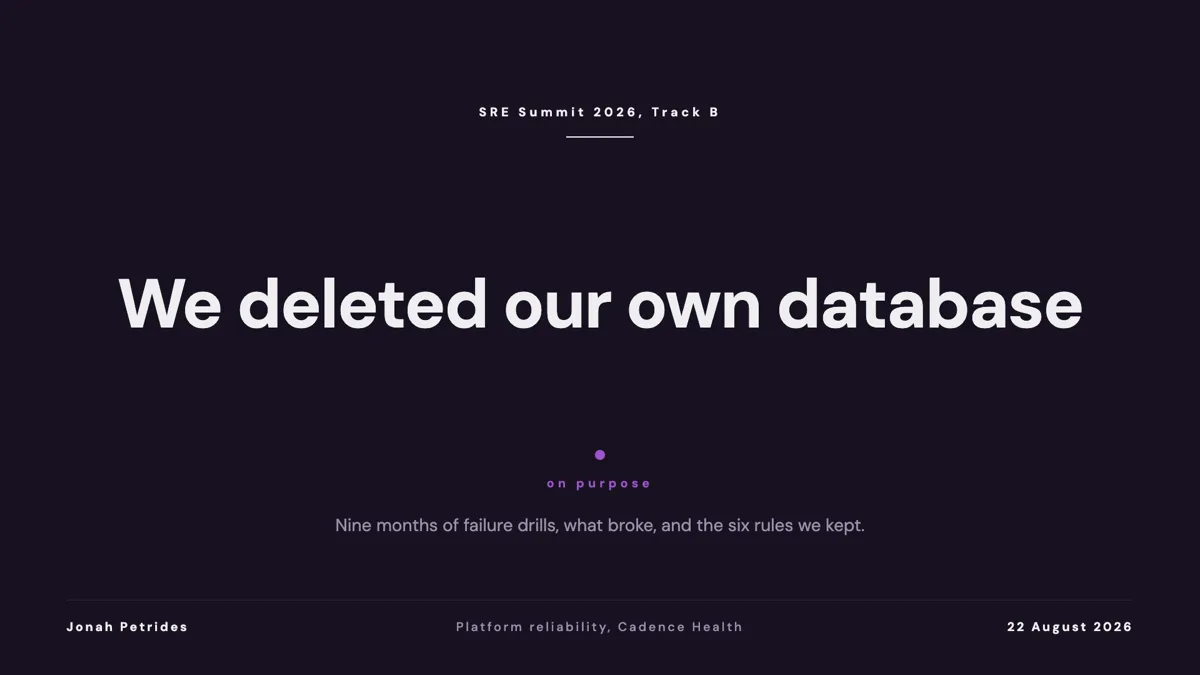
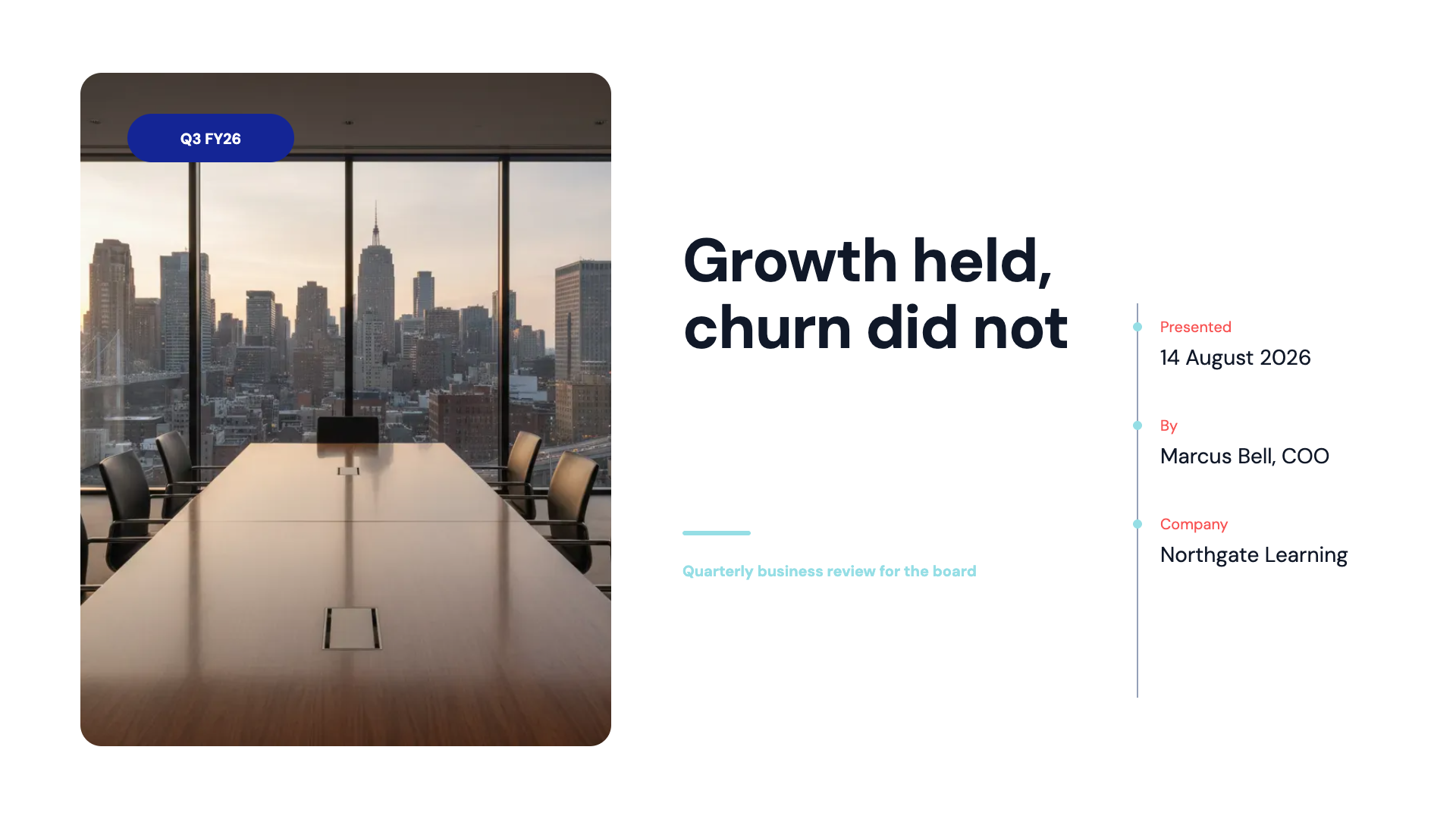
See it on a finished piece

Questions people ask
Why did my deck come back with a different number of slides than I wanted?
Because the length was left on its default of eight, or on Auto, where the planner picks the count from the topic, and was not set before generating. It sits under the prompt box and is easy to miss once you have finished typing the topic. Set it first, using about one slide per minute of speaking time, then generate. If the deck is already made, add slides from the library in the builder rather than generating again from scratch.
Can a deck go past twenty slides?
Not from the generator, whose slider tops out at twenty on a paid plan and six on the free one. Once the deck exists, add more slides from the library in the rail or ask the assistant to add them. For a long training session, a practical pattern is to generate the core twenty and then build the extra sections by hand around them.
What happens if I ask for fewer slides than my content needs?
The writer compresses rather than cuts. Points get merged onto shared slides, which usually reads worse than leaving a topic out altogether, because each slide ends up carrying two ideas. If the slot is short, trim the brief to the points that matter and let the slide count match, rather than squeezing a long brief into a short deck.
How many slides for a ten minute presentation?
About eight to twelve. Ten is the starting point from one slide per minute, then adjust for what the slides carry: a deck heavy with charts and comparisons wants fewer, one with quick statement slides and dividers can take more. On the free plan the generator stops at six, so generate six and add the rest from the library if you need them.
Should a pitch deck have fewer slides than a training deck?
Usually yes. A pitch is a single argument that has to land inside a short meeting, so ten to twelve slides is common. A training session runs longer and needs recaps, dividers and exercises, which is where a count near twenty earns its place. Pick the count from the length of the slot and the purpose, not from how much material you have.
Make your own presentation
The button opens the generator with this use case already described. Change the wording to match yours, generate, then edit anything you like.
Create a presentation with OneCraftRelated pages
How to structure a presentation
Structure is the order of the slides and nothing else. Get it right and average writing survives; get it wrong and good writing does not. Five patterns cover most business decks, and each one is written here as a sequence of slide kinds you can build directly.
Types of slides in a presentation
Every slide in this builder is one of twenty six kinds, and the kind is chosen before any words exist. Learning the list is worth ten minutes, because most weak decks are not badly written, they are slides doing a job they were not built for.
Timeline slides
Time on a slide has more than one honest shape. A run of milestones wants a rail. A set of phases with detail under each wants columns. A history with unequal gaps wants a vertical list. Twenty layouts cover those cases, and choosing badly is what makes a timeline unreadable.
More finished work of this kind is on the presentation examples hub.
Written and checked by the OneCraft team. Last checked .