Presentations
Types of slides in a presentation
Every slide in this builder is one of twenty six kinds, and the kind is chosen before any words exist. Learning the list is worth ten minutes, because most weak decks are not badly written, they are slides doing a job they were not built for.
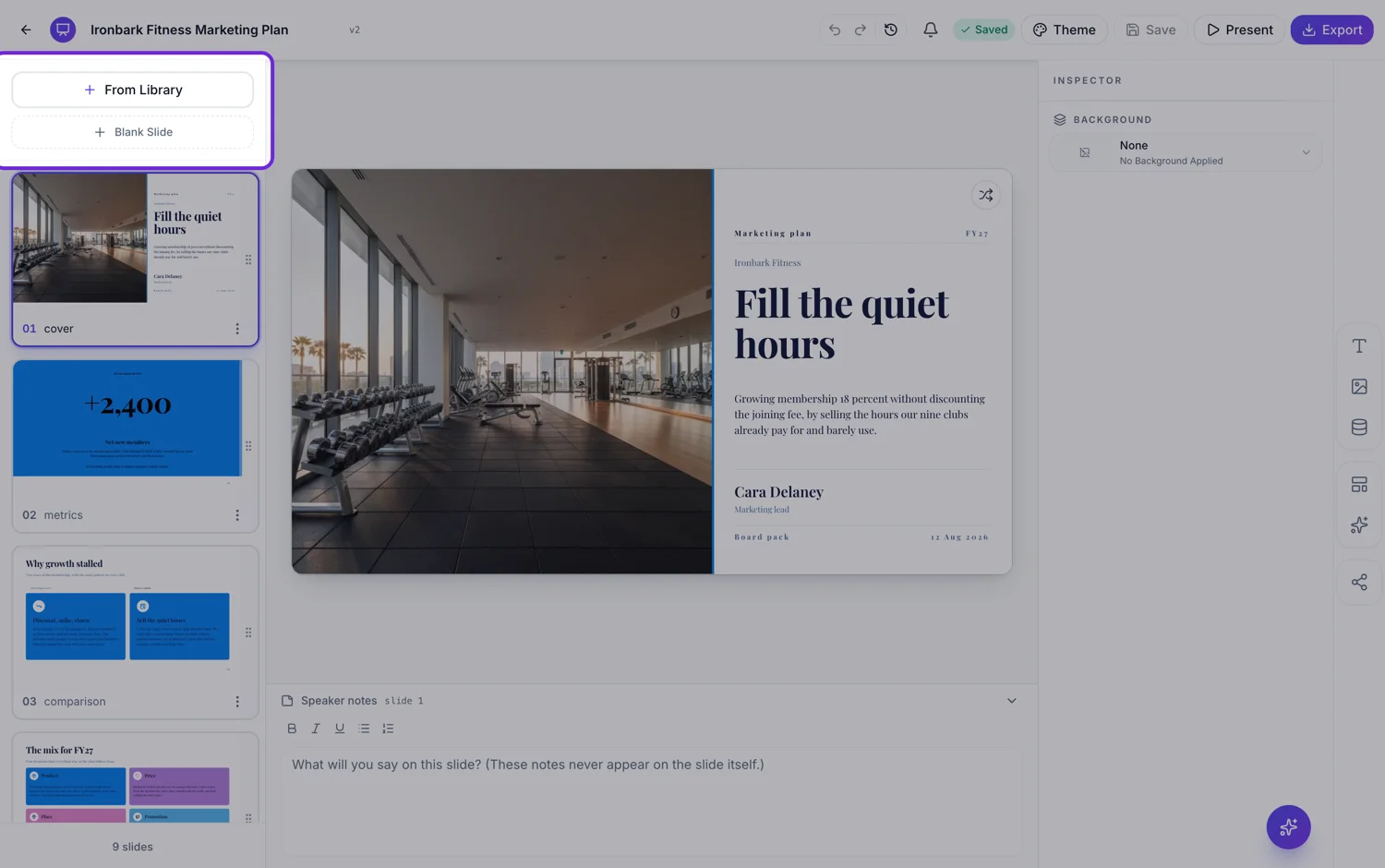
Opening and closing: cover, intro, agenda, divider, closing, question break
Cover opens the deck. Intro states the thesis, the why now or the mission before any detail. Agenda is a numbered contents list of three to six items. Divider is a visual reset that signals a topic change and gives the audience somewhere to breathe. Closing wraps up with an ask, contact details and a signoff. The question break is a mid deck pause inviting questions, which is a different thing from the closing slide and should not replace it.
Making a point: content, pillars, checklist, takeaway, quote
Content is the workhorse: a title with bullets, prose, two columns, an image with text, or a do and do not list. Pillars is for equal weight, unordered items sitting side by side, values or features or principles. Checklist is for five to ten self contained items each with an icon, a heading and a sentence. Takeaway is the mid deck summary that lands the insight before you move on. Testimonial carries a customer quote with a byline, or a grid of shorter ones.
Showing numbers and relationships: metrics, investment, pricing, comparison, framework, diagram
Metrics is a KPI board: a label, a value and an optional one line explanation, repeated. Investment leads with one hero figure and breaks it down into line items. Pricing carries tiers with names, prices and feature lists. Comparison is any two sided argument. Framework covers named analytical models and category grids, from SWOT and Porter to a plain 2x2. Diagram covers conceptual relationships: Venn, pyramid, cycle, funnel, concentric, honeycomb.
Showing sequence and structure: process, timeline, calendar, tree
Process is for workflows where the branching itself is the content, including decision gates and approval flows. Timeline is period by period: quarters, months, phases, milestones, each column carrying what happens then. Calendar is a date grid for planners and schedules. Tree is for anything with one thing above several others: a root question with two to four branches for a decision, a taxonomy, and three organisation chart layouts.
People, media and teaching: profile, persona, gallery, code, quiz
Profile is for people, either one person with a headshot and biography sections or a team grid with optional advisers and client logos. Persona is user research: persona cards, empathy maps and journey maps. Gallery is image led, photo grids and photo cards with short captions. Code is a snippet slide for technical talks and architecture reviews. Quiz is a question with options for training and classroom use.
How it works, in three steps
Step 1
Name the job before the words
Is this slide asserting, measuring, comparing, sequencing or introducing? The answer picks the kind.
Step 2
Check the kind matches the content you have
Three items with no order are pillars, not a process. Five stages with an order are a process, not pillars.
Step 3
Use dividers if the deck runs long
Past ten slides an audience loses its place. A divider costs one slide and buys back attention.
The full walkthrough with screenshots is in the guide Add, reorder and restructure slides.
Limits worth knowing
- A slide's kind is set when it is created and cannot be changed afterwards. To change it, delete the slide and add a new one.
- You can only swap a slide's layout within its own kind.
- Some kinds have far fewer designs than others, so quiz and calendar offer less visual variety than comparison or metrics.
- There is no custom kind. The twenty six are fixed.
See it on a finished piece



Questions people ask
Which kind should most of my slides be?
Content, and that is fine. It is the general purpose kind and covers titles with bullets, prose, two columns and image plus text. The others exist for when your content has a specific shape.
What is the difference between pillars and a process?
Order. Pillars are equal weight items with no sequence, so reordering them changes nothing. A process has a sequence, and reordering it breaks the meaning.
Is an org chart a tree slide?
Yes. The three organisation chart layouts, the org chart, the wide org chart with six reports and the four column hex layout, are filed under tree, alongside the decision and taxonomy trees. An org chart draws three levels at most. A team introduction with headshots is a different slide, and that belongs to the profile purpose.
Can I change a slide from one kind to another?
No. The kind is fixed at creation, which is what guarantees a layout swap keeps your content. Add a new slide of the right kind and move the text across.
Make your own presentation
The button opens the generator with this use case already described. Change the wording to match yours, generate, then edit anything you like.
Create a presentation with OneCraftRelated pages
Content slide layouts
Some slides have to carry words: a definition, a comparison in prose, an objection and its answer. Eighteen layouts are filed under the content role, and each one is budgeted for a specific amount of text, which is the difference between a readable slide and a wall.
Video templates
There are 32 templates and they are not all the same kind of thing. Seventeen of them pin an exact, ordered list of scenes, so the video is the same shape every time. The other fifteen pin a story arc and let the engine resolve which layout fills each role, which produces variety between runs.
Presenter view on a second screen
Two windows, one on each screen. The slides go full screen on the display everyone can see, and the notes go into a separate small window you drag to your own. It is a simpler arrangement than a dedicated presenter mode, and worth setting up before the room fills.
More finished work of this kind is on the presentation examples hub.
Written and checked by the OneCraft team. Last checked .