Presentations
Quiz slide templates
A quiz slide in a deck is not an interactive quiz. Nobody clicks an answer and gets a score. It is a question held on screen while a room answers out loud, followed by a slide that shows which answer was right. That is a smaller thing than a quiz app and a very useful thing in a training session.
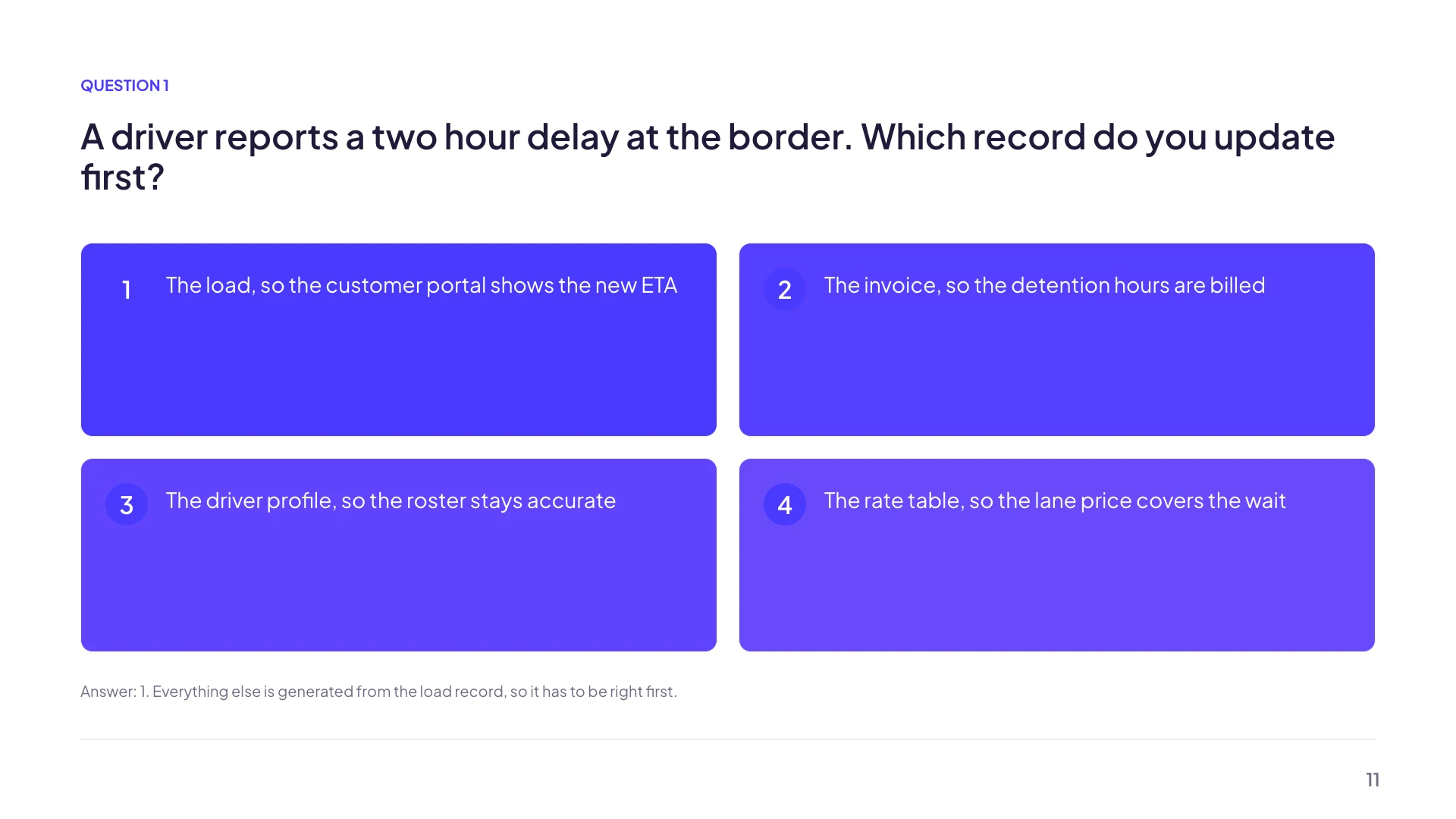
Five shapes of question
Multiple choice with four options, each carrying an automatic letter badge. True or false. Rank four items in order. A scenario with a short setup and three possible actions. And a knowledge check that pairs the four options with a reveal. Between them they cover recall, judgement and sequencing, which is most of what a training session needs to test.
The reveal is a design, not a click
The knowledge check layout has a correct answer bar with its own label, plus an explanation of up to 220 characters saying why that answer is right. The usual pattern is a question slide, a pause while the room answers, then the reveal. Nothing animates or unhides itself, so the reveal is a second slide you advance to, which is also what makes it work over a video call.
Budgets that keep a question readable
The question itself gets 180 characters, which is one clear sentence and no preamble. The optional hint gets 200 and is described in the product as being for the presenter rather than the room. The explanation gets 220, enough for one or two sentences. If your question does not fit in 180 characters it is probably two questions.
Write options that are all plausible
Four options where three are obviously silly does not test anything, it just fills a slide. The letter badges are generated for you so the options are visually equal, which makes the writing carry all the weight. A good rule for a training deck: every wrong option should be something somebody has actually done.
There is no scoring, and that is fine
Nobody types an answer, nothing is marked, and no results come back to you. If you need scored responses from a group, build a form and put its link on a slide. The quiz layouts exist for the live case, where the value is the ten seconds of silence while people think, not the data.
How it works, in three steps
Step 1
Add a quiz layout
Five are filed under quiz in the layout library, from multiple choice to a scenario with three actions.
Step 2
Write the question inside 180 characters
One sentence, testable, no preamble. Anything longer belongs on the slide before it.
Step 3
Follow it with a reveal slide
Duplicate the question slide, swap to the knowledge check layout and fill the correct answer bar and the explanation.
The full walkthrough with screenshots is in the guide Add, reorder and restructure slides.
Limits worth knowing
- Five quiz layouts. Multiple choice is fixed at four options and ranking at four items.
- Nothing is interactive. There is no clicking, no scoring and no answer collection.
- The reveal is a separate slide, not an animation on the same one.
- The question is capped at 180 characters and the explanation at 220.
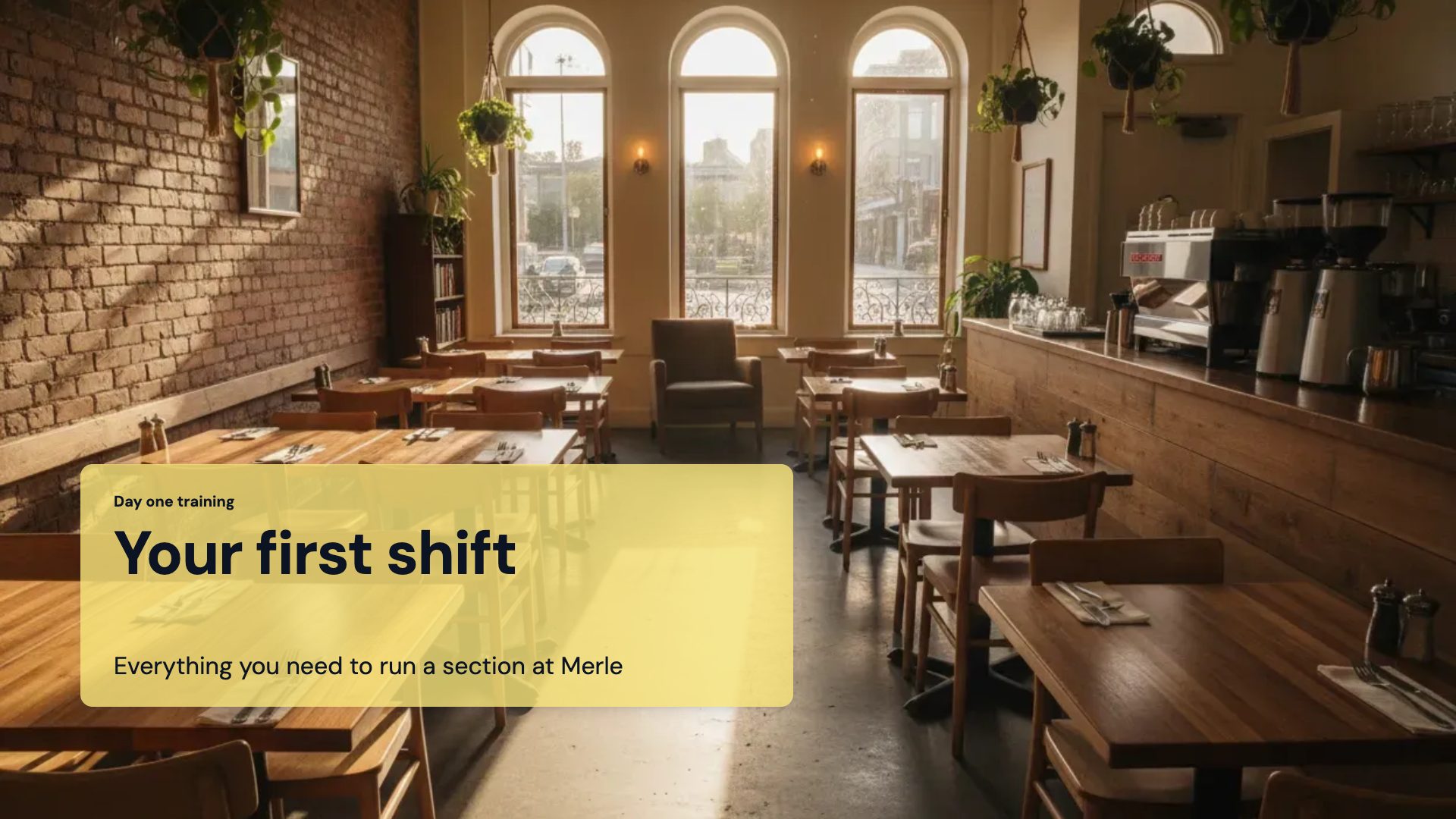
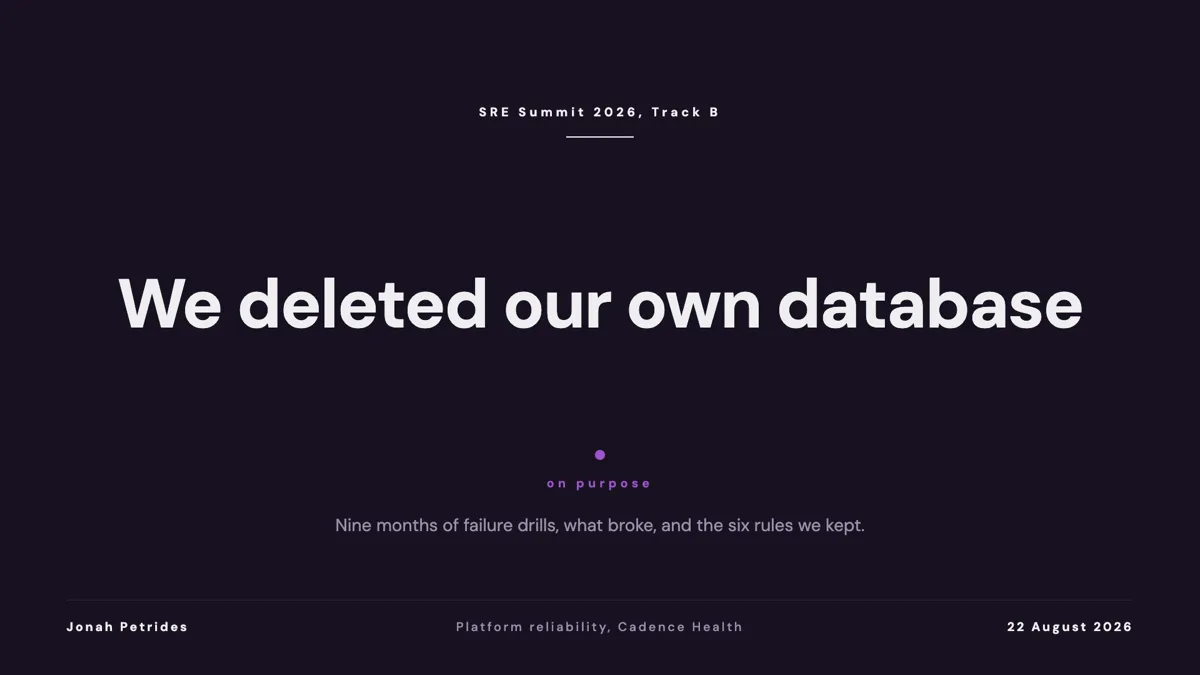
See it on a finished piece

Questions people ask
Can people answer on their phones?
Not from a slide. If you need collected answers, build a form and put its link or a QR code on the slide beside the question.
How do I hide the answer until I want it?
Put it on the next slide. The reveal is a second slide with the correct answer bar and an explanation, which you advance to when the room has answered.
Can I use more than four options?
No. The multiple choice and ranking layouts are built for four. Five options on a projected slide is usually past what an audience can hold anyway.
Is the hint shown to the audience?
It renders on the slide, so treat it as visible. The product describes it as a hint or answer reveal for the presenter's notes, but if you need something genuinely private, use the speaker notes pane instead.
Make your own presentation
The button opens the generator with this use case already described. Change the wording to match yours, generate, then edit anything you like.
Create a presentation with OneCraftRelated pages
Presentation themes
The theme panel lists ninety nine entries: eighty eight colour palettes, twenty one hand built themes, and the ten places where a hand built theme takes over a palette's name. Picking one restyles the whole deck immediately, including charts, tables and diagrams.
Record a presentation
You present the deck exactly as you would live, and a recording is made of it: the slides, your narration, your camera in a corner, and any marks you draw. When you stop, you download the file. Nothing is uploaded and nothing is hosted.
Presentation version history
Versions are created when you save, not on a timer, so the history is a list of decisions rather than a stream of keystrokes. Each one carries a summary of what changed, which is what makes a long list readable instead of a wall of timestamps.
More finished work of this kind is on the presentation examples hub.
Written and checked by the OneCraft team. Last checked .