Videos
Recruitment video maker
The thing to internalise before making one is that a recruitment video is a job advertisement. Which means the employment advertising rules apply to the pictures and the narration, not just to the text of the posting, and that a generic culture film with no role in it cannot do the job you made it for.
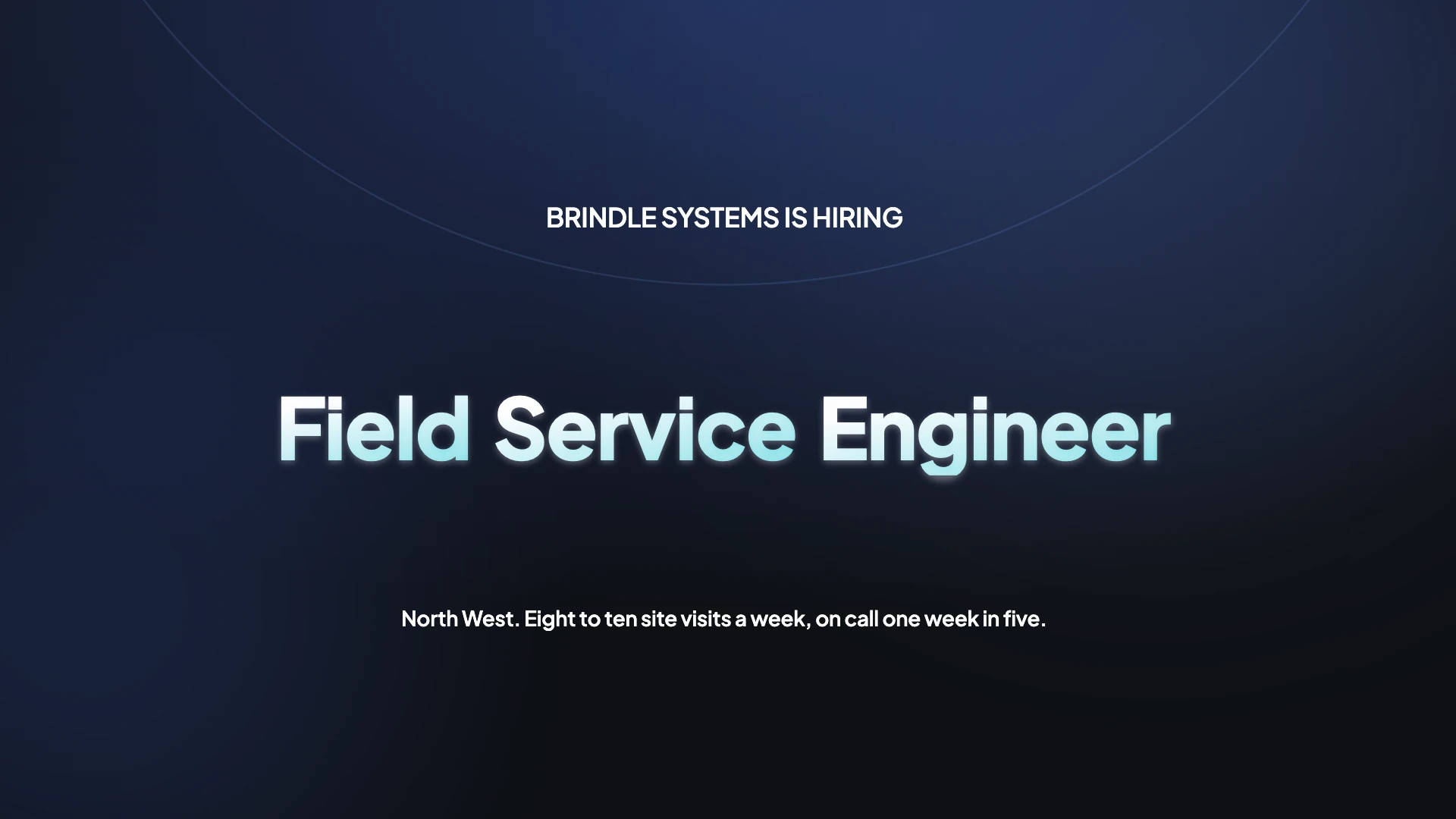
Name the role on screen or it is not a job ad
A film about how great the culture is, with no role named and no next action, cannot be attached to a requisition, cannot be measured against applications and does not tell a candidate what is being offered. Put the job title on screen, show the work actually being done, name what the successful person will spend their week on, and end on the application step rather than on the logo.
The pictures make claims too
Employment law prohibits publishing a job advertisement that shows a preference for, or discourages, applicants on protected grounds, and that covers imagery and voiceover as much as wording. The regulator's own example of unlawfully discouraging older applicants is asking for recent college graduates, and a video showing only people in their twenties over a line about a young team carries the same exposure. Show the workforce you actually have.
Keep every cut for at least a year
Advertising and notices relating to job openings have to be retained, in the United States for a year from the personnel action. If the video ran as the advertisement, the video is the advertisement, and that includes each platform cut. Practically, keep the exported files and note where and when each one ran, because a year later nobody remembers which version was on which platform.
Build it so you can swap the person
The employee who fronts your hiring video will eventually leave, and using their image afterwards is a live question rather than a settled one, particularly under European data protection where employee consent is weak because of the power imbalance. Build modularly: several short employee beats rather than one hero, so a single scene can be replaced. Get a signed name, voice and likeness release rather than relying on a handbook clause, and record why you believe continued use is fair if they leave.
Announcing a benefits or policy change to staff
The same builder covers the internal video, and it runs on five beats in this order: the change in one sentence, we are moving from this to that; the effective date as text on screen; what the employee has to do, written as a verb with an object and a deadline; what happens if they do nothing; and where to ask a question. The rule that catches people out is balance. Benefit plan disclosure requires that exceptions, limitations and reductions are not minimised or made to appear unimportant, so forty seconds on the upside and three on the downside is a problem even when every word is true. Keep two things off the screen entirely: named conditions or traceable claim examples, and any screen recording showing member data.
The generator behind this page
Every page in this family runs on the same generator; only the advice changes. If you are choosing between them, or you want the full list of what it can do, start here.
How it works, in three steps
Step 1
Put the job title in the brief
Written as it appears on the requisition. It becomes on-screen copy, which is what makes the video usable as an advertisement.
Step 2
Show the work, not the building
Upload photographs of the actual job being done: the site, the van, the ward, the floor. A drone shot of the office says nothing about the role.
Step 3
End on the application step
A closing scene carrying what to do and by when, plus your equal opportunity line. Ending on a logo wastes the only measurable part.
The full walkthrough with screenshots is in the guide Make a promo video with AI voiceover.
Limits worth knowing
- There is no filmed employee interview here. A named employee beat is either an uploaded clip or a quote scene carrying their words.
- Nothing checks your imagery for representation or for language that could discourage applicants. That review is yours.
- Eight images per generation, which for a role spread across several sites means choosing the representative ones.
- The exported file is what you keep for the retention period. Nothing here archives versions for you.
Questions people ask
How long should a hiring video be?
Thirty to sixty seconds for the job advertisement and social cut, sixty to one hundred and twenty for a careers page piece. Engagement data across millions of business videos puts the sharpest fall in completion right after the one minute mark.
Can I use actors instead of employees?
Only if you do not present them as staff. Presenting actors as real employees is an endorsement problem as well as a credibility one, and candidates notice, which is the more immediate cost.
Should the hiring manager appear?
Briefly, and after the person doing the job. Candidates want to see the work and the peer first. A quote scene carrying the manager's words with their name and title is enough.
What about the culture film we already have?
Keep it for the careers page and make short role specific videos for the requisitions. One general film bolted onto every opening is the most common pattern in this category and the least effective one.
Does an internal HR video have to repeat the plan document?
No, and it should not try. The video points at the plan and says where to read it. What matters is that nothing in the video misstates it, because a wrong summary can be relied on even where the plan document itself was accurate. Give the limits the same screen time and the same type size as the benefits.
Make your own video
The button opens the generator with this use case already described. Change the wording to match yours, generate, then edit anything you like.
Create a video with OneCraftRelated pages
Gym video maker
The classic fitness video mistake is booking the shoot for five in the morning so the floor is clear. What you get is an immaculate empty room, which is the precise opposite of what somebody is buying. People join a gym for the other people, the full class and the noise.
Salon video maker
Salon video runs on the transformation, and the transformation is the part regulators treat most seriously. A before and after is judged as a testimonial style claim, which means it has to be genuine, unmanipulated, and backed by signed dated proof that it is both.
Real estate video maker
Property video has a structural problem nobody warns you about. Most multiple listing services fine you for putting your branding in the tour, and your own advertising rules require your brokerage name on it. That is not a preference you can split the difference on. It means two exports of the same listing.
More finished work of this kind is on the video examples hub.
Written and checked by the OneCraft team. Last checked .