Videos
SaaS demo video maker
The failure mode in software demo video is specific and almost universal. It walks the navigation in menu order, here is the dashboard, here is settings, here is integrations, and nothing is ever produced. The viewer finishes it unable to say whether the thing would do their job.
Start where the buyer's question is
The demo that works is deliberately upside down. It leads with the capability that answers what the buyer actually raised, not with the login screen and the left hand navigation. Everything before that capability is overhead you are asking a stranger to sit through, and on a homepage placement of sixty to ninety seconds you do not have room for it.
One workflow, all the way to the artifact
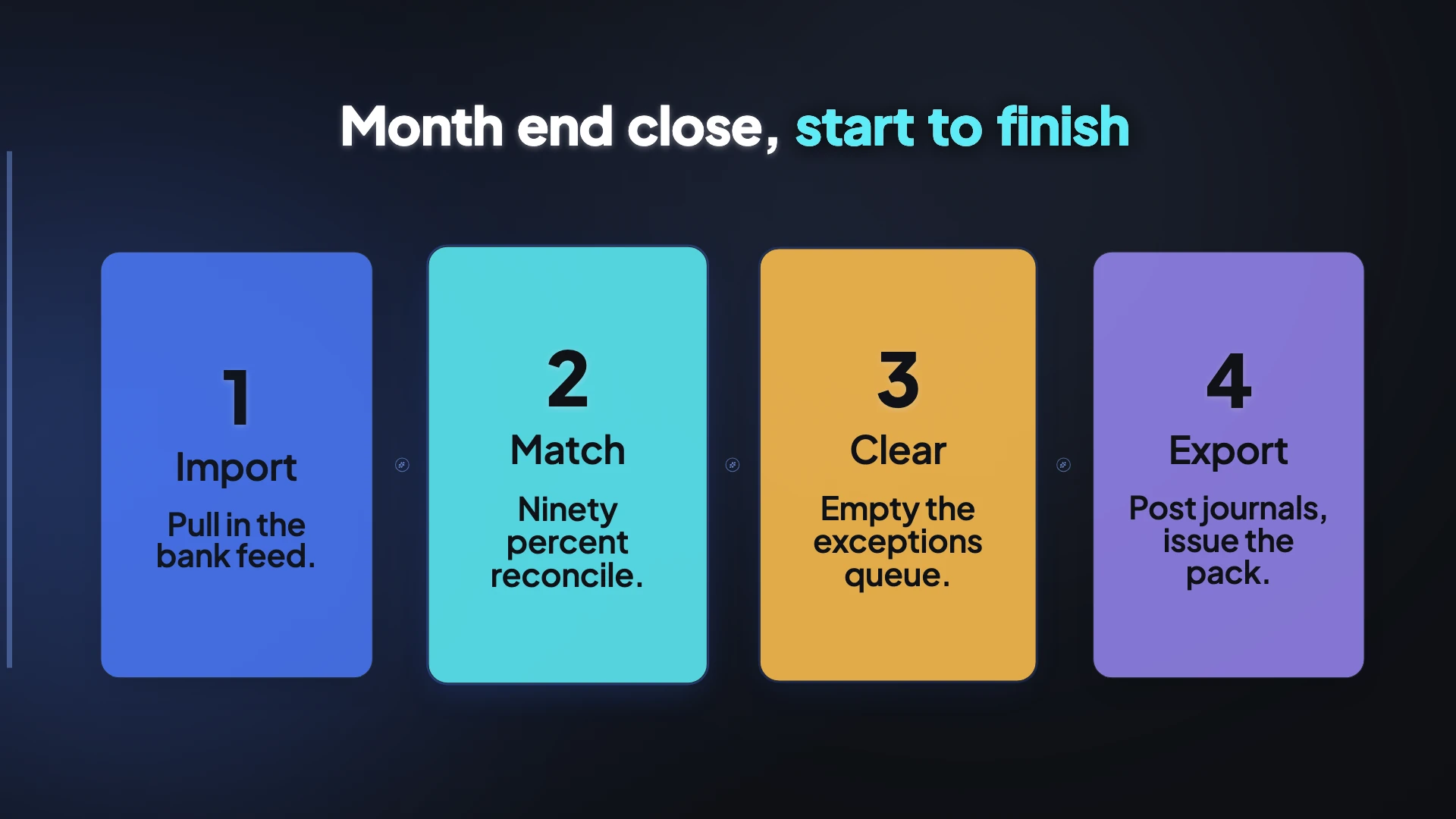
Pick a single job and run it end to end: the trigger, the steps, and the thing that comes out. The finished invoice, the reconciled ledger, the exported pack, the dashboard somebody will actually look at. That last beat is what separates a demo from a tour, because the artifact is the promise. Structurally that maps well here: one step scene per stage, the same full screen layout held throughout, then a showcase or feature spotlight scene for the artifact.
Screen recording is a disclosure event
This is the operational risk in software demo video and it is easy to miss. Captures routinely pick up customer names, email addresses, account identifiers, invoice values and occasionally session tokens, and an unredacted recording circulated as marketing is a data incident. Record against a seeded demo tenant with fictional data. Third party logos visible inside your own interface, in an account list or a workspace switcher, are a separate permission question governed by your contracts with those customers.
Do not demonstrate what you have not shipped
Marketing a capability as available when it is unreleased is under active regulatory attention, particularly for anything described as AI. The standard applied is the same whether the audience is a consumer or a sophisticated business buyer, so being a B2B product is not a defence. Practically: if a screen in your video is behind a feature flag, either ship it or say clearly on screen that it is coming.
The generator behind this page
Every page in this family runs on the same generator; only the advice changes. If you are choosing between them, or you want the full list of what it can do, start here.
How it works, in three steps
Step 1
Capture the workflow on a demo tenant
Share your screen once and snap a shot per stage from the floating button, using seeded fictional data rather than a live account.
Step 2
Mark the control on each shot
In the review grid, click the exact button for that step and choose Close-up where the control is small. The camera glides and pushes in.
Step 3
End on the artifact, then the ask
Finish with the thing the workflow produced, then one call to action. Two asks in a demo is the same as none.
The full walkthrough with screenshots is in the guide Make a how-to video with AI.
Limits worth knowing
- Screen capture takes still screenshots, one per press, so an animation or a drag interaction cannot be shown as it happens.
- Nothing is redacted automatically. Whatever is on screen when you capture is in the video.
- Tutorial mode, which is what a walkthrough uses, needs the Starter plan.
- Twelve scenes is the ceiling, so a workflow with fifteen stages has to be grouped or split across two videos.
Questions people ask
How long should a demo video be?
Sixty to ninety seconds on a homepage, two to three minutes on a feature page. Longer works when the viewer opted in: a gated deep dive of five minutes or more converts well precisely because only interested people start it.
Is a live sales demo the same length?
No, and this is where the numbers invert. Analysis of tens of thousands of recorded sales demos found the successful ones ran considerably longer than the unsuccessful ones, and that no closed deal contained more than about seventy six seconds of uninterrupted pitching. Marketing video is short because it is one way.
Should I show my compliance badges?
Not in the video frame. Some audit logos carry conditions that a video cannot satisfy, such as a requirement that the mark be hyperlinked. Put the trust bar on the page around the player instead, and check whether your report type is general use before naming it at all.
What if I have no screenshots?
Sixteen step layouts draw the interface themselves, covering a terminal, a form, a menu, a toggle and a keyboard shortcut. They are honest generic depictions rather than fakes of your product, which is the right trade when you cannot capture the real thing.
Make your own video
The button opens the generator with this use case already described. Change the wording to match yours, generate, then edit anything you like.
Create a video with OneCraftRelated pages
Zoom into a screenshot
A full screen screenshot in a video has a problem: the thing you are talking about is a small button somewhere in it. Marking a focus point solves that by turning one static picture into a small piece of choreography, a pointer arriving, a click landing, and the frame closing in on it.
AI tutorial video maker
A walkthrough fails for boring reasons: it moves too fast to follow, it changes layout every step so the eye has to relearn the screen, or the narration says something different from the words on the picture. The tutorial director is a set of rules written specifically against those three failures.
Turn screenshots into a video
You have a folder of screenshots from documenting something, and they are already in roughly the right order. The work is deciding which of them deserves its own step, which are duplicates, which belong together, and what the narration says over each one.
More finished work of this kind is on the video examples hub.
Written and checked by the OneCraft team. Last checked .