Presentations
Key takeaway slides
A takeaway slide is the one people photograph, so it has to be readable out of context and short enough to be remembered. Seven layouts carry that job, the smallest of the writing roles: a single statement, a recap of bullets, three numbered insights, a manifesto, a pull quote and a card built to be screenshotted.
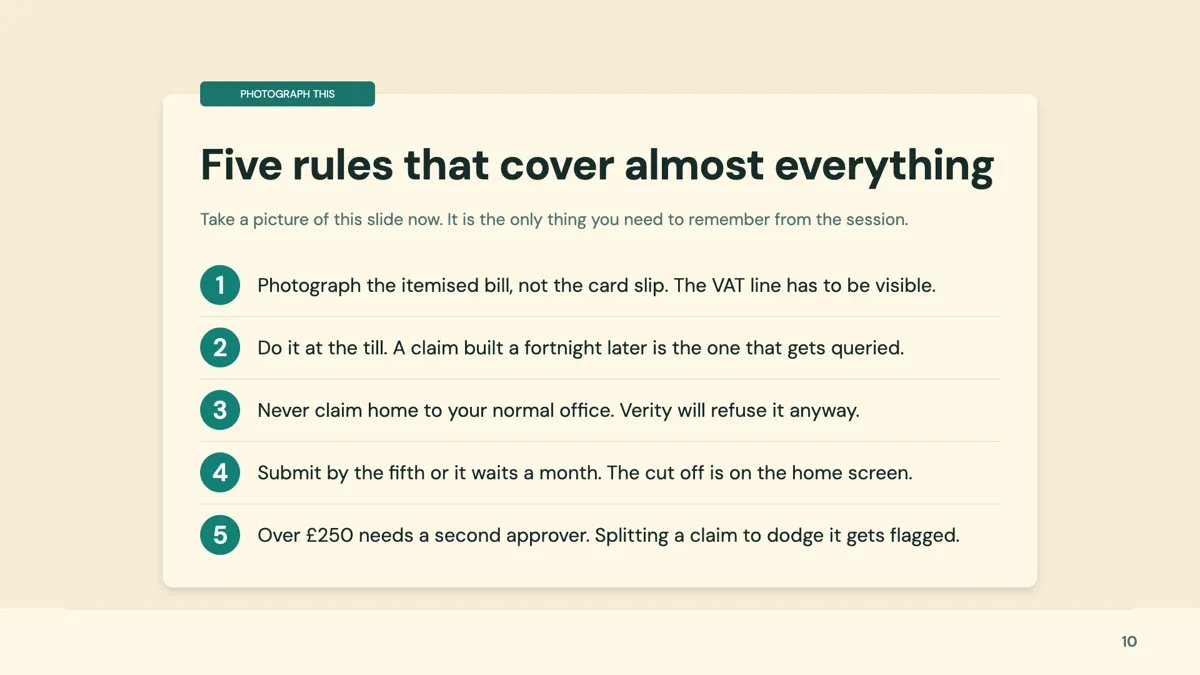
One point or several
Two layouts carry a single idea: an oversized statement filling the slide with an optional attribution, and a featured pull quote with a decorative quotation mark and an attribution line. Three carry a set: five to seven one line bullets with an icon disc each, three numbered insight cards with a sentence of reasoning, and a remember this card with exactly five numbered points. Two are manifestos: four oversized numbered rules on a dark field, and a headline with six short chips.
Where a takeaway belongs
Three positions work. At the end of a section, a three insight card slide closes it before the divider. At the end of a long deck, a five to seven bullet recap acts as an executive summary. Mid deck, a single bold statement drives one point home between content sections, which is what its own notes describe it for. What does not work is a takeaway slide that repeats the previous slide's headings in the same words.
The card people screenshot
The remember this card is built for a photograph: a shadowed white card on a tinted surface with a ribbon label, a title, a one line intro and exactly five numbered points on hairline rules. In a training session that slide does more good than a handout, because it survives being cropped on a phone. Keep each point under a line, since the runtime fits text to the box and a long point shrinks all five.
Takeaway against closing
Closing has eleven layouts and its job is to end the deck: thank you, contacts, a call to action. Takeaway is about content: what should be remembered. A deck with questions coming usually wants both, takeaway then closing, so the last two slides say what mattered and then what to do next. A pull quote takeaway and a bold conclusion closing are the pair that reads best in a written deck.
How the AI picks this slide
Takeaway is assigned when a section or a deck is being summarised. With only seven templates in the role it is also one of the easiest to exhaust: a long deck asking for three takeaway slides will reuse layouts. The fill writes the points from the content already in the deck rather than inventing new claims, which is why a takeaway slide is only as good as the slides before it.
How it works, in three steps
Step 1
Write the one sentence first
If the deck has one line worth remembering, it goes on this slide. Everything else is supporting detail.
Step 2
Add the slide from the library
From Library on the slide rail with the Role filter set to takeaway. Seven layouts come back, the smallest writing role in the library.
Step 3
Match the count to the layout
One statement, three insights, five numbered points or five to seven bullets. The counts are fixed by the template.
Step 4
Put it before the close, not instead of it
The takeaway says what mattered; the closing slide says what happens next. A deck with questions coming wants both.
The full walkthrough with screenshots is in the guide Style text and add callouts, stats and lists.
Limits worth knowing
- Only seven templates carry the takeaway role, so a deck with several recaps will reuse layouts.
- Item counts are fixed: three insights, five numbered points, or five to seven bullets.
- The bullet recap layout carries no descriptions, only one line per item, by design.
- Text is fitted to its box after render, so a long takeaway shrinks rather than wrapping onto another line.
See it on a finished piece
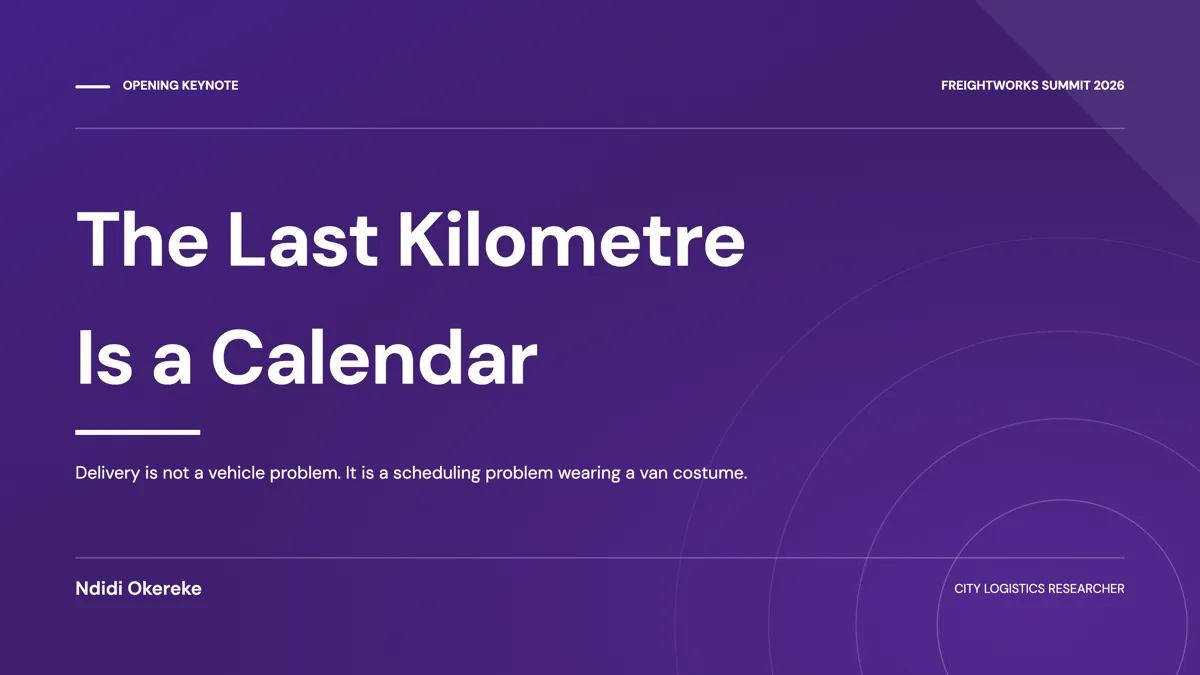
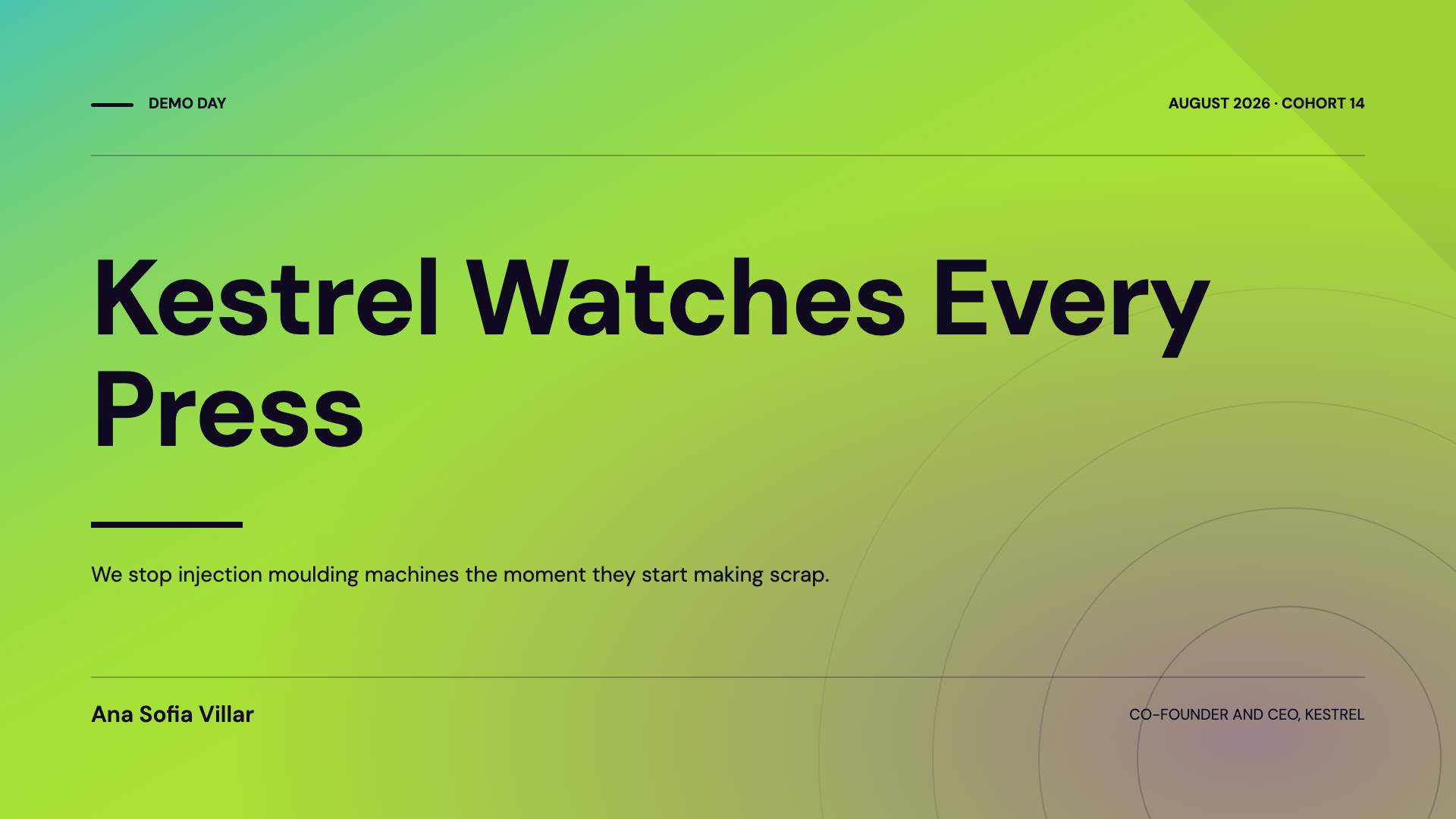
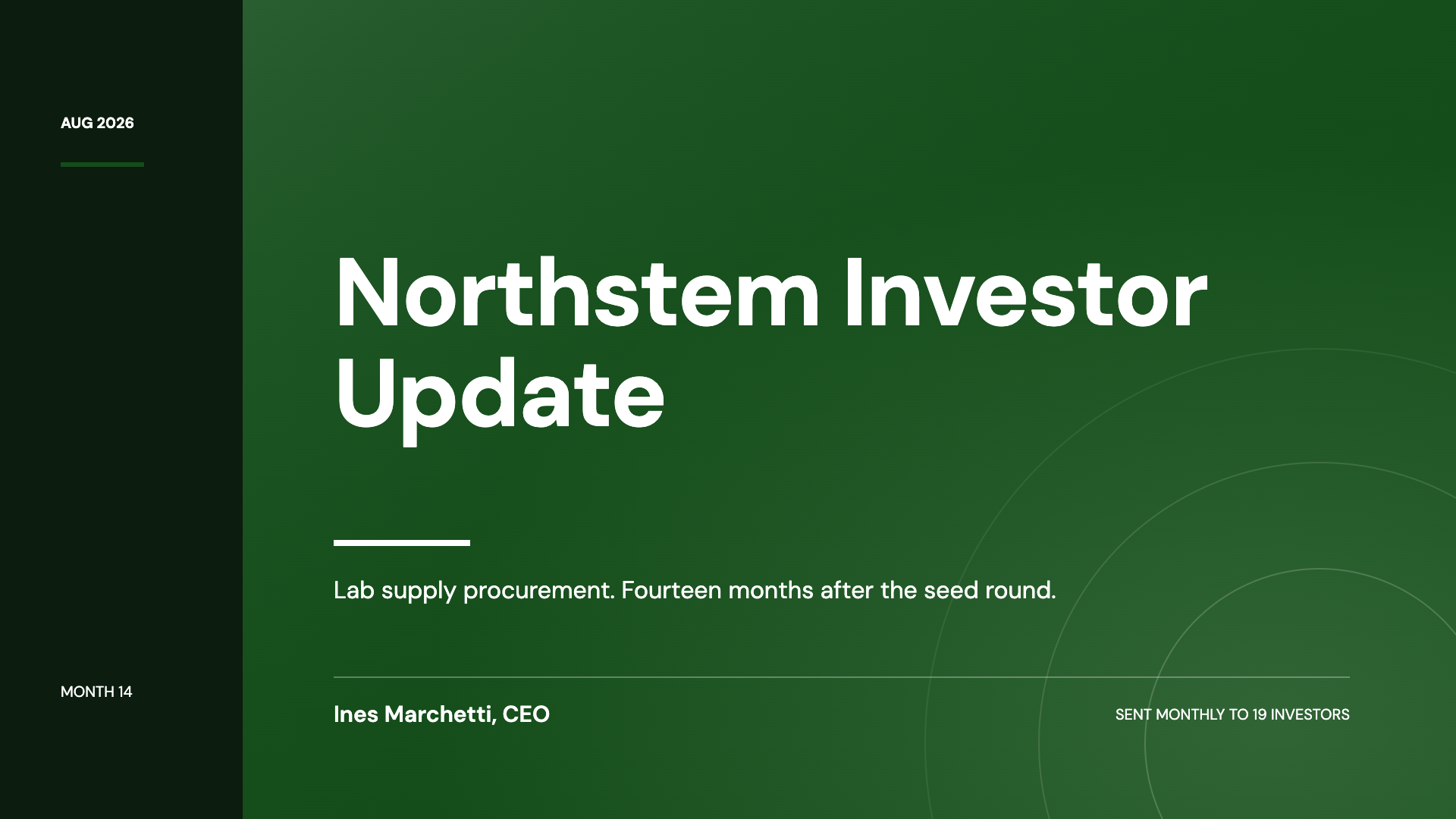
Questions people ask
How many takeaway layouts are there?
Seven, which makes it the smallest of the writing roles: a single bold statement, a featured pull quote, a recap of five to seven bullets, three numbered insights, a remember this card, a four rule manifesto and a headline with six chips.
Where should the takeaway slide go?
At the end of a section, at the end of a long deck as an executive summary, or mid deck to drive one point home. Before the closing slide rather than instead of it.
What is the difference between a takeaway and a closing slide?
A takeaway is about the content: what to remember. A closing slide ends the deck with thanks, contacts or a call to action, and eleven layouts exist for that separately.
How many points should a takeaway slide have?
One, three or five. The layouts are built for exactly those counts, and the bullet recap stretches to seven when the deck is long enough to need an executive summary.
Can I quote a customer on a takeaway slide?
The featured pull quote layout is built for one line with an attribution. For customer quotes with headshots and metrics, the testimonial role has twelve layouts instead.
Will the takeaway slide survive being screenshotted?
The remember this card is designed for it: a card on a tinted surface with five numbered lines. Keep each line short, since text fits itself to the box and a long line shrinks all of them.
Make your own presentation
The button opens the generator with this use case already described. Change the wording to match yours, generate, then edit anything you like.
Create a presentation with OneCraftRelated pages
Types of slides in a presentation
Every slide in this builder is one of twenty six kinds, and the kind is chosen before any words exist. Learning the list is worth ten minutes, because most weak decks are not badly written, they are slides doing a job they were not built for.
Change a slide layout
Swapping a layout is not a template change in the usual sense, where your content gets dumped into a new frame and you spend ten minutes putting it back. The picker only offers designs that hold the same shape of content, and each card is rendered live with your words already in it.
Checklist slides
A checklist slide says here is what has to be true, and its layout quietly says whether the order matters. Thirteen templates cover the range, from five full width rows to a ten card grid and a five step numbered process on a connector track.
More finished work of this kind is on the presentation examples hub.
Written and checked by the OneCraft team. Last checked .