Presentations
Checklist slides
A checklist slide says here is what has to be true, and its layout quietly says whether the order matters. Thirteen templates cover the range, from five full width rows to a ten card grid and a five step numbered process on a connector track.
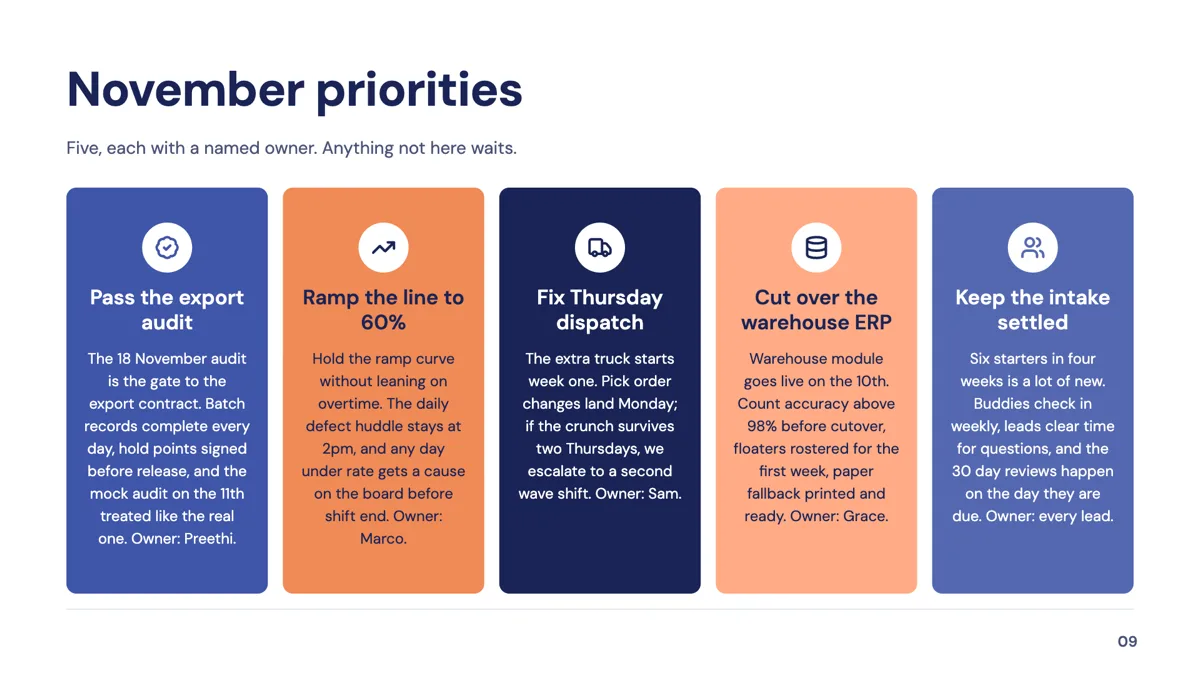
Five, seven, eight or ten items
The counts are in the names: a five row stack, five horizontal cards, five numbered prose rows, a five step numbered process, five pin marker cards, an editorial dense seven, a two by four grid of eight and a two by five grid of ten. The stack of five is described in its own notes as the default workhorse. Anything over eight is a reference slide rather than a spoken one, which is fine as long as it is meant to be read.
Numbered means ordered, whether you meant it or not
Four of the thirteen number their items, including the five step process on a connector track and the four stage tab cards. An audience reads numbering as sequence, so use a numbered layout only when the order is real. For a set of peers, the grids and the icon card layouts leave the order open, and nobody assumes item three follows item two.
What each row can hold
A row is an icon, a heading and usually one line. The numbered prose layout stretches that to a two line description per row, and the big card layouts take a short paragraph. Every one of these budgets is enforced while the copy is written, so a long line is rewritten shorter rather than truncated, and text fits itself to the box after render, so a full row means smaller type.
Checklist against process and takeaway
The process role holds 17 layouts for a procedure with stages, including kanban lanes and a flowchart. The takeaway role holds seven for the things you want remembered. A checklist sits between them: the items are actionable but not necessarily sequential. If the slide is really a recap, the takeaway layouts read better; if it is really a procedure with decisions, the flowchart in the process role handles branching, up to 20 nodes, or 12 on the decision layout.
How the AI picks this slide
The outline chooses a checklist when the section is about what has to be done or verified rather than what happened or what it means. The fill writes the headings and lines, adds an icon name per item and obeys the item count of the layout, which is fixed. It will not invent a requirement to fill an empty row, so a five row layout given four real items leaves the fifth out.
How it works, in three steps
Step 1
Decide whether the order matters
If it does, take a numbered layout. If it does not, take a grid, because numbering implies a sequence your audience will assume is real.
Step 2
Add the slide from the library
From Library on the slide rail with the Role filter set to checklist. Thirteen layouts come back, each named for its item count.
Step 3
Write the items as outcomes
Bin store locked by 6pm, not bins. A heading of a few words with one line under it is what these rows are budgeted for.
Step 4
Put an owner on each row if it is a commitment
In a review or a kickoff, the one line description is the right place for a name and a date.
The full walkthrough with screenshots is in the guide Style text and add callouts, stats and lists.
Limits worth knowing
- Item counts are fixed by the layout: five, seven, eight or ten, with no way to add an eleventh row.
- Rows are budgeted for a heading and a line or two, not a paragraph.
- Nothing is interactive: a checklist slide cannot be ticked during the presentation.
- Icons are named per item by the model during fill and can be changed in the inspector, but they come from a fixed set.
See it on a finished piece
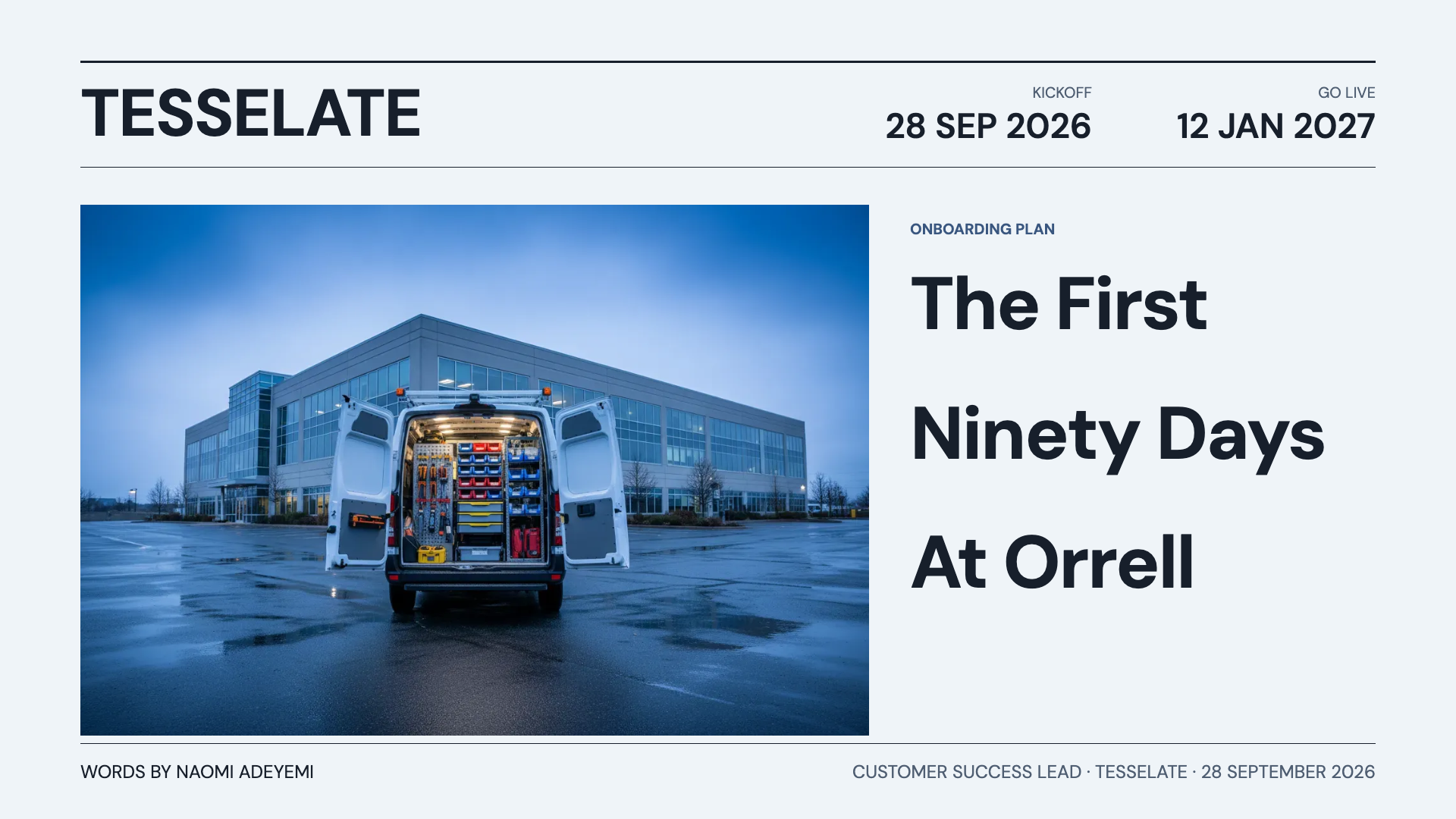
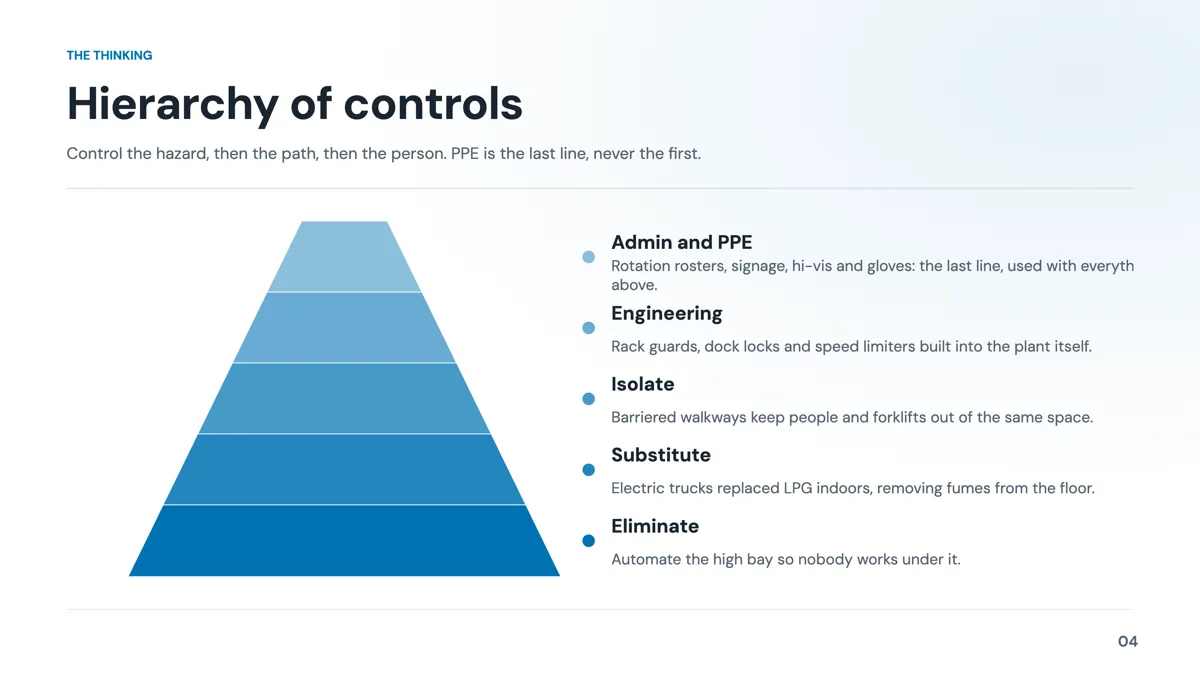
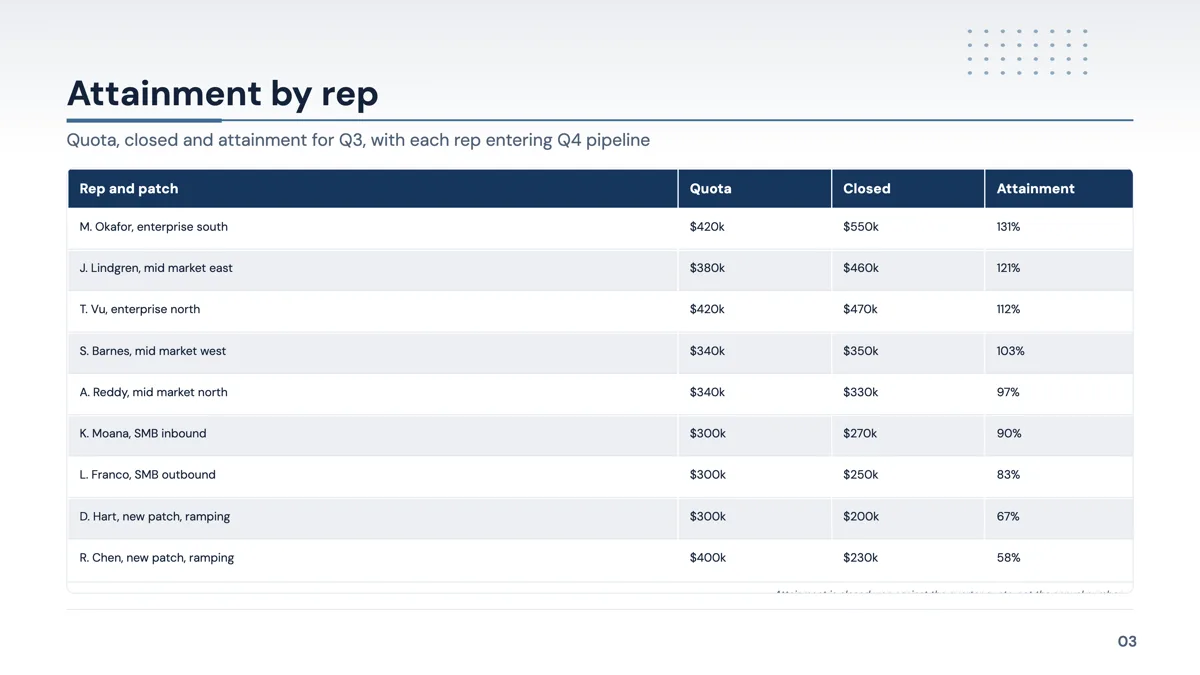
Slide examples
Finished single slides on this layout, each one built from a real template and written out in full.
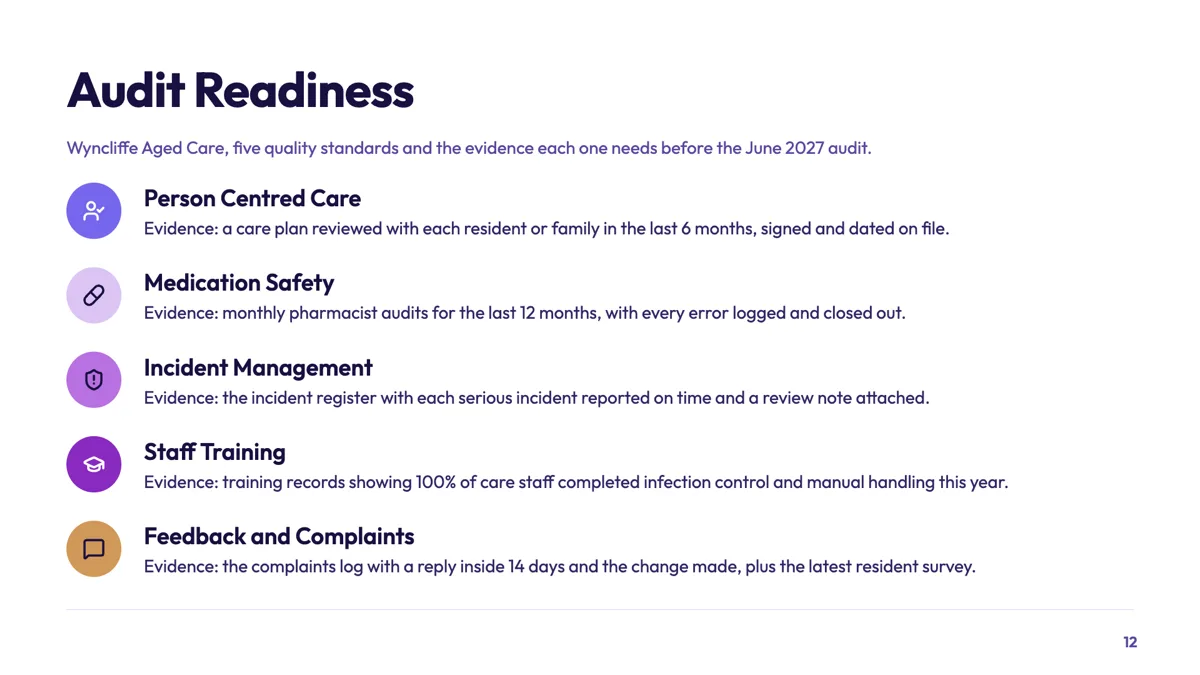
Compliance checklist slide pairing each standard with its evidence
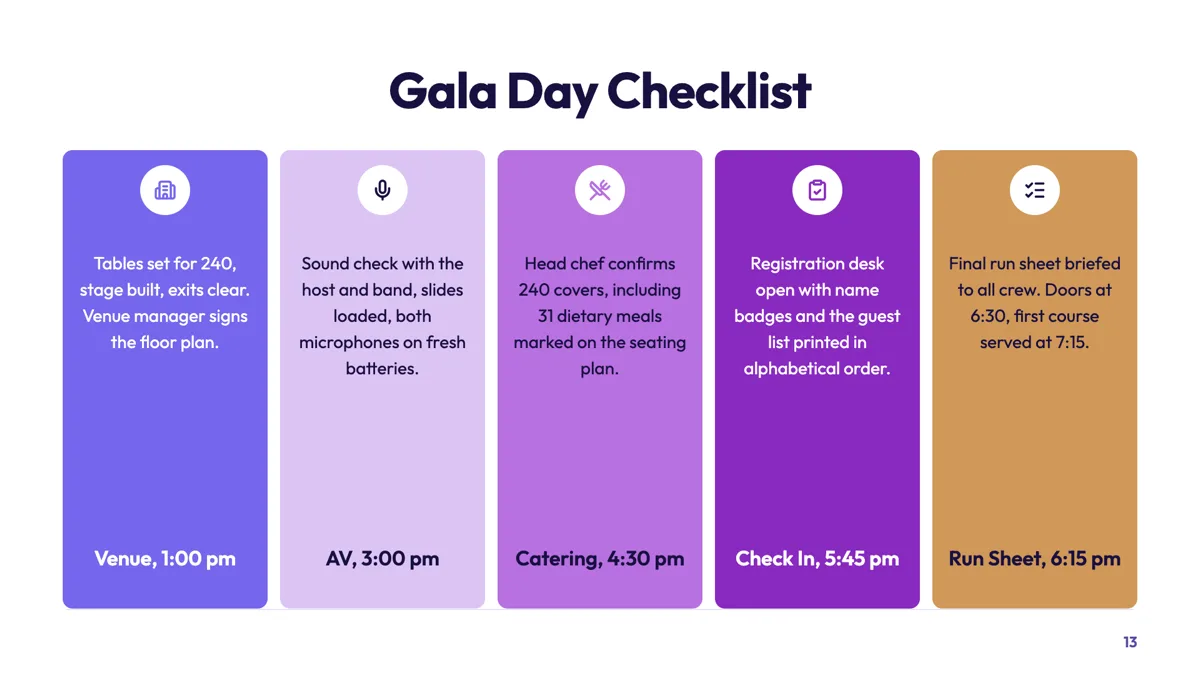
Event checklist slide with a time stamp on every check
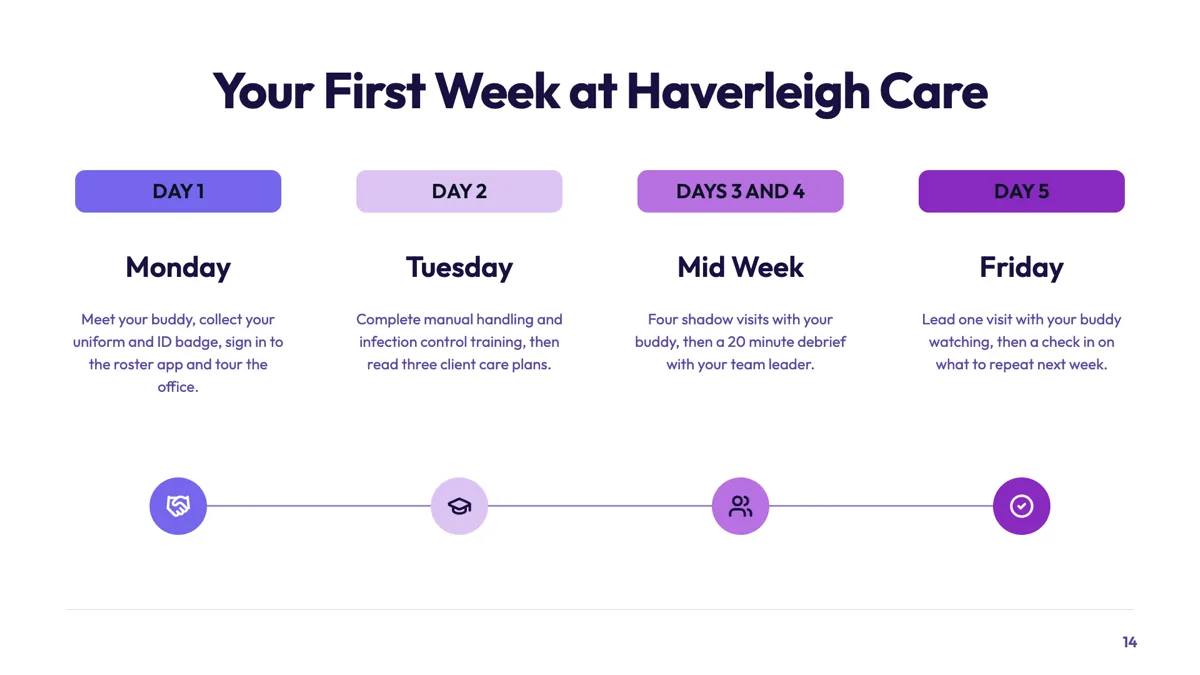
First week checklist slide grouped by day for a new starter
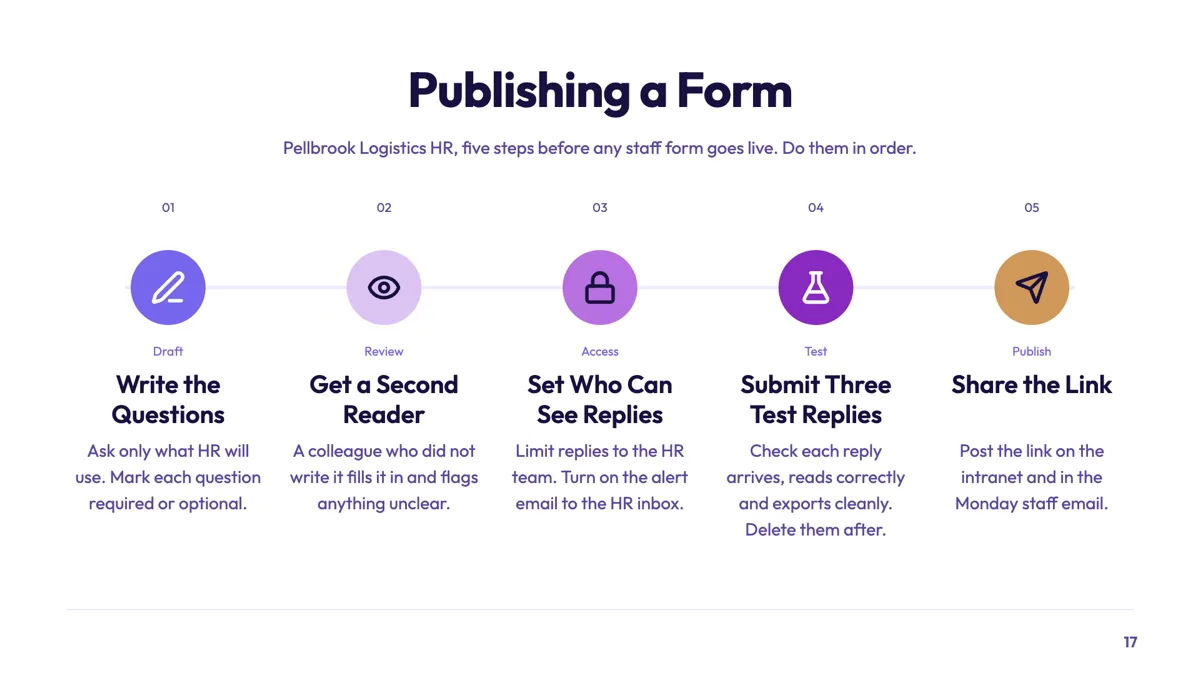
Five step checklist slide for publishing a staff form
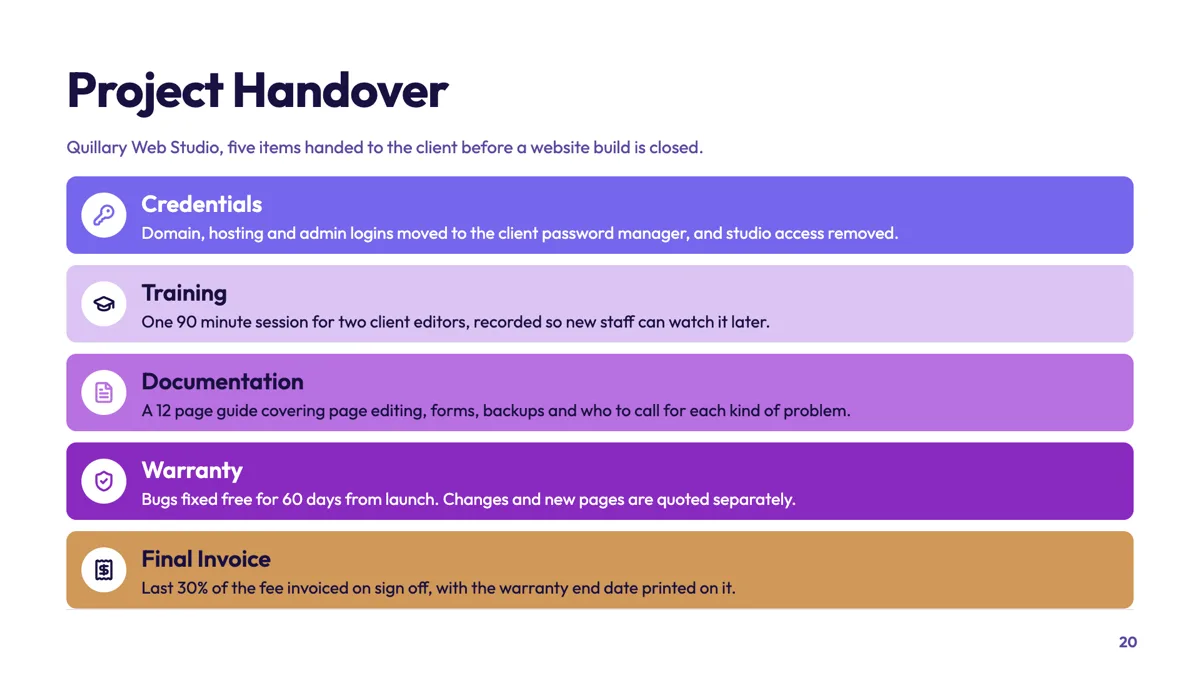
Handover checklist slide for closing a website build
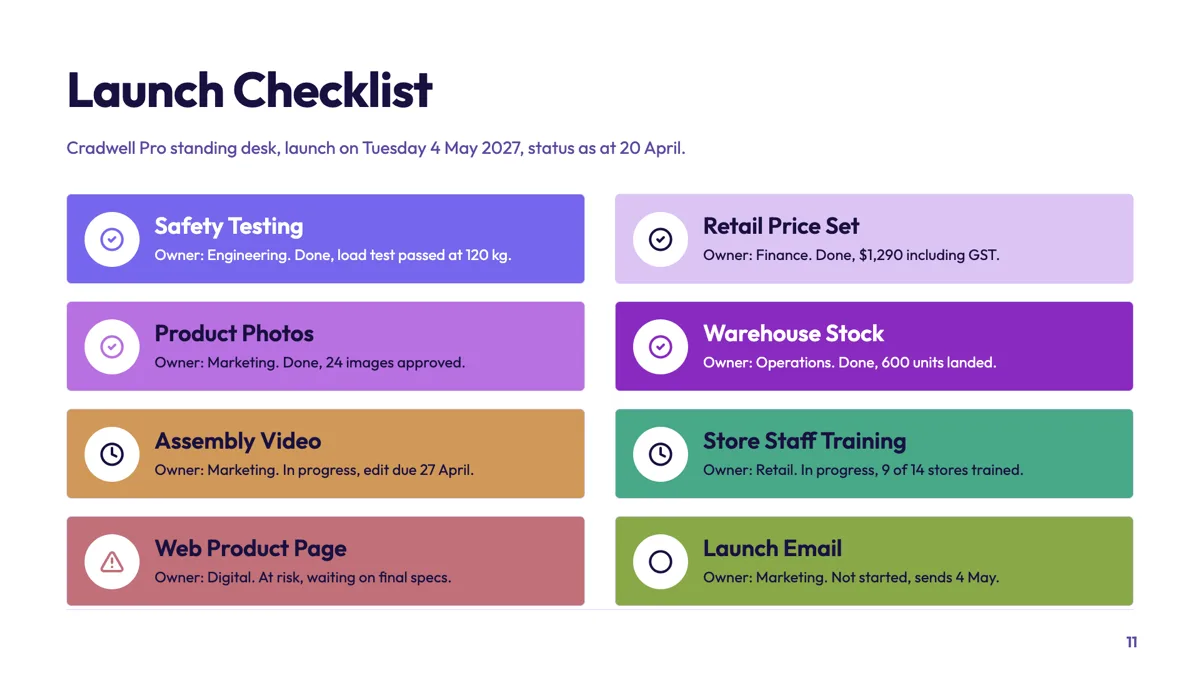
Launch checklist slide with an owner and status on every item
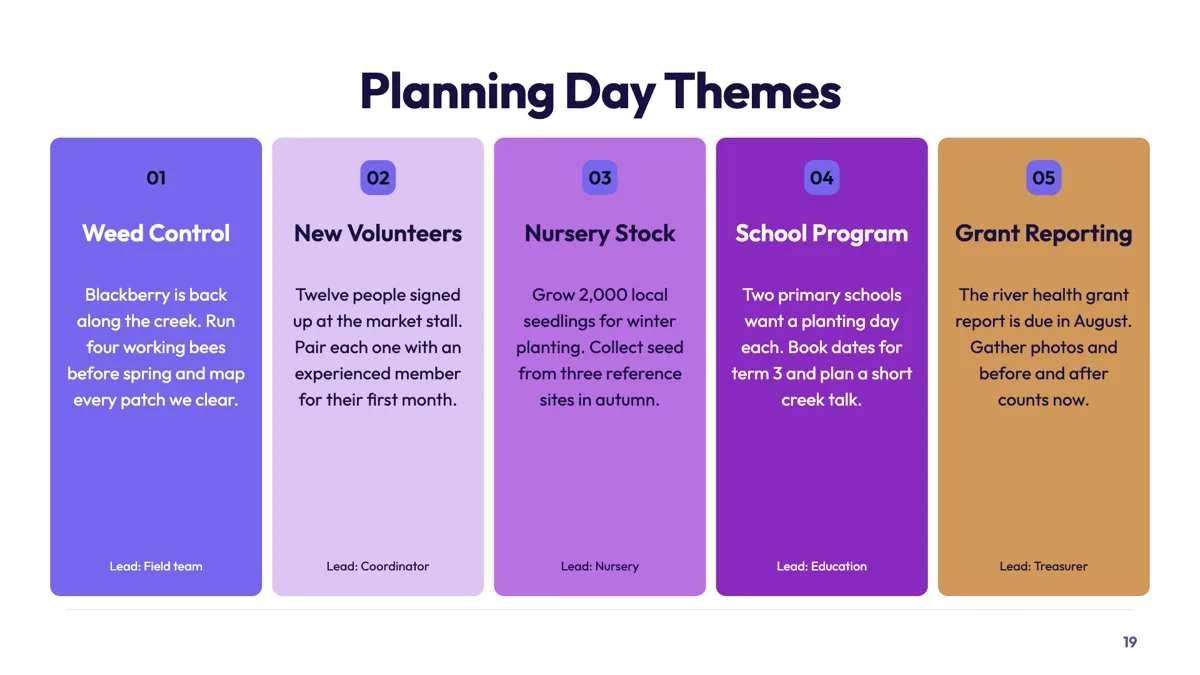
Mind map slide that turns a planning day into five themes
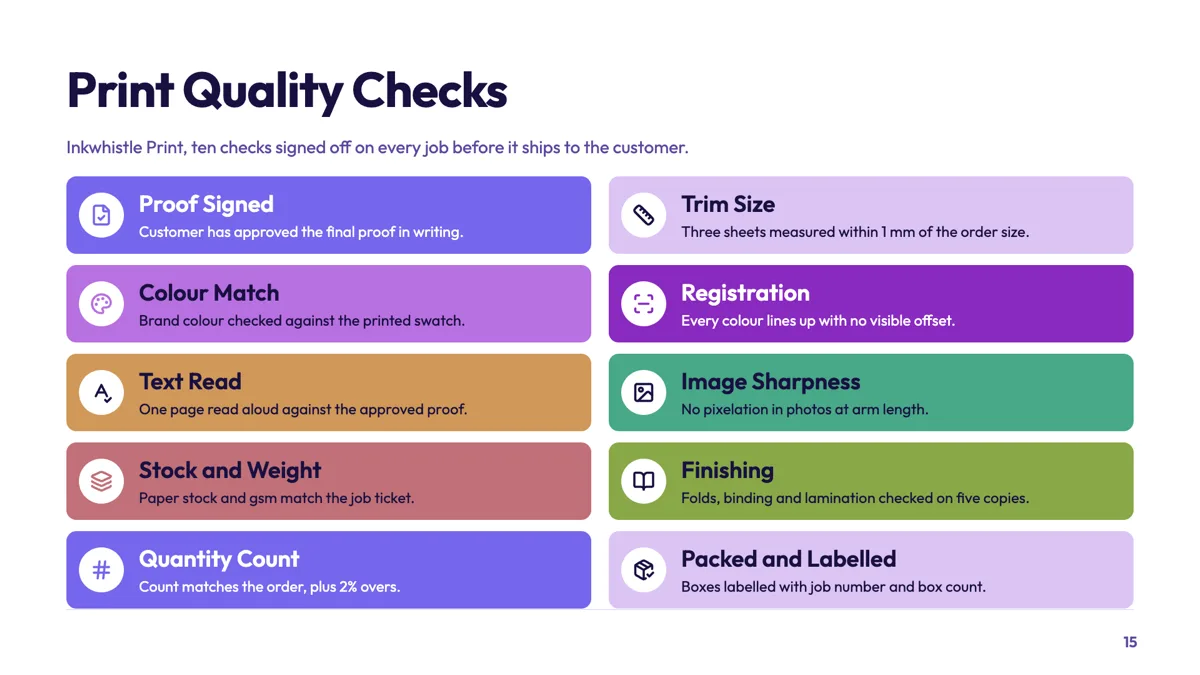
Quality checklist slide with ten checks before a job ships
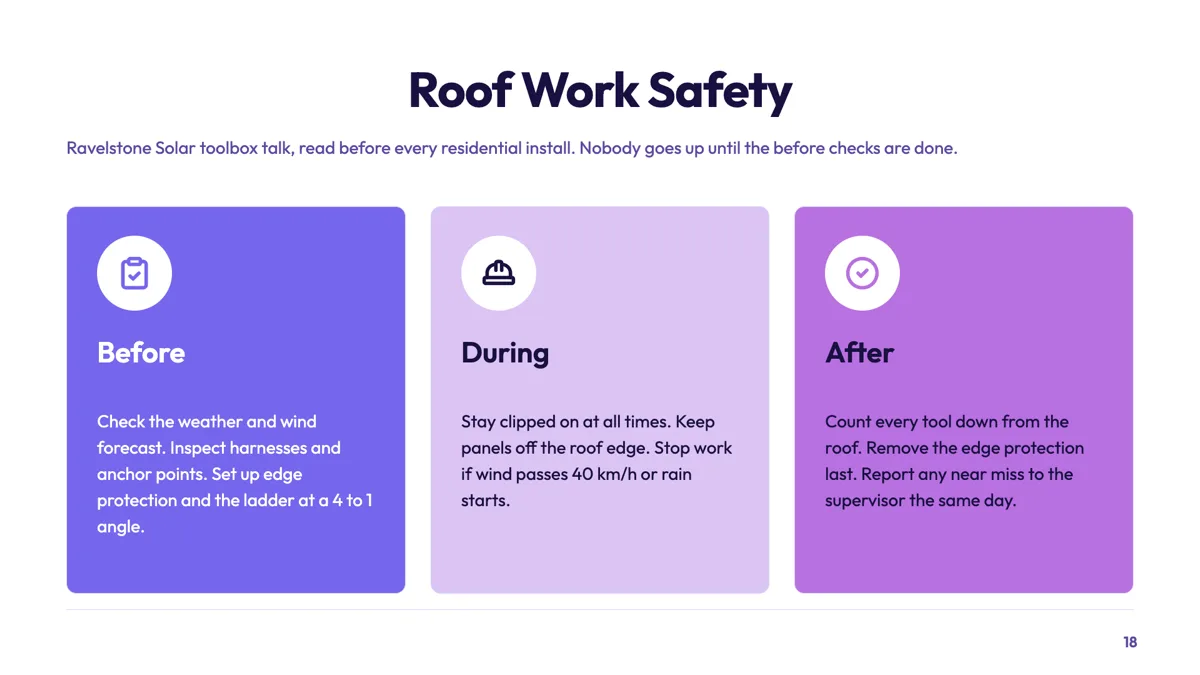
Safety checklist slide split into before, during and after
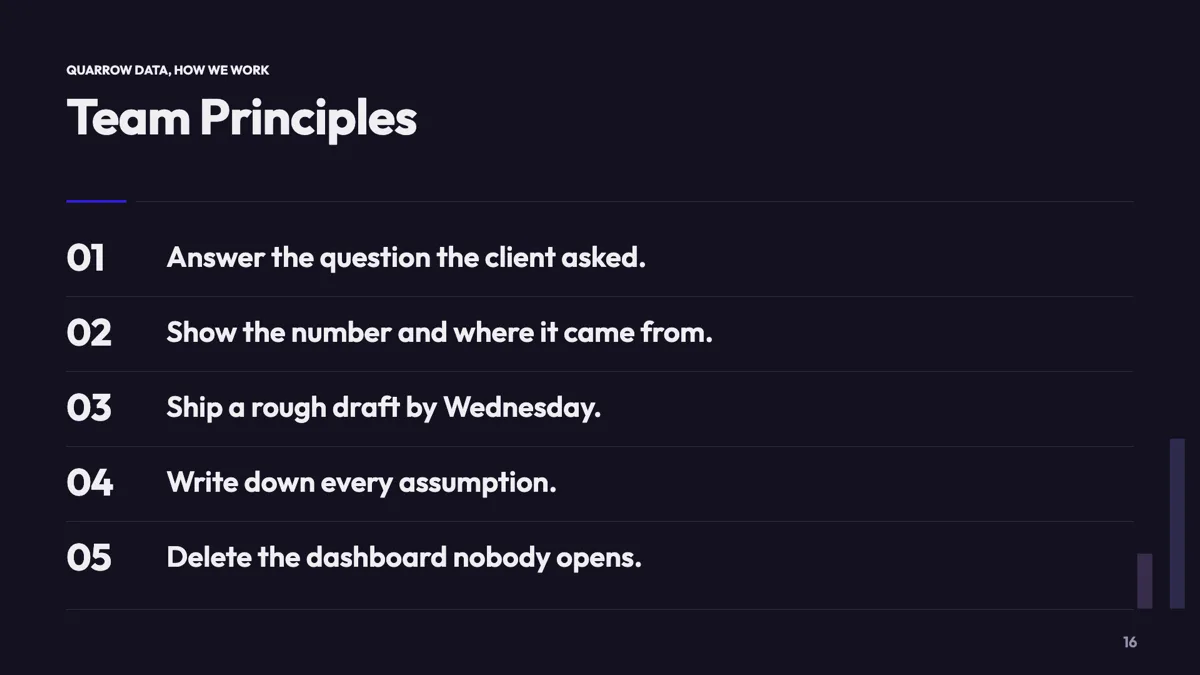
Team principles slide with five sentences people can repeat
Questions people ask
How many checklist layouts are there?
Thirteen carry checklist as their primary role: stacks of five, horizontal card rows, numbered prose rows, a five step process on a connector track, stage tab cards, pin marker cards, an editorial seven, a two by four grid of eight, a two by five grid of ten, a mind map and a manifesto.
Can I tick items off during the presentation?
No. Slides are static, and present mode adds a pen, a highlighter and a spotlight but no interactive state. Drawing on the slide with the pen is the closest thing, and it is not saved.
What is the difference between a checklist and a process slide?
A checklist lists what must be true; a process lists what happens in order. The process role has 17 layouts including kanban lanes, chevrons and a flowchart with up to 20 nodes for branching.
Can a checklist hold ten items?
Yes, on the two by five grid, which is built for exactly ten brand filled cards with an icon, a heading and a single line each. Past that, split the slide.
Can I add an owner column?
Not as a column, but the one line description under each heading is where an owner and a date fit. If you need real columns, use one of the table bearing layouts instead.
Do the items renumber if I reorder them?
Numbering on these layouts is generated from the order, so the numbers follow the list rather than being typed. Reordering the items renumbers them.
Make your own presentation
The button opens the generator with this use case already described. Change the wording to match yours, generate, then edit anything you like.
Create a presentation with OneCraftRelated pages
Add a text box and 65 other slide elements
The layouts cover the common shapes, but sometimes a slide needs one more thing: a caveat in a callout, a number pulled out as a stat, a second list. The element library is a drag and drop catalogue of 66 pieces that go onto any slide, wherever you drop them.
Hierarchy tree slides
A tree slide shows that one thing sits above several others, or that one question splits into a small number of answers. Ten layouts carry both readings: three are organisational charts, and seven are decision or taxonomy trees with a root, branches and details.
AI image generation for slides
Every picture box on a slide can be filled by describing what should be in it. The generated image is requested at the aspect ratio of the box, so it arrives filling the space rather than being cropped into it, and every attempt stays in the deck for you to compare and reuse.
More finished work of this kind is on the presentation examples hub.
Written and checked by the OneCraft team. Last checked .