AI document generator
Name the document and say what it must cover. OneCraft works out what kind of document it is, writes it, and lays it out on A4 pages with the headings, tables, clauses, cover and page breaks that kind of document needs.
Free plan with 100 credits a month. See pricing
What it does
It sizes up the document first
Before writing, the generator decides how long the document is, whether it reads as a record, prose or legal text, and whether it needs a cover, a running header or a contents page. A letter or an invoice never gets a cover.
Long documents in sections
Anything of six pages or more is planned as an outline and written section by section, so reports, handbooks and plans hold together.
45 building blocks
Tables, 6 chart types, 5 diagram types, callouts, timelines, stats, contents pages, stamps, QR codes and signature blocks, all editable on the page.
Themes and letterheads
15 theme presets, a Generate theme box that turns a sentence into a theme, 7 cover layouts and 4 letterhead styles.
From your own files
On Starter and above attach up to 5 files of 10 MB each and it writes from them. With no file attached it can run a web search to ground the content, though sources are not printed.
60 templates
Legal, business, letters, HR, marketing, personal and finance templates to use as they are or as a starting point for the AI.
PDF and e-signature
Export a PDF rendered on the server, or send the document for e-signature from the editor. Each party in a signature block becomes one signer.
Examples made with it
See all document examples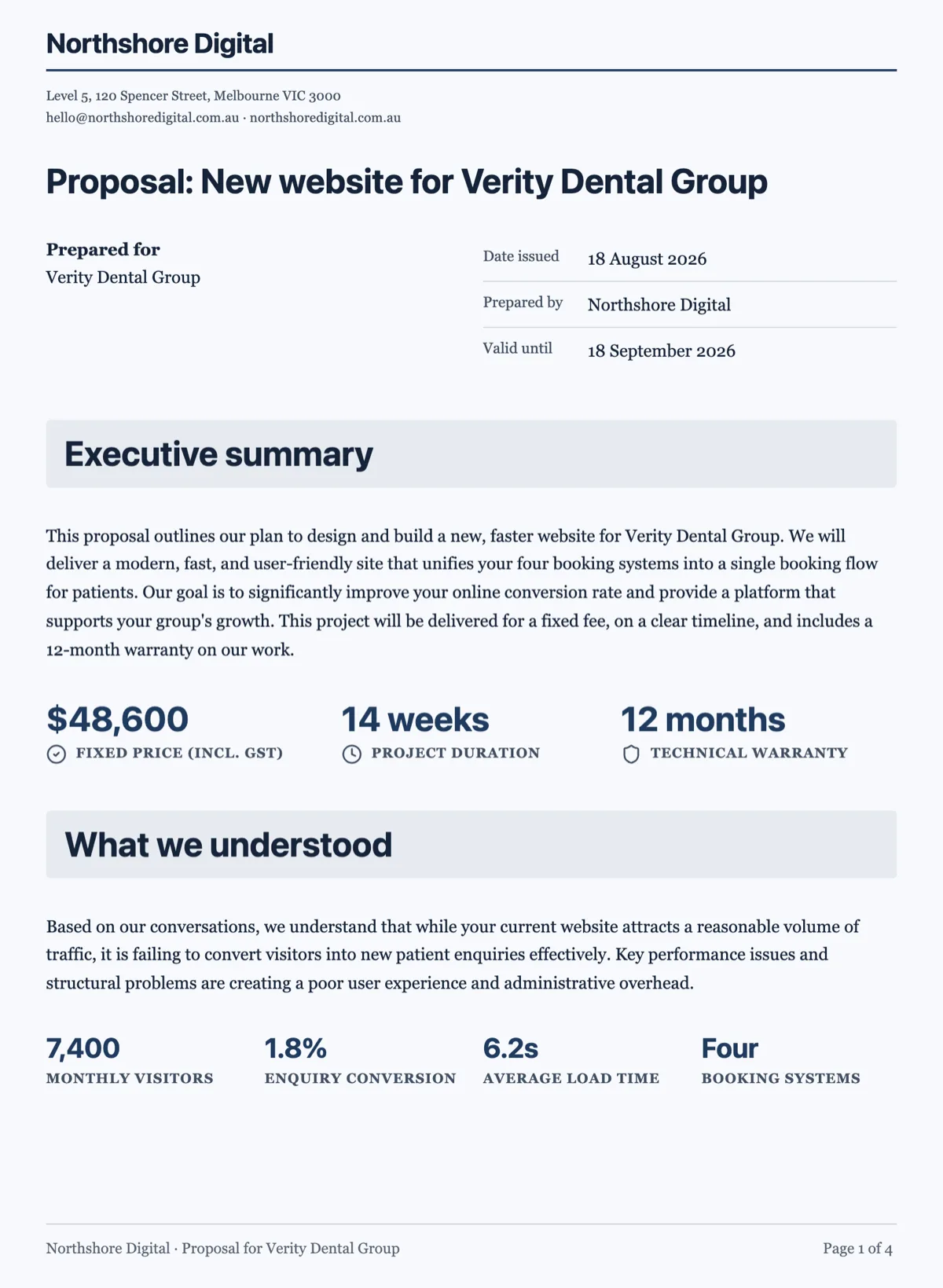 Business Proposal Template: Fixed Fee and Priced Phases
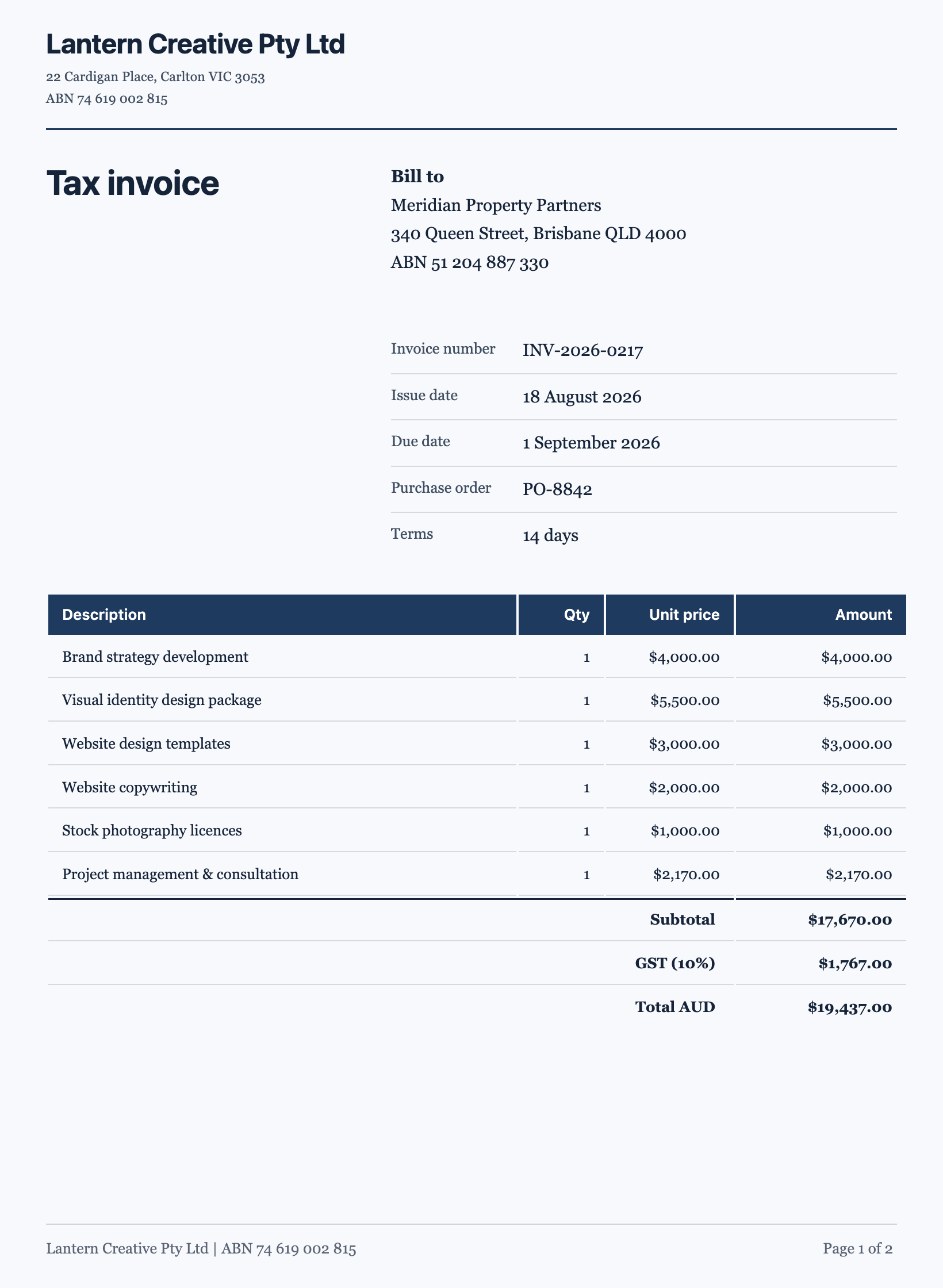 Tax Invoice Template: Australian Example With GST and Terms
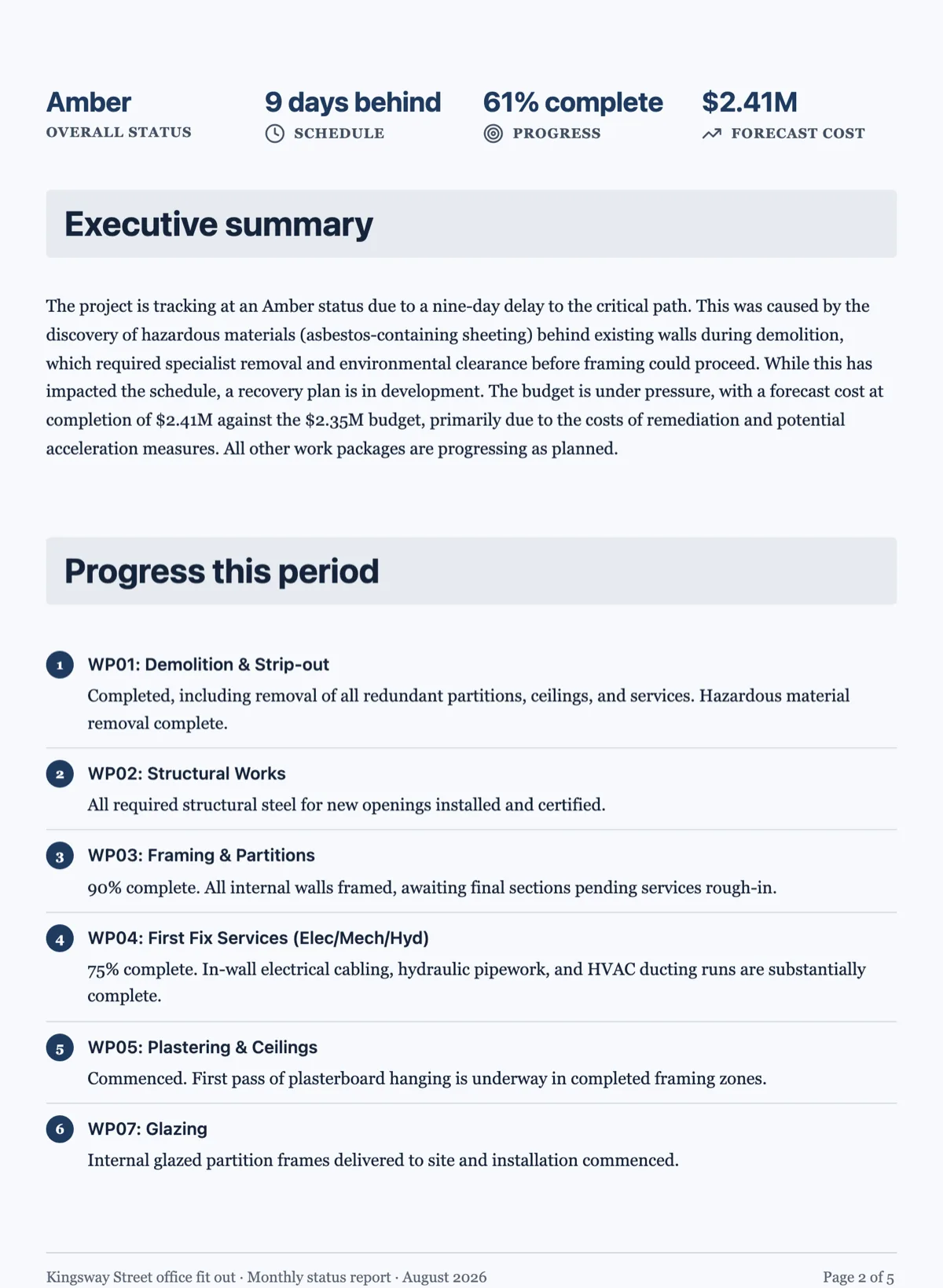 Project Status Report Template, Amber and Nine Days Behind
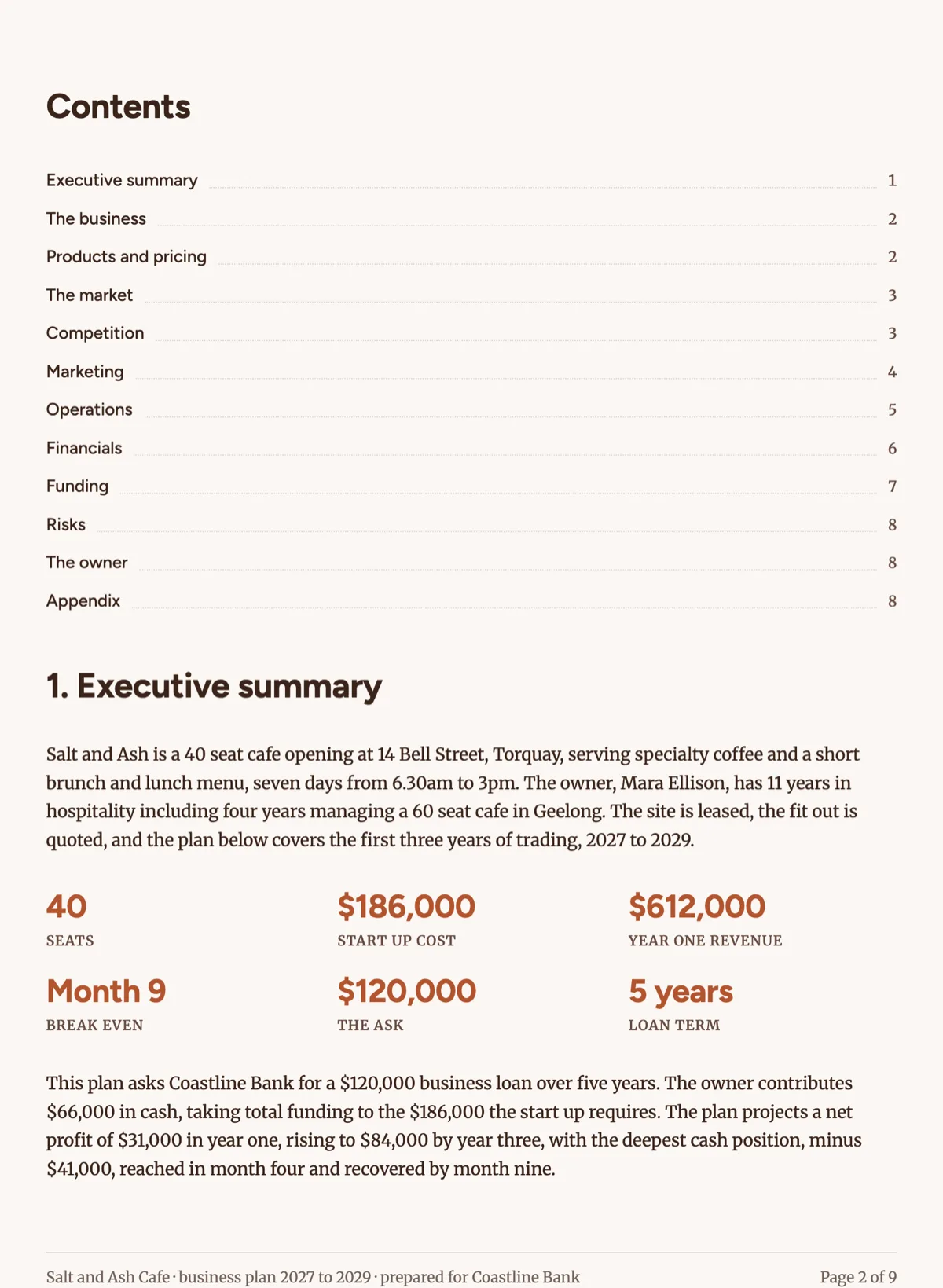 Business Plan Template for a Cafe With Three Year Numbers
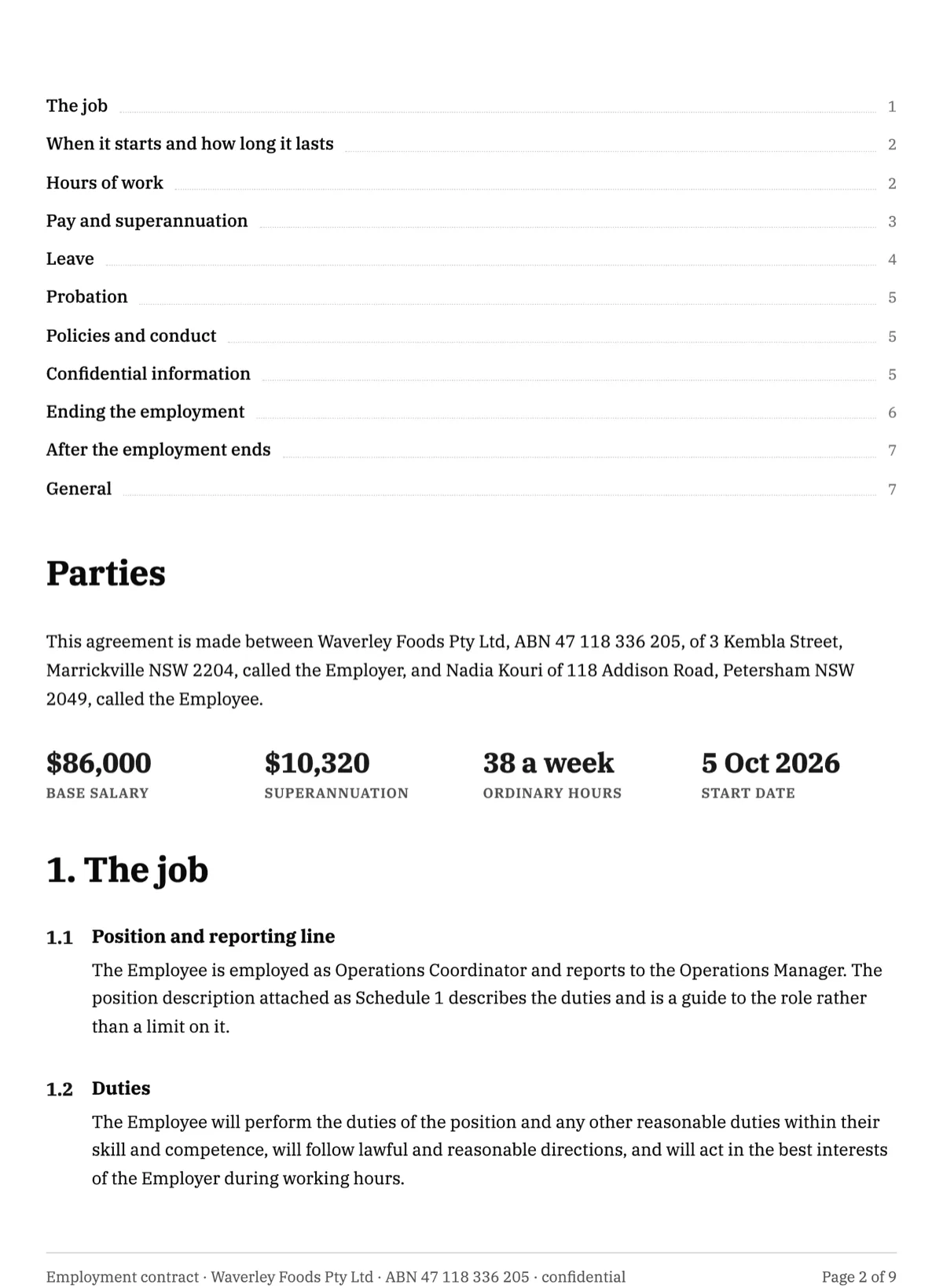 Employment Contract Example: 38 Hour Week, NES Leave Table
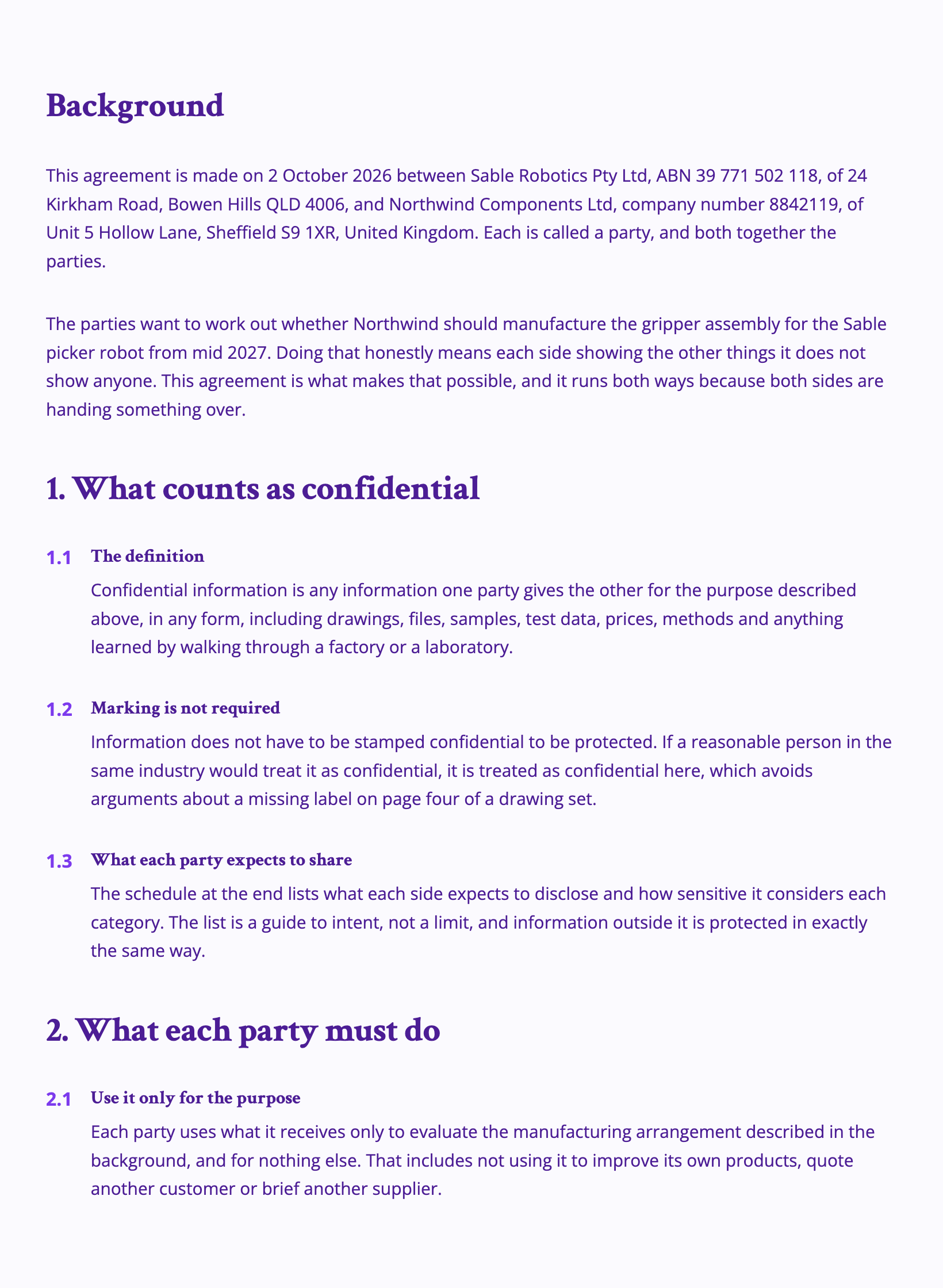 Mutual NDA Example: Two Way, Five Year Survival
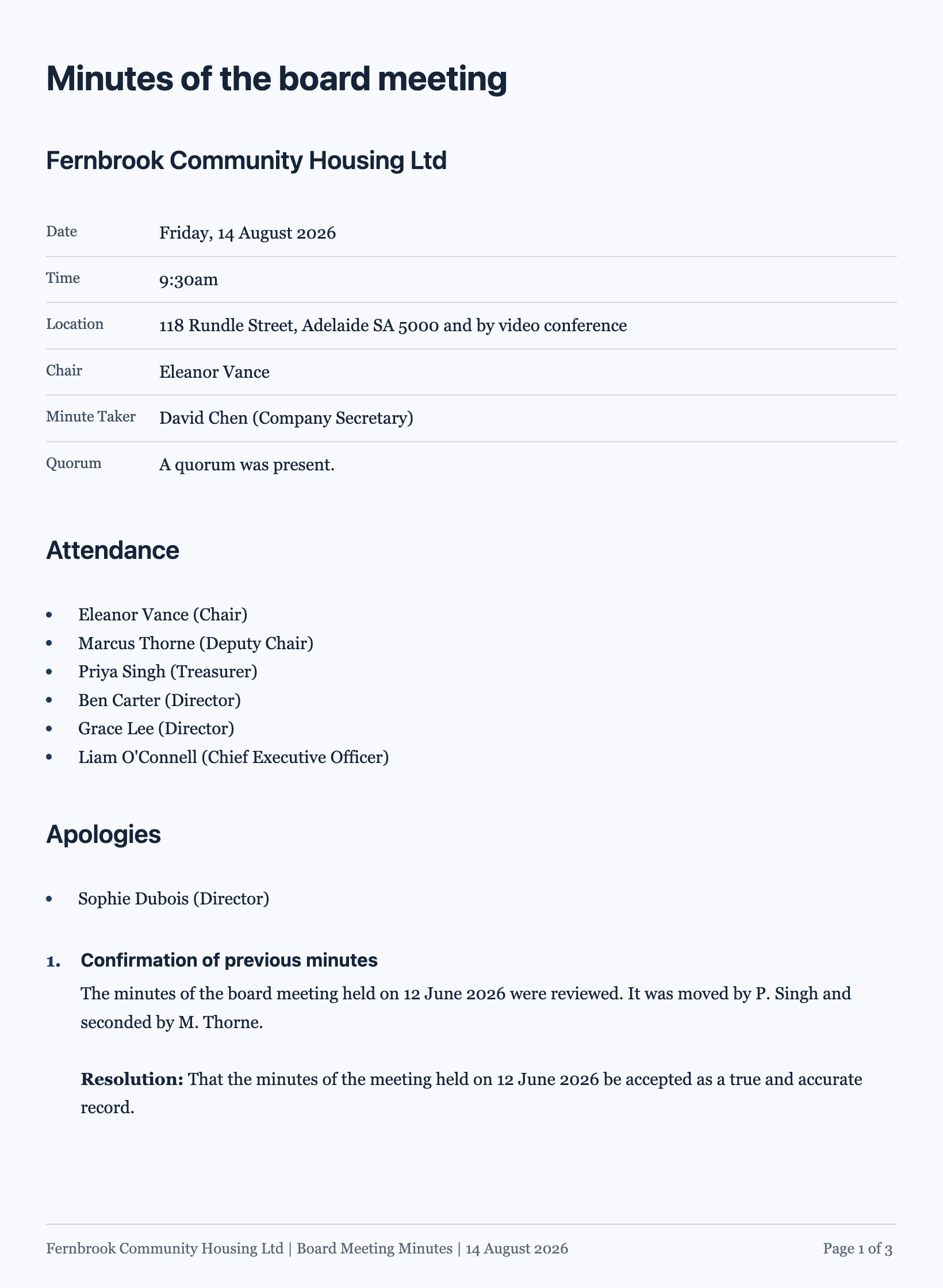 Board Meeting Minutes Template With Resolutions and Owners
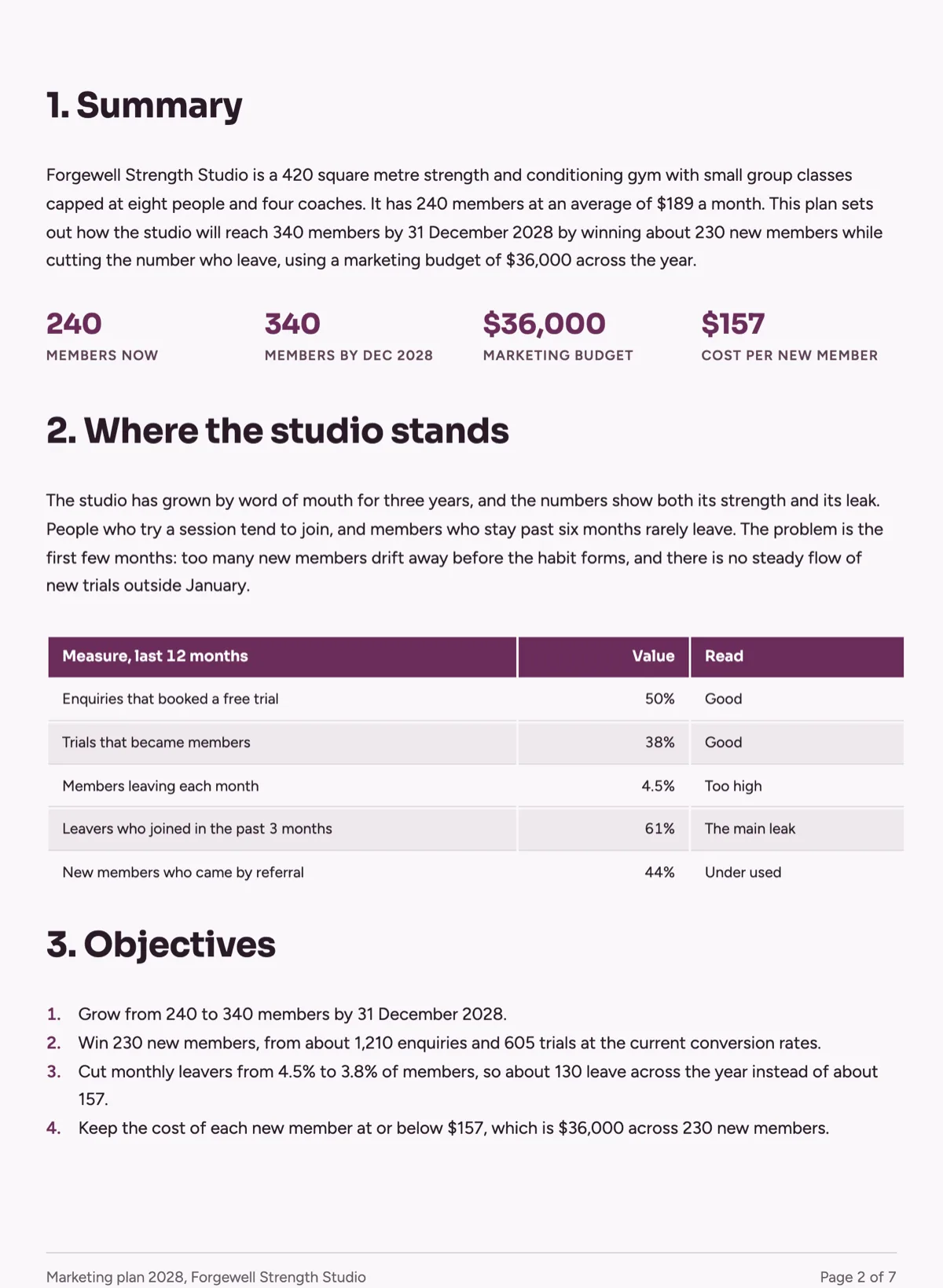 Marketing Plan Template, Channels, Budget and Calendar
Templates: document templates
How it is priced
- Free: generate documents and export PDFs with 100 credits a month.
- Starter and above: write from your own files.
- Generating spends credits, and PDF export is charged by page count.
Questions
How long a document can it write?
From a single composed page to well past six pages. Anything long, such as a white paper, manual or handbook, is planned as an outline of sections and then written section by section, which is why a long document takes longer to arrive.
Does it leave blanks for me to fill in?
No. Input fields are not used in documents, so a name, date, amount or reference is written into the page as content. If you want blanks that other people complete, build a form instead.
Will it add a cover page?
Only where a reader expects one. A report, proposal or handbook opens on a cover, while an invoice, receipt, letter, resume, certificate or anything under three pages opens straight on its content.
Can I change the design afterwards?
Yes. Theme presets restyle the whole document in a click, and the theme panel has Colors and Fonts tabs for finer changes. Every block can be edited, moved or deleted, and the pages reflow around the change.
Can I send it for signature?
Yes. Add a signature block with one party per signer, then send it from the editor. Each signer gets an email link, and the signed PDF comes back with a certificate of completion.
Does it cite its sources?
No. A web search can ground the content when no file is attached, but the document does not print citations, so check any figure that matters.
Start with a sentence.
Create a free account or sign in, and you land straight in the app.
Create a document