AI video maker
Describe what you are promoting or teaching. OneCraft picks the scenes, writes the words on screen and the narration, records the voiceover, adds captions and music, and opens the result on a timeline you can change.
Free plan with 100 credits a month. See pricing
What it does
Three kinds of video
Promotional and tutorial videos on every plan, and UGC style videos with an AI presenter on Pro and above.
Voiceover in 56 languages
Narration is spoken in a voice matched to the language and the type of video. Captions are drawn into the video and are on by default.
Tutorials from your screen
Capture screenshots of your app step by step, mark where each click lands, and the video glides a cursor to that spot and zooms in.
Landscape and vertical
1920 by 1080 for YouTube and the web, or 1080 by 1920 for Reels, TikTok and Shorts, from the same project.
Bring your own material
The brief takes 10,000 characters plus up to 8 images and 5 documents. Uploaded images are read and placed in the scenes that fit their shape.
AI footage in promos
On Starter and above a promo can include short AI generated video clips for shots you have no footage for.
A timeline you can edit
Every line, image, colour, scene and timing can be changed. Choose from 21 looks and 13 music tracks, or upload your own music.
Export and share
Render an MP4, in 4K from Starter up, or share a link that plays the video in the browser.
Examples made with it
See all video examples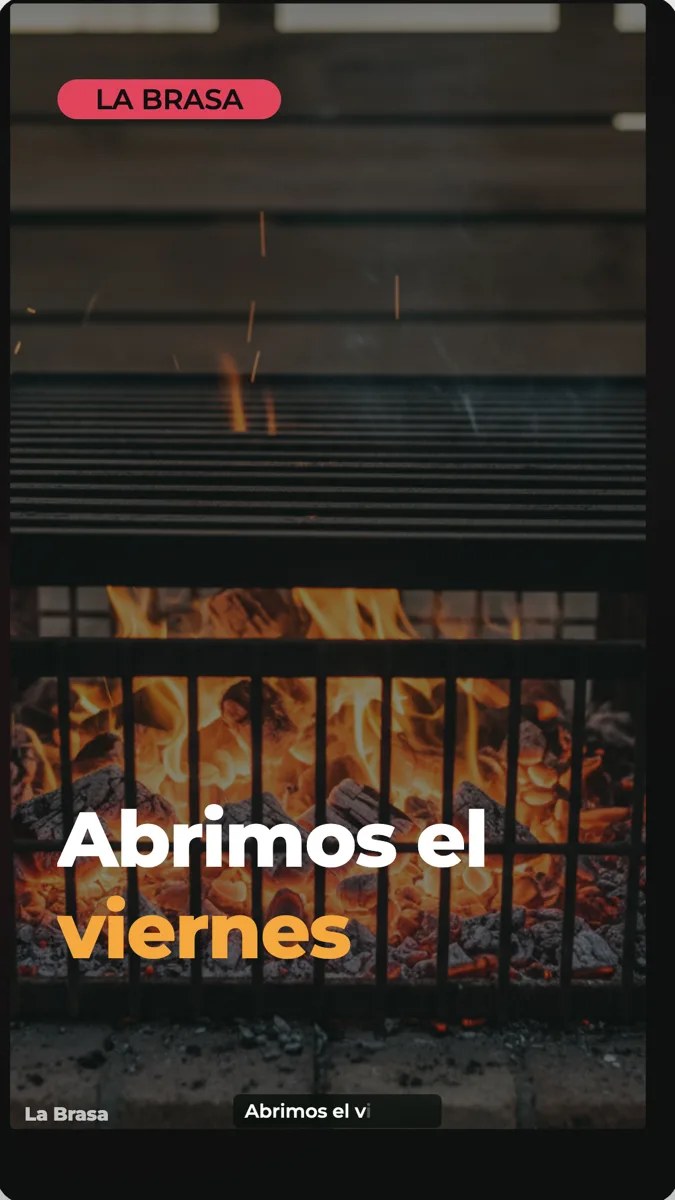 Restaurant Promo Video Example: Opening Night in Spanish
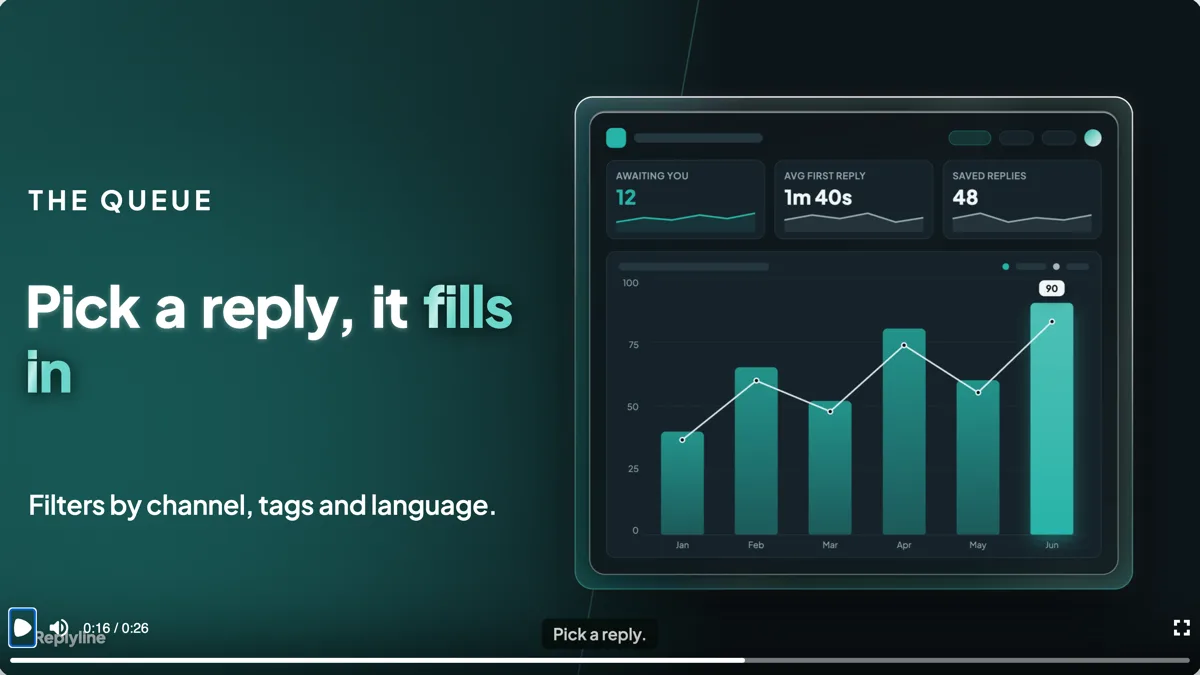 SaaS Feature Launch Video Example: Six Scenes, 16:9
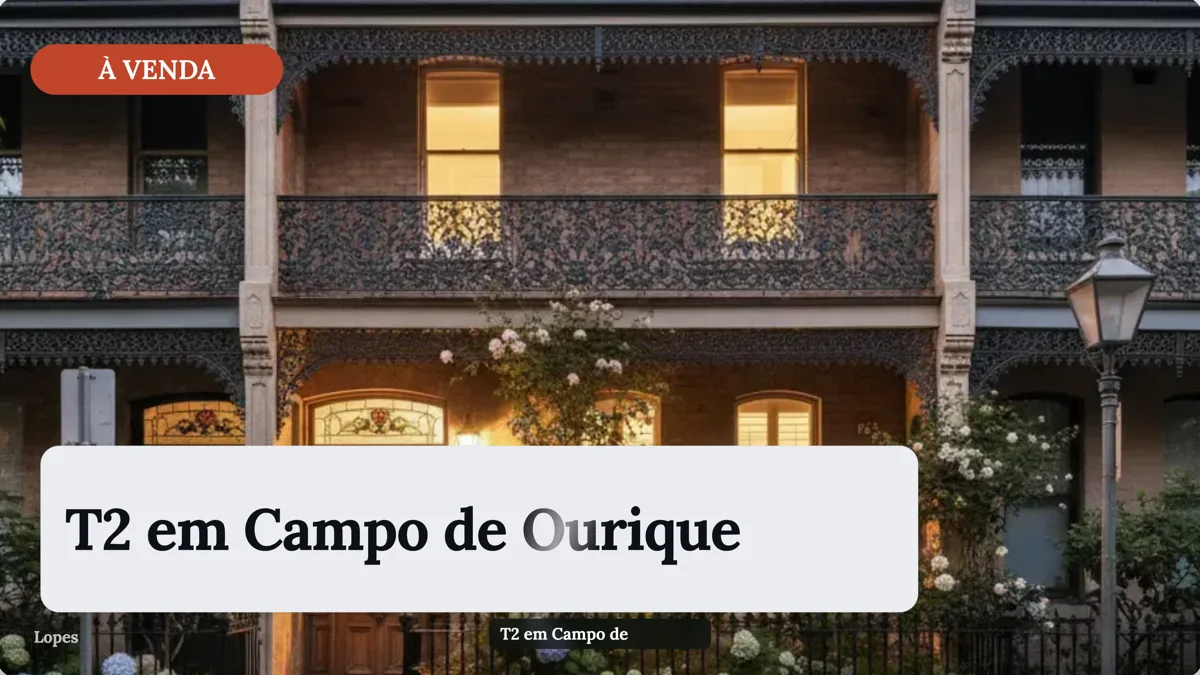 Real Estate Listing Video Example: Lisbon Flat, Portuguese
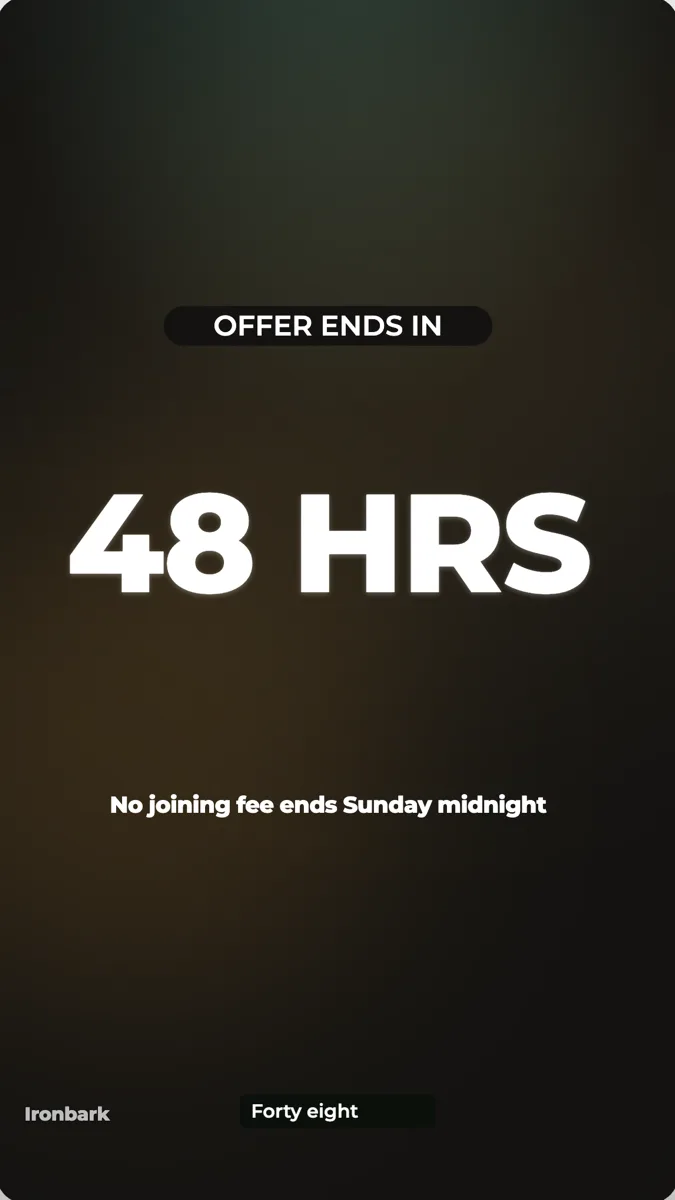 Gym Promo Video Example: Offer, Proof, Countdown, 9:16
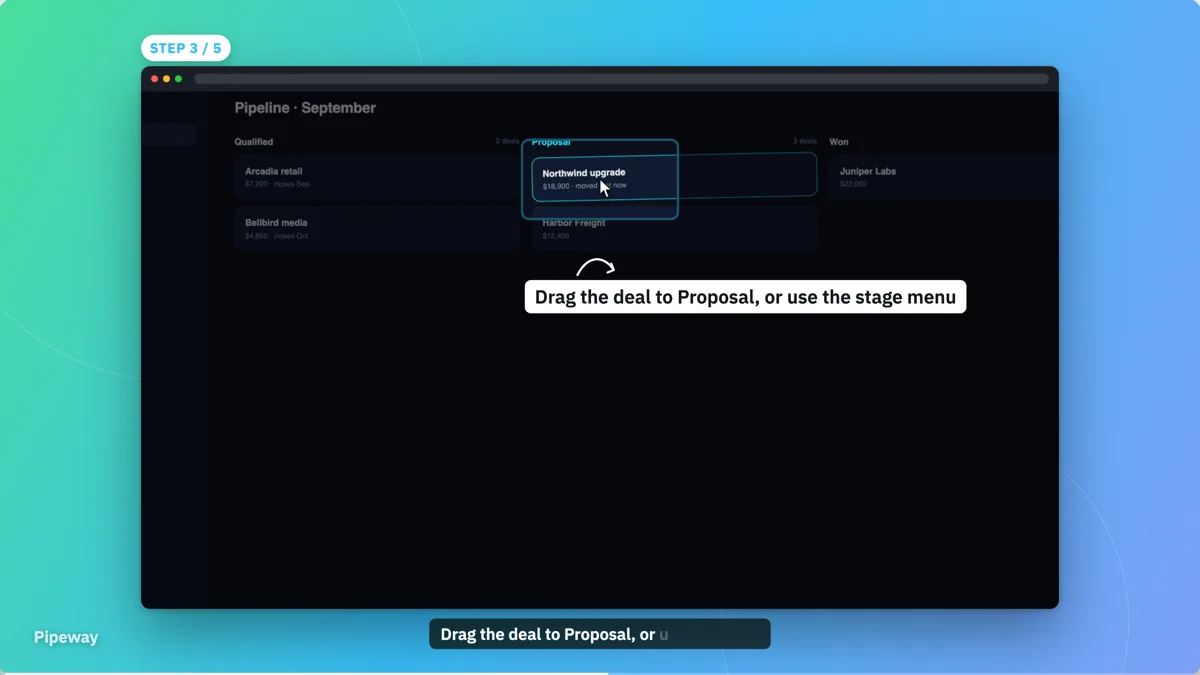 Software Tutorial Video Example: Moving a CRM Deal
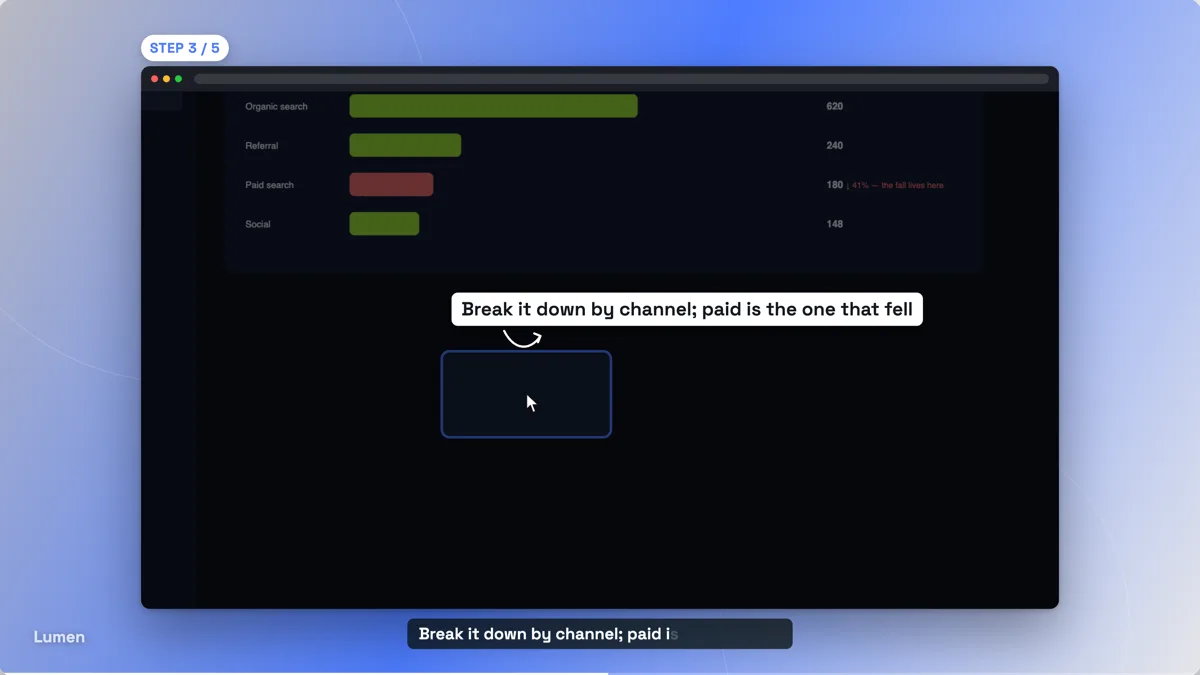 Product Demo Video Example: A Dashboard Tour by Question
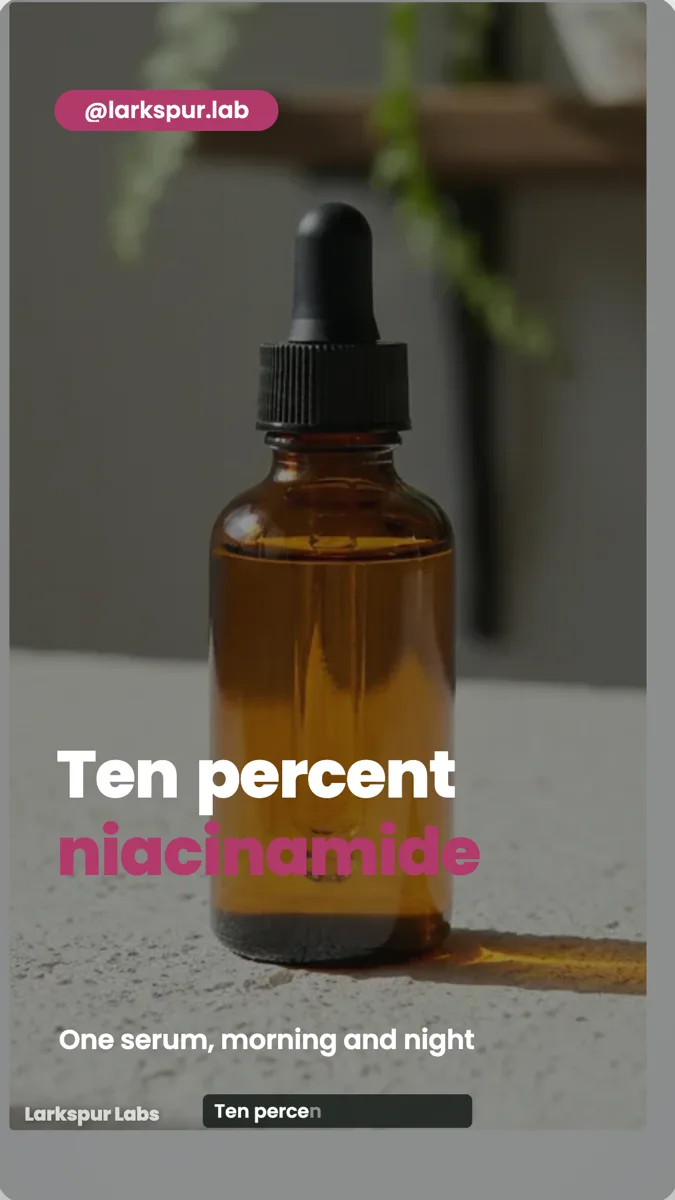 Skincare Serum UGC Ad: Script, Scenes and Seconds
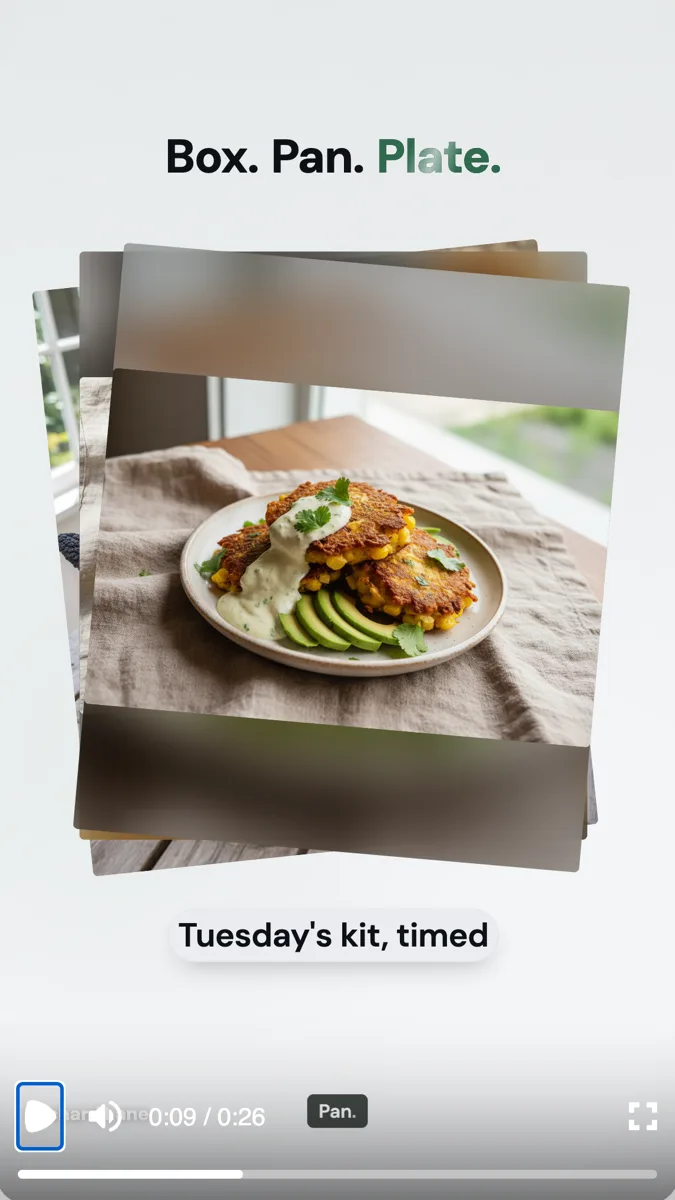 Meal Kit UGC Video: Unboxing to Plate in 26 Seconds
How it is priced
- Free: promotional and tutorial videos with 100 credits a month.
- Starter and above: 4K export and AI footage in promos.
- Pro and above: UGC videos with an AI presenter.
- Each generation spends credits from your monthly balance.
Questions
How long is the video it makes?
You choose short, standard or long, which sets a budget of 3 to 6, 4 to 9 or 6 to 12 scenes. Promo scenes run 2.5 to 4 seconds each, so a short promo lands near 10 seconds and a long one near 30.
Which languages can the voiceover speak?
Fifty six languages have a mapped voice, including English, Spanish, French, German, Portuguese, Arabic, Hindi, Japanese and Chinese. A language without a mapped voice still gets its on screen text in that language, but no voiceover.
Can I make videos for Reels, TikTok and Shorts?
Yes. Pick vertical, 1080 by 1920. The same project can be switched to landscape for YouTube in the builder.
Can I download subtitles?
No. Captions are burned into the video frames, and there is no SRT or VTT file to download.
What if I do not like the result?
Edit it rather than starting again. Every line, image, colour, scene and timing is open in the builder, so you change what is wrong and keep the rest.
Start with a sentence.
Create a free account or sign in, and you land straight in the app.
Create a video