AI presentation maker
Type the topic, or attach the notes you already have, and OneCraft plans the deck, picks a layout for every slide, writes the words to fit and adds the pictures. Slides stream into the editor as they finish, so you can start changing them straight away.
Free plan with 100 credits a month. See pricing
What it does
A deck from a prompt or a file
The prompt box takes 10,000 characters. Set the length from 3 to 20 slides, or press Auto and let the outline decide. On Starter and above you can attach up to 5 files of 25 MB each, such as a report or a brief.
Layouts that were drawn first
Each slide gets a purpose, such as agenda, metrics, timeline or comparison, then one of the 1,071 slide templates made for it, across 42 style families. The words are written to fit the boxes of that layout.
Charts, diagrams, maps and tables
Ten chart kinds, diagrams, a world map, tables, Gantt timelines and flowcharts sit inside the layouts, and the element library adds more to any slide.
Edit by asking
Ask the assistant to rewrite a slide, add or move slides, change a layout, the theme or the fonts, or redo a slide. Deleting slides, redoing a slide and AI pictures wait for you to apply them.
One click restyles the deck
Pick from 99 themes over 88 colour palettes and 42 fonts. Slides store colour tokens, so a new theme recolours every slide at once, and your brand kit sits in the same picker.
Present and record
Present full screen with speaker notes in a second window. On Starter and above you can draw on slides while you present and record the talk with your camera and microphone, up to 4K.
Export and share
Download a PDF on any plan, or PowerPoint and editable PPTX from Starter up. A share link opens a read only copy of the saved deck.
Examples made with it
See all presentation examples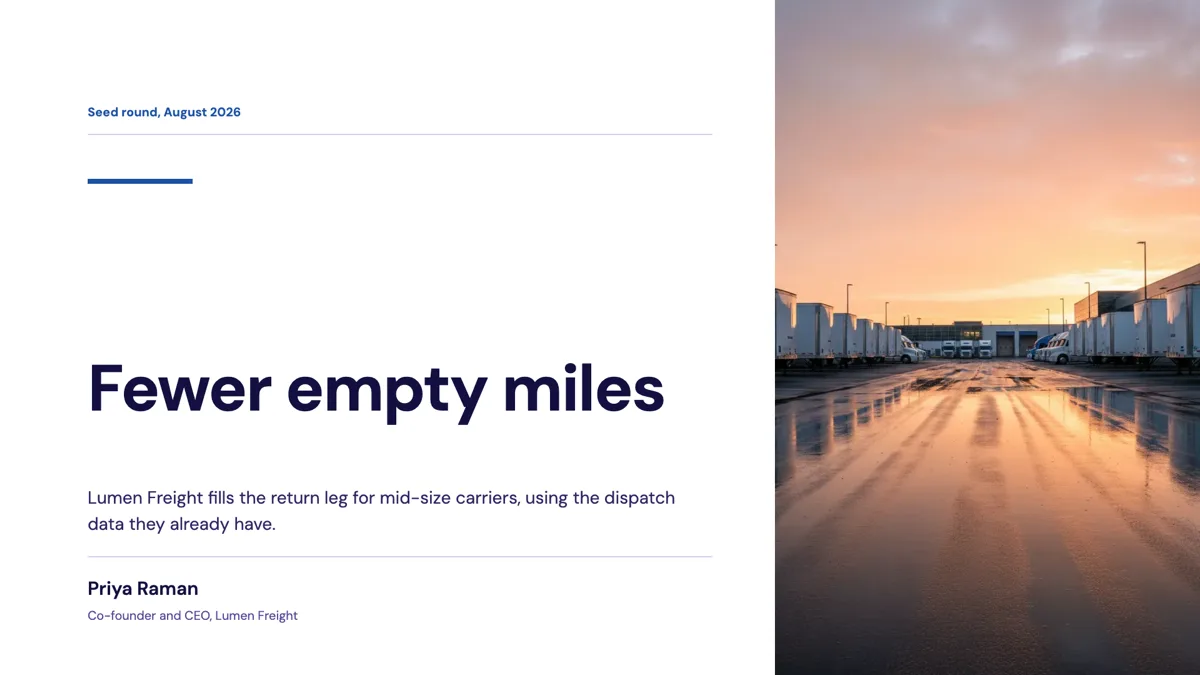 Investor Pitch Deck Example: 12 Slides and a $6M Ask
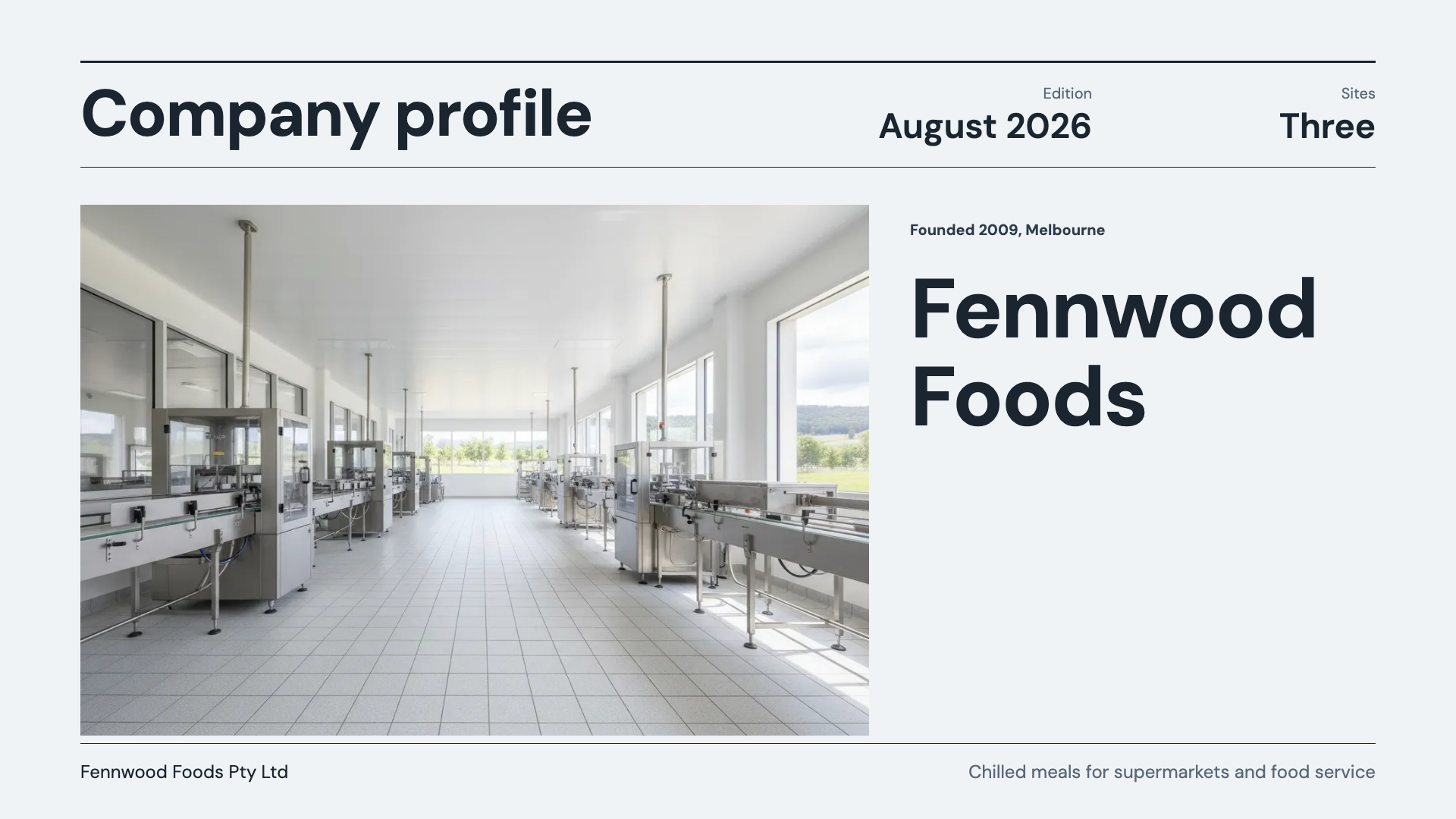 Company Profile Presentation Example: 10 Slides of Proof
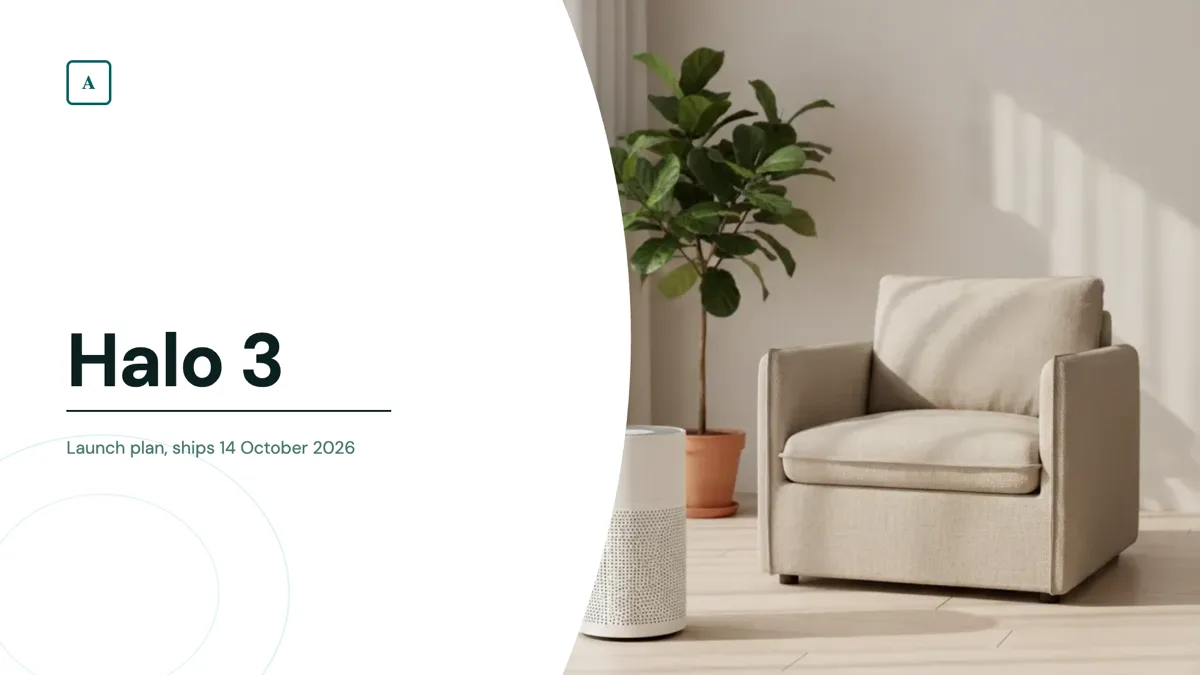 Product Launch Presentation Example: 8 Slides, 3 Phases
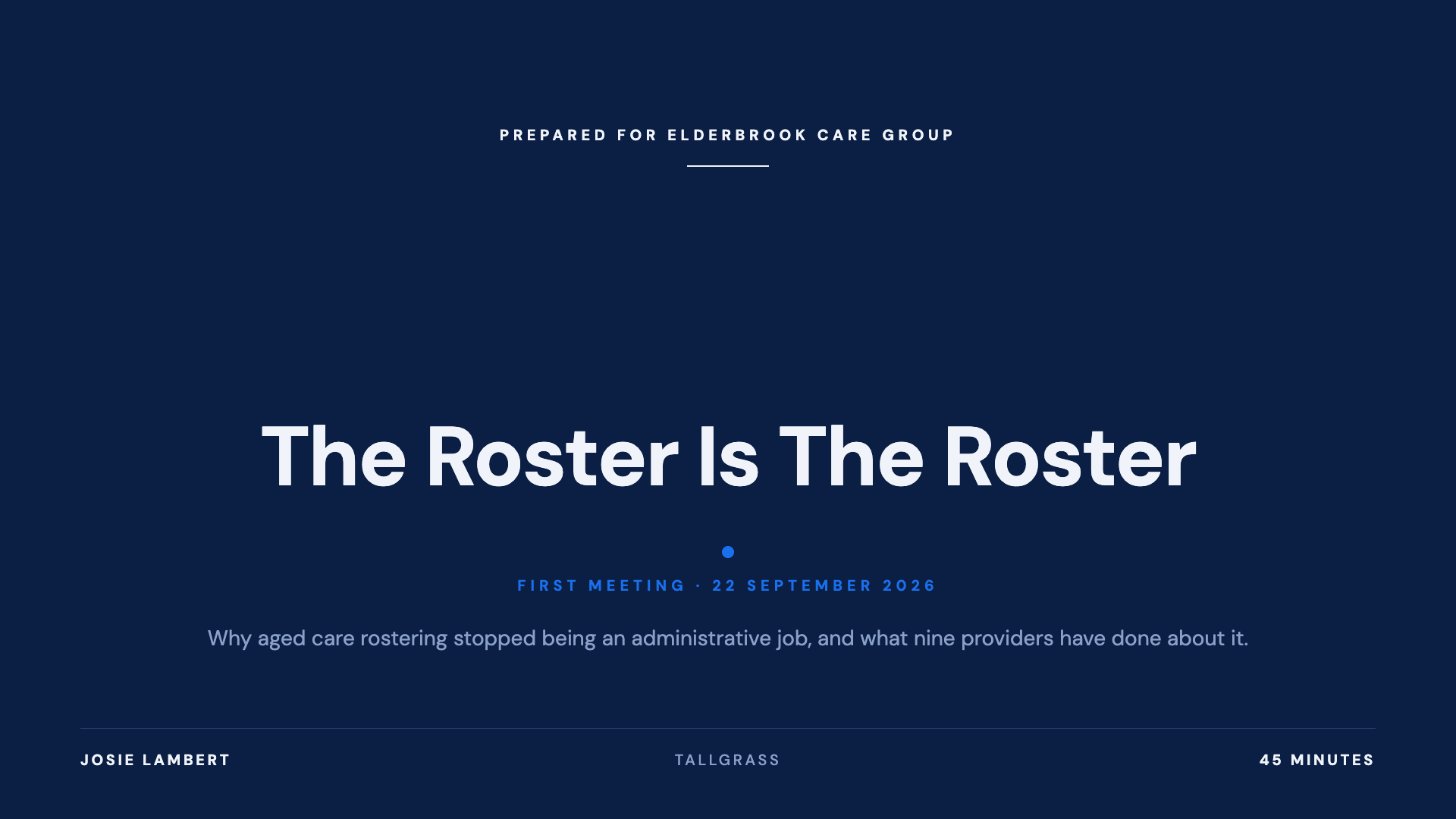 B2B Sales Deck Example: 12 Slides, No Pricing
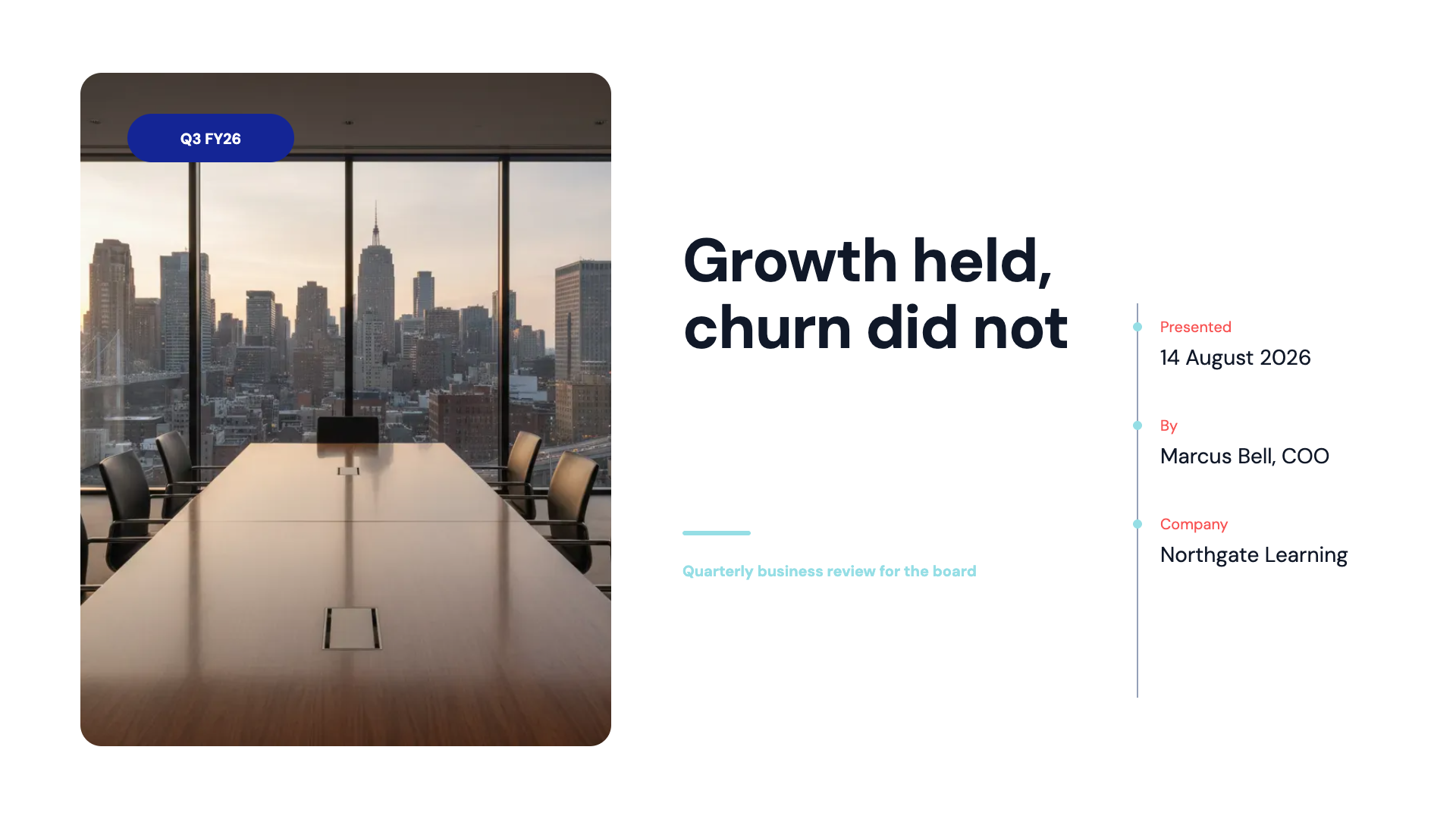 Quarterly Business Review Deck Example: A Mixed Quarter
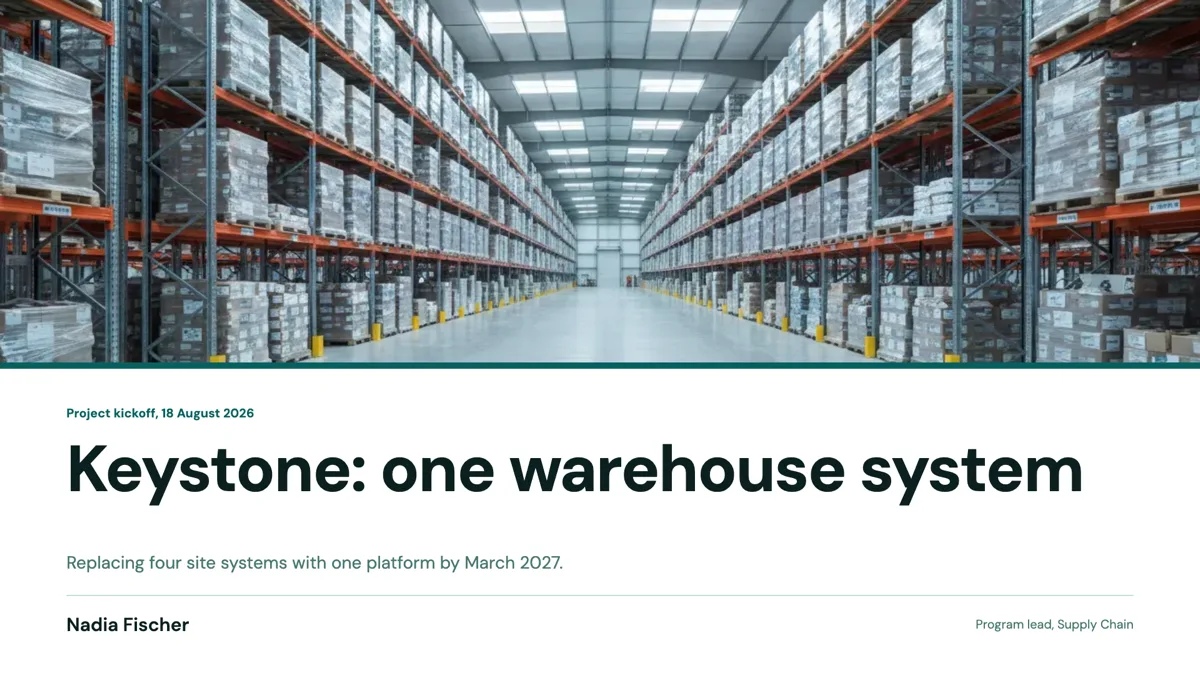 Project Kickoff Deck Example: 9 Slides Ending in Decisions
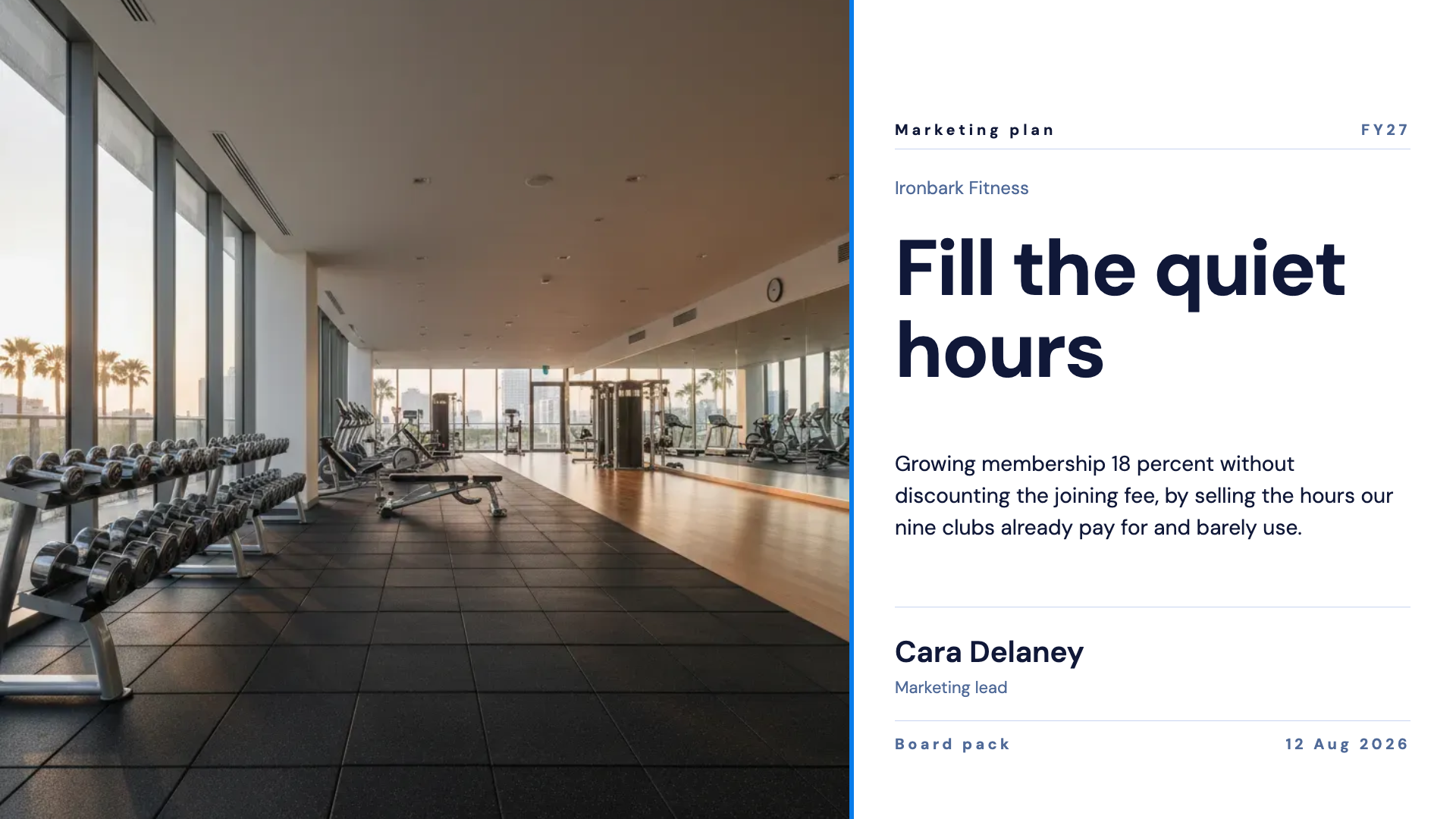 Marketing Plan Presentation Example: One Target, 9 Slides
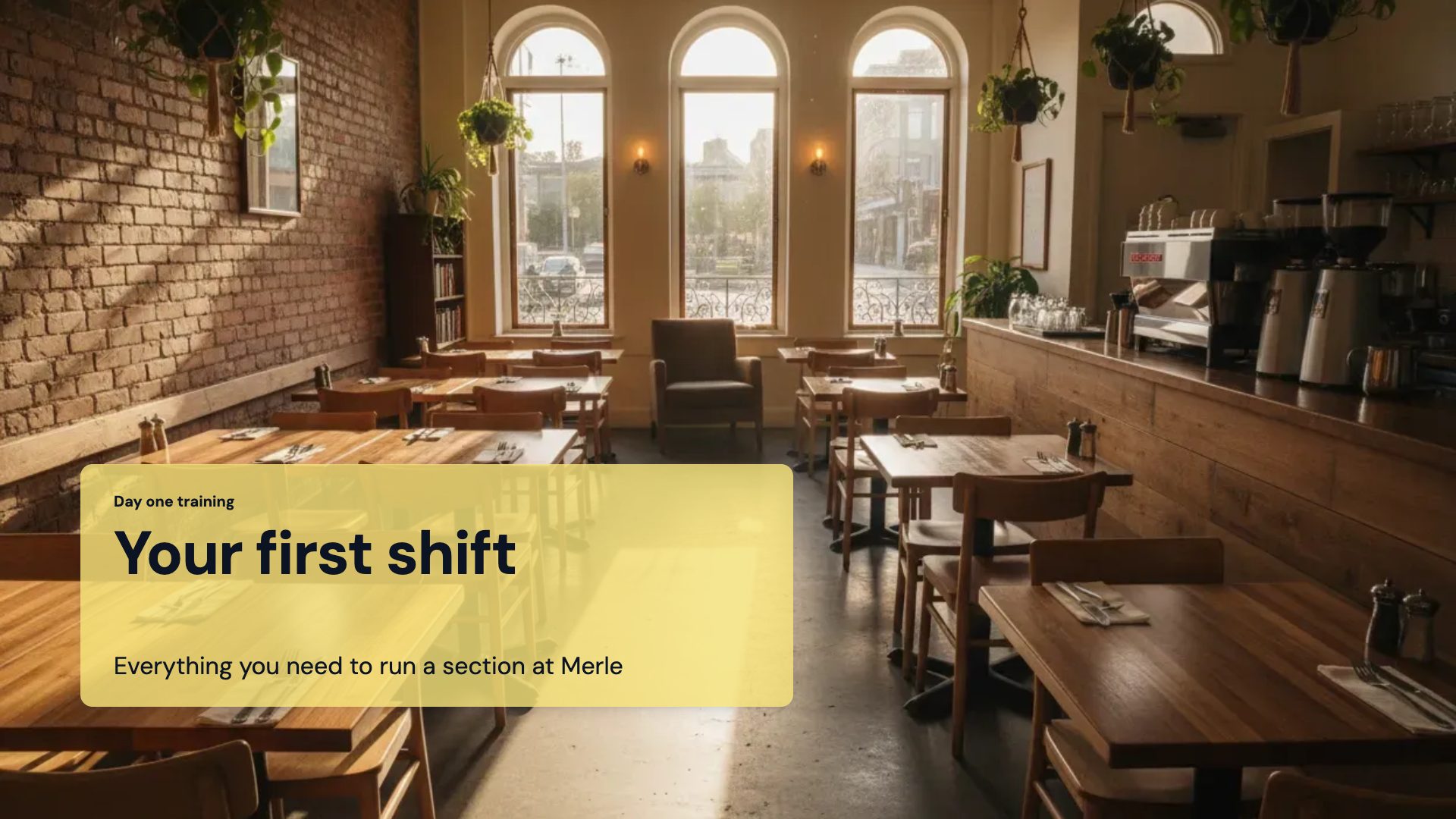 Training Presentation Example: 9 Slides for Day One Staff
Templates: slide template gallery, pitch deck templates, sales deck templates, training deck templates
How it is priced
- Free: decks of up to 6 slides, PDF export and 100 credits a month.
- Starter and above: decks of up to 20 slides, PowerPoint and editable PPTX export, file attachments, and the pen and recording in present mode.
- Each deck you generate spends credits from your monthly balance.
Questions
Can I review an outline before the slides are written?
No. There is no outline step. The builder opens and real slides fill in as they finish, and you change anything you do not want, by hand or by asking the assistant.
How many slides can it make?
The slider runs from 3 to 20 slides with 8 as the default, and Auto lets the outline pick the count. A free account is capped at 6 slides per deck; Starter and above go to 20.
Can I make a deck from a document I already have?
Yes, on Starter and above. Attach up to 5 files of 25 MB each as PDF, plain text or images. A Word file needs to be saved as a PDF first.
Can I open the deck in PowerPoint?
Yes, from Starter up. The PowerPoint export places each slide as a picture, and the editable PPTX export rebuilds text, lists, images, tables and charts as native PowerPoint objects. PDF export is on every plan.
Am I stuck with the theme it picked?
No. Pick any of the 99 themes and every slide restyles at once, because slides store colour tokens rather than fixed colours. Fonts and colours can also be changed on a single text box.
Does it print sources on the slides?
No. It can run one web search per deck to ground the content, but sources are not printed on the slides, so check any figures before you present.
Start with a sentence.
Create a free account or sign in, and you land straight in the app.
Create a presentation