Slides templates
Sales deck templates
A sales deck is written for one buyer in one room, so it spends its slides differently from a pitch: less market sizing, more persona, proof and price. Thirteen layouts across five roles cover that sequence, with pricing described in words, drawn from the 1,071 slide templates in the library.
13 designs
What these designs are for
Use this when the deck has to move a named account rather than impress a room. These layouts put the buyer on the page early, carry testimonial slides that hold a real quote and a metric, and end on a price the customer can act on rather than a thank you.
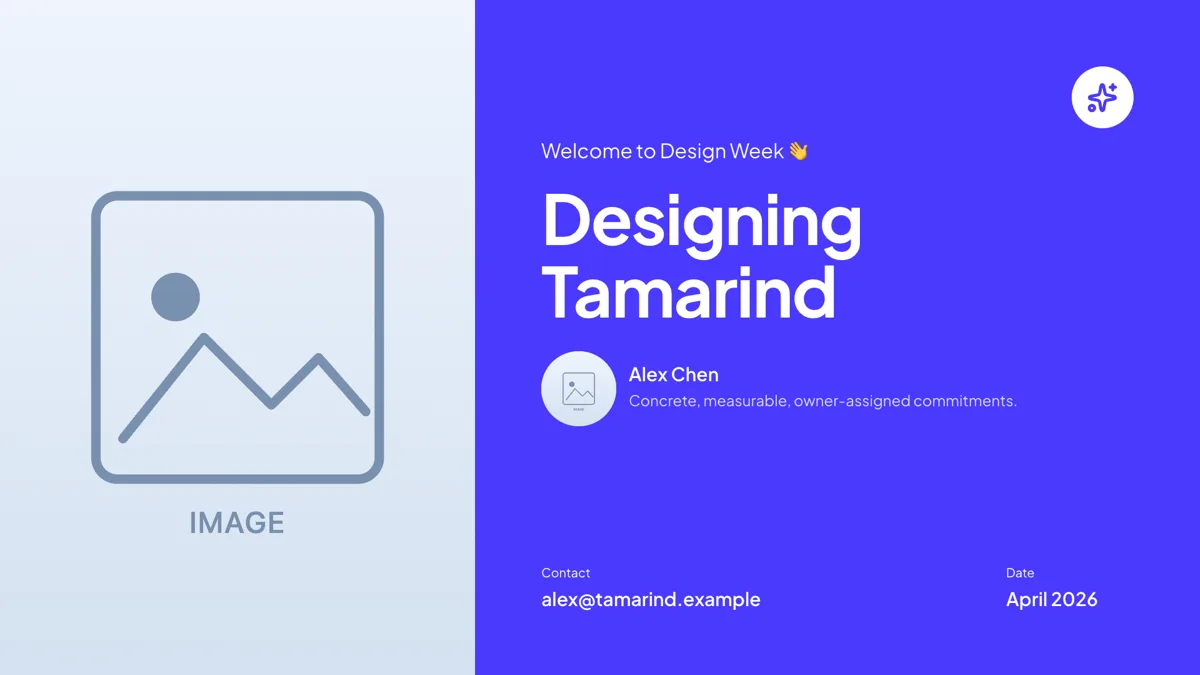
Cover: Split Photo + Panel
Cover. A tall portrait photo on the left and a brand panel on the right holding the title and byline.
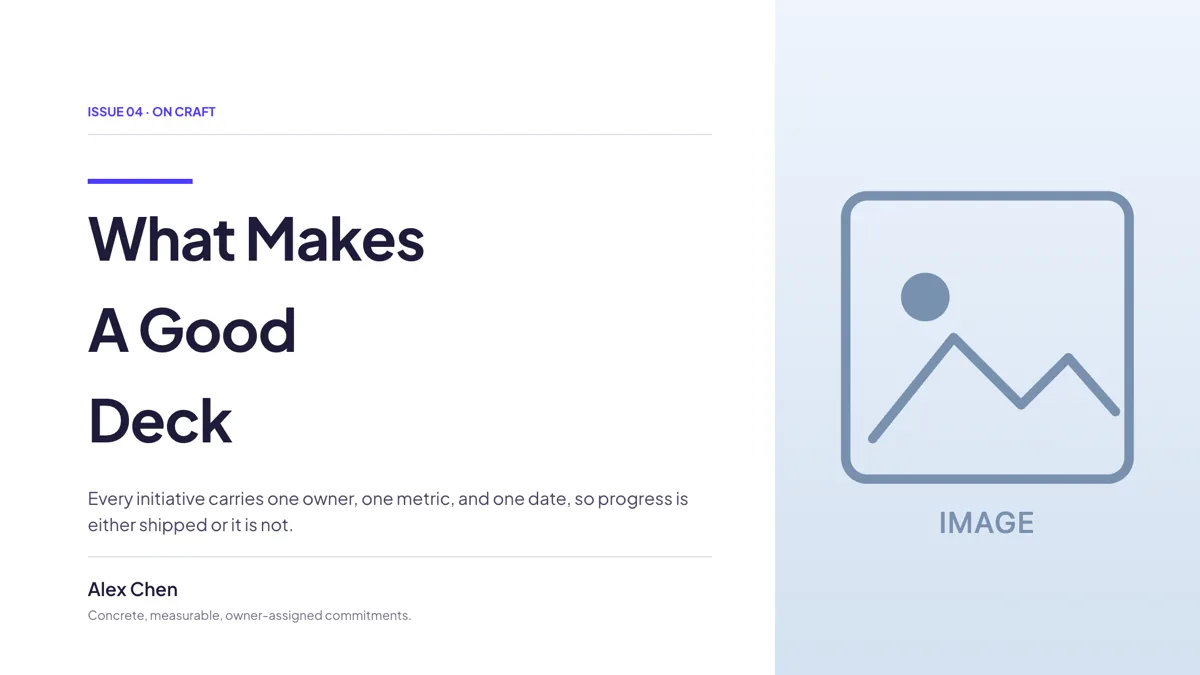
Cover: Editorial Accent Title + Side Image
Cover. A meta rail, a multi line display title and a byline, with a side image holding the right.
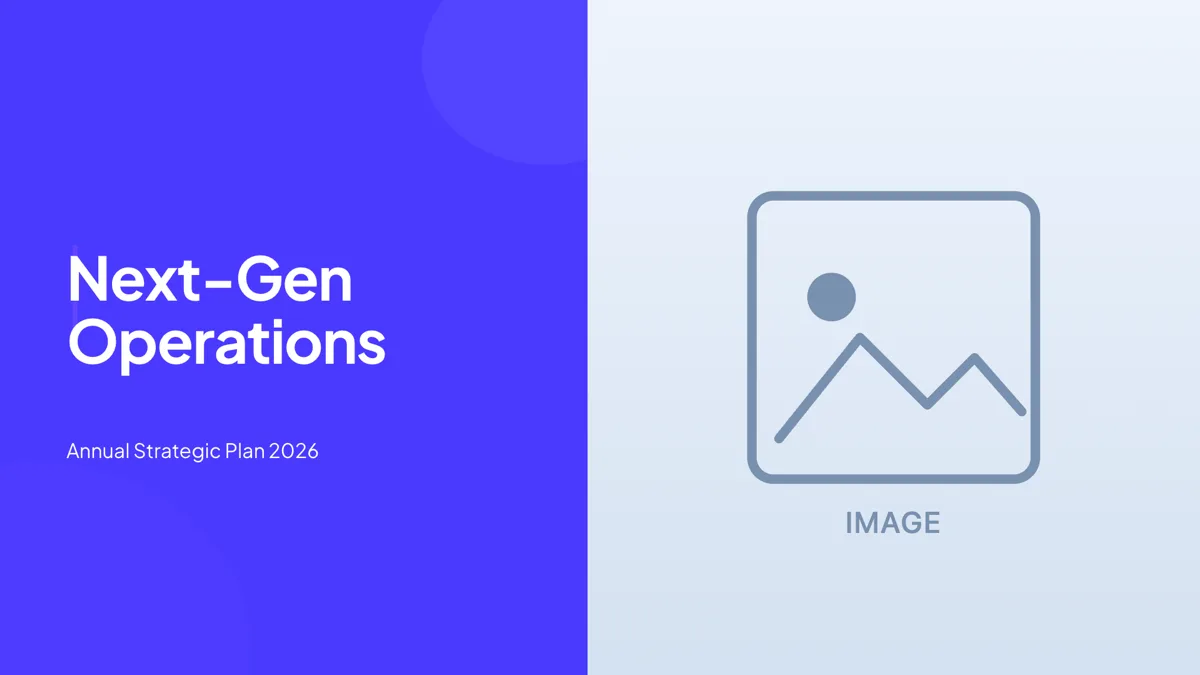
Cover: Hard Split Photo Right
Cover. A hard vertical split with the type on the left and a full height photograph on the right.
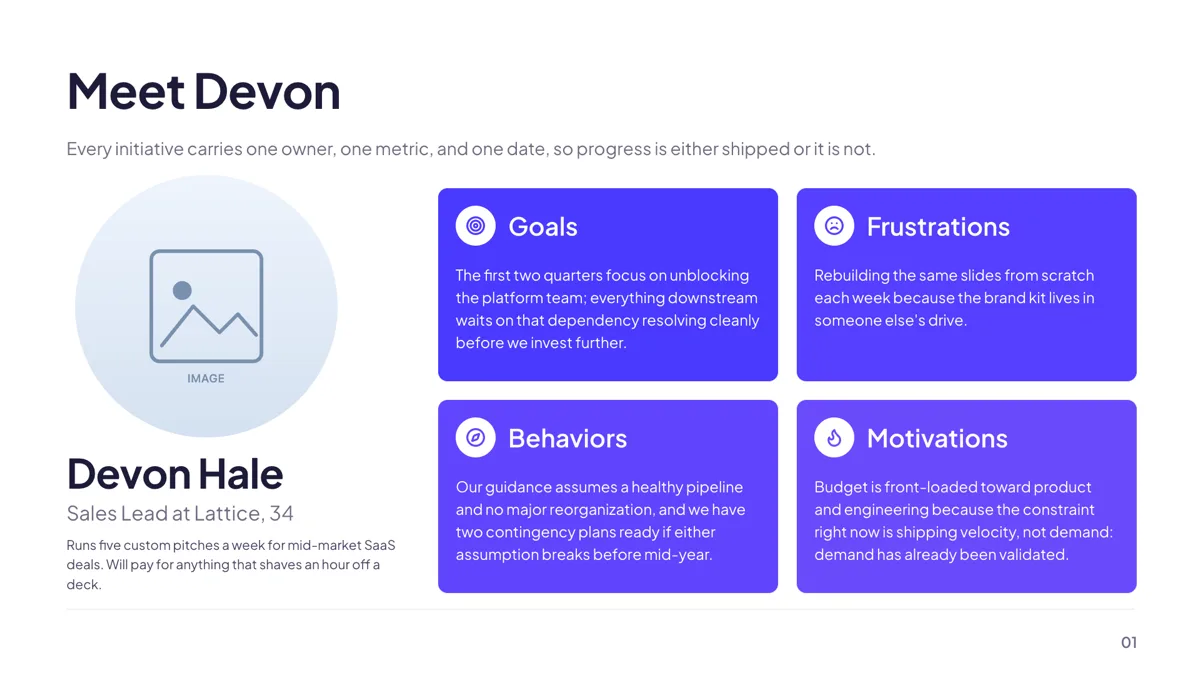
Persona: Card with Traits
Persona. One buyer with a headshot, bio and four attribute cards for goals, frustrations and habits.
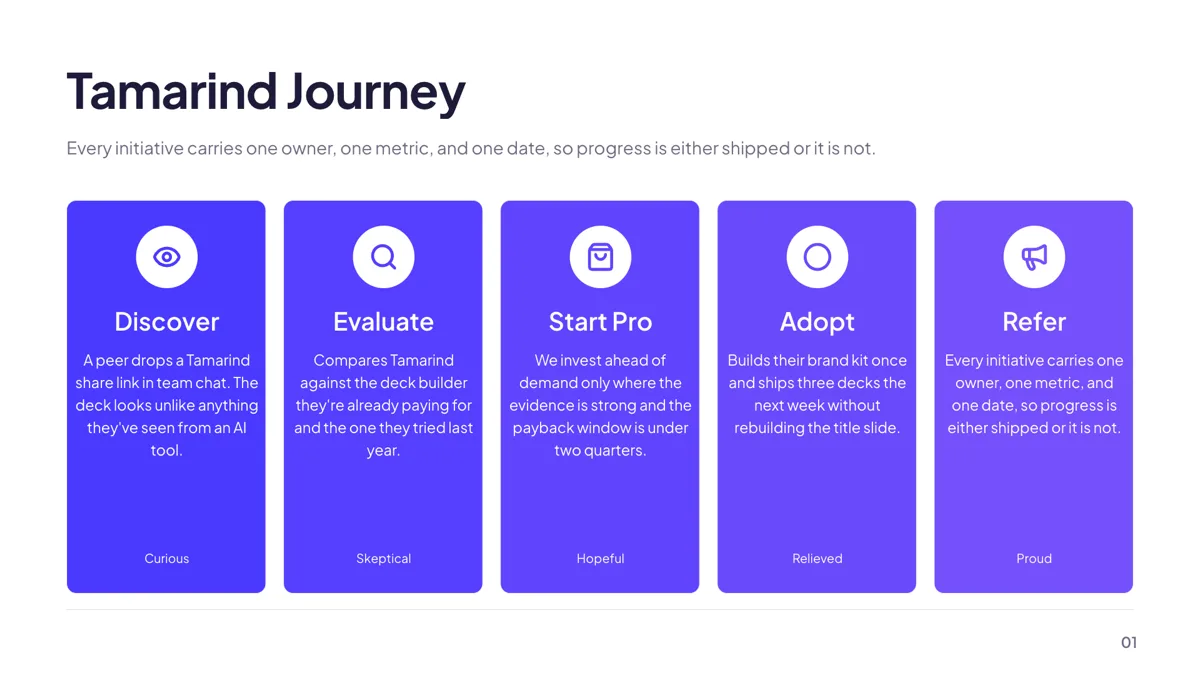
Persona: Journey Map 5 Stages
Persona. Five journey stages as tall cards, each with a sentiment tag under the description.
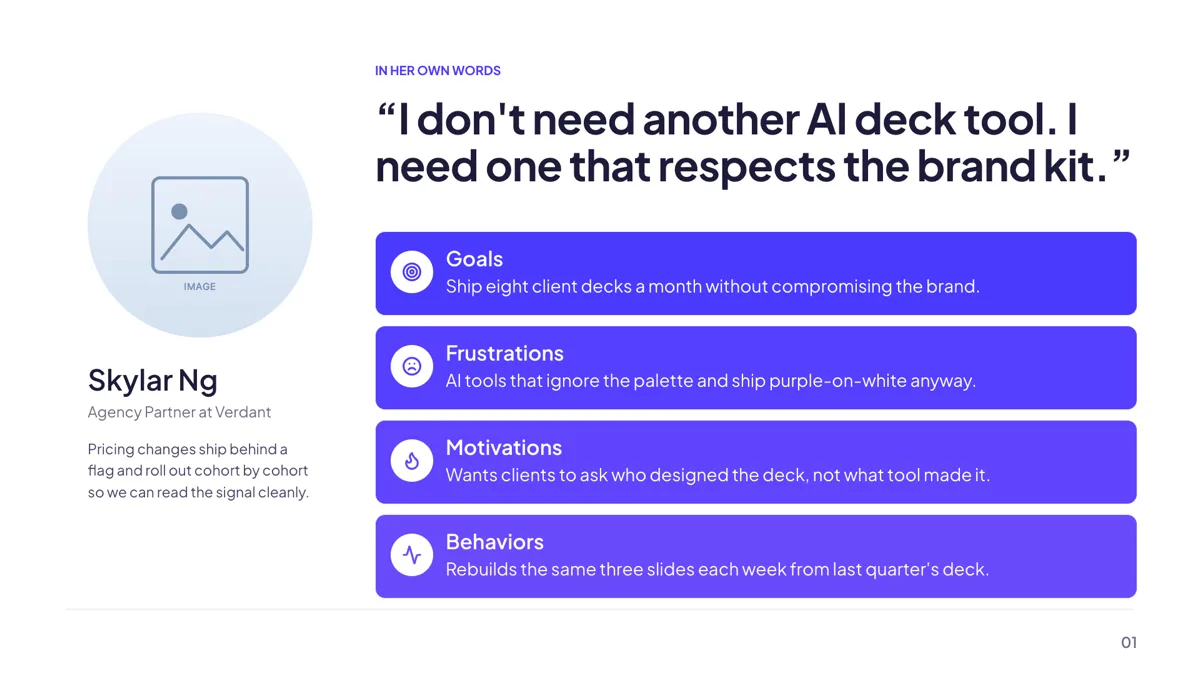
Persona: Quote Spotlight Traits
Persona. A verbatim pull quote anchors the slide, with the headshot and traits beside it.
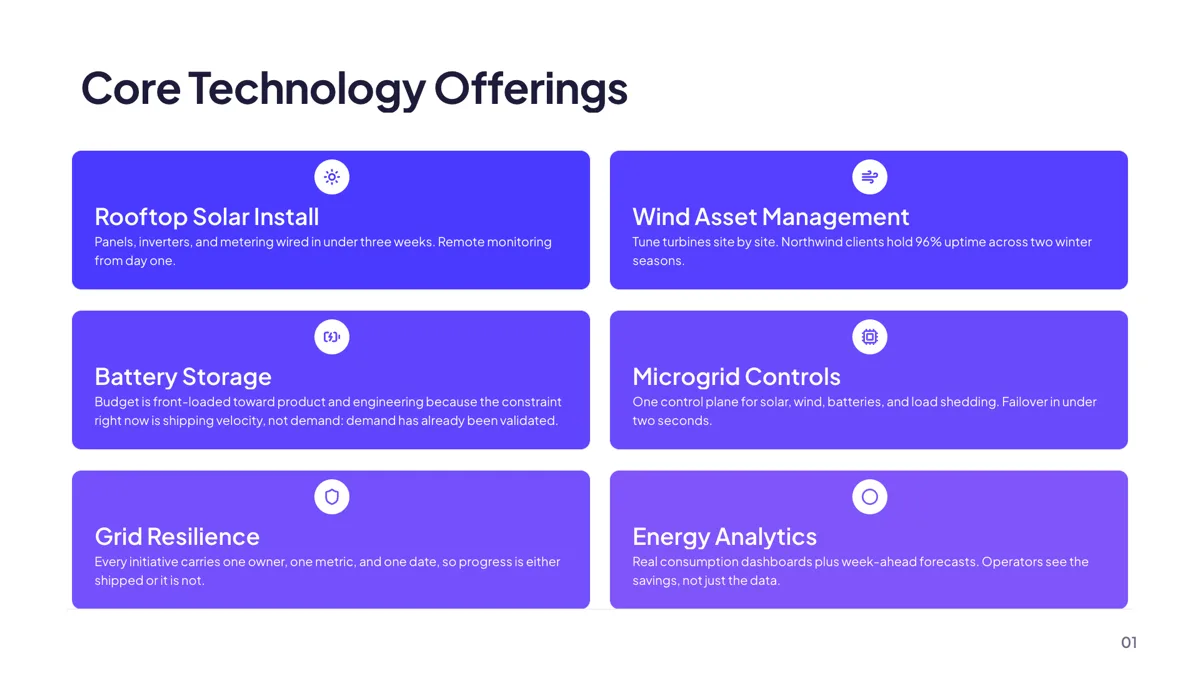
Context: 2-Column Icon Cards Glass Panel
Pillars. Two columns of icon cards on a glass panel, each with a heading and a short line.
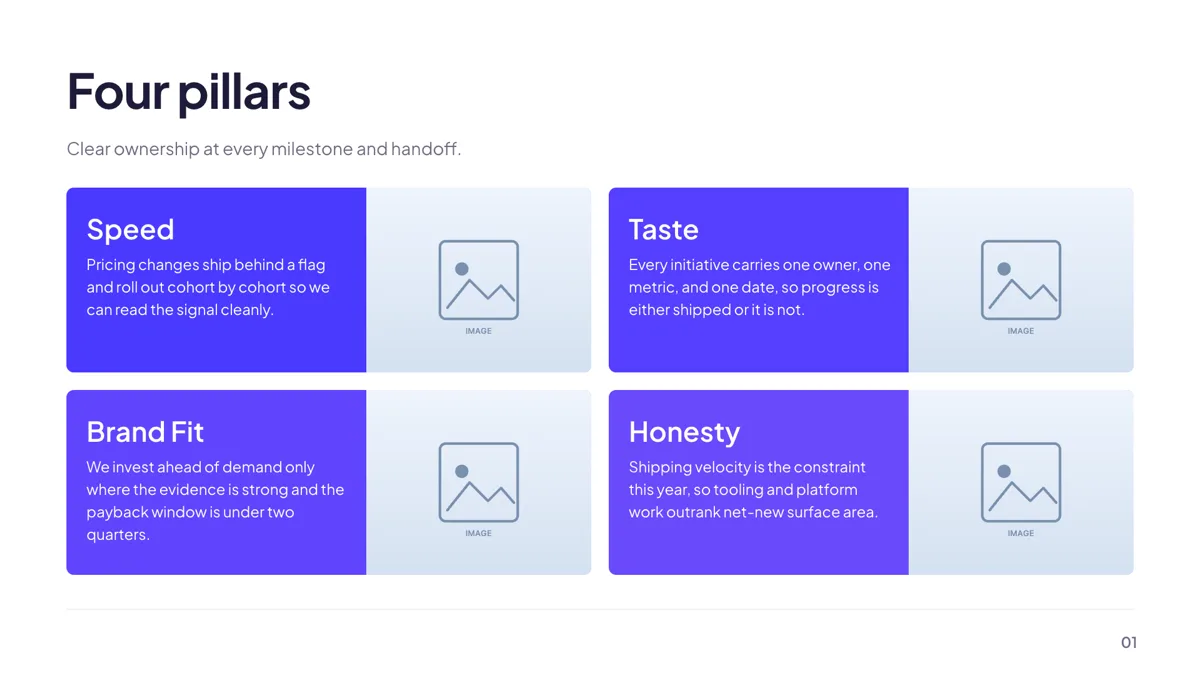
Context: Bento Grid of 4 Image Cards
Pillars. A two by two bento grid where each card pairs short text with a full height photograph.
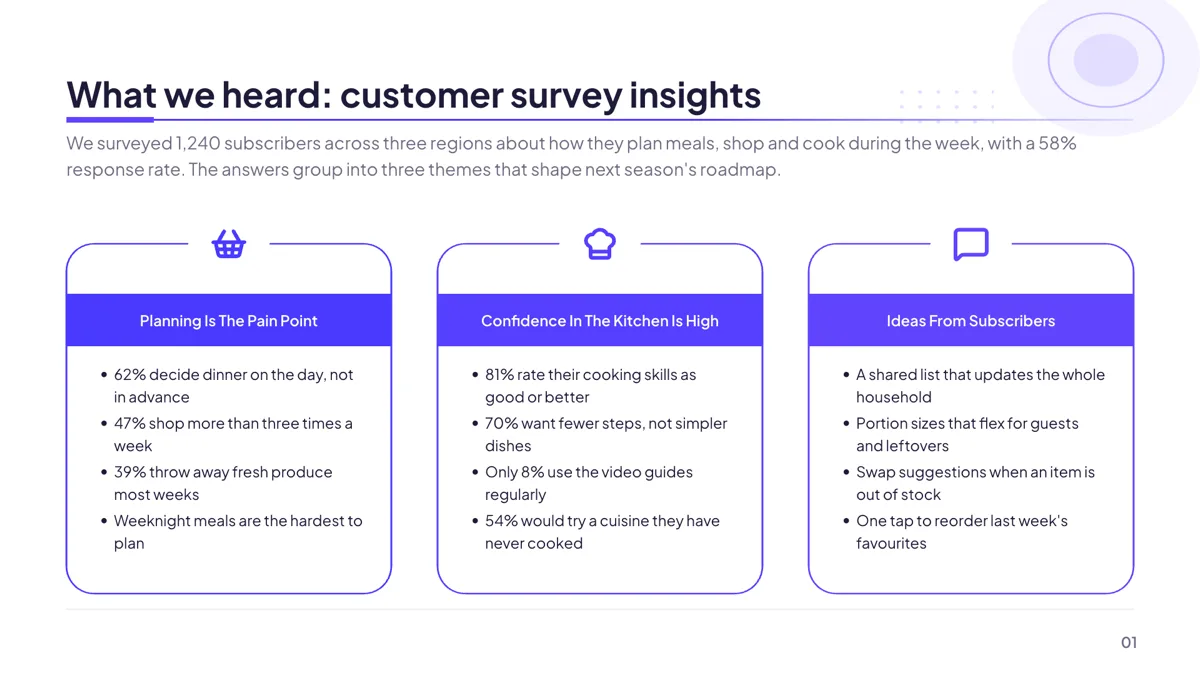
Pillars: Three Icon Cards With Bullet Findings
Pillars. Three outlined cards with a round icon on the top edge and findings listed beneath.
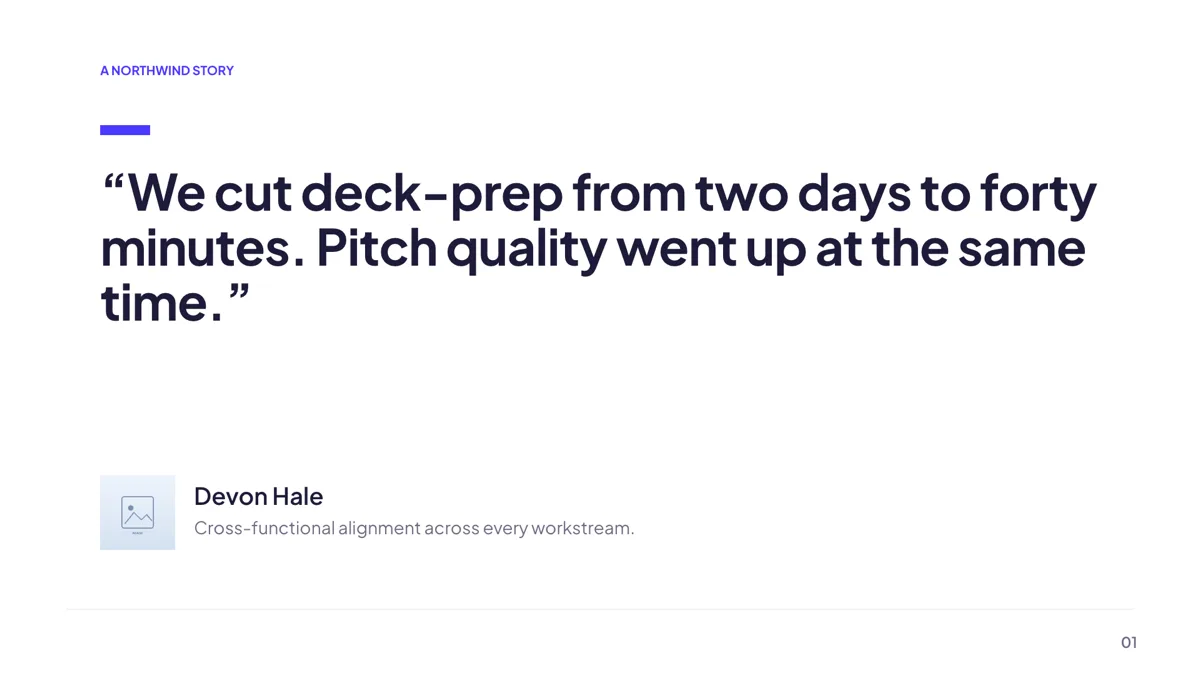
Testimonial: Single Hero Quote
Testimonial. One display size quote of up to about 155 characters filling the upper canvas.
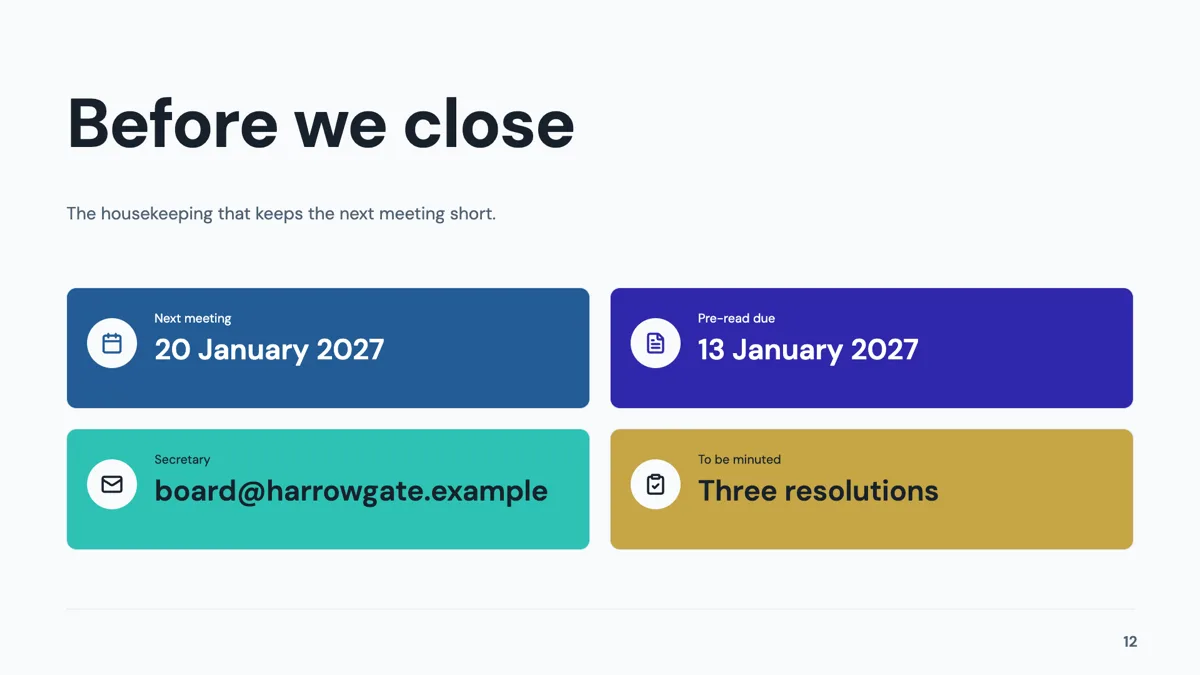
Closing: Contact Grid Four
Closing. An oversized title over four contact cards in a two by two grid.
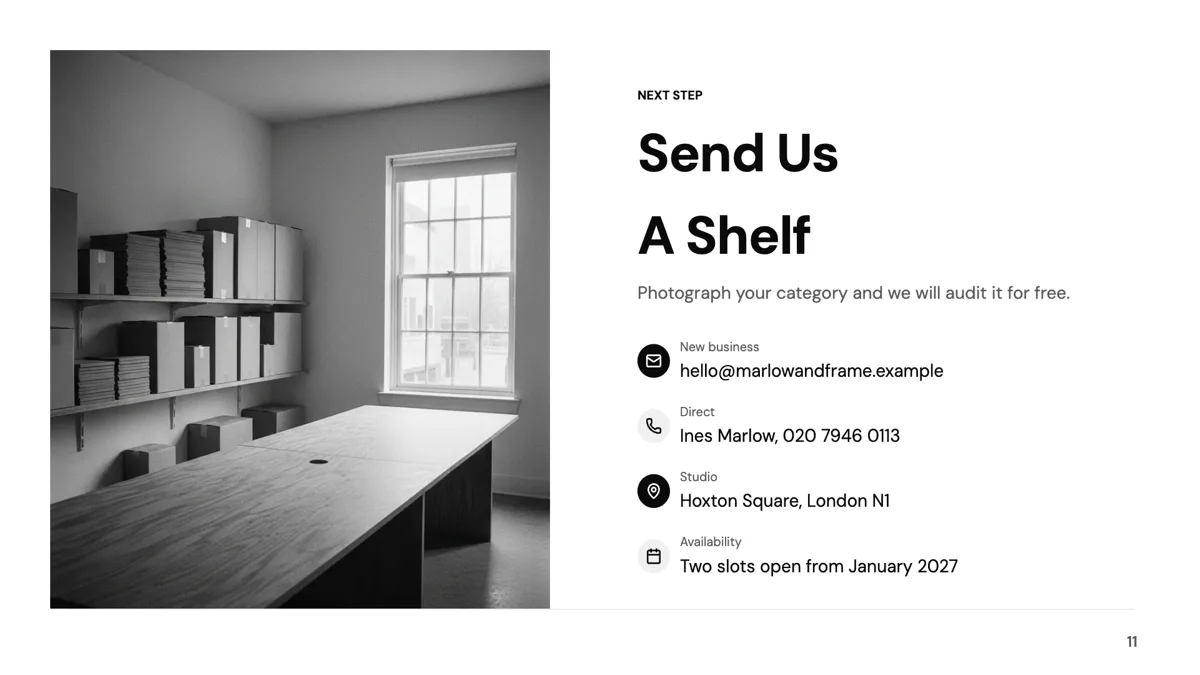
Closing: Photo Left, Contact Right
Closing. A full height photograph on the left and a structured contact column on the right.
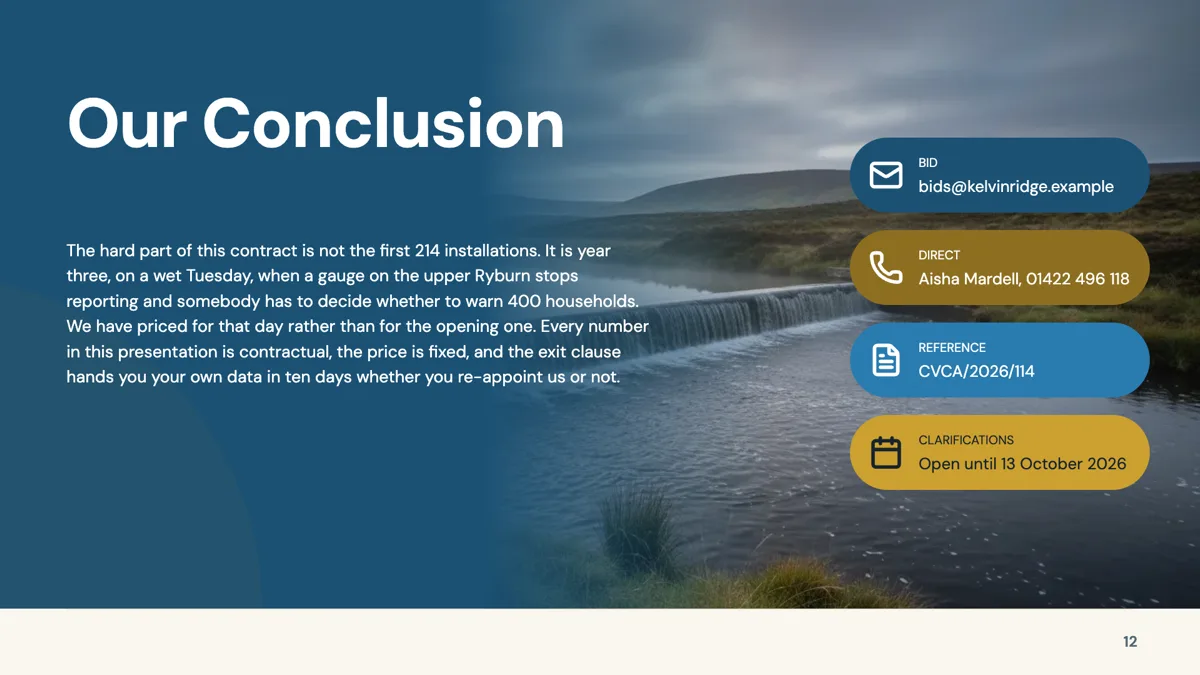
Closing: Conclusion with Icon Rail
Closing. A prose conclusion on the left with four icon labelled contact callouts down the right.
Cover: make it look like their deck, not yours
Among the cover layouts, the split and side image covers are the ones that carry a photograph without turning the slide into a poster, which matters when the first thing on screen is being judged by a procurement team. The title is a text slot like any other, so the buyer's project name can lead and your own name can sit in the byline. Theme sets the colours, and there are 99 to choose from, so matching a customer's palette is a theme choice rather than a redesign.
Persona: nine layouts, and the deck needs one
The persona role holds nine templates. A single buyer card is the workhorse: a headshot, a short bio and four attribute cards, usually goals, frustrations, behaviours and motivations. The journey map is the better choice when the sale involves several moments rather than one decision, because it gives five stages a sentiment tag each. The quote spotlight is for when you have a real line from a discovery call, which is worth more on a slide than a summary of one.
Pillars: 33 layouts for what you actually sell
Pillars is the second largest role at 33 templates, covering bento grids, icon card rows, value stacks and temple diagrams. For a sales deck the test is whether each pillar can carry evidence rather than an adjective. The value proposition stack is built for exactly that, with a benefit title and a single concrete sentence per row. The bento grids trade some of that room for photography, which suits a service that is physical rather than abstract.
Proof and price, in that order
Twelve testimonial layouts exist: single hero quotes, grids of three and six, a metric split that pairs a number with the quote explaining it, an editorial pull quote, a photo and quote split, stacked quotes, a case study set of three and a logo wall of twelve. Only the single hero quote is pictured here, because the rest are filled with placeholder quotes naming this product. Put proof before price. Pricing has nine layouts, from a single featured card to a four tier ladder and two comparison tables, all described on the pitch deck page. Table cells are left aligned and a table grows to 20 rows and 8 columns.
About these thumbnails
The three closing cards are slides from example decks published here; the other cards show each layout drawn with the library's own sample text, exactly as the public template gallery renders it. Treat the names, quotes and numbers inside them as invented writing that exists to make the shape of a layout legible. Where a layout's sample text states a price or puts words in a customer's mouth, the layout is named in the prose instead, so no invented claim is published as a picture.
How long a sales deck runs
The sales decks published here are 11 and 12 slides: the sales deck itself is 12, the sales proposal deck 11, the credentials deck 11 and the pricing proposal deck 11. That is roughly a cover, a framing slide, a persona, three pillars, two proof slides, a price and a close. The generator will write up to 20 slides on a paid plan and 6 on a free one, so a sales deck sits comfortably inside either.
Finished examples
Questions people ask
What goes in a sales deck that does not go in a pitch deck?
A persona slide, proof slides with named customers, and a price the buyer can act on. A pitch deck spends those slides on market size and the raise instead. The roles here are persona, pillars, testimonial and pricing rather than metrics and investment.
How many slides should a sales deck be?
The four published here run 11 or 12 slides. That leaves room for one cover, one framing slide, a persona, three value pillars, two proof slides, a pricing slide and a close, with nothing doubled up.
Can I show a customer logo wall?
Yes. One of the twelve testimonial layouts is a four by three logo wall. Logos go in image slots, and image generation never fills a logo slot, so upload the real marks.
Can I reuse one deck for several accounts?
Yes. Save the deck, then use the version list, which requests the last 50 versions, to keep a clean base. Restoring an old version clones it into a new one rather than overwriting, so the account specific edits stay where you left them.
Can I send the deck as a link instead of a file?
Yes. Each deck has one share link at /slides/share/ and a uuid, read only, serving the current saved version. Be aware that anyone with the link can press N in present mode and read the speaker notes.
Does the PDF keep the pricing table selectable?
No. The PDF is built from screenshots of each slide at twice scale, so no text in it can be selected or searched. If procurement needs the numbers in text, send the editable PowerPoint export, where a table is a native PowerPoint table.
Start a slide from a description
The button opens the generator with a starting description already filled in. Change it to match your own before you run it.
Create a presentation with OneCraftFor everything the generator can do, see the slide maker.
Other slide examples sets
Sources
Written and checked by the OneCraft team. Last checked .