Slides templates
Training and onboarding deck templates
Teaching a process on slides needs a different set of layouts from selling one: an agenda people can follow, steps in order, a checklist to practise against, a question that proves it landed and something to remember. Thirteen layouts across five roles cover that sequence.
13 designs
What these designs are for
Use this for onboarding, compliance and product training where the audience has to do something afterwards. These layouts hold a step by step procedure, a practice checklist and a real quiz slide with four options and an answer reveal, which is what turns a presentation into a session.
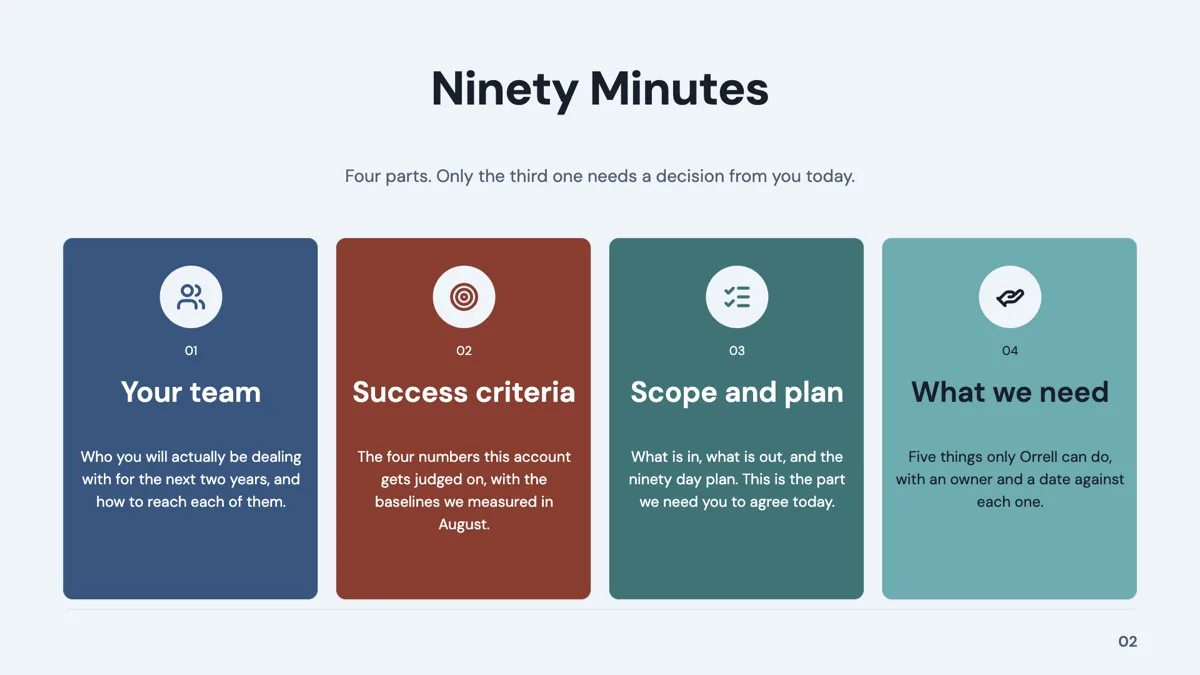
Agenda: 4 Column Icon Cards
Agenda. Four peer topics as tall icon led cards in a row, with a title and subtitle above.
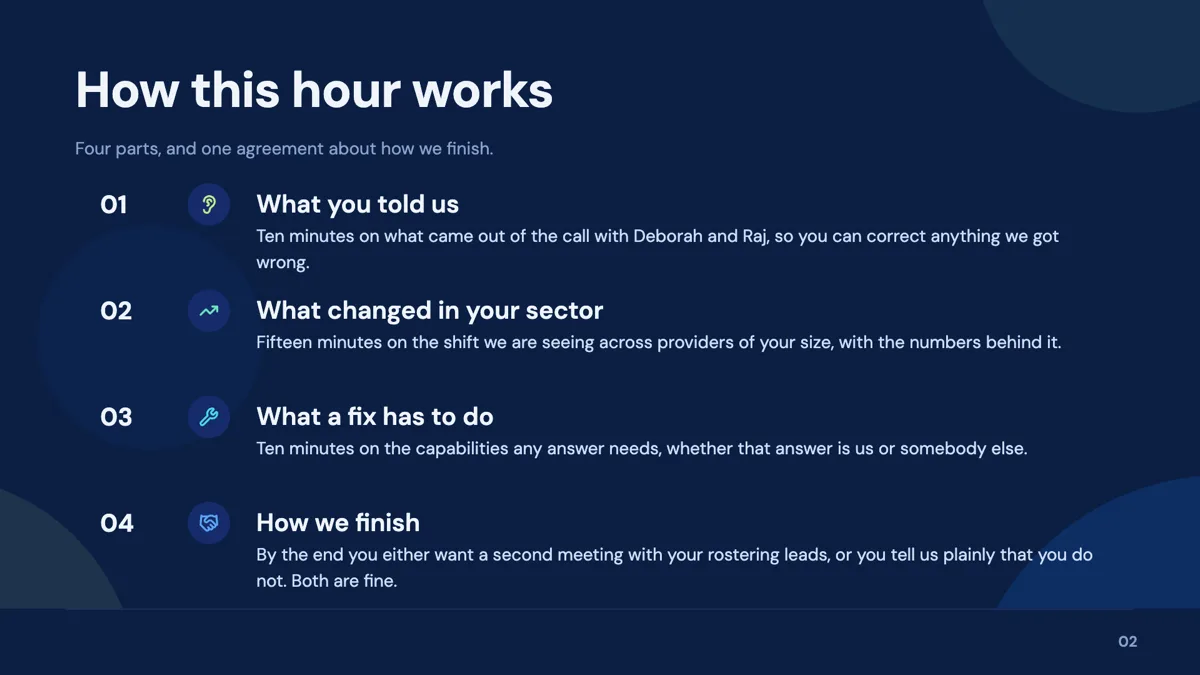
Agenda: Vertical Stack
Agenda. Four full width rows, each a number badge, an icon and a two line description.
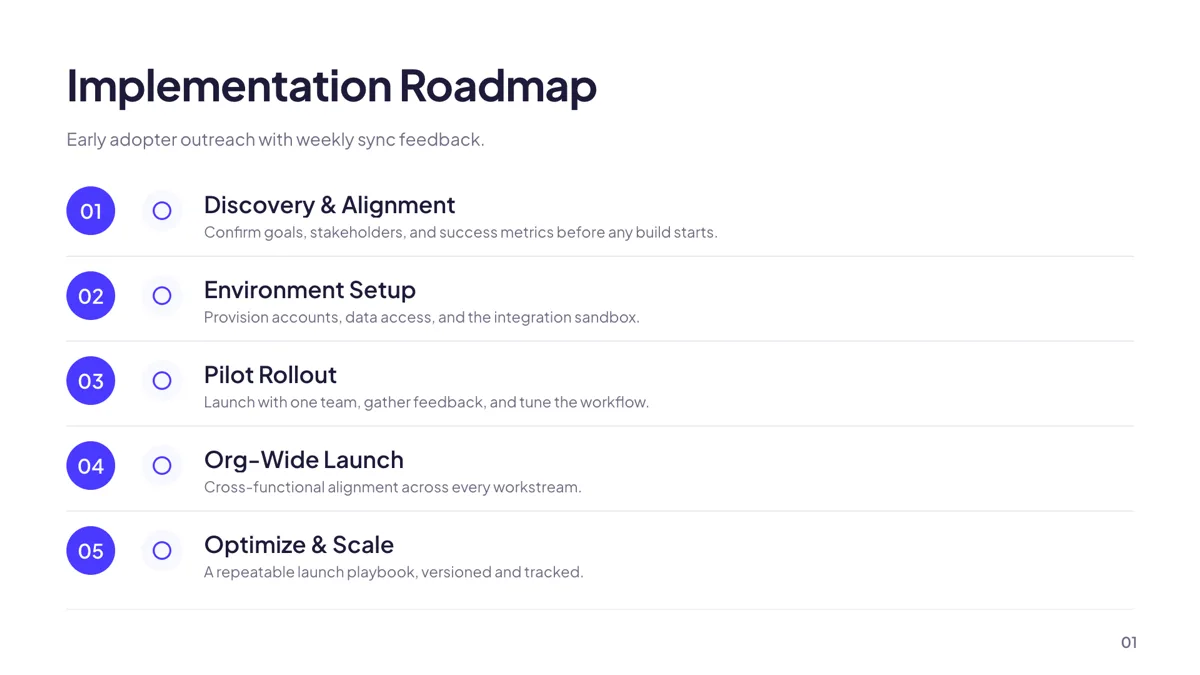
Grouping: Numbered Roadmap Rows
Process. Five numbered rows with an icon, a heading and one line, separated by hairlines.
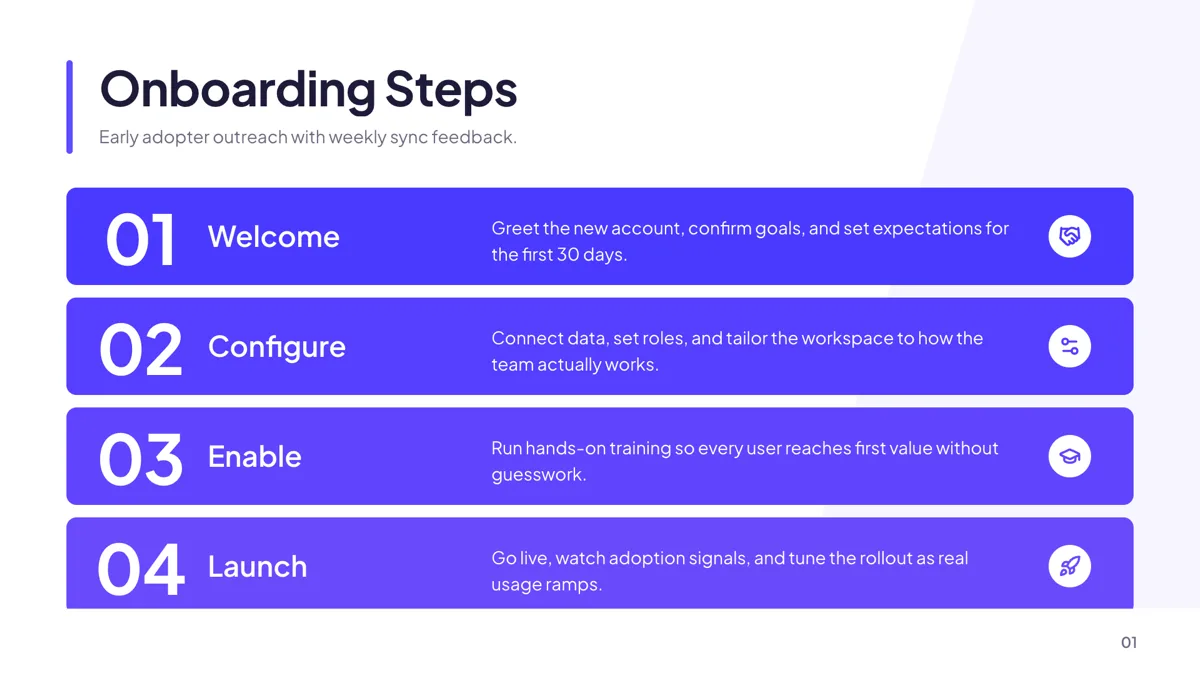
Process: 4 Stepped Arrow Rows
Process. Four sequential bands, each with a step number, an icon and a short description.
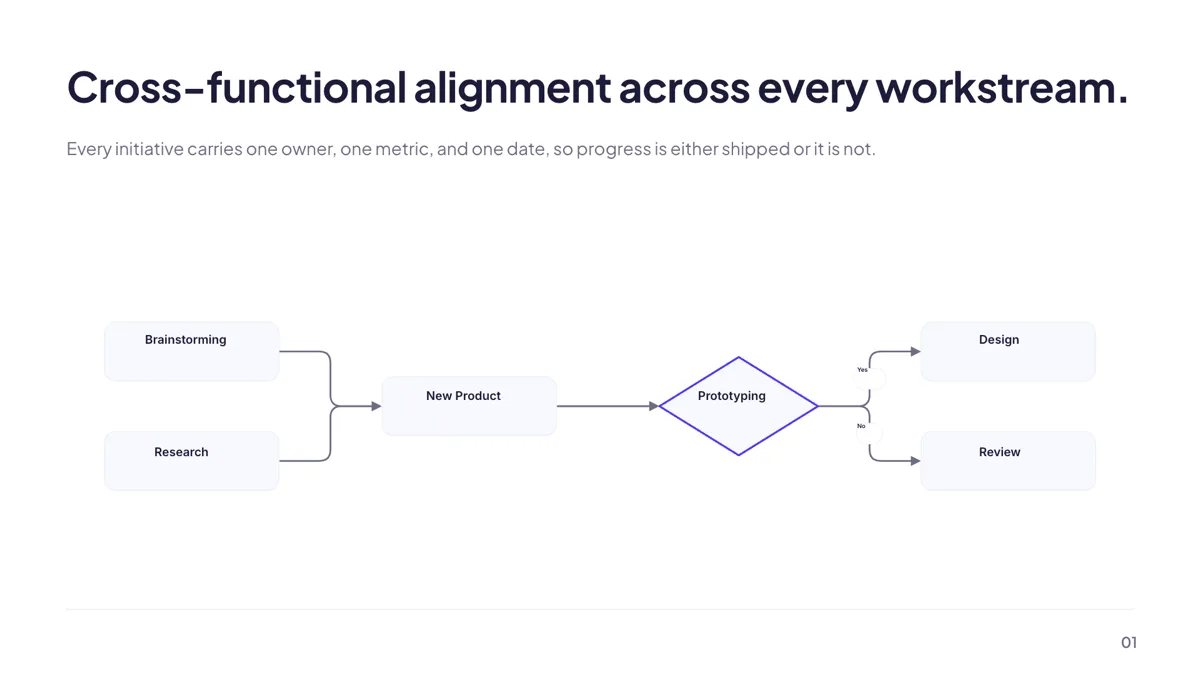
Process: Decision Flowchart
Process. A flowchart with rectangles for steps and diamonds for decisions, joined by labelled arrows.
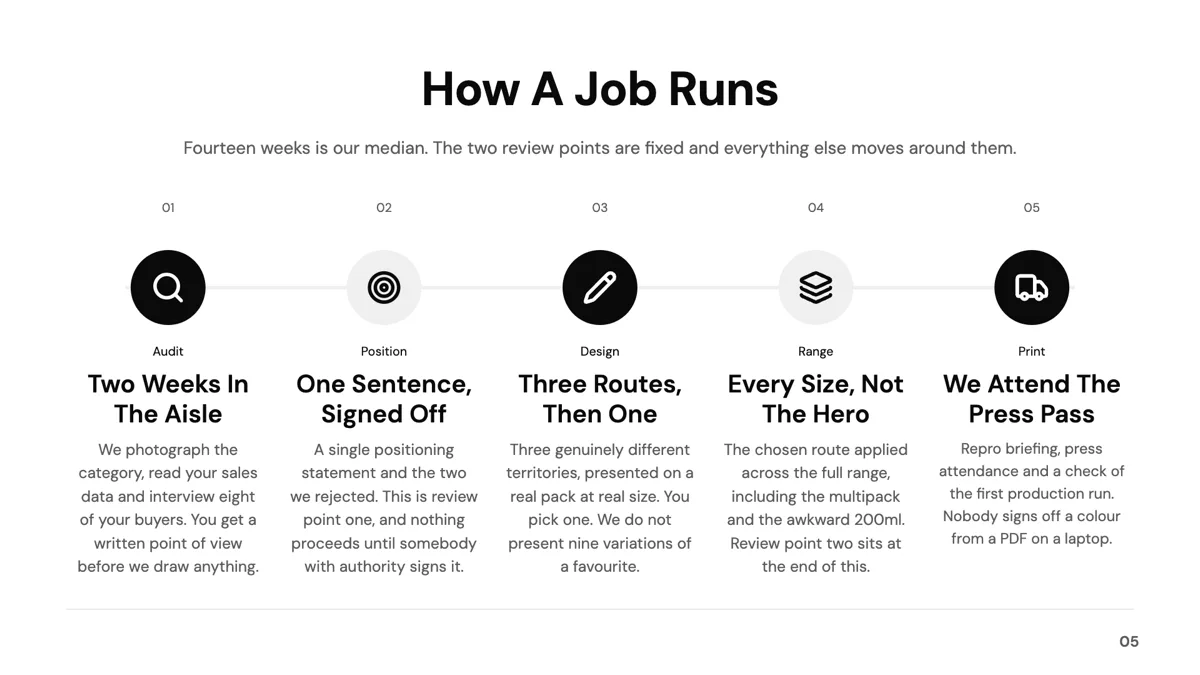
Checklist: 5-Step Numbered Process
Checklist. Five cards on a connector track, numbered 01 to 05, for a procedure done in order.
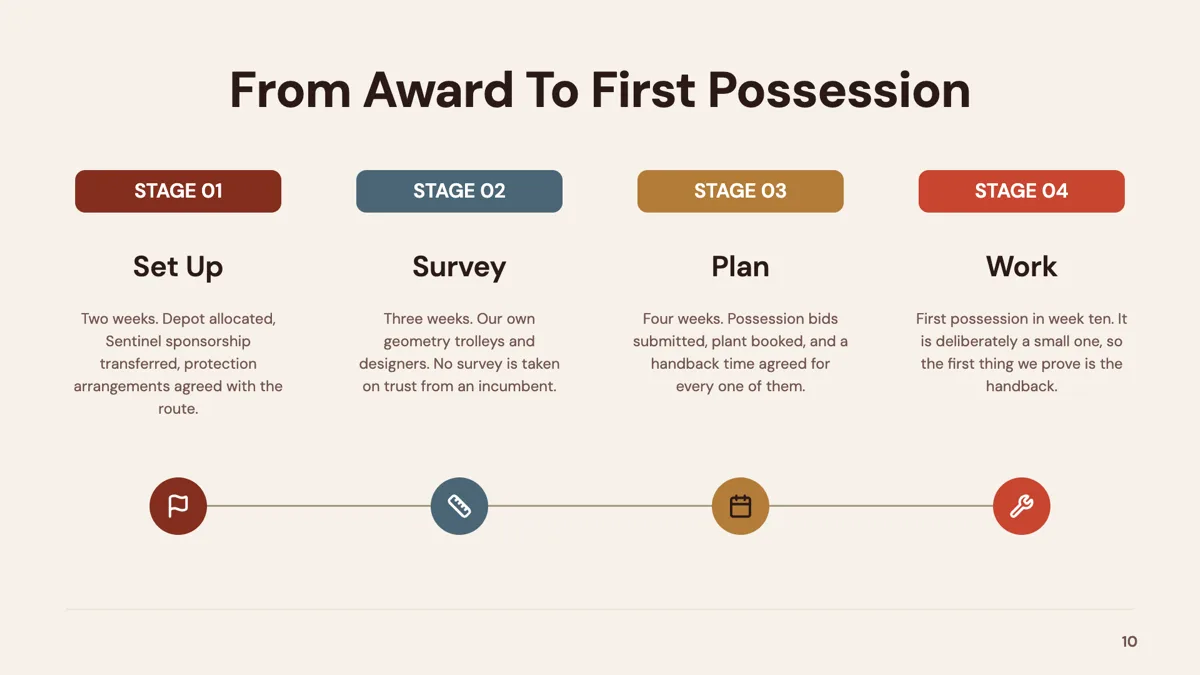
Checklist: 4 Stage Tab Cards with Circle Icons
Checklist. Four stage cards, each topped by a stage tab pill with a sentence or two beneath.
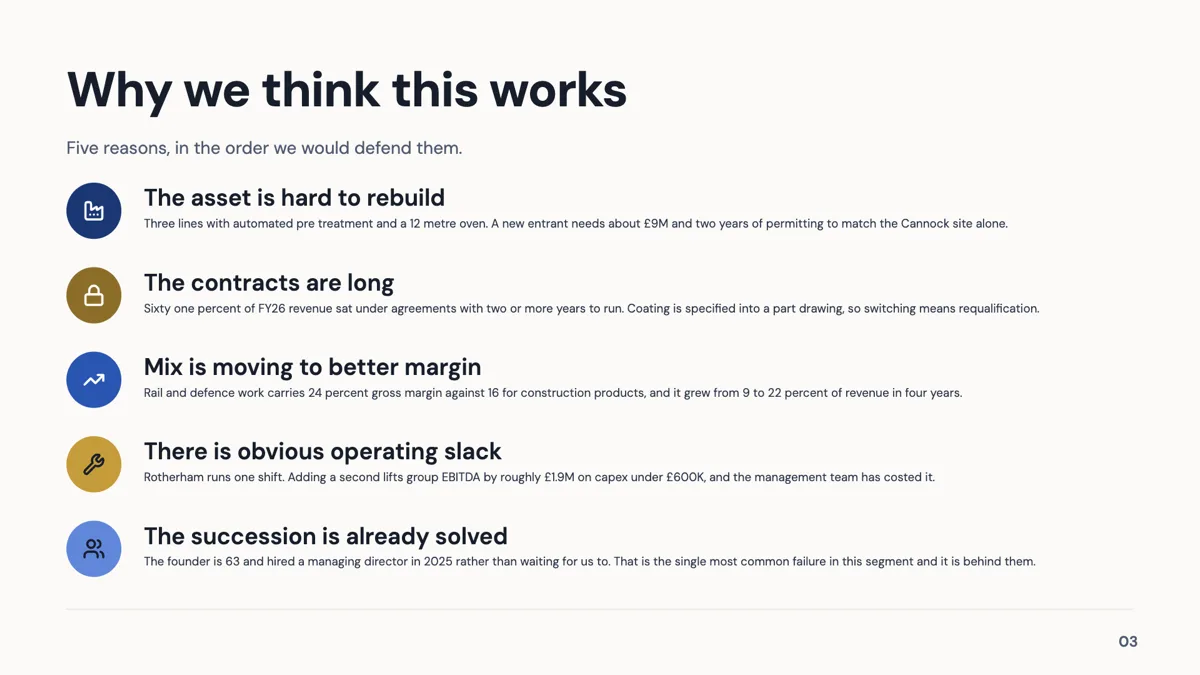
Checklist: 5 Numbered Prose Rows
Checklist. Five wide rows, each an icon disc beside a heading and a two line explanation.
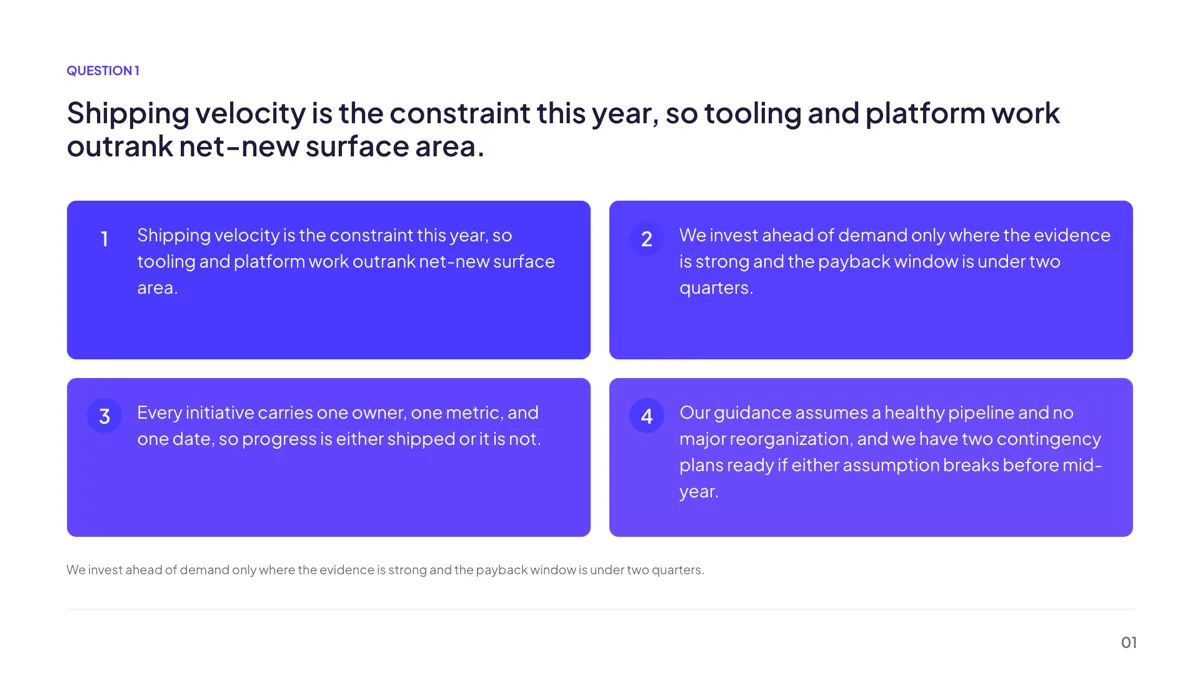
Quiz: Multiple Choice (4 Options)
Quiz. One question with four lettered options in a two by two grid and an optional hint line.
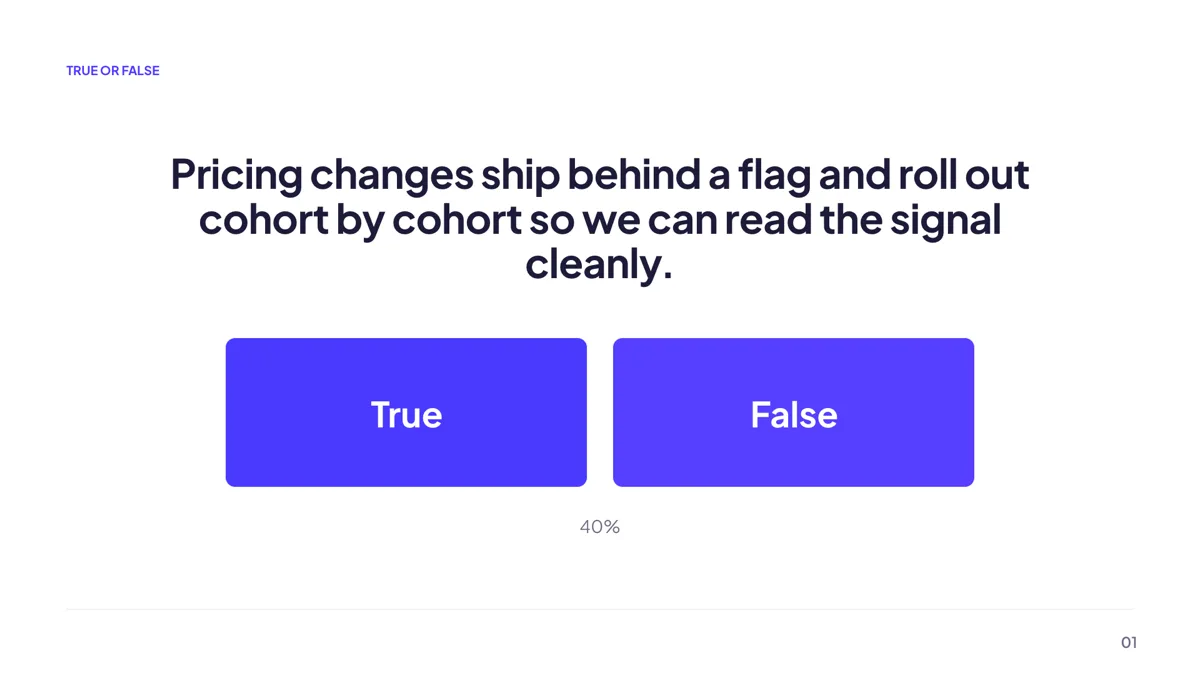
Quiz: True or False
Quiz. A statement above two answer cards, for a warm up or a fast fact check.
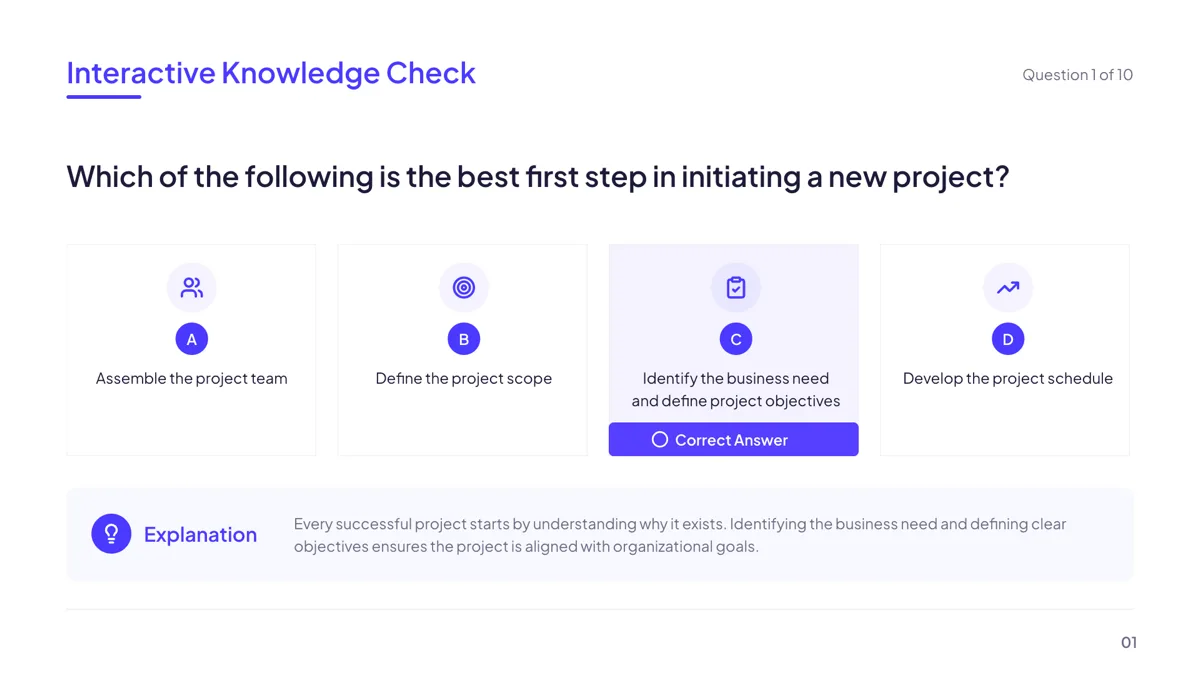
Quiz: Knowledge Check (4 options, answer reveal)
Quiz. A question with four answer cards in a row and the correct one marked on reveal.
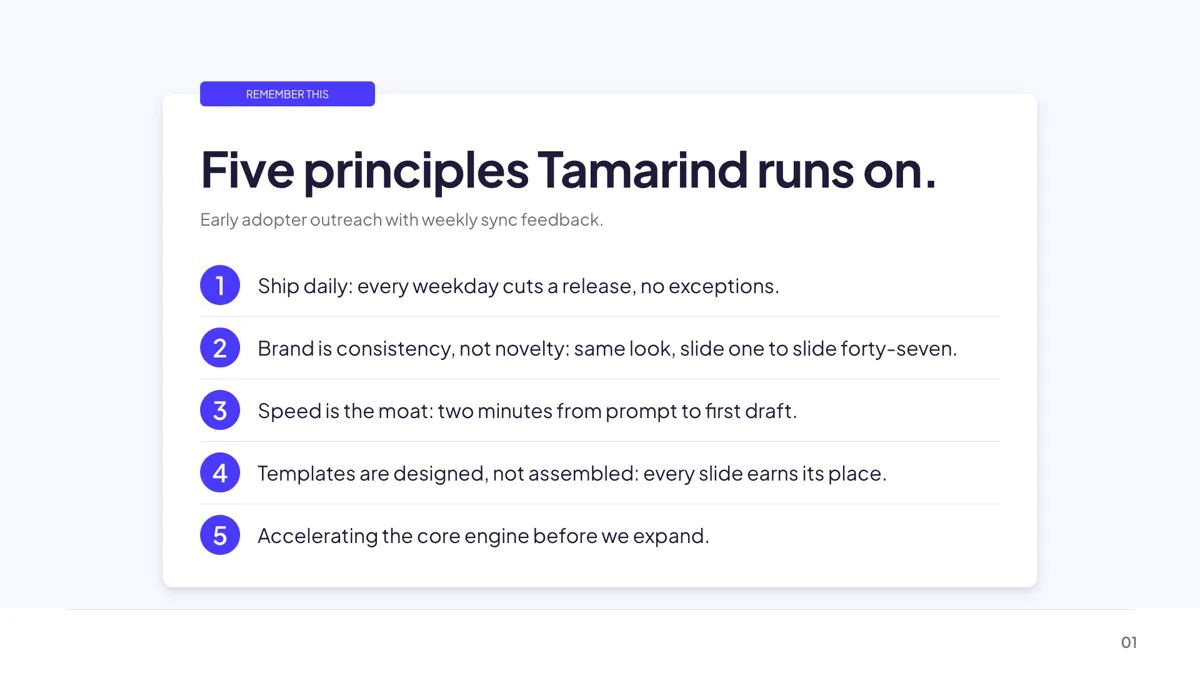
Takeaway: Remember-This Card
Takeaway. A remember this card with a ribbon label and exactly five numbered one line points.
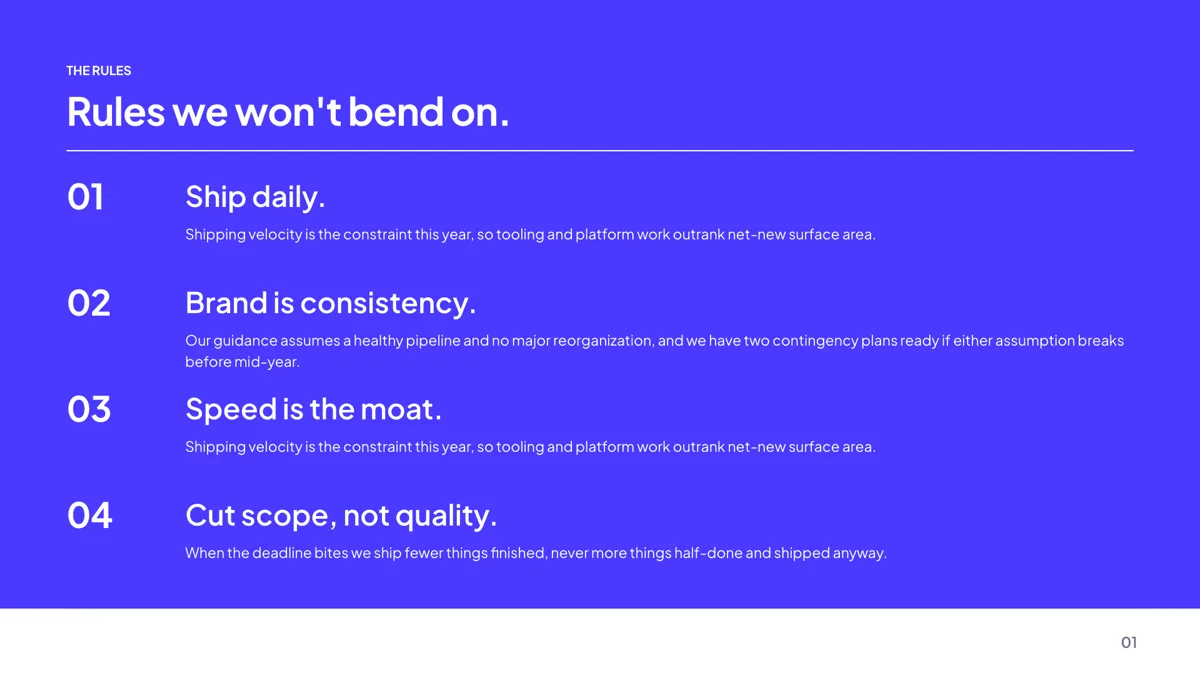
Takeaway: 4-Rule Manifesto
Takeaway. Four oversized numbered rules on a dark field, each with a sentence of expansion.
Agenda: tell them the shape of the session
Twelve agenda layouts exist and the count of sections decides which fits. A four topic morning takes the four column cards or the vertical stack; a full day with eight items takes the numbered list with an image beside it. In training, the agenda slide earns its place twice, once at the start and again as a divider between modules, and the divider role has ten layouts built for exactly that reuse.
Process: 17 layouts for doing it in order
The process role holds 17 templates, including kanban lanes, chevron rows, a value chain and a free form flowchart. For teaching, numbered rows and stepped bands beat diagrams, because a learner reads them in the order you speak them. Keep the flowchart for a procedure that genuinely forks: it takes 20 nodes by default, 12 on the decision flowchart layout, in four node shapes with an automatic layout button and drag to connect.
Checklist: what good looks like
Thirteen checklist layouts are available, and the useful distinction in training is between a sequence and a set. A numbered process row implies order; a grid of cards does not. Say which you mean, because a learner will assume order wherever numbers appear. The prose rows layout carries two lines of explanation per item, which is usually needed the first time a rule is taught and not needed in the refresher.
Quiz: five layouts, and they are real slides
The quiz role holds five templates: multiple choice with four options, true or false, a ranking order, a scenario with three actions, and a knowledge check that marks the correct answer on reveal. They are ordinary slides, so nothing is scored and nothing is recorded. The reveal is a slide you advance to, which is why a trainer still has to run the question in the room.
How to read the thumbnails
The agenda and checklist cards are slides from example decks published here; the process, quiz and takeaway cards are layouts drawn by the template library with the sample text it ships with, which is what the public gallery shows too. The questions, steps and names inside the images are invented, not a real course. The layouts themselves are real, and the item counts quoted in this page come from the template files rather than from the pictures.
How long a training deck runs
The published training decks are 9 to 12 slides: the onboarding presentation is 9, the customer training and safety training decks 11 each, and the compliance training deck 12, which uses three dividers and three quiz slides. That density of dividers is deliberate in a long session. The takeaway role only has seven layouts in the library, so the remember this card and the manifesto are the ones people photograph.
Finished examples
Questions people ask
Do the quiz slides score answers?
No. They are slides, not a quiz engine: five layouts covering multiple choice, true or false, ranking, a scenario and a knowledge check with an answer reveal. Nothing is recorded, so scoring stays with the trainer or the learning system you already use.
How many steps can a process slide hold?
It depends on the layout: four stepped bands, five numbered rows, and up to twenty nodes on a free form flowchart, twelve on the decision flowchart layout. Pick the layout for the real number of steps rather than stretching one.
Can I print the deck as a handout?
Export PDF, which is free on every plan and renders each slide as a full page image at twice scale. Speaker notes are not included in any export, so a handout carries only what is on the slides.
Can learners follow on their phones?
A share link opens the deck read only in a browser, and below 1024 pixels the editor itself becomes a vertical feed of slides. The speaker notes pane does not exist at that width, so notes stay with the presenter.
Can I record the session?
Present mode has a recorder that captures WebM at 30 frames per second in 1080p, 1440p or 4K, with an optional camera overlay and microphone, pause and resume, and a countdown before it starts. The file downloads at the end; it is not uploaded anywhere.
Can I draw on a slide while teaching?
Yes. Present mode has a highlighter that fades after about two seconds, a pen that stays until cleared, a spotlight ring and five colours. None of it is saved into the deck.
Start a slide from a description
The button opens the generator with a starting description already filled in. Change it to match your own before you run it.
Create a presentation with OneCraftFor everything the generator can do, see the slide maker.
Other slide examples sets
Sources
Written and checked by the OneCraft team. Last checked .