Electronic signature software
Upload the PDF, drag the signature, initials and date fields where they belong, add your signers and send. Each signer gets a private link and signs in the browser with no account, and the finished file comes back certified with a certificate of completion.
Free plan with 100 credits a month. See pricing
What it does
Fields on any PDF
Ten field types: signature block, signature, initials, date signed, name, title, company, email, text and checkbox, on PDFs up to 25 MB.
Up to 25 signers, in order or at once
Turn on Sign in order and each signer is invited when the one before has signed. Turn it off and everyone gets their link together.
Identity checks
The email link alone, an access code you share yourself, or a six digit code emailed to the signer that expires after 10 minutes. Five wrong tries lock the signer out for 15 minutes.
Signing on any screen
Signers draw or type their signature. On a phone the page switches to a compact view with the fields to fill gathered in one panel.
Audit trail and certificate
Every step is logged with the time, IP address and browser in a hash chained trail. The certificate of completion lists each signer and how they were verified.
A sealed final PDF
The completed PDF is digitally certified, so any later change to the file breaks the seal.
Track, resend and withdraw
See who has opened and signed, resend an invitation, host a signing in person on your device, or void the envelope. Unsigned envelopes expire after 30 days.
Straight from your documents and forms
Documents and form responses made in OneCraft go out for signature without leaving the app.
Examples made with it
See all e-signature examples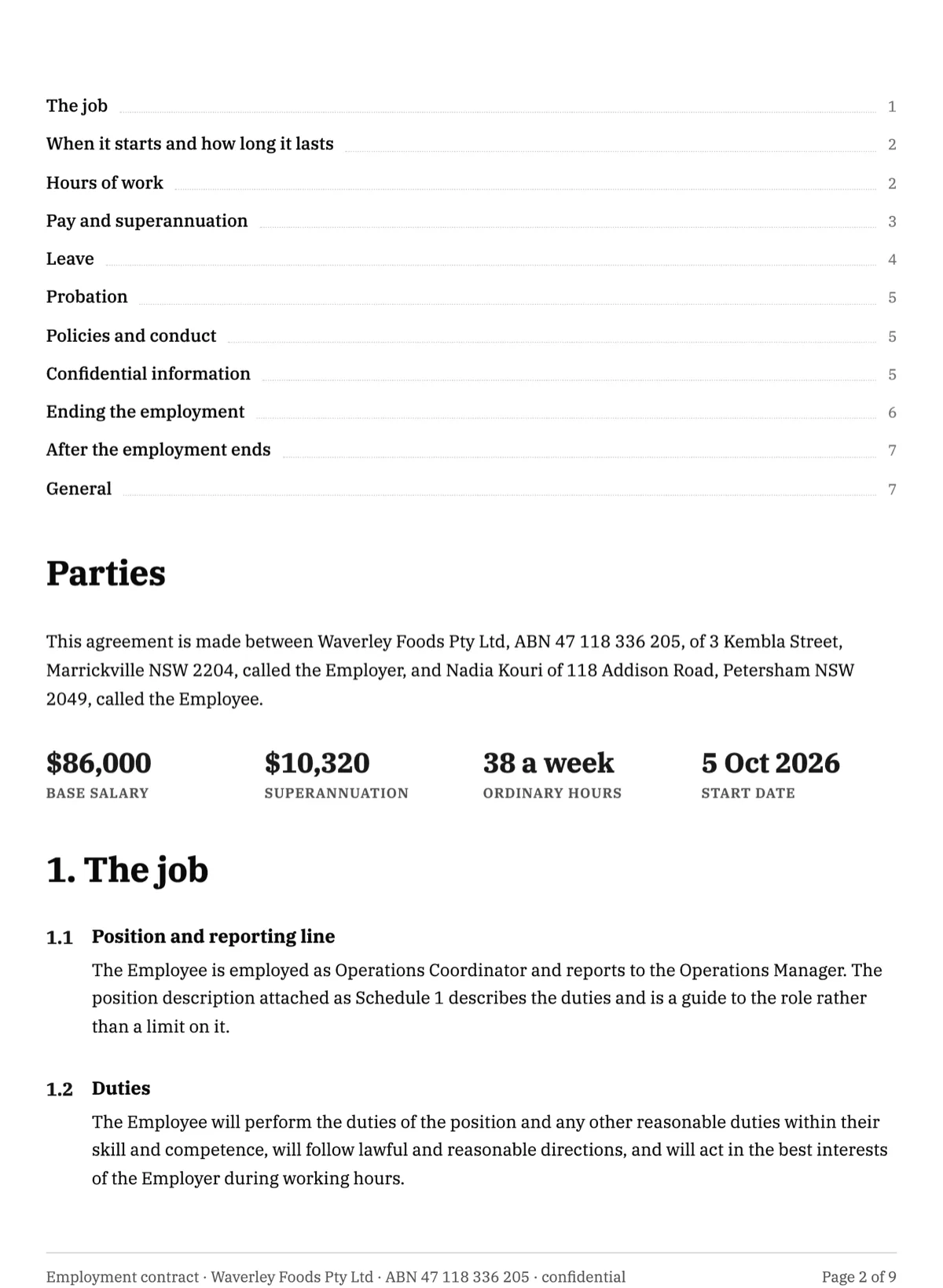 Employment Contract E-Signature: Initials, Then Countersign
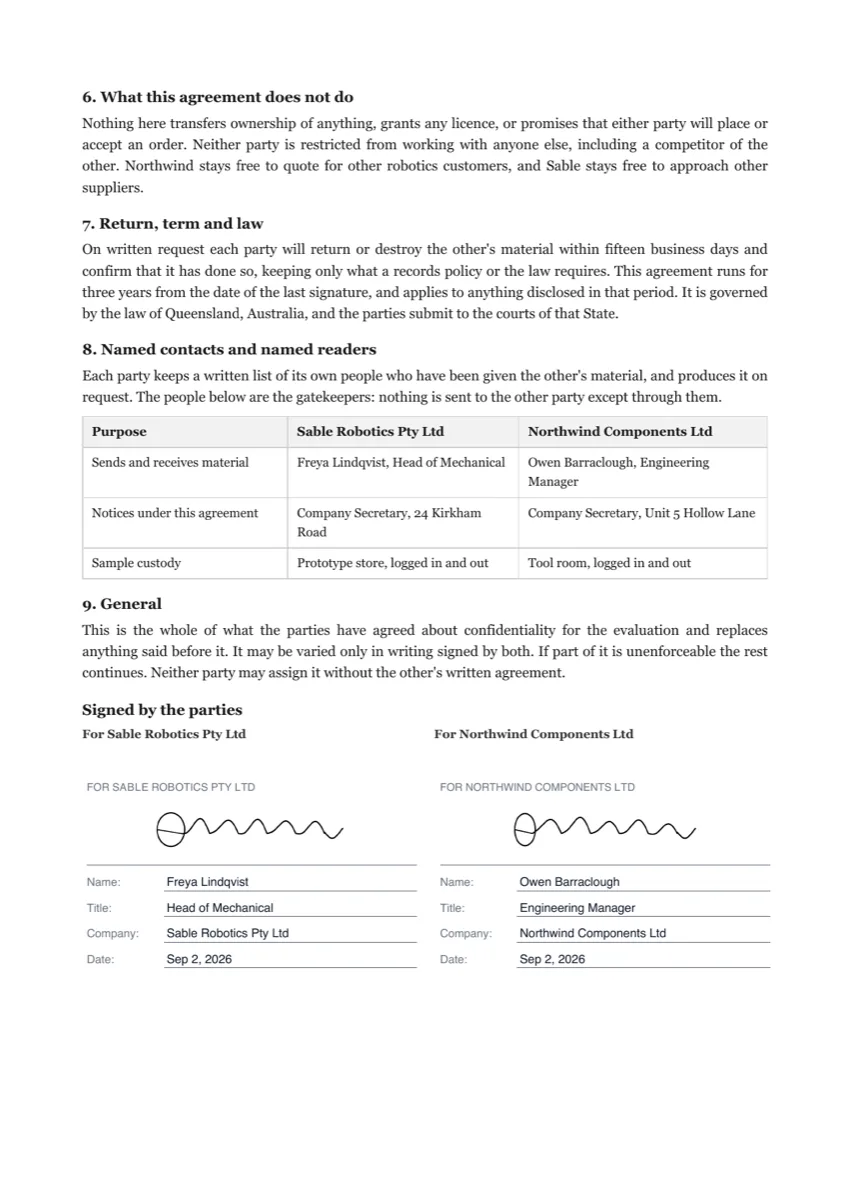 Sign an NDA Online: Fields, Signing Order and the Signed PDF
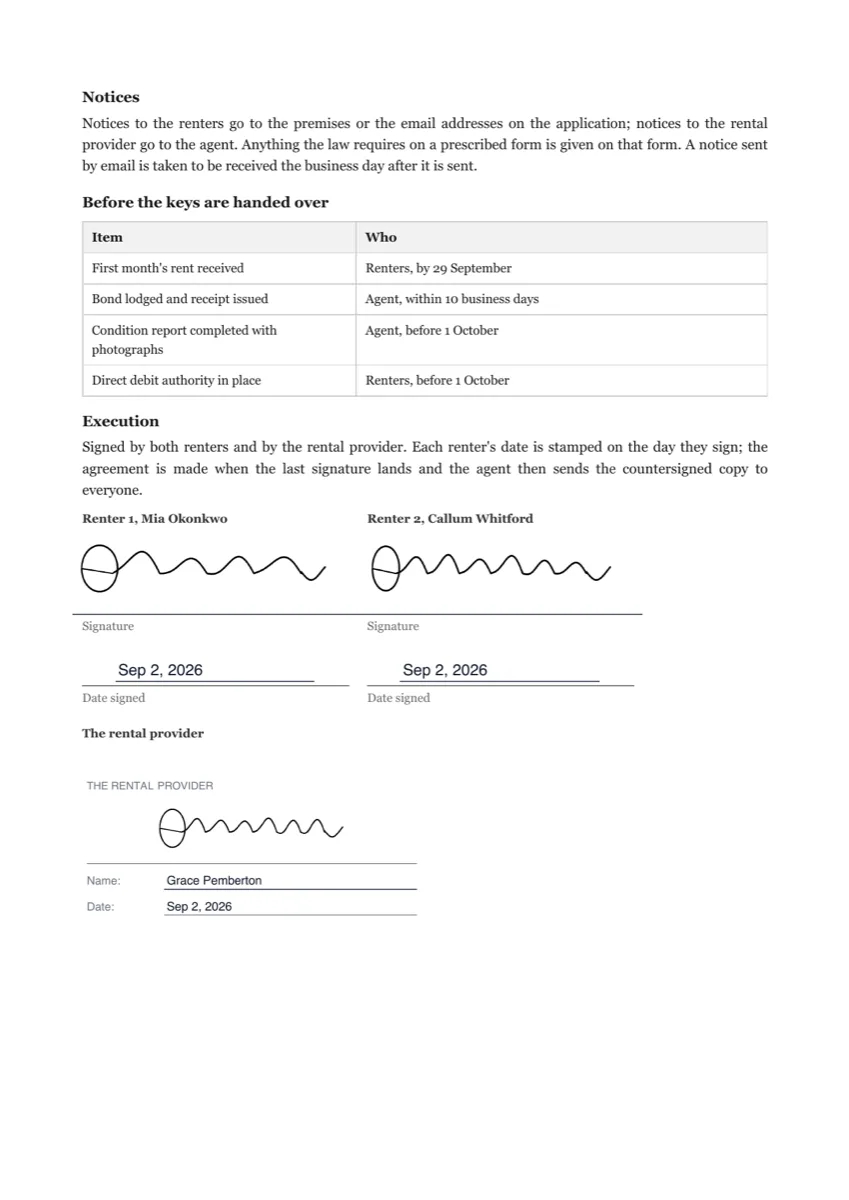 Sign a Lease Online: Landlord, Two Tenants, Page Initials
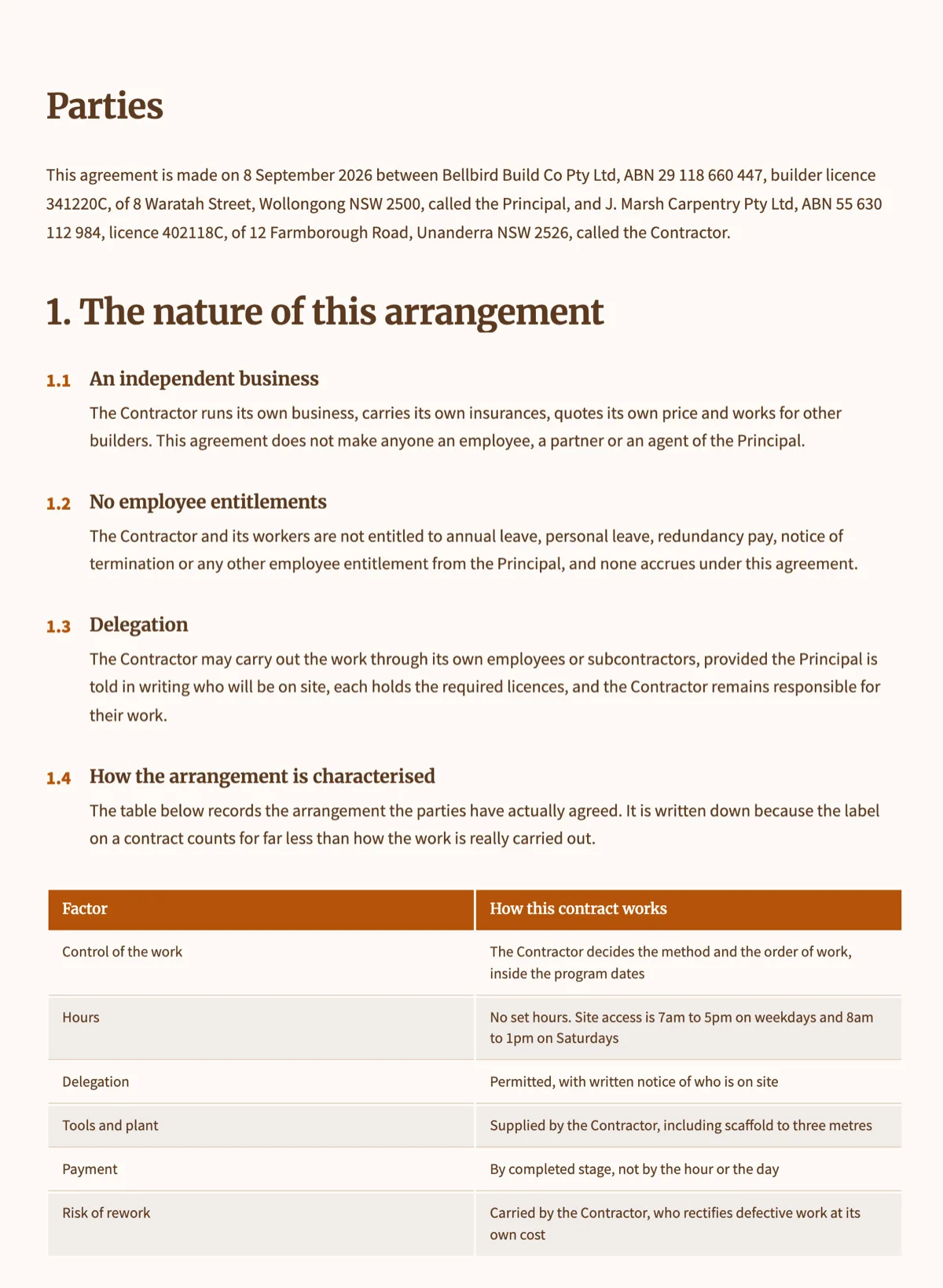 Contractor Agreement E-Signature: Contractor, Then Builder
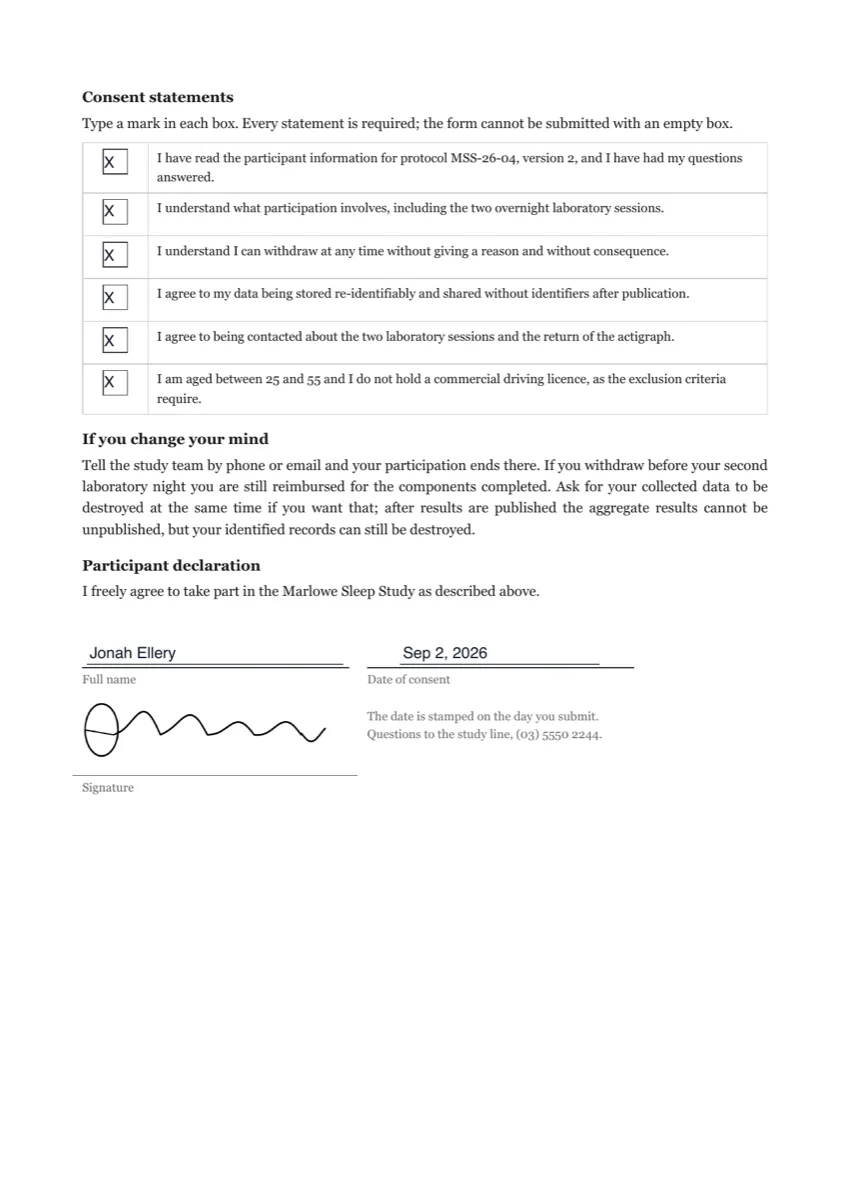 Consent Form E-Signature With Identity Verification
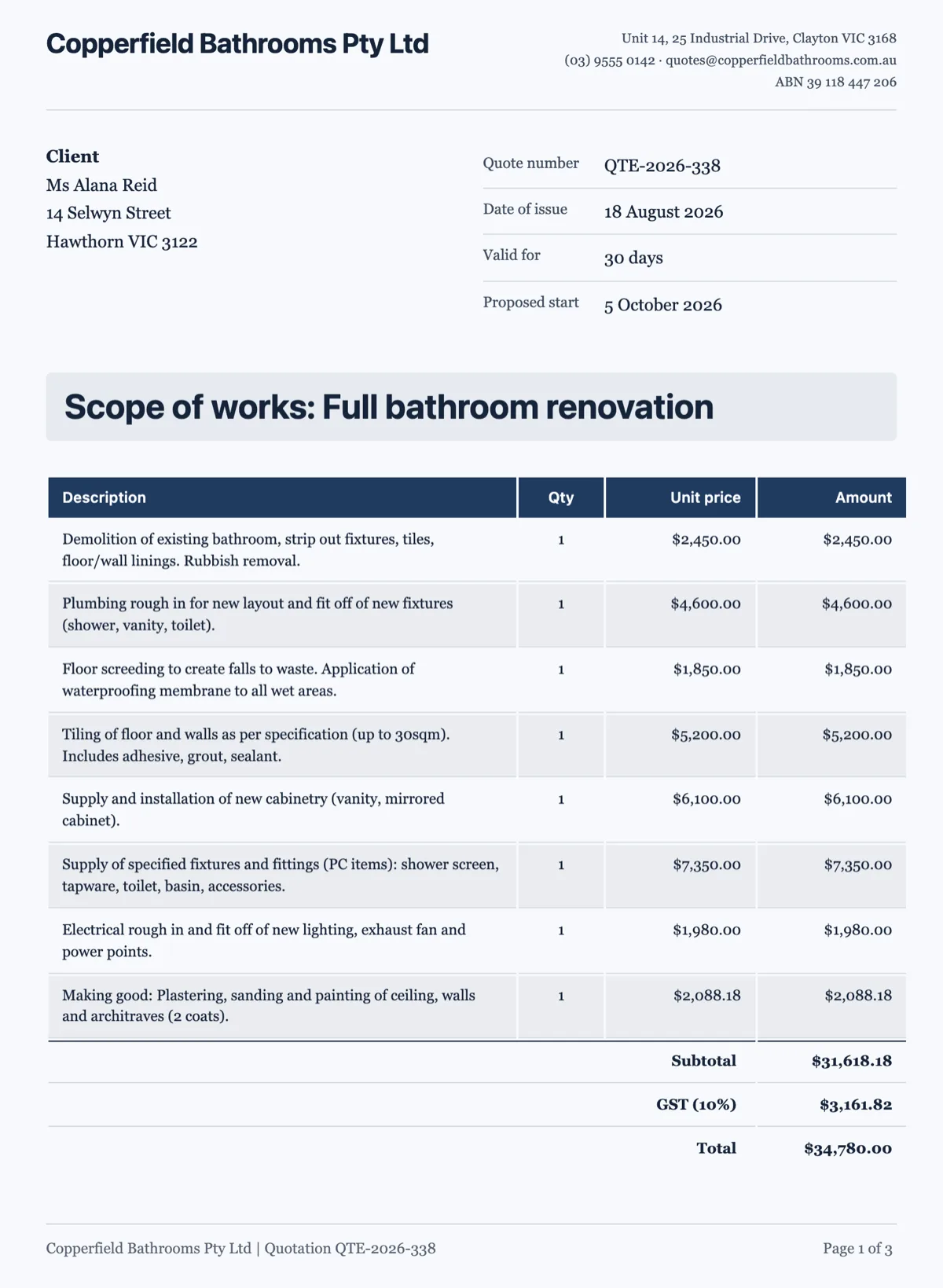 Sign a Quote Online: Client Accepts, Builder Countersigns
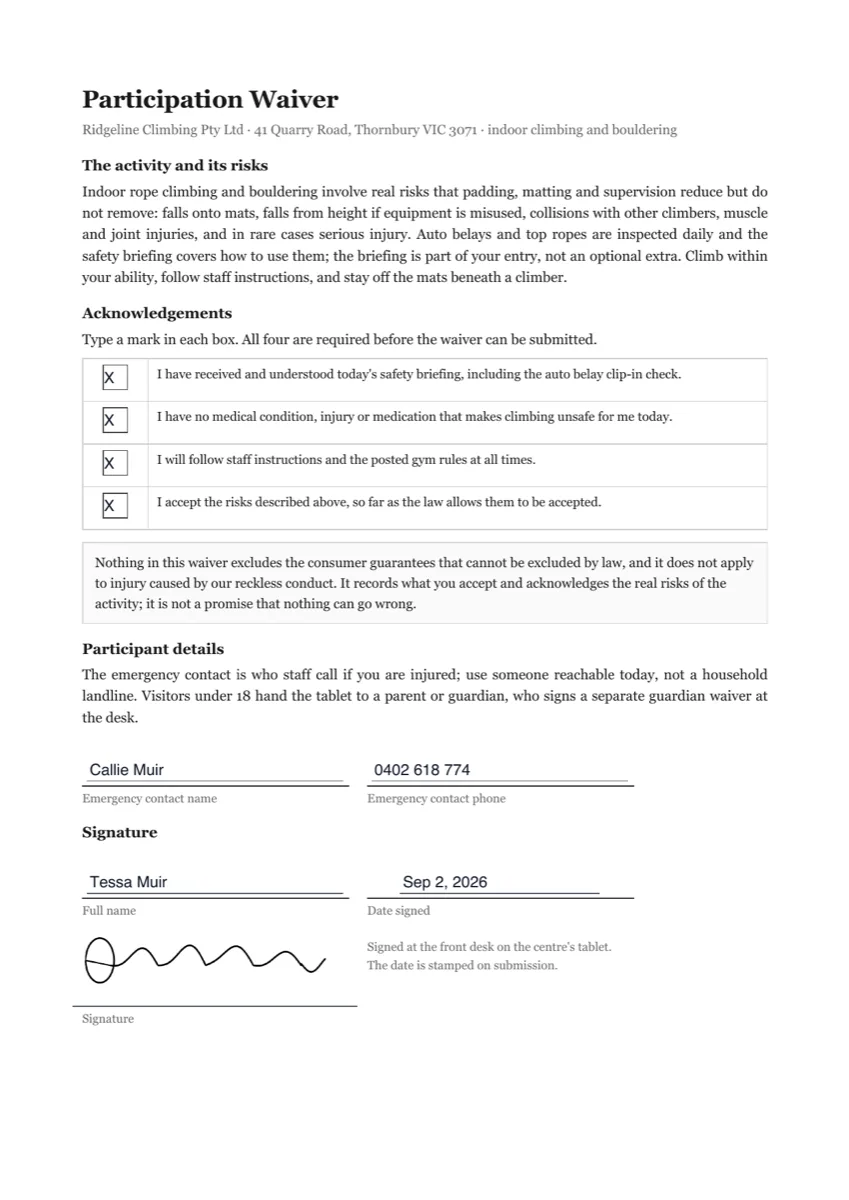 Sign a Waiver Online: Acknowledgements Plus Signature
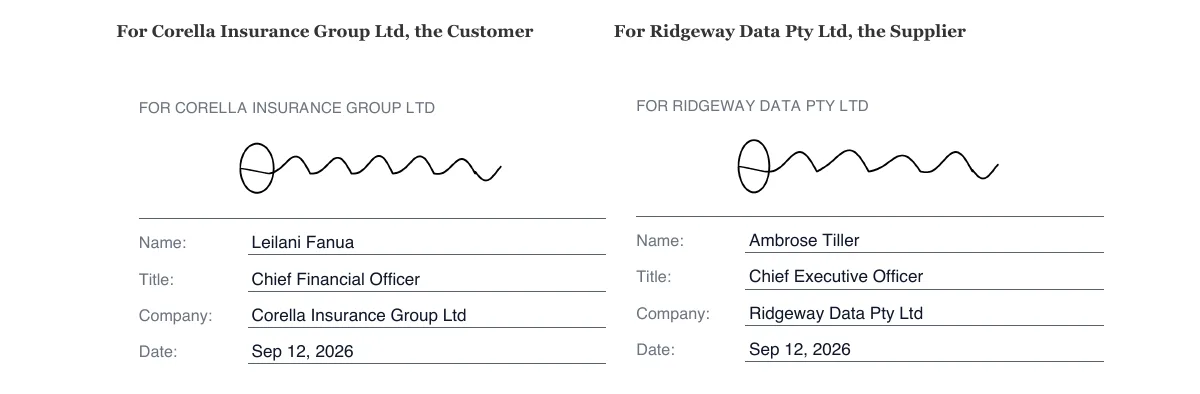 Sign a Master Services Agreement Online, Two Companies
Templates: contract and letter templates to send for signing
How it is priced
- Every plan, including Free, can send PDFs for signature.
- Each envelope you send uses a small amount of credit, and uploads count toward your storage.
Questions
Do signers need an account?
No. Each signer opens a private link from the email and signs in the browser. If you chose an access code or an emailed code, they enter it before the document opens.
Can several people sign the same PDF?
Yes, up to 25 per envelope. With Sign in order on, only the next signer is invited, and nobody can sign out of turn. With it off, everyone is invited at once.
How can I tell the signed PDF was not changed?
The completed PDF carries a certifying digital signature that forbids later changes, so a PDF reader that checks signatures shows the file as altered if anyone edits it.
What if a signer does not sign?
Resend the invitation from the status page, which sends a fresh link to the same address. Envelopes expire 30 days after they are created, and you can void one at any time before it completes.
Can I fix a wrong email address after sending?
No. Recipients are locked once the envelope goes out, so void it and send a new one to the right address.
Can someone sign in person on my device?
Yes. From the status page you can start an in person signing for the signer whose turn it is, and the audit trail records that you hosted it.
Start with a sentence.
Create a free account or sign in, and you land straight in the app.
Send a PDF for signature