AI flyer maker
Write what the flyer is for: the offer, the date, the place and what people should do. OneCraft picks the designs, writes your words into them, generates the pictures and gives you two finished flyers to choose from.
Free plan with 100 credits a month. See pricing
What it does
Two designs to choose from
Leave the template empty and the generator returns two different designs for the same brief. Pick a template yourself and it fills that one.
259 designs, each in 8 sizes
A4 portrait and landscape, Instagram post and story, Facebook post and cover, LinkedIn post and X header. Every design is drawn for each size, so changing size swaps in the matching layout.
Resize a page, keep the words
Size is set per page. Move a page to another size and the content carries across, so one flyer can cover print and every feed.
Only the facts you gave it
The generator is told not to invent prices, dates, phone numbers or addresses. A slot it has nothing for is left out instead of padded.
Pictures made for the slot
Images are generated at the shape of the box they sit in, with a stock photo search as the fallback. You can also upload your own JPEG, PNG, WebP or GIF up to 10 MB.
Charts, tables and a world map
The Add items panel has 67 elements, including 10 chart kinds, 12 diagrams, tables, badges and a world map.
Change it by chatting
Ask the assistant to rewrite the copy, add or remove items, change the layout or size of a page, add pages, or switch the theme and font.
Ready to print or post
Export every page as one PDF, or the current page as PNG or JPG at twice the canvas size, which is 300 DPI for A4. Exports are RGB with no bleed or crop marks.
Examples made with it
See all flyer examples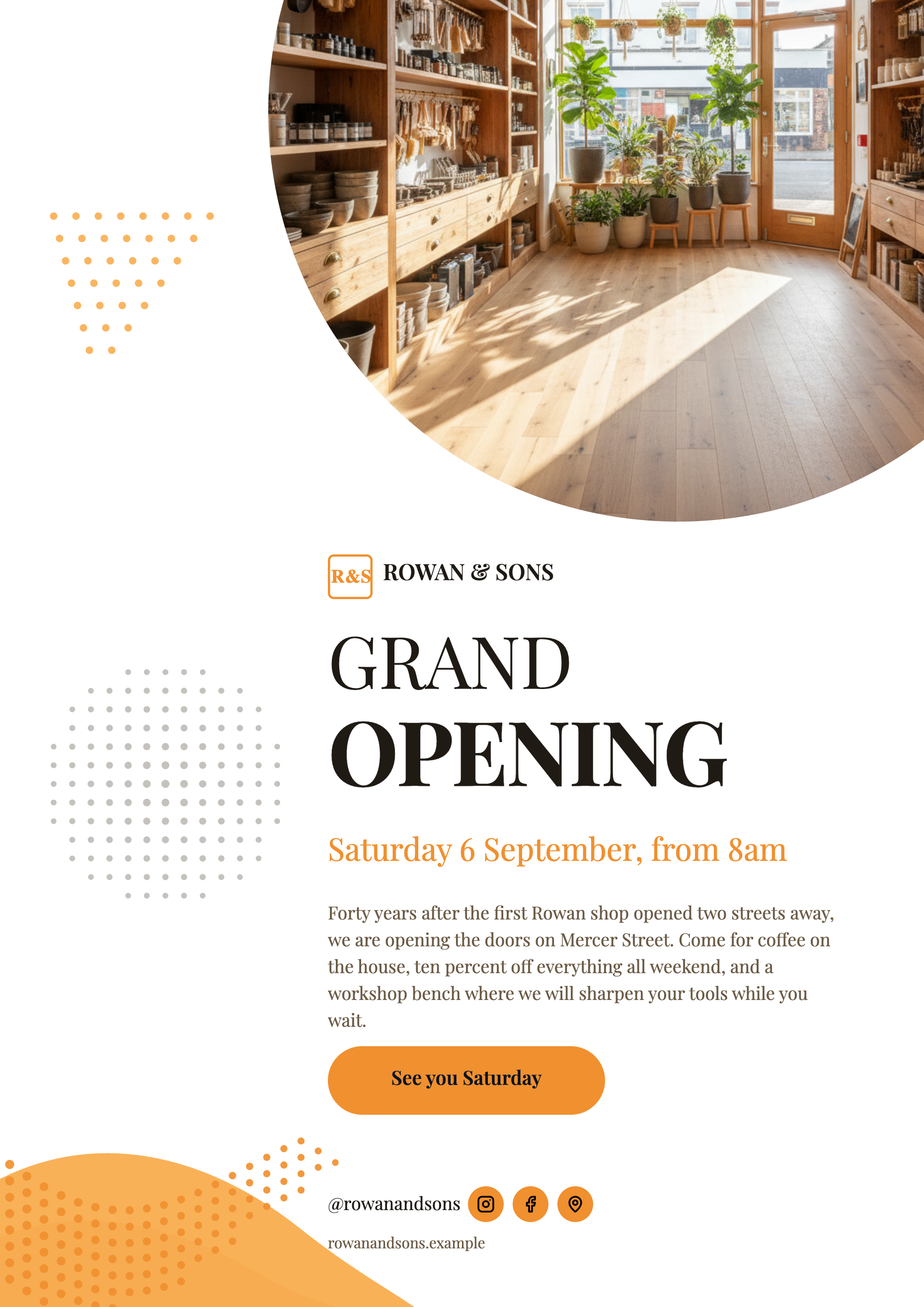 Grand Opening Flyer: Three Examples for a New Shop
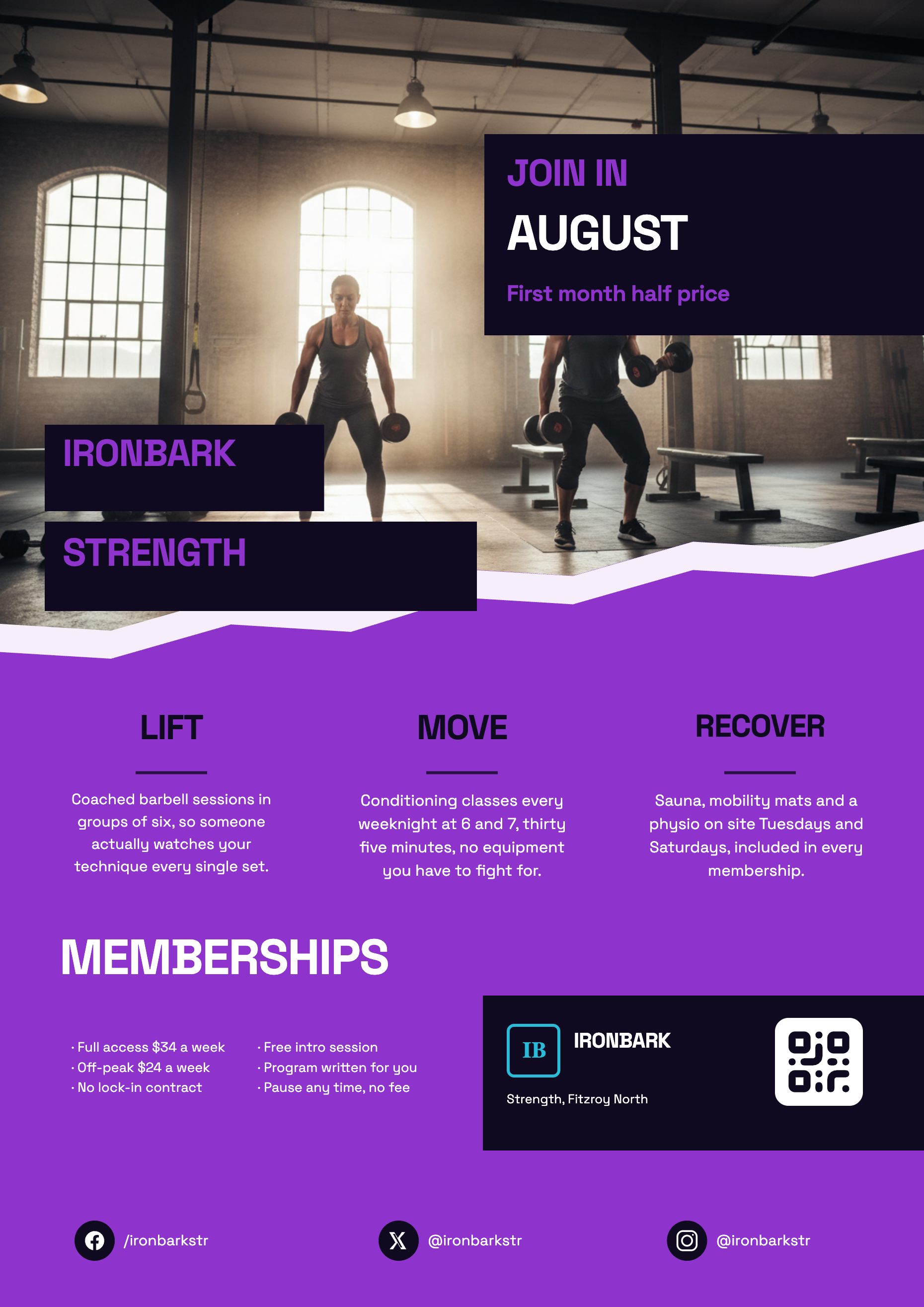 Gym Flyer: Three Membership Promo Examples
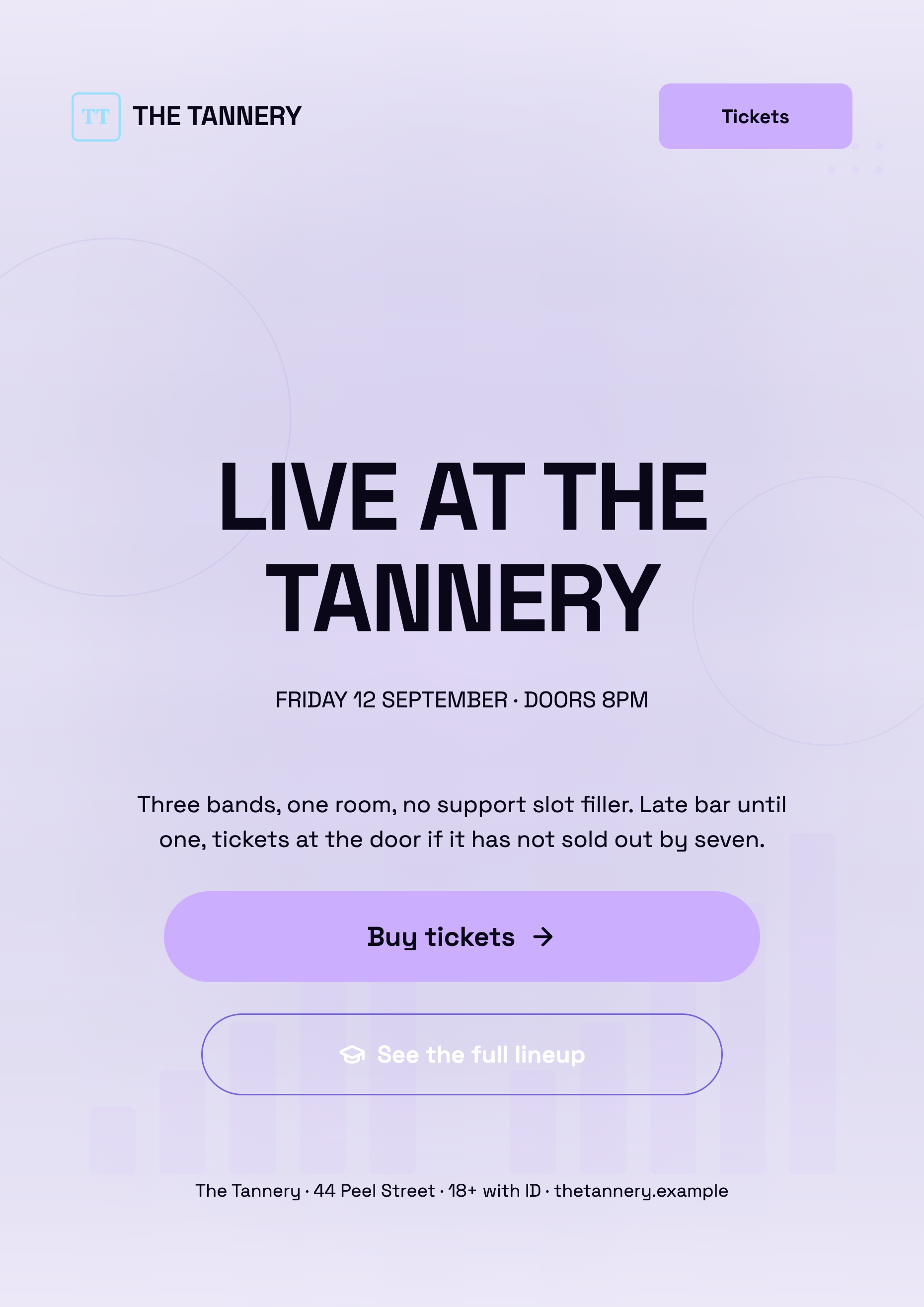 Concert Flyer: Three Live Music Night Examples
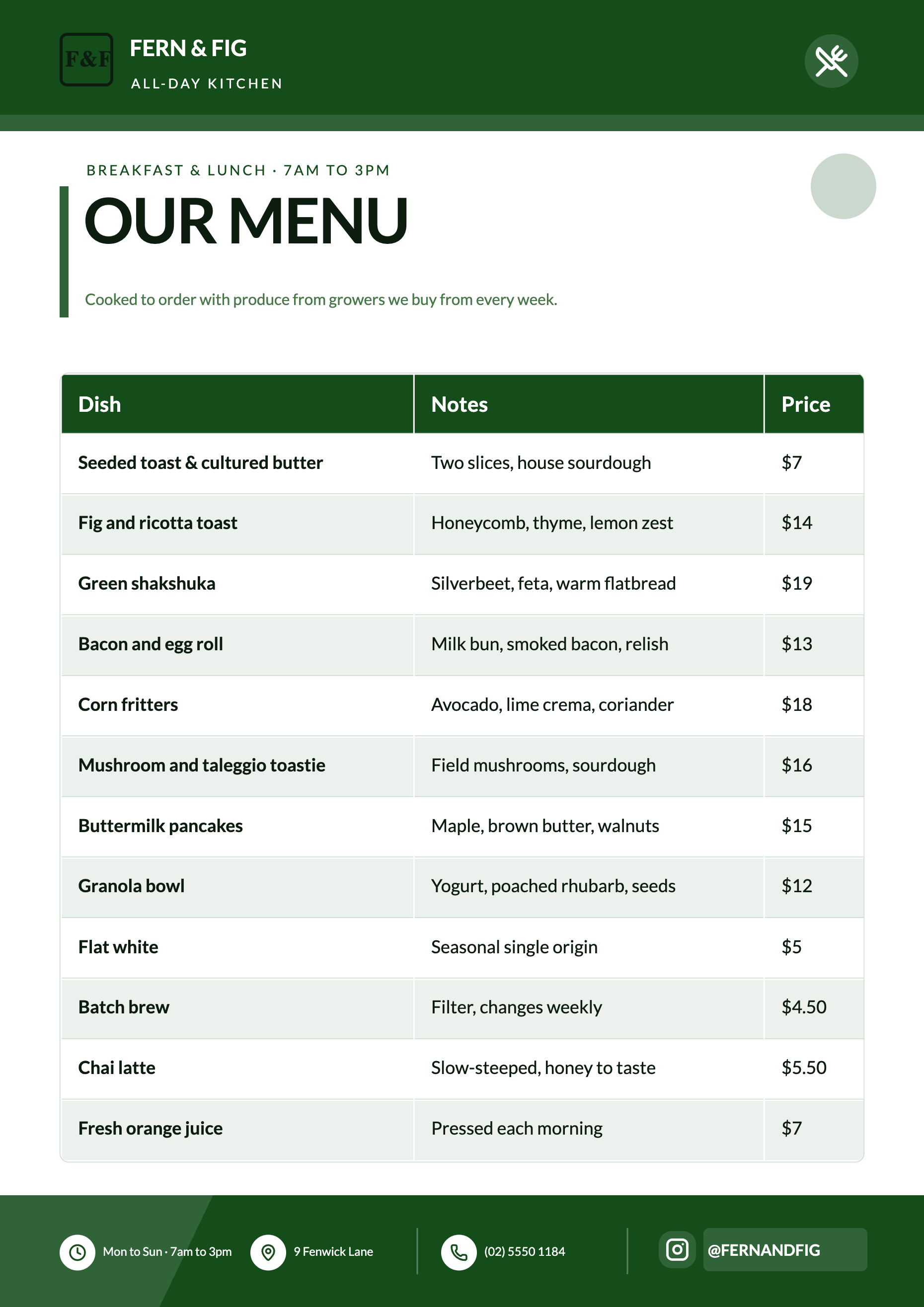 Cafe Menu Flyer: Three Real Examples You Can Copy
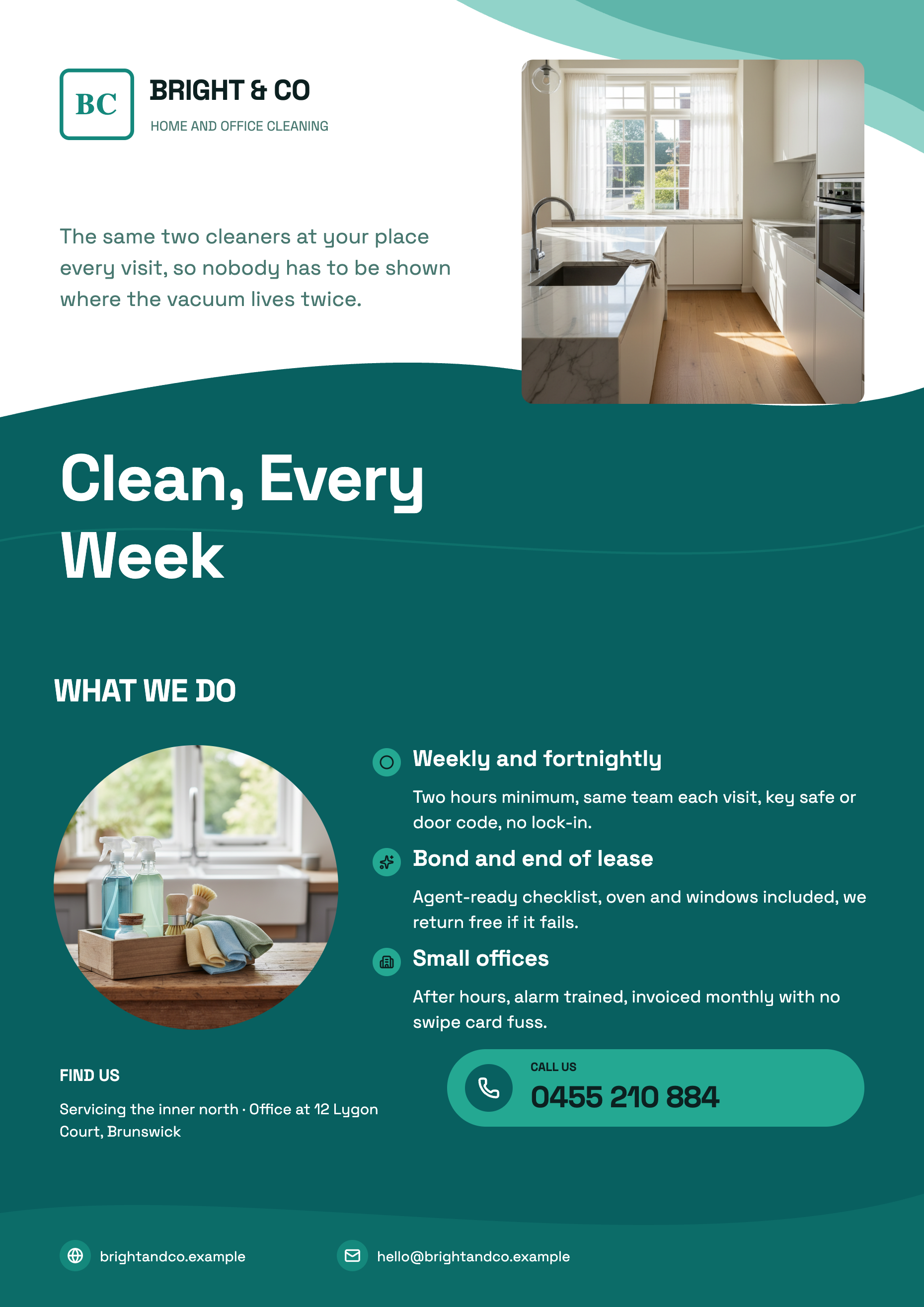 Cleaning Service Flyer: Three Examples With Pricing
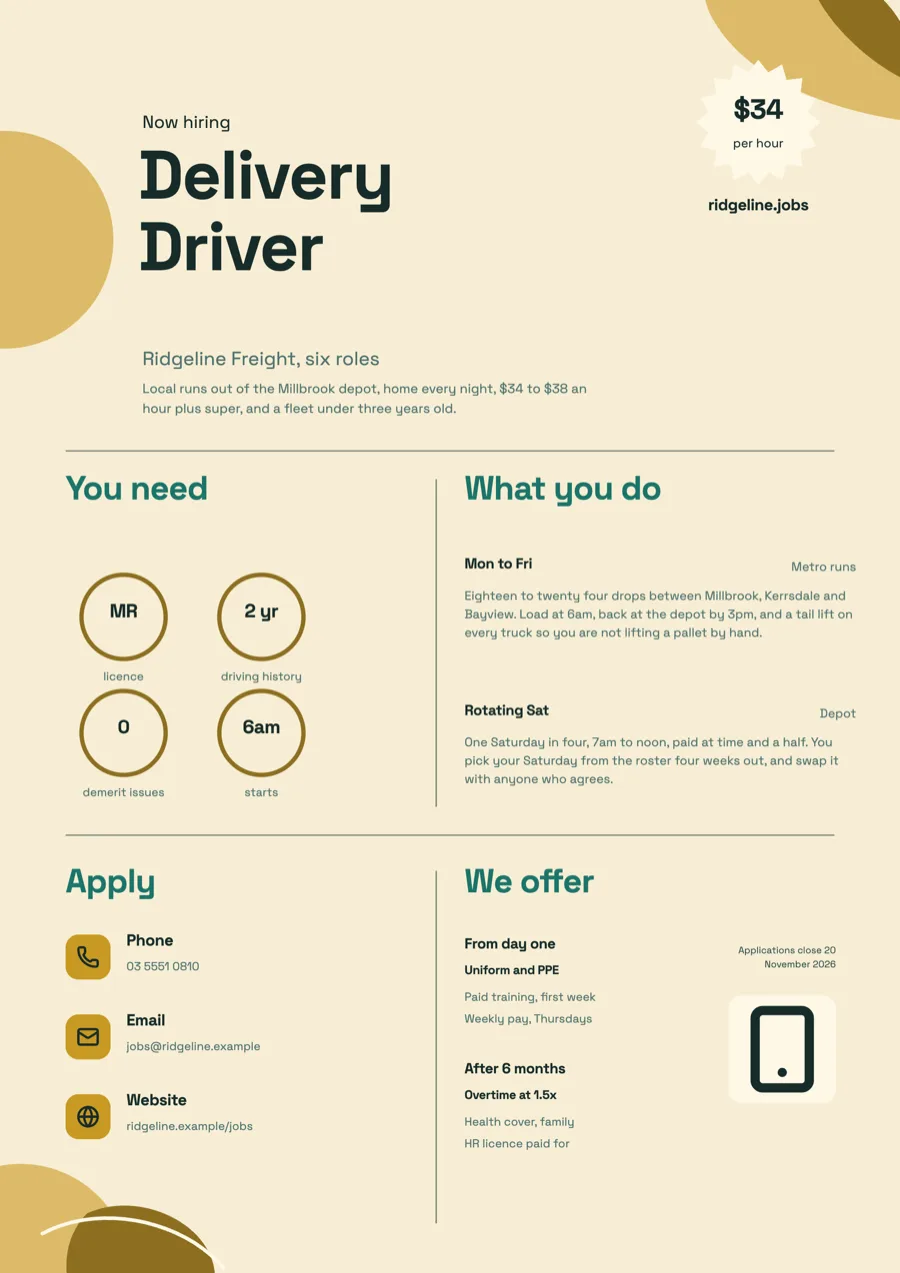 Job Vacancy Flyer Examples: Pay, Hours and How to Apply
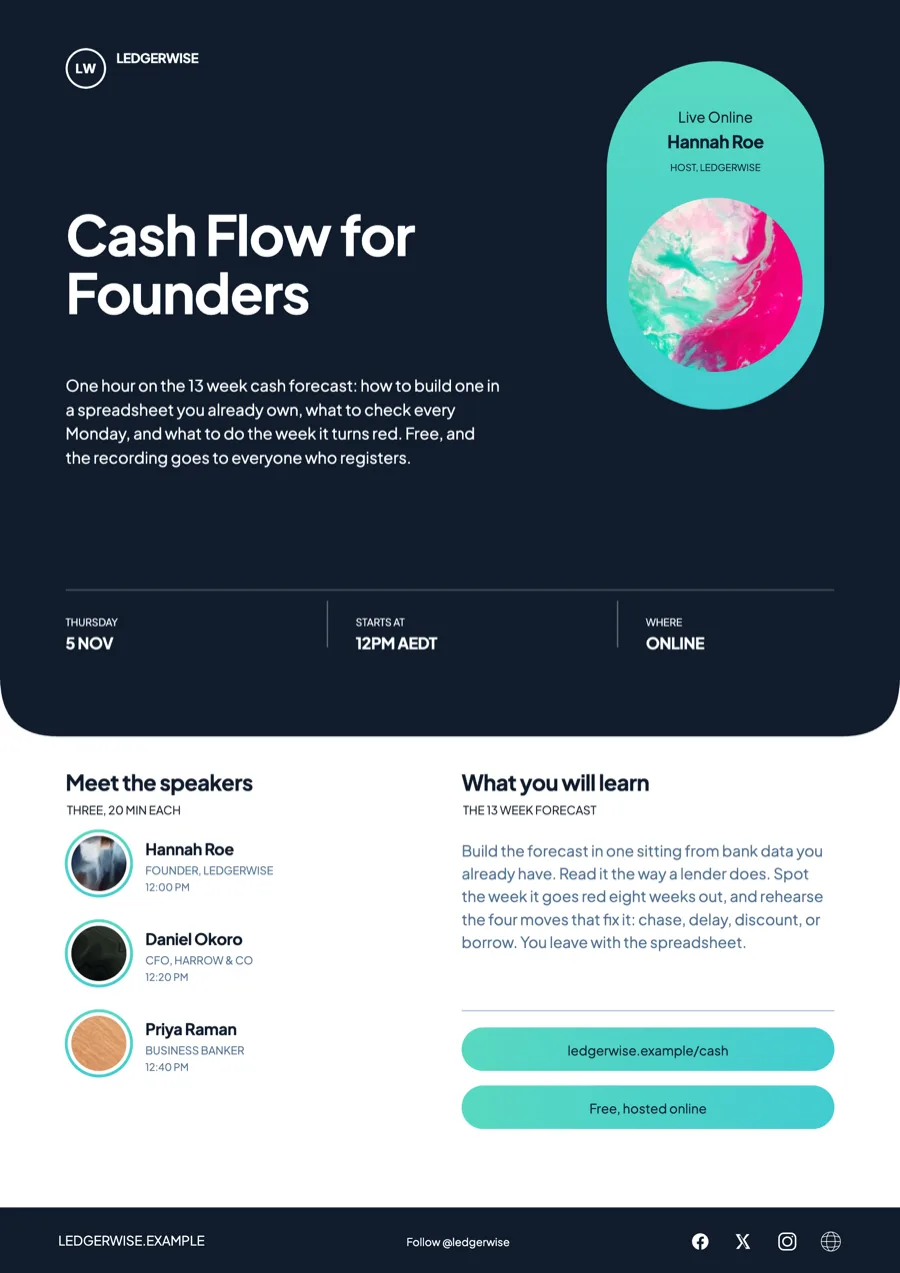 Webinar Flyer Examples With Speakers and a Time Zone
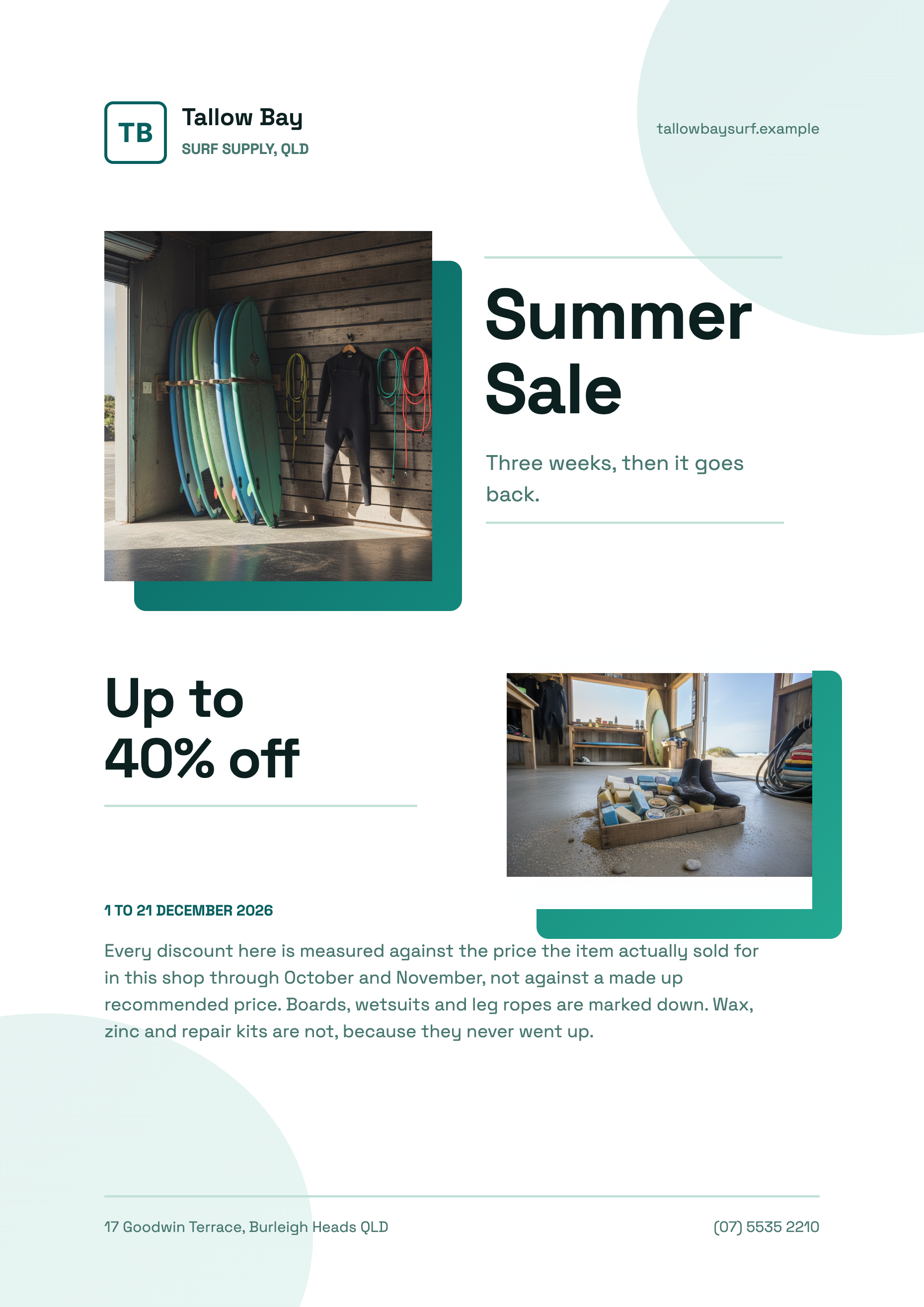 Summer Sale Flyer: Three Surf Shop Designs
Templates: flyer template gallery, event flyer templates, sale flyer templates, workshop flyer templates
How it is priced
- Free: generate, edit and export flyers with 100 credits a month.
- Starter and above: build a flyer from your own PDF or photo.
- Generating and exporting spend credits from your monthly balance.
Questions
Why do I get two flyers?
Because the Template field was left empty. With no template chosen the generator returns two options and is told to make them differ in look and structure. Choose a template and you get that one design, filled.
Can it make a double sided or multi page flyer?
Generation makes one page per design. Add more pages in the builder, from the design library at the same size or as a blank page, and the PDF export includes every page.
Which sizes can I make?
Eight: A4 portrait (1240 by 1754 px), A4 landscape, Instagram post, Instagram story, Facebook post, LinkedIn post, Facebook cover and X header. Image exports come out at twice those pixel sizes.
Is the PDF ready for a print shop?
It is an RGB PDF with each page placed as a high resolution image, A4 at 300 DPI. There is no bleed, crop marks or CMYK, so check what your printer needs before you order.
Will it look up facts about my business?
It runs one web search when you have not attached a file and uses what is relevant. It still cannot print a price or a phone number you did not give it, because inventing those is not allowed.
Start with a sentence.
Create a free account or sign in, and you land straight in the app.
Create a flyer