Flyers templates
Sale and discount flyer templates
A sale page lives or dies on three things: the discount figure, the products and the deadline. Seventeen designs are built around exactly that, from a single product flash sale to a weekly deals list with eight items, prices and percent off badges.
17 designs
What these designs are for
Use this set when there is a price to shout about. Every one of the seventeen carries an image slot and fourteen carry a list, so the page is built to hold real product photography with a price against each item, and ten carry a QR slot, the highest share in the library, for scanning straight to the offer. Every card is drawn with the gallery's sample products and prices, so the discounts inside a card are placeholder copy and not an offer.
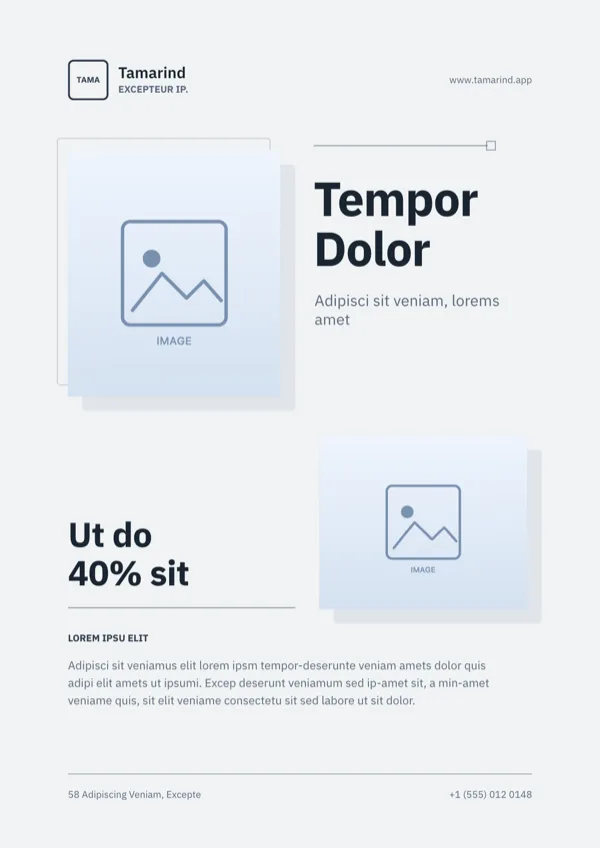
Appliance Store, Minimalist Sale Flyer
Minimal sale page for an appliance or electronics store.
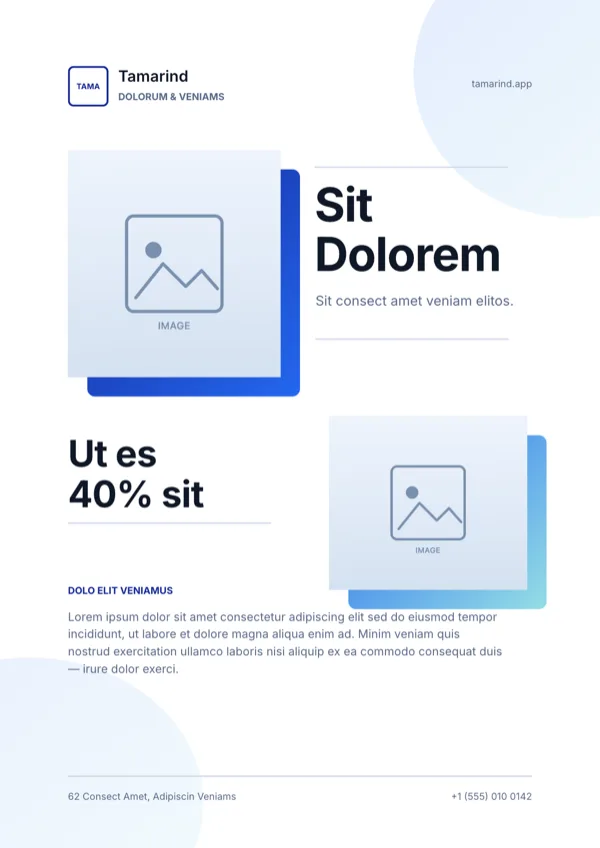
Appliance Store, Super Sale Flyer
Store sale with product photos and a percent off discount.
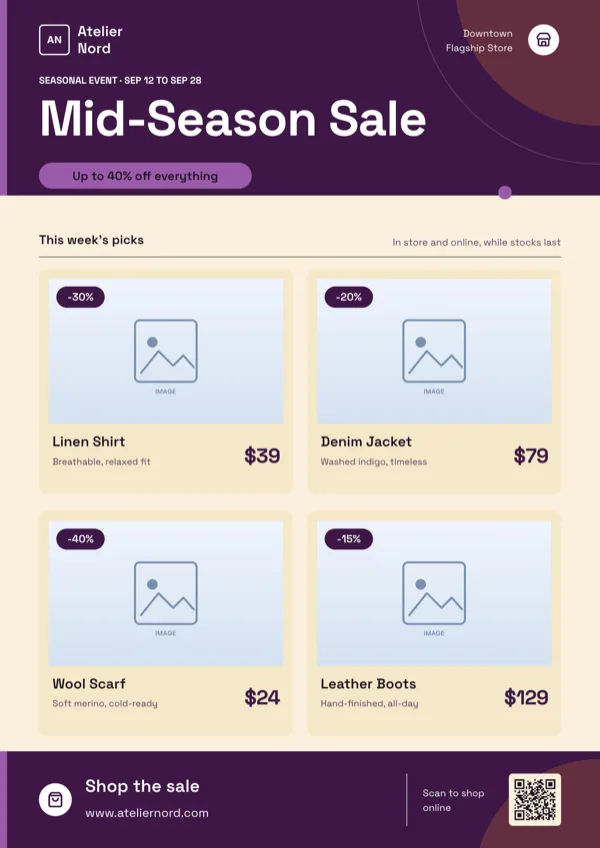
Atelier, Fashion Sale Grid
Seasonal fashion sale with product cards carrying photos, prices and percent off badges.
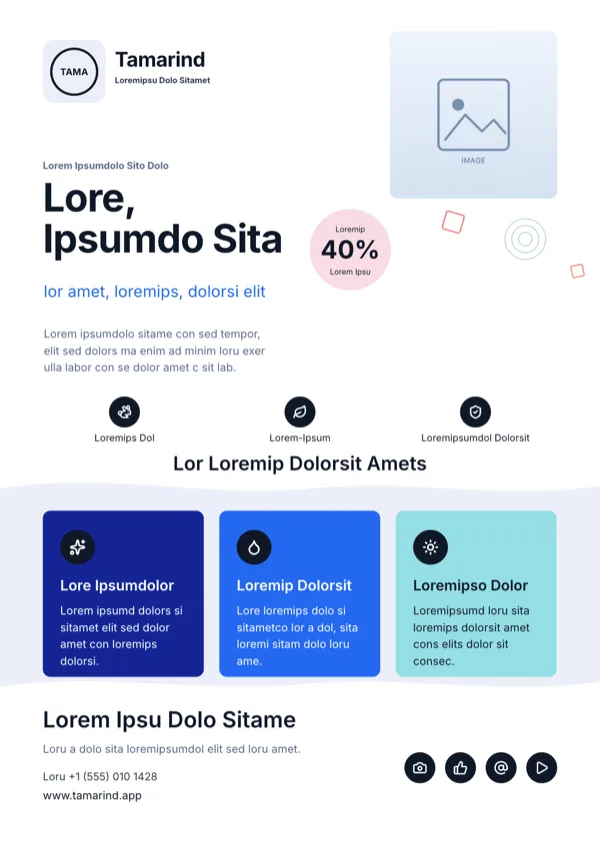
Blush Cosmetic Skincare Flyer
Skincare discount promotion with trust badges and product benefits.
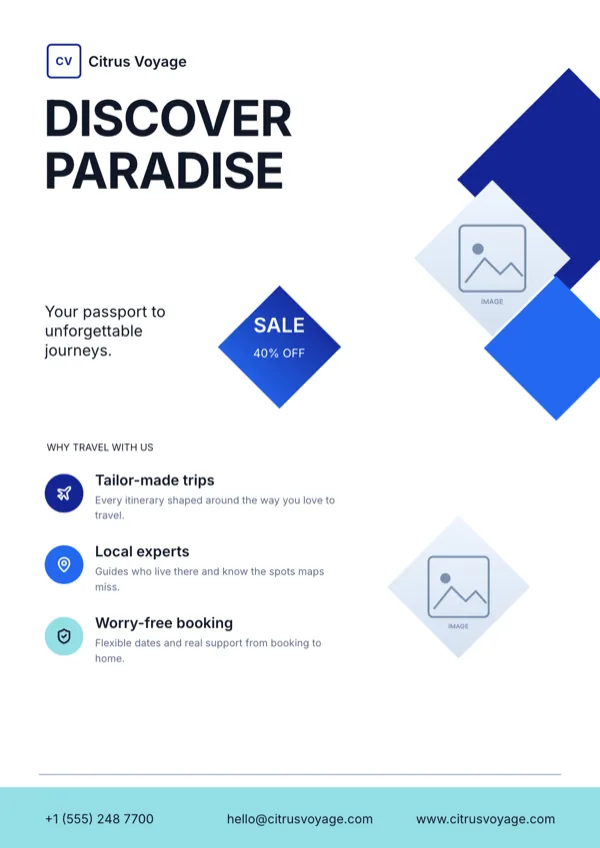
Citrus Voyage Travel Flyer
Limited time discount sale for a travel agency or tour operator.
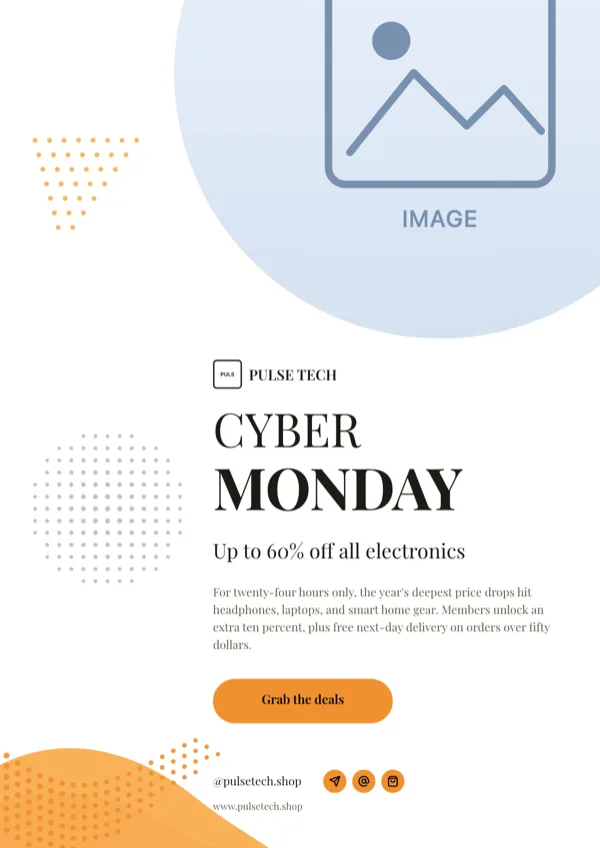
Cyber Monday, Halftone Sale Poster
Cyber Monday or Black Friday retail discount poster.
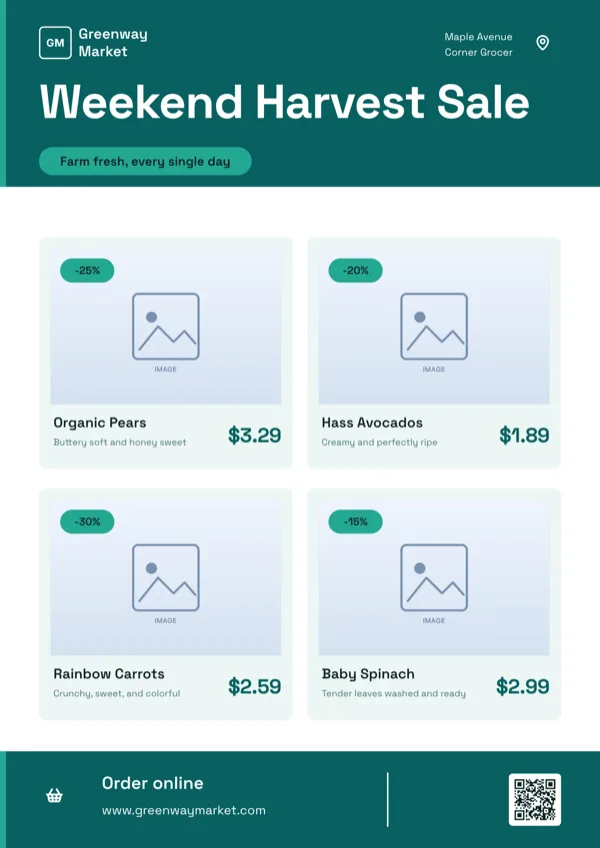
Fresh Market, Grocery Promo
Grocery or fresh produce sale and discount page.
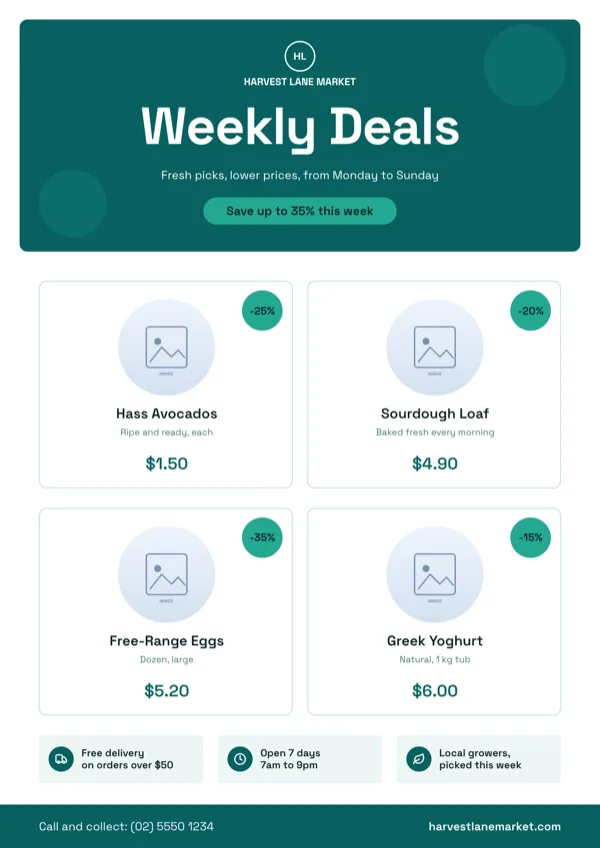
Harvest Lane, Weekly Deals Circles
Weekly specials for a grocer, deli, market or pharmacy.
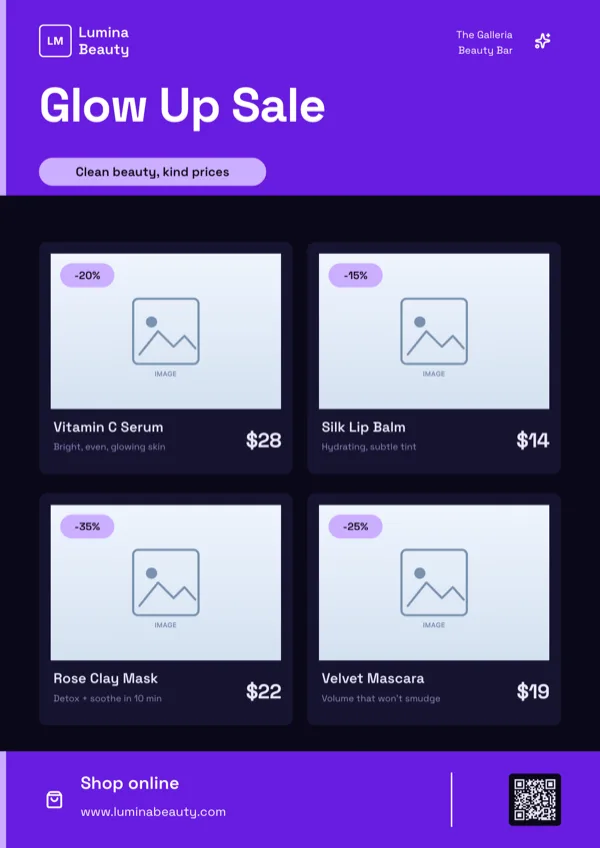
Lumina, Beauty Sale Grid
Beauty or cosmetics sale grid for a spa, salon or skincare brand.
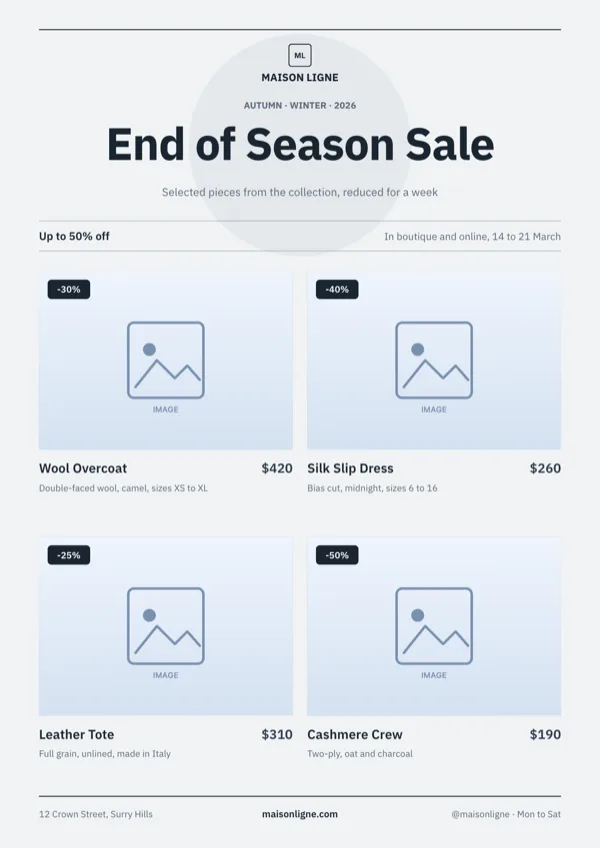
Maison Ligne, Editorial Sale Lookbook
Editorial sale page for a boutique, jeweller or premium label.
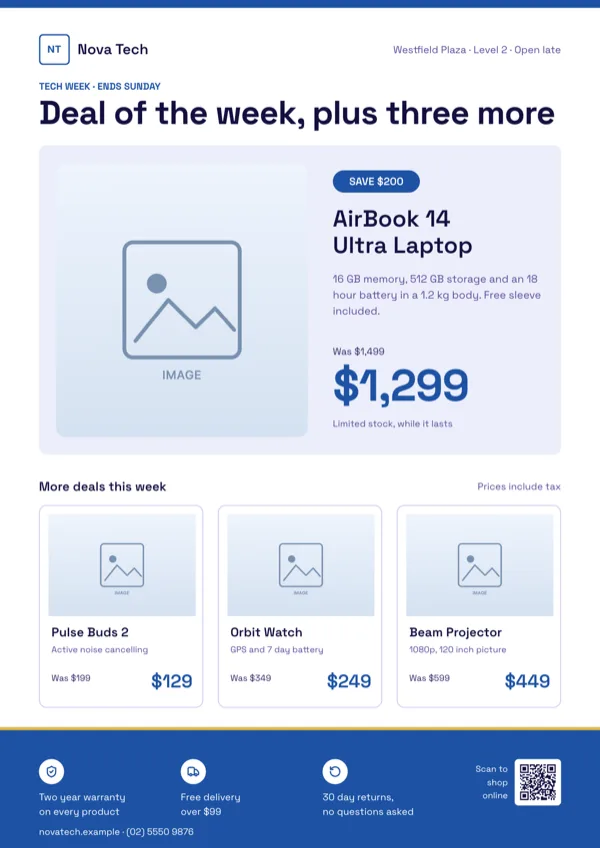
Nova Tech, Hero Deal Tiles
One hero product with old and new price, then three smaller product tiles.
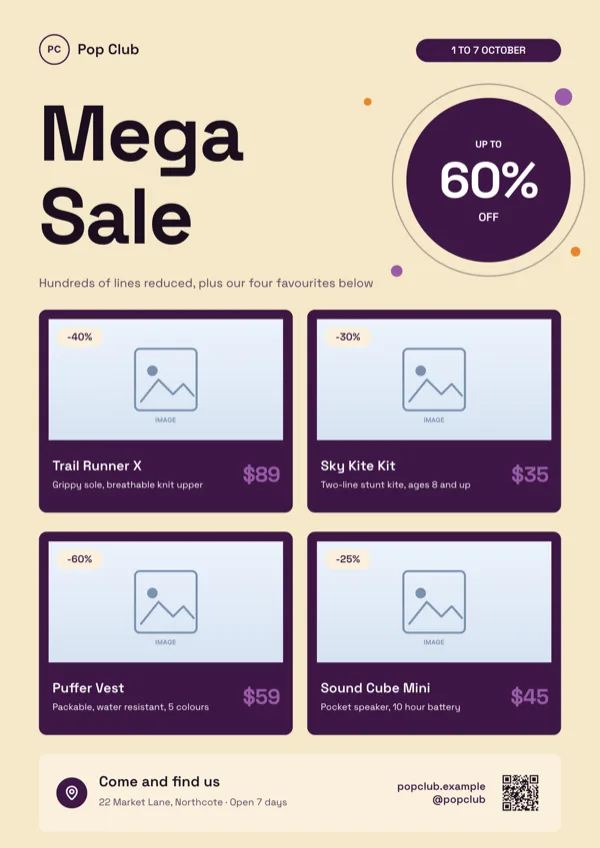
Pop Club, Mega Sale Dark Tiles
Bold store sale for toys, sportswear, homeware or lifestyle retail.
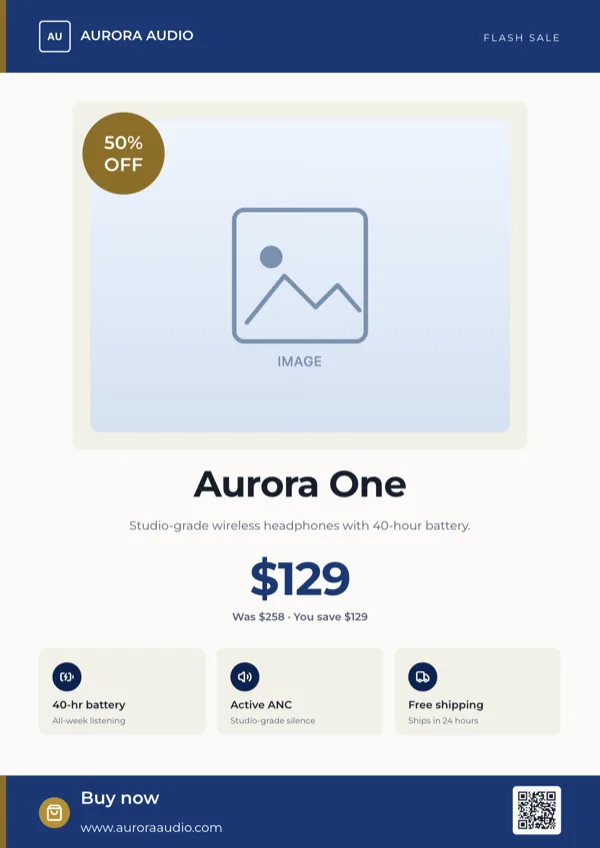
Spotlight, Single Product Flash Sale
Single product flash sale with the discount price and a buy now step.
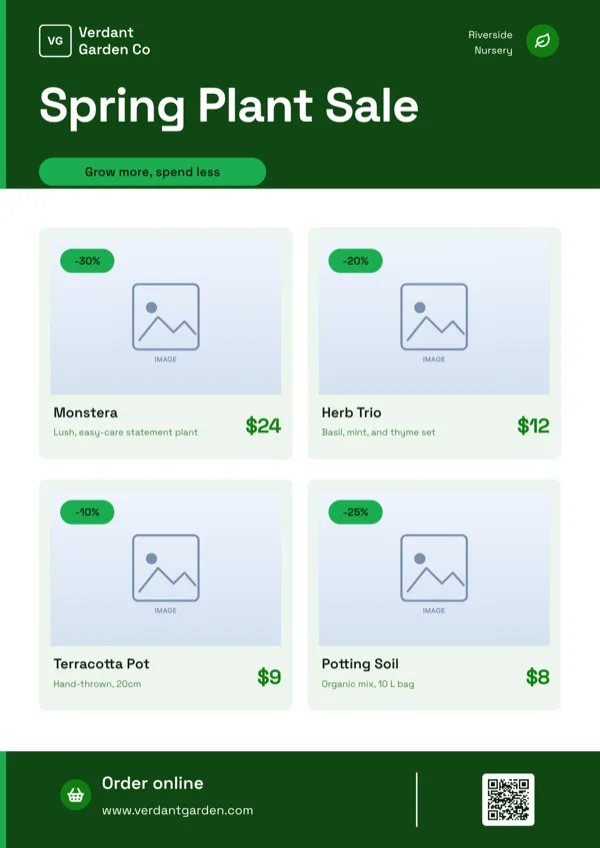
Verdant, Garden Sale Grid
Garden centre sale for discounted plants, pots and soil.
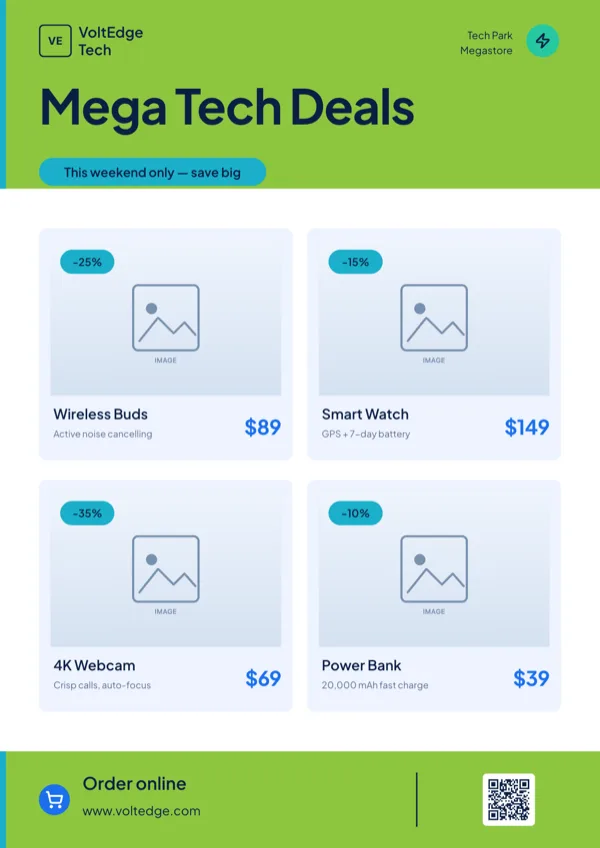
VoltEdge, Electronics Deals Grid
Electronics deals grid with discount badges and prices.
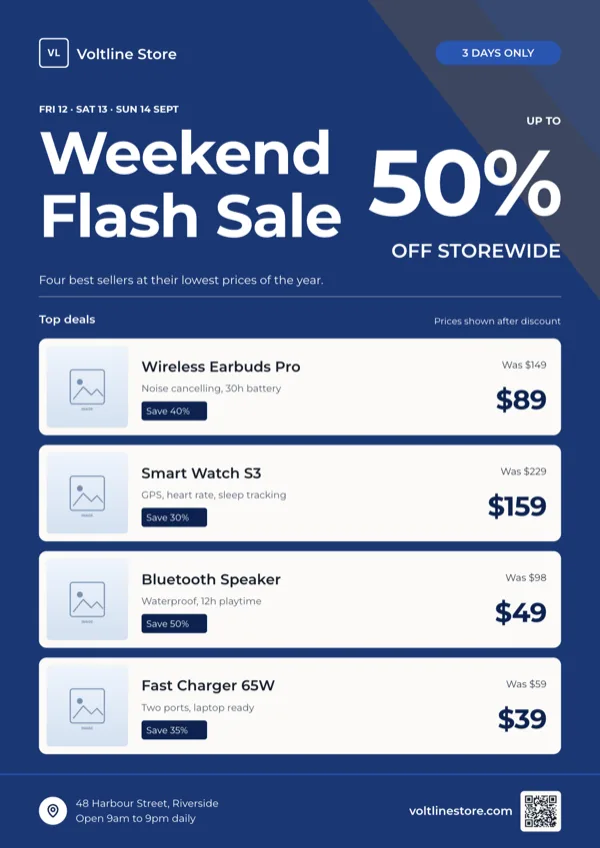
Voltline, Weekend Flash Sale Stack
Weekend flash sale, a giant percent off figure over four stacked product rows.
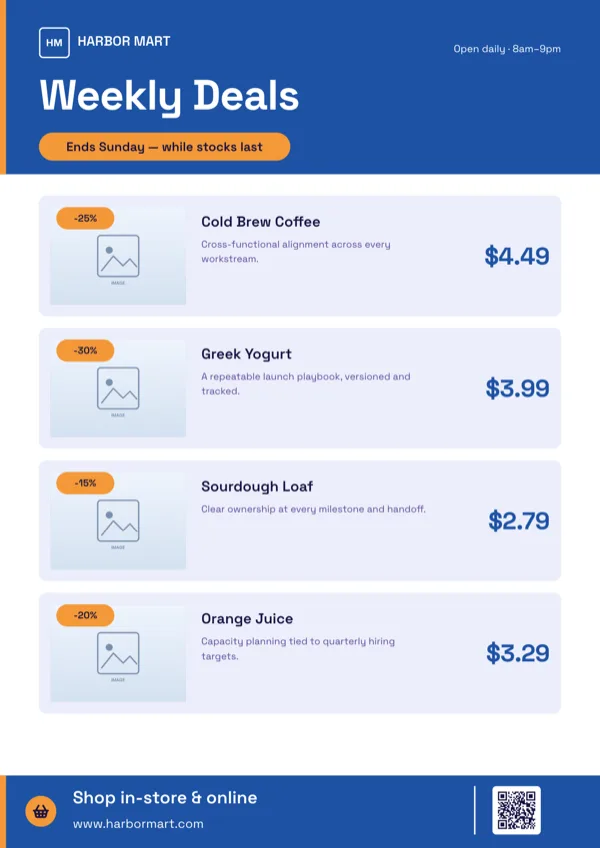
Weekly Deals, Product List
Supermarket weekly deals with photos, prices and percent off badges.
What these layouts have in common
This is the most consistent set in the library. All seventeen template files carry a logo, a photo slot and text slots; fourteen carry icon slots and fourteen carry a list, which is where the product rows live. Ten carry a QR slot. The text budgets tell you how they are meant to read: the most common heading class budgets around six characters, which is a price or a percentage, and the small body line sits near 30 characters, which is a product name with a size. Display headlines are about 12 characters, so the page shouts a word, not a sentence.
Which one to pick
Count the products. One product takes the flash sale layout, where the photo is huge and the old price sits struck through beside the new one. Four takes the hero plus tiles layout, which leads with one product and follows with three. Six to eight takes a grid or a stacked list, which is what a supermarket or an electronics store needs. If the discount applies to everything rather than to named items, take a layout where the percentage is the hero and the products are decoration. If the offer needs scanning, start with one of the ten QR bearing designs, because a QR code cannot be added later.
Every size, from one design
Retail is the category where the size set earns its keep. A sale runs as an Instagram Post at 1080 square, an Instagram Story at 1080 by 1920 with a swipe up, a Facebook Post at 1200 by 630, a LinkedIn Post at 1200 by 627, a Facebook Cover at 820 by 312, a Twitter Header at 1500 by 500 and an A4 Portrait handout at 1240 by 1754 pixels, with A4 Landscape at 1754 by 1240 for a counter card. Each is drawn for that shape, so an eight product list becomes a shorter list rather than a cropped one, and anything that will not fit is kept in the page so it returns when you go back to the larger size.
Badges, not stickers
The discount marks in these designs are the badge and chip elements: a pill filled with the brand colour and a pill filled with the accent colour. There is no sticker element, no starburst and no sale ribbon in the Add items panel, so if the design does not already carry the burst you want, choose a different design rather than expecting to add one. That is also why picking the layout by the shape of its price marks is quicker than picking by colour, which any of the 99 themes can change afterwards.
Finished examples
Questions people ask
How many sale flyer templates are there?
Seventeen designs, covering flash sales, weekly deals, seasonal promotions, fashion and beauty grids, grocery specials and electronics deal tiles. Ten of them carry a QR slot for scanning to the offer.
Can I add a QR code to a sale flyer?
On ten of the seventeen, yes: type the link or the text to encode, or upload a QR image. The other seven have no QR slot, and there is no QR tile in the Add items panel, so they cannot be given one afterwards.
How do I get a file for the printer?
Export PDF. Every page is rendered in a headless browser at twice the canvas size, so an A4 page arrives at 2480 by 3508 pixels, which is 300 DPI. There is no bleed, no crop marks and no CMYK, so tell the printer the file is RGB and trimmed to the page edge.
Can I export only the story version?
Yes. PNG and JPG export the active page, so switch to the Instagram Story page and export it on its own. PDF is the only export that takes every page at once.
Do I have to redo the flyer for each size?
No. Changing the canvas size on a page swaps in the version of that design drawn for the new size and carries the content across by slot. Content that has nowhere to go on a smaller size is kept, so it reappears when you switch back.
Can the generator work out the discounted price?
No. It fills the text you give it and will not invent prices or work out arithmetic, so put both the old and the new price in your description. It also never writes N/A or TBD into an empty slot; it leaves the slot out instead.
Start a flyer from a description
The button opens the generator with a starting description already filled in. Change it to match your own before you run it.
Create a flyer with OneCraftFor everything the generator can do, see the flyer maker.
Other flyer examples sets
Written and checked by the OneCraft team. Last checked .