Flyers templates
Conference and summit flyer templates
A conference page carries more facts than any other flyer: dates, a venue, a programme, speakers, tracks and a way to register. Fourteen designs are built to hold that load, including a speaker lineup poster, a schedule table and a countdown post for the weeks before the doors open.
14 designs
What these designs are for
Use this set for a multi session event with named speakers. The layouts give a portrait grid, a schedule and a date and venue strip their own space, which keeps them out of body copy where nobody finds them. For a single session workshop, the training set is lighter and easier to fill. The cards use the gallery's sample text, so the conference names, speakers and dates inside them are invented for the preview.
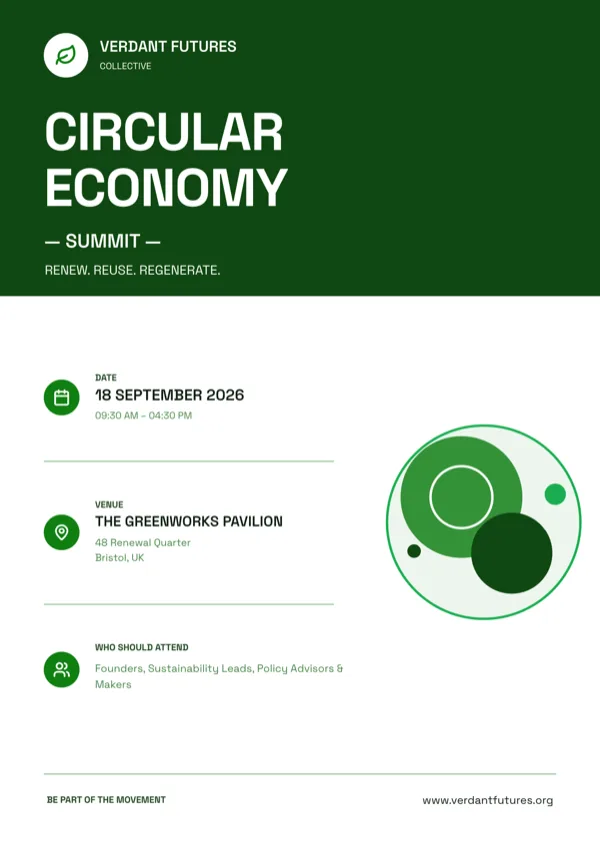
Circular Economy Forum, A4 Portrait
Forum invitation with the date, venue and who attends.
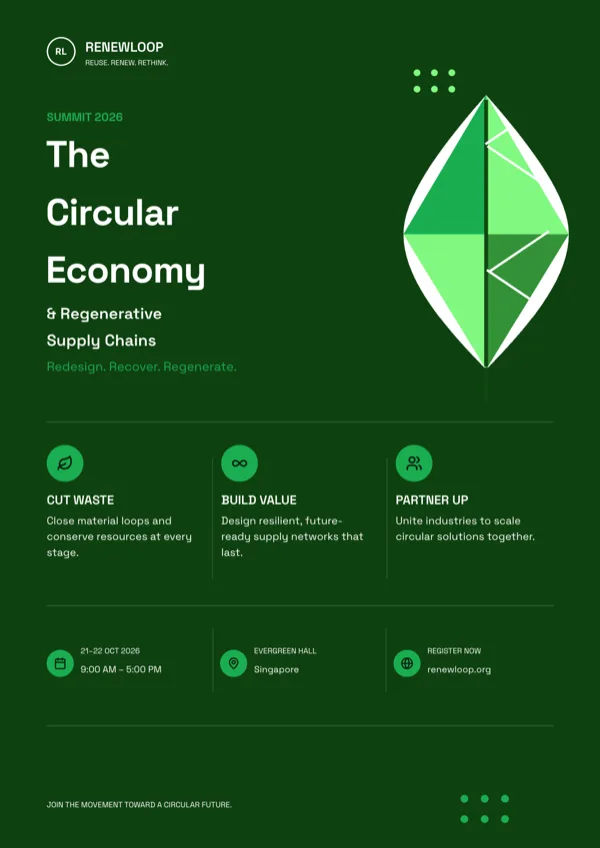
Circular Economy, Sustainability Summit, A4 Portrait
Sustainability summit announcement with date, venue and registration details.
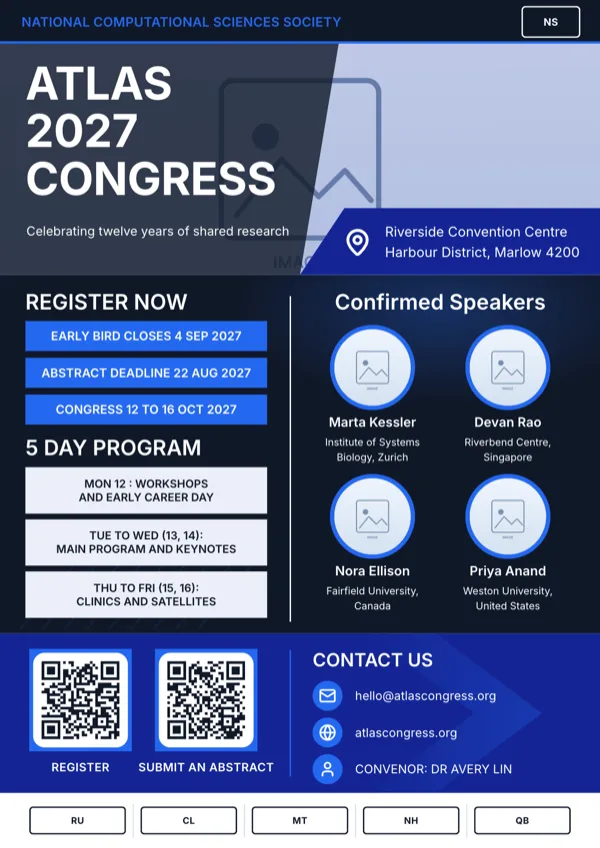
Conference Program And Speakers
Dense conference announcement with a speaker grid, a venue strip and QR codes.
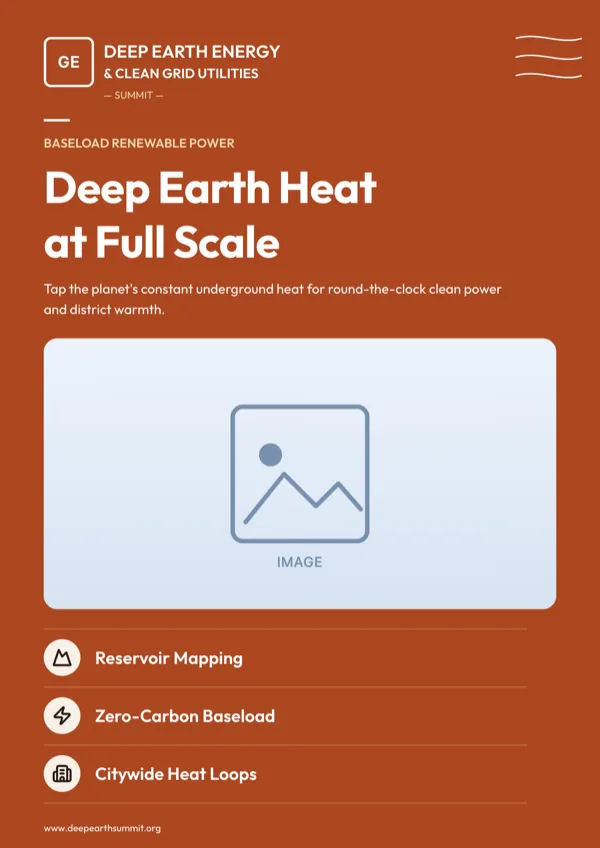
Geothermal Energy Seminar, A4 Portrait
Seminar and conference promotion for a clean power programme.
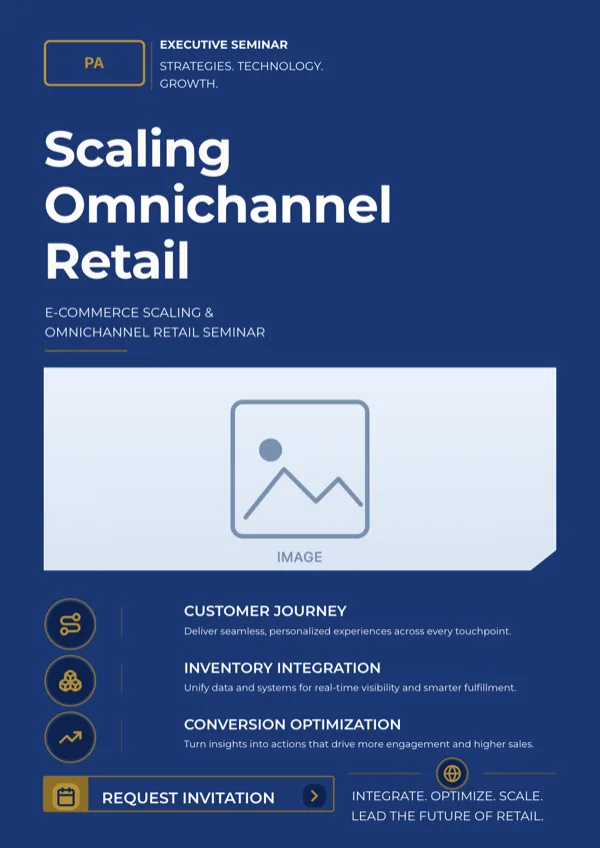
Omnichannel Retail Seminar, A4 Portrait
Executive seminar invitation for a retail and e-commerce growth event.
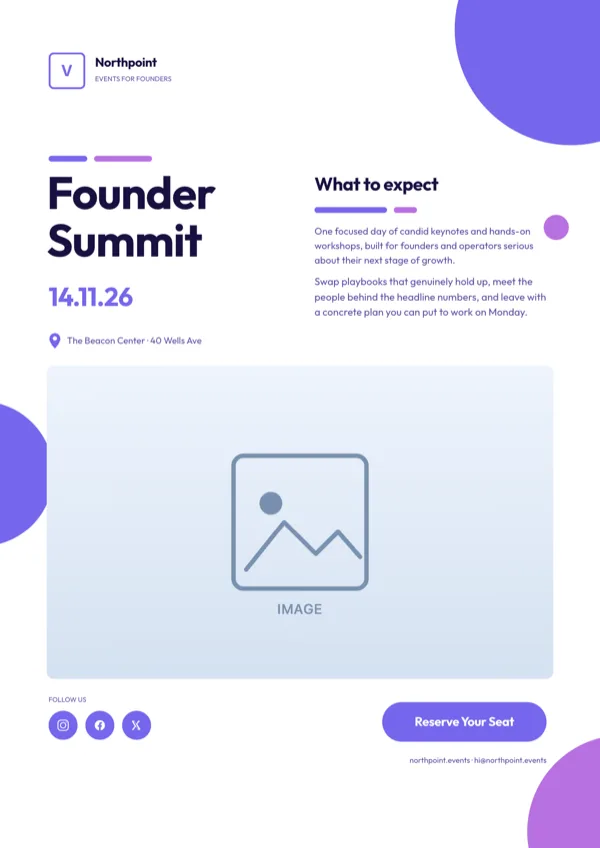
Periwinkle Business Events Flyer
Corporate conference or founder summit invitation with an RSVP step.
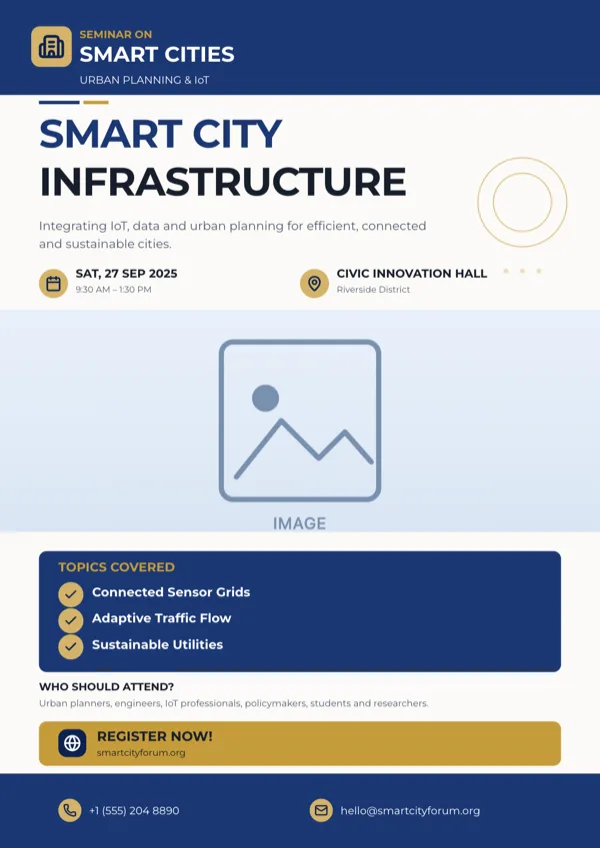
Smart City Infrastructure Seminar, A4 Portrait
Conference page for a smart city, urban planning or infrastructure event.
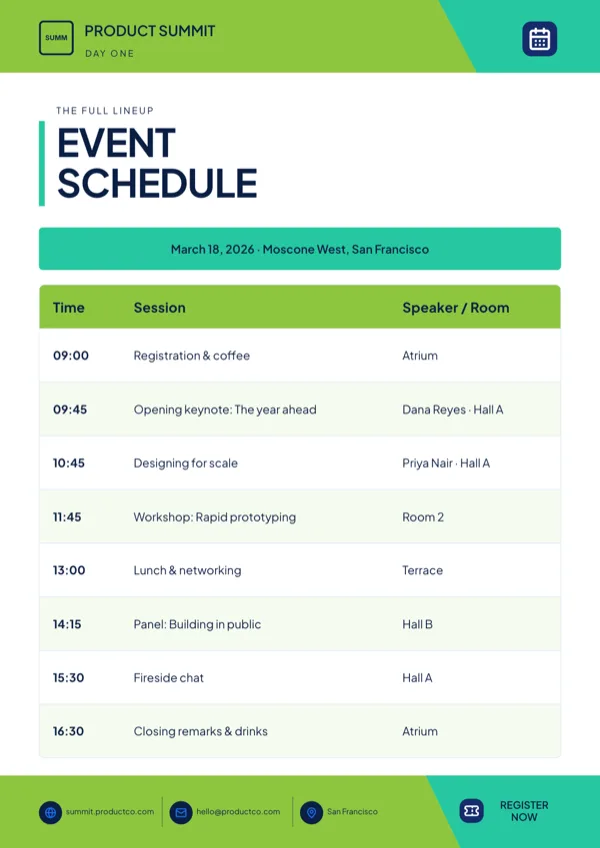
Summit, Agenda & Schedule Table
Multi session schedule table with a register call to action.
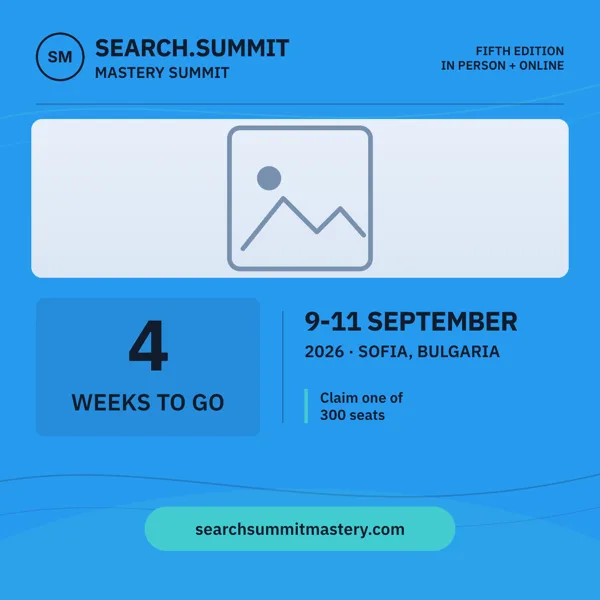
Summit, Countdown Weeks To Go
Square countdown post for the weeks before a summit opens.
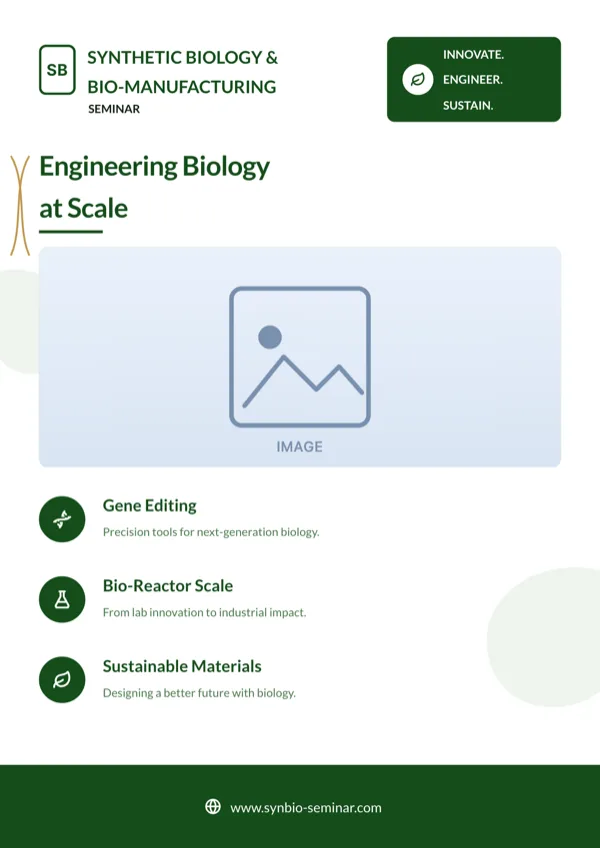
Synthetic Biology Seminar, A4 Portrait
Seminar and conference promotion for a life sciences programme.
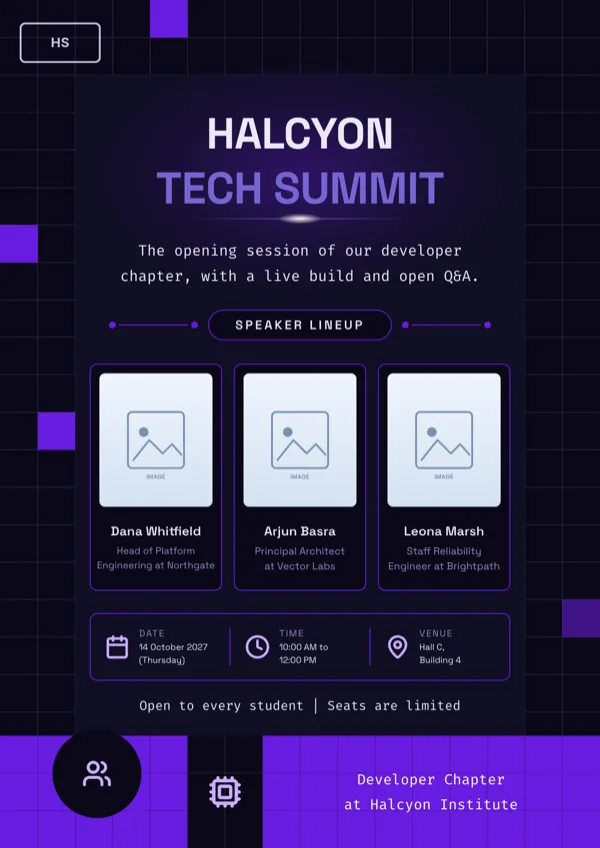
Tech Event Speaker Lineup
Dark tech event poster with three speaker cards and a date, time and venue strip.
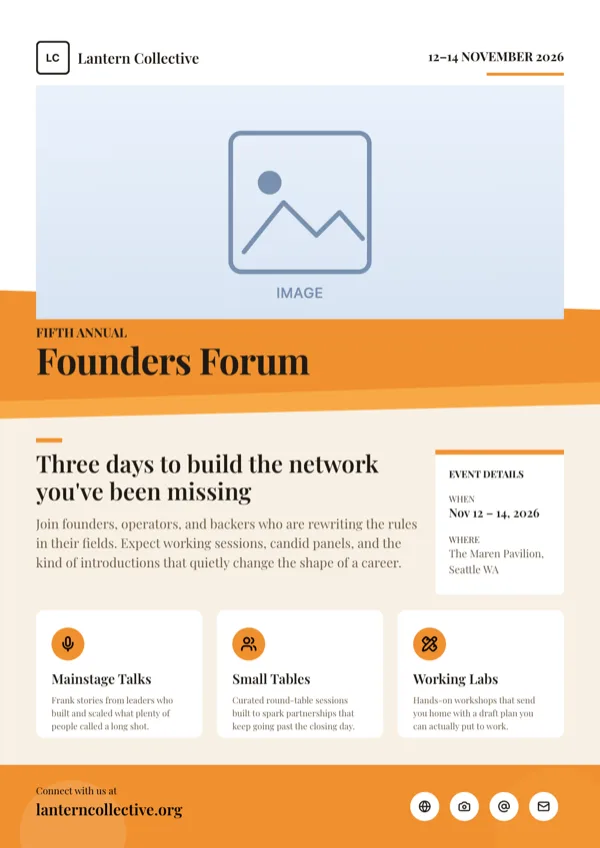
Terracotta, Women's Summit
Multi day summit page announcing dates, venue and session tracks.
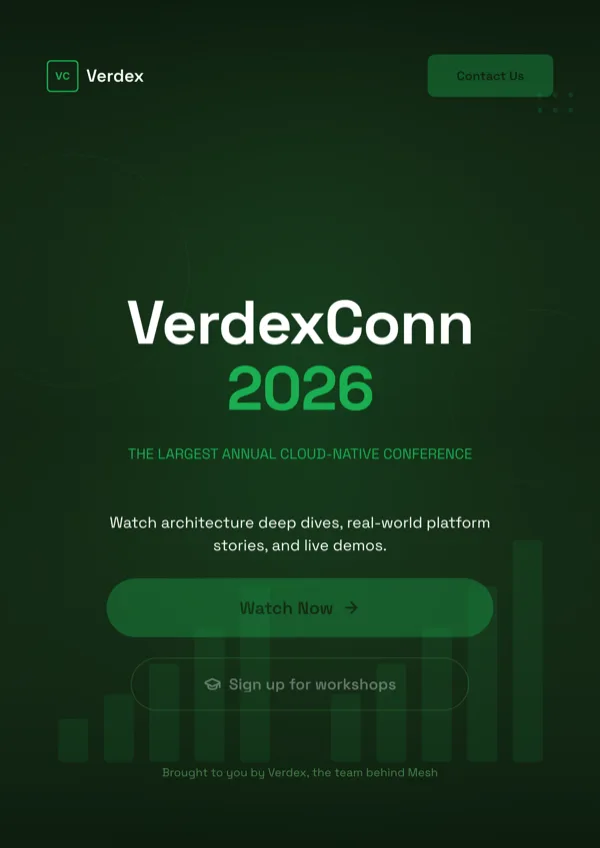
Verdant Tech Conference Signup
Dark developer conference signup and registration page.
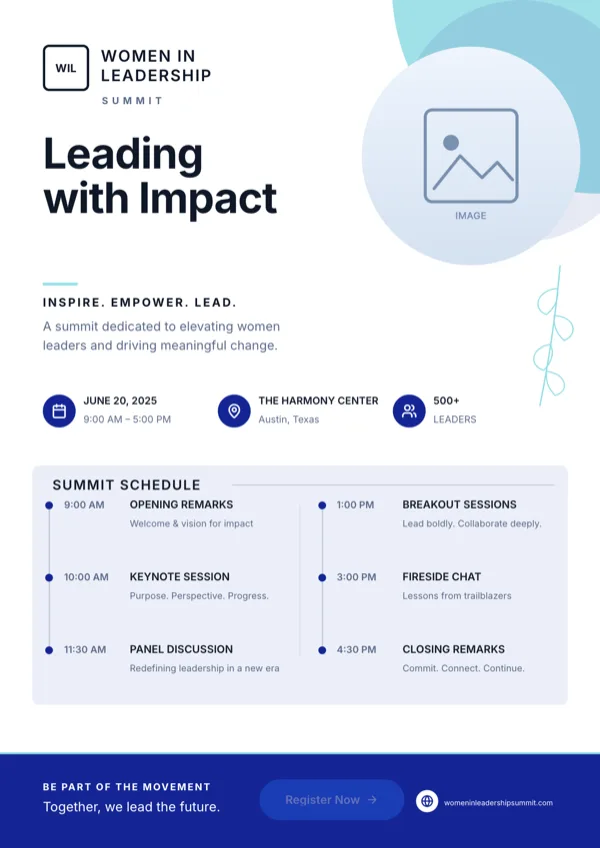
Women in Leadership, Summit
Leadership summit invitation and event program.
What these layouts have in common
Twelve of the fourteen designs carry a logo, twelve carry icon slots and ten carry a photo slot, which is what a speaker grid and a venue shot need. Six carry a list for tracks or sessions and one carries a table for a full schedule. The budgets are tighter than in the training set: headings run near 24 characters, the small body line near 37 and the large body line near 58, so a session is named and placed rather than described. One design carries a QR slot, on the dense announcement layout that also holds contact rows and a partner logo strip.
Which one to pick
Let the programme choose. A full schedule with times takes the agenda table design, because typing sessions into a list slot will run out of rows. Named speakers take the lineup layouts, which hold three or four portraits with a role line each. A save the date, before the programme exists, takes the countdown or the invitation layouts, where the date and city are the entire message. A summit with tracks takes the designs with a list of four to six items and a registration line. If partners or sponsors have to appear, only the dense announcement layout has a logo strip for them.
Every size, from one design
A conference is promoted for months, so the same design is drawn for the whole run of sizes: A4 Portrait at 1240 by 1754 pixels for the programme handout, A4 Landscape at 1754 by 1240 for a lectern card, Instagram Post at 1080 square and Instagram Story at 1080 by 1920 for the countdown, Facebook Post at 1200 by 630, LinkedIn Post at 1200 by 627, Twitter Header at 1500 by 500 for the event account and Facebook Cover at 820 by 312 for the page. The countdown design in this set is drawn as a square post with its own A4 poster layout, and both shapes come with the one card shown here.
Speakers and photographs
Portrait slots are ordinary image slots, so upload the real headshots: image generation is for scenery, and a generated face is not what a delegate is looking for. Uploads accept JPEG, PNG, WebP and GIF up to 10 megabytes each and the flyer has to be saved first. Images are cropped to fill their slot, so square headshots survive better than wide ones, and the frame and soft edge controls in the inspector can tidy the result without leaving the layout.
Finished examples
Questions people ask
How many conference flyer templates are there?
Fourteen designs, covering summit invitations, forum announcements, speaker lineups, a full schedule table, a signup page and a countdown post drawn both as a square and as an A4 poster.
Can I fit a two day programme on one page?
Use the schedule table design, which takes typed rows and columns with an optional caption. Other designs use list slots with a fixed number of rows, so a long programme has to be split across a second page instead.
What do I send the venue for printing?
A PDF. It renders every page of the flyer at twice the canvas size, so A4 arrives at 2480 by 3508 pixels, which is 300 DPI. It is RGB with no bleed or crop marks, and the text is flattened into the page image.
Can delegates scan the flyer for tickets?
Only on the one design here with a QR slot. If scanning matters, choose that layout at the start, because a QR code cannot be inserted into a design that does not already carry the slot.
Can I reuse the same flyer next year?
Yes. Saving keeps a version, and undo holds 50 steps while you edit, so last year's page can be opened, retyped and saved again. There is no version history drawer for flyers, so keep the old export if you need the previous design back.
How many speakers fit in a lineup?
Three or four, depending on the design, and the count is fixed by the layout rather than adjustable. A larger lineup is usually better as a second page with a compact grid than as a squeezed row of portraits.
Start a flyer from a description
The button opens the generator with a starting description already filled in. Change it to match your own before you run it.
Create a flyer with OneCraftFor everything the generator can do, see the flyer maker.
Other flyer examples sets
Written and checked by the OneCraft team. Last checked .