Flyers templates
Workshop and training flyer templates
A workshop flyer has a harder job than an advert: it must say what will be taught, when and where it happens, and how to register, all on one page. Twenty seven designs are built for that, covering seminars, masterclasses, executive briefings and hands on training days.
27 designs
What these designs are for
Use this set when the event is instructional and the reader is deciding whether it is worth a day of their time. The layouts here give the programme more room than a conference flyer does, because the curriculum is the selling point, and they end on a single registration line rather than a list of ticket tiers. The cards show each design drawn with the gallery's sample content, so the course names, dates and venues inside them are placeholder text, not real events.
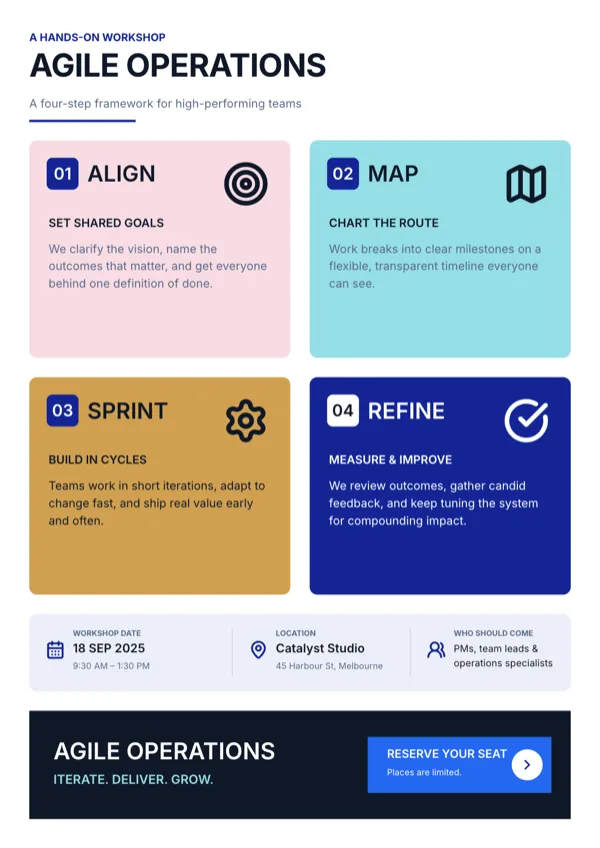
Agile Operations, Four Quadrant Framework
Workshop or seminar page for a four step operations method.
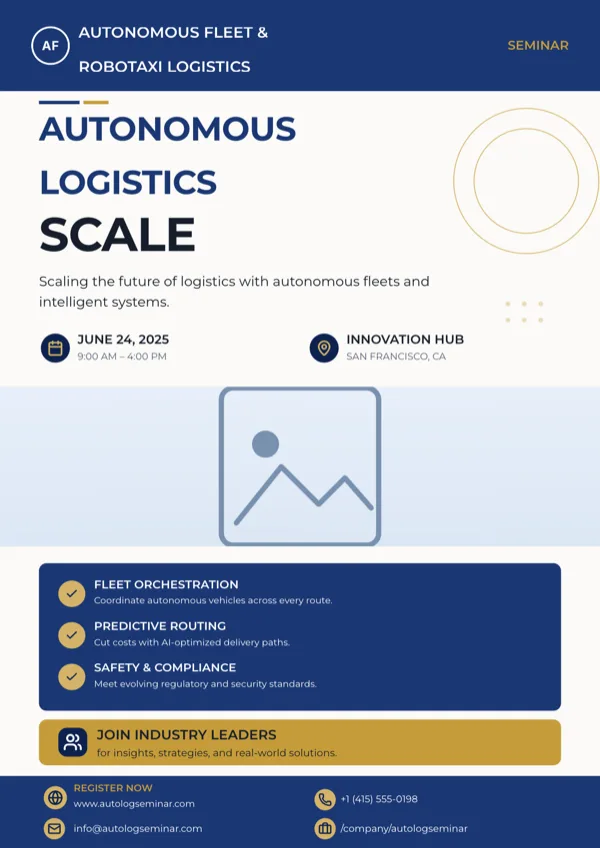
Autonomous Fleet Logistics Seminar, A4 Portrait
Seminar page for an autonomous vehicle or fleet logistics event, with the session benefits listed.
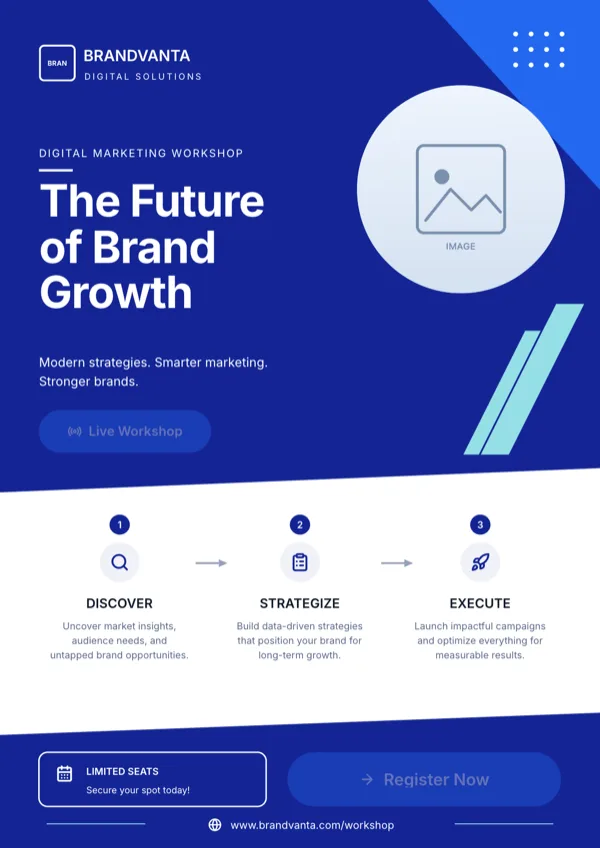
Brandvanta, Marketing Workshop
Marketing workshop or seminar registration page.
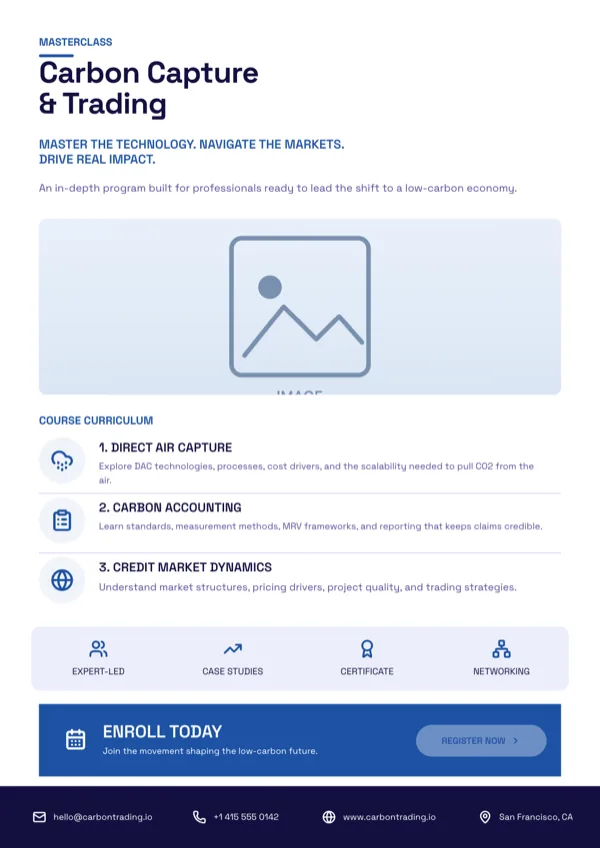
Carbon Capture & Trading, Masterclass, A4 Portrait
Masterclass enrolment page driven by the curriculum and one clear registration step.
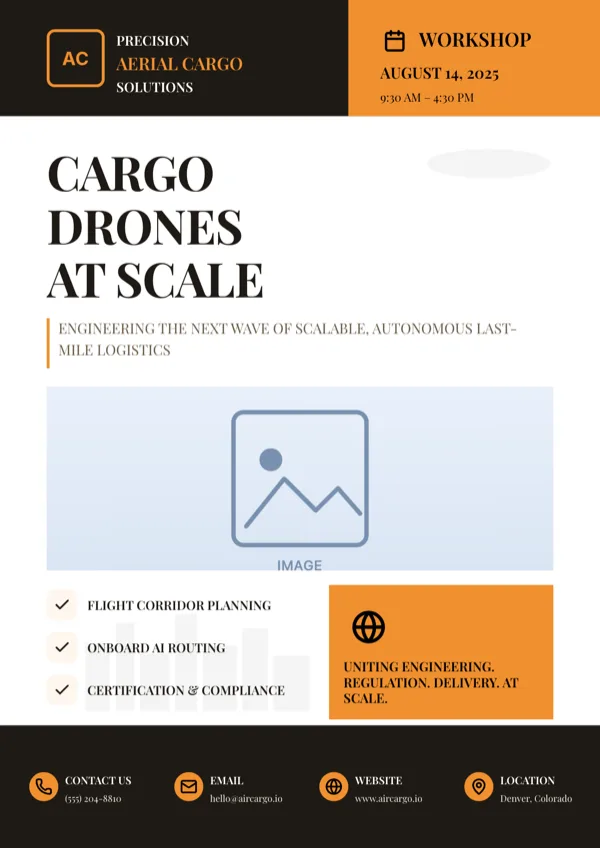
Commercial Drone Delivery Seminar, A4 Portrait
Workshop, seminar or service launch page for a drone delivery or robotics team.
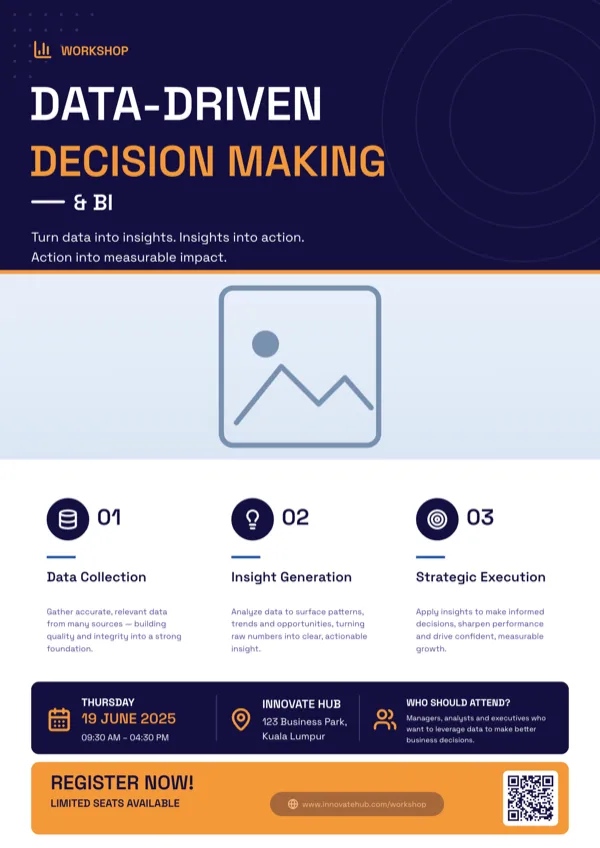
Data-Driven Decision Workshop, A4 Portrait
Analytics or business intelligence workshop and training page.
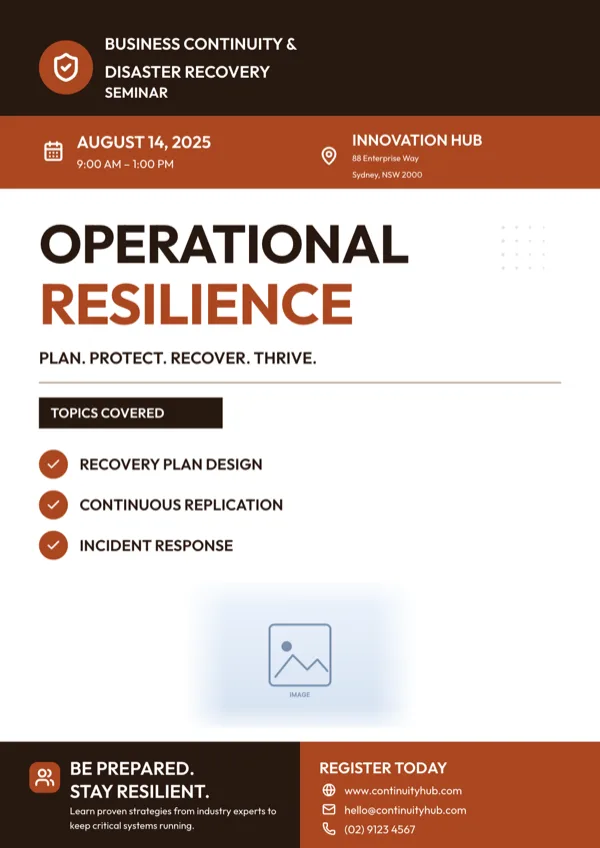
Disaster Recovery & Resilience Seminar, A4 Portrait
Business continuity or disaster recovery seminar promotion.
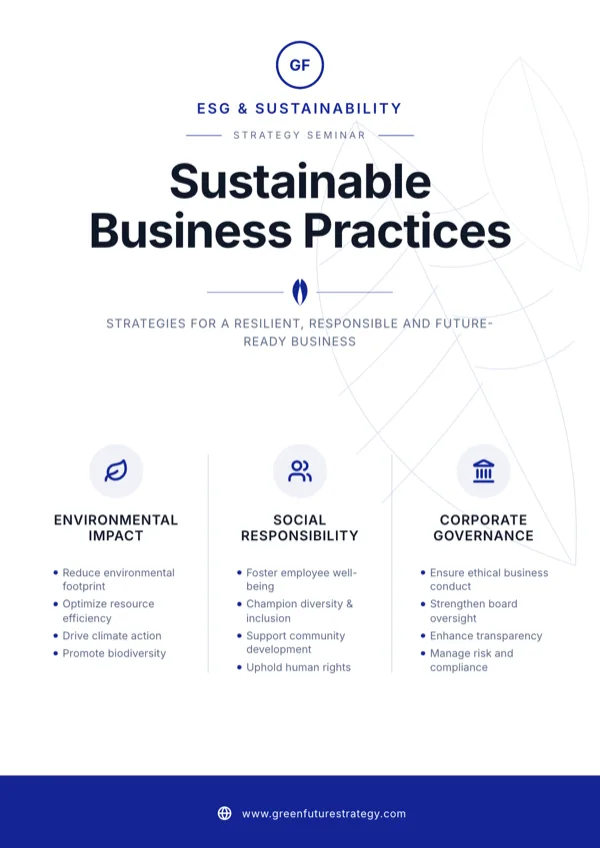
ESG, Sustainable Business Practices
ESG and sustainability strategy seminar page.
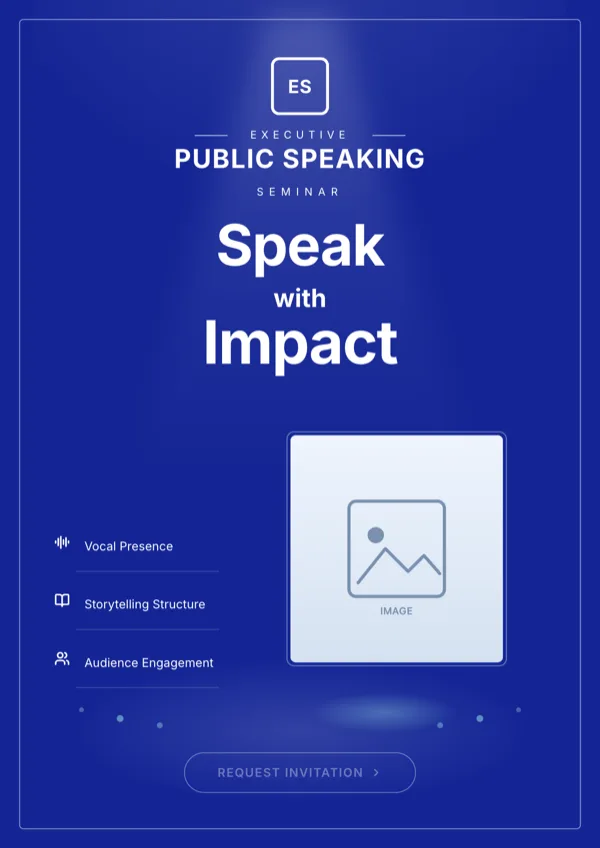
Executive, Public Speaking Seminar
Public speaking seminar or masterclass invitation for executives.
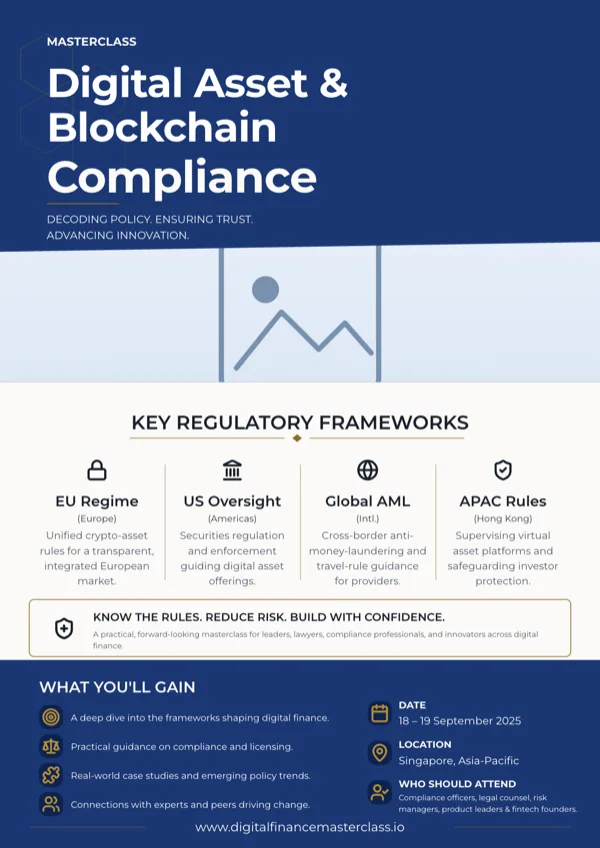
Fintech & Blockchain Masterclass, A4 Portrait
Fintech or blockchain compliance masterclass and training page.
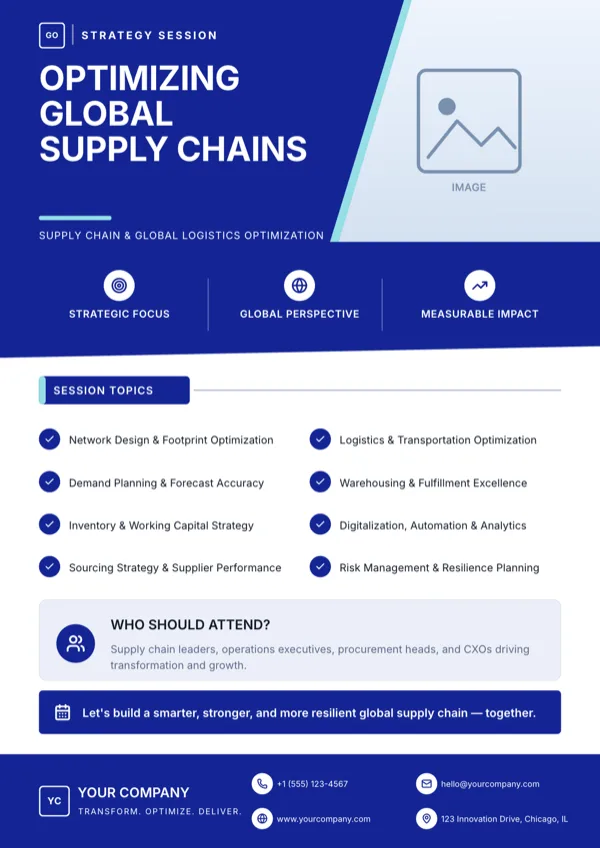
Global Supply Chain, Strategy Session
Executive briefing page for a supply chain or logistics strategy session.
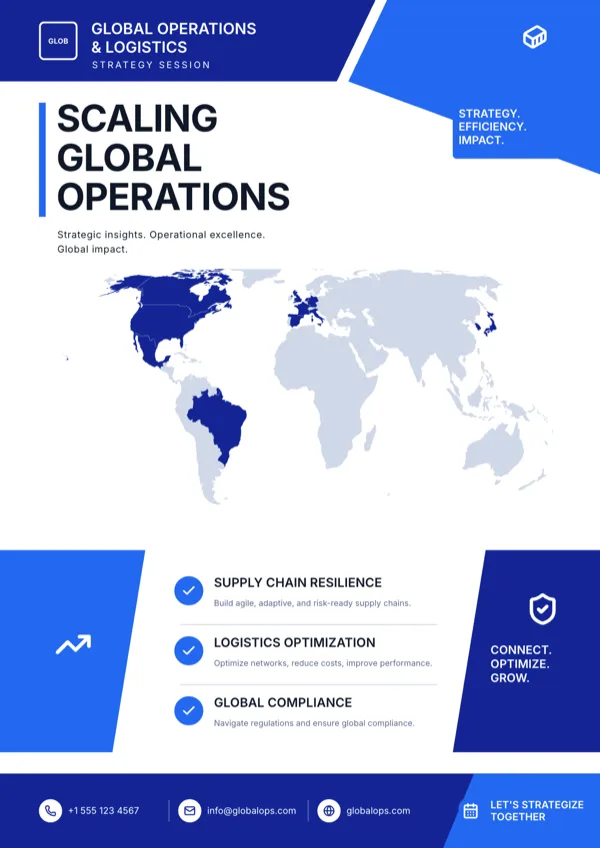
GlobalOps, Operations Strategy
Operations strategy session or summit page for a logistics team.
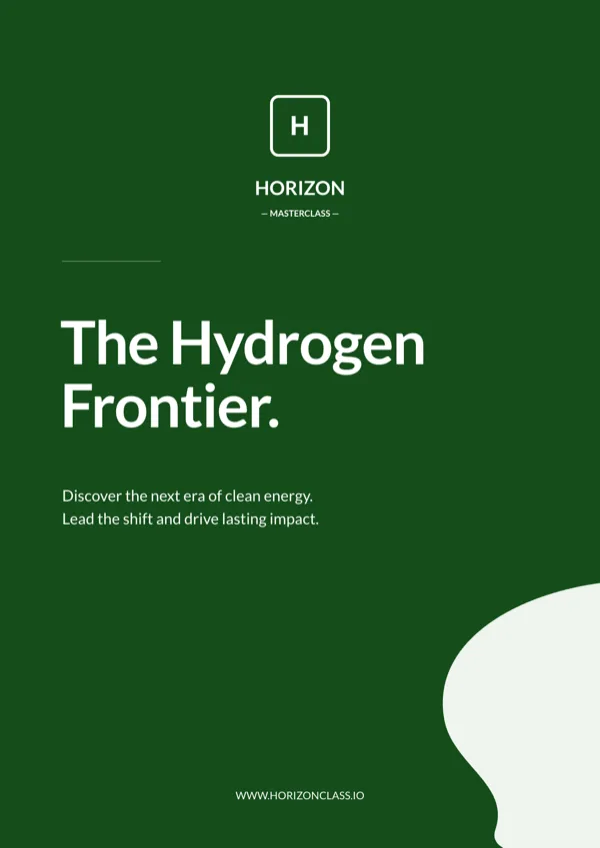
Green Hydrogen Masterclass, A4 Portrait
Clean energy masterclass or summit announcement.
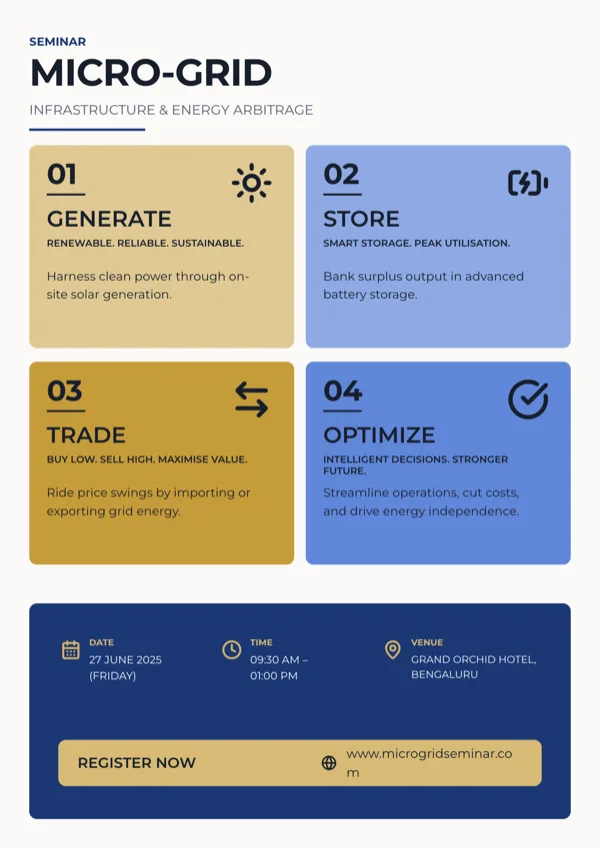
Micro-Grid Seminar, Four Quadrant, A4 Portrait
Seminar announcement with a numbered four step program and the date, time and venue.
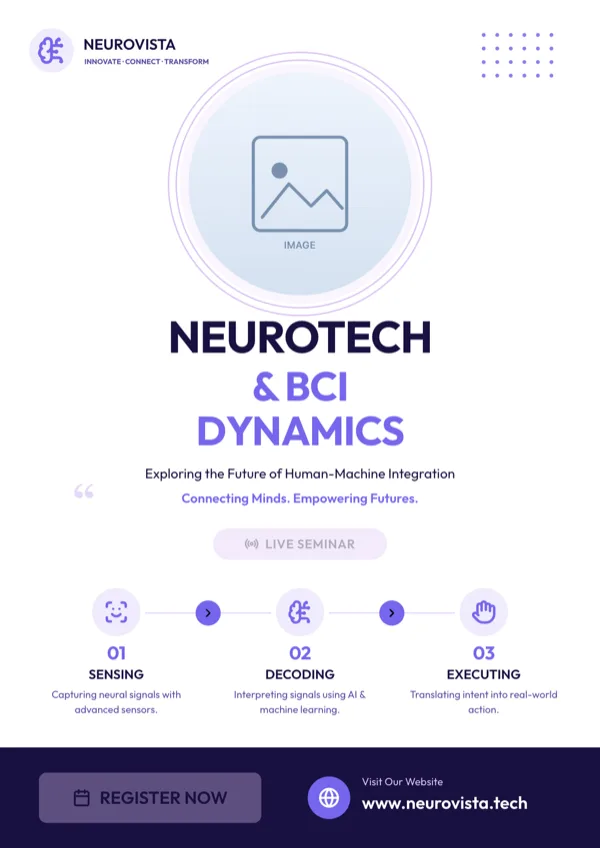
Neurotech & BCI Dynamics, A4 Portrait
Seminar and event announcement for a neurotech or brain computer interface programme.
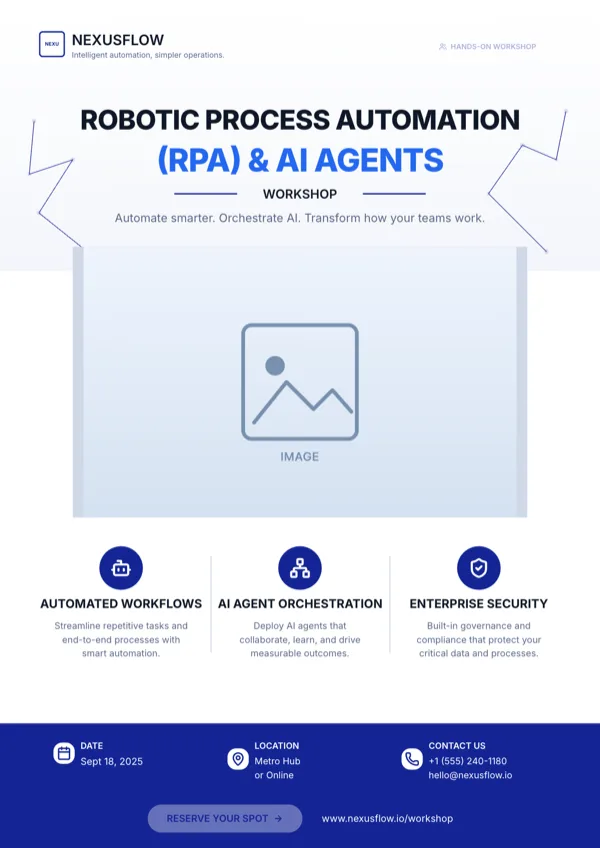
RPA & AI Agents Workshop, A4 Portrait
Technology workshop or webinar announcement for automation and AI agents.
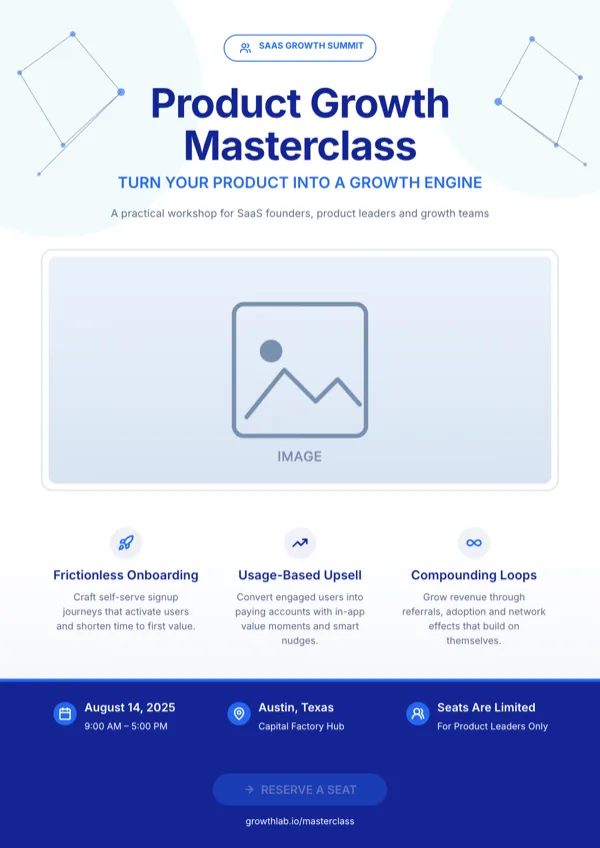
SaaS Product Growth Masterclass
Workshop, webinar or masterclass registration page for a software growth topic.
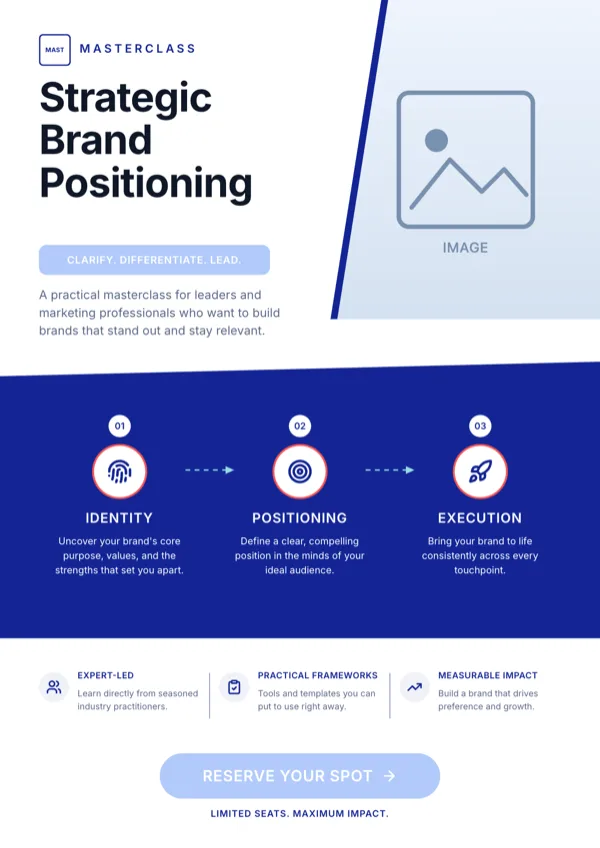
Strategic Brand Positioning, Masterclass
Brand strategy masterclass with an RSVP call to action.
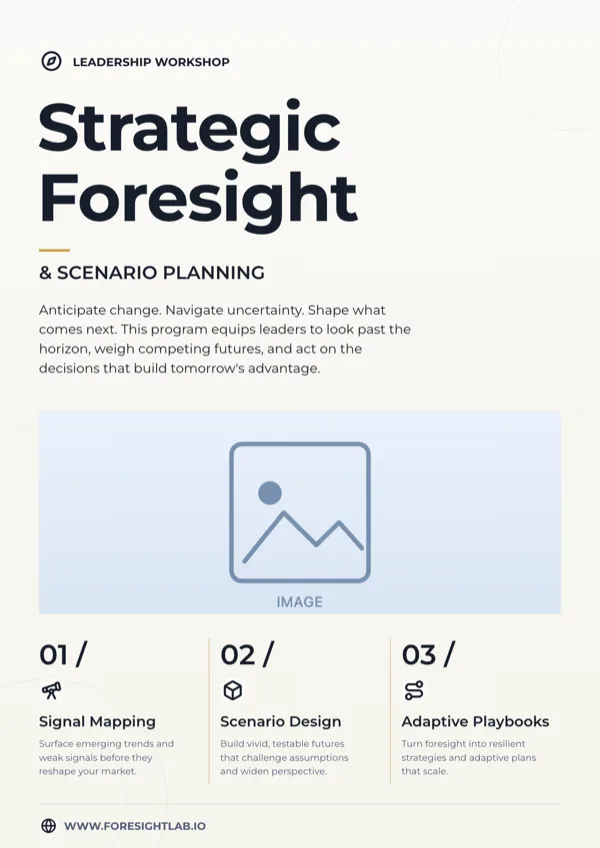
Strategic Foresight, A4 Portrait
Leadership workshop page for scenario planning and strategic foresight.
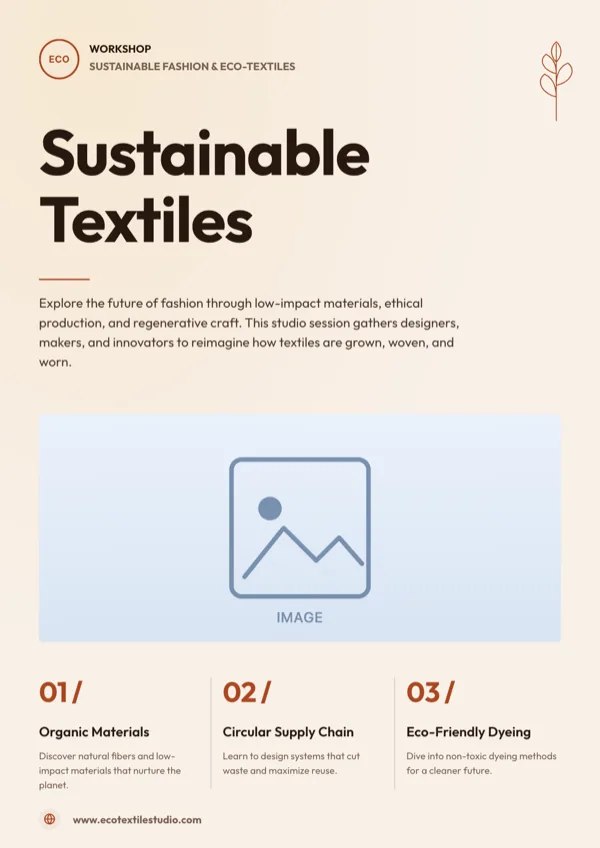
Sustainable Fashion, Eco Textiles Workshop
Workshop and event announcement for sustainable fashion or eco textiles.
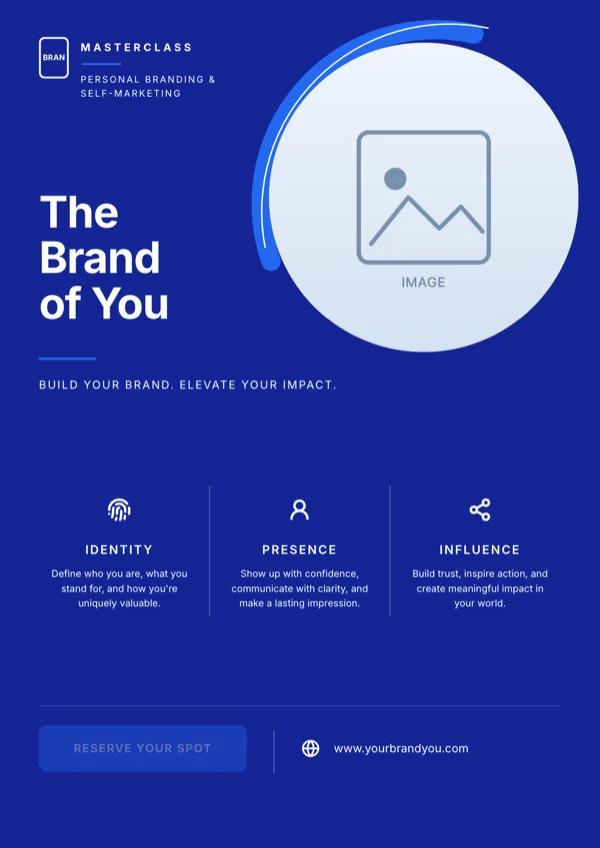
The Brand of You, Masterclass
Personal branding masterclass, coaching program or self marketing workshop.
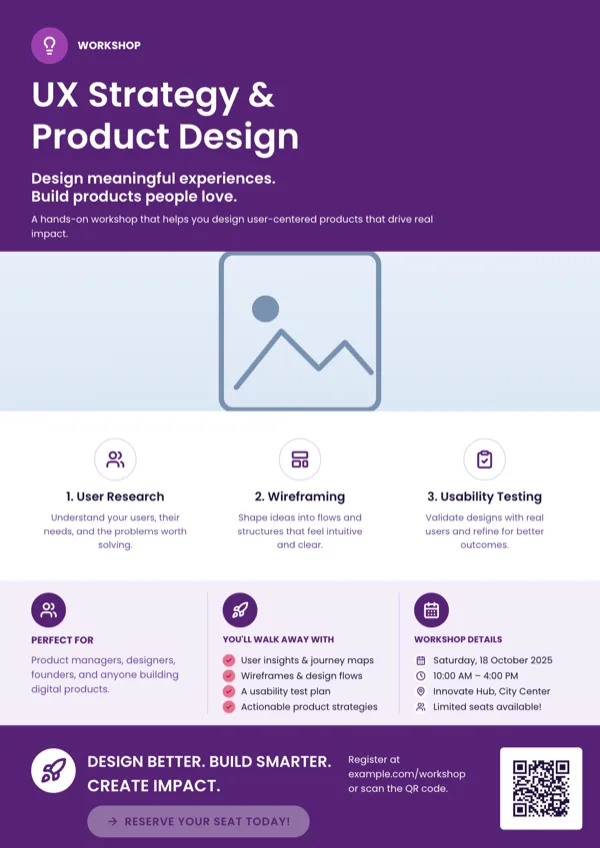
UX Strategy, Product Workshop, A4 Portrait
UX strategy and product design workshop promotion.
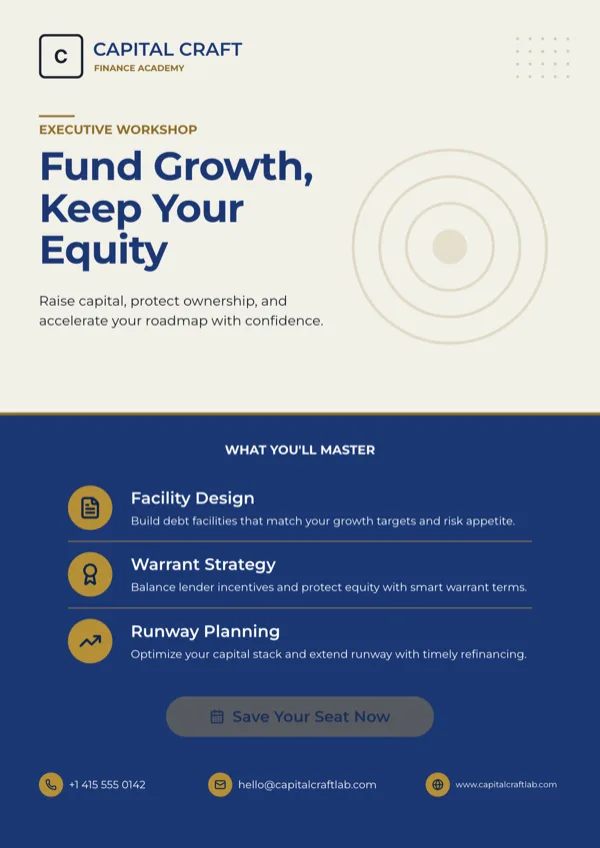
Venture Debt Masterclass, A4 Portrait
Executive workshop invitation for a venture debt masterclass.
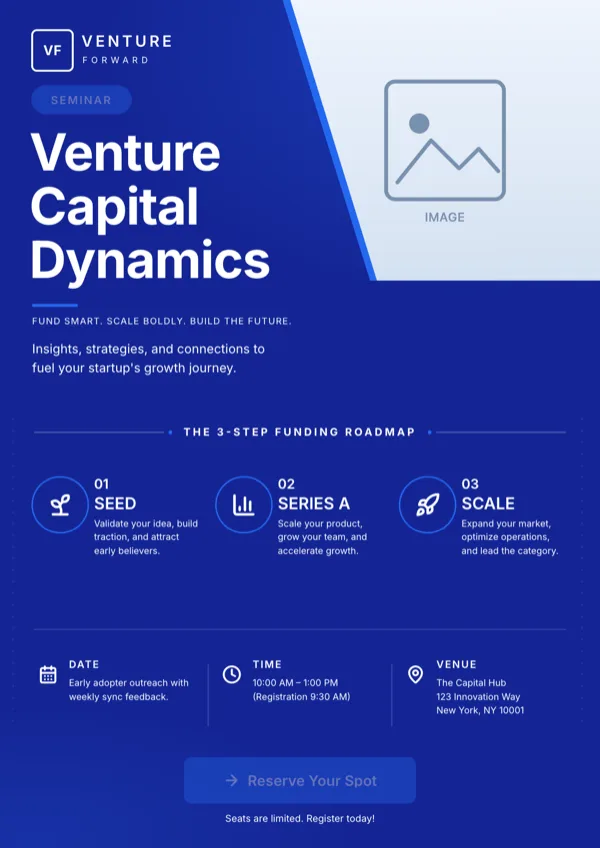
Venture Forward, Capital Dynamics
Venture funding seminar with a registration call to action.
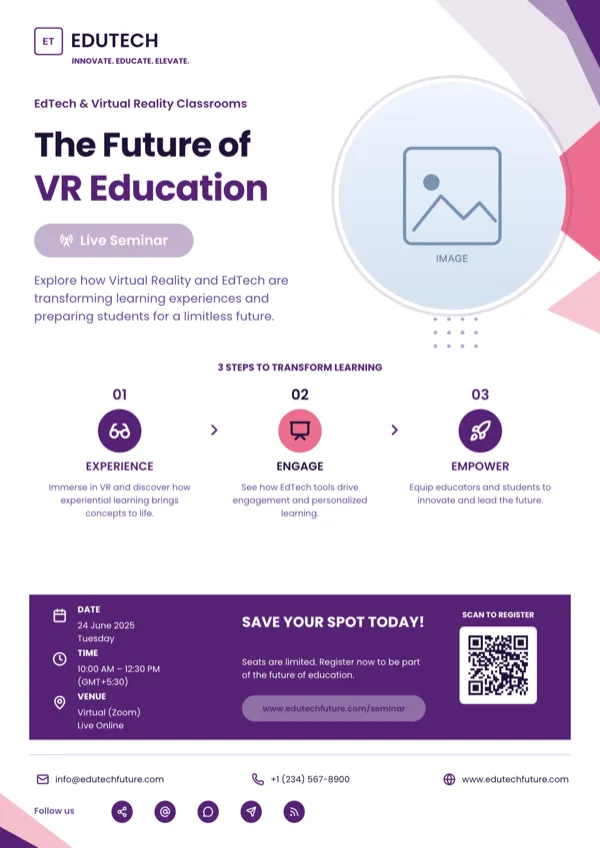
VR Classrooms Seminar, A4 Portrait
Live seminar or training invitation with date, time, venue and a QR code for registration.
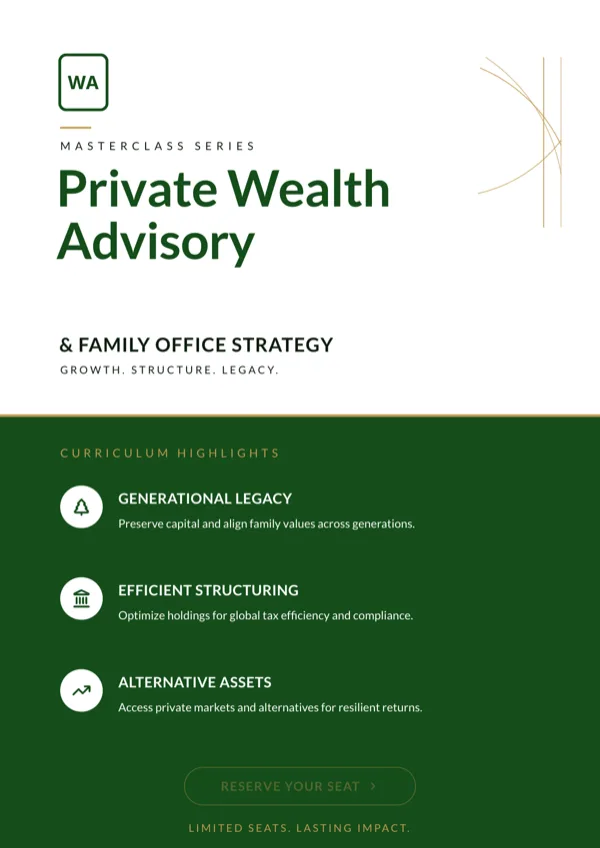
Wealth Advisory, Masterclass, A4 Portrait
Wealth management or private banking masterclass invitation.
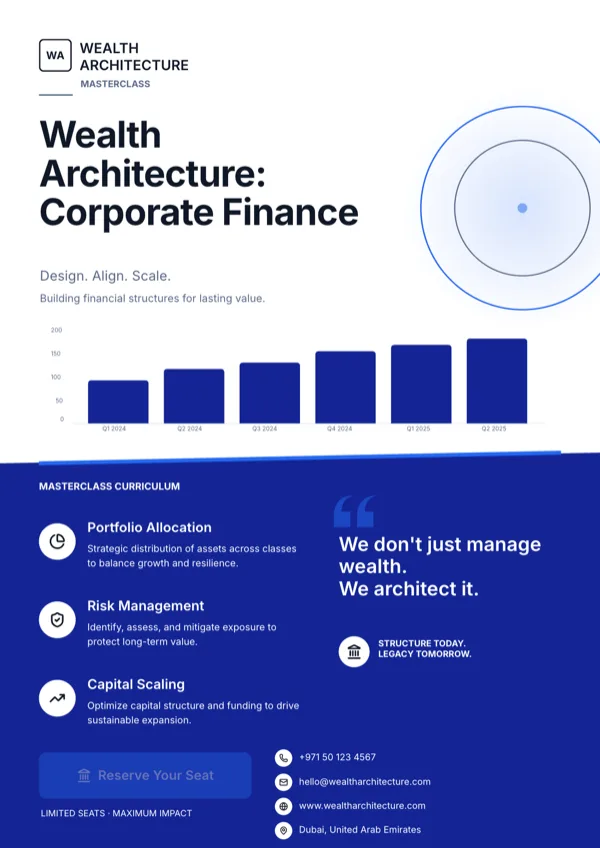
Wealth Architecture, Corporate Finance
Finance masterclass promotion with the curriculum and a registration step.
What these layouts have in common
Across the 27 template files, 26 carry icon slots and 18 carry a list slot, which is the pair that makes a programme readable: a small mark against each session and a list that holds four to seven of them. Nineteen carry a photo slot, usually a room or a speaker, and 17 carry a logo. Fifteen carry a button slot, the highest proportion of any category here, because the page is meant to end in a registration step. Body copy budgets sit near 60 characters a slot and session headings near 22, which is enough for a session name and a one line description and no more.
Which one to pick
Count the sessions first. Four step methods and quadrant layouts hold exactly four and look wrong padded out, while the curriculum designs run to seven rows. If the tutor is the draw, take a layout with a portrait photo slot and put the credentials beside it. If the date and venue are the draw, take one of the designs with a dedicated detail strip, because otherwise those lines end up in body copy where nobody reads them. If the workshop is free but seats are limited, pick a layout whose button slot sits above the fold rather than in the footer.
Every size, from one design
The same workshop page exists at eight canvas sizes. A4 Portrait and A4 Landscape are the print pair at 1240 by 1754 and 1754 by 1240 pixels. The social pair that matters for an event is Instagram Story at 1080 by 1920, which suits a countdown post, and Instagram Post at 1080 square for the feed. Facebook Post at 1200 by 630, LinkedIn Post at 1200 by 627, Facebook Cover at 820 by 312 and Twitter Header at 1500 by 500 complete the set. Each size is a version the designer drew, so the programme list reflows into the shorter shape instead of being cut in half.
Say what people leave with
The strongest line on a training flyer is the outcome, not the topic. The list slots in these layouts are wide enough for phrases such as write a data brief a manager will read, which is worth more than a session title like Module 2. The fill prompt refuses to invent dates, prices or statistics, so anything specific on the page has to come from your description, which is also the reason a vague brief produces a vague flyer.
Finished examples
Questions people ask
How many workshop flyer templates are there?
Twenty seven designs. They cover seminars, masterclasses, executive briefings and hands on training days, and each one is drawn again for every canvas size so the same page works as a handout and as a story post.
Can the flyer carry a registration QR code?
Only three of the 27 ship a QR slot. If people will scan the page rather than type a link, choose one of those designs at the start, because a QR code cannot be added later to a design that has no QR slot.
What file do I send to a print shop?
PDF. It exports every page of the flyer at twice the canvas size, so an A4 workshop flyer arrives as a 2480 by 3508 pixel page, which is 300 DPI. The pages are bitmaps, so the printer cannot edit the text, and there are no crop marks or bleed.
Can I export just the Instagram version?
Yes. PNG and JPG export the active page only, so switch the page to Instagram Post or Instagram Story and export that page. JPEG quality is fixed at 95, which is high enough that the type edges stay clean.
How long can a session description be?
Most list rows budget around 34 characters and body slots around 60, and the generator rewrites longer copy to fit rather than truncating it. If your sessions genuinely need a paragraph each, pick a curriculum layout with body slots instead of a chip list.
Can I run the flyer in another language?
Yes. The generator takes a language you type, with 32 suggestions offered, and writes the whole page in it. The layout does not change, so allow for German or Finnish running longer than English in the same slot.
Start a flyer from a description
The button opens the generator with a starting description already filled in. Change it to match your own before you run it.
Create a flyer with OneCraftFor everything the generator can do, see the flyer maker.
Other flyer examples sets
Written and checked by the OneCraft team. Last checked .