Flyers templates
School and education flyer templates
Enrolment pages have a fixed set of facts to carry: the programme, who it suits, when it runs and how to apply. Ten designs are built for that, covering school admissions, tuition and revision classes, music lessons, bootcamps and university course adverts.
10 designs
What these designs are for
Use this set when a parent or a student is choosing a programme rather than buying a product. The layouts keep a photograph of people learning, a short programme list and an application line together, and they leave room for the practical details, which are the ones families actually ring about. The cards carry the gallery's own sample text, so the schools, fees and intake dates inside them are invented for the preview rather than real.
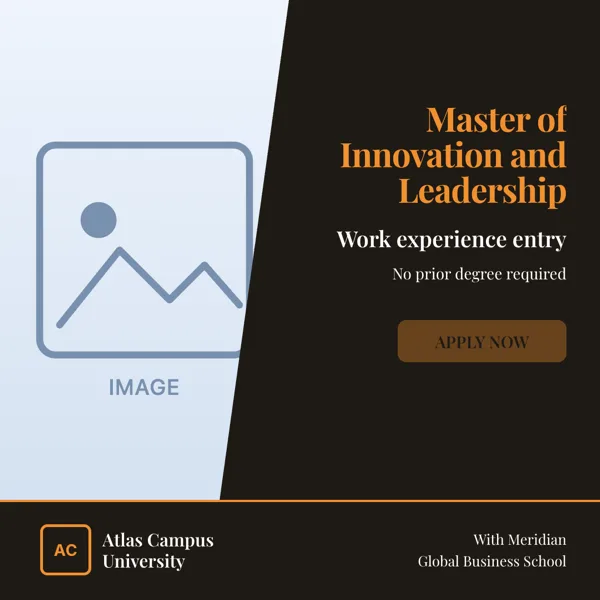
Atlas Campus, Program Promo
Square admission advert for a course, degree or certification.
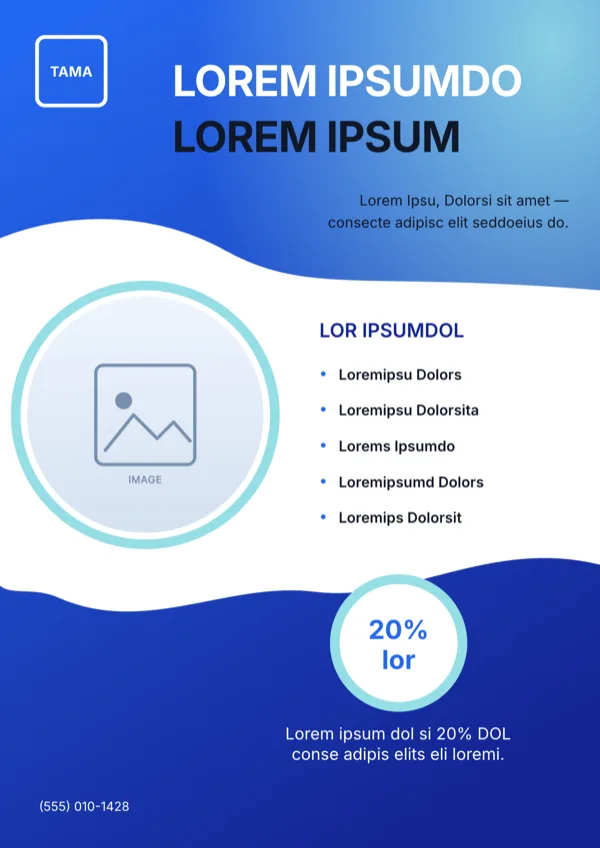
Azure Tuition Promo Flyer
Tuition or course enrolment offer with a percentage discount and a phone contact.
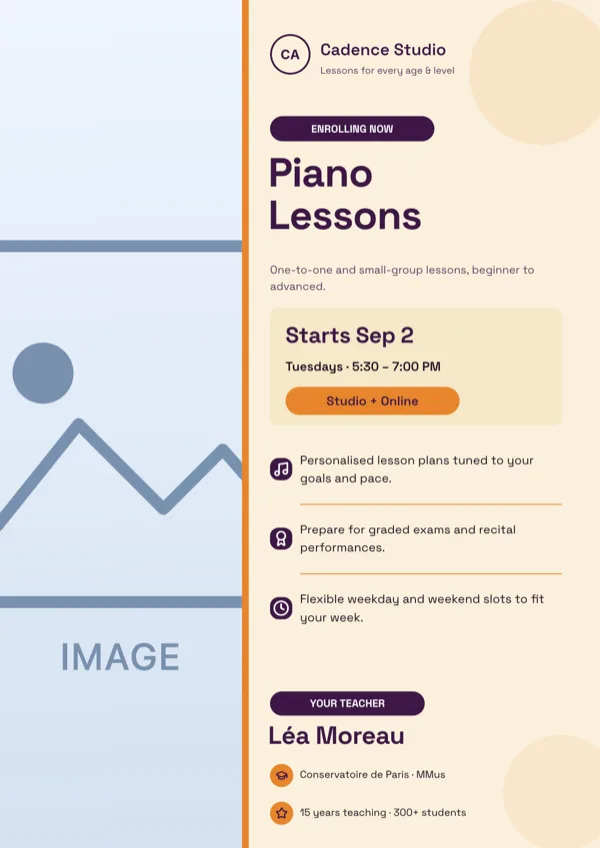
Cadence, Music Lessons Class
Enrolment page for music lessons at a school, studio or private instructor.
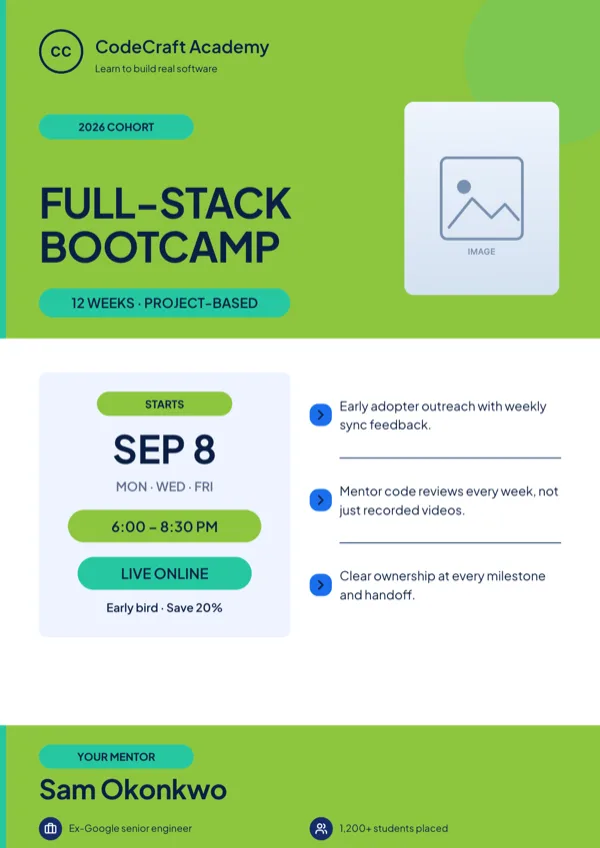
CodeCraft, Bootcamp Class
Coding bootcamp or tech course enrolment announcement.
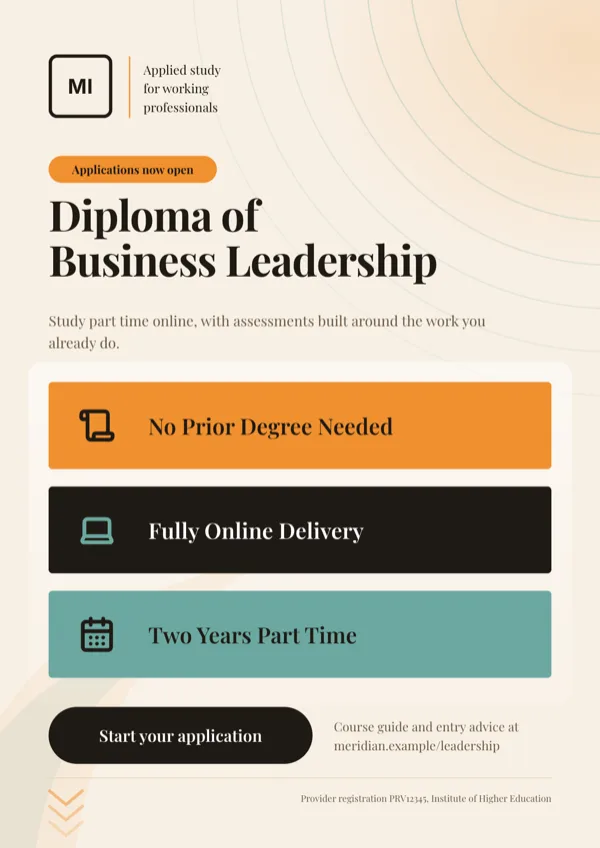
Course Three Feature Bars
Course card that sells three headline facts in three coloured bars.
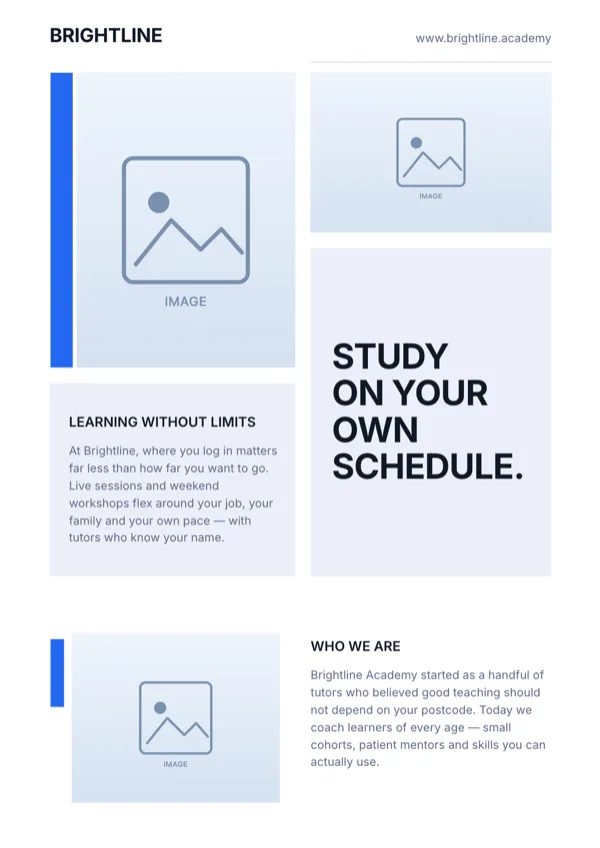
Scholar, Learn From Home Flyer
Online school or tutoring promotion for flexible, self paced study.
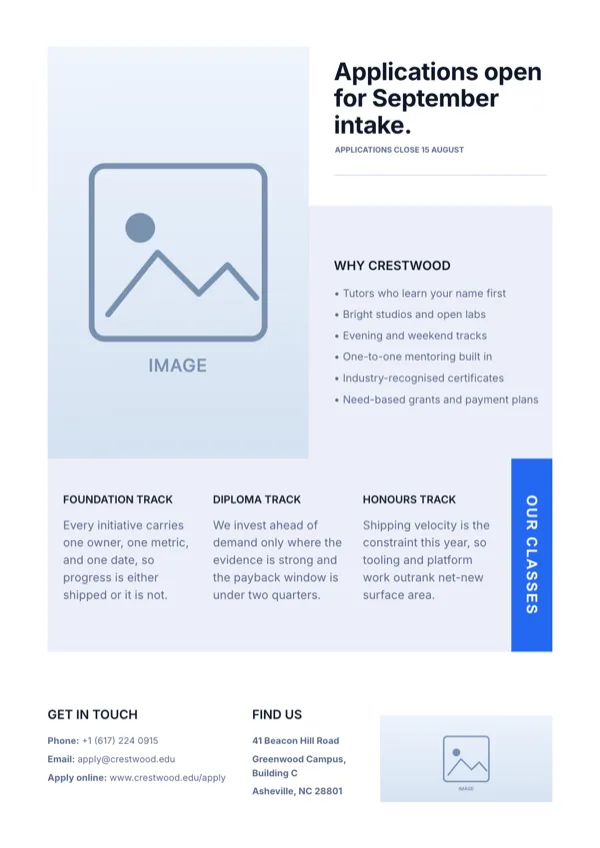
Scholar, Open Admission Page
Open admissions announcement for a school, college or tutoring program.
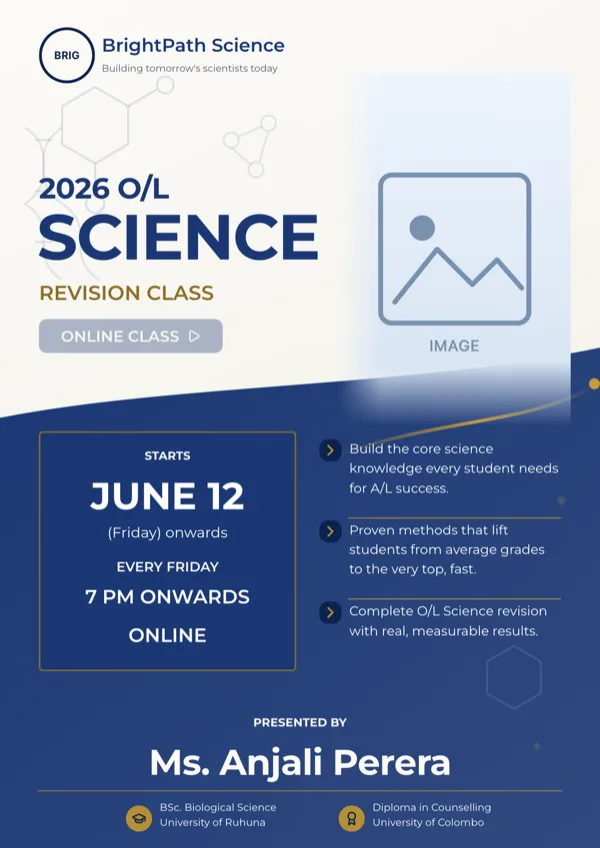
Scholar, Science Revision Class
Exam revision or tuition class page for one school subject.
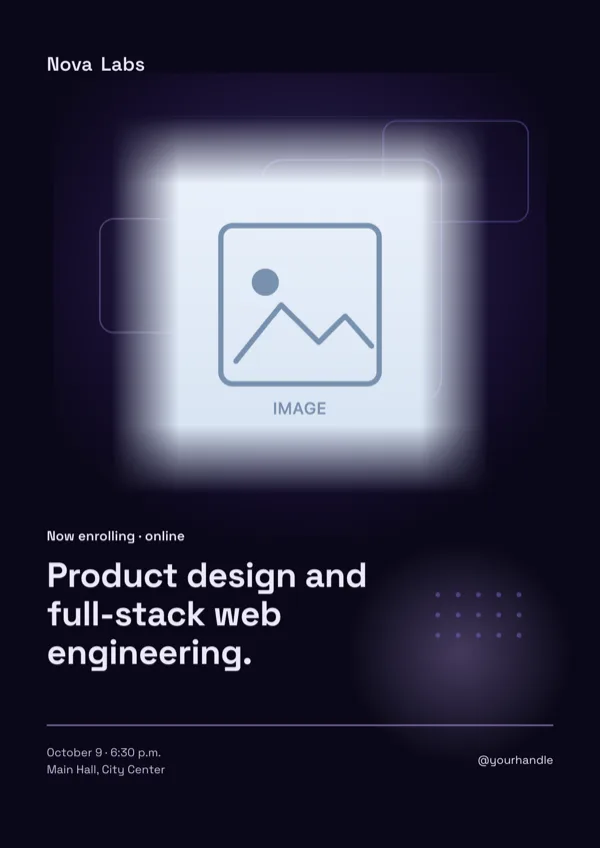
Software Engineer Course, Indigo Night
Dark page for a tech course, bootcamp or UX program.
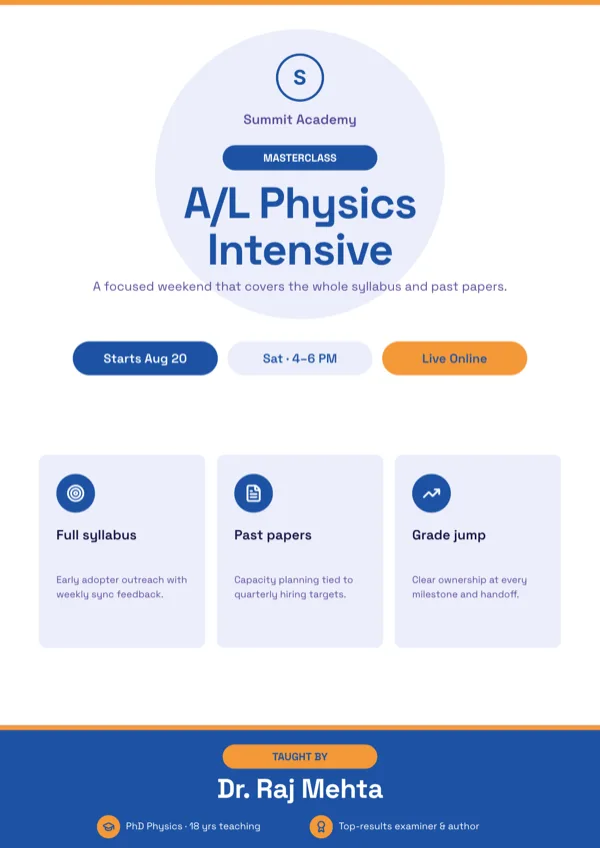
Summit, Exam Masterclass
Exam preparation masterclass with the schedule, highlights and instructor credentials.
What these layouts have in common
Eight of the ten designs carry a photo slot, the highest share of any category apart from retail, because a course page without faces reads as a notice. Seven carry a logo, five carry a list for the programme or the benefits and five carry icon slots. Text budgets are unusually generous here: body slots run to 120 characters on average and up to 360 on the admissions layouts, and the large body line sits around 82 characters, which is room for a real sentence about who the course is for. Two carry a button slot for the enrolment step.
Which one to pick
Decide whether the page sells a subject or an institution. A single class, such as Saturday revision or a music lesson, takes the class layouts where the schedule and the price sit near the top. A whole programme or an admissions round takes the campus layouts, which carry a longer body block and a list of what the course includes. If the flyer goes home in a school bag, favour a design with a photograph and a large heading, because it will be read at arm's length on a kitchen bench. If it goes on a noticeboard, favour a layout with the date and the contact line in the lower third.
Every size, from one design
A course advert usually needs to be a handout and a post on the same day. Every design here is drawn for A4 Portrait at 1240 by 1754 pixels, A4 Landscape at 1754 by 1240, Instagram Post at 1080 square, Instagram Story at 1080 by 1920, Facebook Post at 1200 by 630, LinkedIn Post at 1200 by 627, Facebook Cover at 820 by 312 and Twitter Header at 1500 by 500. Switching size changes only the page you are on, so one flyer can hold an A4 page for the office and a story page for the school account.
Keep the practical details on the page
Year levels, session length, group size, price and the enrolment deadline are the lines that get a phone call. The layouts give those short slots near the contact block, and the generator will not invent any of them, so list them in the description. A page in a language other than English is written the same way, with 32 suggested languages offered and free typing for anything else, which is worth doing when the families you are reaching read something else at home.
Finished examples
Questions people ask
How many education flyer templates are there?
Ten, covering school admissions, tutoring and revision classes, music lessons, coding bootcamps and university course adverts. The campus design also has its own A4 portrait layout, which comes with the same card.
Can I print these at A4 for a school newsletter?
Yes. The A4 canvas is 1240 by 1754 pixels at 150 DPI and the PDF export captures at twice that, giving a 2480 by 3508 pixel page, which is 300 DPI. Photocopiers handle that comfortably, and the export is RGB with no bleed.
Can a flyer carry both English and another language?
One flyer is written in one language, but you can add a second page and set it in another. Language is free typed at generation with 32 suggestions, and the layout stays the same, so allow for longer words breaking a heading to two lines.
Can students scan the flyer to enrol?
Only if the design carries a QR slot, and none of the ten education designs does. Either put a short link in the contact block, or pick a design from another category that ships a QR slot and write the course copy into it.
Can I add my school logo?
Yes. Seven of the ten have a logo slot, and it takes an uploaded image or initials of up to four characters, set in capitals. Logo slots are never filled by image generation, so upload the real mark.
What happens to a long course description?
It is rewritten to fit. Slot budgets are enforced while the copy is written, so the model shortens a sentence rather than cutting it mid word. If the description is genuinely long, pick an admissions layout, where the main body slot runs to 360 characters.
Start a flyer from a description
The button opens the generator with a starting description already filled in. Change it to match your own before you run it.
Create a flyer with OneCraftFor everything the generator can do, see the flyer maker.
Other flyer examples sets
Written and checked by the OneCraft team. Last checked .