Flyers templates
Webinar and online event flyer templates
An online session has nothing to photograph, so its flyer sells the speaker, the claim or the statistic instead. Eleven designs are built that way: speaker cards, digital event adverts, on demand replay announcements and insight posts built around a single number.
11 designs
What these designs are for
Use this set when the event happens on a screen and the page will mostly be seen on one. Eight of the eleven carry an image slot for a speaker portrait or a scene, all eleven carry a logo, and the copy budgets are wide enough for a real claim rather than a session title. Each card is the design rendered with the gallery's sample copy, so the claims, statistics and source lines inside it are placeholder text rather than research.
Azure Hands On Lab Event Flyer
Registration page for a hands on lab, workshop or webinar.
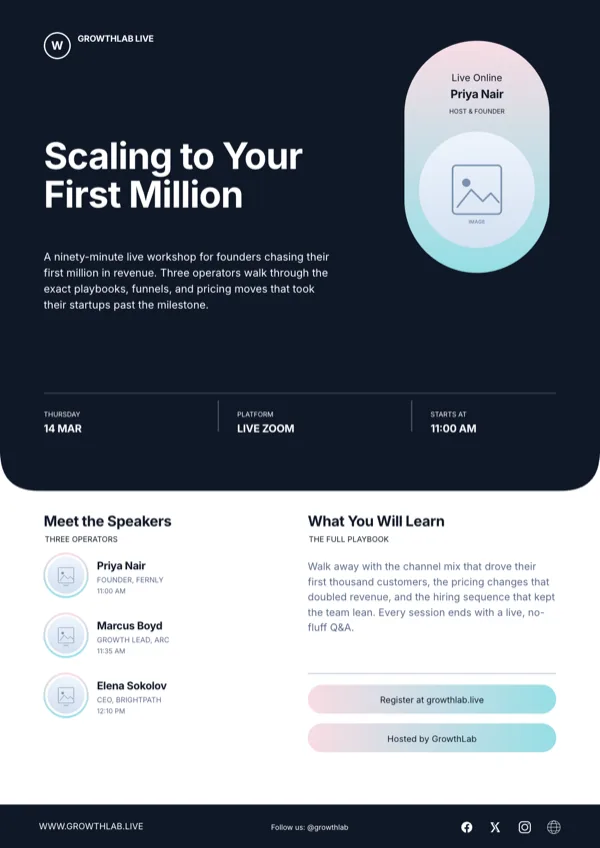
Coral Online Business Webinar Flyer
Invitation and registration for an online business webinar or masterclass.

Lumen Lab, Webinar Speaker Card
Square promotion for a live webinar led by one named speaker.
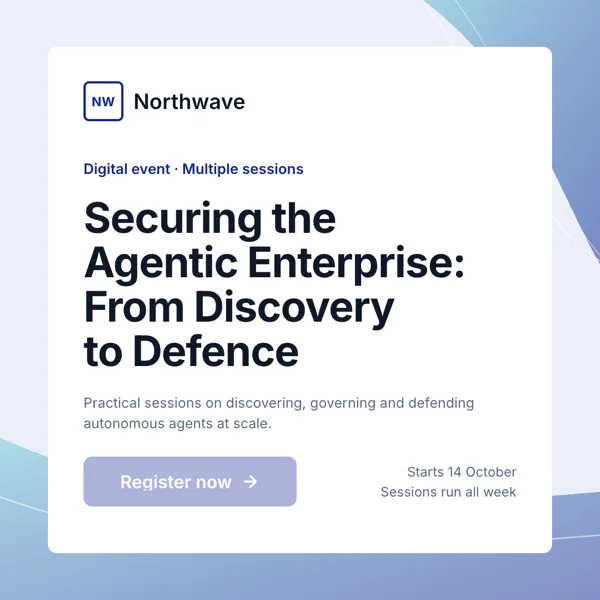
Northwave, Digital Event Card
Square advert for a webinar, digital summit or multi session online event.
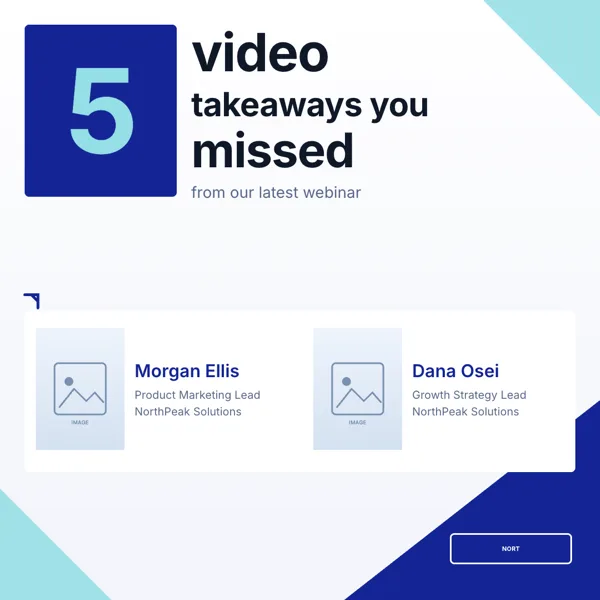
Webinar Takeaways, Carousel Cover
Recap cover with numbered takeaways and the featured speakers.
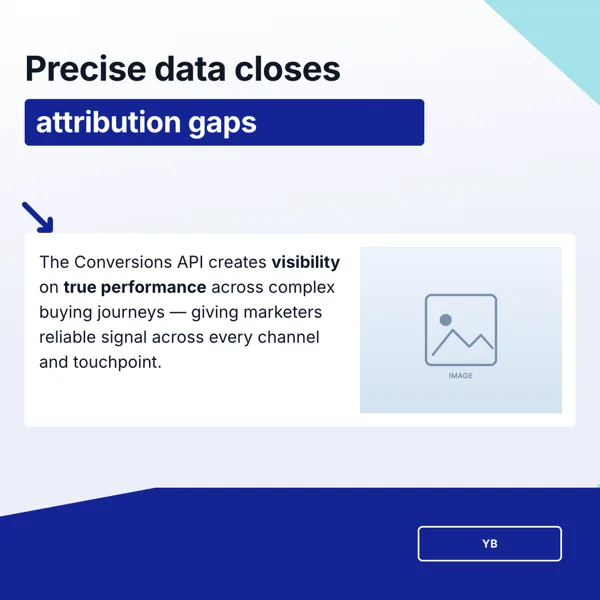
Webinar, Attribution Insight
Square webinar card on marketing attribution and conversion tracking.
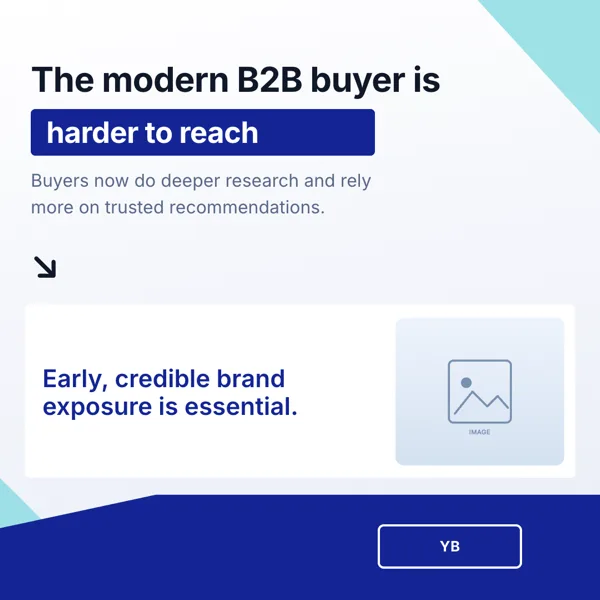
Webinar, Buyer Reach Insight
Square webinar promotion built on one buyer reach statistic.
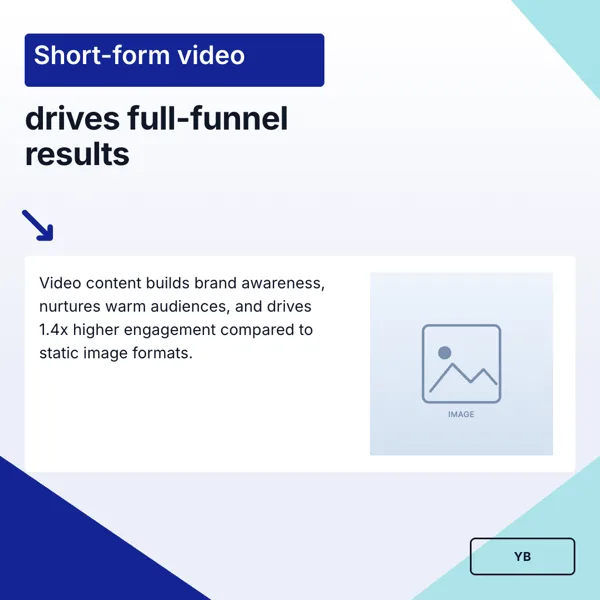
Webinar, In-Feed Video Impact
Square webinar ad pairing a bold claim with a data point and a photo.
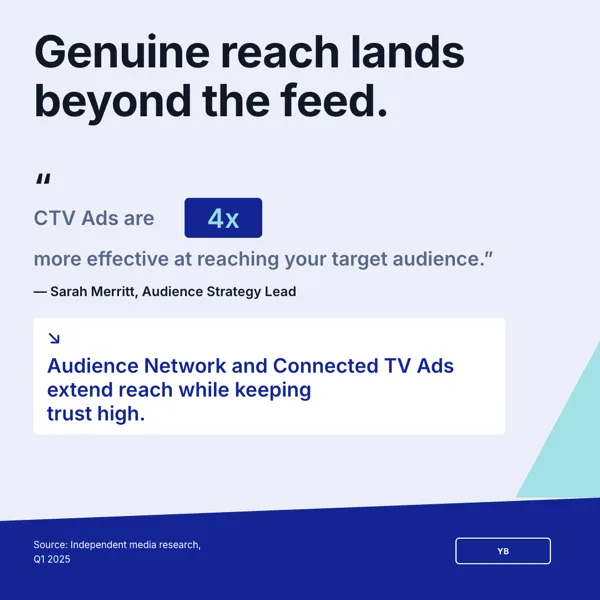
Webinar, Trusted Reach Insight
Square insight card built around a statistic about audience reach and ad trust.
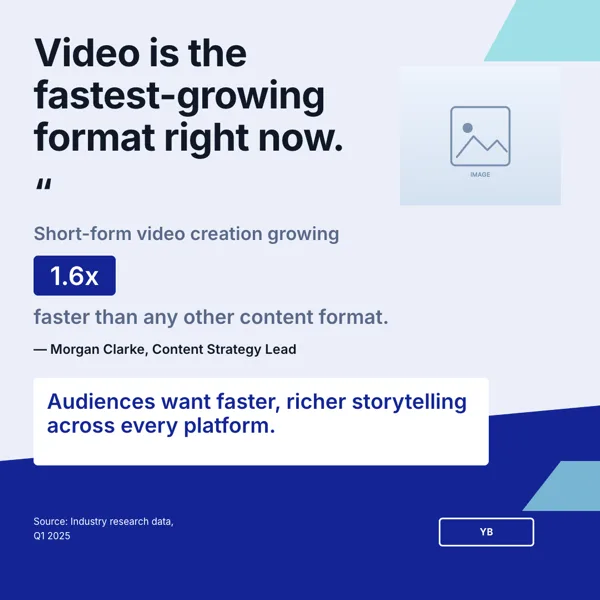
Webinar, Video Growth Insight
Square insight card built on a pull quote, a growth figure and a source line.
Webinar, Watch On-Demand
Replay announcement inviting people to watch a recorded session.
What these layouts have in common
Every one of the eleven designs carries a logo and text slots, and eight carry an image slot; only one carries a list and two a button, which makes this the least list driven category in the library. The budgets are the widest in the set: the large body line runs up to 200 characters, because these pages exist to carry a sentence worth quoting. Display type sits near 20 characters. There are no QR slots and no charts anywhere in the eleven, so a data point is typed as text rather than drawn as a graph.
Which one to pick
Decide what earns the click. A named host takes a speaker card, where the portrait is half the page and the session title sits beside it. A claim takes an insight layout, where a pull quote fills the page and the source line sits underneath. A replay takes the on demand design, which is written in the past tense and points at a recording rather than a date. A multi session event takes the digital event card, which lists sessions under one banner. All eleven come with both a square and an A4 portrait layout, so a design picked for the feed also prints as a handout.
Every size, from one design
Because webinars are promoted in feeds, most of these designs were drawn square first, at Instagram Post size 1080 by 1080, with companions at Instagram Story 1080 by 1920, Facebook Post 1200 by 630, LinkedIn Post 1200 by 627, Facebook Cover 820 by 312, Twitter Header 1500 by 500, and A4 Portrait 1240 by 1754 with A4 Landscape 1754 by 1240 for anything printed. The LinkedIn Post size is the one to check before posting, since the platform itself recommends a 1.91 to 1 image at 1200 by 627, which is exactly the canvas here.
Write the statistic, do not invent it
Half of these layouts are built around a figure with a source line under it. That line is a text slot like any other, so it holds whatever you type, and the generator will not supply a statistic on its own: inventing numbers is explicitly off limits in the fill prompt. Bring the figure and the source from your own research, paste both into the description, and the page will carry them. Web research runs only when no file is attached, so uploading the report you are quoting changes how the page is written.
Finished examples
Questions people ask
How many webinar flyer templates are there?
Eleven designs, each in every size. Six are built around a statistic, and the rest cover a named speaker, a hands on lab, a multi session event, a general business webinar and an on demand replay. All eleven have both a square and an A4 portrait layout, so one card covers the feed and the handout.
Which size should I post on LinkedIn?
The LinkedIn Post canvas, 1200 by 627 pixels. LinkedIn's own help pages recommend a 1.91 to 1 image at 1200 by 627 for a post shared with a link, so the canvas matches the platform without resizing. Post it with the registration link in the post text, since the image itself is not clickable.
Can I export a single page as an image?
Yes. PNG and JPG export the page you are on, rendered server side at twice the canvas size, so a 1080 pixel square comes back at 2160 pixels. JPEG quality is fixed at 95. Export the square for the feed and the story size separately, because each export covers only the active page.
Is there a QR code for the registration link?
Not in this category. None of the eleven designs carries a QR slot, and one cannot be added, so the registration link goes on the page as text, or you use a design from another category that ships a QR slot.
Can I put the webinar replay link on the same flyer?
Yes, on the on demand replay design, which is written for a recording rather than a live session. Otherwise, duplicate the page after the event and retype the call to action; duplicating a page is a single action in the builder.
Does the flyer assistant change images?
No. It can set slot values and the flyer title and nothing else, so images, layout, theme and size stay manual. Use it to rewrite a headline, shorten a session description or swap the date after a reschedule, not to redesign a page or change the speaker portrait.
Start a flyer from a description
The button opens the generator with a starting description already filled in. Change it to match your own before you run it.
Create a flyer with OneCraftFor everything the generator can do, see the flyer maker.
Other flyer examples sets
Written and checked by the OneCraft team. Last checked .