Flyers templates
Event announcement flyer templates
Some pages exist to say one thing loudly: a campaign is running, a role is open, a market has opened, someone has joined. Eight designs are built for that kind of announcement, where a single message, a date range and a way to respond are the whole page.
8 designs
What these designs are for
Use this set when the news is the content and there is no programme, price list or product range to lay out. These layouts give the statement the top half of the page and keep the practical lines, dates, contacts and a scan code on one design, in the lower third where readers look for them. The cards show the gallery's own sample wording, so the roles, dates and campaign lines inside them are placeholder copy.
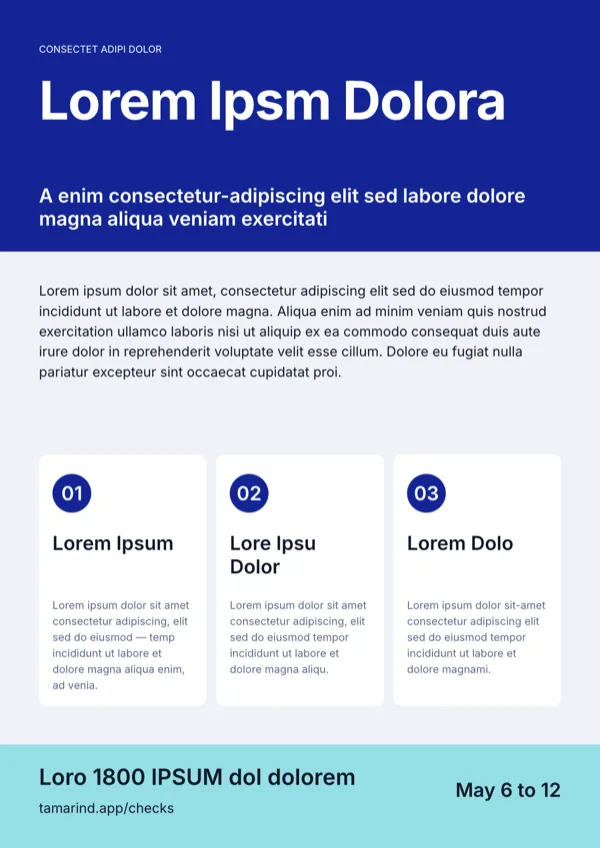
Awareness, Blue Curves Portrait
Awareness campaign page with three key points, a date range and contact details.
Deeptech Spinoffs, A4 Portrait
Announcement for a research commercialisation or university spinoff.
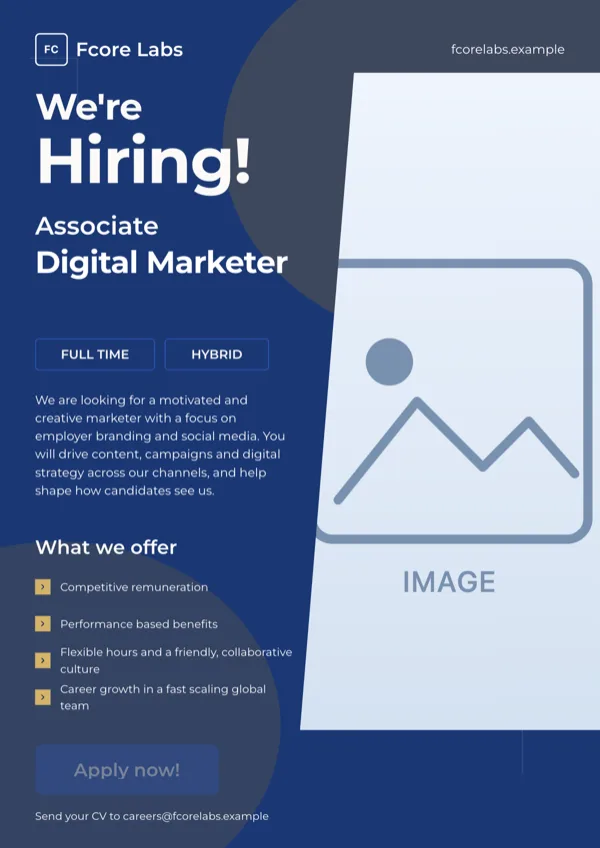
Fcore, Hiring Role Poster
Recruitment poster for one open role.
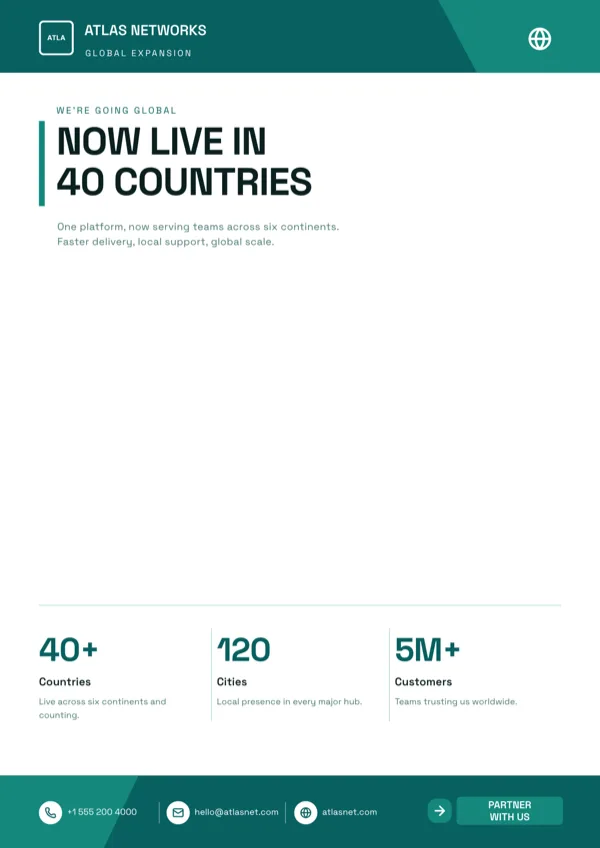
GlobalReach, Expansion Announcement
New market or expansion announcement with a world map and growth figures.
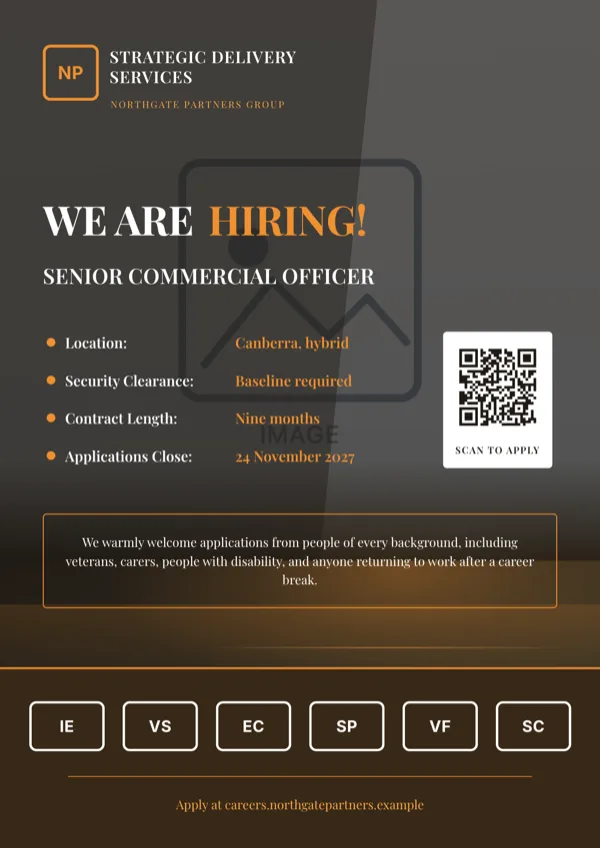
Hiring Role Details Dark
Dark hiring poster with four labelled detail rows, a scan code and an inclusion statement.
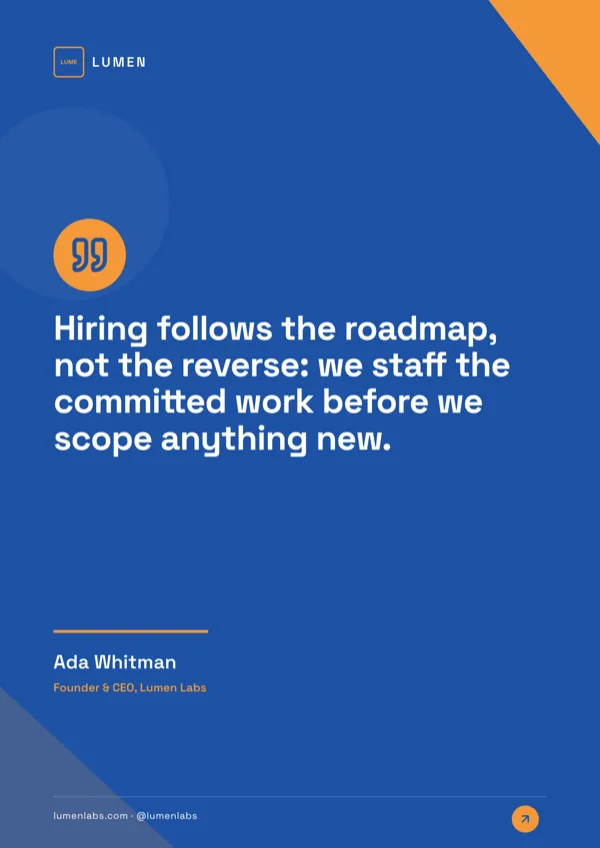
Lumen, Quote Poster
Mission statement or leadership quote poster with attribution.
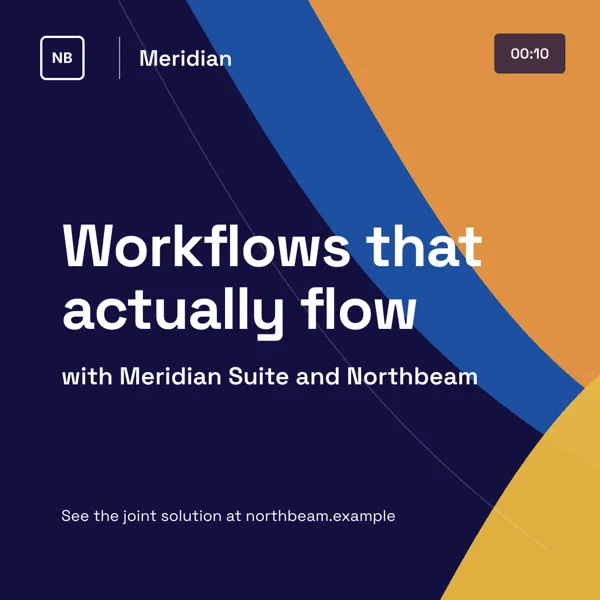
Partner, Campaign Swash Poster
Square joint campaign post for two brands.
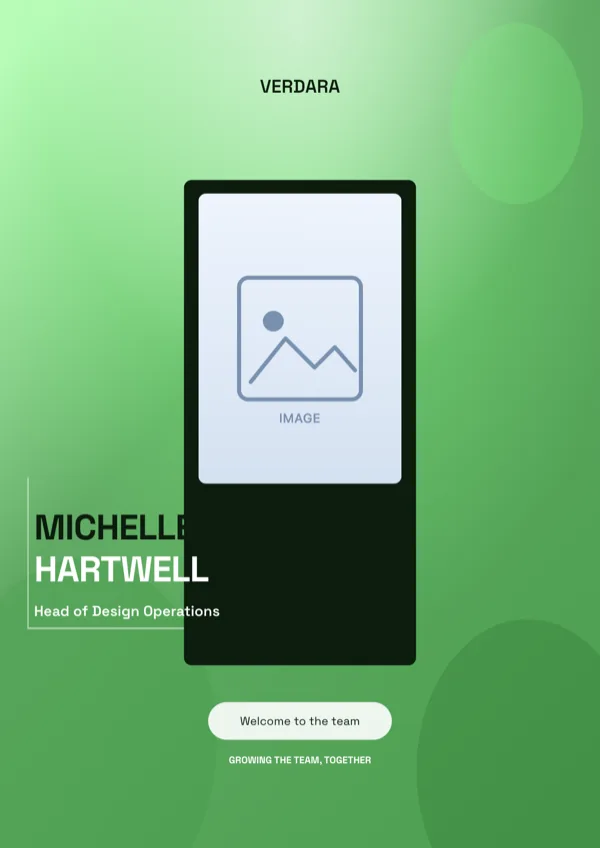
Verdant Team Welcome Portrait Flyer
New hire or team welcome announcement.
What these layouts have in common
This is the smallest category and the least uniform. All eight designs carry text slots, five carry a logo, four carry a photo slot, three carry list slots and three carry icon slots; one carries a map, one a QR slot and one a numbered badge set. The budgets are the giveaway: display type runs near 20 characters, headings near 24, and one body slot reaches 480 characters, so the shape of the page is a short declaration over a longer explanation. Nothing here holds a price table or a product grid, which is why the retail and product sets exist.
Which one to pick
Match the layout to the news. An open role takes one of the two hiring posters, which carry labelled detail rows for salary, location and closing date, and one of them has a scan code. A campaign that runs between two dates takes the awareness layout, which has a date range and three key points. A new market takes the expansion design, which is built on a world map with growth figures. A new colleague takes the welcome portrait layout. A leadership message takes the quote poster, where an attributed line is the whole page. If none of those is the news, the corporate set carries the general purpose profile layouts.
Every size, from one design
An announcement usually goes up on a wall and out on a feed at the same time. The print pair is A4 Portrait at 1240 by 1754 pixels and A4 Landscape at 1754 by 1240; the social set is Instagram Post at 1080 square, Instagram Story at 1080 by 1920, Facebook Post at 1200 by 630, LinkedIn Post at 1200 by 627, Facebook Cover at 820 by 312 and Twitter Header at 1500 by 500. One design here is the square campaign poster, which also has its own A4 layout drawn for print rather than a scaled copy, and both come with the one card shown here.
What the map can show
The expansion design uses the map component, and it is worth knowing what that component is: a world countries map with a highlight mode and a choropleth mode, plus longitude and latitude markers and great circle routes. It is not a street map, so it cannot drop a pin on a shop address. An opening in one suburb is better served by a photograph and a written address than by a map that can only colour a country.
Finished examples
Questions people ask
How many announcement flyer templates are there?
Eight, which is the smallest category in the library. They cover awareness campaigns, market expansions, open roles, a team welcome, a joint campaign poster in two shapes, a leadership quote poster and a research spinoff announcement.
Can I put a street map on an opening flyer?
No. The map component is a world countries map with highlight and choropleth modes, plus markers by longitude and latitude. It cannot show a street or a shop front, so print the address and use a photograph of the place instead.
What size should a noticeboard flyer be?
A4 Portrait, which is 1240 by 1754 pixels on the canvas and exports at 2480 by 3508, that is 300 DPI on a 210 by 297 millimetre page. Printers list A4 at exactly those millimetres, so nothing has to be scaled at the counter.
Can I add a QR code to a hiring poster?
One of the two hiring designs already carries a scan code slot; the other does not, and cannot be given one, because there is no QR tile in the Add items panel. Choose the design by that if applications go through a link.
Can the announcement be two pages?
Yes. Add a page from the library at the same size or add a blank A4 page, and the PDF export will carry both. PNG and JPG only export the page you are looking at.
Can I undo a change I regret?
Yes, up to 50 steps, from the top bar. There is no version history drawer for flyers, so if a page is settled, save it and export it before you start experimenting.
Start a flyer from a description
The button opens the generator with a starting description already filled in. Change it to match your own before you run it.
Create a flyer with OneCraftFor everything the generator can do, see the flyer maker.
Other flyer examples sets
Written and checked by the OneCraft team. Last checked .