Flyers templates
App and software flyer templates
Software pages have to show a product nobody can hold: a screen, a plan table, a before and after, or a plain answer to what this thing does. Seventeen designs are built for that, from app launch announcements to pricing tables and two concept technical explainers.
17 designs
What these designs are for
Use this set when the reader needs to understand a product rather than see it. The layouts carry a device or interface image, a short feature list and a single action, and several of them replace photography entirely with a table or a pair of panels, which is what a technical comparison actually needs. Cards are rendered from the gallery's sample content, so the product names, plan rows and figures inside them are placeholder writing rather than anything you can buy.
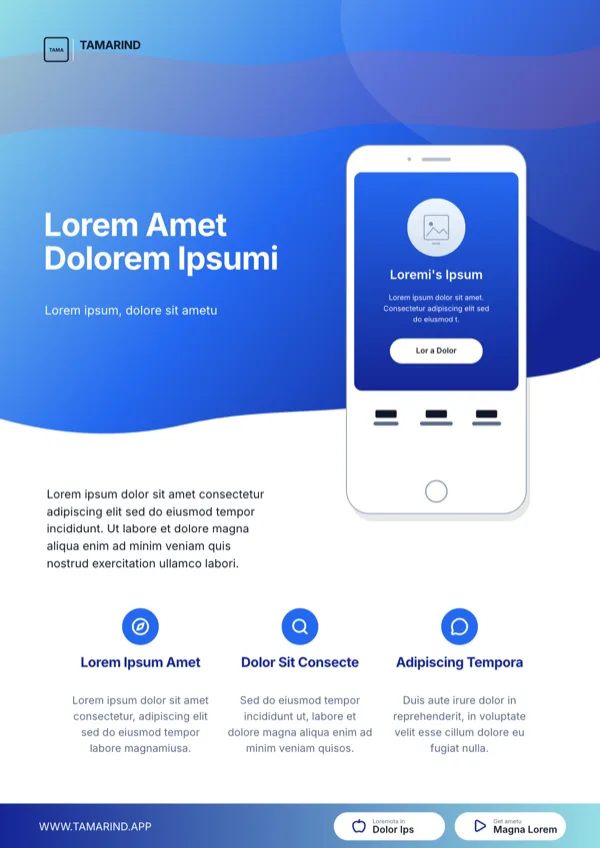
Amethyst Mobile App Smartphone Flyer
App launch and download promotion around a smartphone mockup.
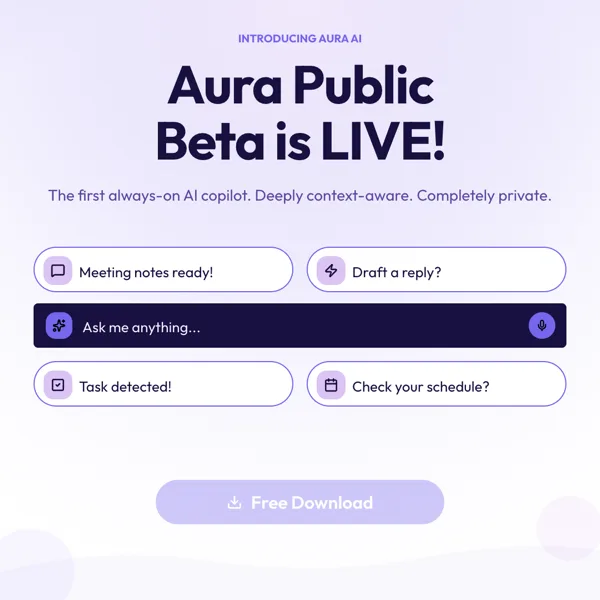
Aura, Copilot Beta Launch
Square beta launch announcement for an AI assistant or SaaS app.
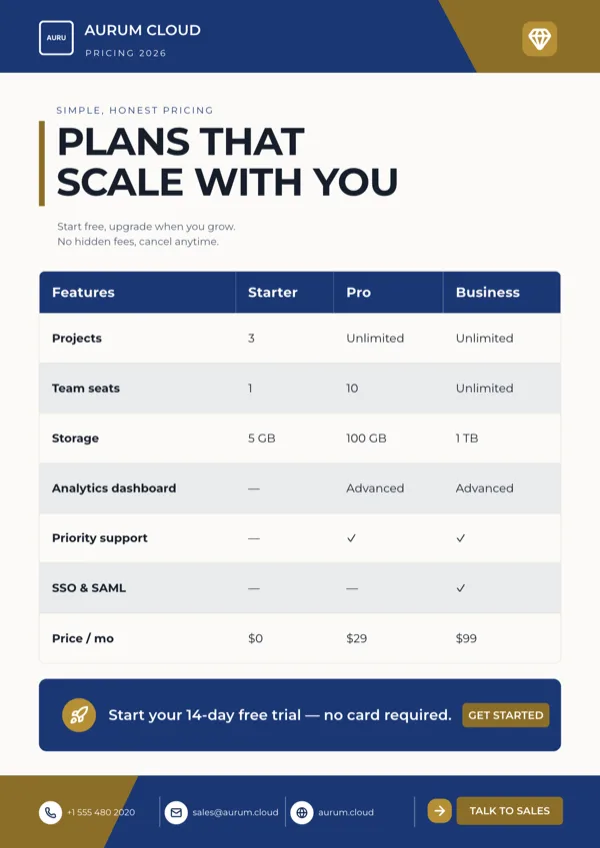
Aurum, Pricing Plans Table
Pricing plans comparison across Starter, Pro and Business tiers.
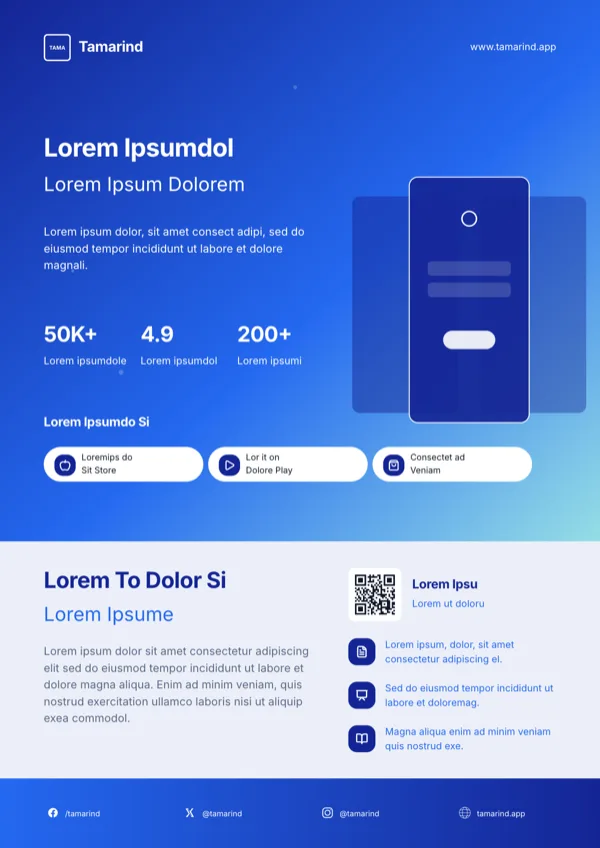
Azure Mobile App Launch Flyer
Mobile app launch or product download announcement.
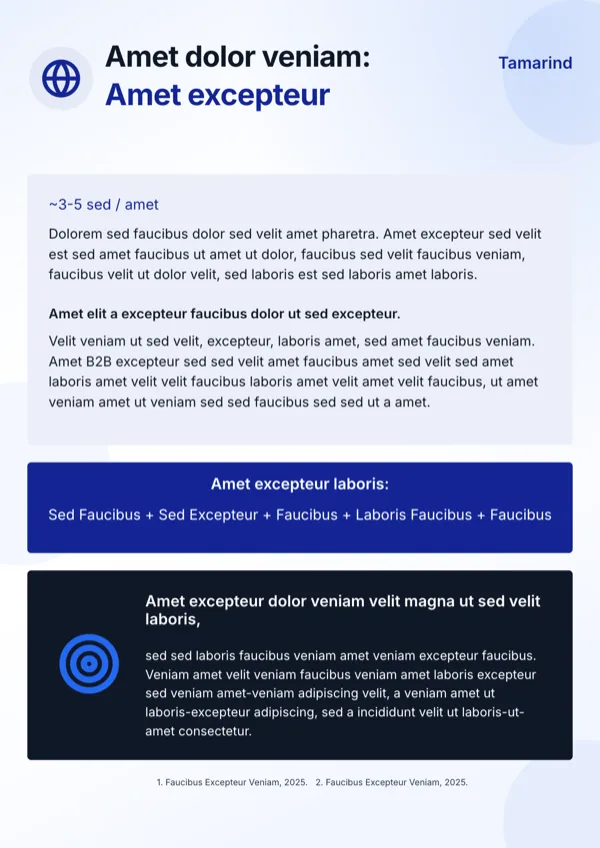
Azure Paid Scale Engine Targeting Flyer
Explainer for a paid campaign targeting product, written for a B2B audience.
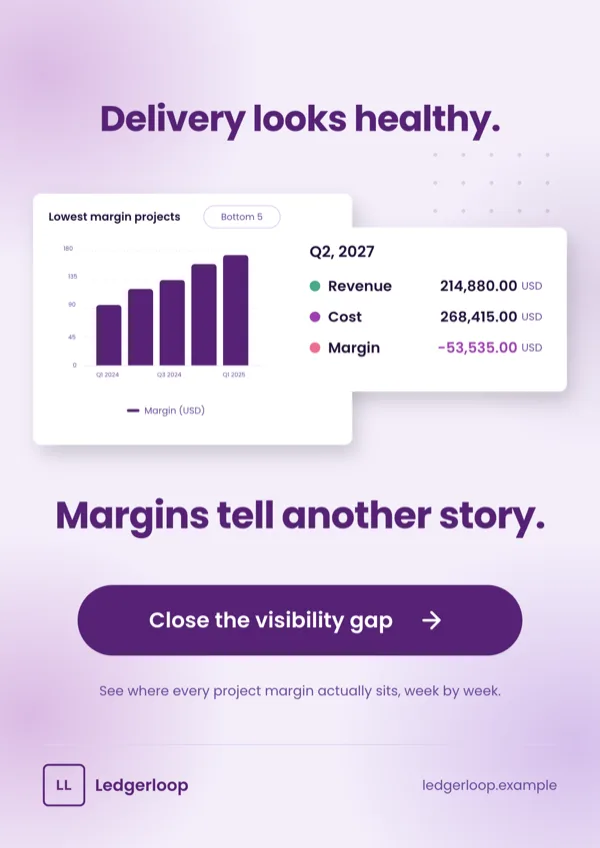
Before After UI Proof
Product page that undercuts a comfortable claim with two overlapping product screens.
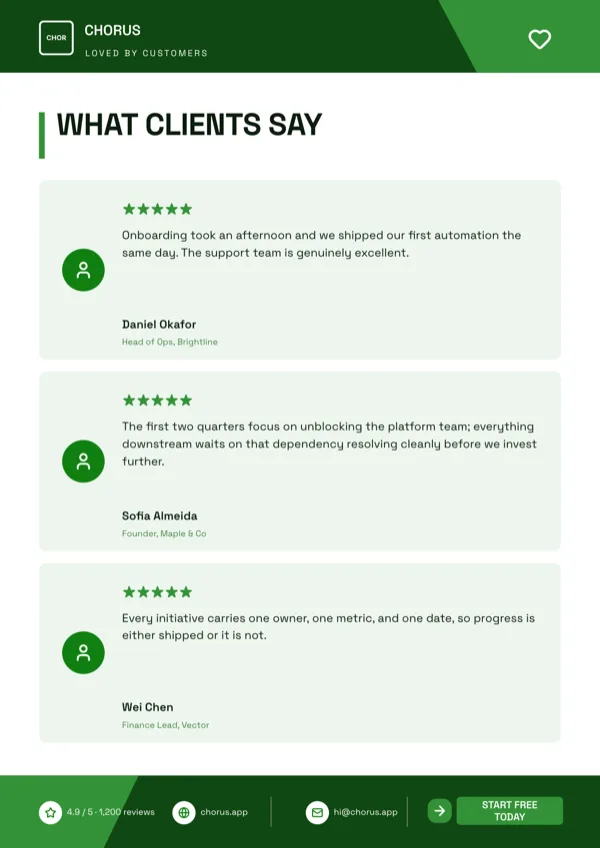
Chorus, Testimonial Wall
Testimonial wall of client quotes and star ratings for a software company.
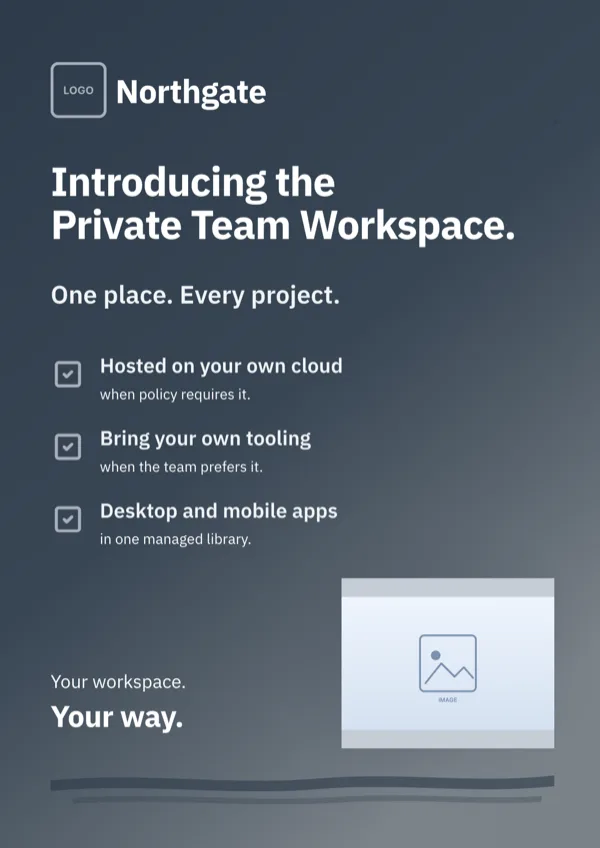
Dark Platform Announcement
Dark release board with three ticked capability rows and a closing tagline.
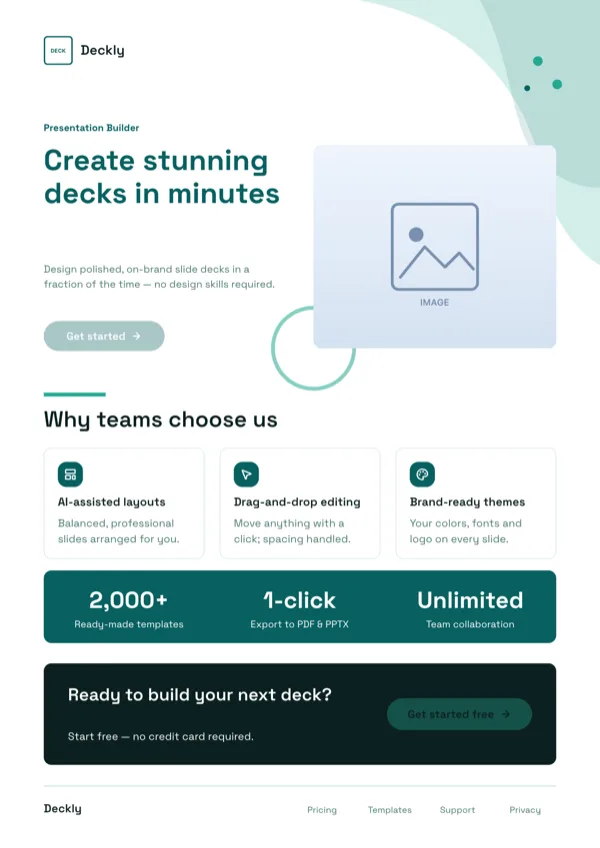
Deckly, Presentation Builder Flyer
Software launch page with features, statistics and a free trial call to action.
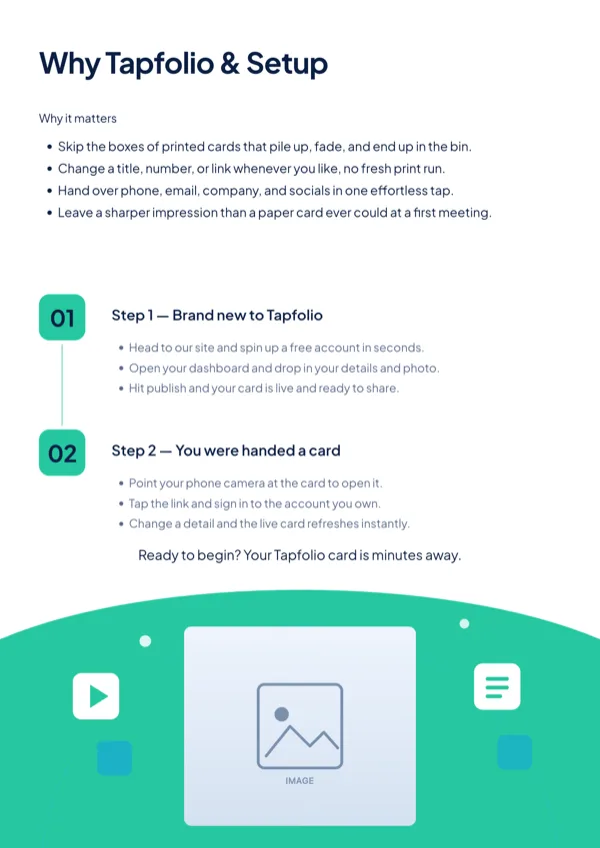
Halo, What We Do & How It Works
How it works explainer with numbered onboarding steps.
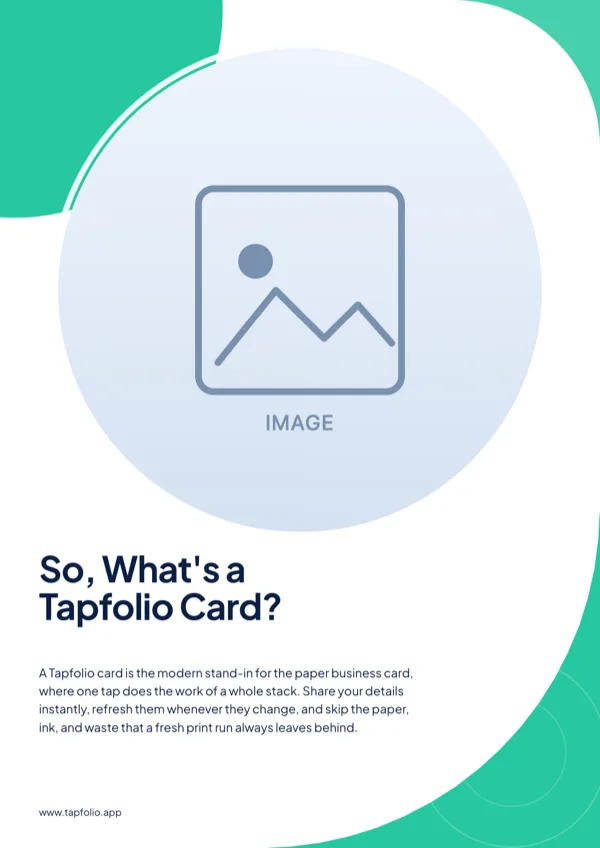
Lumen, What Is a Digital Card
Product explainer that answers a plain what is this question.
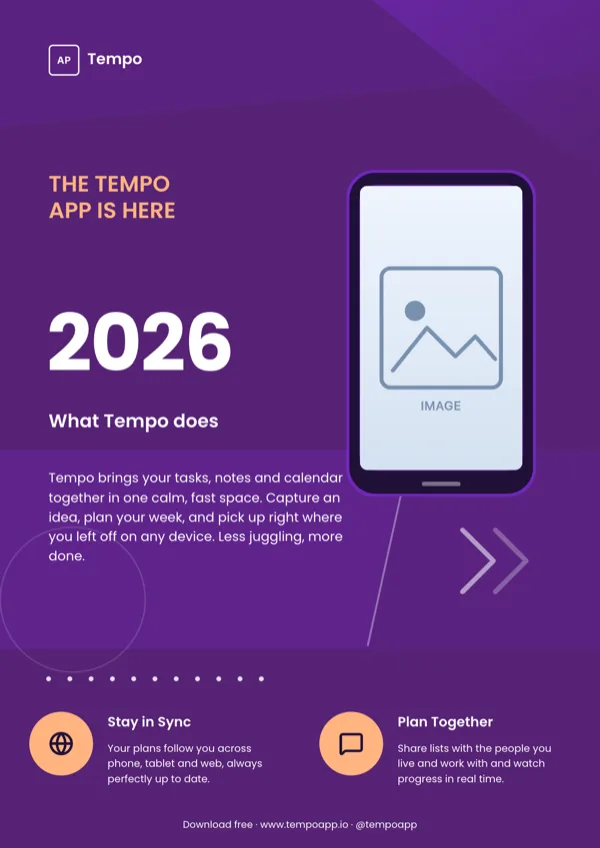
Mobile App Launch, Midnight
App or platform launch on a dark, full bleed backdrop with warm accents.
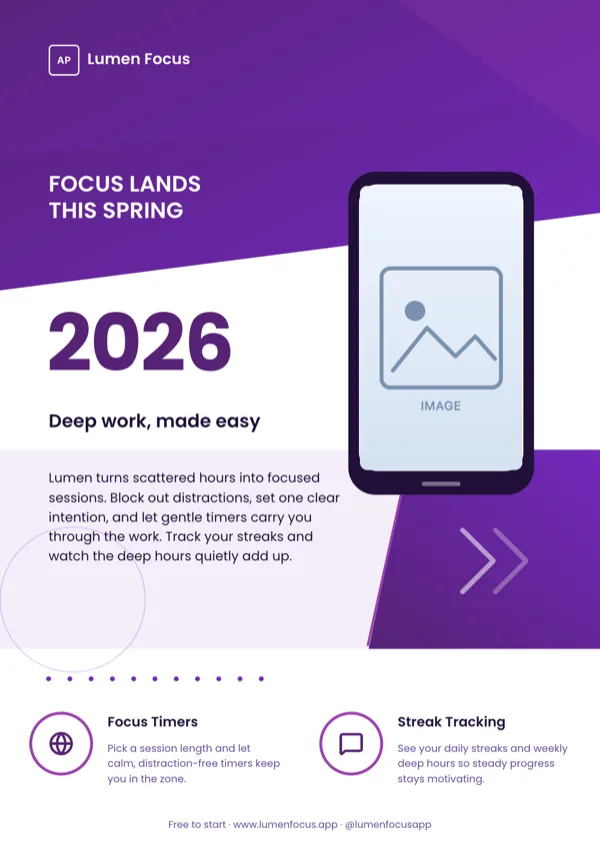
Mobile App Launch, Violet
Mobile app or digital product launch announcement.
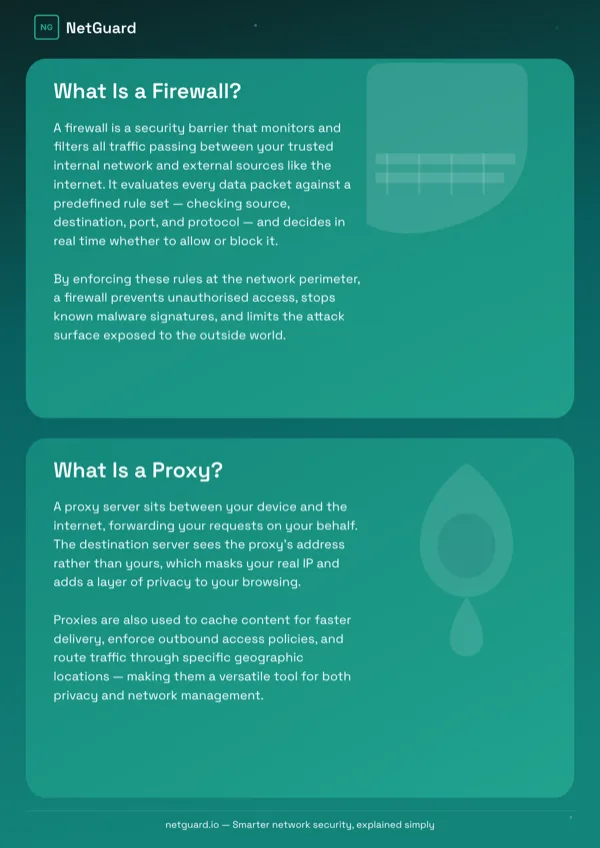
NetGuard, Firewall & Proxy Explainer
Two concept technical explainer, one idea on each side.
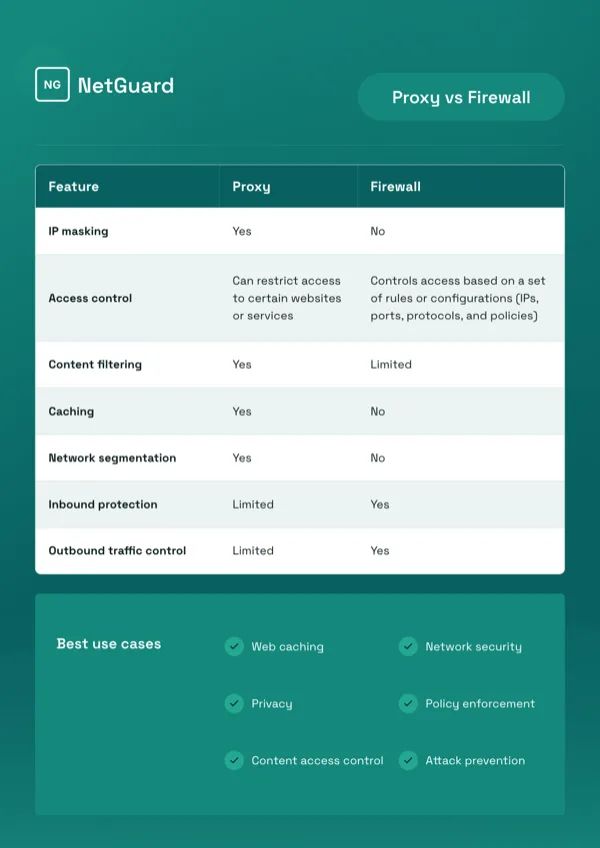
NetGuard, Proxy vs Firewall Comparison Table
A versus B comparison table that ends in recommended use cases.
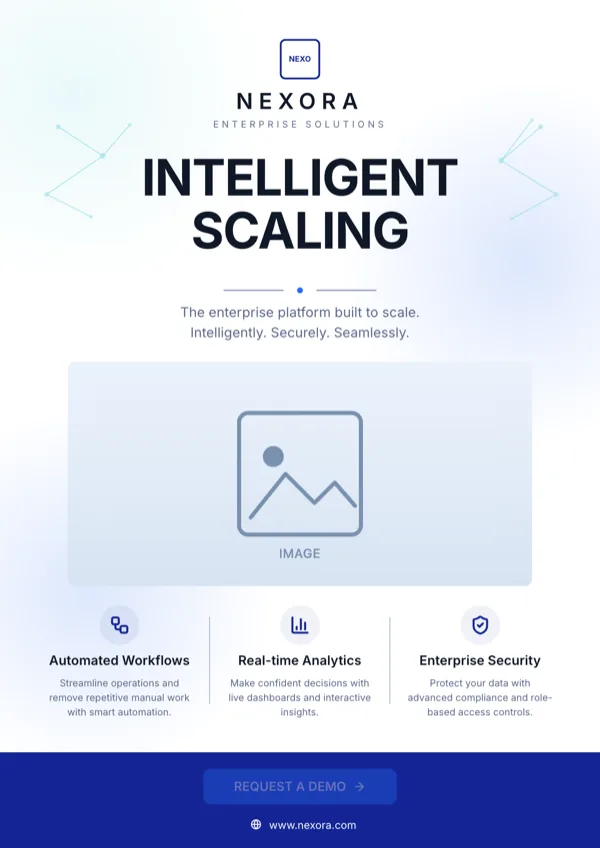
Nexora, Intelligent Scaling
Platform launch and product announcement for enterprise software.
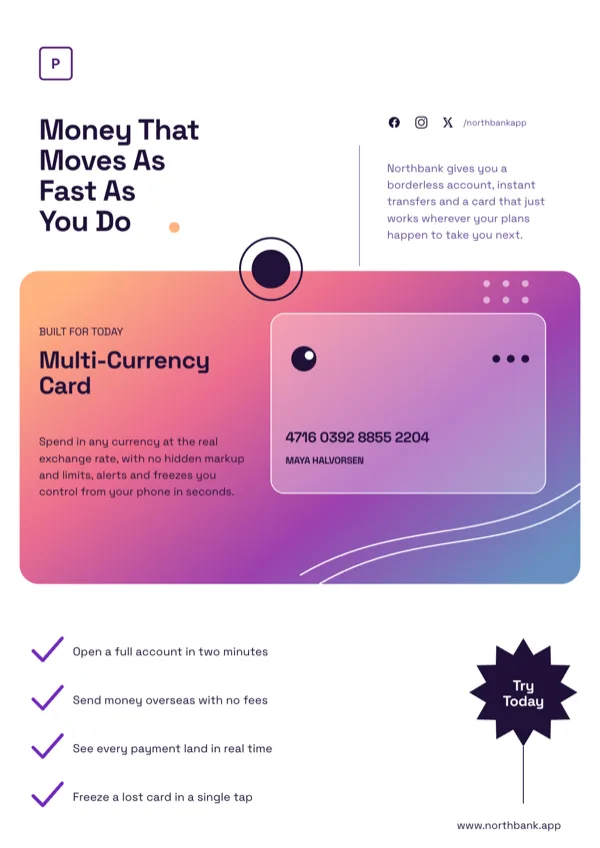
Prism Fintech Gradient Card Poster
Promotion for a multi currency debit card or digital banking app.
What these layouts have in common
Thirteen of the seventeen designs carry icon slots and thirteen carry a logo, so the visual language is marks and type rather than photography: only eight have an image slot at all. Nine carry a list slot for a feature run, two carry a table for a plan or a comparison, and one carries a chart. Body budgets are the widest of any flyer category, up to 520 characters on a single large body slot, which is what an explainer needs, while display headings stay near 22 characters. One design ships a QR slot for a download link.
Which one to pick
Work out what the page has to prove. A launch takes a hero layout with a device image and three feature lines. A plan comparison takes one of the two table layouts, where tiers are columns and features are rows. A technical explainer takes the paired panel designs, which set two concepts against each other and end in recommended use cases. A before and after claim takes the product screen layout that shows two overlapping interface cards. If the page exists to drive downloads, note that only one design carries a QR slot, so either pick that one or write the store link into the contact line.
Every size, from one design
Software announcements usually live on social first and print second, and every design is authored for both. Instagram Post at 1080 square and Instagram Story at 1080 by 1920 cover the feed, LinkedIn Post at 1200 by 627 and Facebook Post at 1200 by 630 cover the professional channels, Twitter Header at 1500 by 500 and Facebook Cover at 820 by 312 cover the profile chrome, and A4 Portrait at 1240 by 1754 pixels with A4 Landscape at 1754 by 1240 cover print. Style changes are stored per size, so restyling the story version leaves the A4 page as it was.
What a table can and cannot do
The two table designs hold typed columns and rows with an optional caption, and column widths can be dragged in edit mode. Every cell is left aligned and there is no per column alignment control, so a price column will not sit flush right. If the comparison needs that, put the figures in their own short column heading or use one of the paired panel layouts instead. Charts follow the same rule of honesty: only one design here carries a chart slot, and a chart cannot be added to a design that has none.
Finished examples
Questions people ask
How many app and software flyer templates are there?
Seventeen designs. They cover app launches, beta announcements, platform releases, pricing plan tables, how it works explainers, paired technical comparisons and a product screen proof layout.
Can I put a screenshot of my app in one?
Yes, in any of the eight designs with an image slot. Upload a PNG or JPEG up to 10 megabytes after saving the flyer. The image is cropped to fill its slot, so a full screen capture may lose its edges; a cropped detail usually survives better.
Can a download QR code go on the page?
Only on the one design here that ships a QR slot, where you can type a link to encode or upload a QR image. There is no QR tile in the Add items panel, so no other design can be given one.
Which export should I attach to an email?
PNG or JPG of the active page. Both are rendered server side at twice the canvas size, so the type stays sharp at full screen. PDF exports every page and embeds each as a bitmap, which is right for print but heavier than an inbox needs.
Can I edit the flyer by asking?
Yes, within limits. The flyer assistant has exactly two operations: change the value in a slot and set the flyer title. It cannot change the layout, the theme, the size, the pages or the images, so restyling stays a manual job.
Is the text in the PDF selectable?
No. Every page is placed in the PDF as an image of the rendered page, so the copy cannot be selected or searched. Keep a copy of the wording elsewhere if legal or marketing needs to review the text.
Start a flyer from a description
The button opens the generator with a starting description already filled in. Change it to match your own before you run it.
Create a flyer with OneCraftFor everything the generator can do, see the flyer maker.
Other flyer examples sets
Written and checked by the OneCraft team. Last checked .