Flyers templates
Product promotion flyer templates
A product page has to show the thing, name the price and say where to get it. Sixteen designs are built that way, from a single hero launch announcement to a catalogue of items with prices, a restaurant menu and a travel package sheet.
16 designs
What these designs are for
Choose this set when the photograph is the argument. Thirteen of the sixteen carry an image slot, most of them large, and the text around them is deliberately short: a name, a line of description, a price and a call to action. If you need to explain a service rather than show a product, the corporate set is the better fit. Each card is the layout as the gallery renders it, sample products and prices included, so read the numbers inside a card as placeholder copy.
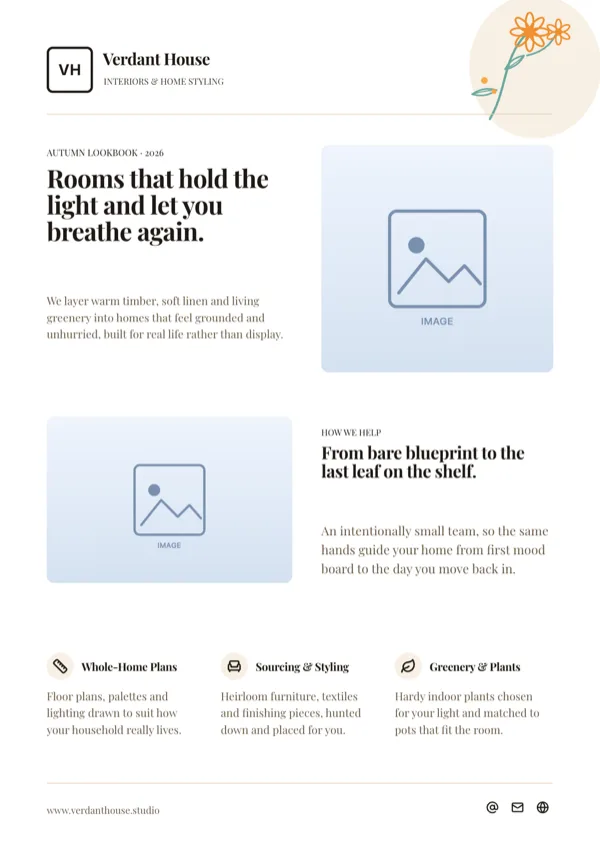
Floral Editorial Interior Design Flyer
Seasonal lookbook and services page for an interior design studio.
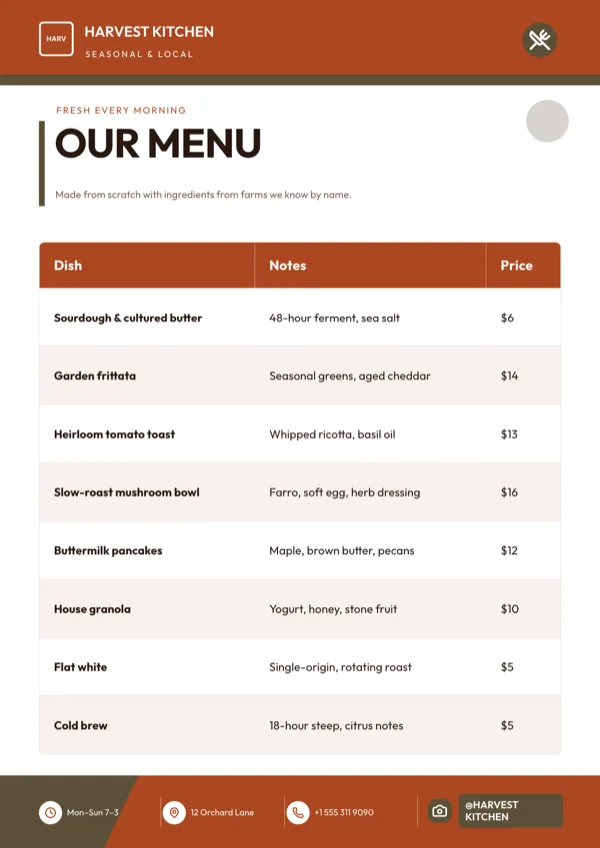
Harvest, Menu & Price List
Menu and price list for a restaurant, cafe or bakery.
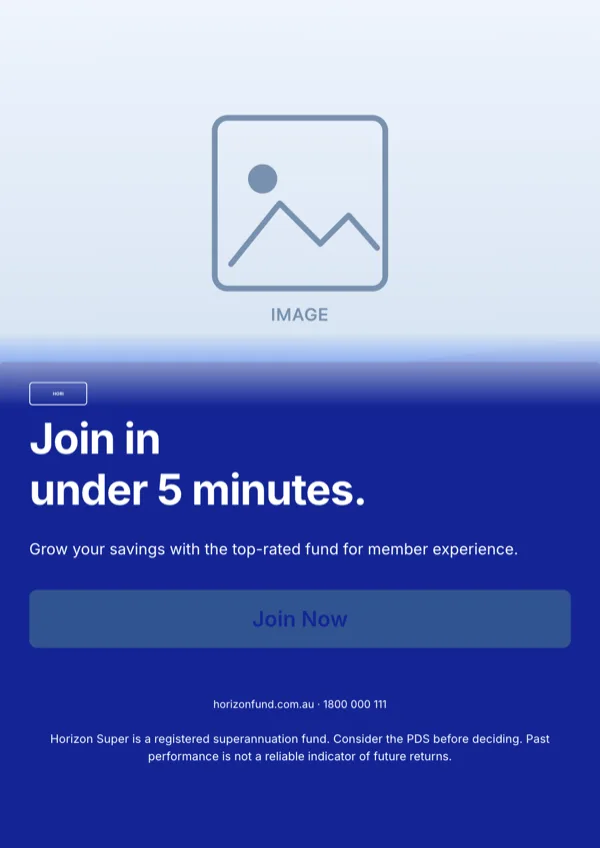
Horizon, Super Fund CTA
Sign up call to action for a superannuation or retirement fund.
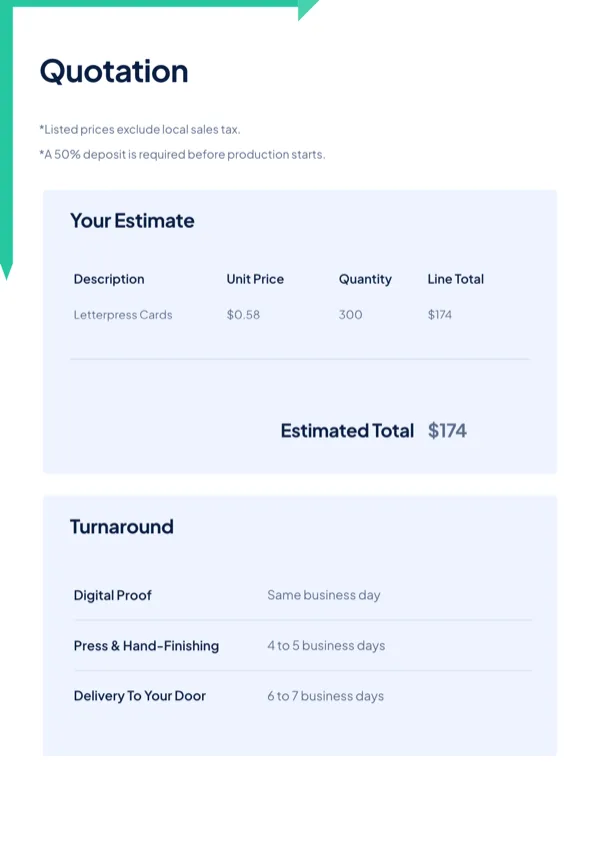
Ledger, Offer & Pricing Sheet
Quotation or offer sheet itemising costs and the delivery timeline.
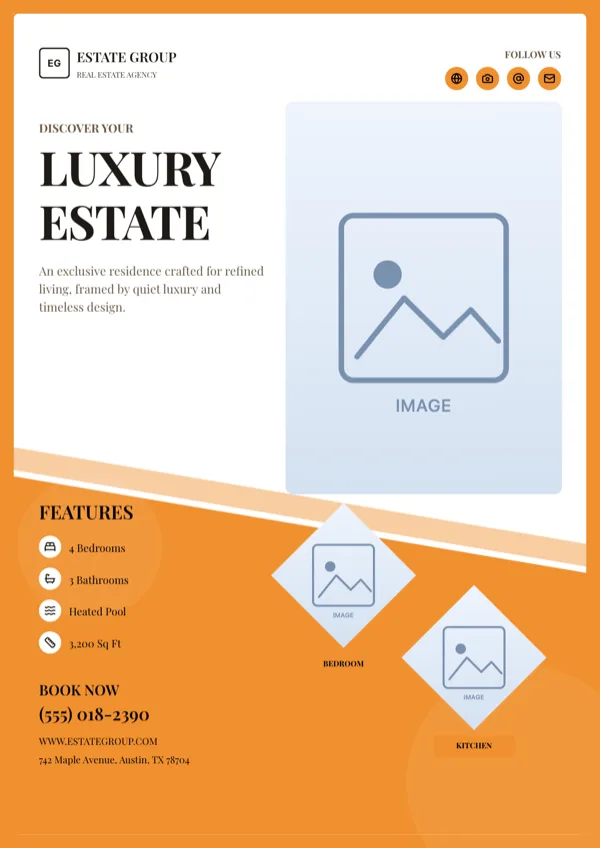
Luxury Estate, Property Listing
Listing page for a single property, photography first.
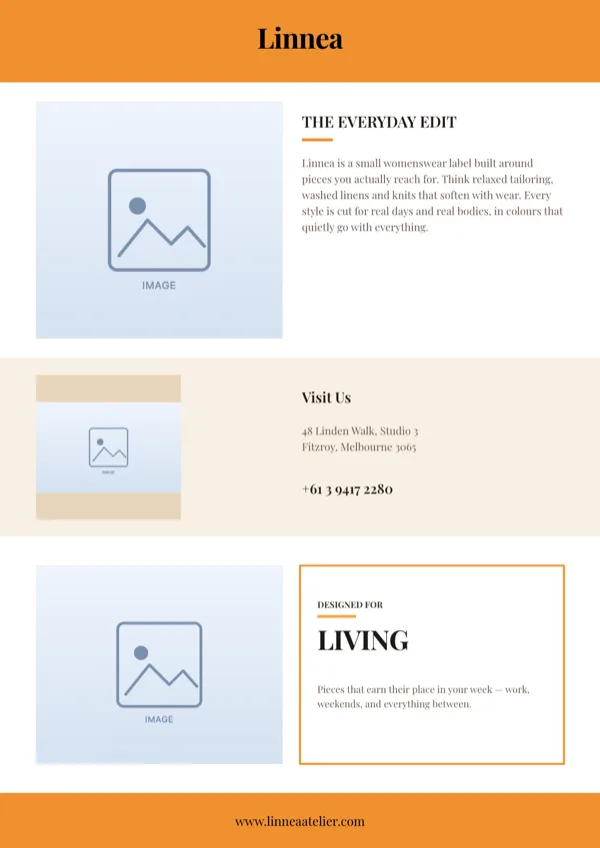
My Style, Fashion Trifold (Inside), A4 Portrait
Inside panel of a fashion trifold with editorial photos, brand story and showroom details.
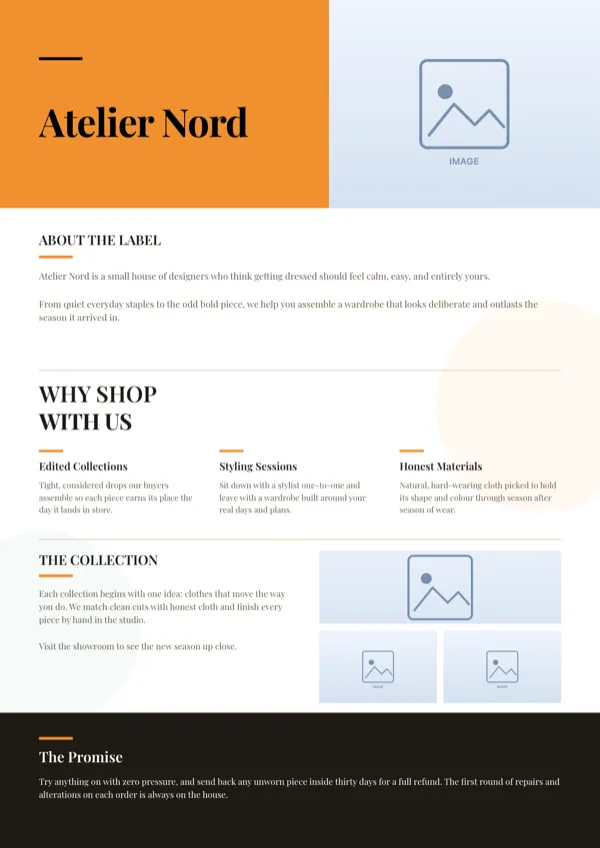
My Style, Fashion Trifold (Outside), A4 Portrait
Outer panel of a fashion trifold, brand introduction first.
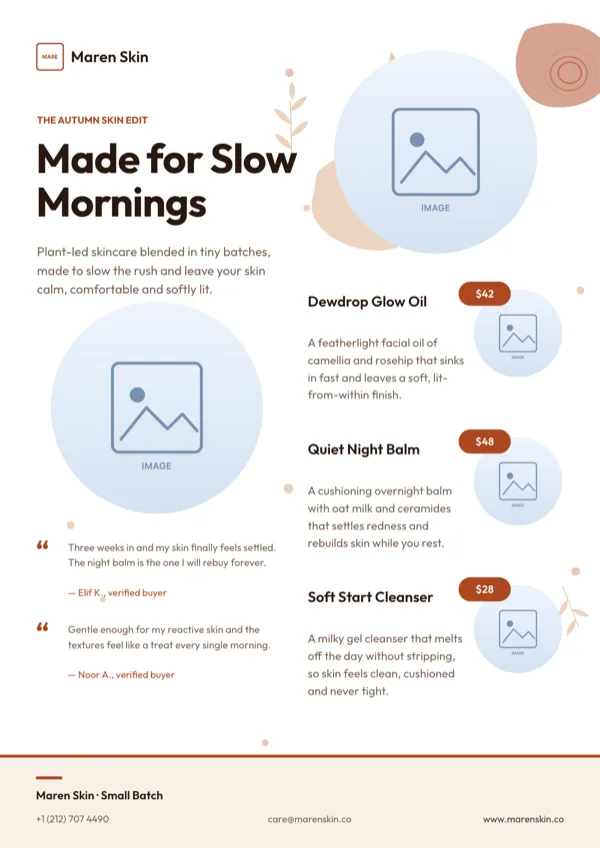
Patina Beauty Product Catalog
Seasonal product catalogue and price list for a skincare or beauty brand.
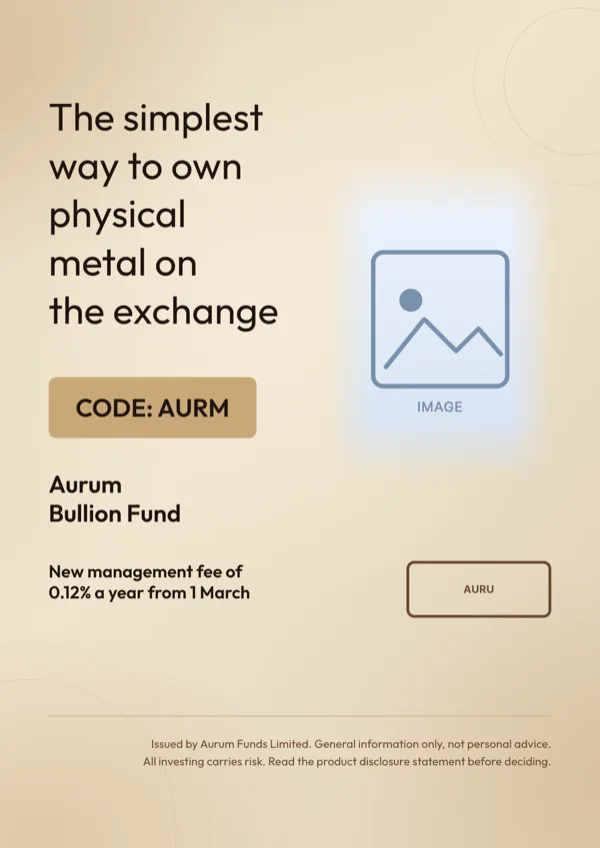
Product Launch Pale Gradient
Calm product announcement with a code badge, one detail line and a large product photo.
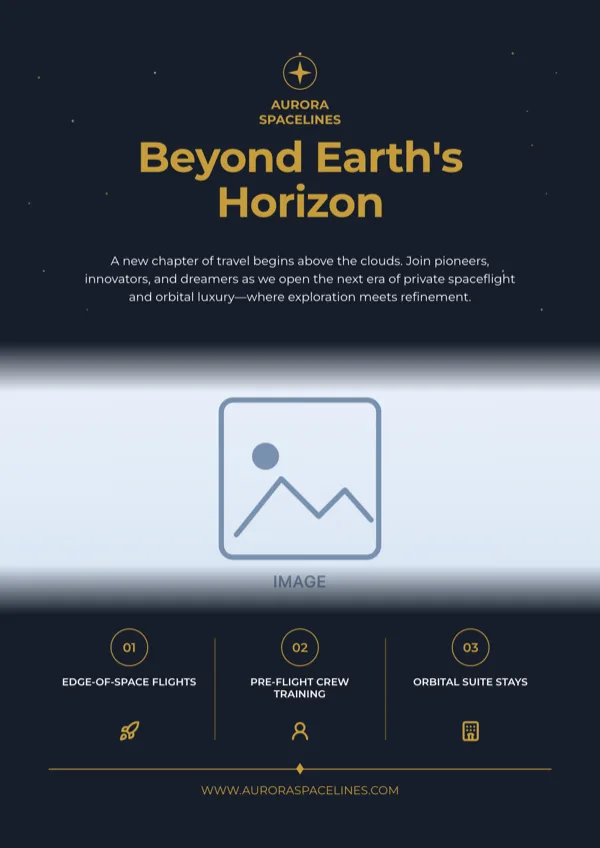
Space Tourism, A4 Portrait
Brand and travel package launch page for a space tourism operator.
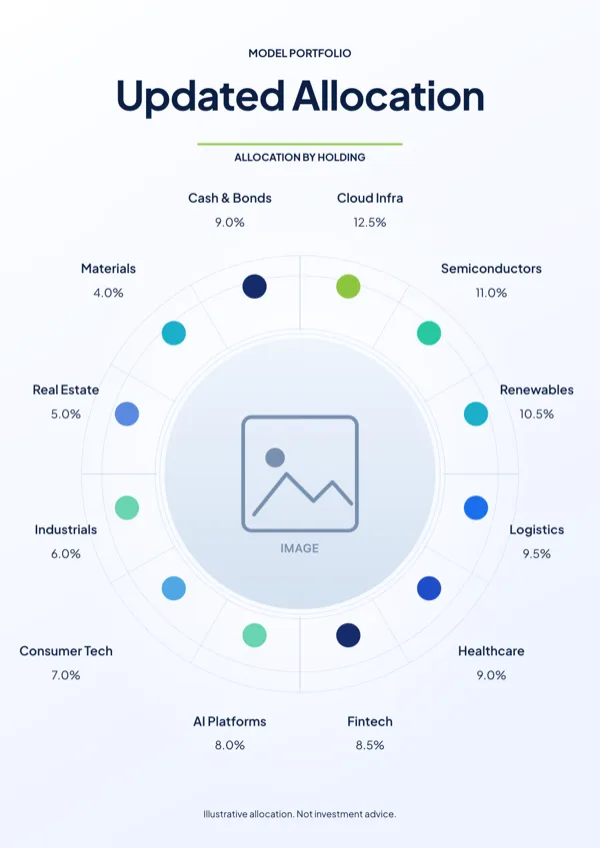
Spectrum Portfolio Allocation Radial Flyer
Fund or model portfolio breakdown showing holdings weighted by percentage.
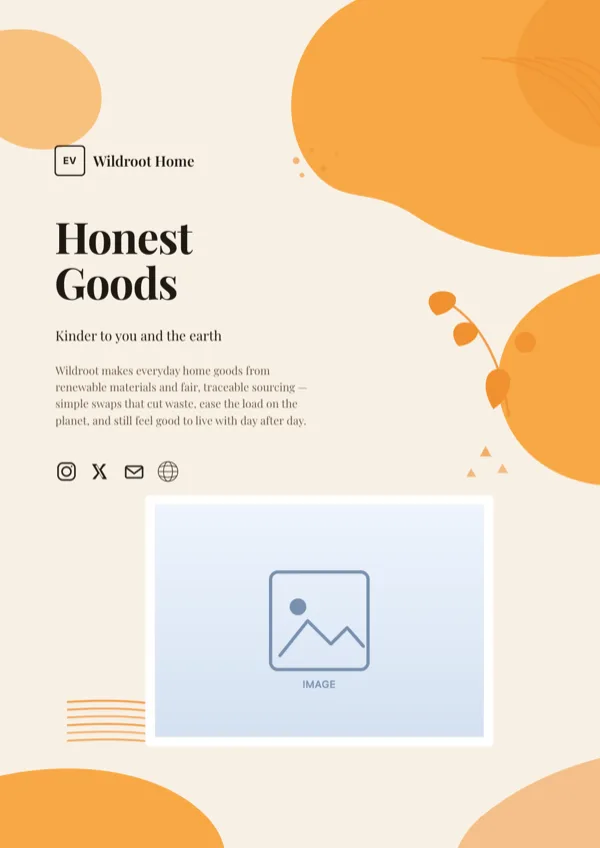
Sustainable Products, Eco Poster
Brand poster for an eco friendly products or green lifestyle company.
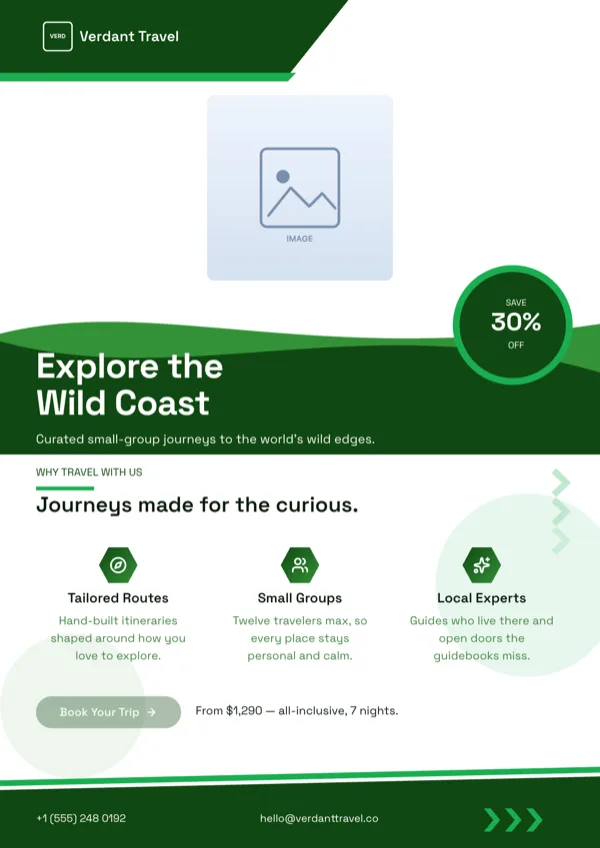
Verdant, Travel Adventure Flyer
Adventure trip promotion with the discount offer set out.
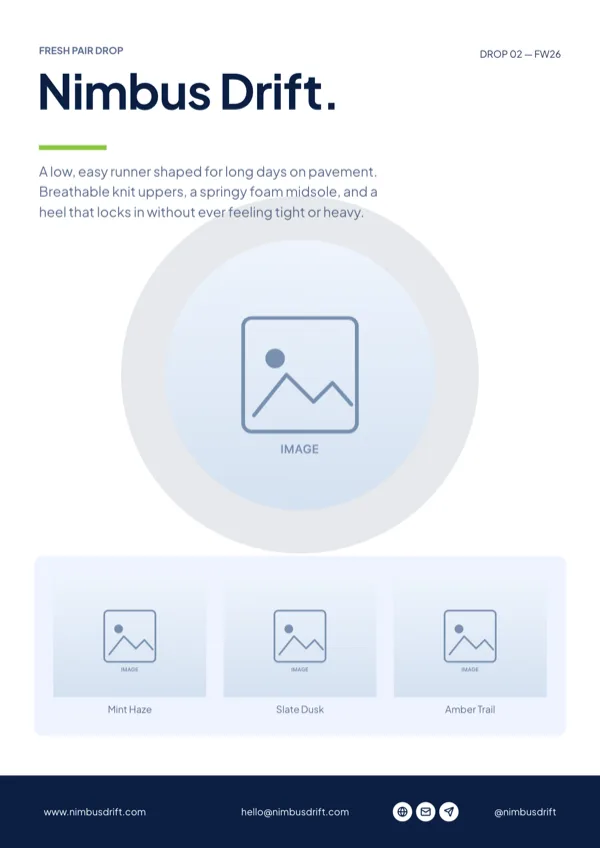
Verde, Editorial Product Drop Poster
Limited drop announcement for a footwear, apparel or lifestyle brand.
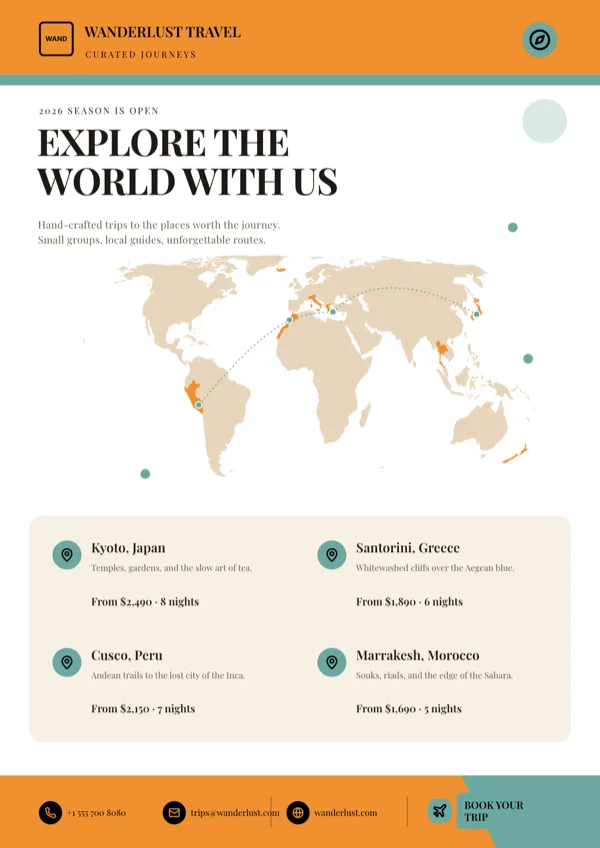
Wanderlust, Destinations Map
Destinations page with a world route map and featured trips.
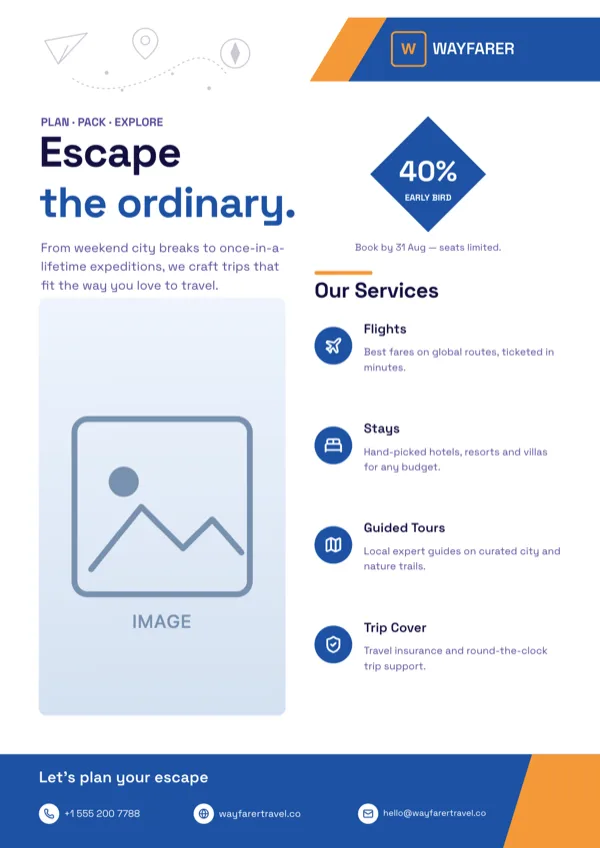
Wayfarer Travel Agency Flyer
Holiday packages and guided tours with an early bird booking discount.
What these layouts have in common
Thirteen of the sixteen template files carry an image slot and ten carry a logo, so the standard shape is a photograph with a brand mark and very little else competing. Seven carry a list slot for a catalogue of items or a benefits run, eight carry icon slots, and one carries a table for a price list. Body copy budgets sit around 70 characters, with product headings near 18, which is the width of a product name and not a sentence about it. An uploaded photo is always cropped to fill its slot rather than letterboxed, so a product shot with room around it survives the crop better than a tight one.
Which one to pick
One product or many decides most of it. A single launch or drop takes the hero layouts, where the photo runs half the page and the price sits under the name. Several items take a grid or a list layout, which holds four to eight products with a photo, a name and a price each. A menu or a price list takes the table layout, where the rows are typed rather than drawn. If the price is the headline, choose a design with a dedicated price or badge slot, because typing a price into a heading slot means it inherits the heading size and can break to two lines.
Every size, from one design
Product pages are the ones most likely to be needed at several sizes at once, and each design is authored for all eight. The print pair is A4 Portrait at 1240 by 1754 pixels and A4 Landscape at 1754 by 1240. The social set covers Instagram Post at 1080 square, Instagram Story at 1080 by 1920, Facebook Post at 1200 by 630, LinkedIn Post at 1200 by 627, Facebook Cover at 820 by 312 and Twitter Header at 1500 by 500. Because each size is drawn rather than scaled, a tall product shot is recomposed for the wide sizes instead of having its top and bottom sliced off.
Photography, generated or your own
You can upload a JPEG, PNG, WebP or GIF up to 10 megabytes once the flyer has been saved, and that is the right route for a real product. Generated images are available for scene setting, snapped to the closest of eight aspect ratios from the slot shape, and no text is ever drawn into a generated image. If generation and the stock search both fail, the slot keeps its placeholder rather than inventing something, which is why a product page should carry its own photograph.
Finished examples
Questions people ask
How many product flyer templates are there?
Sixteen designs are filed under product promotion, from single hero launches to catalogues, menus and travel package sheets. Each is drawn again at every canvas size, so a launch page can go to print and to a feed without being rebuilt.
Can I upload my own product photograph?
Yes, once the flyer has been saved. JPEG, PNG, WebP and GIF are accepted up to 10 megabytes per file. The image fills its slot and is cropped to the slot shape, so leave a little space around the product in the original shot.
Which export keeps the price crisp?
PNG for the active page. It is rendered at twice the canvas size in a headless browser, so a 1080 pixel Instagram page comes back at 2160 pixels and small price type stays sharp. JPG is the same capture at quality 95, and PDF covers every page for print.
Does the PDF keep the text selectable?
No. Each page goes into the PDF as a bitmap, so nothing in it can be selected, searched or edited. That matters if a distributor asked for a press ready file with live text, because this export does not produce one.
Can the generator invent prices for me?
No, and that is deliberate. The fill prompt forbids inventing prices, dates, phone numbers, addresses and statistics, and it leaves an optional slot empty rather than padding it. Every number on the page has to come from your description.
Can one page show eight products?
Only if the design has eight item rows. Lists have a fixed count per layout, so a four tile grid stays a four tile grid. Pick the catalogue or deals layout when the count is high rather than trying to grow a hero layout.
Start a flyer from a description
The button opens the generator with a starting description already filled in. Change it to match your own before you run it.
Create a flyer with OneCraftFor everything the generator can do, see the flyer maker.
Other flyer examples sets
Written and checked by the OneCraft team. Last checked .