AI form builder
Describe the form in a sentence, or upload the paper form you already use, and OneCraft builds a working web form with its fields chosen, labelled and ordered, ready to publish on a link. Choose a classic page or a conversational form that asks one question at a time.
Free plan with 100 credits a month. See pricing
What it does
Classic or conversational
A classic form shows its fields on a page, in one column, a flowing layout or numbered steps. A conversational form shows one question per screen and can skip ahead based on earlier answers.
From a prompt or a paper form
The prompt takes 10,000 characters. On a paid plan attach up to 5 files of 10 MB each, such as a scan of the form you print today, and it is rebuilt as a web form.
Collect more than text
Signatures, file and photo uploads, address and full name blocks, tables and rating grids, and on conversational forms, audio or video answers.
E-signing built in
The e-signing add-on sends each submitted response for signature by email, with a signing order when several people sign and a certificate of completion.
Control who can fill it in
Publish it for anyone with the link, behind a secret key, for signed in people you list by email or domain, or embedded only on the websites you name.
Act on every response
Responses land in a table you can export as CSV or download one by one as PDF. Add email alerts, a webhook or a redirect after submit.
80 templates and 37 themes
52 classic and 28 conversational templates for intake, bookings, applications, orders and surveys, plus a theme builder for your own layout, colours, fonts and effects.
Examples made with it
See all form examples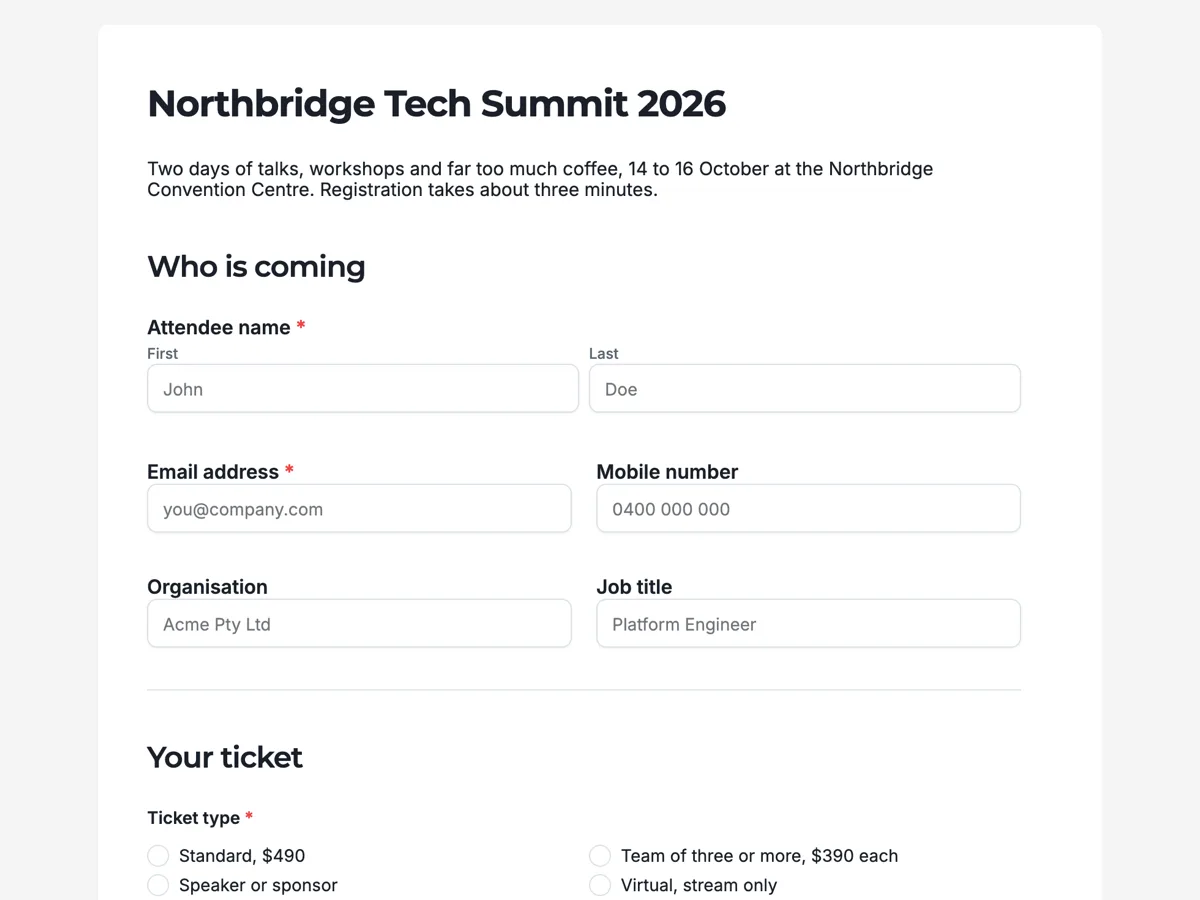 Conference Registration Form Template & Live Example
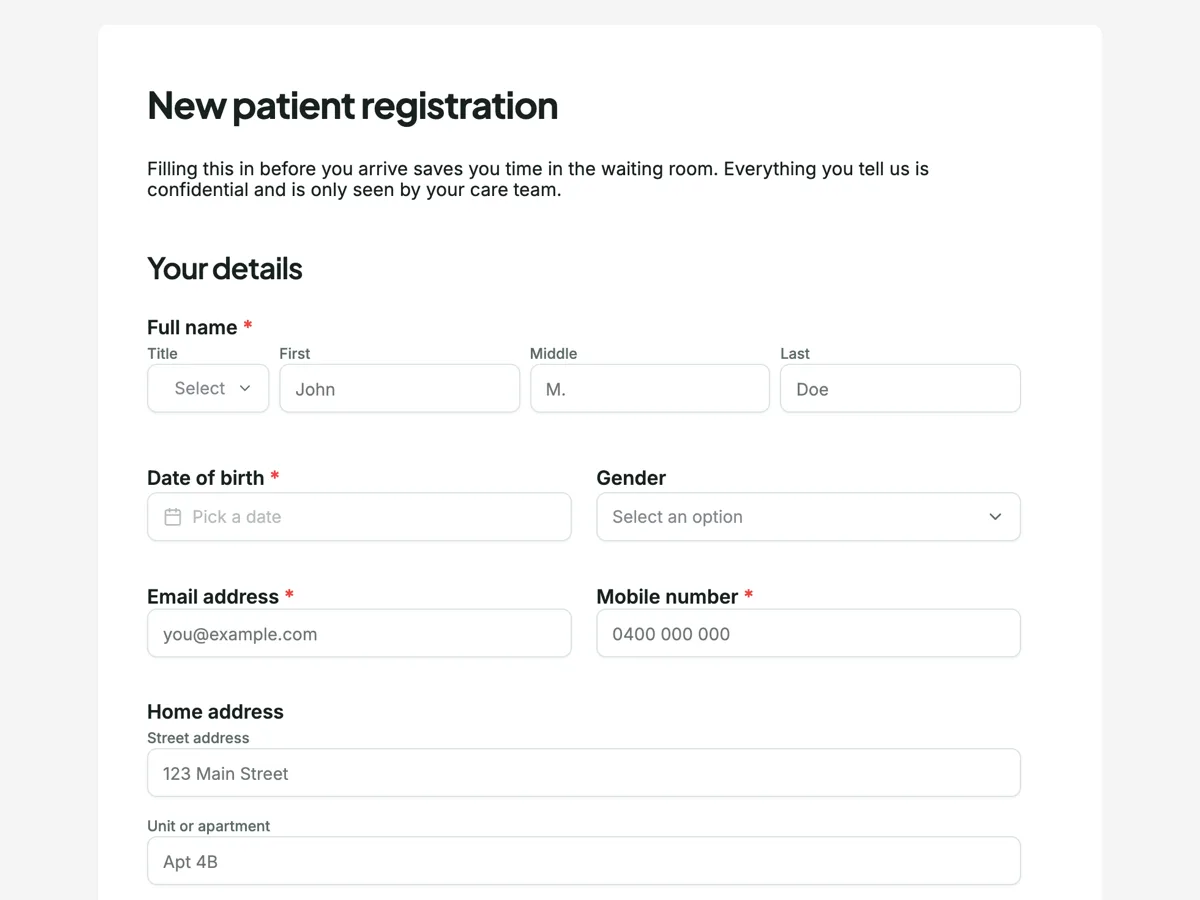 Patient Intake Form Template for Clinics (New Patient)
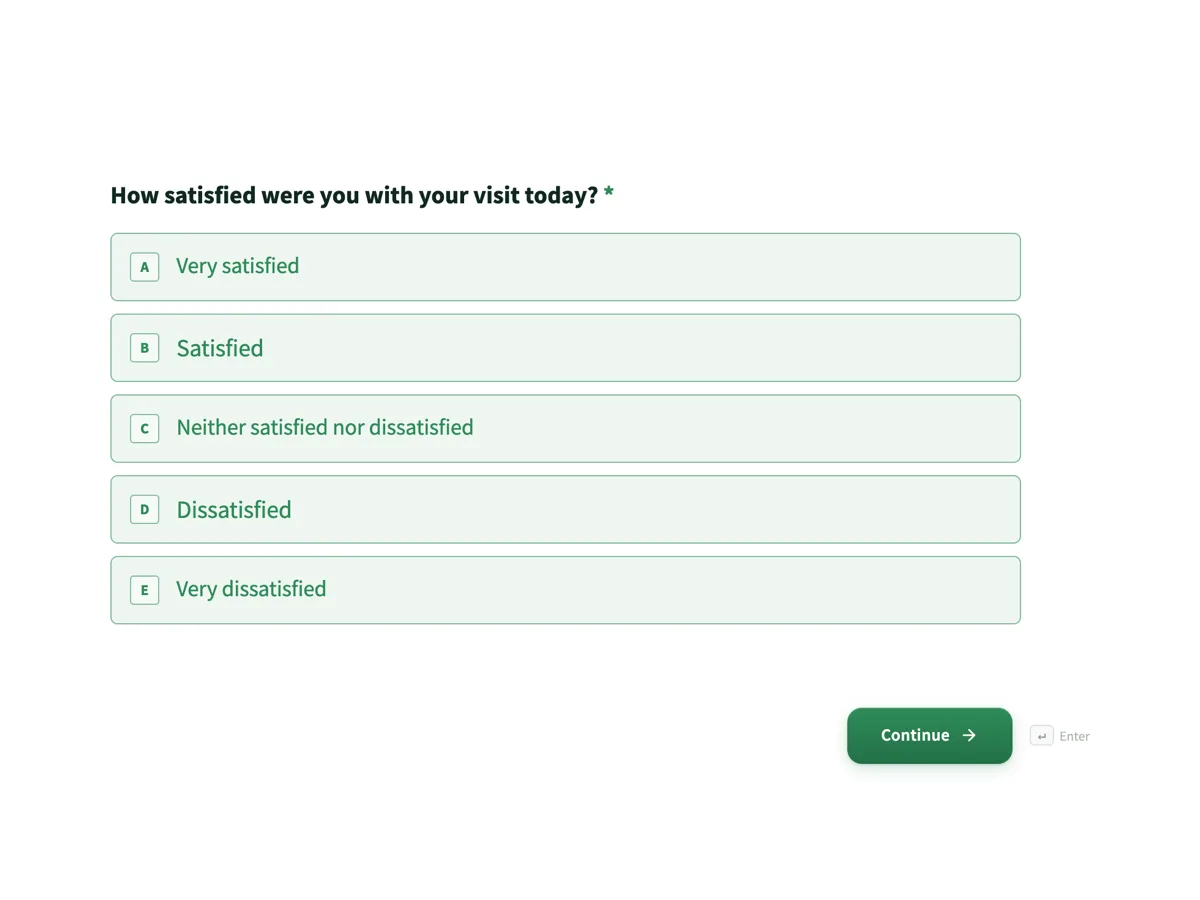 Customer Feedback Survey Template with NPS and CSAT
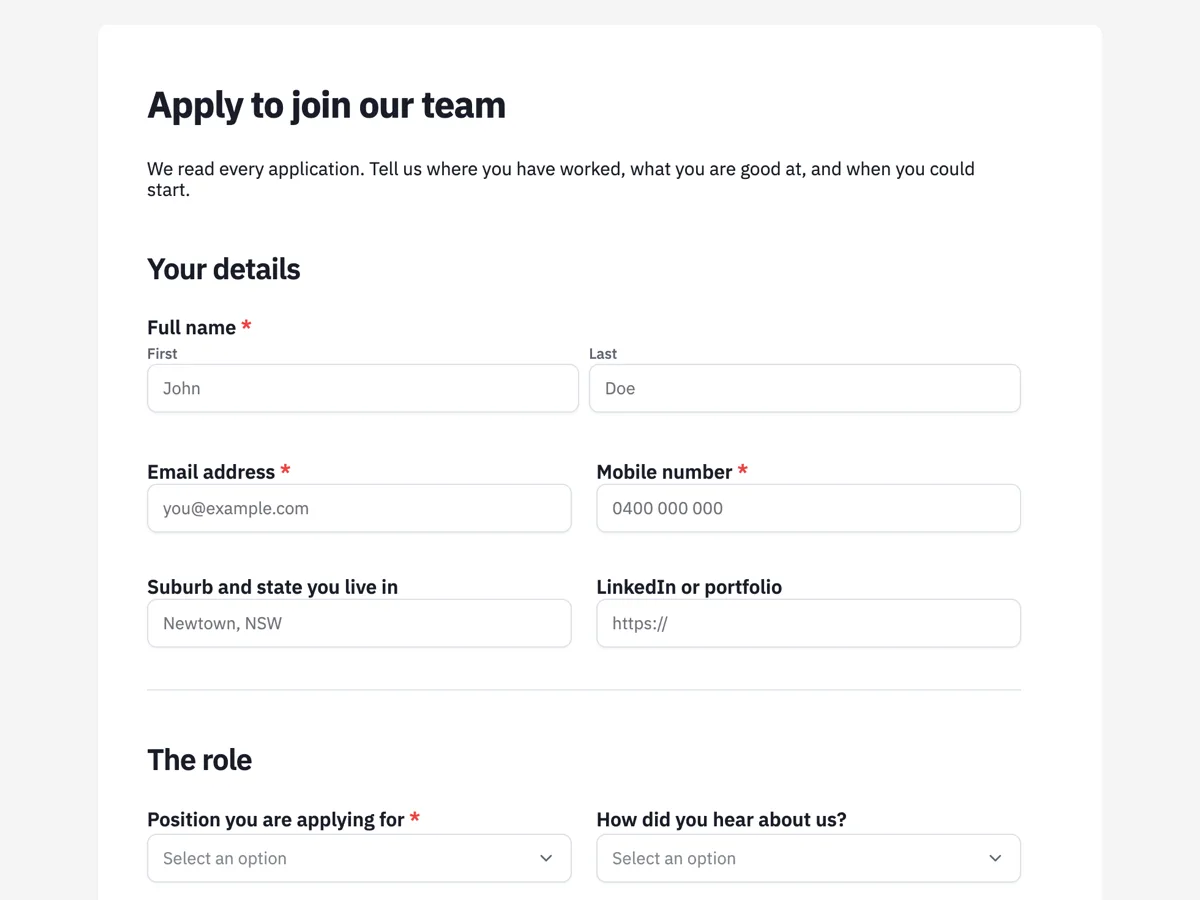 Job Application Form Template (Legally Safe Questions)
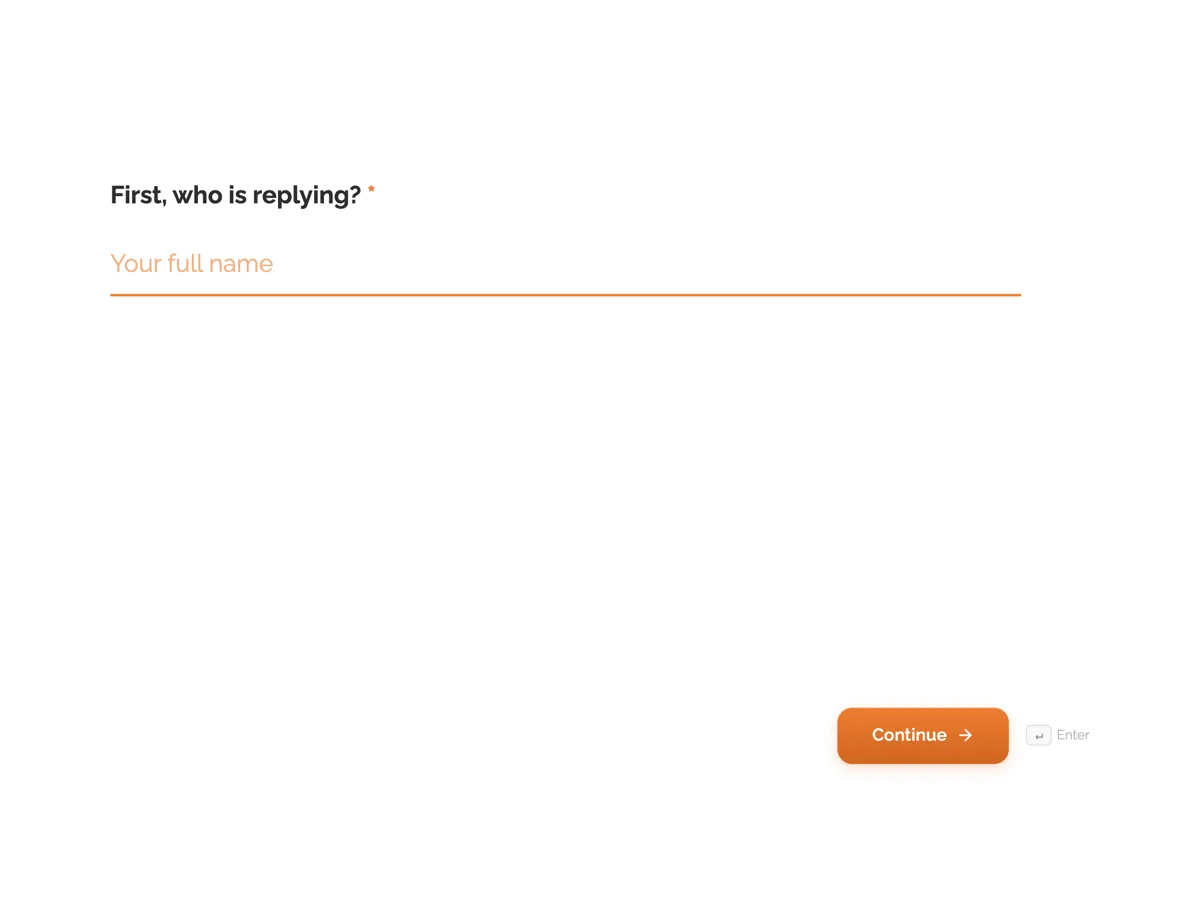 Wedding RSVP Form Template, One Question at a Time
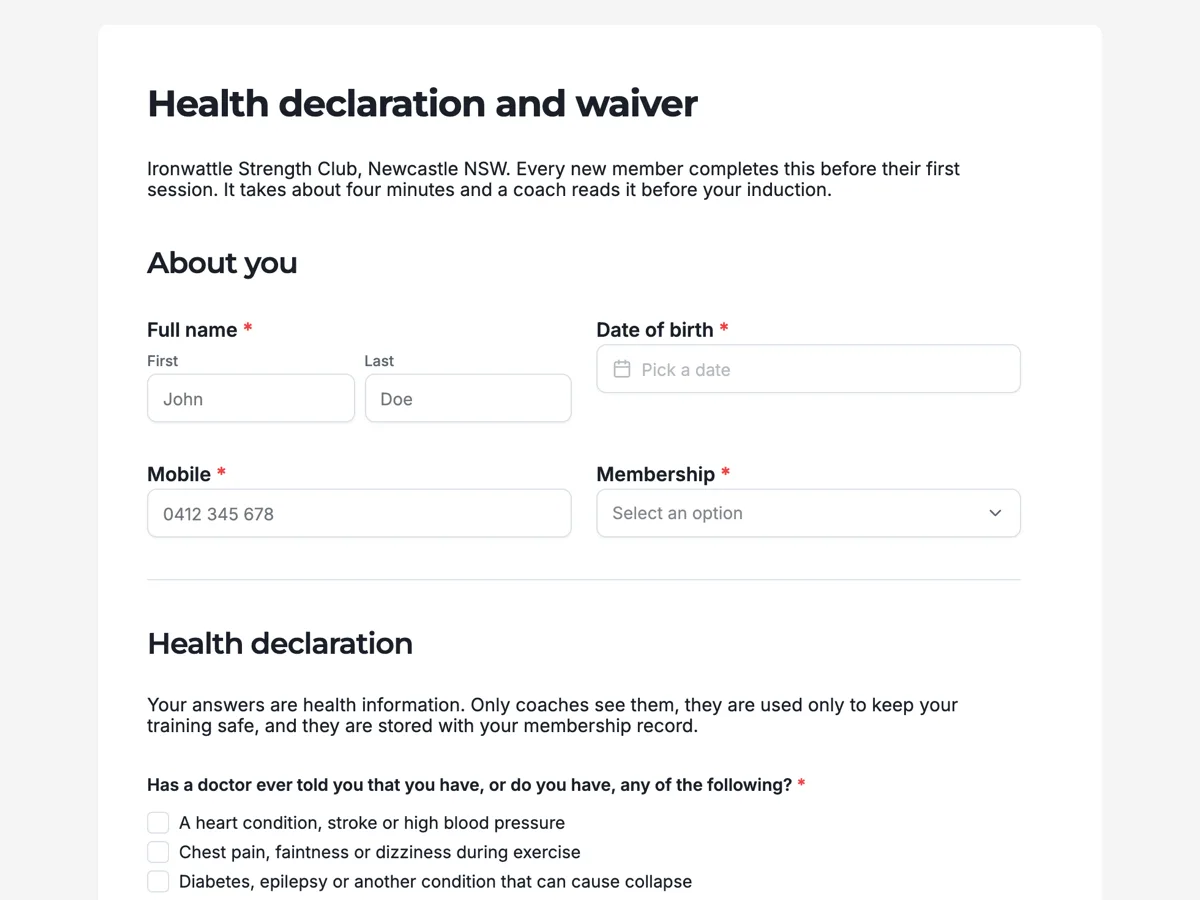 Gym Waiver Form With Health Declaration and Signature
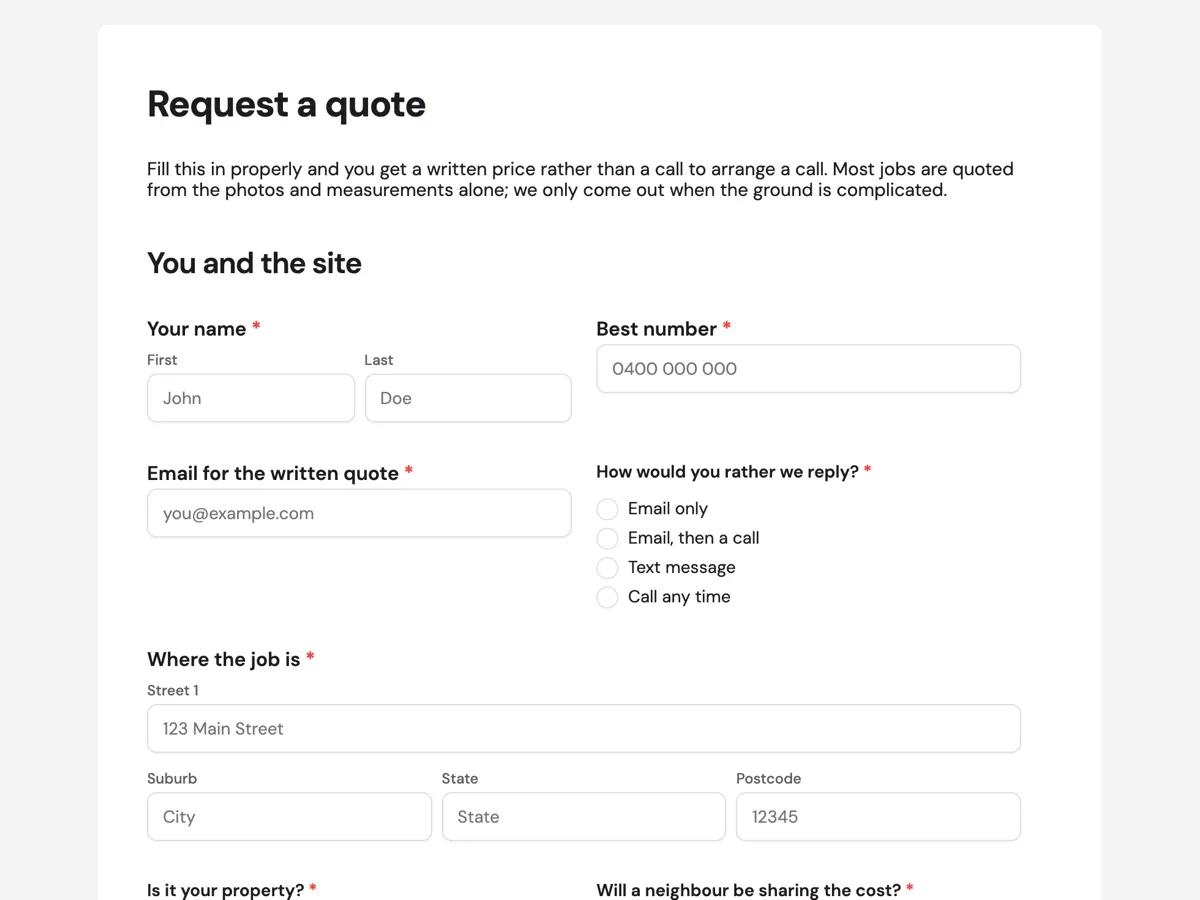 Quote Request Form That Can Be Priced Remotely
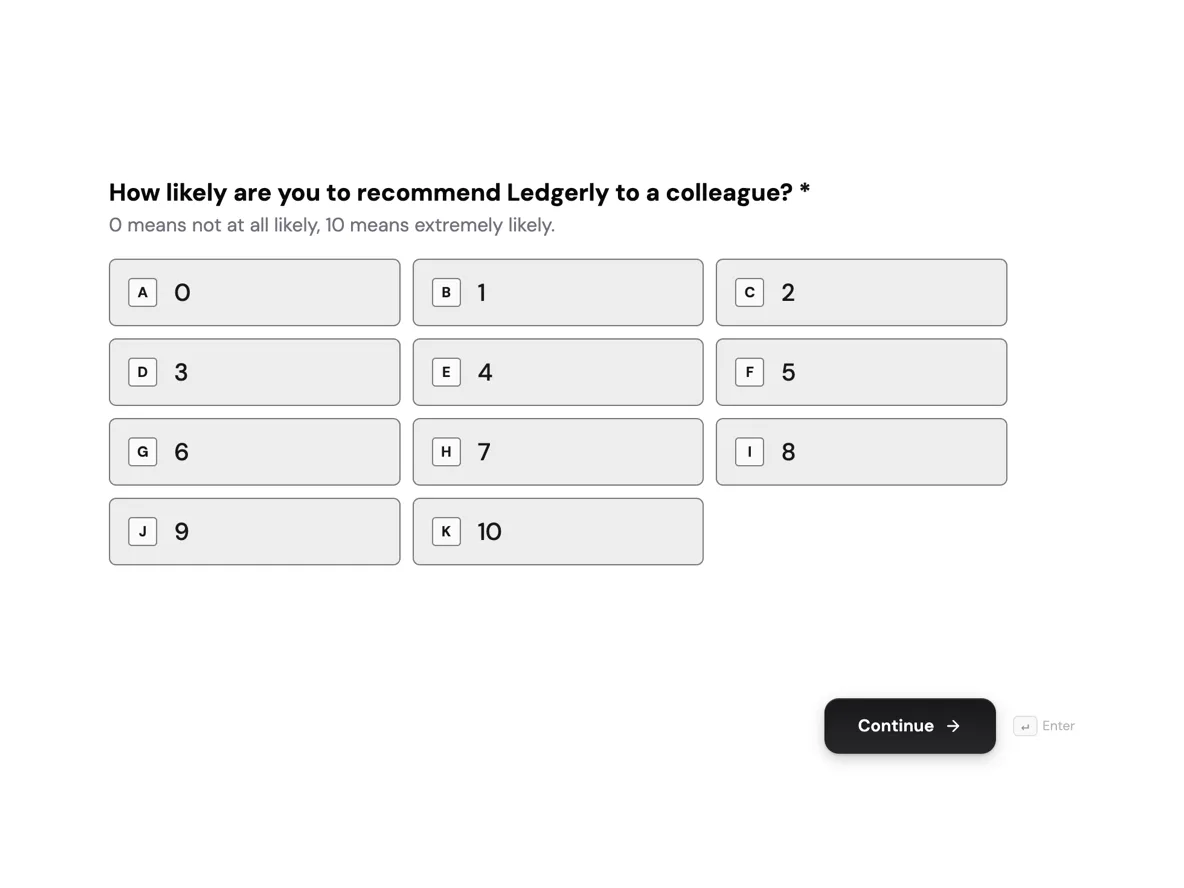 NPS Survey Template: 0 to 10 Scale, One Follow Up Question
Templates: form templates
How it is priced
- Free: build and publish forms, collect responses, export CSV and download response PDFs.
- Starter and above: build from your own files and export a fillable PDF of the form.
- Generating a form spends credits from your monthly balance.
Questions
Classic or conversational: which should I pick?
Classic suits long forms people fill in one sitting, such as intake or applications, and it has a print layout for PDFs. Conversational suits short surveys and sign ups, one question per screen, and it is the kind with jump logic and audio or video answers.
Can it turn my paper form into a web form?
Yes, on a paid plan. Attach a scan, photo or PDF of the form and say what it is for. The fields come back as web form fields that you check and edit before you publish.
Does the generated form collect responses straight away?
Only once you publish it. Until then it is a draft only you can see. Publishing gives you a link, and later edits stay in the draft until you publish again, so the shared link keeps working.
Can people sign the form?
Yes. A signature field lets the person filling it in draw or type a signature, and on a classic form the e-signature field sends the response to one or more signers by email.
Can I export the responses?
Yes. The responses table exports to CSV with one column per field, and each response downloads as a PDF. A fillable PDF of the blank form needs Starter or above.
How long should the prompt be?
As long as the form is complicated. A contact form needs two lines. An application form deserves a paragraph per section that names every field and lists every choice, because detail you leave out is detail the generator guesses.
Start with a sentence.
Create a free account or sign in, and you land straight in the app.
Create a form