Forms · Alternative
A Google Forms alternative: what you gain, what you give up
Google Forms lives in Drive, writes straight to Sheets and costs nothing extra with a Google account, which is why most people start there. Leaving it is a trade: you gain design, PDFs, signatures and a builder that writes the form for you, and you give up the live Sheets link and quiz grading.
Updated , competitor details checked . Google Forms is a trademark of Google LLC. OneCraft is not affiliated with or endorsed by Google.
Nuwan Madhusanka · Co-founder
3 min read · Published · Updated
The short verdict
Google Forms suits anyone who needs answers in a spreadsheet now, a graded quiz, or a zero budget, and its plainness is part of the deal. OneCraft suits people who want the form to look designed, to exist as a fillable PDF, to collect signatures, and to be written by AI from a description, and who can live without the Sheets link.
| Feature | Google Forms | OneCraft |
|---|---|---|
| Price to start | Forms has no pricing page of its own; the Workspace pricing page prices plans per user, listed in local currency checked 2026-09-02 | A free plan with 100 AI credits a month; paid plans add credits and unlock the fillable PDF export |
| Question types | 12 types in their help list, from short answer and dropdowns to grids, date and time, and file upload checked 2026-09-02 | 41 component types, including matrix, table input, chart blocks, address, photo and recorded answers |
| Themes | Theme colour, background colour, header image, and font style and size choices checked 2026-09-02 | 37 full themes, 22 colour palettes, 24 background patterns and 23 font pairs |
| Welcome and thank-you screens | Not listed on their product page checked 2026-09-02 | 10 welcome screen layouts and 4 thank-you layouts, with confetti and a timed redirect |
| Conversational mode | Not listed on their product page; forms are page based checked 2026-09-02 | A native one question at a time form type with its own 25 component toolkit |
| File upload | Supported, but respondents must sign in to a Google Account, and files land in the owner's Drive checked 2026-09-02 | 1 to 10 files per field, images and PDF, up to 100 MB each, with no account required of the respondent |
| Quizzes and grading | Quiz mode with answer keys, per question points, feedback and automatic summaries checked 2026-09-02 | OneCraft does not have quiz scoring or grading |
| Conditional logic | Add logic to show relevant questions based on previous answers checked 2026-09-02 | Jump rules on conversational forms only: an answer can skip ahead or end the form. Classic forms have none |
| PDF output | Not listed on their product page checked 2026-09-02 | A fillable PDF export on the Starter plan and up, and a free blank template PDF for printing |
| E-signature | Not listed on their product page checked 2026-09-02 | An inline signature field, plus an e-signing add-on that sends a response as a certified envelope |
| Where responses go | Real time automated charts, and export of the raw data into Google Sheets checked 2026-09-02 | A responses table with CSV export, one column per input field. There is no live spreadsheet link |
| Automation | AI form creation with Gemini requires an eligible Workspace or Google AI plan checked 2026-09-02 | AI generation on every plan from an 8,000 character prompt, plus a webhook and an email alert per form |
Where Google Forms is better
The price is zero
Google Forms comes with a Google account at no separate price, and Google's own pages advertise no response caps. Every alternative, OneCraft included, asks you to pay for something eventually. If the budget is zero and the form is plain, staying put is rational.
Answers land in Sheets
The product page's headline feature is exporting responses straight into Google Sheets, and for many teams the spreadsheet is the actual product. OneCraft gives you a responses table and a CSV download; nothing updates a spreadsheet live.
Quiz grading is built in
Quiz mode carries answer keys on six question types, per question points, written feedback and automatic summaries of frequently missed questions. OneCraft has no scoring at all, so teachers running graded quizzes have no reason to move.
It lives inside Workspace
Forms inherits Drive storage, Workspace sharing and organisation level permissions, and Gemini can draft a form on eligible Workspace plans. If your organisation manages access through Google, a form inside that boundary is simpler to govern than any external tool.
Where OneCraft is different
The form looks designed
37 themes, 22 palettes, 24 background patterns, 23 font pairs, 10 welcome screen layouts and a native conversational mode. Google's theme options are a colour, a header image and a font; the gap in first impressions is the most visible difference between the two.
The form exists on paper too
A free blank template PDF for printing and a fillable PDF export on the Starter plan give the same form a paper life, laid out in a dedicated PDF editor. Google Forms is a web page; printing it is not a supported output.
Signatures are part of the flow
A respondent can draw or type a signature inline, and the e-signing add-on turns a response into a signing envelope with identity checks, an 18 event audit trail and a certificate of completion. Nothing comparable is listed for Google Forms.
AI writes the form on every plan
Describe the form in up to 10,000 characters and the generator builds fields, welcome screen and theme in one pass; paid plans can attach a PDF or a photo of the paper form. Google's Gemini form creation is gated to eligible Workspace and Google AI plans.
A finished example
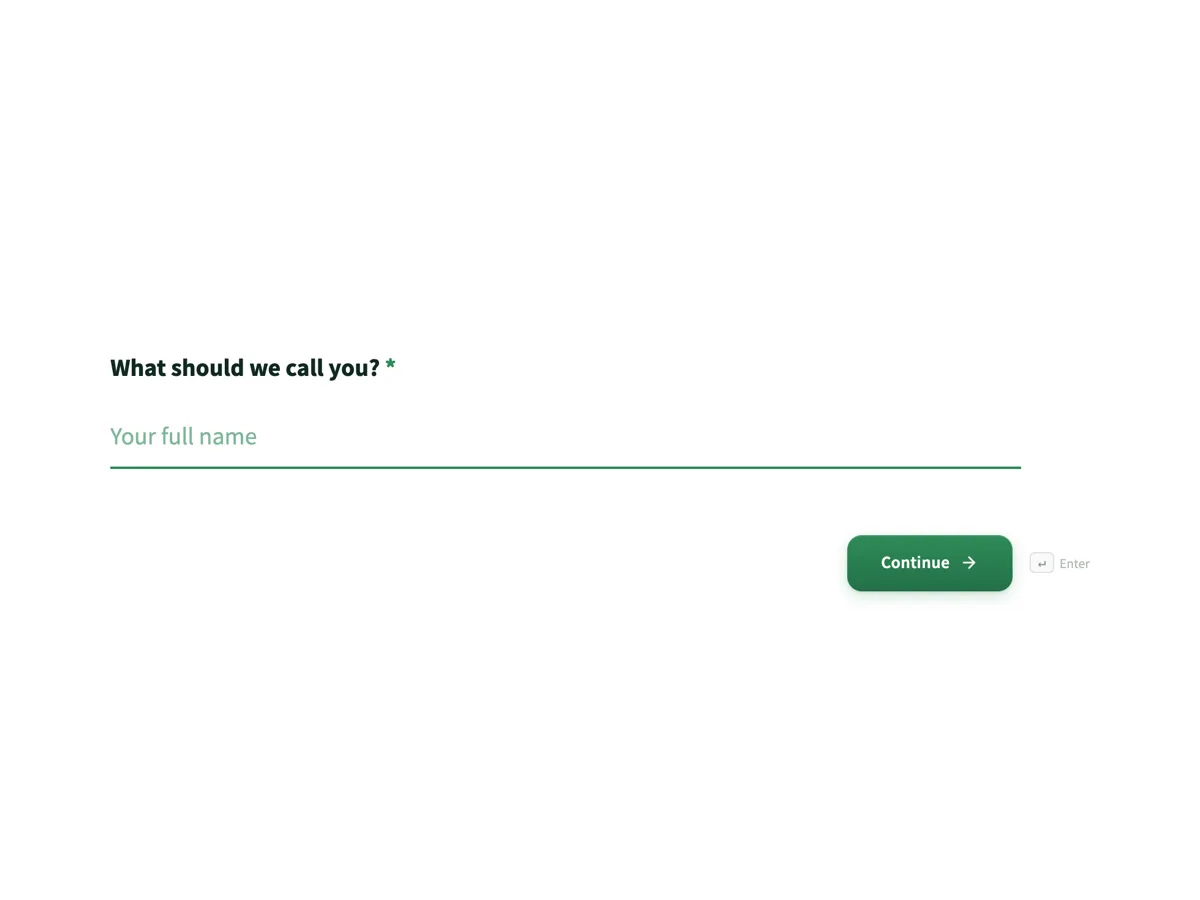 Volunteer signup formMade with OneCraft, exactly as the generator and editor left it. Open the page for the full breakdown.
Pricing in plain terms
Google Forms has no pricing page of its own; it is included in Google Workspace, whose pricing page lists per user monthly prices in your local currency, with an annual commitment discount, and Forms is usable with a personal Google account without a Workspace plan. OneCraft's pricing page lists Free with 100 AI credits a month, Starter at $8 a month with 500 credits and Pro at $25 with 1,500. The honest summary: Google wins on price, and everything OneCraft charges for is a thing Google Forms does not do.
Moving across
There is no Google Forms importer. The five minute route is to paste your question list into the questions list converter, or to describe the form in a prompt, and let the generator rebuild it with a theme and welcome screen. Your response history stays in Google, already in Sheets, which is one migration chore you are spared.
What we could not check
Google does not publish a page that says Forms is free, so this page phrases it from how the product works rather than quoting a price of zero. Workspace prices are served in local currency by region, so the table points at the pricing page instead of printing a figure that would be wrong for half its readers. File upload size tiers live in third party writeups, not on the help page we cite, so they are omitted.
How the OneCraft side was verified
Every OneCraft cell names a row in an internal fact ledger verified against the product's source code: the 41 component types, the 10 welcome layouts, the file field's image and PDF restriction, the absence of quiz scoring, and logic limited to jump rules on conversational forms. Absences are printed as absences, because a comparison you cannot trust on the gaps cannot be trusted on the wins.
Who should stay with Google Forms
Stay with Google Forms if you need answers in a live Google Sheet, graded quizzes, Workspace managed permissions, or simply a competent form at no cost. Those are the exact things OneCraft does not replicate, and the gains on design, PDFs and signing only matter if you needed them anyway.
Questions people ask
Is OneCraft free like Google Forms?
There is a free plan with 100 AI credits a month, which builds about four generated projects, and published forms keep collecting responses. But the fillable PDF export needs the Starter plan, and heavy generation needs credits, so it is free to run, not free for everything. Google Forms remains the cheaper tool.
Can responses go to Google Sheets?
Not natively. OneCraft has no Sheets integration; responses live in its own table and export as a CSV with one column per field, and a webhook fires once per submission for anything you wire up yourself. If a live spreadsheet is the point of your form, that is a reason to stay with Google.
Can I make a graded quiz?
No. OneCraft has no quiz mode, answer keys or scoring. Google Forms grades six question types automatically, assigns points and shows summaries of missed questions, and this page counts that squarely in Google's column. Educators running assessments should not migrate.
Can I brand the form properly?
Yes, and this is the biggest visible gain. You pick from 37 themes or adjust 22 palettes, 24 background patterns and 23 font pairs, add a logo, and choose from 10 welcome screen layouts. Google's customisation is a theme colour, a header image and font choices, per its own help page.
Can I collect signatures?
Yes, two ways: an inline signature field the respondent draws or types, printed into the response PDF, and an e-signing add-on that sends the finished response as a signing envelope with identity verification, an audit trail and a certificate of completion. Google Forms lists no signature feature on its product page.
Can I import my existing Google Form?
No importer exists. Copy the questions across by pasting the list into the converter or describing the form in a prompt; a typical form rebuilds in minutes, and the generator adds a theme and welcome screen in the same pass. Response history stays behind in Sheets, where it is already usable.
Do respondents need an account to upload files?
On OneCraft, no: the file field accepts 1 to 10 images or PDFs up to 100 MB each from anyone with the link. On Google Forms, the help page says respondents must be signed in to a Google Account before a file upload question, which quietly excludes anyone without one.
Try the form side of OneCraft
The button opens the generator with a starting prompt already filled in. Change the wording to match your own work before you run it.
Create a form with OneCraftMore comparisons
- A Typeform alternative, compared honestlyOneCraft as a Typeform alternative for conversational forms: what matches, what does not, where Typeform stays ahead, and both public pricing pages quoted.
- A Jotform alternative for forms, PDFs and signingOneCraft as a Jotform alternative: classic and conversational forms, fillable PDFs, e-signature and AI generation, with Jotform's breadth stated honestly.
- Tally vs Typeform vs OneCraftTally, Typeform and OneCraft compared for conversational forms: price and caps, fields, logic, design, PDFs and signing, with where each one wins.
What the module actually does, feature by feature: the AI form builder page, and the forms maker page.
Step by step in the builder: Build your own form theme, then Design your welcome and thank-you screens.
Sources
Written and checked by the OneCraft team. Last checked .