Forms · Compared
Tally vs Typeform vs OneCraft
Tally is the free, Notion style builder; Typeform is the polished original with usage based pricing; OneCraft is the one that writes the form from a description and lives beside documents, slides and signing. Each wins somewhere, and this table is built to show where.
Updated , competitor details checked . Tally and Typeform are trademarks of their owners. OneCraft is not affiliated with or endorsed by either.
Nuwan Madhusanka · Co-founder
3 min read · Published · Updated
The short verdict
Tally is for anyone whose first question is the price: unlimited forms and submissions free, per its own pricing page. Typeform is for teams that need branded polish, deep logic and a large integrations catalogue, and will pay per response tier for it. OneCraft is for people who want the form generated by AI and joined to documents, slides, flyers and e-signing in one account.
| Feature | Tally | Typeform | OneCraft |
|---|---|---|---|
| Free tier | Unlimited forms and submissions, free, within fair usage guidelines checked 2026-09-02 | A free plan with a limited number of responses a month; the cap is not printed on the pricing page checked 2026-09-02 | Free plan with 100 AI credits a month; published forms keep collecting, and the fillable PDF export is the paid gate |
| Paid entry price | Pro at $24 a month with the yearly toggle on, $29 billed monthly per their own help page checked 2026-09-02 | Basic at $39 USD a month billed monthly, $28 billed yearly, with 100 responses a month included checked 2026-09-02 | Starter at $8 a month with 500 AI credits, which also unlocks generator file attachments |
| Conversational mode | One question at a time via page breaks and an auto-jump setting, not a dedicated mode checked 2026-09-02 | The native format: forms are asked one question at a time checked 2026-09-02 | A dedicated conversational form type with its own 25 component toolkit, beside a classic page mode |
| Components | Blocks including file uploads, e-signatures, calculator, hidden fields and payments checked 2026-09-02 | Drag and drop builder with video forms and 3,000+ templates checked 2026-09-02 | 41 component types, including matrix, table input, chart blocks, photo and recorded answers |
| Conditional logic | Conditional logic, calculations and hidden fields, listed on their homepage, free checked 2026-09-02 | Logic jumps from answers or hidden fields, plus a calculator for scores and totals checked 2026-09-02 | Jump rules only: an answer can skip ahead or end the form. No calculations or hidden fields |
| Themes and design | A Notion like editor; custom CSS and removing Tally branding come with Pro checked 2026-09-02 | Customisable colors, logos, fonts and custom domains checked 2026-09-02 | 37 themes, 22 colour palettes, 24 background patterns, 23 font pairs and 10 welcome screen layouts |
| File upload | Free for all users, 10 MB per file on the free plan, unlimited size on Pro checked 2026-09-02 | A file uploads row on the pricing grid, 1 GB of storage on the free plan checked 2026-09-02 | 1 to 10 files per field, images and PDF, up to 100 MB each |
| Payments | Payment and checkout blocks, listed on their homepage checked 2026-09-02 | Payment questions via Stripe, ticked from the Plus plan on the pricing grid checked 2026-09-02 | OneCraft does not take payments in forms |
| Signatures | A free signature block, saved as an image file; Tally's help notes it is a simple signature checked 2026-09-02 | Not listed on their product page checked 2026-09-02 | An inline signature field plus an e-signing add-on with an audit trail and a certified PDF |
| PDF output | Not listed on their pricing page checked 2026-09-02 | Not listed on their product page checked 2026-09-02 | A fillable PDF export on the Starter plan and up, and a free blank template PDF |
| AI generation | Not listed on their homepage checked 2026-09-02 | Creator AI, Interaction AI and Insights AI checked 2026-09-02 | The whole form is generated from an 8,000 character prompt, with 5 file attachments on paid plans |
| Integrations | Zapier, Make, Notion, Google Sheets, Airtable, Slack and webhooks, per their homepage checked 2026-09-02 | 300+ app integrations checked 2026-09-02 | A webhook fired once per submission with no retry, plus an email alert to one address |
Where Tally is better
Price, and it is not close
Unlimited forms and unlimited submissions on the free plan, with logic, calculations, file uploads and signatures included, per Tally's own pricing page. Neither Typeform nor OneCraft matches that. A student, a side project or a nonprofit should probably just use Tally.
Notion style editing
Tally's builder works like a document: type, hit a slash, insert a block. People who live in Notion find it instantly familiar, and building a form feels like writing rather than configuring. OneCraft's answer is generation rather than a nicer editor, which suits a different temperament.
Payments on the free plan
Payment and checkout blocks appear on Tally's own homepage feature list, available without a paid plan. Typeform gates payments behind Plus, and OneCraft cannot take payments at all.
Where Typeform is better
Design polish and brand control
Typeform remains the reference for how a conversational form feels: typography, motion, video questions, custom domains. For a public facing brand where the form is part of the marketing, that polish is what you are paying for.
The deepest logic
Logic jumps driven by answers or hidden fields, a calculator that keeps scores and totals, and routing that Tally approximates and OneCraft covers only with simple jump rules. Qualification flows and scored assessments are Typeform territory.
An integrations catalogue in the hundreds
Typeform's product page claims more than 300 integrations, against Tally's dozen named connectors and OneCraft's single webhook. If the form must feed a CRM, an email platform and an ad pixel at once, Typeform connects to all three natively.
Where OneCraft is different
Generation replaces building
Describe the form in up to 10,000 characters, or attach the old PDF on a paid plan, and the generator produces fields, welcome screen and theme in one pass. Tally makes building fast; Typeform makes it polished; OneCraft mostly removes it.
The form has a paper twin
A free blank template PDF and, on the Starter plan, a fillable PDF export laid out in a dedicated PDF editor. Neither competitor lists a PDF output for its forms on the pages we checked.
Signing is certified, not pasted
Beyond the inline signature field, the e-signing add-on issues an envelope with identity checks, an 18 event hash chained audit trail and a certificate of completion. Tally's own help describes its signature block as a simple image; OneCraft's flow is closer to a dedicated signing product.
Forms are one output of five
The same account generates documents, presentations, flyers and promo videos. A project that needs a registration form, an information pack and a promo clip stays in one tool with one set of credits.
A finished example
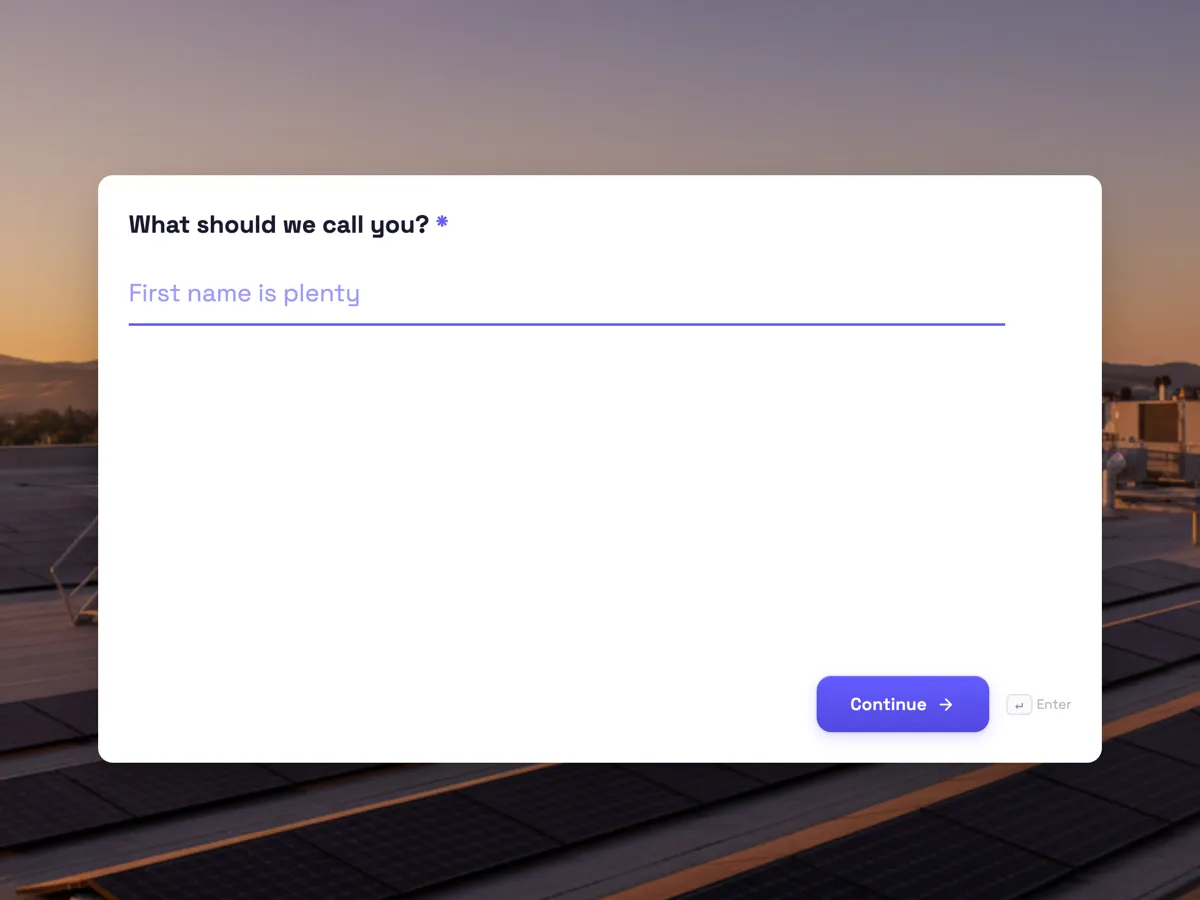 Lead capture formMade with OneCraft, exactly as the generator and editor left it. Open the page for the full breakdown.
Pricing in plain terms
Checked 2 September 2026: Tally's pricing page lists free with unlimited forms and submissions, Pro at $24 a month with the yearly toggle and Business at $74, while its own help page quotes $29 and $89 billed monthly. Typeform lists Basic at $39 a month billed monthly or $28 yearly with 100 responses, Plus at $79 or $56 with 1,000, Business at $129 or $91 with 10,000. OneCraft lists Free with 100 AI credits, Starter at $8 and Pro at $25, metering AI credits rather than responses. Three different meters: Tally counts nothing, Typeform counts responses, OneCraft counts generations.
Moving forms between them
None of the three imports another's forms, and any claim otherwise would be false. Rebuilding is the only path: in Tally and Typeform by hand, in OneCraft by pasting the question list into the converter or describing the form in a prompt. Response history never migrates, so export CSVs from the tool you are leaving before you archive anything.
What we could not check
Typeform's free plan response cap is not printed on its pricing page, and its help centre blocks automated checks, so neither is quoted. Tally's homepage does not name its payment processor, so the table says payment blocks without naming one. Where a vendor page and a vendor help page disagreed on price, both figures are given with their sources.
How the OneCraft column was verified
Every OneCraft cell names a row in an internal fact ledger checked against the product's source code, including the absences and limits: logic that stops at jump rules, no payments, no quiz scoring. The competitor cells quote each vendor's own page, linked and dated, and this page is rechecked on a 90 day cycle.
Who should stay with Tally or Typeform
Choose Tally if price decides it, and its free tier is genuinely generous. Choose Typeform if logic, polish and integrations earn their subscription in your funnel. Choose OneCraft if you want the form generated for you and joined to documents, PDFs and certified signing. Moving between any two of them means rebuilding, so decide on the workload, not the logo.
Questions people ask
Is Tally really free?
Its pricing page says unlimited forms and submissions on the free plan within fair usage guidelines, with logic, uploads and signatures included. The paid plans buy branding removal, custom domains and team features rather than lifting a submission cap. Of the three tools here, it is clearly the cheapest way to run a form.
Which has the best logic?
Typeform, with logic jumps driven by answers or hidden fields plus a calculator for scores and totals. Tally covers conditional logic, calculations and hidden fields free. OneCraft has only jump rules, which skip ahead or end the form on an answer, with no calculator and no hidden fields.
Which one makes PDFs?
OneCraft. Every form has a free blank template PDF, and the Starter plan adds a fillable PDF export shaped in a dedicated layout editor. Neither Tally's pricing page nor Typeform's product page lists a PDF output for forms, and that gap is the most common reason paper heavy teams pick OneCraft.
Which has real e-signatures?
All three collect a drawn signature, but the depth differs. Tally's help describes its block as a signature saved as an image. OneCraft adds an e-signing add-on that issues an envelope with identity checks, a hash chained audit trail and a certificate of completion. Typeform's product page lists no signature feature.
Can I move my forms between them?
No importer exists in any direction. OneCraft softens the rebuild with its converter, paste the question list and the generator rebuilds the form, but it is still a rebuild. Treat the choice as sticky: the cost of leaving any of the three is re-entering every form by hand or by prompt.
Which is easiest to start?
Tally, for anyone who has used Notion: the editor is a document with slash commands. Typeform's builder is guided but more configuration heavy. OneCraft is the least builder like of the three, because the normal path is writing one paragraph describing the form and editing what the generator returns.
Try the form side of OneCraft
The button opens the generator with a starting prompt already filled in. Change the wording to match your own work before you run it.
Create a form with OneCraftMore comparisons
- A Typeform alternative, compared honestlyOneCraft as a Typeform alternative for conversational forms: what matches, what does not, where Typeform stays ahead, and both public pricing pages quoted.
- A Google Forms alternative: what you gain, what you give upOneCraft as a Google Forms alternative: themes, welcome screens, fillable PDFs, e-signature and AI generation, against the Sheets link you give up.
- A Jotform alternative for forms, PDFs and signingOneCraft as a Jotform alternative: classic and conversational forms, fillable PDFs, e-signature and AI generation, with Jotform's breadth stated honestly.
What the module actually does, feature by feature: the AI form builder page, and the forms maker page.
Step by step in the builder: Create a conversational form with AI, then Automate your form with add-ons.
Written and checked by the OneCraft team. Last checked .