Slides templates
Company profile deck templates
A company profile deck is a brochure that has to survive a projector: who the business is, what it stands for, who runs it and what the work looks like. Twelve layouts across four roles carry that, with the team slide described in words, picked from the 1,071 slide templates for photography and room for names.
12 designs
What these designs are for
Use this for a capability deck, a credentials pack or an introduction to a new client. These layouts hold real photographs, a leadership row with headshots, a values slide that is not just four adjectives, and a gallery that shows the work rather than describing it.

Cover: Two-Tone Framed Photo
Cover. A tonal brand panel holds two thirds while a tall framed photo straddles the seam.

Cover: Organic Curve + Logo
Cover. A soft curve splits a light type panel from a workplace photograph on the right.
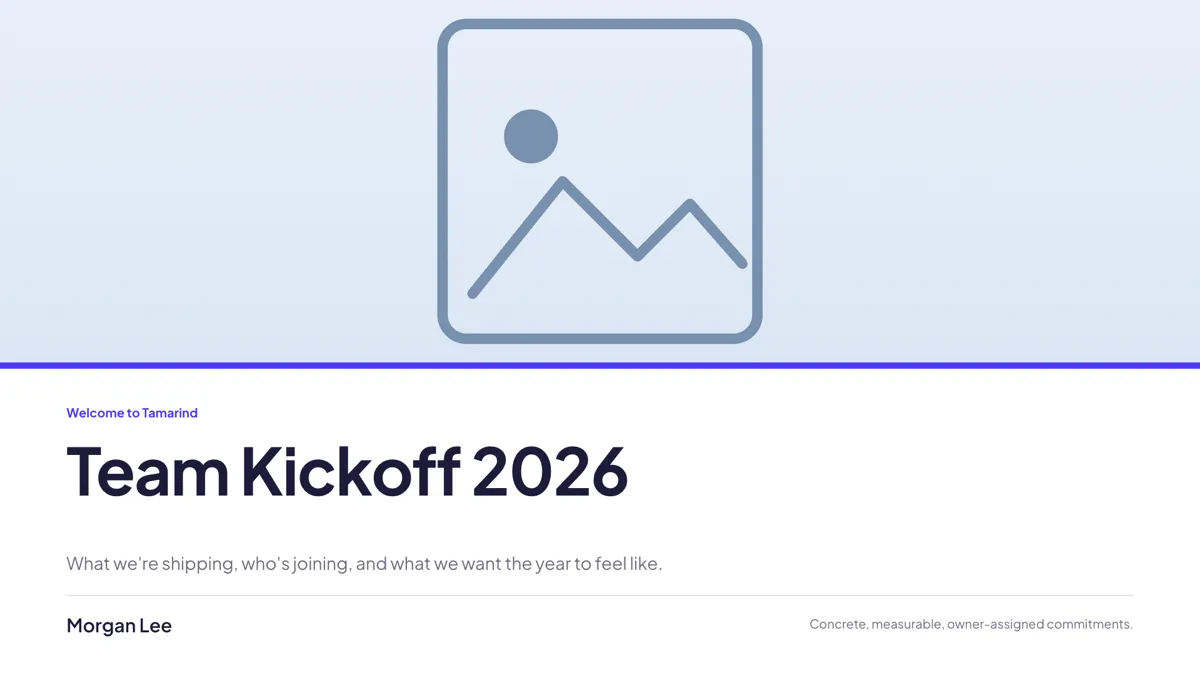
Cover: Full-Bleed Hero Band + Title Below
Cover. A full bleed hero band across the top with the title and framing line below it.
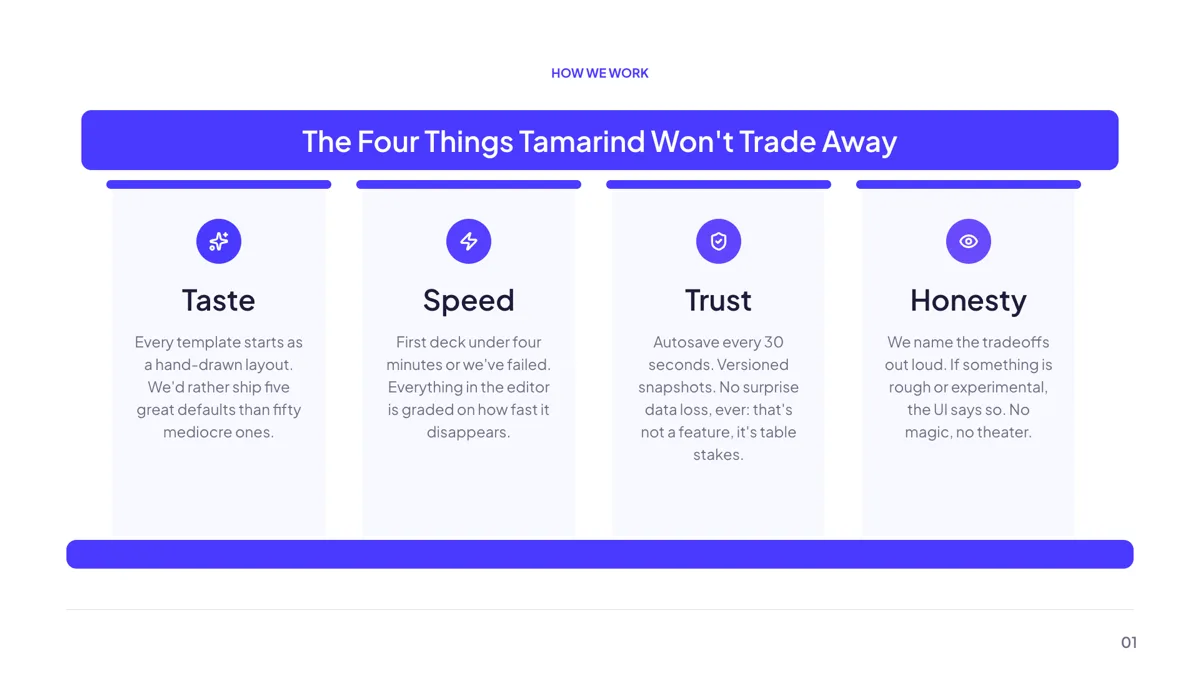
Grouping: Four Pillars Temple
Pillars. Four values as temple pillars, each with an icon, a name and a short definition.
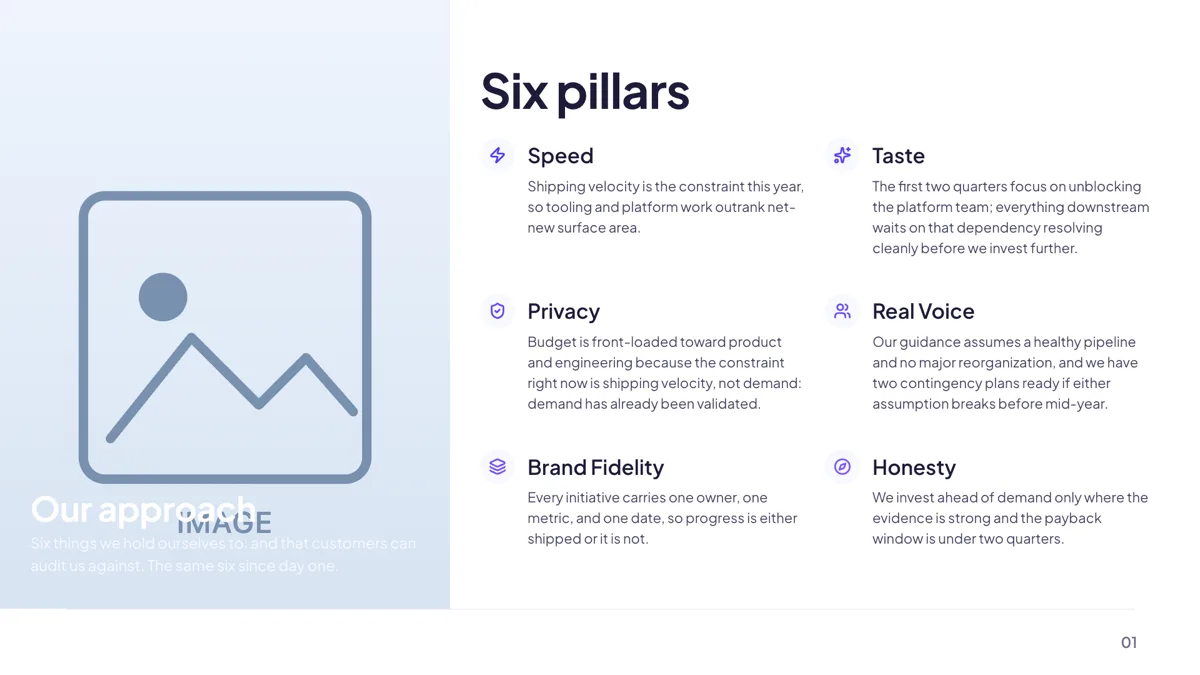
Context: Split Image + 6 Pillar Grid
Pillars. A full height photo on the left and a two by three icon pillar grid on the right.
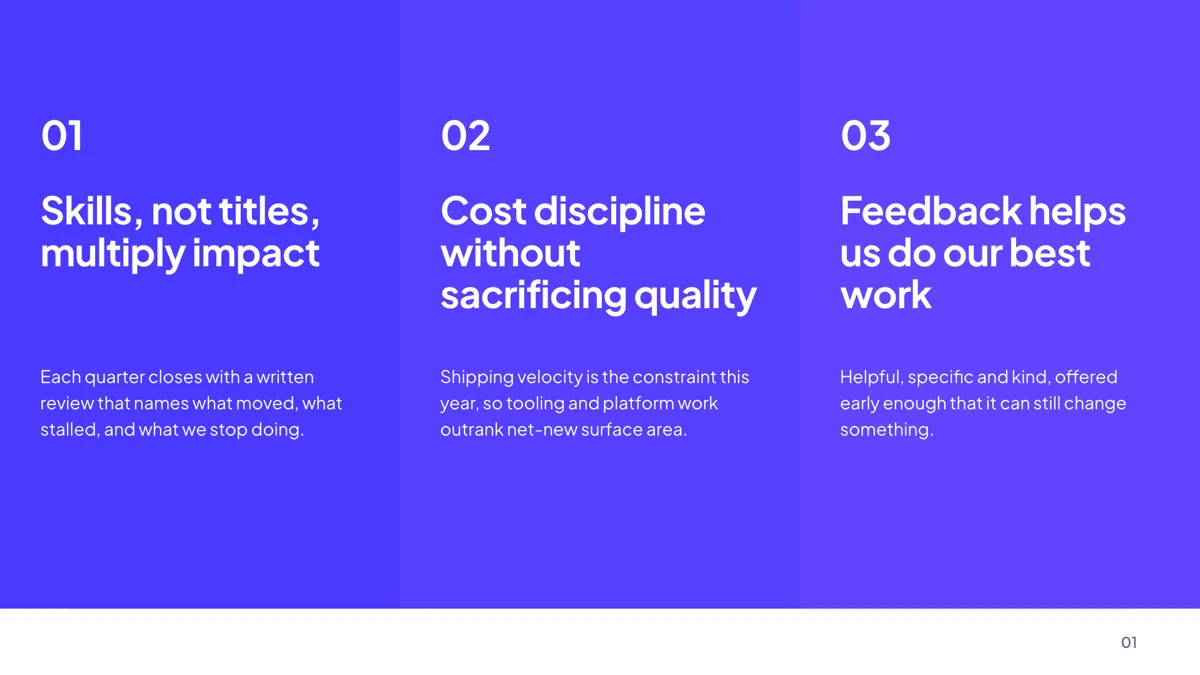
Grouping: Three Full-Color Panels
Pillars. Three full colour panels, each a number, a headline, a rule and one tight paragraph.
Context: Image Gallery 2×2
Gallery. Four landscape photo tiles with a caption heading and one line under each.
Context: Photo Grid 2x3
Gallery. Six captioned photo cards in two rows of three, all of equal weight.
Context: Left Title, 3 Photo Cards Right
Gallery. A serif title on the left and three tall photo cards with captions on the right.
Closing: Thank You Signature
Closing. A centred thank you with three contact cards in a row underneath.
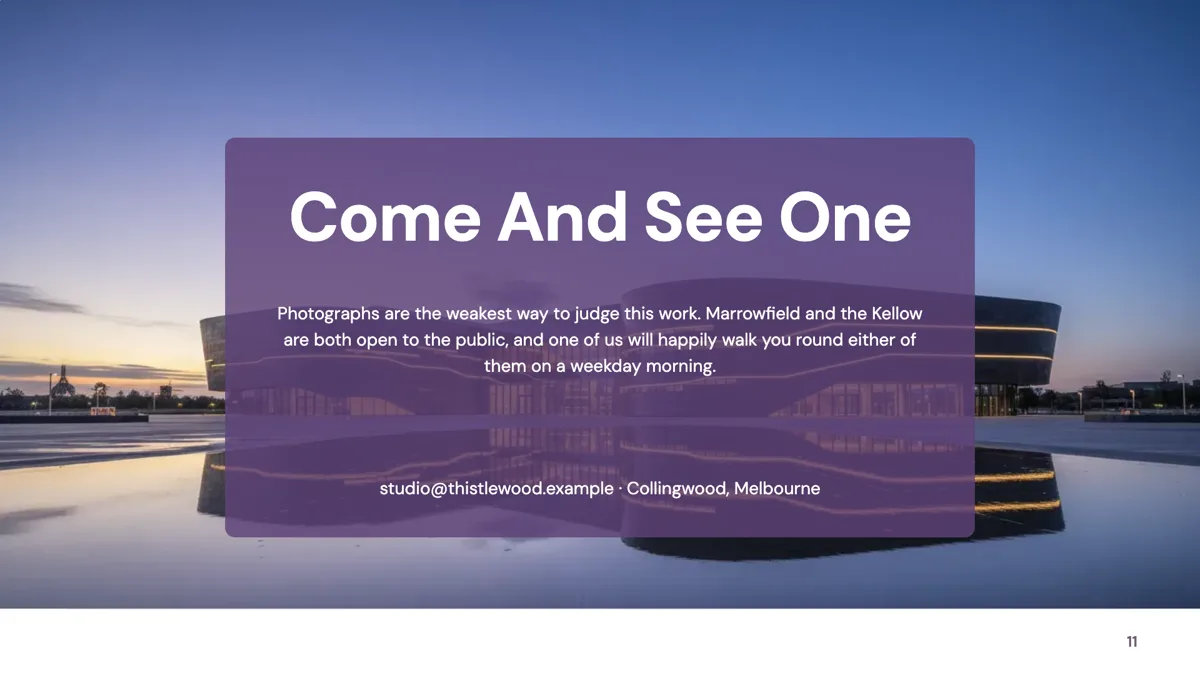
Closing: Thank You on Photo Card
Closing. A full bleed photograph with a translucent card floating over the centre.
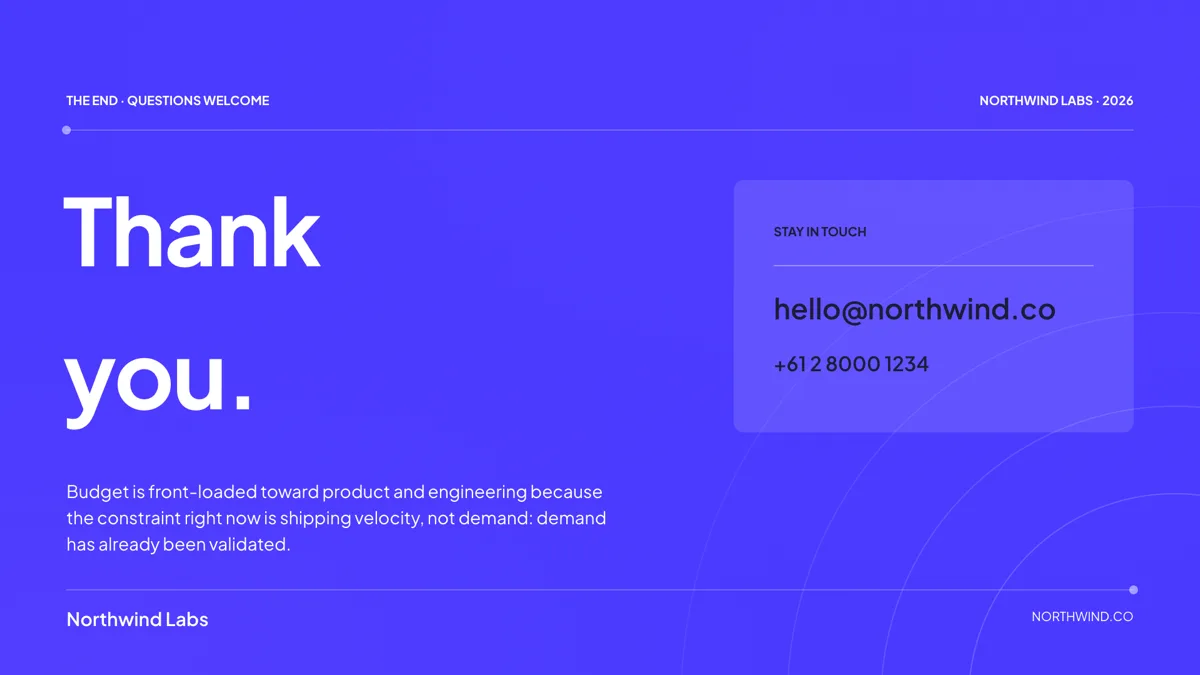
Closing: Oversized Thank You
Closing. A brand filled close with an oversized two line wordmark and an eyebrow rail.
Cover: photography that survives a projector
Twenty seven cover layouts exist and a profile deck is one of the few cases where a photographic cover is the right call, because the work is visual. The framed and curve covers hold a photograph inside a shape rather than bleeding it across the whole slide, which keeps the title readable on a dim projector. Brand chrome can sit in the top right on the first slide or on every slide, sized between 80 and 700 pixels wide, with a logo, text or both.
Profile: ten layouts for the people slide
The profile role holds ten templates and the choice is mostly about how many faces you have. Two portraits take the editorial split, four take the row with a client logo strip, six take the founders and advisors grid, and a larger team takes the text only directory. None of them is pictured on this page: the library fills every profile layout with invented people, and one of those layouts is shown instead on the profile slide guide, where the caption says so. Headshots are uploads in every case: automatic image generation skips slots whose purpose is profile or logo, in fill and in chat, so nobody on the slide is invented.
Pillars: values with a definition, not adjectives
Pillars is a 33 template role, and for a profile deck the useful layouts are the ones that force a definition under each value. The temple layout gives four values an icon, a name and a line each; the three panel layout gives three values a full colour panel and a paragraph. If the values cannot survive a one line definition, the slide will show it, which is a good reason to write them before choosing the layout.
Gallery: six layouts, images first
The gallery role is the smallest visual role at six templates, all of them image led: a two by two, a three wide row, a six up grid, an editorial hero with caption cards, a split with text on one side and a grid where the photographs carry no captions at all. Uploads accept jpeg, png, webp and gif, and image styling covers corner radius, a frame in four tokens and a shadow. A photograph is cropped to fill its slot, so allow room around the subject.
How the thumbnails were made
The two closing cards are slides from example decks published here; every other card is a layout rendered through the product's own template gallery with the sample text the library ships. The business names, values and captions inside the images are invented, not a real company. Two of the team layouts are described in words rather than pictured, because their sample text invents people and customers.
How long a company profile deck runs
The profile decks published here run 10 to 11 slides: the company profile presentation is 10, the capability, credentials, agency portfolio and brand decks 11 each. That is a cover, an introduction, values, the team, two or three work slides, proof, and a close. The closing role has eleven layouts, three of which are shown here; a thank you slide with contact details is the standard ending on all of them.
Finished examples
Questions people ask
What goes in a company profile presentation?
Who the company is, what it stands for, who runs it, what the work looks like and how to start. The decks published here do it in 10 or 11 slides, with two or three given to photographs of the work.
Can I put our logo on every slide?
Yes. Brand chrome sits in the top right as a logo, text or both, between 80 and 700 pixels wide and 32 to 260 tall, with a shadow toggle, and a scope of first slide or all slides. The setting is saved on the deck rather than the version.
Will the AI generate headshots?
No. Slots whose image purpose is profile or logo are skipped by automatic generation, in the initial fill and in chat. Upload real photographs, which the gallery layouts are built around anyway.
How many photographs can the gallery slides take?
Between three and six per slide depending on the layout: a two by two grid takes four, a three wide row three, and the six up grid six. Each is cropped to fill its tile, so a subject near the edge of the frame may be cut.
Can I send this as a PDF?
Yes, and PDF export is on every plan at about 1 credit per 10 slides. It renders each slide in a headless browser at twice scale and places one image per page, so the file looks exactly like the deck and carries no selectable text.
Can the deck be shown on a phone?
A share link opens read only in a browser at any width. In the editor, below 1024 pixels the canvas becomes a vertical feed of every slide with a tap to select and an inspector sheet, so light edits are possible but presenting is better from a laptop.
Start a slide from a description
The button opens the generator with a starting description already filled in. Change it to match your own before you run it.
Create a presentation with OneCraftFor everything the generator can do, see the slide maker.
Other slide examples sets
Sources
Written and checked by the OneCraft team. Last checked .