Presentations
AI presentation maker
Most tools that write a presentation hand you a text outline and leave the design to you. This one plans the deck, chooses a purpose for every slide, binds each purpose to a real layout out of 1,071, writes the copy into the shapes that layout expects, and generates the pictures.
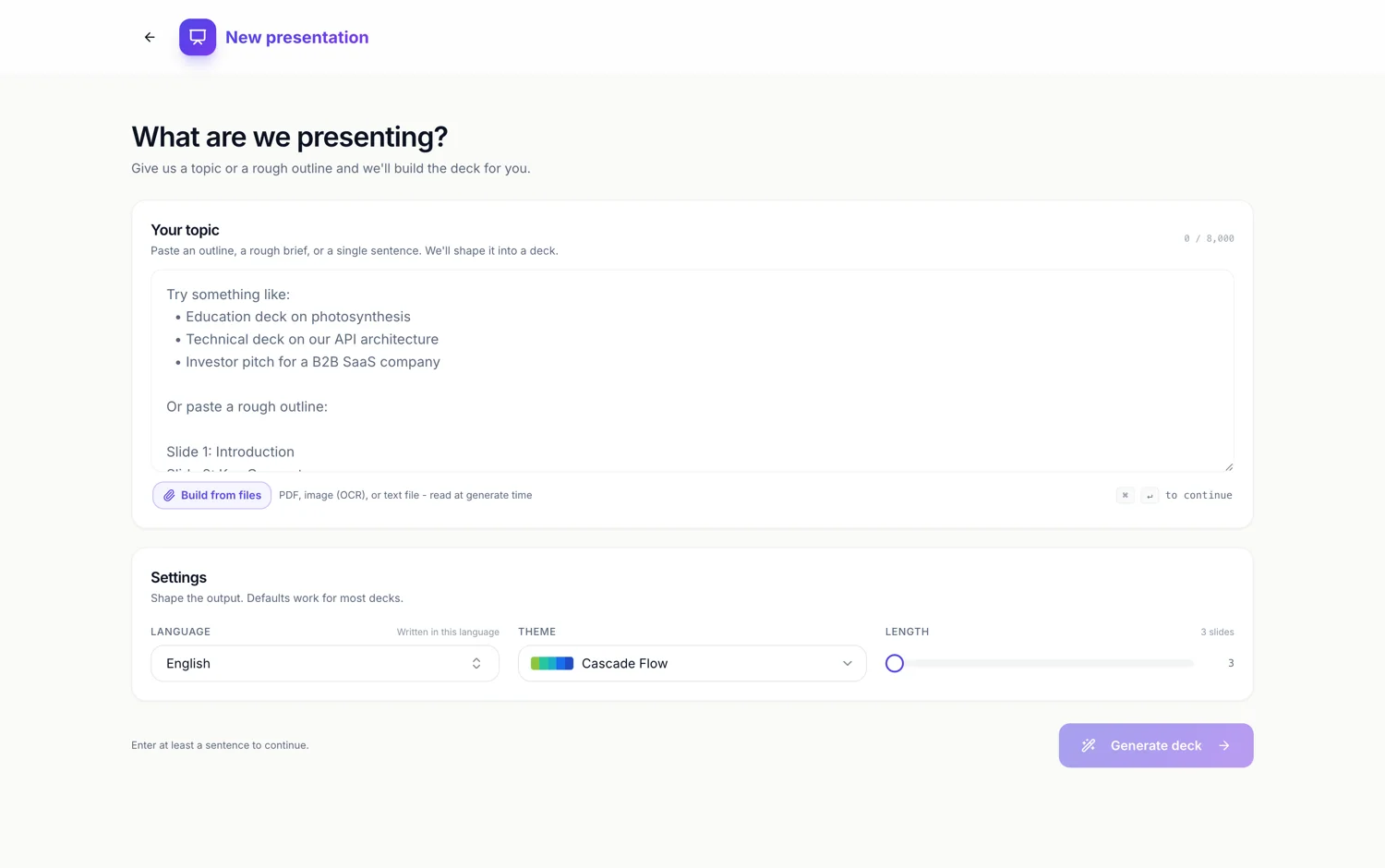
No outline to approve
There is no screen where you read a bullet list and press Continue. The planning call hands back a job reference almost immediately and you land straight in the builder, watching slides appear one by one as the writer finishes each. That is a deliberate choice. An outline review is a second decision most people rubber stamp, and it delays the only thing that tells you whether the deck works, which is seeing it.
Purpose first, layout second
Before any words exist, every slide is assigned one of 26 purposes: cover, agenda, intro, content, metrics, comparison, pillars, framework, timeline, process, pricing, testimonial, persona, profile, investment, tree, diagram, gallery, calendar, checklist, code, quiz, divider, takeaway, closing and a question break. The purpose is what picks the layout, because comparison has 32 designs behind it and quiz has five, and a slide asked to compare two things should never land on a design built to hold one big number.
Copy is written to fit, not poured in
Each layout declares a character budget per text box, and the budget is enforced three separate ways: the schema carries a minimum and maximum length, the instruction repeats it as a hard sentence, and a truncation pass trims on a word boundary if the model still runs long. A headline slot is additionally told it is a headline and not a summary. This is the difference between a slide and a paragraph in a coloured rectangle.
Pictures arrive after the words
Once a slide's content is written, any picture boxes on it are filled without holding up the rest of the deck. The requested shape is snapped to the closest of eight aspect ratios so a wide banner is not delivered as a square and cropped. Boxes marked as a headshot or a brand mark are skipped on purpose, because a generated face or logo is worse than the placeholder. If generation fails the slot falls back to a stock photograph with its photographer recorded.
Everything it chose stays changeable
The theme it picked, the layout it bound, the words it wrote and the pictures it made are all ordinary editable objects afterwards. Swapping a slide to a sibling layout keeps the content. Swapping the theme restyles all of them at once. Nothing is baked, because the deck is stored as content plus a template reference, not as a flattened image.
How it works, in three steps
Step 1
Say what the deck is for
Topic, audience and the points that must appear. A rough outline pasted in works as well as a sentence.
Step 2
Set language, theme and length
Three controls under the prompt box. Length starts at 8 slides, the slider runs from 3 to 20, and Auto lets the planner pick the count.
Step 3
Edit what came back
Slides stream in as they finish. Click any text to change it, or ask the assistant in the side panel.
The full walkthrough with screenshots is in the guide Make a pitch presentation with AI.
Limits worth knowing
- The prompt box takes 10,000 characters, and needs at least 8 before it will submit.
- A free account is capped at 6 slides per deck. Starter and above go to 20.
- Building from your own files is a Starter feature, capped at 5 files of 25 MB each.
- Picture boxes marked as a headshot or a logo are never generated, so upload those yourself.
- Generation spends credits from your monthly allowance, and it stops with a clear message rather than half building a deck when you run out.
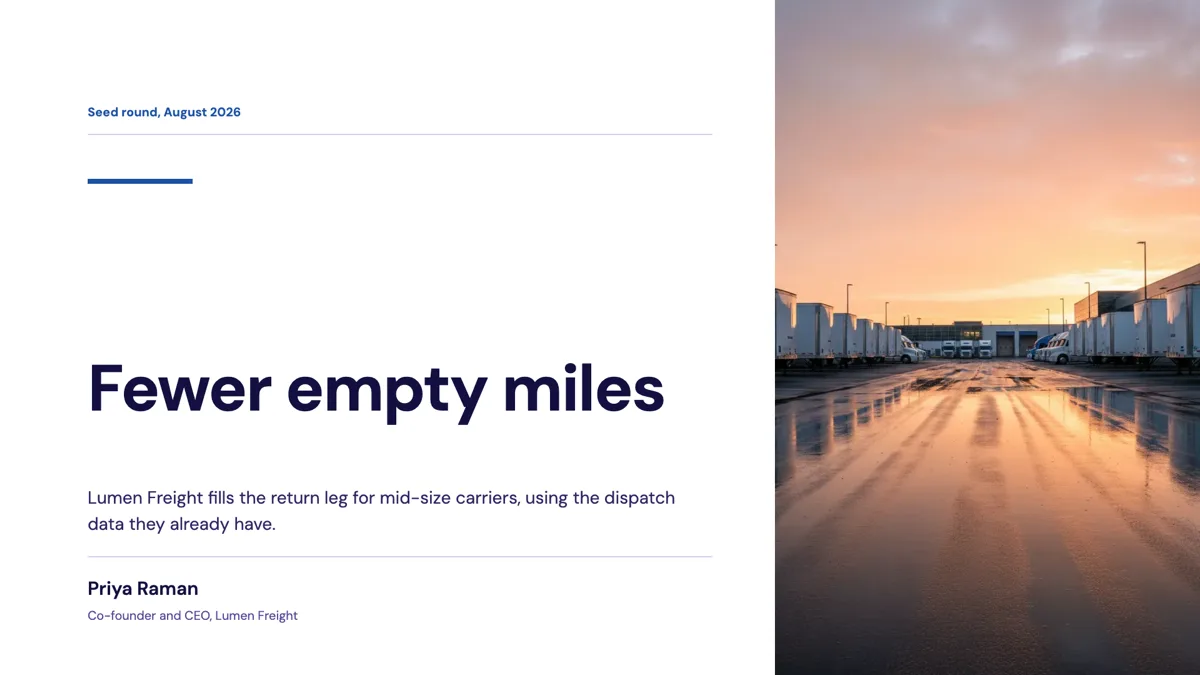
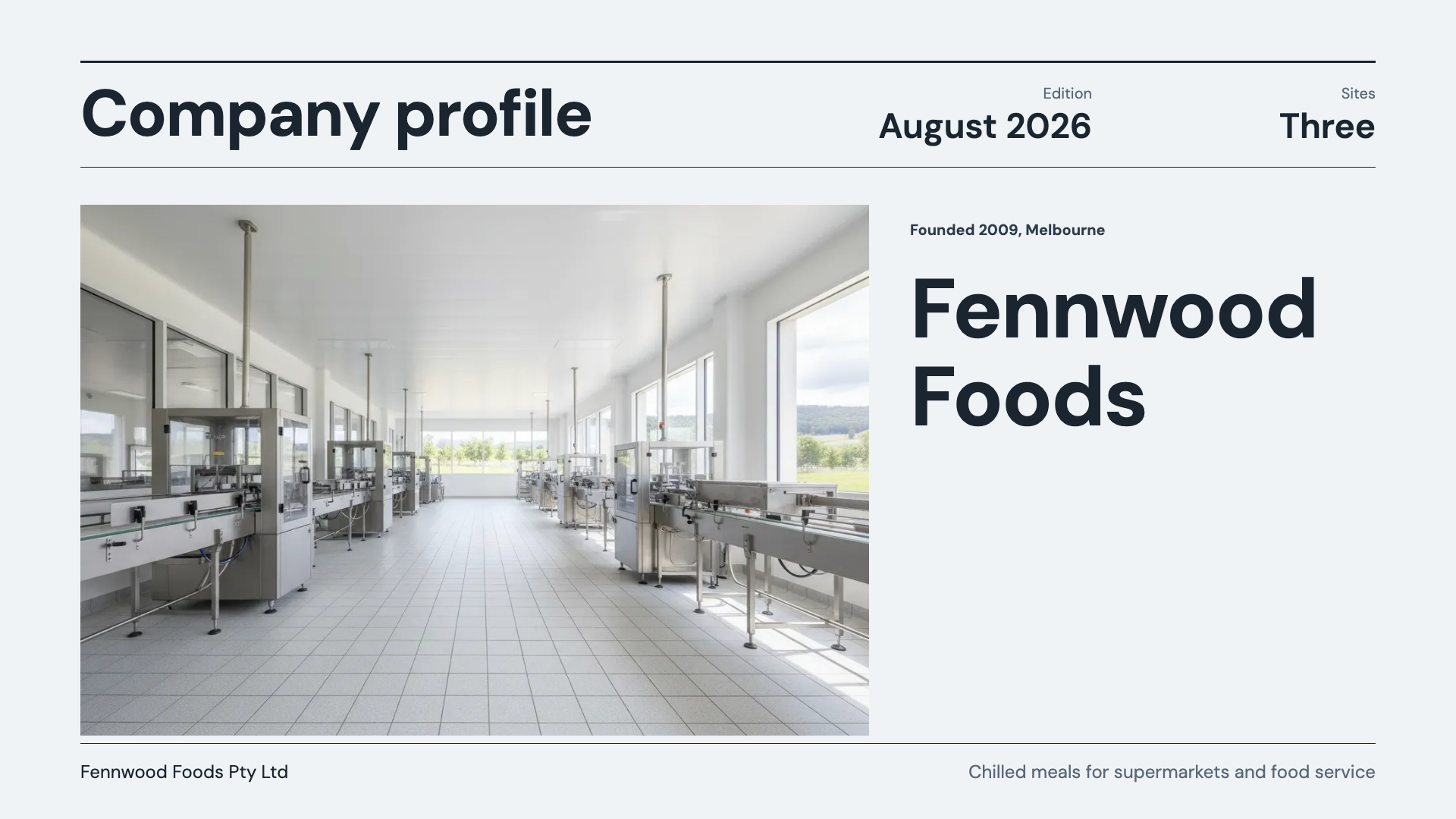
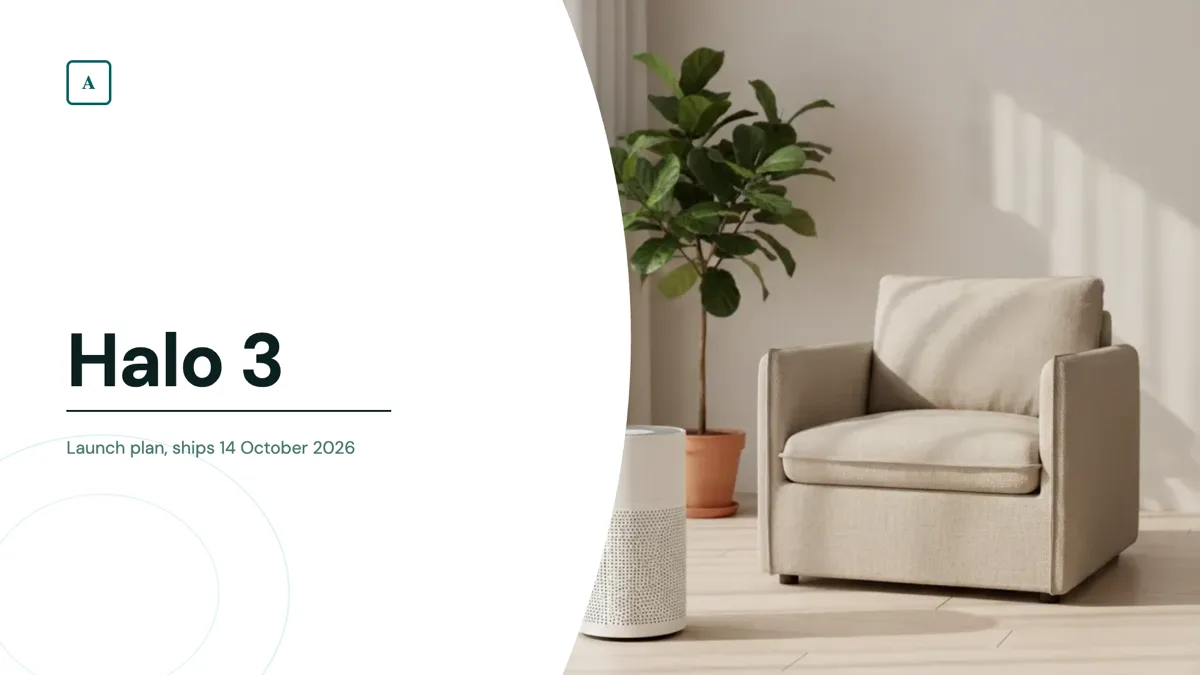
See it on a finished piece
Questions people ask
Can I review the plan before it writes the slides?
No. There is no outline confirmation step by design. You go straight to the builder and see real slides fill in, which is a faster way to judge the deck than reading bullets.
How does it choose a layout?
It picks a purpose for the slide first, then resolves that purpose to one of the layouts registered for it. Comparison has 32 designs, pricing has 9, quiz has 5. The purpose is the constraint that keeps the design sensible.
Will the text overflow the boxes?
It is budgeted per box before it is written, then truncated on a word boundary if the model overruns, then shrunk to fit at render time. Three defences, because one is not enough.
What if I do not like the theme it chose?
Pick another from the theme panel. There are 99, and switching restyles every slide at once because slides store colour tokens rather than fixed colours.
Make your own presentation
The button opens the generator with this use case already described. Change the wording to match yours, generate, then edit anything you like.
Create a presentation with OneCraftRelated pages
A presentation researched from web sources
Before it plans a deck, the writer can look things up. One search, and optionally a full read of a couple of the pages it found. This page covers what that changes, when it does not bother, and the thing you should not expect from it.
Flyer in another language
The Language field is not a translation toggle. It is passed to the writer before a single word exists, with an instruction to write natively in that language and not to translate jargon literally. The result reads like it was written by somebody who speaks it, because it was never written in English first.
Key takeaway slides
A takeaway slide is the one people photograph, so it has to be readable out of context and short enough to be remembered. Seven layouts carry that job, the smallest of the writing roles: a single statement, a recap of bullets, three numbered insights, a manifesto, a pull quote and a card built to be screenshotted.
More finished work of this kind is on the presentation examples hub.
Written and checked by the OneCraft team. Last checked .