Flyers
Flyer in another language
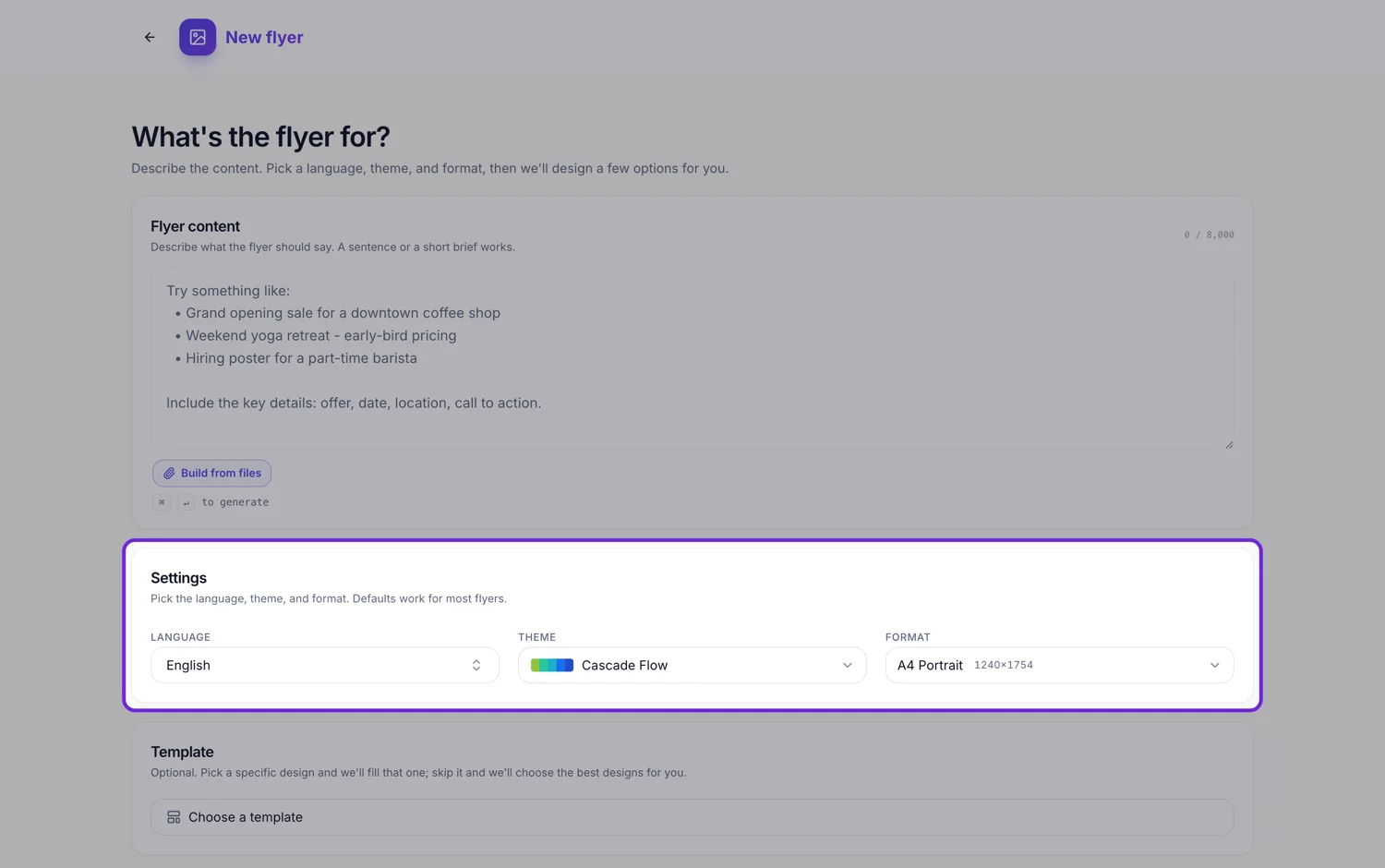
The Language field is not a translation toggle. It is passed to the writer before a single word exists, with an instruction to write natively in that language and not to translate jargon literally. The result reads like it was written by somebody who speaks it, because it was never written in English first.
Native writing, not translation
When a language is set, the instruction reaching the writer is explicit: write all copy natively in this language, and do not translate jargon literally. So a Spanish flyer gets Spanish marketing phrasing rather than English phrasing with Spanish words, and a headline slot gets a headline that works in that language rather than the literal equivalent of an English one.
Any language, not a fixed list
The field is a combo box with thirty two suggestions under a Common heading, each showing its own native name beside the English one. Typing anything else offers to use exactly what you typed, so a language, a regional variant or a dialect all go through. There is no dropdown of supported languages, because the field simply passes your text along.
Auto detect reads your brief
The first entry in the list is Auto detect, which sends no language at all and lets the content match the topic. It is the right choice when your brief is already written in the language you want the flyer in. The generator otherwise starts on English, so a Portuguese brief with the field untouched can still come back in English.
Where non Latin scripts hit a wall
The twenty seven font families in the catalogue are Latin first and are loaded from Google Fonts. A script one of them does not cover, Arabic, Thai, Devanagari, Chinese and so on, falls back to whatever font the viewing browser supplies. The words are correct and the layout holds, but the type is the browser's rather than the theme's, and it will not match the design's character.
Right to left is not mirrored
There is no direction handling anywhere in the flyer renderer. Arabic and Hebrew text will read in the correct order inside its own block, because the browser does that, but the design is not flipped: a headline pinned left stays left and a column order stays as drawn. For a genuinely right to left flyer, expect to move blocks yourself.
How it works, in three steps
Step 1
Set Language before you generate
It is the first of the four settings. The default is English, so change it even if your brief is in another language.
Step 2
Or write the brief in that language and pick Auto detect
Auto detect sends no language and lets the content follow your own wording.
Step 3
Check the type once it lands
If the script fell back to a generic font, choose a shorter headline and expect the theme's own face not to apply.
The full walkthrough with screenshots is in the guide Choose the template, theme and size for your flyer.
Limits worth knowing
- The twenty seven catalogue fonts are Latin first. Other scripts fall back to the browser's default font.
- There is no right to left layout mirroring anywhere in the flyer builder.
- The generator defaults to English rather than auto detecting, so the field has to be set deliberately.
- Language affects the copy only. It does not change the designs offered or the images generated.
- Images never contain text, so nothing inside a generated photograph needs translating.
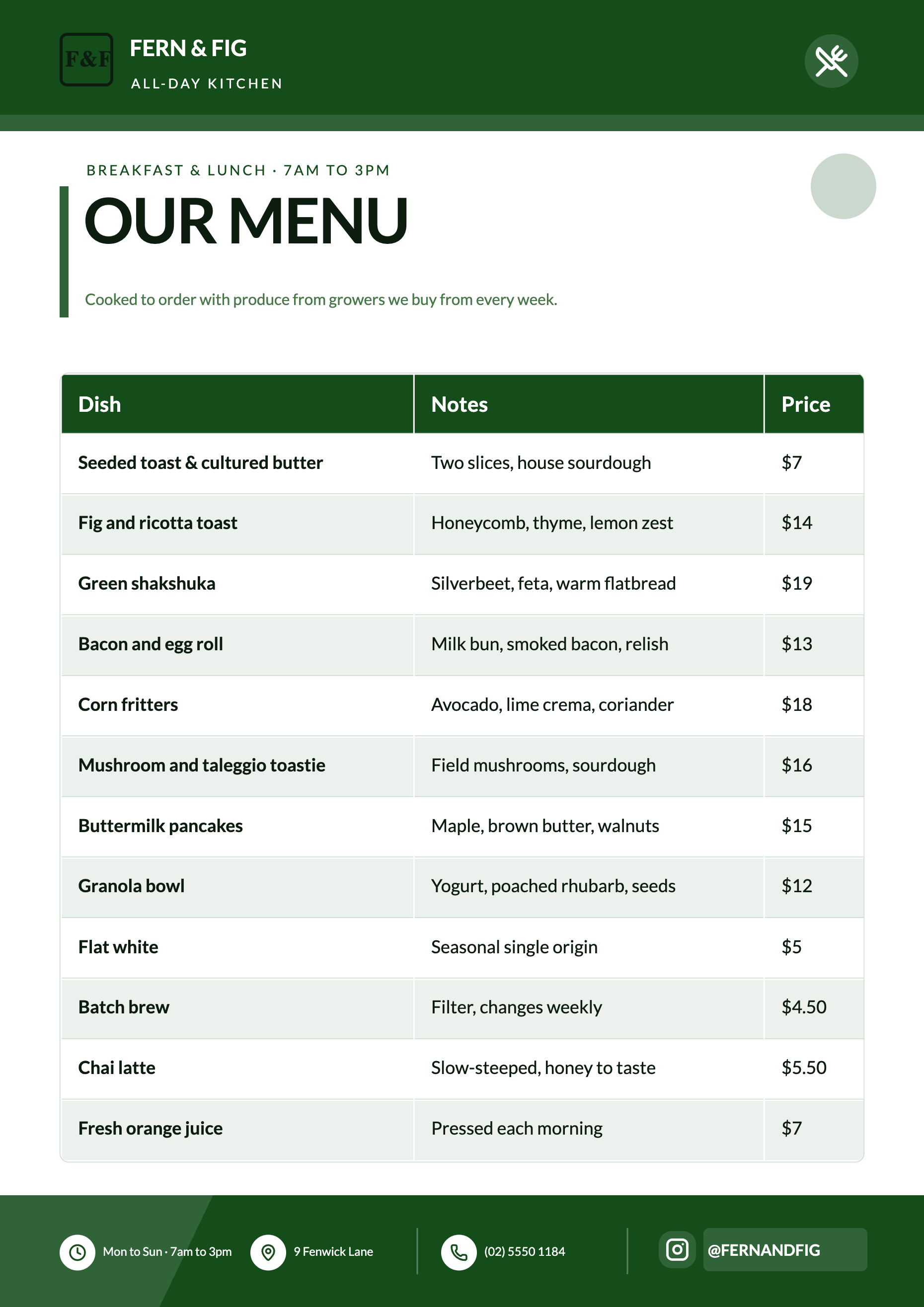
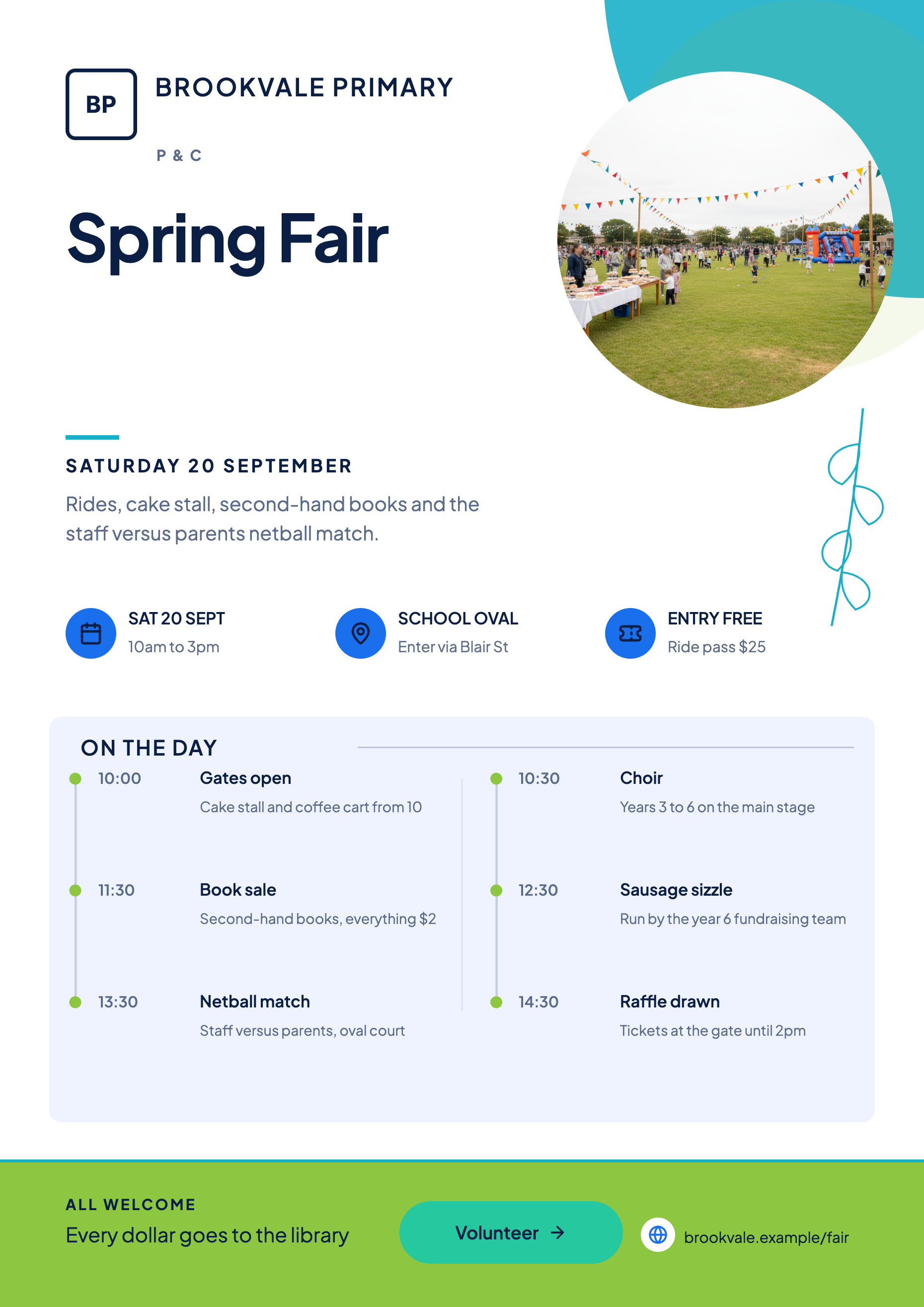
See it on a finished piece
Questions people ask
Can I make a bilingual flyer?
Not from one generation, since the language setting applies to the whole run. What works is generating in one language and then typing the second language into the slots yourself, or asking the chat editor to rewrite specific slots.
Will Arabic or Thai render correctly?
The characters render, because the browser supplies a font that covers them. What you lose is the theme's own typeface and any right to left layout mirroring, so check the result rather than assuming.
Does the language change which designs I get?
No. The design director judges subject and layout fit, and the canvas size filters the pool. Language only reaches the writing step.
What if I write the brief in French but leave the field on English?
You will most likely get an English flyer, since the field is passed as an explicit instruction. Set the field, or choose Auto detect and let your own wording decide.
Make your own flyer
The button opens the generator with this use case already described. Change the wording to match yours, generate, then edit anything you like.
Create a flyer with OneCraftRelated pages
Flyer fonts
A flyer does not use a heading font and a body font. It uses one family, and the theme's type scale does the rest: nineteen named sizes from a display headline down to a footer line, each with its own weight. Changing the font changes one thing and the whole page follows.
Make a flyer from text
A description is not a wish. It is the content of the finished flyer, because the writer is told to treat your words as the source of truth and is barred from filling gaps with invented specifics. So the honest question is not how good the AI is, it is how much you told it.
AI images for a flyer
Generating a picture for a flyer is not the same as generating a picture. The slot already has a shape, a place in the composition and a job to do, and the generator is told all three before your words are added. That is why the result drops into the design instead of sitting on top of it.
More finished work of this kind is on the flyer examples hub.
Written and checked by the OneCraft team. Last checked .