Flyers
Make a flyer from text
A description is not a wish. It is the content of the finished flyer, because the writer is told to treat your words as the source of truth and is barred from filling gaps with invented specifics. So the honest question is not how good the AI is, it is how much you told it.
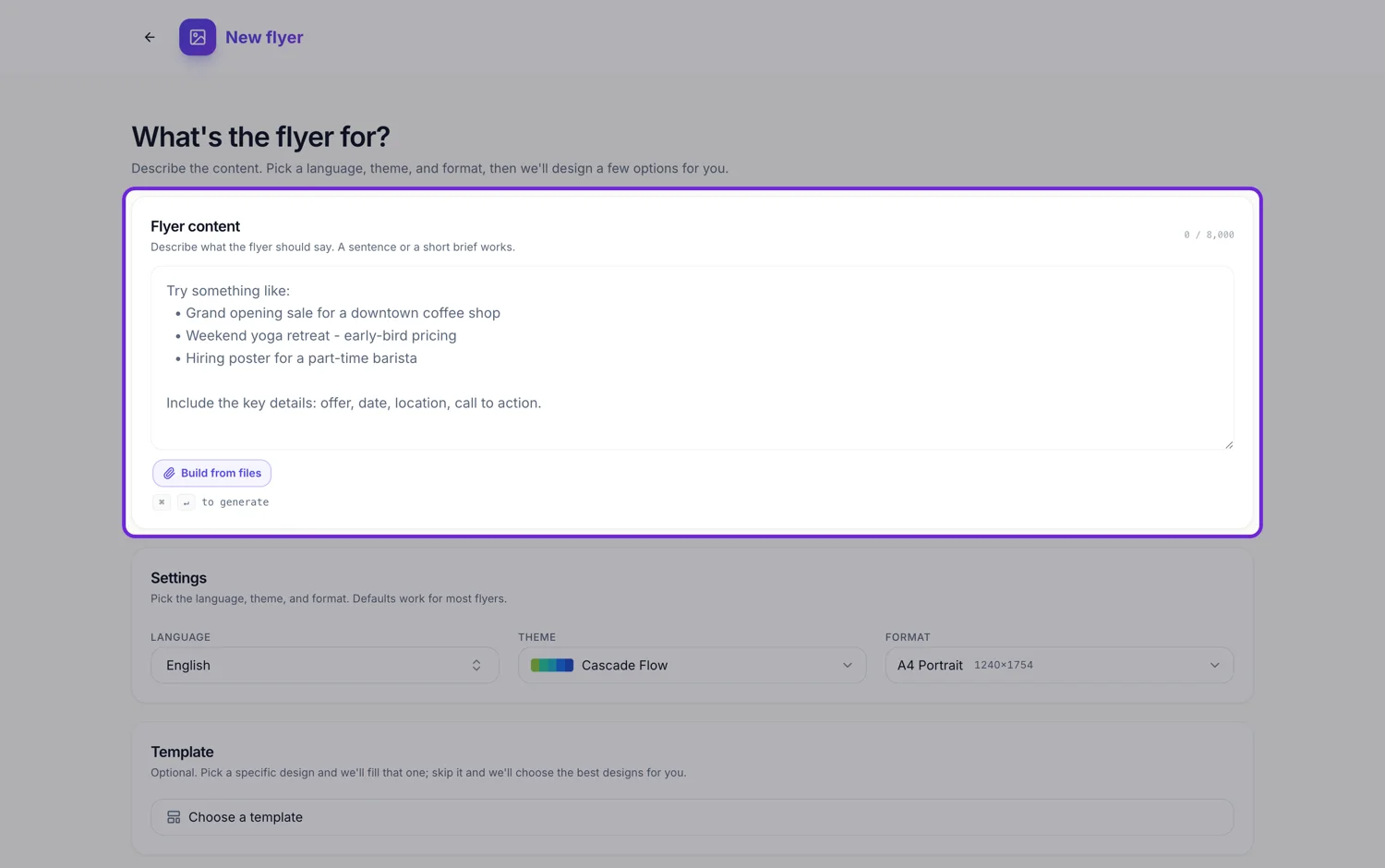
One line gives you a poster with holes in it
Type "yoga class flyer" and the design still arrives complete, because the layout was drawn by a person. What arrives thin is the content. Optional slots with nothing genuine behind them are dropped rather than padded, so the price strip, the timetable line and the contact row simply are not there. The flyer looks finished and says almost nothing.
Five things that change the output every time
The offer in plain words. The date or the opening hours. The place, written the way a stranger would need it. The price, or the fact that it is free. And what you want done next, which is the line the call to action slot is waiting for. Those five turn a handsome shell into a flyer somebody can act on.
Specific beats enthusiastic
The writing rules ask for concrete nouns and real figures over category words, and ban filler openings. Save thirty percent beats great savings, and open until 9pm beats convenient hours, because the slot is short and a number survives being read from across a room. If you give it numbers it will use them. If you give it adjectives it can only give adjectives back.
Names, prices and numbers are copied, not paraphrased
Where your brief names a company, a product, a price, a date, a location, a phone number, an email, a website or a social handle, those exact values go into the matching slots. This is worth knowing in both directions: a typo in your brief is a typo on the flyer, and a detail you left out cannot appear.
Length is not the same as detail
Eight thousand characters are available, but a rambling brief does not fill more slots than a tight one. What fills slots is distinct facts. Three lines carrying six facts outperform three paragraphs carrying two, and a bulleted list of details reads to the writer exactly as well as prose.
How it works, in three steps
Step 1
List the facts before you write sentences
Offer, date, place, price, action. Anything you cannot list is a slot that will come back empty.
Step 2
Paste them in as they are
Bullet points are fine. The writer reads facts, not style, and it will phrase them for the audience it infers.
Step 3
Read the empty spots, then add one line
If a strip is missing on the finished flyer, it is a fact you did not supply. Add it in the builder or say it in a chat message.
The full walkthrough with screenshots is in the guide Create a flyer for Instagram and print.
Limits worth knowing
- Nothing invents a price, a date, an address, a phone number or a statistic. A missing fact stays missing.
- Optional slots with no grounded content are omitted, so two briefs on the same design can produce visibly different amounts of copy.
- Slot character budgets are enforced on the schema, so a long sentence gets rewritten shorter rather than clipped.
- The prompt cannot direct layout, colours, fonts or positions. Those come from the template and the theme you choose.
- The prompt box takes 10,000 characters.
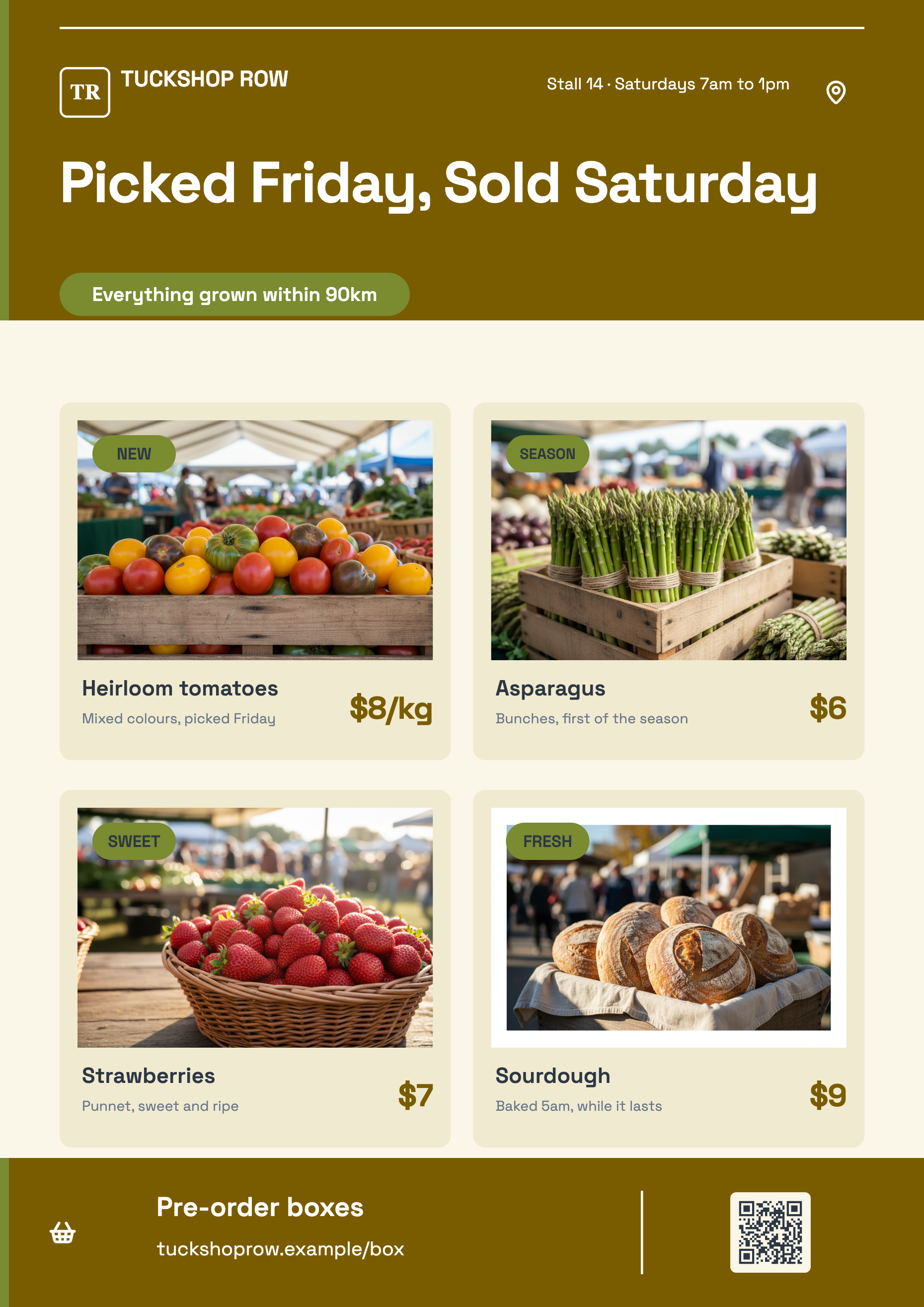
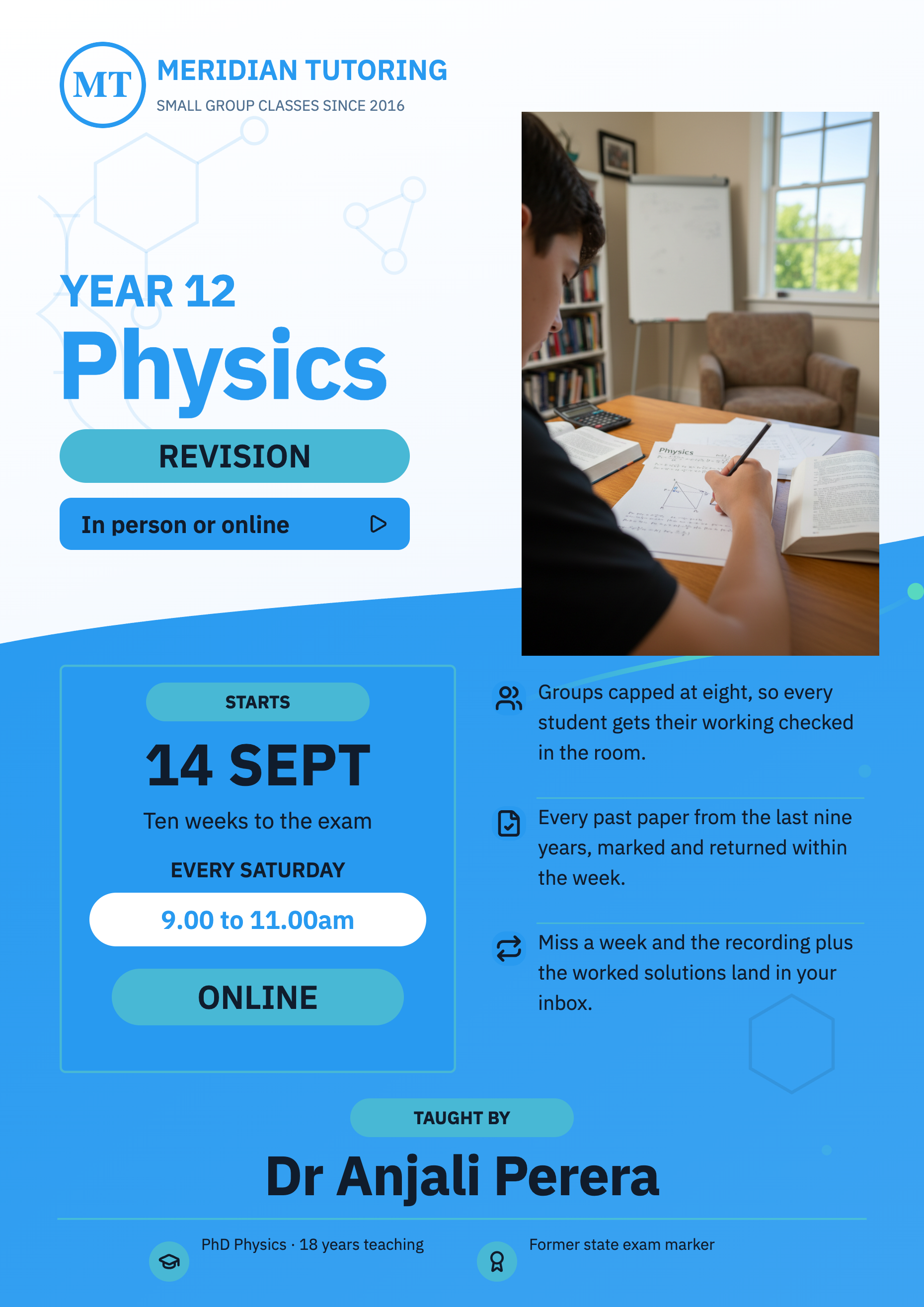
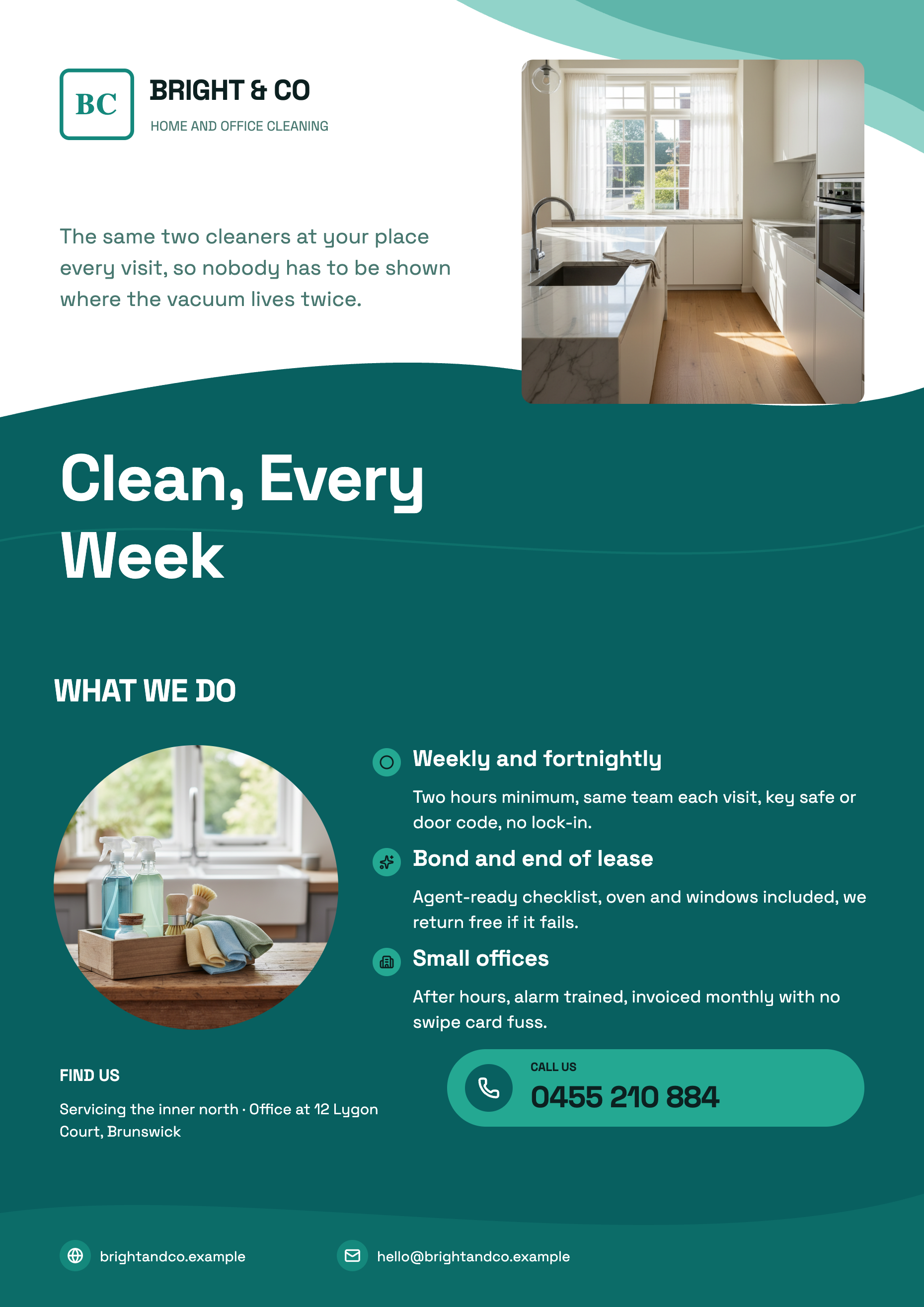
See it on a finished piece
Questions people ask
How short can the description be?
Eight characters is the technical floor. Practically, anything under one full sentence gives the writer nothing to ground the optional slots in, so you get a well designed flyer with most of its detail strips missing.
Should I write the headline myself?
You can, and it will be respected as part of the request. If you do not, the headline slot gets written for you, benefit first and short, because it is told the eyebrow and the headline are the hook.
Does it write in the tone of my business?
It infers the audience and the offer from your brief and pitches a marketing voice at that reader. Naming the audience in one clause, such as for first time parents, moves the wording more than any instruction about tone.
Can I paste my existing copy in and have it laid out?
Yes. Paste the wording you already use. It becomes the source of truth, and the writer's job shrinks to fitting it into the slot budgets.
Make your own flyer
The button opens the generator with this use case already described. Change the wording to match yours, generate, then edit anything you like.
Create a flyer with OneCraftRelated pages
AI flyer generator
You write what the flyer is for. The generator chooses the designs, writes the copy into their slots, generates the photographs and hands you two complete flyers to pick between. Nothing about the layout is yours to fight with, because the layout was already designed.
Flyer in another language
The Language field is not a translation toggle. It is passed to the writer before a single word exists, with an instruction to write natively in that language and not to translate jargon literally. The result reads like it was written by somebody who speaks it, because it was never written in English first.
Turn a list of questions into a form
To turn a list of questions into a form, paste the list into the form generator's prompt box and say what the form is for. Each question comes back as a field with a type, options where you listed them, and a required flag, ready to publish on a link.
More finished work of this kind is on the flyer examples hub.
Written and checked by the OneCraft team. Last checked .