Forms
Turn a list of questions into a form
To turn a list of questions into a form, paste the list into the form generator's prompt box and say what the form is for. Each question comes back as a field with a type, options where you listed them, and a required flag, ready to publish on a link.
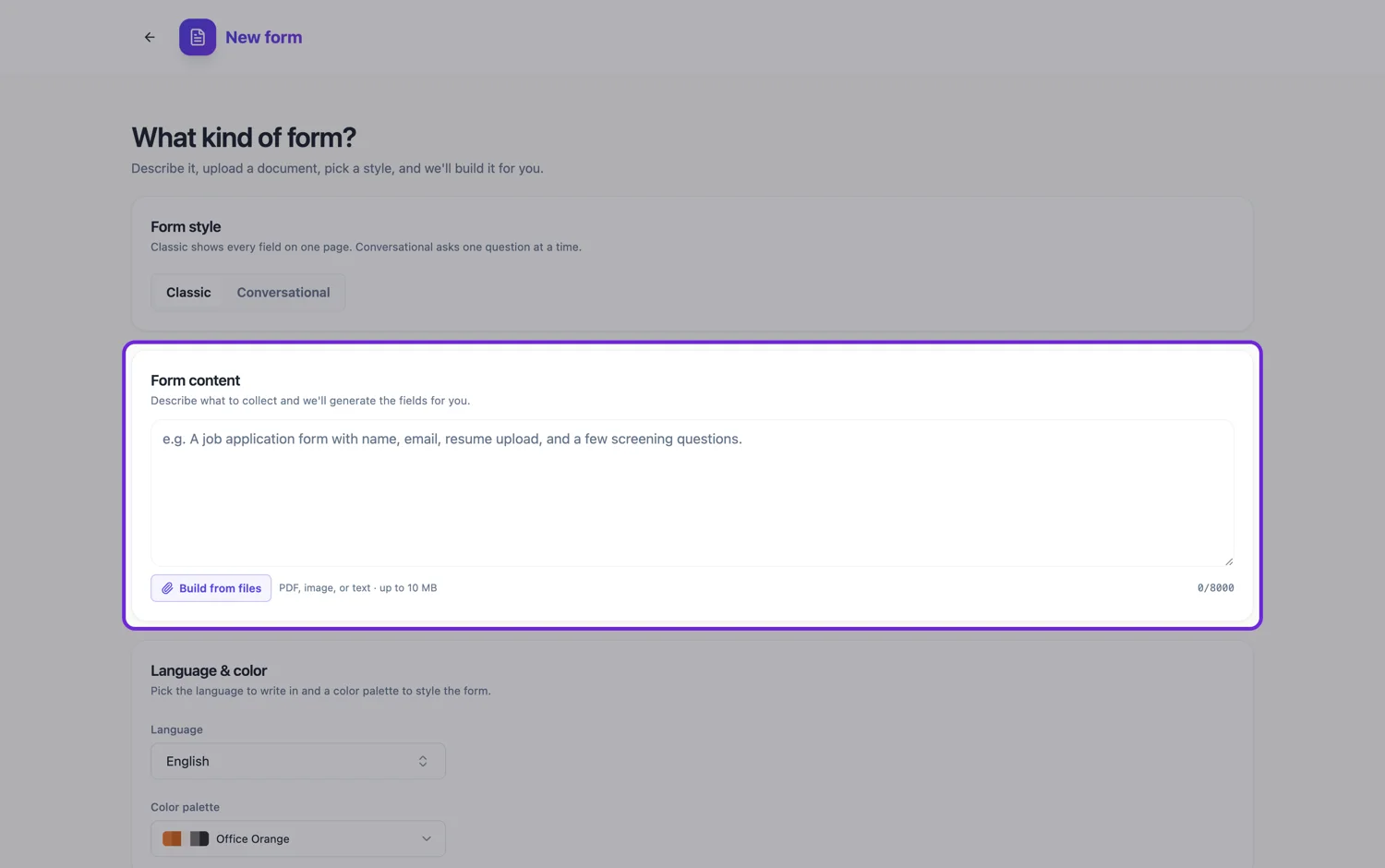
How a line becomes a field
The model reads each question and picks a field type from the toolkit, guided by the generator's own rules. Names become a full name field and addresses an address field rather than several separate boxes. Repeated data, such as a list of items with the same details, becomes a table. Emails and phone numbers become short text fields. Dates, times and quantities usually become date, time and number fields, and an open question that invites a paragraph becomes a long text box. It is a judgement from the wording, not a fixed rule, so a line that says what it wants gets the right type more often.
How required flags are chosen
Unless you say otherwise, the generator follows a required field strategy: identity fields such as name and email, the main purpose of the form, consent statements and signatures on legal forms are marked required. Optional preferences, a second contact method, comments and "how did you hear about us" questions are not. It aims for roughly three to six required fields on a ten field form. A note on the line saying optional or required is a stronger signal than that default, so write it where it matters.
Writing choices so they survive
Put the options on the same line as the question, after a colon or in brackets, separated by commas, for example Team size: 1 to 10, 11 to 50, 51 to 200, more than 200. Say "choose all that apply" when several answers are allowed, because a bare list reads as a single choice. Whether a single choice question becomes radio buttons or a dropdown is the model's call; name the control on the line if you care which.
Labels may be tidied, so say when they must not be
The generator writes labels in one consistent tone suited to the form, so "Could you tell us your full name please" may come back as Full name. That is usually an improvement. When the wording is fixed, such as a screening question from a policy or a consent sentence approved by a lawyer, say in the prompt that those lines must be kept word for word. The prompt text itself is used exactly as you pasted it.
Moving from another form tool
This is the quickest route off another builder when there is no clean export. Copy the question list out of the old form, paste it in, then rebuild only what a plain list cannot carry: file uploads, photo fields, signatures and design blocks. Those take a few clicks each in the builder, and they are the parts worth rethinking anyway.
How it works, in three steps
Step 1
Paste the questions, one per line
Start with a sentence saying what the form is for. Put choices after a colon, and mark optional or required questions on the line.
Step 2
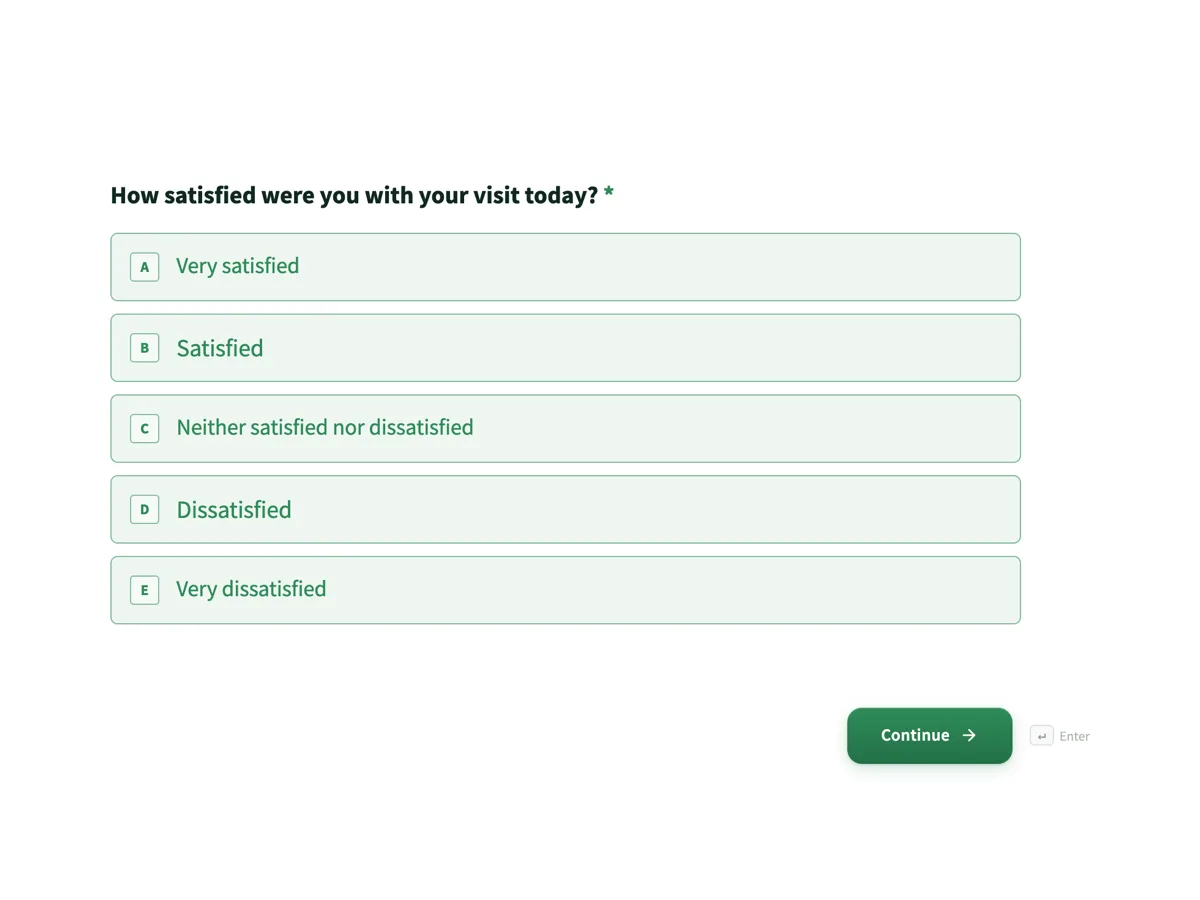
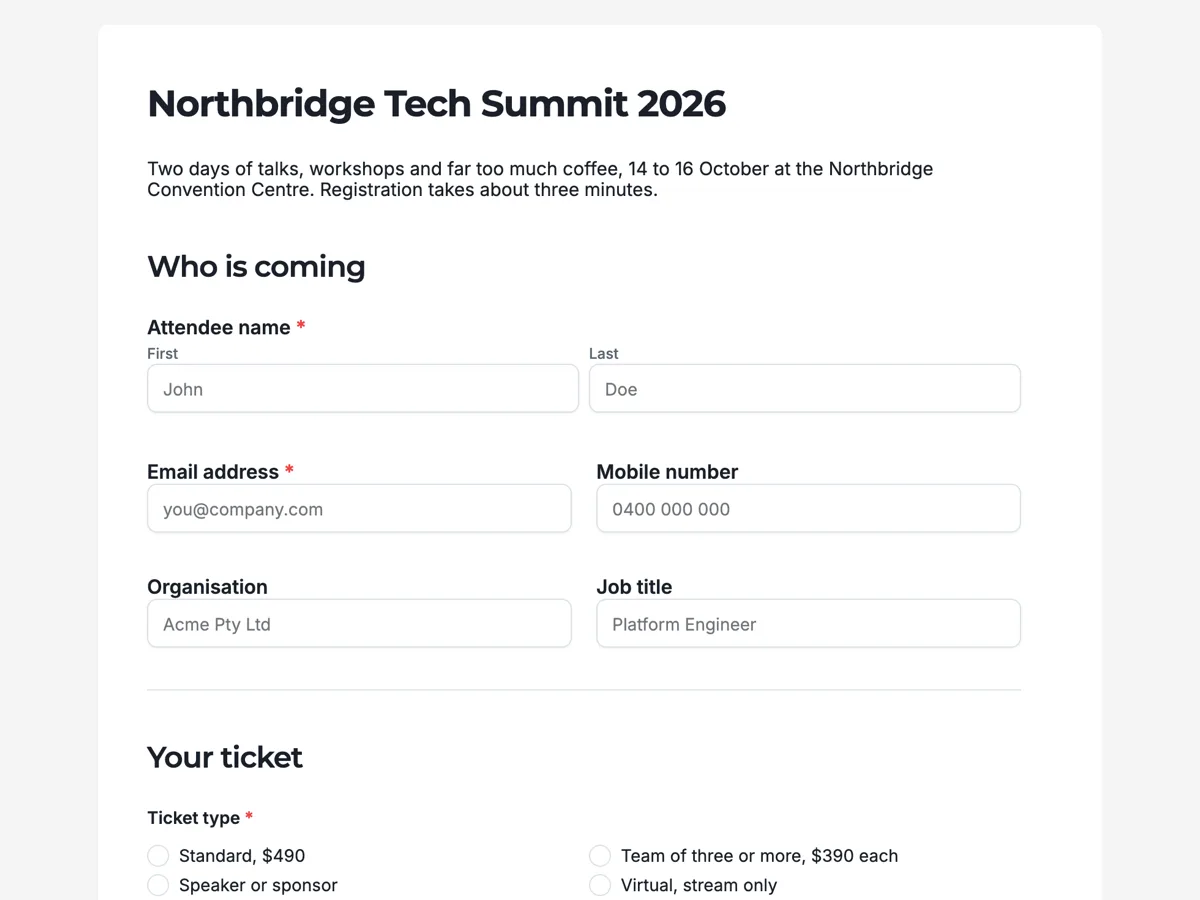
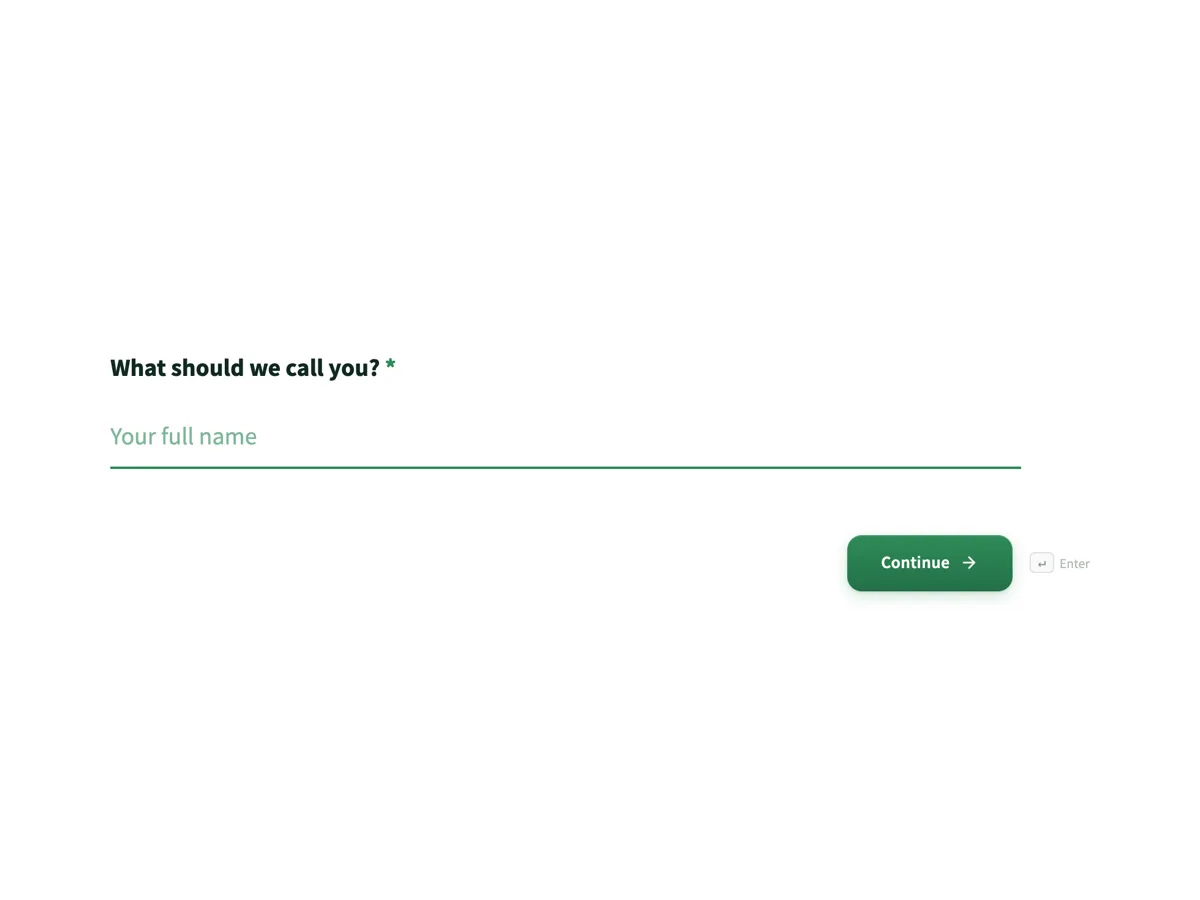
Pick classic or conversational
A long list someone works through at a desk suits a classic form. A short list for strangers on a phone suits conversational, one question at a time.
Step 3
Add the parts a list cannot carry
Uploads, photos and signature fields are added in the builder, then read the required flags once before publishing.
The full walkthrough with screenshots is in the guide Create a form from scratch with AI.
Limits worth knowing
- The prompt box takes 10,000 characters, which is roughly 1,200 words.
- A plain list carries no file uploads, photos or signatures. Add those in the builder.
- Field types and required flags are chosen by the model from the wording, so check them before publishing.
- Options you list are used as written, so tidy them before pasting.
See it on a finished piece
Questions people ask
How are required and optional questions decided in a pasted list?
A note on the line saying optional or required is the clearest signal. Without one, the generator applies its own strategy: name, email, the form's main purpose, consent and signatures on legal forms are required, while comments, secondary contact details and "how did you hear about us" are not. Read the required flags once before publishing, since each one is a single switch.
How do I mark a question as allowing several answers?
Say so on the line, for example "Which tools do you use today? (choose all that apply): Slack, Teams, email, phone". Without that note, a list of options reads as a single choice and becomes radio buttons or a dropdown. The same note works in any language the form is written in.
Can I paste questions straight from a spreadsheet column?
Yes. Copying a column pastes one question per line, which is exactly the shape the generator reads best. If a second column holds the options, paste them onto the same line after a colon. Delete header rows and internal notes first, since everything in the prompt is read as part of the brief.
How long can my list of questions be?
The prompt box holds 10,000 characters, roughly 1,200 words, which fits well over a hundred short questions. A very long list is usually a sign the form should be trimmed: the generator is told to keep forms focused on their stated purpose, so say plainly if every question must be kept.
Can the form be written in another language from my list?
Yes. The generator has a language setting with 32 suggestions, and you can type any other language into it. Labels, options, placeholders and the intro paragraph are written in that language. If you paste the list in English and pick Spanish, the questions are translated, so have a native speaker read them before publishing.
Can I tell it which field type to use for a question?
Yes, and it is the surest way to get a specific control. Add the type on the line, for example "Preferred start date (date)", "Rate the service (rating grid)" or "Upload your CV (file upload)". A named type on the line is a much stronger signal than the wording alone, so check those fields first.
Make your own form
The button opens the generator with this use case already described. Change the wording to match yours, generate, then edit anything you like.
Create a form with OneCraftRelated pages
Make a flyer from text
A description is not a wish. It is the content of the finished flyer, because the writer is told to treat your words as the source of truth and is barred from filling gaps with invented specifics. So the honest question is not how good the AI is, it is how much you told it.
AI form builder
You type a sentence about the form you need. What comes back is not a wireframe or a list of suggestions, it is a finished form with its fields chosen, labelled, ordered and marked required or optional, ready to publish on a link.
Build a form in any language
The language picker sits under the prompt box. Choose a language and the whole form comes back in it: labels, descriptions, option lists, the button, the welcome screen and the thank-you screen, not just the questions.
More finished work of this kind is on the form examples hub.
Written and checked by the OneCraft team. Last checked .