Flyers
Sale badge on a flyer
A sale badge is a small promise: new, half price, this weekend only. Two elements do that job here, a badge and a chip, and they are pill shaped text blocks that take their colour from the theme rather than stickers you drag off a shelf. That has consequences worth knowing before you place one.
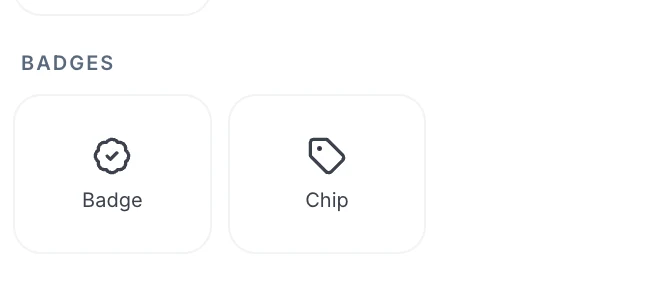
Badge and chip, and the difference matters
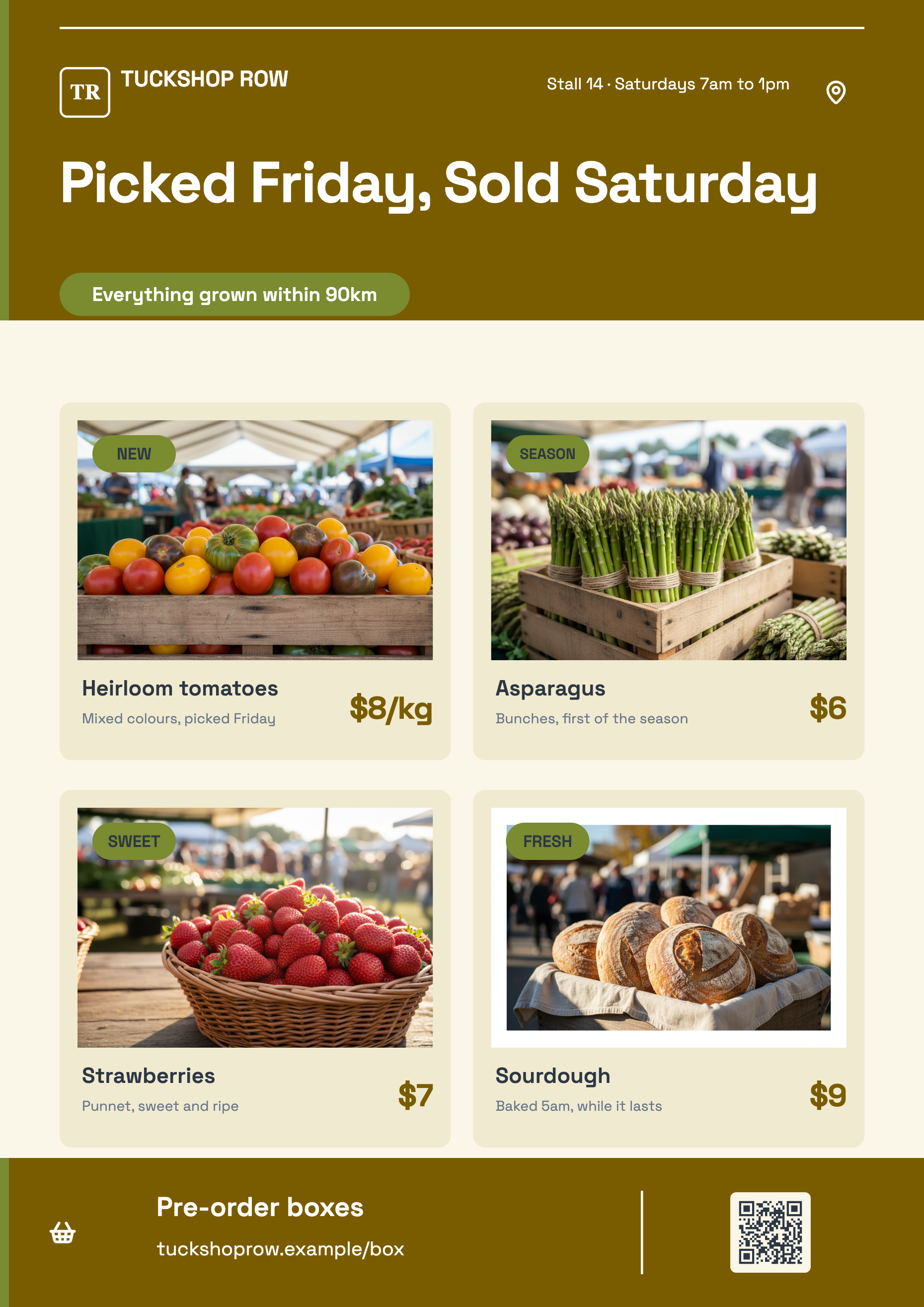
The badge is the louder one: a pill filled with the brand colour, its text in the colour guaranteed to read against it, set at a heading size and centred. The chip is the quieter one: a smaller pill on the accent colour with ordinary ink text at body size. Badge for the offer, chip for the qualifier. Using two badges on one flyer means neither of them is the badge.
There are two of them, and no stickers
The element panel's Badges section holds exactly those two tiles. There is no sticker library, no starburst, no ribbon, no torn paper corner and no rotation control anywhere in the builder. If you want a burst, it is a shape and a text element stacked, positioned by hand.
The pill colour is not yours to pick
The fill is a theme token, and the inspector exposes no container fill or radius control for a text element. So a badge is always the brand colour and a chip always the accent, and the way to change them is to change the theme. The text inside, on the other hand, takes the full text style panel: size, font, colour, weight, alignment and a drop shadow.
Place it where the eye is not already going
A badge dropped over the headline costs you the headline. The reliable positions are the top corner opposite the reading direction, or directly under the price where it acts as a stamp on the number. Nothing snaps, so use arrow keys to nudge one pixel at a time or hold Shift for ten, and line the badge up against an edge that already exists in the design.
Write four words at most
The badge lands 220 pixels wide and its text shrinks to fit rather than wrapping out of the pill, so a long phrase silently gets small and stops doing its job. Save 40 percent. This weekend. Two for one. If it does not fit in four words it is not a badge, it is a line of copy and belongs in the body.
How it works, in three steps
Step 1
Insert a badge or a chip
Add items, then the Badges section. The badge arrives reading New and the chip reading Label.
Step 2
Type the offer, short
Double click to edit the text in place. Four words is the ceiling before it starts shrinking.
Step 3
Nudge it into position
Drag it roughly, then use the arrow keys for one pixel steps or Shift plus arrow for ten.
The full walkthrough with screenshots is in the guide Choose the template, theme and size for your flyer.
Limits worth knowing
- Two elements only. There is no sticker, starburst, ribbon or seal library.
- No rotation. Elements sit square to the page and there is no angle control.
- The pill fill and corner shape come from theme tokens and cannot be overridden in the inspector.
- Badge text shrinks to fit rather than wrapping, so long phrases become unreadable rather than overflowing.
- Nothing snaps or aligns automatically. Positioning is drag, eight resize handles and arrow key nudge.
See it on a finished piece
Questions people ask
Can I make the badge red?
Only by choosing a theme whose brand colour is red. The pill fill is a theme token with no override, though the text colour inside it can be set to a token or a custom hex.
Can I rotate a badge to sit at an angle?
No. There is no rotation control anywhere in the flyer builder, so every element sits square to the page.
What is the chip for?
Secondary labels: a category, a date, a condition, a size. It is quieter than the badge on purpose, so a flyer can carry several chips and still have one thing shouting.
How many badges should a flyer have?
One. A badge works by being the only element that breaks the layout's rhythm, so a second one halves the effect of the first and a third removes it entirely.
Make your own flyer
The button opens the generator with this use case already described. Change the wording to match yours, generate, then edit anything you like.
Create a flyer with OneCraftRelated pages
Flyer with a chart
Charts belong on a flyer far less often than people put them there, but when the message is a number moving, one chart does the work of a paragraph. Here it is a block you insert, type figures into, and then flip between ten shapes until one of them actually reads.
Flyer with a QR code
A QR code on a flyer is the shortest route from paper to a booking page. On these designs it is not a pasted picture: the code is computed from whatever you type into it and drawn as vector art that takes its colours from the theme, so it stays crisp and stays legible when the palette changes.
Add text and shapes to a flyer
Every design arrives finished, but a flyer usually needs one more thing: a price, a disclaimer, an extra card, a QR alternative. The element panel is where that comes from, and it holds sixty seven items grouped into thirteen sections.
More finished work of this kind is on the flyer examples hub.
Written and checked by the OneCraft team. Last checked .