Flyers
Flyer to PDF for print
Pressing Export does not save a picture of your screen. It saves the flyer, hands the saved version to a headless browser on the server, screenshots each page at twice its canvas resolution and assembles those into a PDF. Knowing that explains almost every question people have about the file.
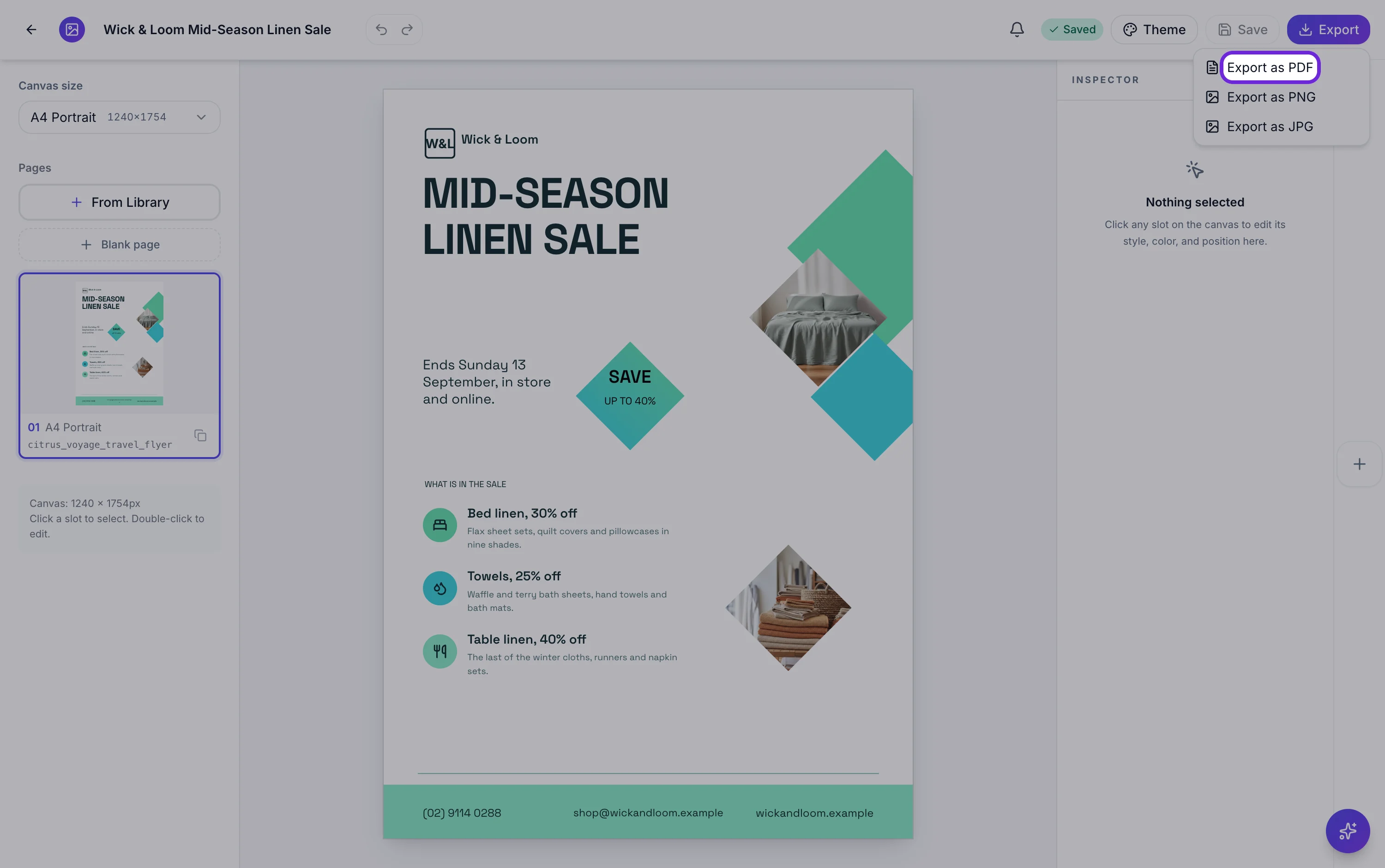
It saves first, so the file always matches the canvas
If anything is unsaved when you press Export, it is saved before the render starts, and a flyer that has never been saved is created at that moment. There is no version of this where you export yesterday's draft by accident. The trade off is that every edit produces a new version, and a new version means a fresh render rather than a reuse.
The render happens on the server
The saved version is loaded into a headless browser, which waits for the fonts and every image to settle before it captures anything. That wait is why the export is not instantaneous, and it is also why the type and the photographs are identical to what you saw. If a render is still running you are told it is processing and notified when it is ready.
One PDF page per flyer page
Every page is captured at its own size and written into the PDF at its own proportions, in the order shown in the page rail. A three page A4 flyer becomes a three page PDF. A flyer whose pages are different canvas sizes becomes a PDF whose pages are different shapes, which is worth checking before you send it to anybody.
The second export of the same version is free
Exports are filed against the saved version and the format, so asking for the same PDF again returns the file that already exists with no second render and no second charge. Change one word, save, and you are on a new version, so that one does render again. It is the reason to finish editing before you start exporting.
Three things to tell your printer
That it is an RGB file with no bleed, so keep the artwork inside the trim and expect to fit rather than crop. That the text is part of the page image, so there is nothing to outline and nothing to reflow. And that the page carries the flyer's exact proportions rather than a stamped paper size, so fit to page on the right stock is the correct instruction.
How it works, in three steps
Step 1
Finish the edits
Every save creates a version and every version renders separately, so export once you are done rather than as you go.
Step 2
Export as PDF
PDF is the only format that carries every page. PNG and JPG take the page you are looking at.
Step 3
Download within ten minutes
The download link is short lived. If it expires, the export is still there and asking again re-issues a link at no cost.
The full walkthrough with screenshots is in the guide Create a flyer for Instagram and print.
Limits worth knowing
- The PDF holds page images, so its text cannot be selected, searched or reflowed.
- No bleed allowance, no crop marks, no CMYK conversion and no embedded colour profile.
- The download link lasts ten minutes, after which you request the export again.
- The headless renderer waits up to two minutes for the page to signal that its fonts and images have settled, and gives up after that.
- Each export is charged against your credit allowance after the file is stored, scaled by page count. A failed render costs nothing.
- Asking again for the same saved version as PDF returns the file already rendered, with no second charge.
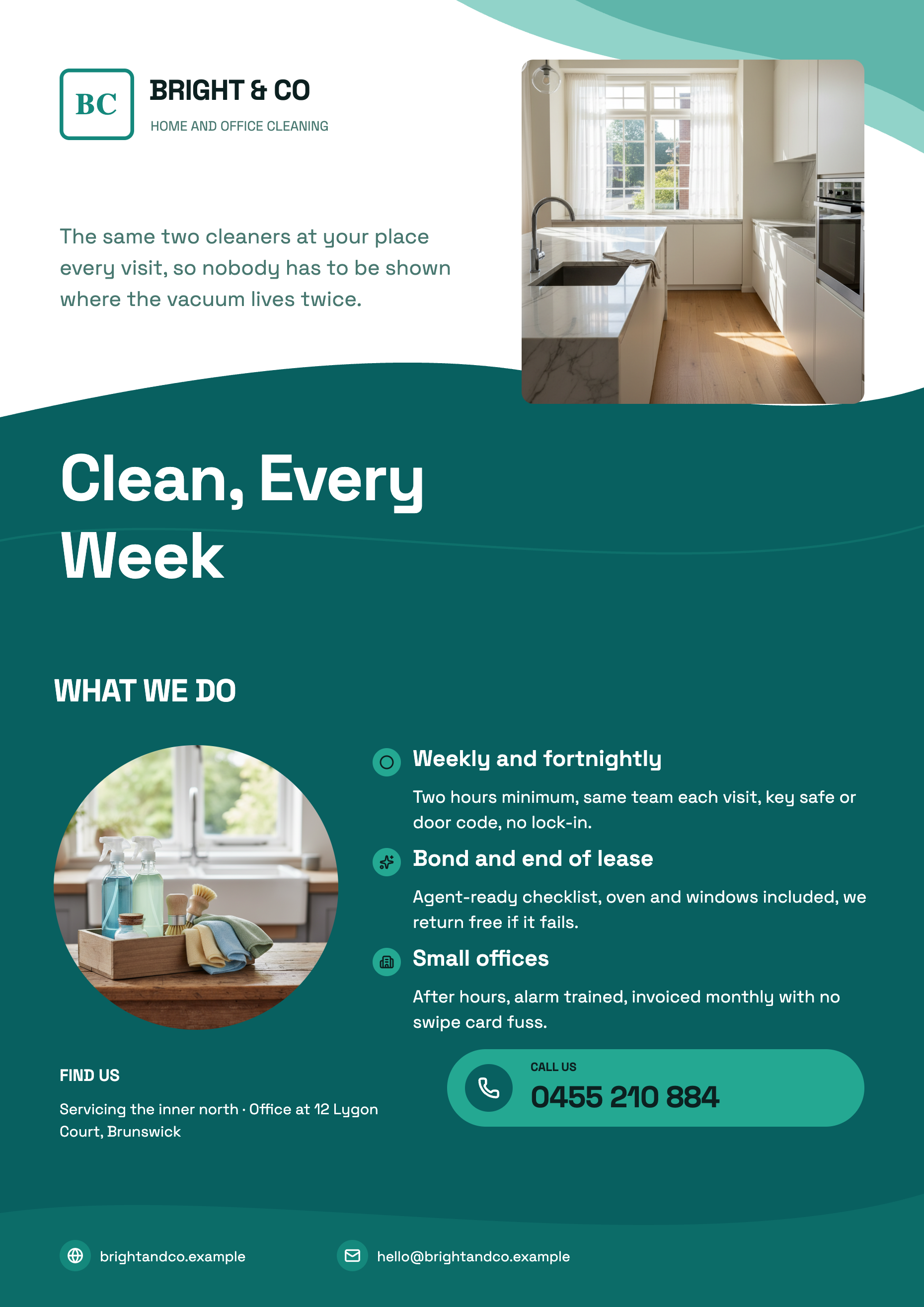
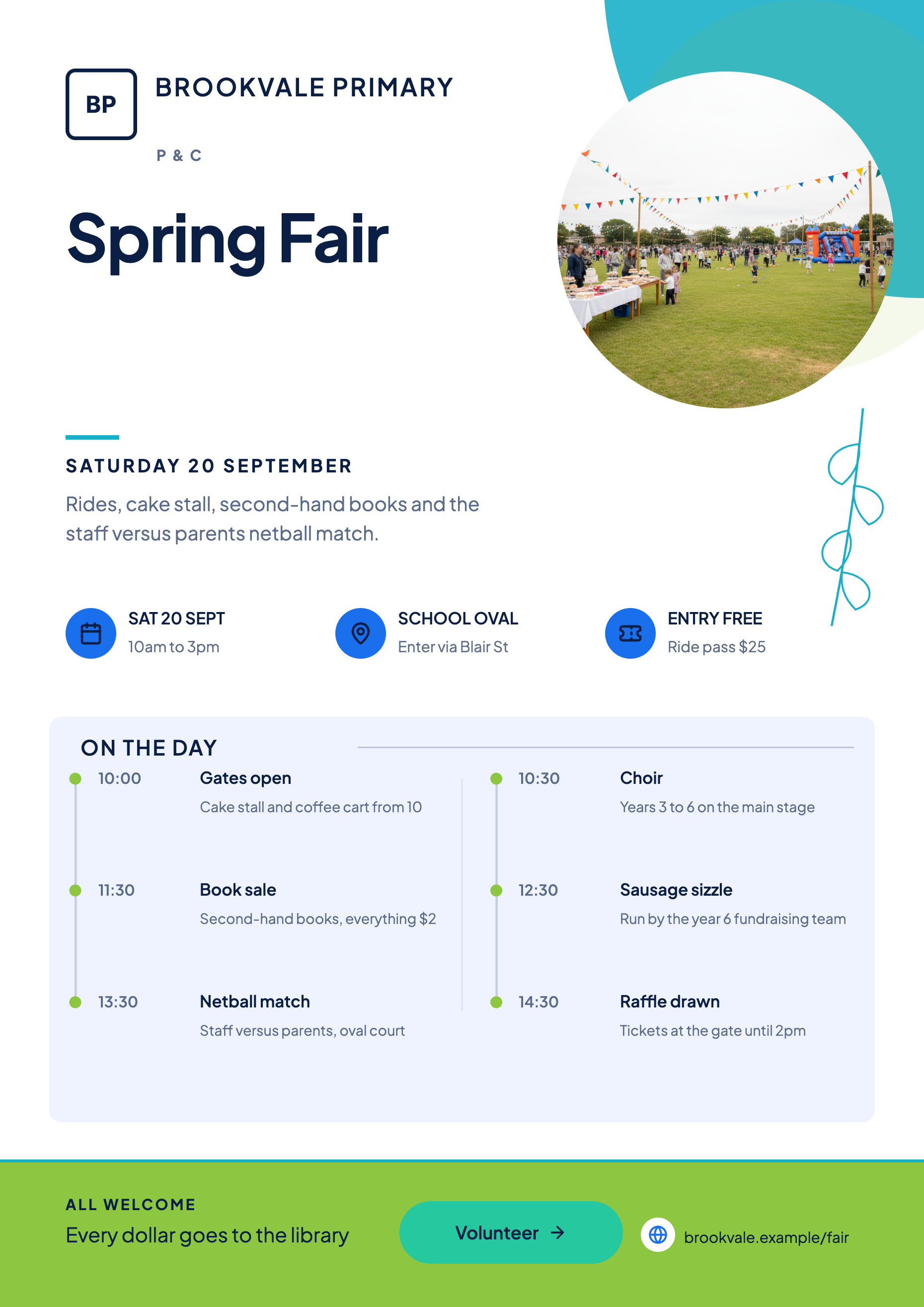
See it on a finished piece
Questions people ask
Why is my export taking a while?
It renders on a server and waits for every font and image to load before capturing. A single page is quick; a set with several generated photographs takes longer. You get a notification when it is ready.
Can I get the PDF with live text?
No. Each page is captured as an image and placed into the PDF, which is what guarantees the file prints exactly as it looked. Live text would mean re-typesetting in the reader.
I exported, then changed one word. Do I pay again?
Yes, because the change creates a new saved version and that version has not been rendered. Exporting the identical version twice does not charge twice.
What if the export fails?
Nothing is charged, since credits are only settled once the file is stored. Try again; a render left hanging for more than six minutes is retried automatically on the next request.
Make your own flyer
The button opens the generator with this use case already described. Change the wording to match yours, generate, then edit anything you like.
Create a flyer with OneCraftRelated pages
A4 flyer maker
A4 is the default canvas and the only paper size on offer, in portrait at 1240 by 1754 pixels and landscape at 1754 by 1240. If the flyer is going on a noticeboard, into a letterbox or across a counter, this is the one to build in and everything else is a derivative of it.
Brochure maker
A brochure is a sequence, not a page. The cover earns the pick up, the inside earns the read and the back carries the contact details. The library holds designs written for each of those jobs, and building one is a matter of putting them in order.
Flyer size guide
Eight canvases, two for print and six for social, each with a fixed pixel size you can see in the dropdown before you commit. This page is the reference: the numbers, where they come from, and which of them are close enough to share a design.
More finished work of this kind is on the flyer examples hub.
Written and checked by the OneCraft team. Last checked .