Presentations
Image gallery slides
A gallery slide is the one place in a deck where the pictures carry the argument and the words get out of the way. Six layouts hold three, four or six photographs, with a caption under each or, in one case, no captions at all.
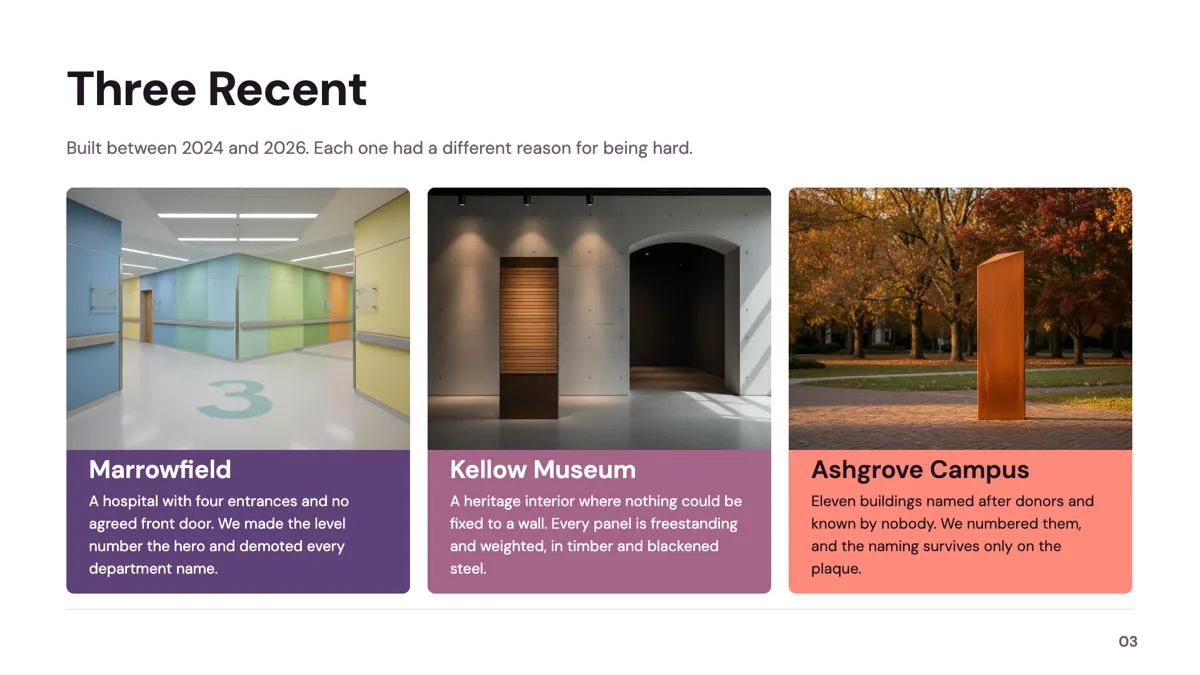
Three, four or six pictures
The six layouts are sized by count. Three photographs take the three wide row of tall cards or the editorial split with a title on the left and three photo cards on the right. Four take the two by two grid of wide landscape tiles with a caption heading and a line under each, or the grid where the photographs carry no captions and a single statement sits beside them. Six take the two by three grid of captioned cards. One layout pairs a single oversized hero photograph with two caption cards stacked beside it.
Captions, and when to drop them
Four of the six carry a caption heading and a one line note per image, which is the right structure for a portfolio where each project needs naming. The uncaptioned grid exists because a set of photographs sometimes argues better as a mood than as a list, and a caption under each would invite reading instead of looking. The hero and caption card layout splits the difference, giving one image the weight and two of them an explanation.
How photographs are treated
Every image slot fills and crops to its shape rather than letterboxing, so a subject near the edge of the frame can be cut. Landscape tiles suit wide photographs and the tall cards suit portrait ones, which is worth checking before committing to a layout. Uploads accept jpeg, png, webp and gif, and the inspector offers corner radius, a frame in four tokens and a shadow toggle to tidy the result.
Generated images and what they will not do
AI images are snapped to the closest of eight aspect ratios taken from the slot's own shape, the prompt is capped at 2,000 characters, and no text is ever drawn into an image. A generated image is rejected and replaced with a stock photograph when its long edge falls under 60 percent of the target, with the photographer and page URL stored. For a portfolio slide, real photographs are the point, so generation is for scene setting only.
How the AI picks this slide
Gallery is chosen when the brief is about work that has to be seen: projects, spaces, products, events. It is the smallest visual role at six templates, so a deck with two gallery slides will reuse a layout. The fill writes the caption headings and lines but supplies no photographs of your work, which are uploads, so a generated gallery slide arrives as a shell waiting for the images.
How it works, in three steps
Step 1
Count the photographs
Three, four or six. Each layout is built for one count, and an empty tile is more obvious on a gallery slide than anywhere else.
Step 2
Add the slide from the library
From Library on the slide rail with the Role filter set to gallery. Six layouts come back, the smallest visual role in the library.
Step 3
Match the crop to the shape
Wide photographs go in the landscape tiles, portrait ones in the tall cards. Images fill and crop rather than letterbox.
Step 4
Write one line per image, or none
Captions name the work. If the photographs are a mood rather than a list, take the layout that has no captions at all.
The full walkthrough with screenshots is in the guide Add, reorder and restructure slides.
Limits worth knowing
- Six templates only, so a second gallery slide in the same deck reuses a layout.
- Image counts are fixed at three, four or six by the layout.
- Images fill and crop to their slot, so a subject near the frame edge will be cut.
- A generated image is never text bearing, and it is replaced with a stock photograph when its long edge falls under 60 percent of the target size.
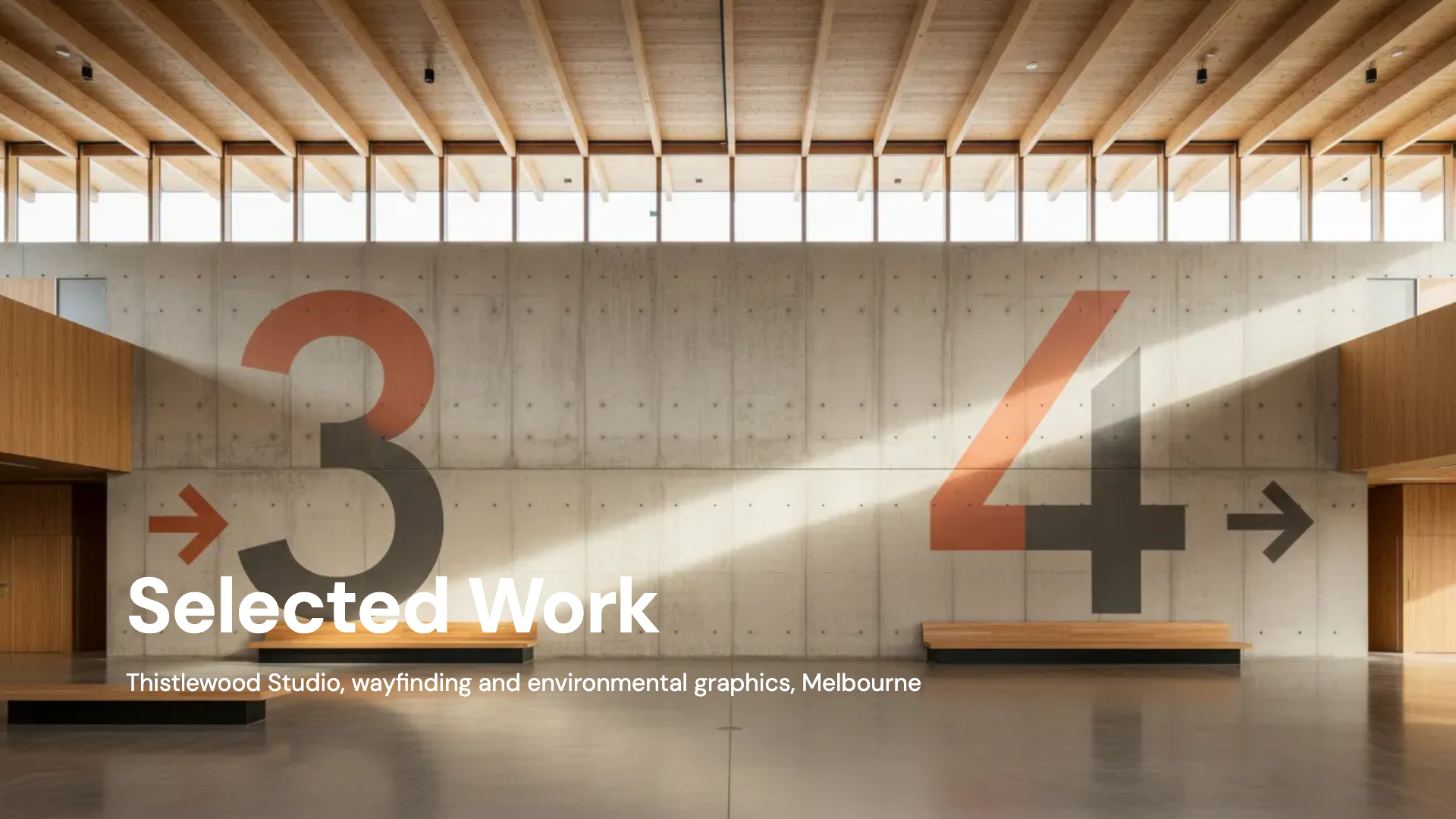
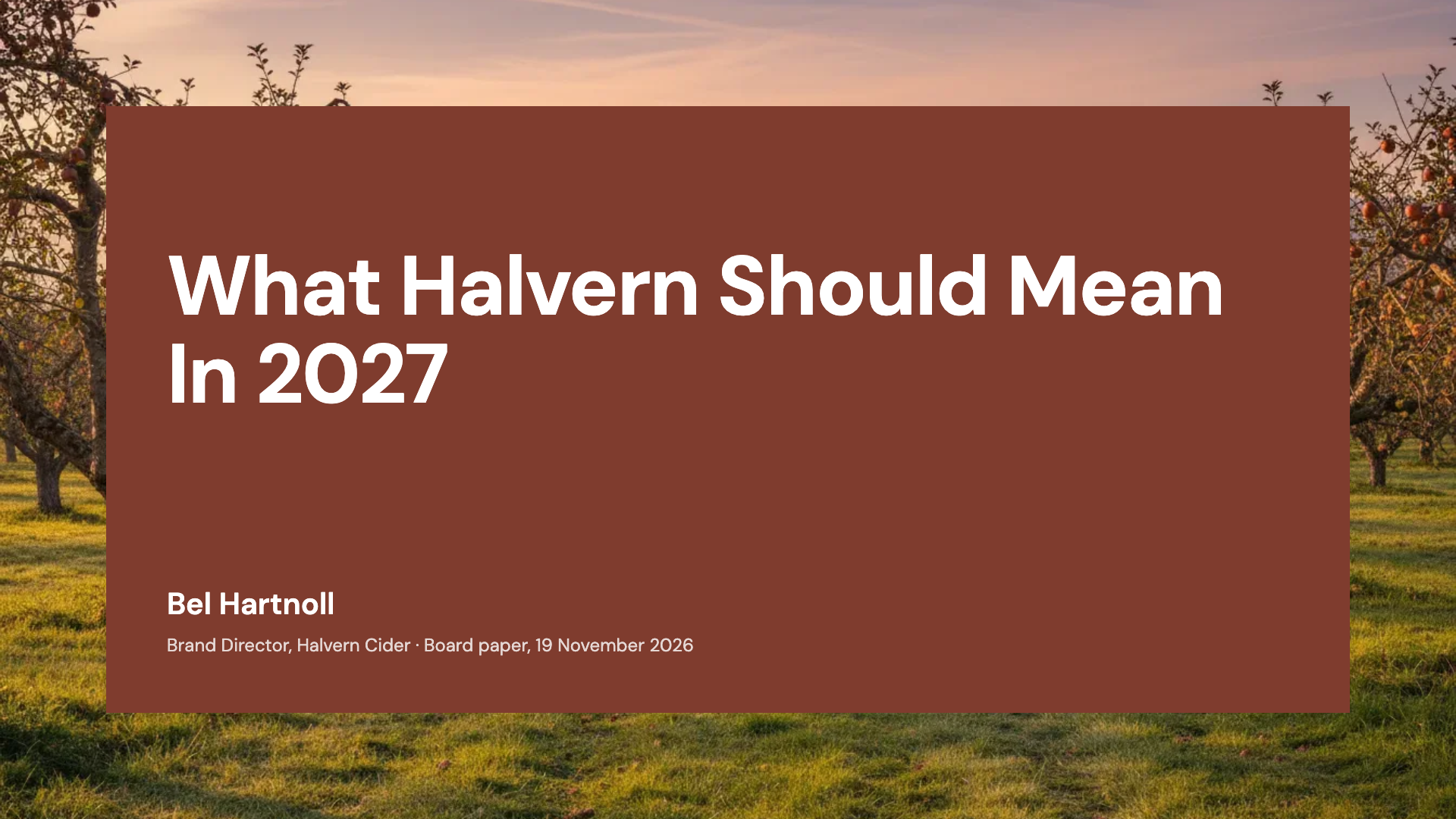
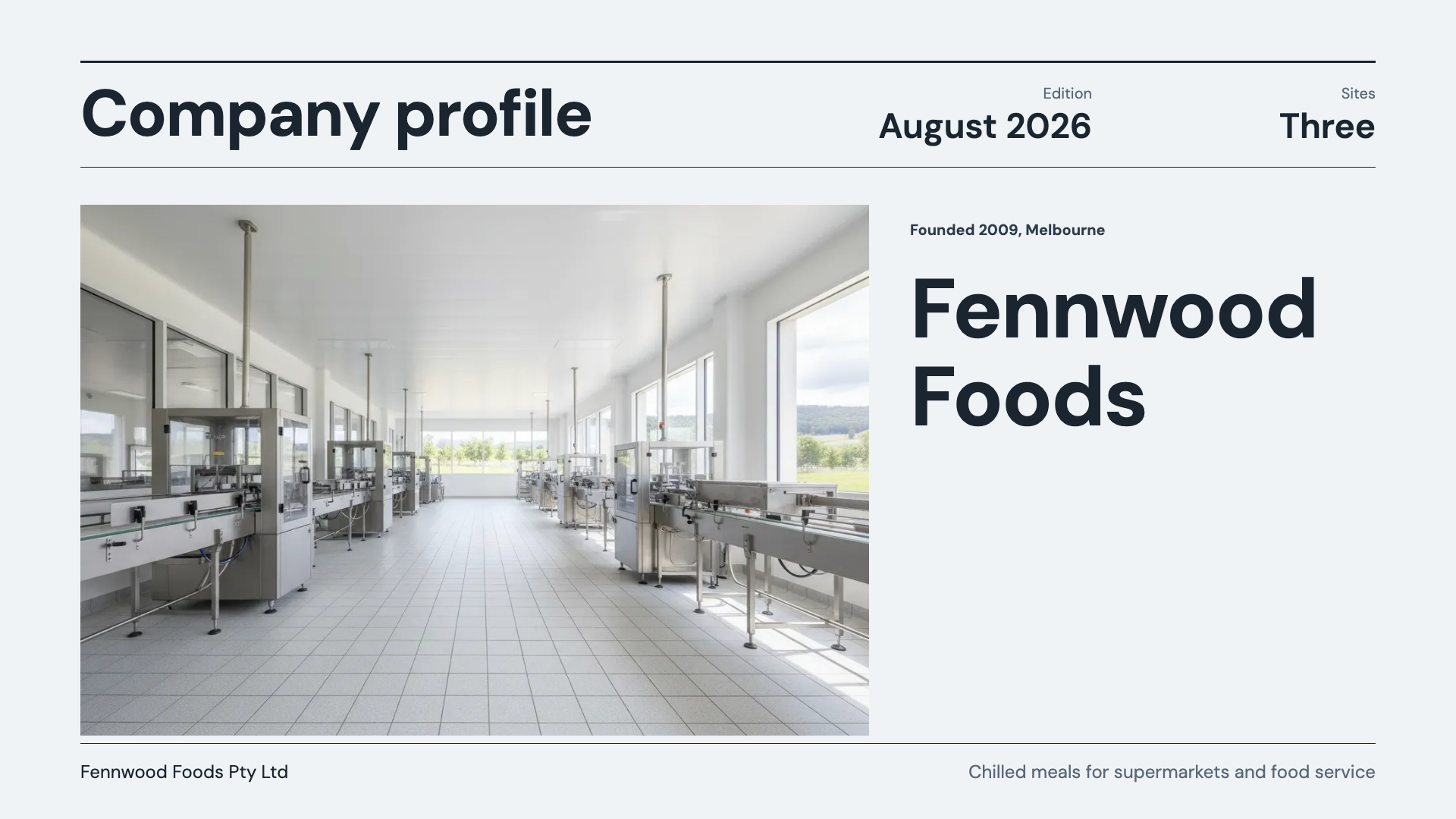
See it on a finished piece
Questions people ask
How many gallery layouts are there?
Six: a two by two grid, a three wide row, a left title with three photo cards, a two by three grid of six, an editorial hero with two caption cards, and a photo grid with a single statement instead of captions.
How many photographs fit on one slide?
Three, four or six depending on the layout. Six is the maximum, on the two by three grid of captioned cards.
Will my photograph be cropped?
Yes. Image slots fill and crop to their shape rather than letterboxing, so leave room around the subject and match portrait photographs to the tall card layouts.
What formats can I upload?
jpeg, png, webp and gif. Corner radius, a frame in four tokens and a shadow toggle are available per image slot in the inspector.
Can the AI make the gallery images?
It can generate scene photography, snapped to the closest of eight aspect ratios from the slot shape, with no text rendered into the image. For a portfolio of real work, upload the photographs.
Can I add captions to the uncaptioned layout?
No. That layout replaces per image captions with a single statement beside the grid, which is its whole purpose. Use one of the four captioned layouts instead.
Make your own presentation
The button opens the generator with this use case already described. Change the wording to match yours, generate, then edit anything you like.
Create a presentation with OneCraftRelated pages
Add your own images to slides
Photographs of your product, your team, your site or your work are the pictures a deck actually needs, and no generator produces them. Every picture box takes an upload, and four small controls decide how the result sits on the slide.
AI images for video scenes
Some scene layouts want a photograph and you do not have one. A generated image fills that gap, and the interesting part is the rule around it: it is only allowed where the picture is genuinely generic. Faking your own interface, your logo or a real person is explicitly forbidden.
Comparison slides
Comparison is the single largest family in the library, because most business arguments are two sided. The layouts differ by what kind of two sided claim you are making, and picking the wrong kind is what makes an audience argue with the slide instead of the point.
More finished work of this kind is on the presentation examples hub.
Written and checked by the OneCraft team. Last checked .