Flyers
Trifold brochure maker
Two designs carry trifold in their name, an inside panel and an outside panel, both drawn as A4 portrait sheets of three stacked bands. What does not exist is a folded spread with panel guides, so if you need a genuine six panel trifold you set the geometry out yourself, and it is worth knowing that before you start.
What ships under the trifold name
One inside design and one outside design, both A4 portrait at 1240 by 1754. The inside is a navy header band over three stacked photo and text panels. The outside is a split hero panel, an about block and a three column feature row. They read as trifold content laid out on a portrait sheet, which is a different thing from a folded spread.
There are no fold guides
No panel gutters, no dotted fold lines, no snapping to thirds. The builder has an eight handle resize overlay and arrow key nudging at one pixel, or ten pixels with Shift held, and that is the whole geometry toolkit. If a fold line matters you place it yourself and you are responsible for the measurement.
Setting out a real trifold by hand
Use A4 Landscape, which is 1754 by 1240 pixels. Three equal panels are 584, 585 and 585 pixels wide, and the fold lines fall at 584 and 1169. Add a blank page, drop a tall thin shape or divider at each of those two positions while you work, build the panels around them, then delete the markers before you export. Repeat the same page for the outside.
Keep content off the fold
A commercial fold is never perfectly on the line, so leave roughly forty pixels of clear space either side of each fold and do not let a headline or a phone number cross one. The panel that ends up on the outside right is the front cover, and the one that folds inward first is the one nobody sees until the brochure is opened.
What the printer gets
A PDF with your pages in order, each captured at twice the canvas resolution, so an A4 landscape spread lands at 3508 by 2480 pixels. There is no bleed allowance, no crop marks and no fold marks in the file, so tell the print shop where the folds go rather than expecting the artwork to say so.
How it works, in three steps
Step 1
Switch to A4 Landscape
1754 by 1240 is the canvas a real trifold spread lives on. The portrait trifold designs are panel sheets, not spreads.
Step 2
Mark the folds at 584 and 1169
Drop a temporary shape at each position, build the six panels around them, then remove the markers.
Step 3
Export both spreads as one PDF
Outside first, inside second, so the printer knows which side is which.
The full walkthrough with screenshots is in the guide Make a multi-page or double-sided flyer.
Limits worth knowing
- No fold lines, panel guides, gutters or snapping exist anywhere in the builder.
- Only two designs are drawn as trifold panels, and both are portrait sheets rather than folded spreads.
- There is no bleed, no crop marks and no fold marks in the exported PDF.
- Element positioning is by drag, eight resize handles and arrow key nudge at one or ten pixels. Nothing snaps.
- The smallest an element can be dragged down to is 24 by 24 pixels.
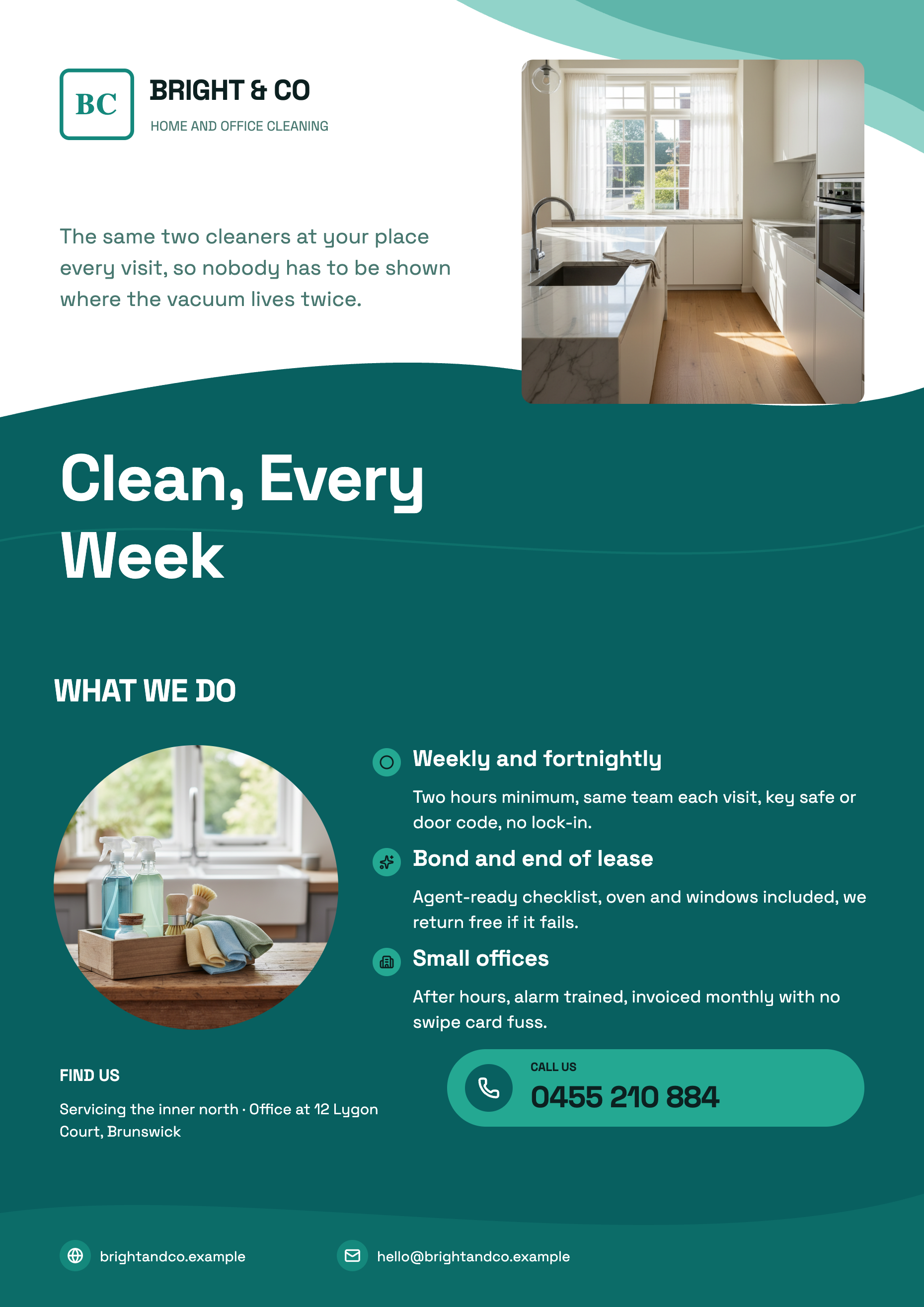
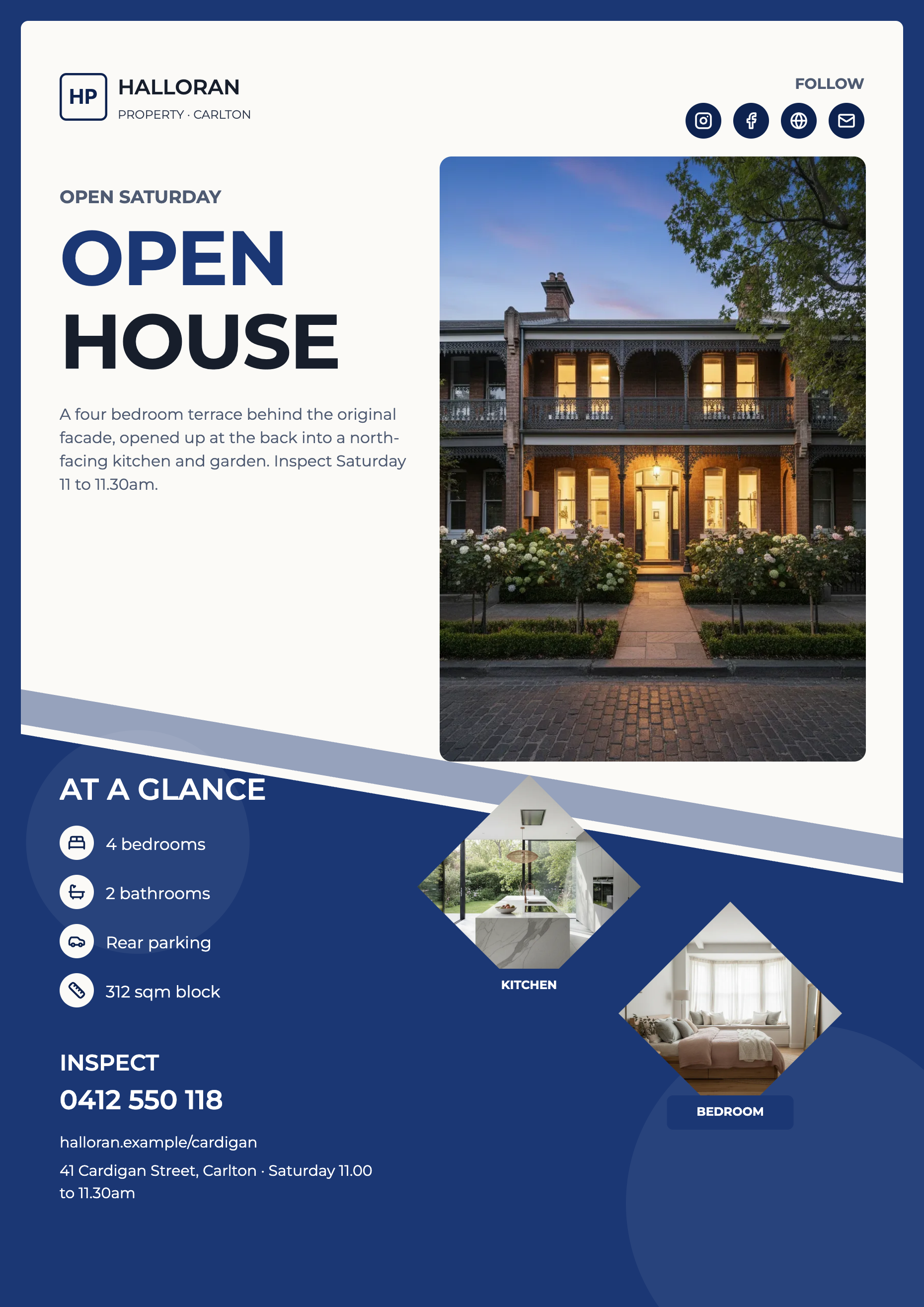
See it on a finished piece
Questions people ask
Is there a proper trifold template?
Not as a folded spread. The two trifold designs are A4 portrait panel sheets. A six panel spread is built on the A4 landscape canvas with the panels placed by hand.
Where exactly do the folds fall on A4 landscape?
At 584 and 1169 pixels across a 1754 pixel wide canvas, which divides it into three near equal panels. Leave clear space either side of both lines.
Can the AI fill a six panel layout?
It fills the slots of the design it is given, and no design in the library is a six panel spread. So the panels you build by hand are ones you write yourself, or rewrite afterwards with the chat editor.
Should I use portrait or landscape?
Landscape if it will genuinely be folded into three. Portrait if what you actually want is a two sided A4 sheet with three sections on it, which is what the two trifold designs give you and is far less trouble to print.
Make your own flyer
The button opens the generator with this use case already described. Change the wording to match yours, generate, then edit anything you like.
Create a flyer with OneCraftRelated pages
Brochure maker
A brochure is a sequence, not a page. The cover earns the pick up, the inside earns the read and the back carries the contact details. The library holds designs written for each of those jobs, and building one is a matter of putting them in order.
Edit a PDF flyer without the original file
Print PDFs outlive the people who made them. When the artwork file is gone and only the export survives, the useful question is not whether a PDF can be rebuilt but how much of it comes back, and the answer depends on something most people would never guess: the PDF is read as pictures, not as text.
Double sided and multi page flyers
Every flyer the generator returns is a single page, and that is a design decision rather than an oversight: a flyer is read at a glance and the writer is told there is no second page. Extra pages are yours to add, and once added they behave exactly like the first one.
More finished work of this kind is on the flyer examples hub.
Written and checked by the OneCraft team. Last checked .