Conversational form
Remote work survey template: setup, focus and connection
A remote work survey has to show how people actually split their week and what each place is good for, before a company sets or changes its hybrid policy. This template asks days remote and commute, checks the home setup, compares focus at home and in the office, and asks what the office is for.
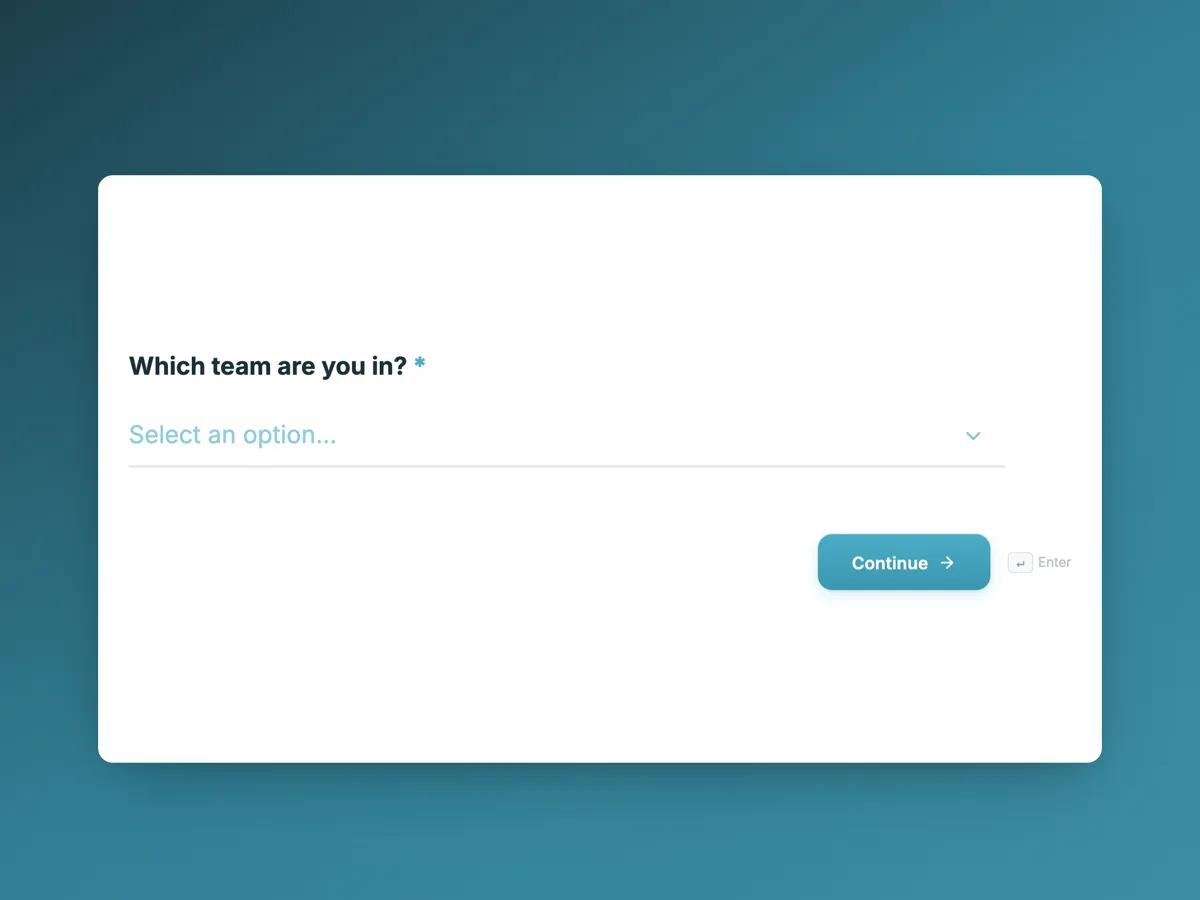
The form itself
The first screen of the form. A conversational form shows one question per screen, so the remaining screens are listed in the field table below. Nothing here can be filled in or submitted, so read it as a reference and build your own from the button above.
Every field, and what it collects
The complete field list, in the order respondents meet it.
- Which team are you in?DropdownRequired
- Options: Engineering · Product and design · Customer support · Sales and partnerships · Finance, people and operations
- In a typical week, how many days do you work remotely?Single choiceRequired
- Options: 0 · 1 · 2 · 3 · 4 · 5
- How long is your commute to the office, one way?Single choiceRequired
- Options: Under 20 minutes · 20 to 45 minutes · 45 minutes to an hour and a half · More than an hour and a half
- Which of these do you have at home?Multiple choiceRequired
- Options: A separate room to work in · A proper desk and chair · An external monitor · A reliable internet connection · A headset for calls · None of these
- Where do you do your best focused work?Single choiceRequired
- Options: At home · In the office · About the same in both
- How do you feel about the number of meetings you have?Single choiceRequired
- Options: Too few · About right · Too many · So many I work extra hours to catch up
- How connected do you feel to your team?Single choiceRequired
- Options: Very connected · Somewhat connected · Not very connected · Not connected at all
- What is the office most useful for?Multiple choiceRequired
- Options: Planning and whiteboard sessions · Onboarding and mentoring · Social time with colleagues · Meeting customers or partners · Quiet focused work · Nothing I cannot do at home
- Which pattern would suit you best?Single choiceRequired
- Options: Fully remote · One or two set team days a week · Three or more office days a week · Fully in the office · Flexible, no set days
- Anything else the review group should know?Long text
What each screen of this survey collects
Team is a dropdown of five. Days remote is a radio from 0 to 5 in three columns. Commute has four bands, one way. Home setup is a checkbox of five items, from a separate room to a headset, plus none of these. Focus asks where the person does their best focused work. Meeting load has four answers, the last naming extra hours to catch up. Connection has four. What the office is for is a checkbox of six uses, including nothing I cannot do at home. Preferred pattern offers five options from fully remote to fully in the office, and the comment is optional. Nine of the ten screens are required.
Why ask what the office is for
Most hybrid debates argue about the number of days. Asking what the office is most useful for moves the question to purpose: if engineers say planning sessions and mentoring, set team days should be built around those, with the whole team in at once. If many people answer nothing I cannot do at home, office days need a reason before a rule. Commute and home setup explain individual answers, since a ninety minute commute or no desk at home changes the preference. Read connection by days remote: people fully remote and not connected need deliberate team time, while people in the office who also feel disconnected point at the team, not the policy.
How to adapt this survey
A company with several offices adds a location dropdown. A team that is fully remote replaces the office questions with ones on a yearly meet up and coworking budget. A business with customer facing shifts adds which days are covered on site, so preferences are read against what the roster needs.
What makes this form work
Purpose before days
The what the office is for checkbox, with an honest nothing I cannot do at home answer, frames policy around activities rather than attendance.
Context for every preference
Commute time and a five item home setup checklist explain why someone prefers home or office, which a preference alone does not.
Overload is named
The meeting load screen includes so many I work extra hours to catch up, so overwork shows up as its own number.
Questions people ask
Do hybrid work survey answers need to be anonymous?
Yes. People are cautious about saying they want fewer office days, or that they work extra hours because of meetings, if a manager can see it. This form asks no name and reports by team only above eight responses. Publish it with public access rather than login required so responses cannot be tied to accounts.
How should the results guide a hybrid policy?
Look for agreement on purpose before setting numbers. If most teams say the office is for planning and mentoring, set shared team days for those activities. Where teams differ, let them choose their own days within a company minimum. Share the results first, as the thank-you screen promises, so the policy does not arrive as a surprise.
Why ask about the home setup?
Because poor setups explain poor focus and connection answers. Someone with no desk, no monitor and an unreliable connection will prefer the office for good reason. The answers also size a home office allowance: if few people have an external monitor or headset, equipment is a cheaper fix than a new office rule.
What does too many meetings tell you in a hybrid team?
Often that meetings replaced conversations that used to happen at a desk. The answer so many I work extra hours to catch up is the one to act on, because it signals overload. Read it by team and by days remote. Remote heavy teams with high meeting load may need fewer standing meetings, not more office days.
How often should a company run this survey?
Before any policy change and about six months after it, so the effect can be measured. Running it constantly adds little, since patterns settle slowly. Keeping the same wording in both rounds lets the before and after answers be compared directly, especially for focus, connection and meeting load.
Can people who never work remotely answer it?
Yes. A 0 on days remote is a valid answer, and the home setup screen has none of these. Their views on what the office is for and on connection are useful for comparison. If a role must be on site, the review group should read those answers separately rather than treat them as a preference.
Build your own in about a minute
The button below opens the generator with this use case already described. Change the wording to match your own, generate, then edit anything you like.
Make one like thisOther form examples
Manager feedback survey with twelve behaviours rated by frequency
A manager feedback survey lets a team tell its manager, anonymously, which everyday behaviours help them work and which get in the way. This one rates twelve observable behaviours by how often they happen, adds one to ones, development and workload, and ends with one thing to keep and one to change.
Employee engagement survey template: 20 statements in five themes
An employee engagement survey measures how committed and supported people feel at work, across enough themes to show where to act and anonymously enough that people answer honestly. This template groups twenty agreement statements into five grids, direction, manager, growth, recognition and team, then asks the employer recommendation question.
Training feedback form: objectives met and what staff will apply at work
A training feedback form has to show whether a session did its job, not only whether people enjoyed it, which means asking if the objectives were met and what will change at work. This one rates the trainer in a grid, checks pace and confidence, and requires one specific thing each person will do differently.
Want the steps in the builder? Read Create a conversational form with AI, then View, export and manage your responses. For everything this generator can do, see the form maker.
Written and checked by the OneCraft team. Last checked .