Forms
Embed a form on your website
A form on its own link works. A form inside your own page works better, because people never leave your site to fill it in. The piece most people miss is restricting which sites are allowed to embed it.
The embed itself
A form is a web page, so it embeds in an iframe like any other. Give the frame a width of one hundred percent and a height that suits the form, and set the form to single column so it lays out sensibly inside a narrow column. A form designed for a full page inside a 600 pixel sidebar is the usual reason an embed looks wrong.
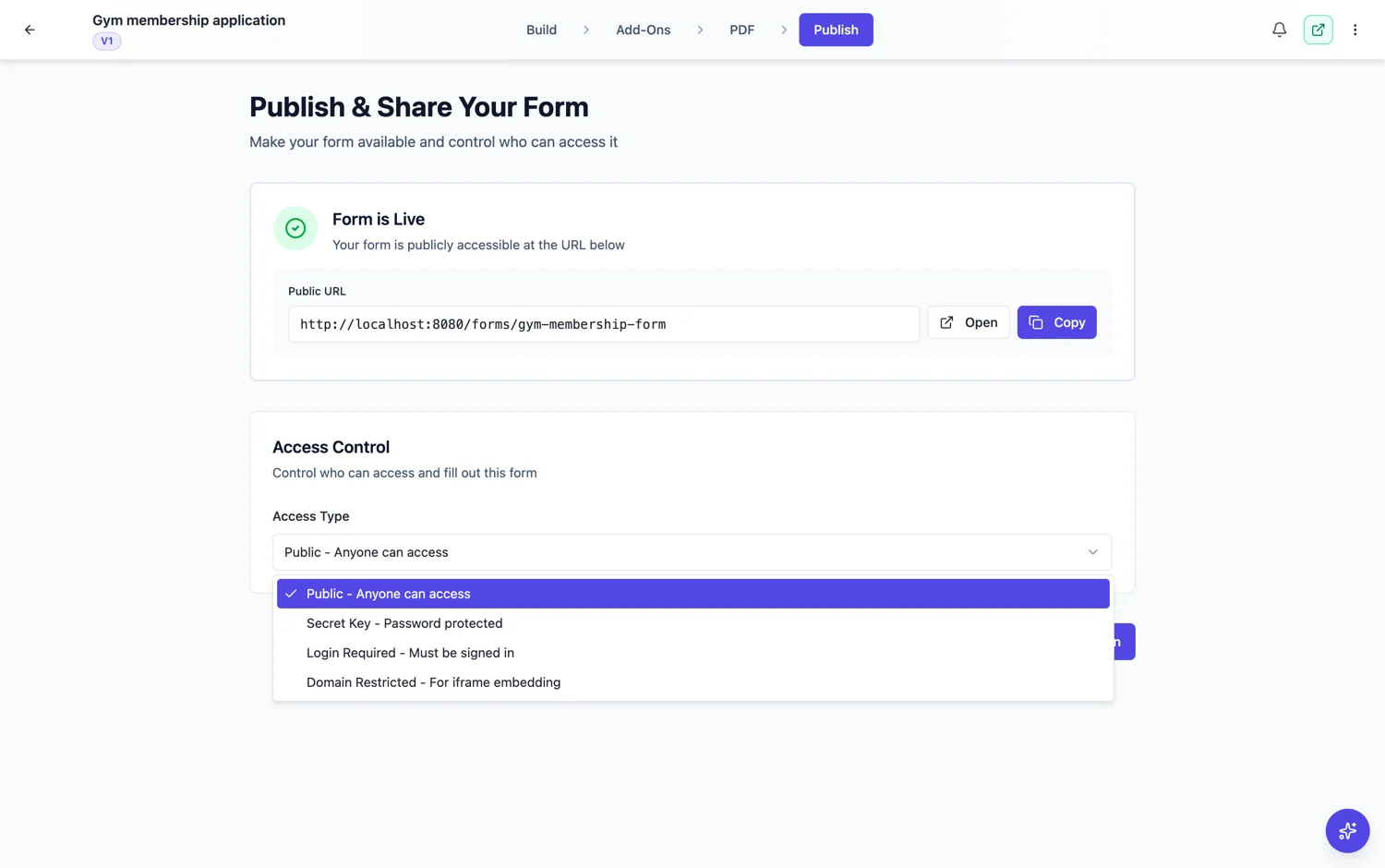
Domain restricted access
This is the fourth access type and it exists for embedding. You name the sites that are allowed to frame the form, and in a normal browser it only loads there. Without it, anybody who views the source of your page can copy the frame onto their own site, and every submission still lands in your responses. The builder labels it a light safeguard, not strong security: it relies on the origin the browser reports, which technical users can fake with tools outside a browser, so avoid it for private or sensitive forms and use Secret Key or Login Required for real access control.
Height is the fiddly part
An iframe does not grow with its content, so a long form gets an inner scrollbar. Two ways round it: set the frame tall enough for the longest state of the form, or use a conversational form, which is a fixed height by nature because it shows one question at a time. The second is why conversational forms embed more neatly.
Test it where it will live
Check the embed on the real page at phone width before you ship it. The two failures are a form that is wider than its column and a form whose submit button sits below the fold of the frame with no scrollbar to reach it.
How it works, in three steps
Step 1
Set the form to single column
A narrow column is the normal home for an embed, and single column is what survives it.
Step 2
Choose domain restricted access
Name the sites allowed to frame the form, so a copied frame does not load elsewhere in a normal browser.
Step 3
Embed and test at phone width
Set the frame to full width and a height that fits the longest state of the form.
The full walkthrough with screenshots is in the guide Control who can fill in your form.
Limits worth knowing
- An iframe does not resize itself to its content. Set a height that fits.
- Domain restricted is one of the four exclusive access types.
- A form built for a full page will look cramped in a narrow column unless you switch it to single column.
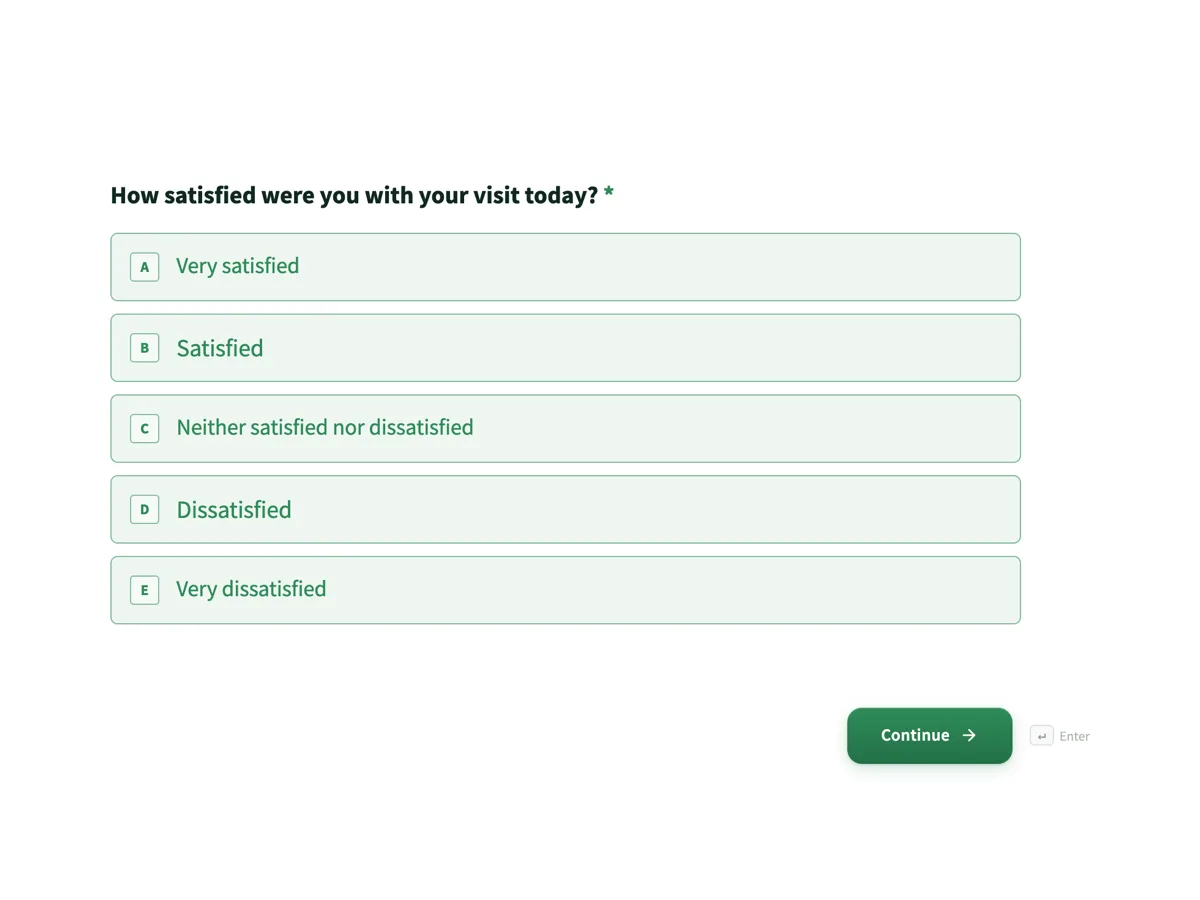
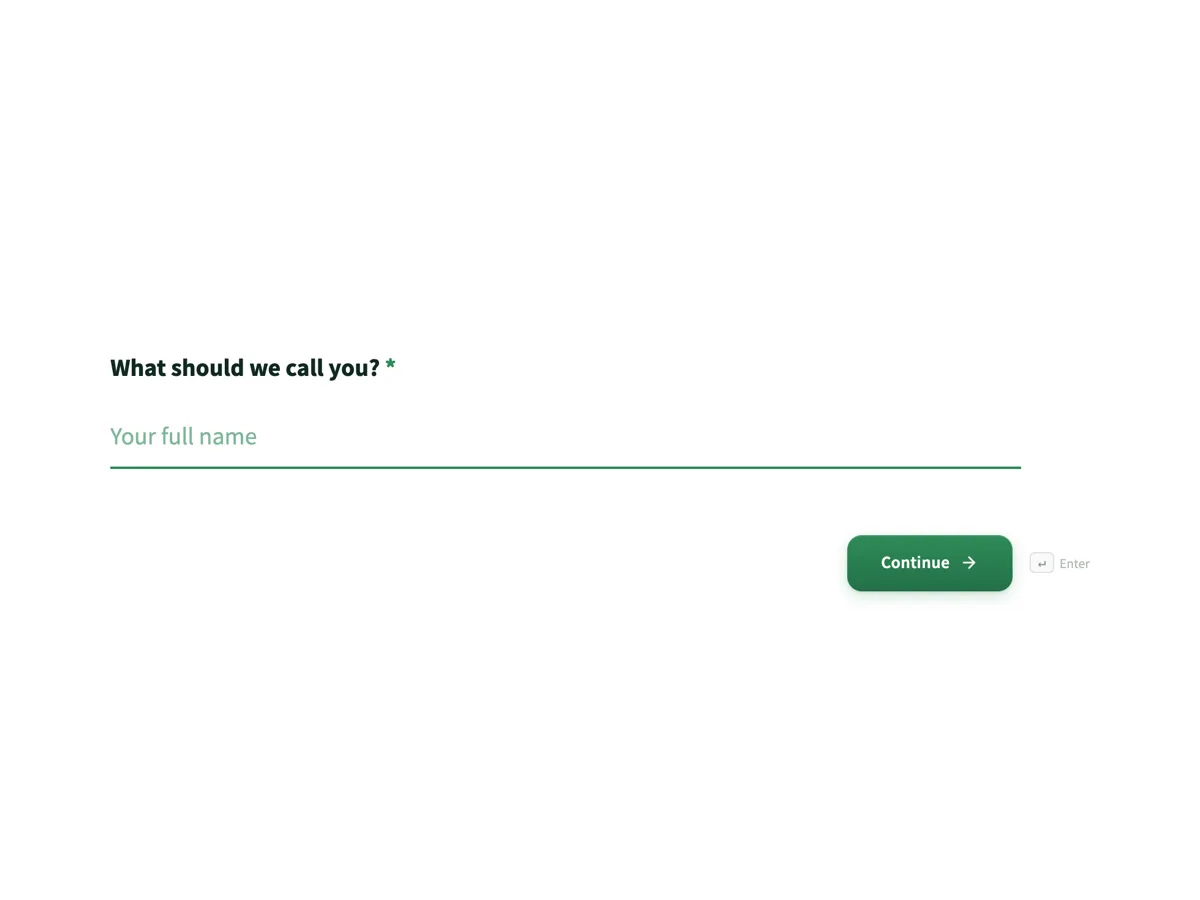
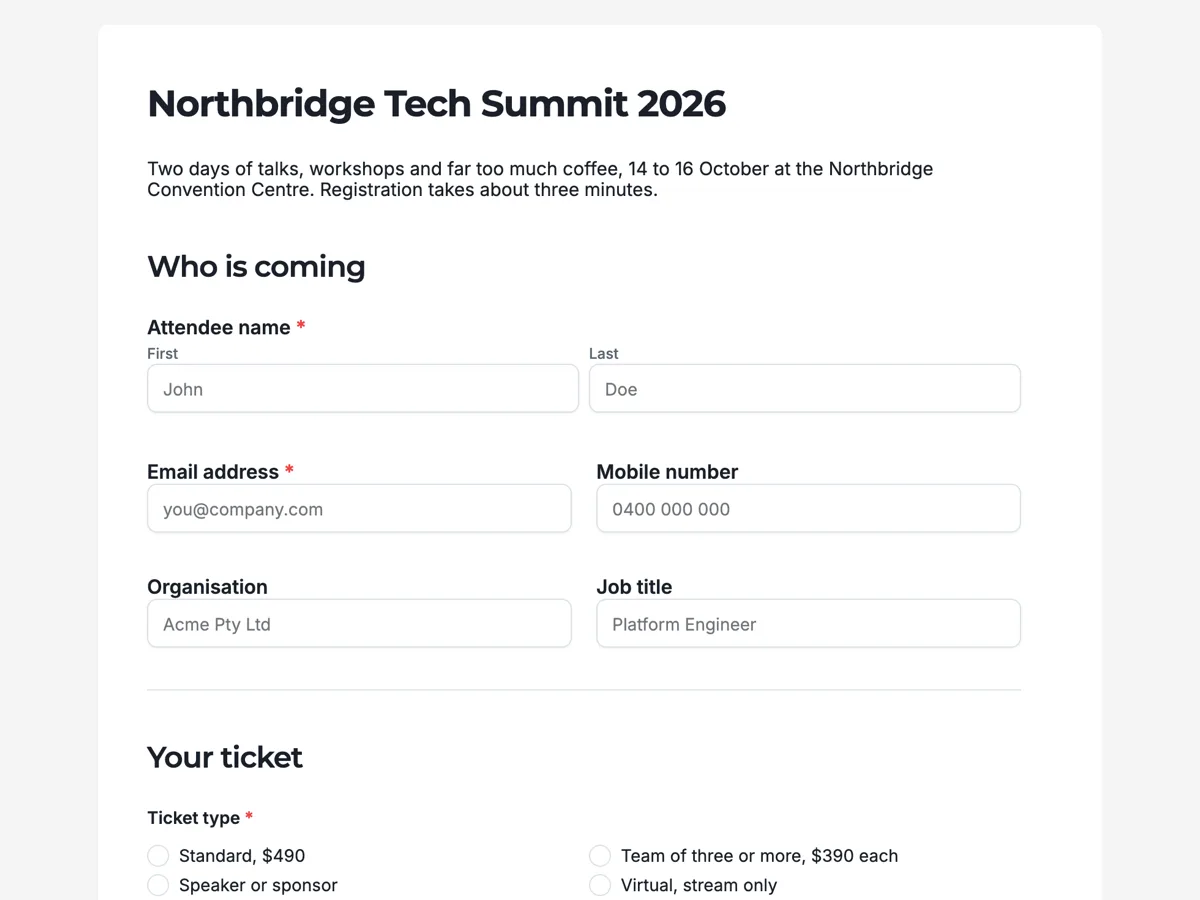
See it on a finished piece
Questions people ask
Can somebody embed my form on their own site?
Not in a normal browser, if you set domain restricted access and name the sites that are allowed. It is a light safeguard rather than strong security, because the check relies on the origin the browser reports. Without it, anyone who can see your page source can copy the frame.
Why does my embedded form have a scrollbar?
Iframes do not grow with their content. Give the frame more height, or use a conversational form, which is a fixed height because it shows one question at a time.
Do embedded submissions arrive the same way?
Yes. The responses table, the export, the email alert and the webhook all behave exactly as they do on the hosted link.
Make your own form
The button opens the generator with this use case already described. Change the wording to match yours, generate, then edit anything you like.
Create a form with OneCraftRelated pages
Control who can fill in a form
A form has exactly one access type, and choosing it is a trade between how many people can get in and how sure you are about who they were. Here are all four, and the case for each.
Password protected forms
Secret key access puts a password in front of the form. Anyone with the link and the key gets in, anyone with only the link does not. It is the simplest of the four access types and the right one more often than you would think.
Forms only your people can open
Login required is the access type for when it matters who answered. A respondent has to be signed in, and you can limit that to a list of addresses or to everybody on a domain.
More finished work of this kind is on the form examples hub.
Written and checked by the OneCraft team. Last checked .