Forms
Date and time pickers in a form
A form with a date and time picker uses two separate fields: a date field that opens a calendar and stores a real date, and a time field on a 12 or 24 hour clock. A date typed into a text box is a guess about format; a date field sorts correctly in your spreadsheet, which is the difference between a booking list and a puzzle.
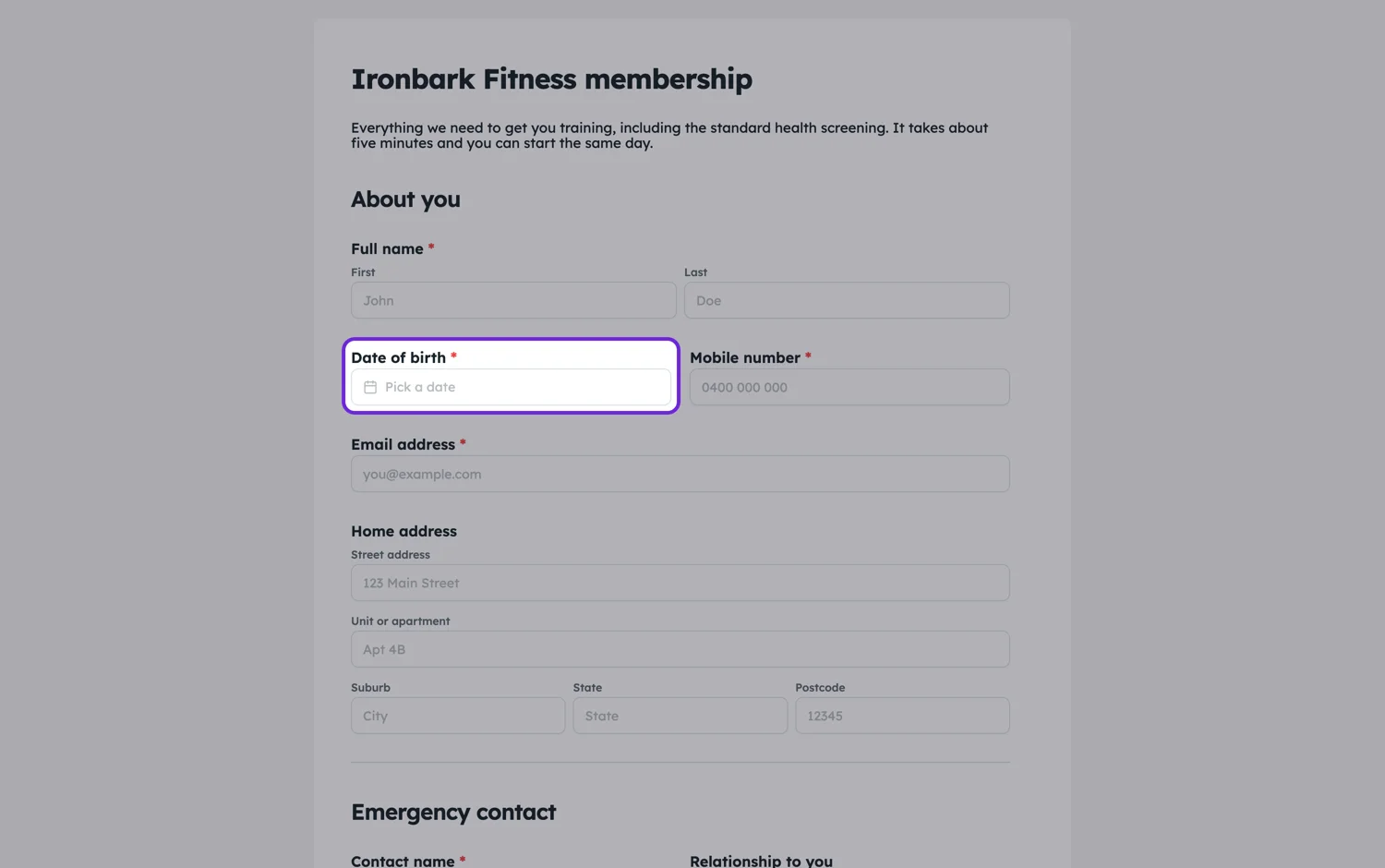
Two separate fields
Date and time are separate components. That is usually what you want, because most bookings ask for a day and a window rather than a precise instant, and a respondent choosing them separately makes fewer mistakes than one combined control. Put them side by side on a classic form so they read as one question.
Formats
The date field has a display format setting, so you can show the order your audience expects rather than the one your machine defaults to: a form for the public in Australia or the UK wants day before month, and one for a US audience wants the reverse. The time field switches between a 12 hour and a 24 hour clock. Neither changes what is stored, only what people read, so switching the format later does not break the answers you already have.
Ask for a window, not a minute
If you are collecting a preference rather than a fixed slot, a dropdown of windows beats a time picker. Morning, afternoon and evening gets you an answer you can schedule around. A time picker gets you 9:07am, which is not a real request and cannot be honoured.
Second choices save a phone call
Any form asking for a preferred date should ask for a second choice. It is one extra field, it costs the respondent five seconds, and it removes an entire round of back and forth when the first choice is taken.
There is no earliest or latest date
The picker does not take a minimum or a maximum, so it cannot stop somebody choosing yesterday or a date three years out. Say the window in words and check it when you process the booking. On a classic form, put that line in a paragraph block directly above the field, because a published classic form does not show a date field's description; a conversational form does print the description under the question. Writing any weekday from 1 March, at least three days ahead, where people read it before they choose does more for the quality of your answers than any validation rule would.
How it works, in three steps
Step 1
Add a date field and set its format
Choose the display format your respondents read naturally. The stored value is unaffected.
Step 2
Add a time field or a window dropdown
Use a time picker for exact slots and a dropdown of windows for preferences.
Step 3
Ask for a second choice
One more date field removes most of the follow-up email on a booking form.
The full walkthrough with screenshots is in the guide Every form field and when to use it.
Limits worth knowing
- There is no calendar availability or slot booking. The field collects a preference, it does not check a diary.
- No minimum or maximum date range on the picker.
- Date and time are separate fields, not one combined control.
- No time zone handling. If your respondents are in several, ask for the zone.
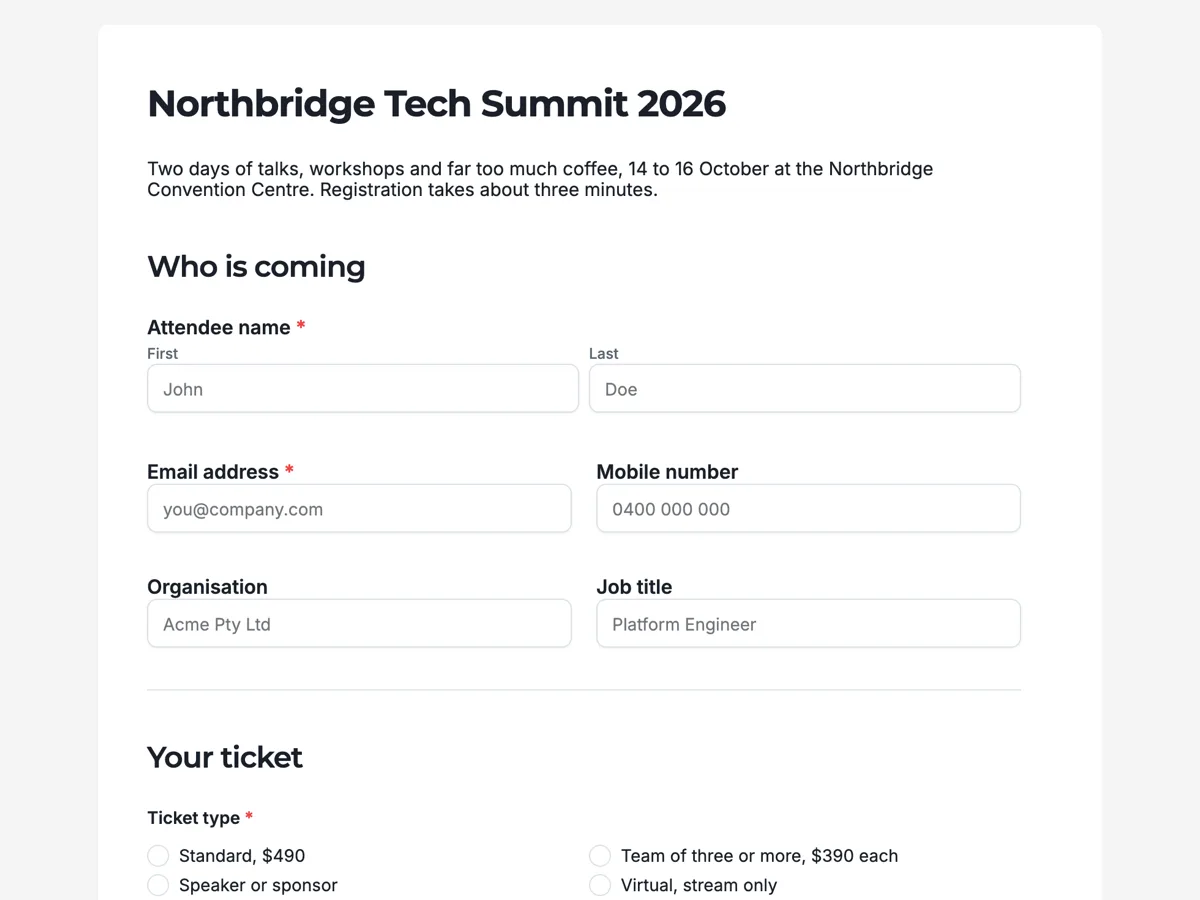
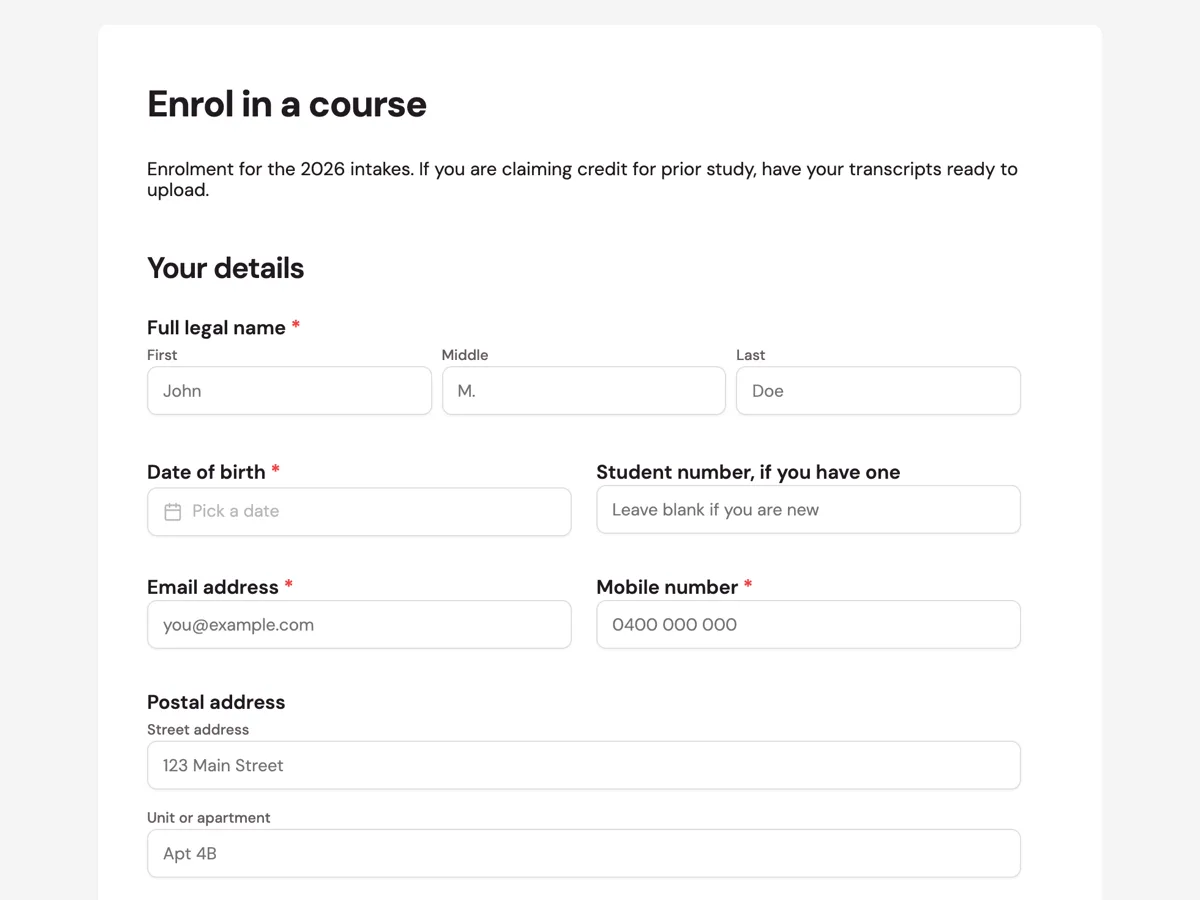
See it on a finished piece
Questions people ask
Can I stop people picking a date in the past?
Not on the picker: there is no minimum date setting. State the earliest date you can accept where people read it before choosing, which on a classic form means a paragraph block above the field, since classic forms do not print a date field's description. Then check it when you process the booking. A clear line above the field costs nothing.
Does it handle time zones?
No. A time is stored as the time somebody picked, with no zone attached. If your respondents are spread across zones, add a dropdown asking which one they mean, or state in the label or a paragraph above the field that all times are in yours. Guessing at a zone is how a meeting gets booked twelve hours out.
Will dates sort properly in my spreadsheet?
Yes, because a real date is stored regardless of the display format you chose. Import the column as a date in your spreadsheet rather than letting it land as text, and sorting and filtering behave the way you expect. If the column sorts alphabetically, it was imported as text.
Can I block weekends?
No, there is no rule that greys out days. State the days you can offer above the field and confirm when you reply. If weekends genuinely cannot work, a dropdown of the specific slots you can offer is a better field than a date picker, because it only shows what is actually available and every answer is one you can honour.
How does a date export?
In the format the field was set to display, so the CSV reads the way the form read. Underneath it is a real date, so sorting works in a spreadsheet once you import the column as a date rather than as text. If you are going to sort and filter heavily, pick a format your spreadsheet parses without help.
Make your own form
The button opens the generator with this use case already described. Change the wording to match yours, generate, then edit anything you like.
Create a form with OneCraftRelated pages
Forms with a table for line items
Some answers repeat. Three work references, five line items, two vehicles. A table field asks for them in named columns instead of you copying the same field five times down the page.
Add a signature field to your form
An inline signature is the person in front of you signing the form they are already filling in. They draw with a finger or a mouse, or type their name, and the mark prints into the PDF of their response.
Images and video inside a form
Some questions cannot be asked in words. Which of these three finishes do you want, does this match the damage you are reporting, did you watch the briefing. Image and video blocks put the thing itself on the page.
More finished work of this kind is on the form examples hub.
Written and checked by the OneCraft team. Last checked .