Forms
Multi step form builder
This multi step form builder turns a classic form into a wizard with one setting: switch the layout mode to paginated and the form splits into steps, with Back and Next buttons, a thin progress bar along the top and a Page X of Y badge. The canvas splits into sheets, no field is ever cut across a break, and nothing has to be rebuilt.
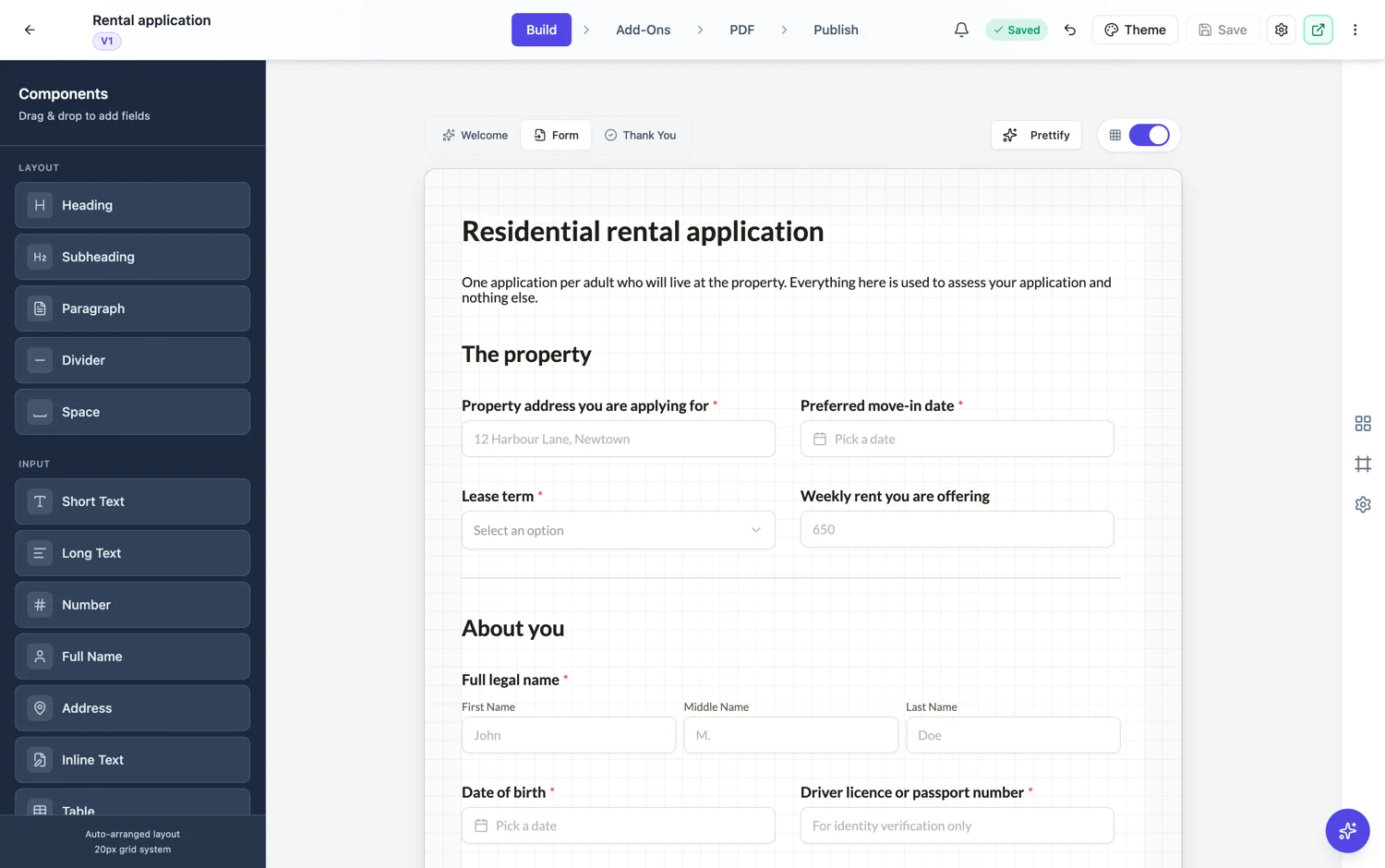
What paginated actually changes
One setting changes the canvas from a single continuous surface to a stack of A4 sheets, using the same page break engine that lays out the PDF. Respondents then see a wizard: one sheet at a time, Back and Next buttons, and Submit on the last step. Nothing about your fields changes, so you can flip it on and off while you decide.
How progress is shown
Every step carries a thin progress bar pinned to the top edge of the form, filling in the theme's accent colour as the respondent moves forward, so four steps fill it a quarter at a time. A small Page X of Y badge sits in the top right corner, unless your logo band occupies that corner, in which case the badge steps aside. The classic footer can also print Page X of Y at the bottom right if you switch its page number option on, which is useful when the logo hides the badge.
Where the breaks fall
Breaks are worked out, not placed by hand. Two rules do the work: no component is split across a break, and a section heading never ends up alone at the bottom of a page with its fields on the next one. If a page is landing badly, the fix is usually to add or remove a spacer above the block that is straddling the line.
How many steps
Group by the kind of information you are asking for, not by an even count of fields. Company details, then contact, then requirements, then the declaration reads as four sensible asks. Four pages of three fields each reads as bureaucratic. If a step has only one field in it, merge it upward.
What it does for finishing
A wizard borrows the good part of one question at a time, which is that the first step looks cheap, without the cost of a screen per question. It also gives you a natural place to put the heavy asks. Put the declaration and the signature on the last page, once someone has already invested four screens of effort.
Paginated or conversational
A paginated classic form shows a page of fields at a time, keeps the layout you designed, and suits forms that are also printed or signed, such as an application or an onboarding pack. A conversational form shows one question per screen with its own welcome and thank you screens, which suits short, personal asks. If most steps have more than three or four fields, paginated is the better fit; if each question deserves the whole screen, build it as conversational instead.
How it works, in three steps
Step 1
Set the layout mode to paginated
It is a form level setting on a classic form. The canvas immediately redraws as stacked sheets so you can see the breaks.
Step 2
Read the breaks and adjust the spacing
Look for a page that ends on a heading or leaves a field stranded. Adjust the spacing above the block rather than dragging fields around.
Step 3
Check the progress indicators
Preview the form: the progress bar fills along the top, and the Page X of Y badge shows top right unless the logo band sits there. Turn on the footer page number if it does.
The full walkthrough with screenshots is in the guide Turn a long classic form into steps.
Limits worth knowing
- Paginated is a classic form setting. Conversational forms are already one question per screen.
- You cannot drag a page break to a chosen spot. Breaks come from the layout engine and you influence them with spacing.
- Page size is A4 portrait, A4 landscape, Letter or a custom size you set, and it applies to the whole form.
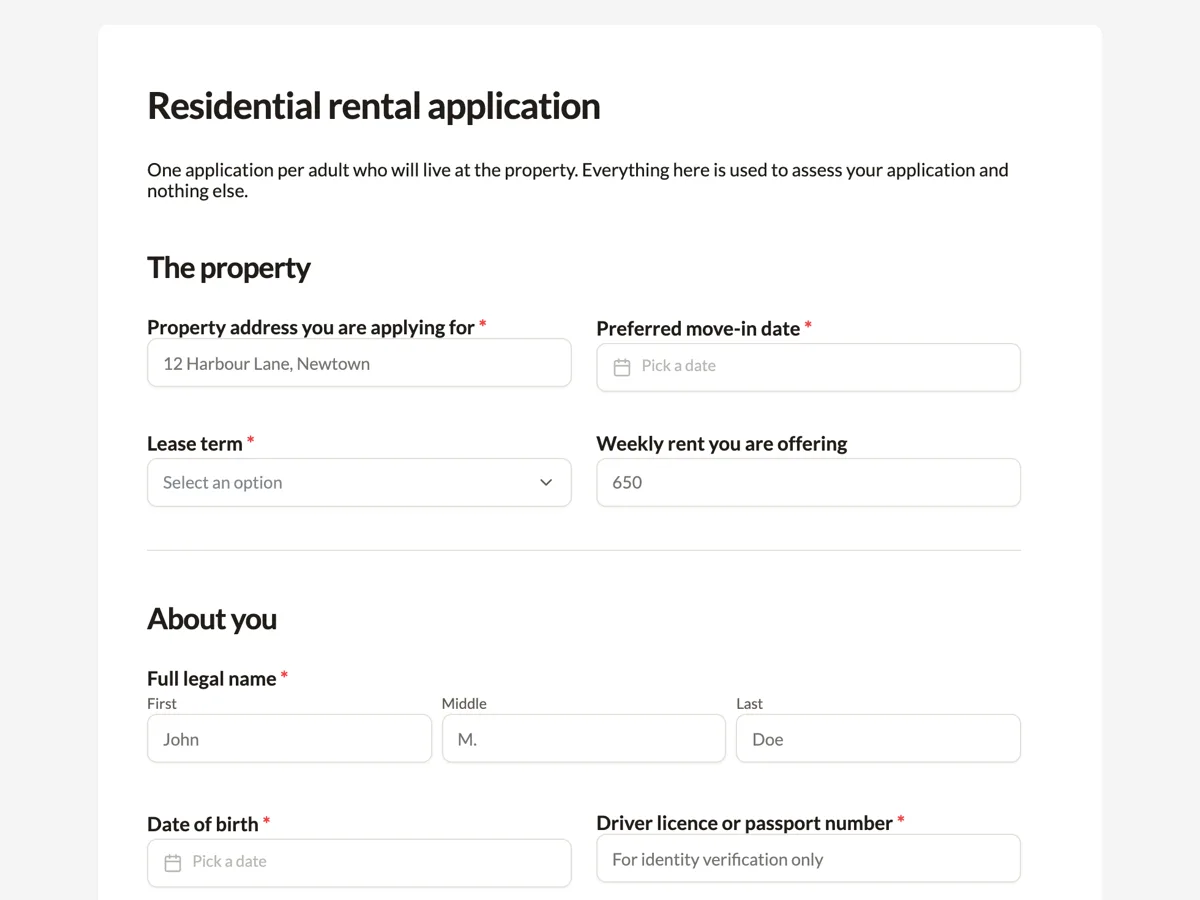
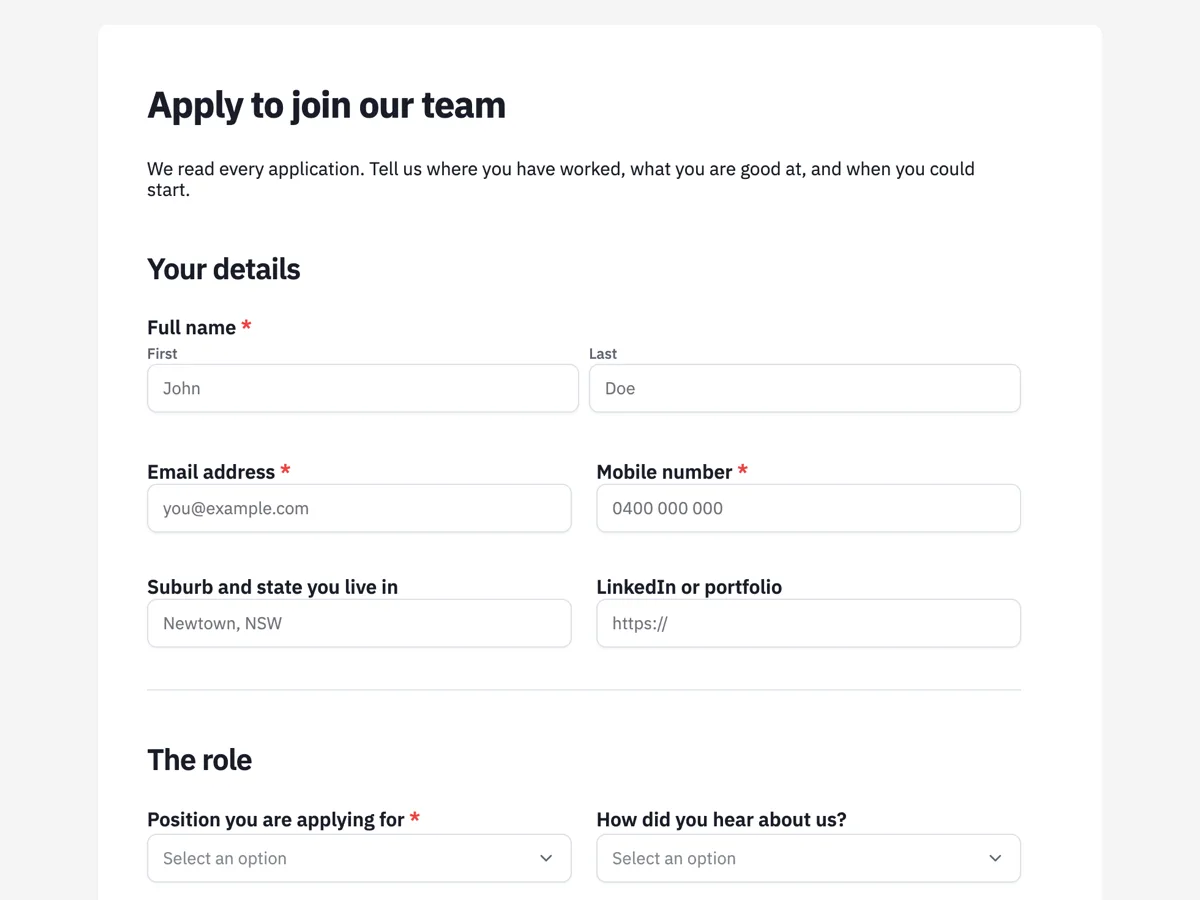
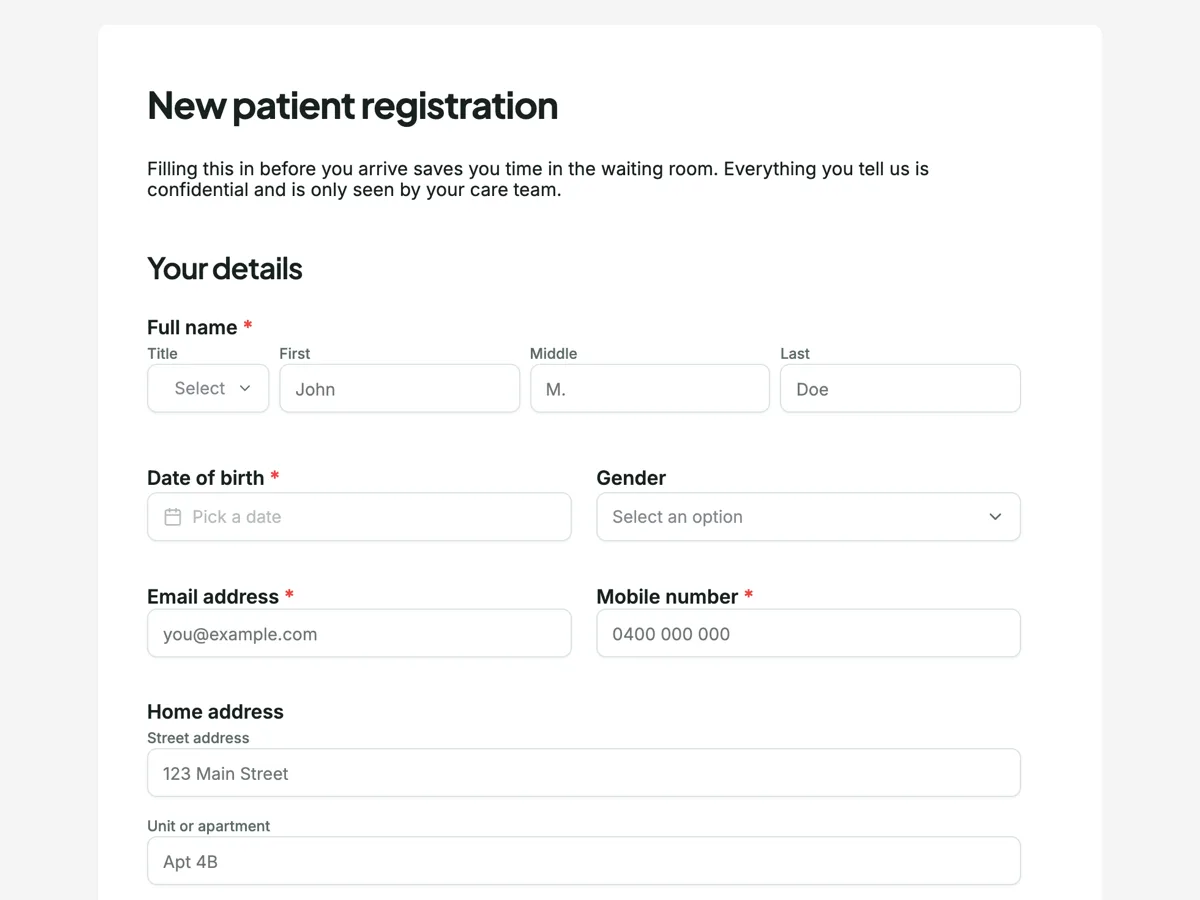
See it on a finished piece
Questions people ask
Does going back a step lose the answers already given?
No. Back and Next move through the pages of one form, and every answer stays in place until the form is submitted. A respondent can go back to fix an earlier answer and move forward again without retyping anything. What does not survive is closing the tab before submitting: nothing is saved part way, so a long form should be finished in one sitting.
Can I choose exactly where each page starts?
Not directly. The same engine that paginates the PDF decides, keeping every component whole and each heading with the fields under it. Spacing above a block is the lever you have: add space above a block that straddles a break to push it to the next page, or remove space to pull it back. A page break cannot be dragged to a chosen spot.
Do the steps show a progress bar?
Yes. A paginated classic form draws a thin progress bar along the top edge that fills in the accent colour as the respondent advances, and a Page X of Y badge in the top right corner. If your logo band takes that corner, the badge is hidden, and you can switch on the footer page number instead so the count stays visible.
How many steps should a multi step form have?
As many as there are kinds of information, usually three to five. Company details, contact, requirements and a declaration read as four sensible asks. Splitting by an even count of fields reads as bureaucracy, and a step with a single field should merge into its neighbour. Put the heavy asks, such as a signature or an upload, on the last page.
Does a paginated form print or export differently?
No. The PDF of a response uses the same page engine and the same page size, whether the published form is paginated or one long scroll. Paginated only changes how the respondent moves through the form on screen. That is why the page size setting, A4 portrait, A4 landscape, Letter or custom, applies to both the wizard steps and the PDF.
Make your own form
The button opens the generator with this use case already described. Change the wording to match yours, generate, then edit anything you like.
Create a form with OneCraftRelated pages
Single column form layout
A classic form can be laid out freely on a canvas or forced into one column at full width. The second option looks plainer on a laptop and is almost always better on a phone, which is where most forms are actually filled in.
Sticky submit button
A submit button can sit at the end of the form or stay pinned to the bottom of the screen. It is a small setting with a real effect on long forms, where the end of the page is a long way from where somebody finishes.
Add your logo to a form
A form on a link, sent by email, arrives with no context. A logo answers the question the respondent is actually asking, which is whether this is really from you, before they type anything.
More finished work of this kind is on the form examples hub.
Written and checked by the OneCraft team. Last checked .