Forms
Form submission webhook
A webhook posts each submission to a URL you own as JSON, which is how a form becomes part of a system rather than a list you copy from. The important detail is that it fires once and does not retry.
The payload
A JSON body with four parts. An event name marking it as a form submission. A timestamp. A form object with the id, the title and the slug. And a response object with its id, a data map keyed by your field labels, and a raw data map keyed by the internal field ids. Two maps because labels are readable and ids are stable, and a receiving system usually wants both.
One attempt, ten seconds
The post is made once with a ten second timeout, and there is no retry queue. If your endpoint is down or slow, that submission is not delivered again. Build the receiver to answer quickly and queue the work on its own side rather than doing the processing inside the request. The submission itself is safe either way, because it is already stored in your responses.
Redirects and private addresses are blocked
Only http and https URLs are accepted. Redirects are not followed, so a URL that answers with a 302 fails rather than being chased. The hostname is resolved and rejected if it points at a private or otherwise blocked address, which stops a webhook being used to reach inside a network. Give it the final public URL rather than a shortener.
What it is good for
Pushing a lead into a CRM, opening a ticket, writing a row into a warehouse, or triggering an automation platform that does the branching you cannot do in the form. Because the payload carries labels and ids, the receiving side can match on ids and still show something readable when a human looks at the log.
How it works, in three steps
Step 1
Stand up an endpoint that answers fast
Accept the post, queue the work, return a success status inside ten seconds.
Step 2
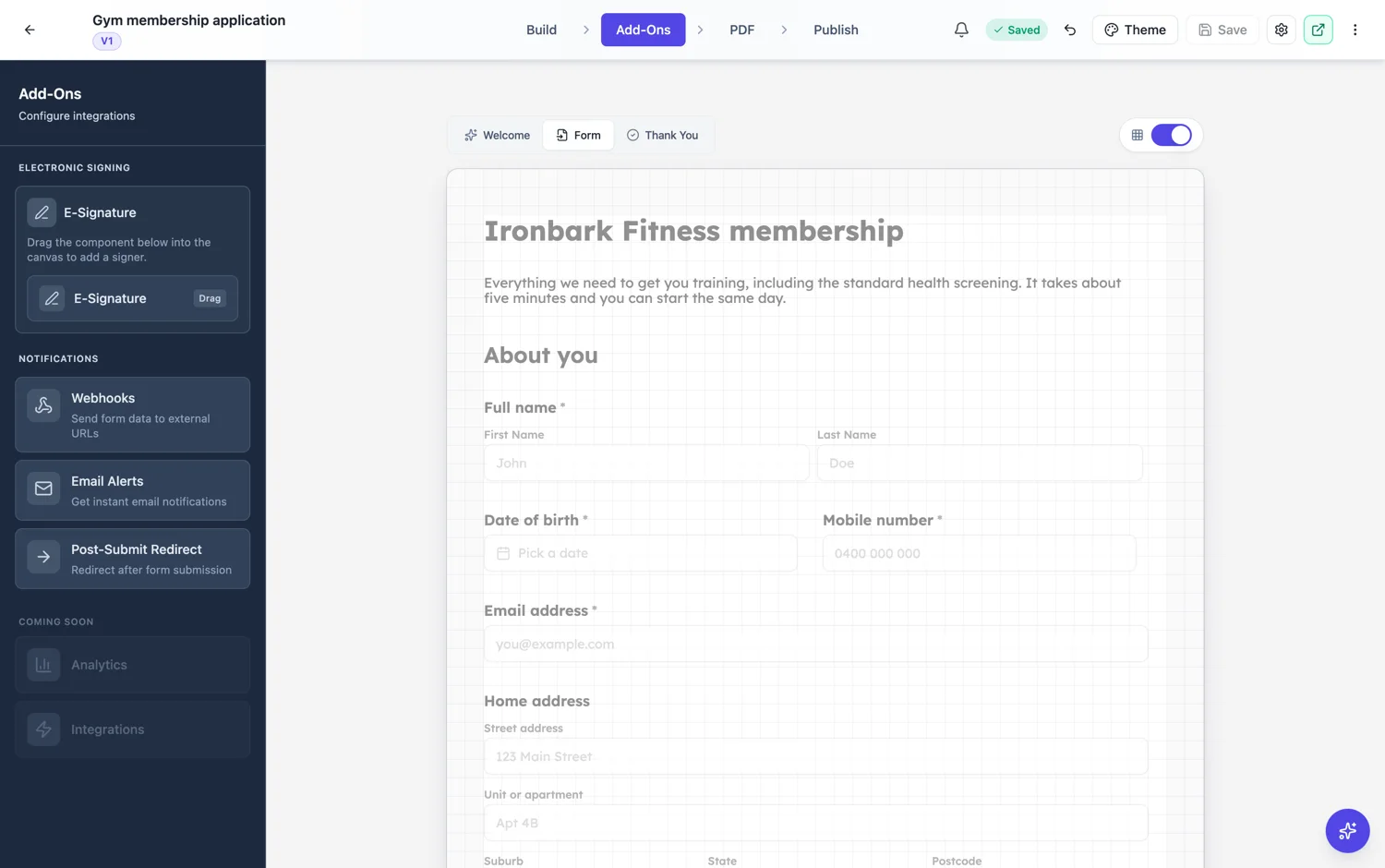
Set the URL on the form
A final public https URL. Not a shortener, because redirects are not followed.
Step 3
Match on ids, display labels
Field ids are stable across label changes, so key your logic on those and use the labels for humans.
The full walkthrough with screenshots is in the guide Automate your form with add-ons.
Limits worth knowing
- One attempt per submission. There is no retry.
- Ten second timeout.
- Redirects are not followed and non-http schemes are rejected.
- Hosts that resolve to private or blocked addresses are refused.
- One webhook URL per form.
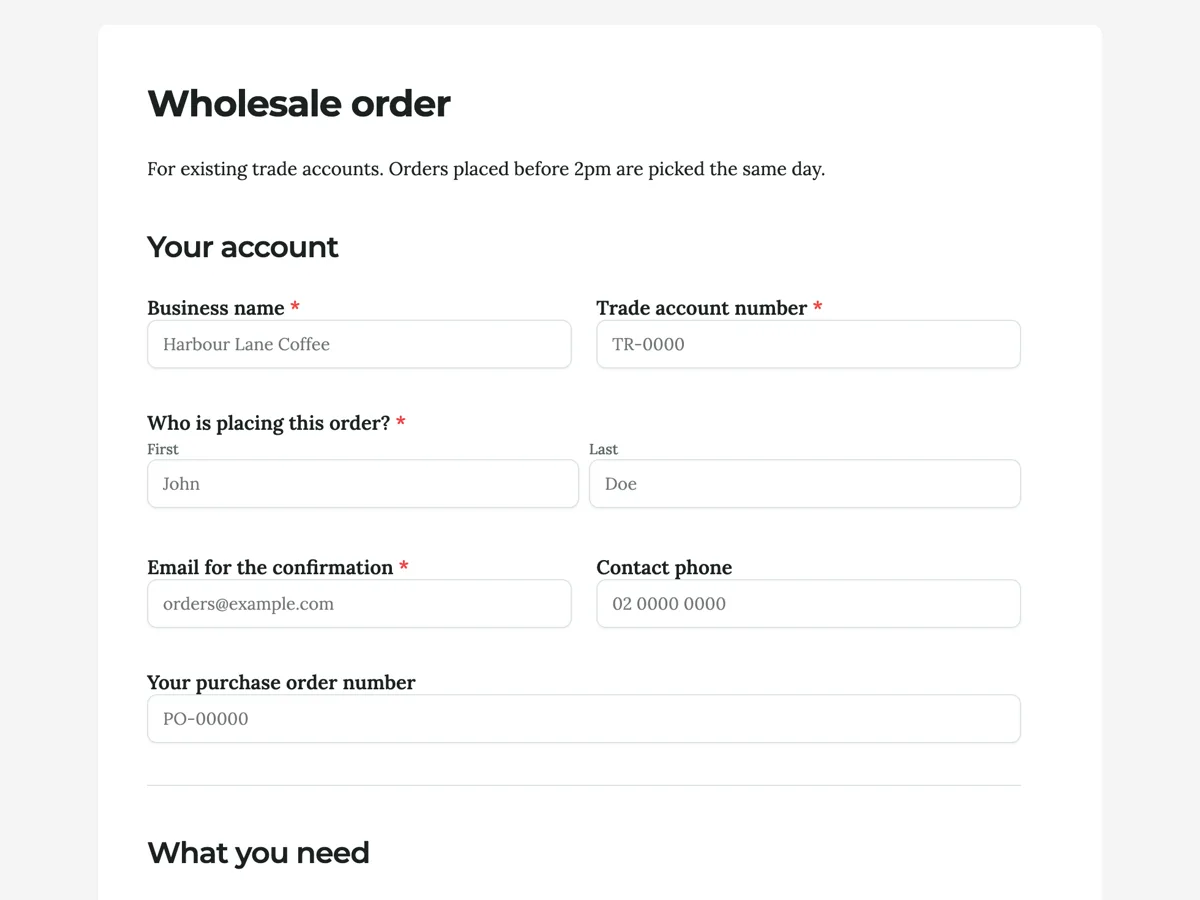
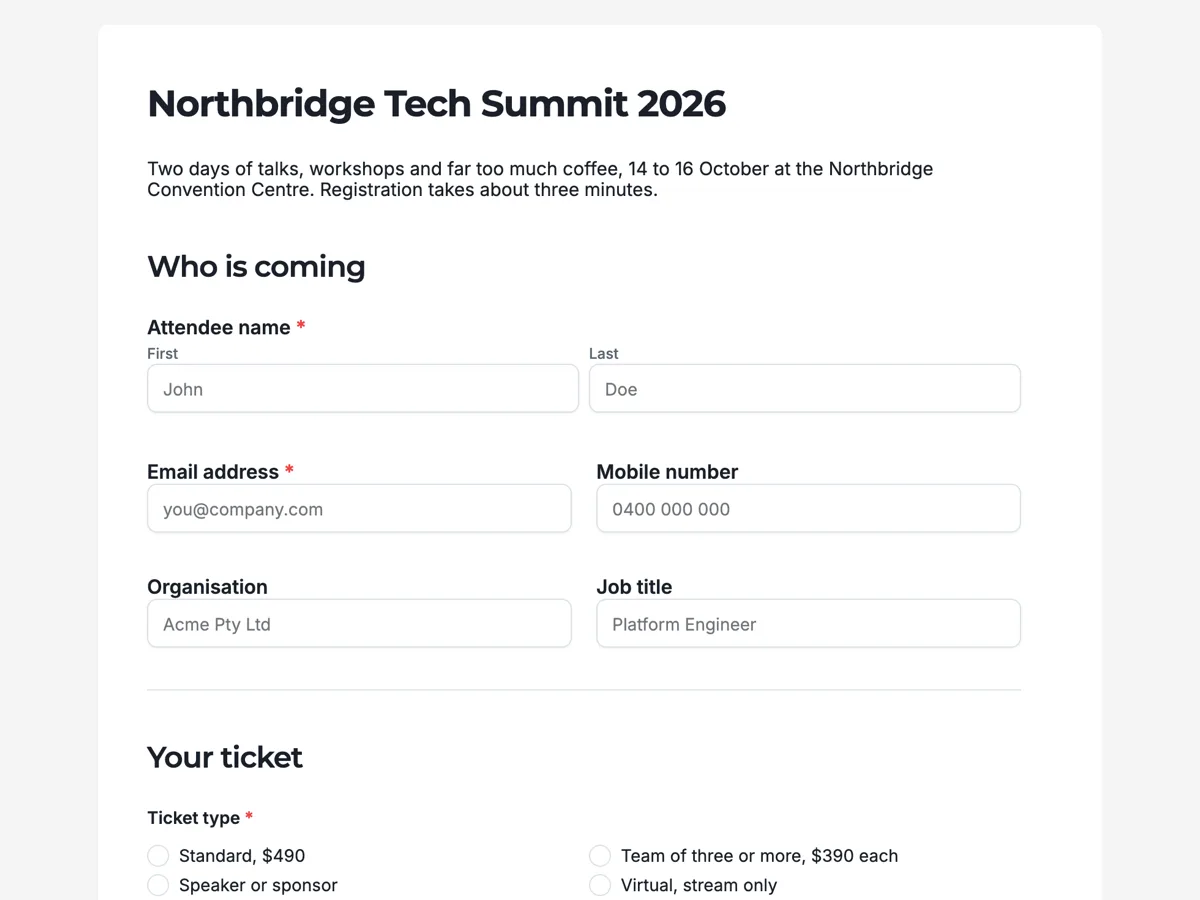
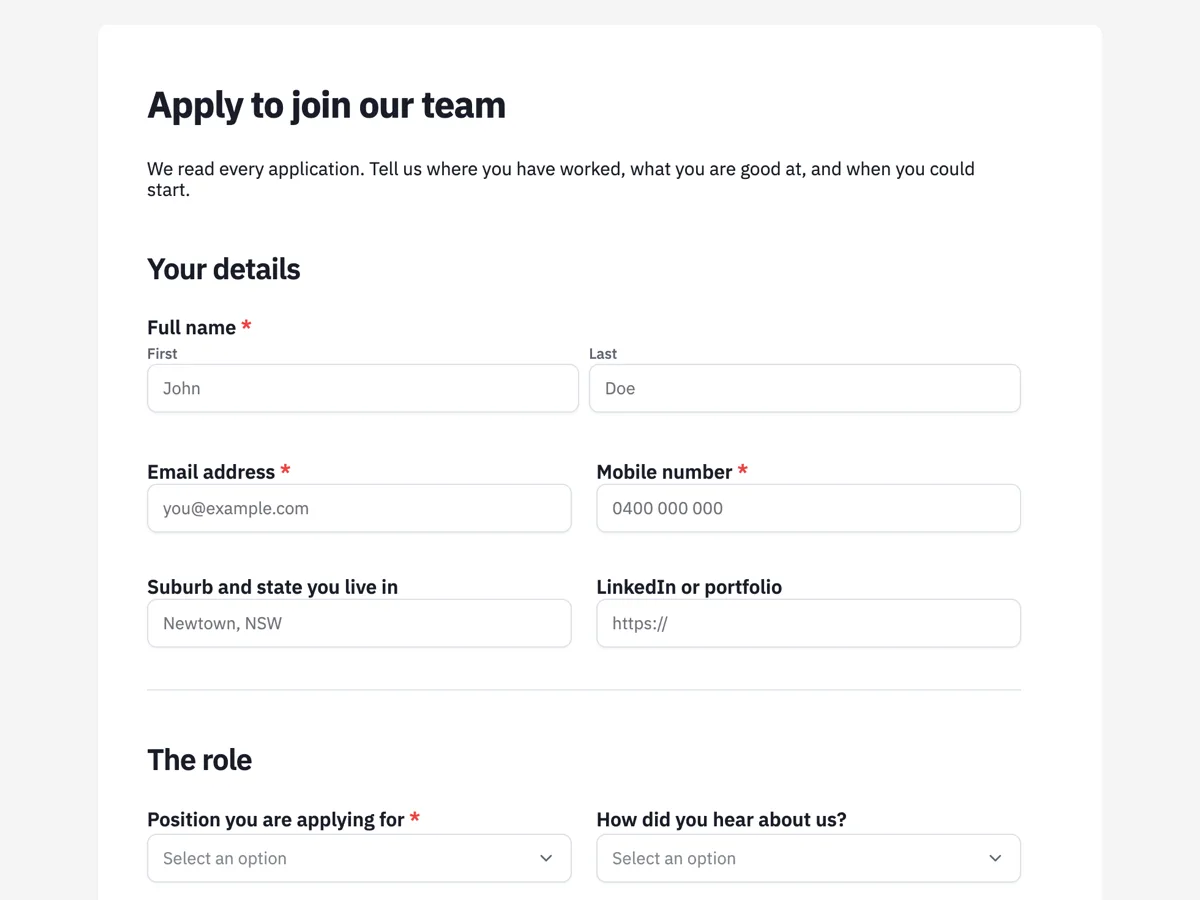
See it on a finished piece
Questions people ask
Does the webhook retry if my endpoint is down?
No. It fires once with a ten second timeout. The submission is still stored in your responses, so nothing is lost, but the post is not repeated.
Why is my webhook URL rejected?
The three usual reasons are a scheme other than http or https, a URL that answers with a redirect, or a hostname that resolves to a private address.
Should I key my integration on labels or ids?
On ids. They are stable when somebody renames a field, and the payload carries both so you can still show the label to a person.
Make your own form
The button opens the generator with this use case already described. Change the wording to match yours, generate, then edit anything you like.
Create a form with OneCraftRelated pages
Email notification on a form submission
A responses table only works if somebody opens it. An email alert puts the submission where people already look, with the answers in the body, so an enquiry gets acted on the same day rather than the same week.
Redirect after a form submission
To redirect after form submission, turn on the Post-Submit Redirect add-on and enter a URL: once the answers are saved, the respondent sees a brief submitted message and is sent there about a third of a second later, skipping the thank-you screen. If the next step is optional, or the confirmation matters, a button on the thank-you screen is the better tool, and it can also move people on after a delay you set.
AI form builder
You type a sentence about the form you need. What comes back is not a wireframe or a list of suggestions, it is a finished form with its fields chosen, labelled, ordered and marked required or optional, ready to publish on a link.
More finished work of this kind is on the form examples hub.
Written and checked by the OneCraft team. Last checked .